Seven AI video generator platforms — Google Flow, Runway, Kling AI, Pika, CapCut, InVideo, and HeyGen — are compared on clip limits, editing tools, and cost per clip to help creators and marketers choose the right tool for their workload.
Google Flow offers 50 free daily credits and runs on Omni Flash 1.2 and Veo 3.1 Lite, with a 10-second 720p clip costing 30 credits. Runway's Gen-4.5 costs 60 credits per 5 seconds but adds post-generation editing via Aleph 2.0. Kling AI supports native 30-second clips with Kling 4.0 from $8.80 per month. Pika publishes per-model pricing openly, with a 5-second Pika 2.5 clip at roughly $0.33 versus $2.03 for Seedance 2.5 on the same plan.
Ask five creators to name the best AI video generator and you'll get five answers, mostly because they're paying in five different currencies. Every platform on this list sells credits, and a credit buys a different amount of video on each one.
So we did the math. We compared seven platforms using their own pricing pages, help centers, and product pages as of November 2026, then worked out what a single short clip costs on each entry plan. Every figure is the vendor's own, taken from pages we read this month.
This guide is for creators and marketers making short-form and social video. It covers apps and platforms, so if you'd like to compare the underlying models instead, read our guide to five AI video models to know in 2026 first.
Each section looks at four things: output quality as the vendor describes it, clip length and resolution limits, editing tools, and price per clip. The order isn't a ranking. By the end, you'll know which platform fits your workload and roughly what a month of clips will cost.
1. Google Flow
Best for: Creators who want daily free clips and an upgrade path that scales.
Google Flow is Google's AI video studio, and it's the only platform here that refreshes free credits every day. With or without a subscription, you get 50 Google Flow credits per day, which is enough to keep experimenting without paying anything.
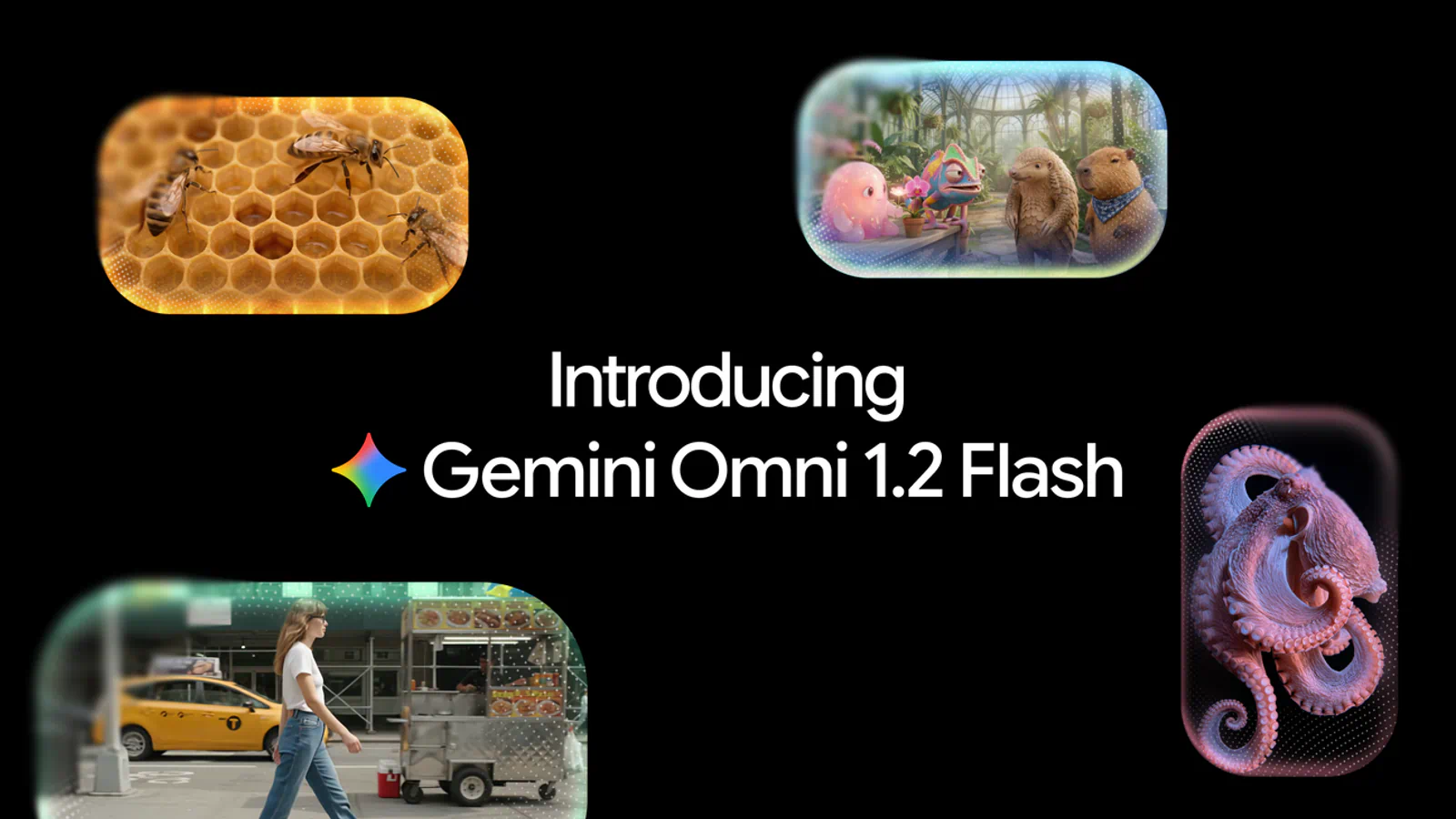
Flow now runs on two video models. Google positions Omni Flash 1.2 as the option for higher visual quality and consistency, while Veo 3.1 Lite is the low-cost baseline for 720p work.
Clip length: 3 to 10 seconds for everyone, and up to 15 seconds with a Google AI subscription
Inputs: Text, start and end frames, reference images (Google calls them ingredients), or an existing video
Video-to-video editing: Change a generated or uploaded clip with a prompt
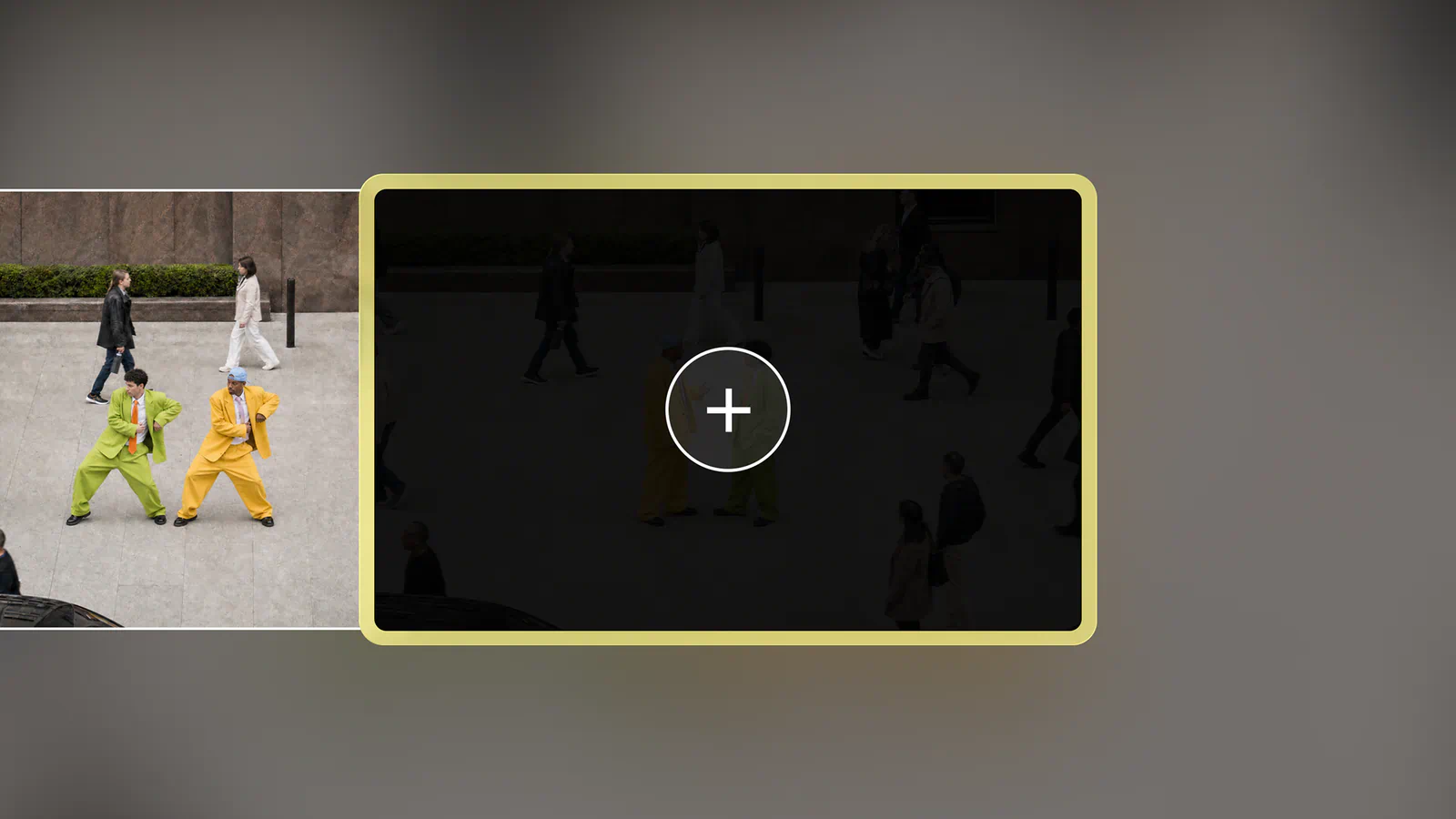
Extend: Add 3 to 10 seconds to a clip (subscribers only, on the web)
Upscaling: Up to 1080p for subscribers and 4K on the Ultra tiers
The pricing is unusually easy to read. Omni Flash 1.2 costs 1 credit per second at 360p and 3 credits per second at 720p, so a 10-second 720p clip is 30 credits. Your free daily allowance covers one of those with 20 credits to spare. Veo 3.1 Lite is cheaper still at 10 credits for a 4-, 6-, or 8-second clip, which works out to five clips a day for free.
Monthly credits scale with Google's AI plans:
Google AI Plus: 200 extra credits a month
Google AI Pro: 1,000 extra credits a month
Google AI Ultra: 10,000 or 25,000 extra credits a month on the tiers Google labels Ultra $100 and Ultra $200
If the Ultra $100 label matches what you pay each month, 10,000 credits work out to about a cent each, or roughly $0.30 for a 10-second 720p clip.
There are catches. Free users may be locked out of video generation during peak hours, roughly 2 PM to 5 PM UTC. Native output tops out at 720p, so anything sharper depends on upscaling, and unused credits (daily or monthly) don't roll over.
Flow is also mid-transition. Google will retire Veo 3.1 Fast, Veo 3.1 Quality, and Omni Flash 1.1 on December 5, 2026, so build any repeatable workflow on Omni Flash 1.2 or Veo 3.1 Lite. Before you subscribe, check the plan price for your country, because Google sets it by region.
2. Runway
Best for: Marketers and editors who need to fix a shot after it's generated.
Runway has grown from a single-model tool into a hub. It now offers its own Gen-4.5 next to Seedance 2.5, Kling, Wan 3.0, and Gemini Omni, all inside one workspace. Runway describes Gen-4.5 as its frontier model for motion quality and visual fidelity.
The editing side is where Runway pulls away from the other platforms on this list. Most rivals leave you to regenerate a flawed shot. Runway lets you keep the take and change it.
Key features in Runway's creative toolkit that matter for social video:
Aleph 2.0 and Edit Studio: Edit one frame, then apply the change to the rest of the video
Prompt edits: Relight a scene, swap a backdrop, change an outfit, or remove an object by describing it
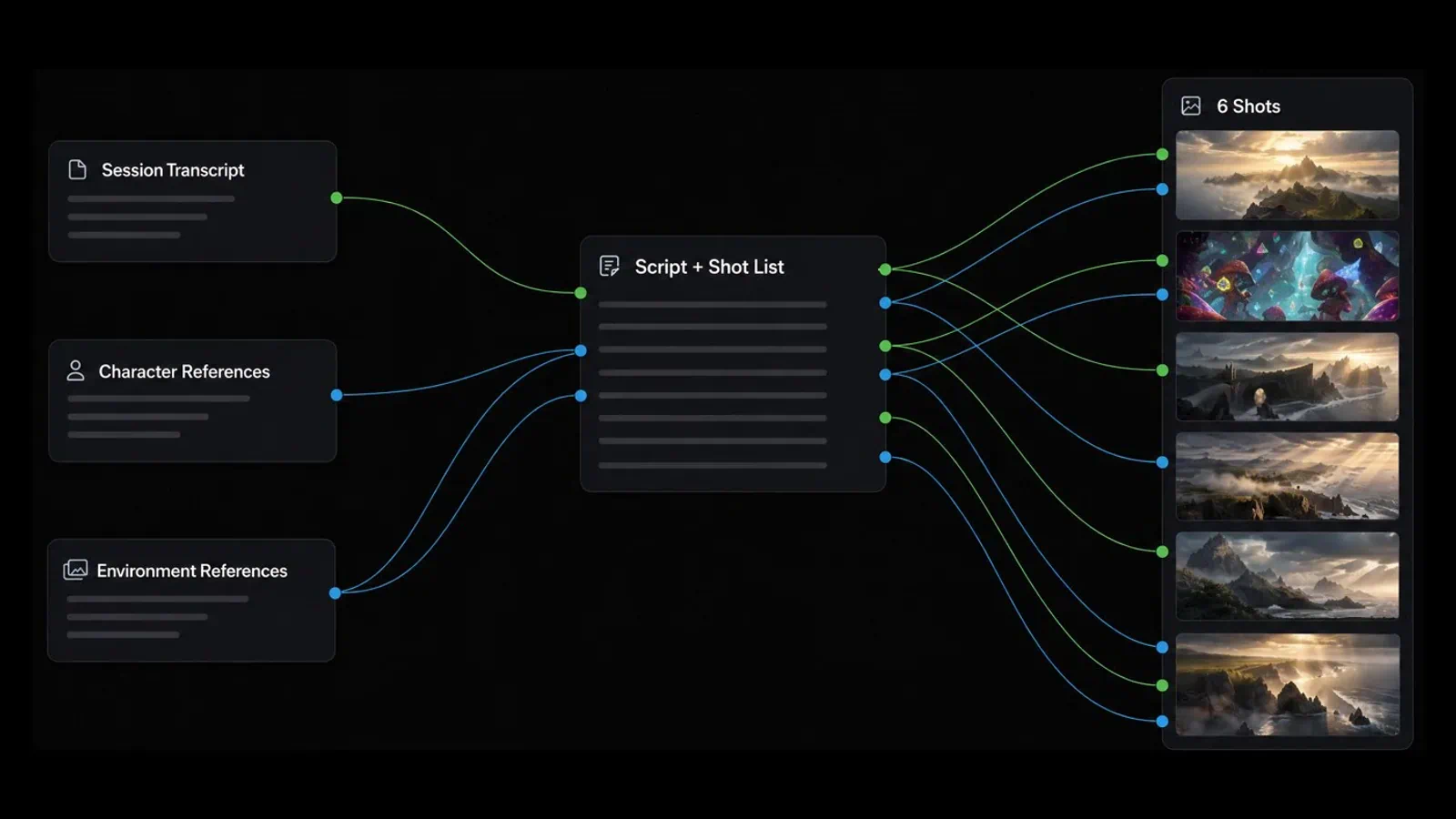
Runway Agent: Build an end-to-end video through a chat conversation
Multi-Shot Video App: Turn one prompt into a sequence of shots
Plugins: Generate, edit, and extend footage inside Premiere Pro and After Effects
Pro plan: $35 a month, or $28 a month billed annually, with 2,250 credits
Max plan: $95 a month, or $76 a month billed annually, with 9,500 credits
Here's the per-clip math. Gen-4.5 costs 60 credits for 5 seconds, so Standard's 625 credits buy about 10 clips a month. On monthly billing, that's roughly $1.44 per 5-second clip. Runway's own conversion says the same thing in different words: 625 credits equals 52 seconds of Gen-4.5.
That's the trade-off. Runway is one of the pricier ways to generate raw footage, and third-party models cost more again (Kling 4.0 at 1080p is listed at 118 credits per 5 seconds). Standard and Pro credits reset each month, and only Max rolls over unused credits for one month. Paid plans do remove watermarks and include 4K upscaling.
If you mostly need volume, look further down this list. If you need a specific shot fixed for a client, the editing tools can pay for the higher per-clip rate. Confirm the credit cost of the exact model and resolution you plan to use, since Runway prices each one separately.
3. Kling AI
Best for: Creators who want long single takes and a cheap way in.
Kling AI is a video and image platform, and its current flagship is Kling 4.0. Kling says the model supports native 30-second generation, along with dynamic motion, reference inputs, and multiple keyframes. For social video, 30 seconds is a whole Reel or Short in one pass, with no stitching.
Pro plan: $25.99 for the first month, then $32.56 a month, with 3,000 credits
Premier plan: $144.99 for the first month, then $181.99 a month, with 18,000 credits
Kling quotes its own price per 100 credits: $1.06 on Standard and $0.87 on Pro. Paid plans add watermark removal, a commercial-use license, 1080p and 4K generation, and a faster queue.
The gap in Kling's pricing is the per-clip figure. The membership page tells you what a credit costs but doesn't list how many credits a Kling 4.0 clip uses; that number appears in the generation panel and changes with model, length, and resolution. Two other platforms on this list do publish a figure for the same model, which gives you a rough benchmark (see the Pika section).
Kling is a weaker fit if you want editing after generation. Its strength is the take itself. Before you commit to an annual plan, generate one clip at your real settings on Standard and note the credits it used.
4. Pika
Best for: Budget-conscious creators who want many models and the lowest published cost per clip.
Pika used to mean one quirky model. It's now a multi-model platform: every plan, including Free, can use all models, from Pika's own Pika 2.5 and H3 Flex to Seedance 2.5, Kling 4.0, and Wan 3.0.
What sets Pika apart for this comparison is how openly it prices. The pricing page lists the credit cost of each model and how many clips each plan buys.
Creator: $35 a month, or $28 a month billed annually, with 2,600 credits
Fancy: From $95 a month, or from $76 a month billed annually, with 8,550 credits or more
Per-clip costs vary a lot by model, and that's the point. On Starter, a 5-second Pika 2.5 clip at 720p uses 20 credits, about $0.33. Pika H3 Flex at 768p uses 10 credits, about $0.17. A 5-second Seedance 2.5 clip at 720p uses 122 credits, which Pika itself prices at around $2.03 on Starter.
So one $10 plan buys either 60 clips or four, depending on the model you pick. Kling 4.0 at 1080p is listed at 118 credits per 5 seconds, about $1.97 on Starter.
Limits to know: plan credits don't roll over, top-up packs expire after 365 days, and top-ups can't be used with the API or the iOS app. The Free plan has no commercial license, so client work needs Starter at minimum. Check the "what your monthly credits make" table for your model before you choose a tier.
5. CapCut
Best for: Short-form creators who want generation and a full editor in the same app.
Most platforms here hand you a clip and leave the editing to you. CapCut starts from the other side. It's a timeline video editor first, with auto captions and templates, and it now generates video inside that workflow.
Script to video: Paste a script, pick a visual style, and get a draft video
Digital avatars: Presenter-style characters that read your script
AI templates: Starting structures for formats like news updates and explainers
Brainstorming: Topic ideas and storyboard outlines when you're stuck
Edit before export: Adjust visuals, pacing, music, and subtitles in the editor
Pricing is where CapCut gets awkward to compare. CapCut shows plan prices in your local currency and says the final price appears after you sign in, so we can't quote one US figure. What the page does state in dollars is the generation rate: Seedance 2.5 starts at $0.12 per second on Pro for the first month, and Seedance 2.0 Mini at 480p starts at $0.007 per second.
At that launch rate, a 5-second Seedance 2.5 clip costs about $0.60, well under what the same model costs on Pika's Starter plan. Pro includes 1,600 AI credits a month, which CapCut says is enough for up to 240 seconds at 720p with Seedance 2.0 Mini.
The fine print matters here. Those per-second rates are first-month prices, and CapCut doesn't say on the page what they become afterward. The cheaper Seedance 2.0 Mini figures are for 480p and 720p, which is fine for a phone screen but soft on a TV. Sign in and read the renewal price before you plan a budget around the launch rate.
6. InVideo
Best for: Marketers who want a finished video from a prompt, with script, voiceover, and music included.
InVideo answers a different question from the clip generators above. You don't prompt for a shot. You describe a whole video, and InVideo writes the script, pulls matching footage from a library of more than 16 million stock photos and videos, adds a voiceover, and lays in background music.
That makes it the fastest route on this list to a complete explainer, promo, or faceless YouTube video. The generative models (Seedance, Veo, Kling, and others) are there too, for when stock footage won't do.
Pro plan: $30 a month with 1,000 credits, about 26 Seedance 2 videos
Ultra plan: $80 a month with 3,000 credits, about 78 Seedance 2 videos
Annual billing is roughly half those prices during the current 50%-off promotion. Using InVideo's own videos-per-plan estimate, a generated Seedance 2 video on Pro costs about $1.15.
Watch the plan gates. Basic has no access to Seedance 2.5 and only the Lite version of InVideo's agents, so the $9 tier is mostly for stock-based videos. Pro adds Seedance 2.5 at 1080p. Unused credits don't roll over, and InVideo says it can change credit costs without notice.
If you want cinematic single shots, a clip generator will serve you better. InVideo earns its place when the deliverable is a two-minute video with narration, and you'd rather edit a draft than build one. Check which models your tier includes before paying, since the cheapest plan leaves out the newest one.
7. HeyGen
Best for: Marketers who need a presenter on screen without filming one.
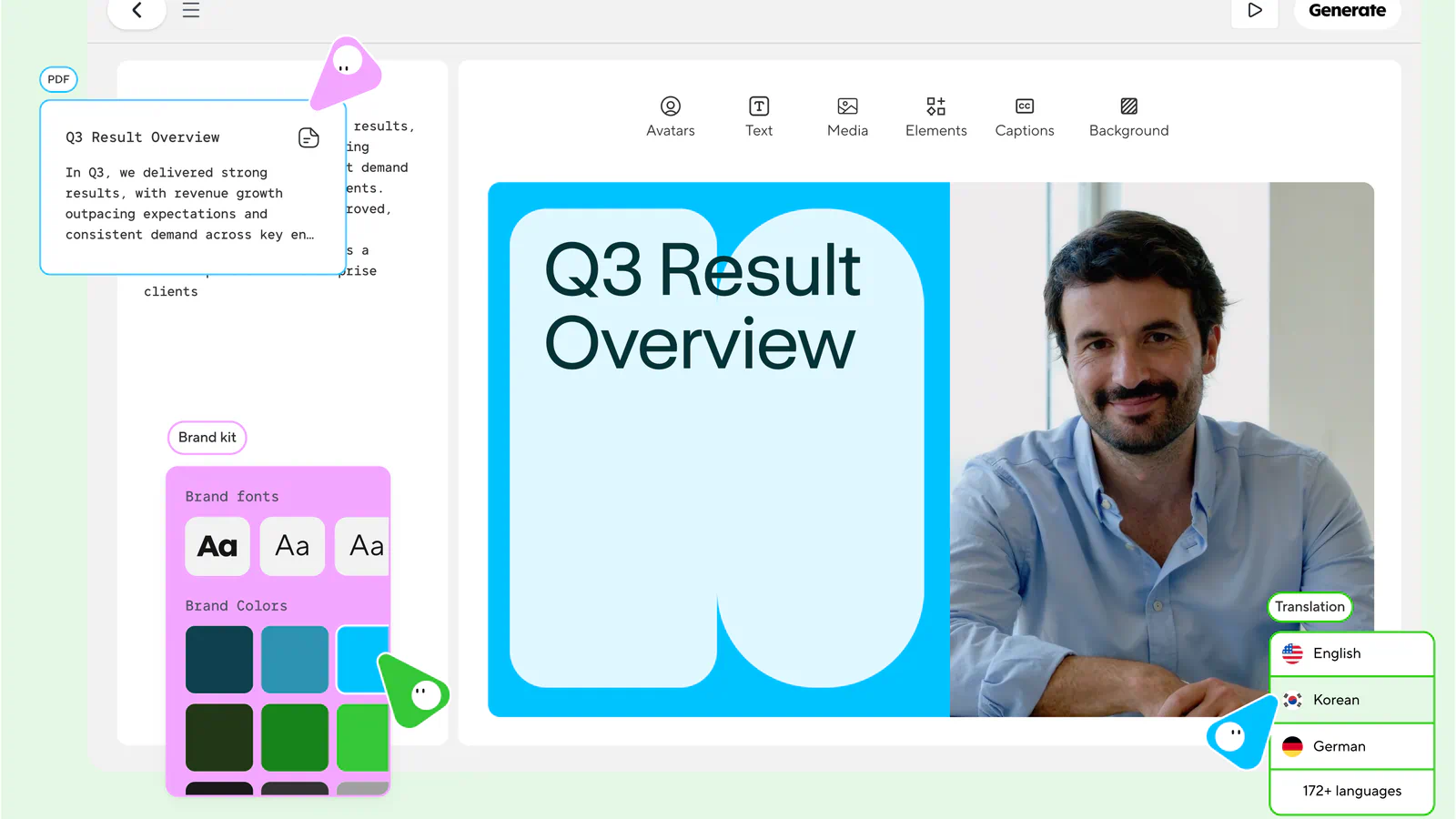
Every other platform here generates scenes. HeyGen generates a person talking. You write a script, choose an avatar (or clone yourself), and get a talking-head video, which is the format behind a lot of product explainers, ads, and localized social clips.
HeyGen's free plan is generous enough to judge the quality: three videos a month of up to one minute each, with a watermark, one custom video avatar, and more than 500 ready-made presenters.
Key features from HeyGen's plan comparison, with the tier each one needs:
Custom avatar: A digital version of you, with your own voice and likeness on Creator and up
Languages: More than 175 languages and dialects on paid plans
Video Agent: Builds a video from a prompt, with more access on higher tiers
Cinematic Avatars: Places your avatar in generated scenes (Pro)
Third-party models: Seedance 2.5 and Veo 3.1 inside the same subscription (Pro)
Pro plan: From $49 a month with 1,000 credits, 4K export, and videos of up to 30 minutes
Business plan: $149 a month plus $20 per seat, with 1,500 credits and videos of up to 60 minutes
Length is HeyGen's advantage. The clip generators on this list measure output in seconds, and HeyGen measures it in minutes. Credits also roll over for one month on monthly plans, which most rivals don't allow.
The weak spot is cost clarity. HeyGen says credit use varies by model, duration, and complexity, and the pricing page doesn't publish a credits-per-minute figure, so you can't work out a price per video before you sign up. Avatar video is also a narrow format: it suits explainers and ads, and it won't replace b-roll or product shots. Use the three free videos to measure how many credits your typical script would burn.
How to choose the right AI video generator?
Pick the platform whose cheapest usable plan covers your monthly clip count at the resolution you publish, then check that it has the one editing tool you can't work without. The best AI video generator for a daily Shorts channel is rarely the right one for a monthly brand film.
What to look for in an AI video generator
Price per clip: Plans are priced in credits, so convert to clips first. Skip this and a $10 plan can run dry after four generations.
Clip length: Ranges from 10 seconds to 30 seconds per generation here. Too short and you'll spend your evening stitching takes.
Resolution: Some low rates apply only to 360p or 480p. That's fine for drafts and rough on a client deliverable.
Editing tools: Extending, relighting, or removing an object saves a regeneration, and regenerations are what drain credits.
Rollover and expiry: Most plans wipe unused credits monthly, so an oversized plan is wasted money.
Commercial terms: Free tiers often carry a watermark or lack a commercial license.
Comparing the platforms at a glance
Prices are monthly-billing rates from each vendor's page.
CapCut: About $0.60 for 5 seconds of Seedance 2.5 at the first-month rate.
InVideo: About $1.15 per Seedance 2 video on the $30 Pro plan.
Runway: About $1.44 for 5 seconds of Gen-4.5 on the $15 Standard plan.
Kling AI and HeyGen: Neither publishes a per-clip credit figure on its pricing page.
Key differences
Free access: Flow refreshes credits daily, Runway gives 125 credits once, and HeyGen allows three watermarked videos a month.
Model choice: Runway, Pika, CapCut, InVideo, and HeyGen all resell other labs' models, so the same Seedance or Kling clip can cost very different amounts depending on where you make it.
Editing depth: Runway edits inside the shot, CapCut edits on a timeline, and InVideo edits by text command.
Format: HeyGen and InVideo produce finished videos, while the rest produce clips you assemble.
Which AI video generator should you choose?
If you're starting out or posting daily on a tight budget, begin with Google Flow's free credits.
If you need the lowest published cost per clip with a commercial license, pick Pika's Starter plan.
If clients send revision notes on specific shots, pick Runway.
If you want one 30-second take, pick Kling AI.
If you already cut your videos in CapCut, generate there too.
If you need a narrated explainer or a presenter, pick InVideo or HeyGen.
Skip the category for now if your content depends on real people, real products shown accurately, or footage longer than a minute per shot. A phone camera still wins there.
Final thoughts
The best AI video generator for short-form work comes down to cost per clip more than any feature list, and the gap is wider than the plan prices suggest. A short clip runs from free on Google Flow to about $2 for a premium model on Pika, and the same model can cost several times more on one platform than another.
My pick is Google Flow to start and Pika once you're publishing regularly. Flow's daily credits let you learn prompting at no cost, and Pika's pricing page is the clearest about what each clip will cost before you spend. If I were doing client work with revision rounds, I'd pay Runway's higher rate for the editing tools.
Which platform would you add to this list, and which one has earned a spot in your own workflow? If we've left out a tool you rely on, tell us which one and why.
What do you think of this list? Share your thoughts in the comments.
Frequently Asked Questions
5 questions
1
Is there a free AI video generator?
Yes. Google Flow gives every account 50 credits a day, enough for one 10-second 720p clip. Runway offers 125 one-time credits, and HeyGen's free plan includes three watermarked videos a month.
2
Which AI video generator makes the longest videos?
HeyGen makes the longest videos on this list, with avatar videos of up to 30 minutes on Pro and 60 minutes on Business. For generated scenes, Kling 4.0 lists native 30-second clips, and Pika's Video Studio produces multi-shot videos of up to 30 seconds.
3
How much does an AI video clip cost?
A short AI video clip costs roughly $0.17 to $2 on the entry plans covered here, based on published rates such as Pika's credit table for its Starter plan. The spread comes from the model you choose: on that one plan, the cheapest and priciest models differ by about 12 times.
4
Can I use AI-generated videos commercially?
Yes, on most paid plans, but check the free tier. Pika's Free plan has no commercial license, and Kling lists commercial use as a paid benefit. Free plans on HeyGen add a watermark.
5
Do unused AI video credits roll over?
No, on most platforms. Google Flow, Pika, InVideo, and Runway's Standard and Pro plans reset credits each cycle. HeyGen rolls credits over for one month on monthly plans, and Runway's Max plan does the same.