Ask for a competitor report in late 2026 and the best AI agents will open a browser, pull the numbers, build the slides, and email them while you're in a meeting. The hard part is choosing one. Seven serious options now share the same pitch, and they differ a lot in what they'll do alone, where they stop and ask, and how they bill you.
We compared each agent's official product pages, help-center articles, launch posts, and pricing pages as of November 10, 2026. We didn't run these agents ourselves, so every capability below is the vendor's own claim, linked to the page that makes it.
This guide is for professionals and small teams picking an agent for real work. For each one, you'll see what it can do on its own, the guardrails and limits that keep it in check, its trade-offs, and its price. The order isn't a ranking. By the end, you should know which agent fits the tools you already pay for and the jobs you want off your plate.
One note on prices: OpenAI shows local prices by region, and from Manila its plan page lists Philippine pesos, so that's what we quote for ChatGPT. Everything else is in US dollars.
1. ChatGPT Work
Best for: Teams that already live in ChatGPT and want finished docs, decks, and recurring reports.
ChatGPT Work is OpenAI's agent mode inside ChatGPT, and it's the obvious first look for anyone already paying for ChatGPT. OpenAI says it's powered by GPT-6 and pulls your tools, files, and context together to produce documents, presentations, and analyses in your own templates. It's available on every plan in the macOS and Windows desktop apps, and on web and mobile for Plus, Pro, Business, Enterprise, and Edu.
What it can do on its own:
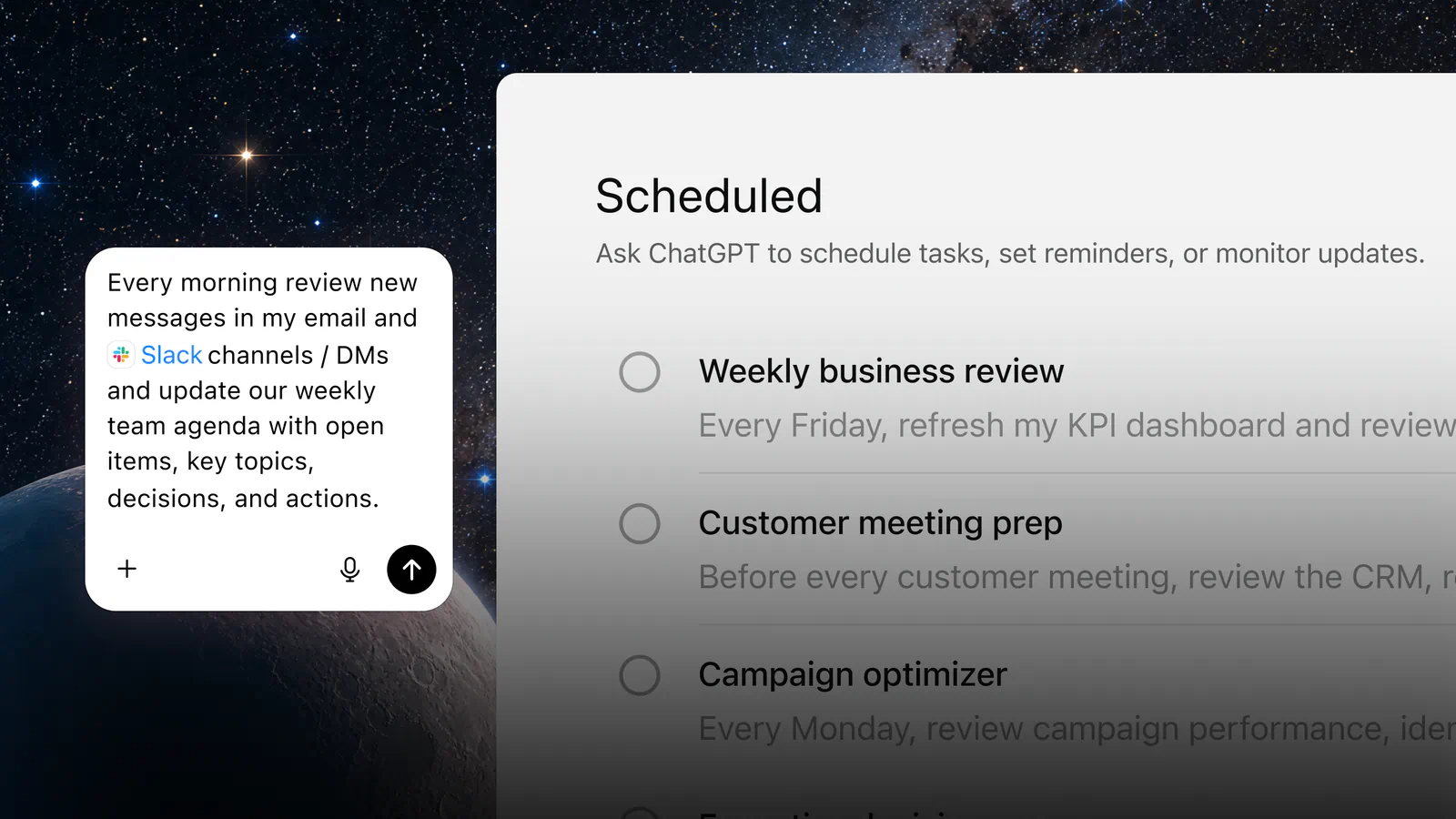
- Scheduled work: One-time or recurring tasks, plus team tasks for shared jobs like weekly reports
- Plan mode: Gathers context, asks questions, and proposes a step-by-step plan you approve before work starts
- Built-in browser: The desktop app's browser handles multiple tabs for work across sites and accounts
- Plugins: More than 1,400 plugins pull context from the tools your team uses
- Sites: Turns plans and data into shareable dashboards, trackers, and small web apps
It's strongest at recurring office work. Picture a sales lead who wants a Monday pipeline summary: you describe it once, approve the plan, and schedule it, and ChatGPT keeps producing it. Plan mode is the guardrail that earns its keep here, because you see the approach before the agent spends time or touches your files.
Pricing (pesos, as listed for the Philippines):
- Free plan: Limited ChatGPT Work access on desktop only
- Plus plan: ₱1,100 a month, with expanded Work access on desktop, web, and mobile
- Pro plan: From ₱6,490 a month, with longer Work sessions and Dot, OpenAI's always-on agent
The catch is that access scales with the plan. Free users get a small taste on desktop, and the longest sessions plus Dot sit behind Pro, which costs about six times as much as Plus. Team features split by tier too: ChatGPT Space, the shared page where teammates and ChatGPT edit together, is limited to Pro, Business, and Enterprise.
Before you commit, check that the plugins you rely on are on OpenAI's list and that your plan runs Work on the device you use most.
2. Claude Cowork
Best for: Knowledge workers who want an agent that works directly in their files and keeps going after they close the laptop.
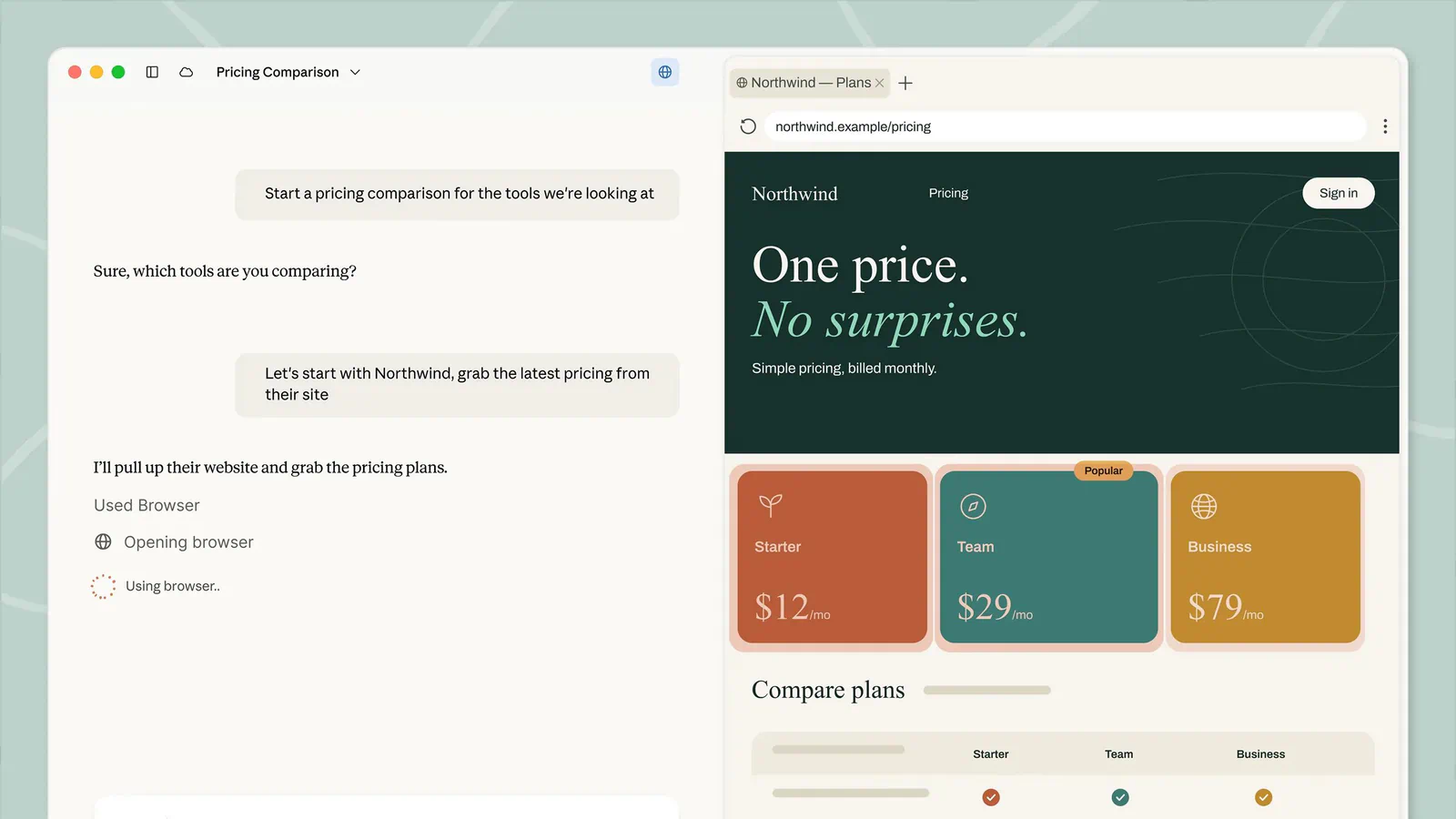
Claude Cowork is Anthropic's agent for knowledge work, and it's now folded into the main Claude app. Anthropic says Claude brings in Cowork's capabilities automatically when a task calls for working with your files, so there's no separate tool to learn. You give it a goal, it works across the folders and tools you choose, and you come back to finished work for review.
Key features for hands-off work:
- Runs unattended: Close your laptop and it keeps going, and scheduled tasks run on any cadence
- Parallel work: Big projects split into chunks that run at the same time
- Visible steps: Shows the files it opens, the tools it uses, and the choices it makes, so you can redirect it
- Built-in browser: Opens sites and fills forms in a side-panel browser kept apart from your own logins and tabs
- Plugins: Bundles of skills, connectors, and sub-agents that turn Claude into a specialist for your role
Its standout use is bulk review. One of Anthropic's examples points Claude at a folder of inbound contracts plus your playbook and returns a memo per contract, with each departure cited to the clause. That's the kind of job that eats a week for a small legal or ops team, and it's a fair test of whether an agent saves real hours.
Cowork needs a paid plan, because Claude's Free tier doesn't include handing off and scheduling tasks. Here's what the paid tiers cost:
- Pro plan: $20 a month, or $17 a month billed annually ($200 up front)
- Max plan: $100 a month for five times Pro's usage
- Ultra plan: $200 a month with no five-hour limit and 10 times Pro's weekly usage
- Team plan: $25 per standard seat monthly ($20 billed annually), for teams of 2 to 150
Usage limits are the real trade-off. Pro and Max cap usage every five hours and every week, and Anthropic says how fast you hit a limit depends on the model, chat length, and file size, all of which climb during a long agent run. The built-in browser is a desktop feature on Pro, Max, Ultra, and Team, while Enterprise admins manage it separately.
If you plan to lean on web tasks, confirm your plan and platform support the browser before you build a workflow around it.
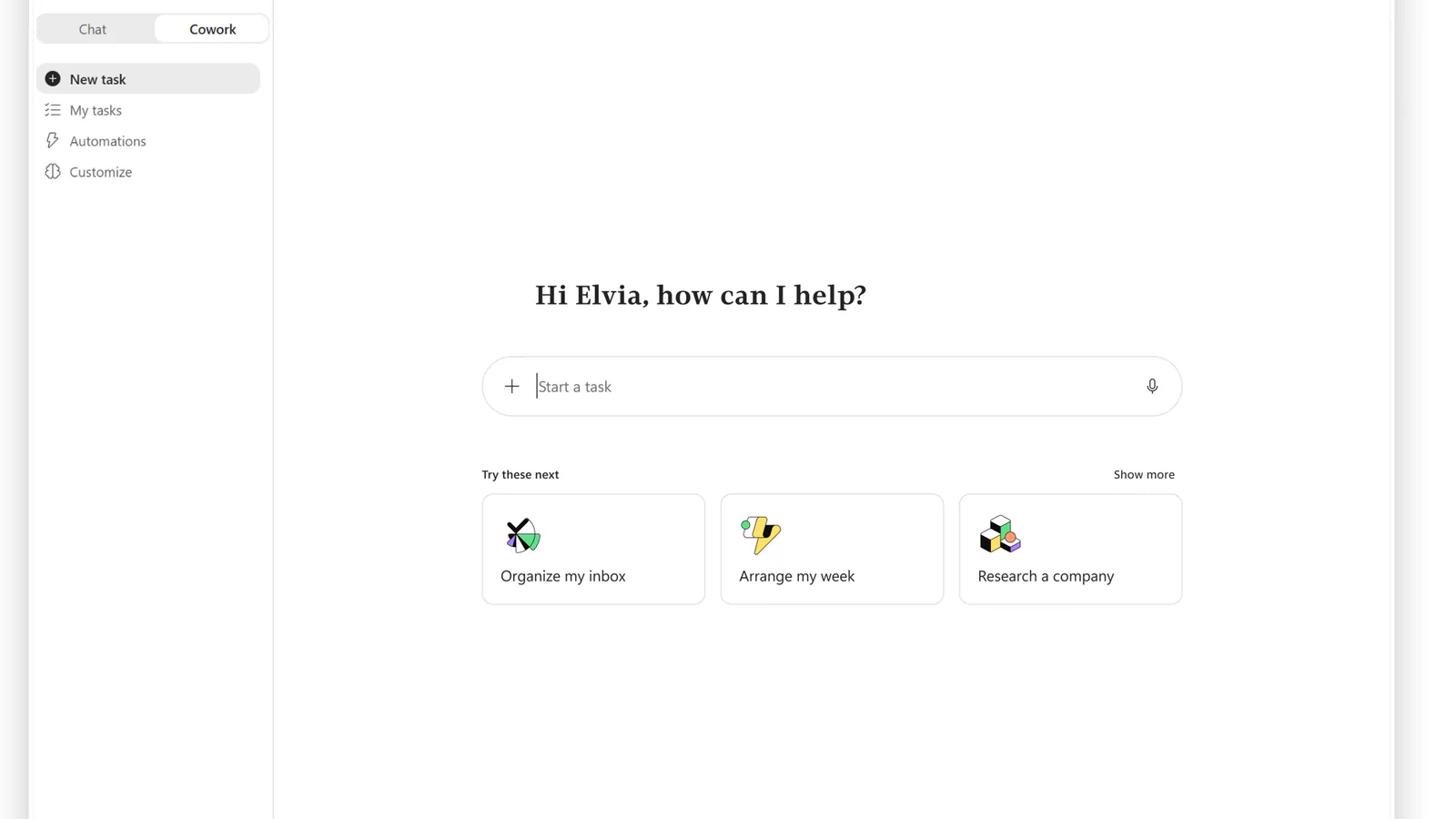
3. Microsoft Copilot Cowork
Best for: Microsoft 365 companies that want an agent grounded in company email and files, with admin cost controls.
Copilot Cowork is Microsoft's agent for long-running, multi-tool tasks inside Microsoft 365. It became generally available worldwide on June 16, 2026, after three months in Microsoft's Frontier preview, and Microsoft says more than half of the Fortune 500 already use it. You define the work, and Cowork runs it end to end and hands back a completed result.
What sets it apart:
- Cloud hosting: Tasks keep running when your laptop is off, and files aren't stored locally
- Work IQ: Grounds each task in the business systems your company already runs
- Model choice: At launch it runs on Anthropic models, including Opus 4.8 and Sonnet 4.6
- Admin controls: Off by default, with spending limits at the tenant, group, and user levels
- Plugins: Partner plugins from Harvey, LSEG, Miro, monday.com, Morningstar, and others
The strongest case is a company already standardized on Microsoft 365. Microsoft describes a sales lead who pointed Cowork at a stalled pipeline and got back a ranked list of at-risk opportunities with the follow-up that had gone cold on each. Prompts, responses, and generated files flow through your existing Microsoft 365 compliance controls, so IT has less new governance to set up.
Pricing has two layers. You need the Microsoft 365 Copilot add-on at $30 per user per month, paid yearly, on top of a qualifying Microsoft 365 plan. Cowork itself is then metered in Copilot Credits at $0.01 each on pay-as-you-go, with a discounted prepaid option for committed volume.
Variable billing is the main risk. Each task's price depends on model use, context retrieval, tool calls, and runtime, and Microsoft admits budgeting is the question it hears most from customers. It also claims Copilot Cowork averaged 30% to 40% cheaper per prompt than Claude Cowork with its Microsoft 365 connector, though that's Microsoft's own comparison.
Small teams outside Microsoft 365 can skip it, since the license math only works if you already spend your day in Outlook, Word, Excel, and Teams.
4. Tasks in Gemini
Best for: Personal Google AI subscribers who want an agent for inbox cleanup, price watching, and research files.
Tasks in Gemini let you hand multi-step work to the Gemini app from the same box where you start a chat. Google says Gemini can draw on Connected Apps, skills, chats, websites you're signed into, and your location to finish a task. You can also tell it when to run, around a set time or after an event.
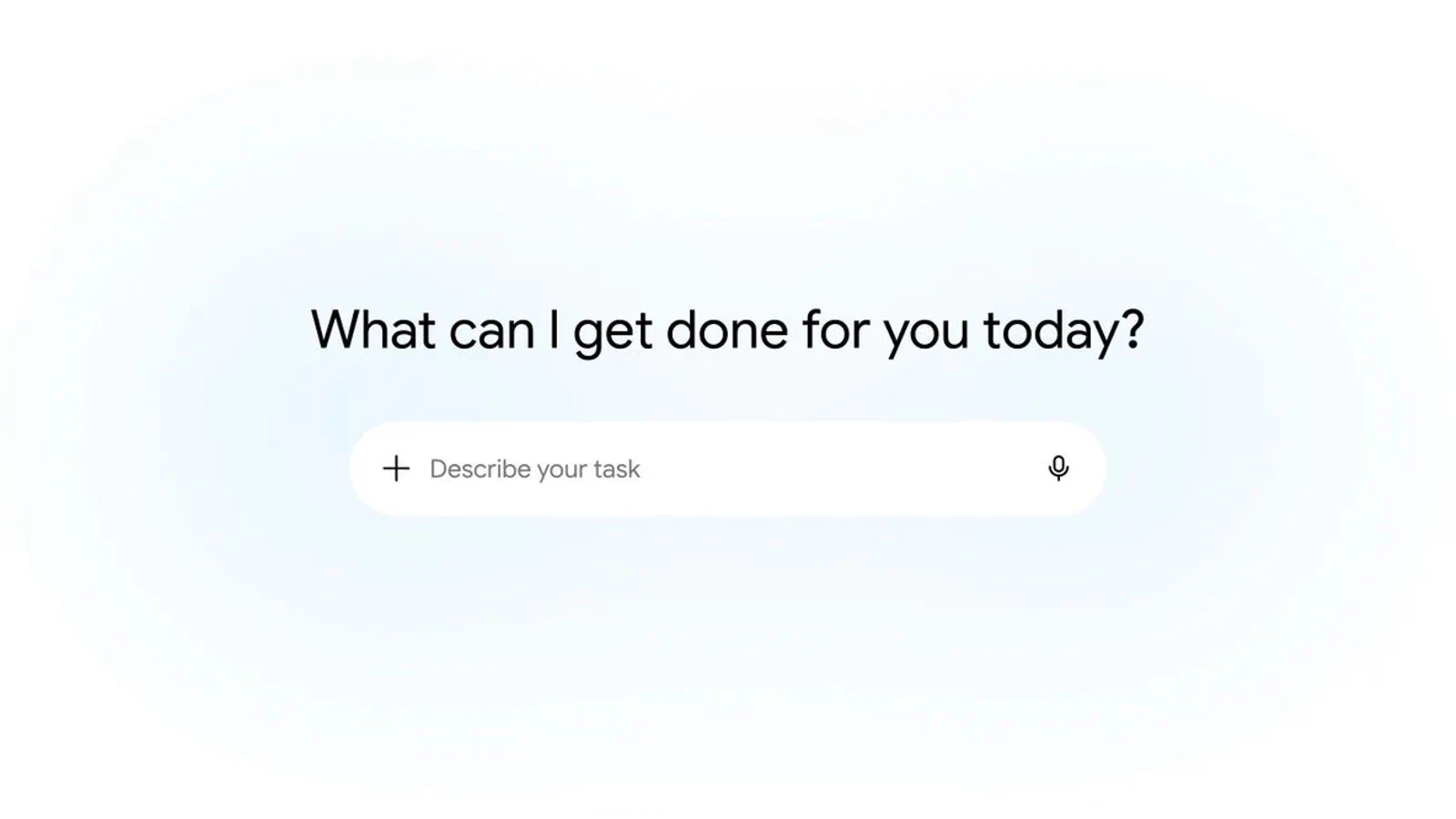
What it can do on its own:
- Inbox cleanup: Summarize or archive newsletters and unsubscribe from mailing lists
- Price watching: Monitor flights and hotels and alert you when prices drop within your budget
- Research files: Package cited research into PDFs, documents, spreadsheets, and presentations
- Browser actions: Work in a local or remote browser, such as adding items to a cart
- Parallel runs: Up to 15 tasks running at once
It's a better fit for personal productivity than for team operations. If your day runs through Gmail and Drive, asking Gemini to clear newsletters every Friday or build a custom news digest takes one sentence. You can change its approach mid-task by typing new instructions, and Google says Gemini picks up its work from where it was.
Access is the biggest limitation. You need a Google AI Pro or Ultra subscription, a personal Google Account (work and school accounts are excluded for now), and you must be 18 or older. Tasks also aren't available in the European Economic Area, Nigeria, Switzerland, or the United Kingdom.
Google labels the feature experimental and asks you to supervise it. Usage draws on compute-based limits that rise with your subscription tier, and for certain browser actions Gemini will ask you to take over. If your company runs on Google Workspace work accounts, this one isn't ready for you yet.
Check the AI Pro price in your country, and confirm your region is supported, before you upgrade for this feature alone.
5. Perplexity Computer
Best for: Researchers and analysts who want cited, multi-source reports and recurring monitoring delivered as finished files.
Perplexity Computer is Perplexity's general-purpose agent, which the company calls an independent digital worker. It researches, writes documents and apps, manages email, and runs tasks on a schedule, all from a cloud sandbox with no local install. Its search roots show: cited information sits at the core, and it can research many items in parallel.
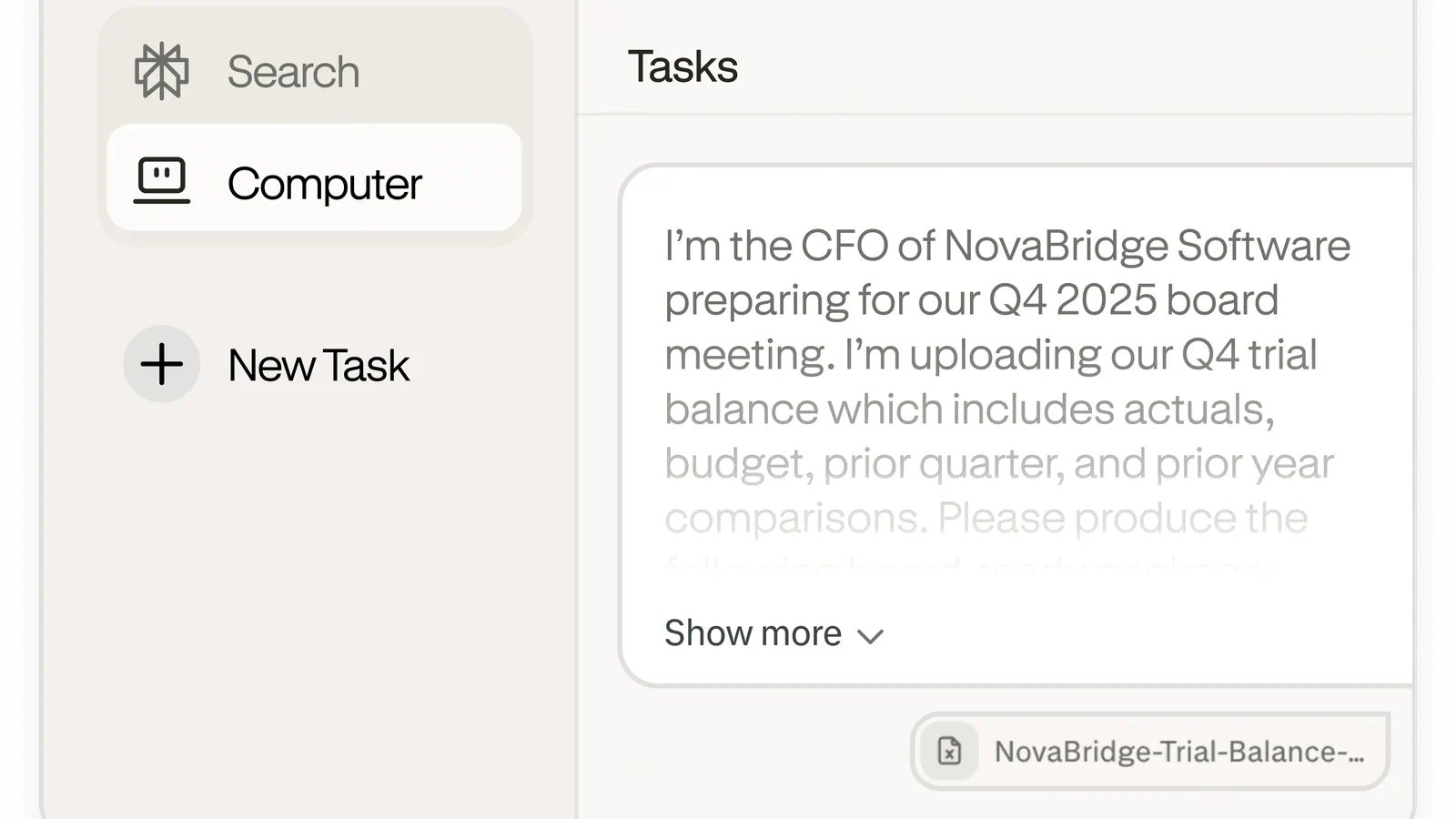
Image: perplexity.ai.
Key features:
- Background work: Condition-based triggers watch your email, calendar, flight status, and files
- Sub-agents: Specialist agents for market research, financial analysis, and news monitoring
- Connectors: Gmail, Outlook, GitHub, Linear, Slack, Notion, Snowflake, Databricks, and Salesforce
- Memory: Persistent context across sessions and platforms
- Portable Computer: On supported NVIDIA hardware, it runs locally without using credits
Perplexity's own example shows the appeal: one prompt to research five competitors, compare their pricing, build a slide deck, and email it to the team. For an analyst who rebuilds that kind of report every month, chaining research, document creation, and delivery in a single session is the main draw.
Computer runs on credits, and 100 credits equals $1. Perplexity's typical ranges give you a feel for cost:
- Quick fact: 15 to 70 credits, under $1
- Multi-step research report: 350 to 950 credits ($3.50 to $9.50)
- Data dashboard: 2,400 to 9,800 credits ($24 to $98)
- Entire app or multi-day build: 15,000 credits or more ($150 and up)
Your plan shapes how far that goes. Max includes 10,000 credits a month, while paid Pro plans get a weekly allowance of Computer usage (still rolling out) and stay on the Light effort setting until you add credits. Some free accounts get a handful of one-time turns to try it.
The trade-off is unpredictability. A single big build can use more than a month of Max credits, so watch your balance on the Usage page before you hand Computer anything open-ended.
6. Manus
Best for: Solo founders and marketers who want websites, slides, short videos, and event-triggered automations from one prompt.
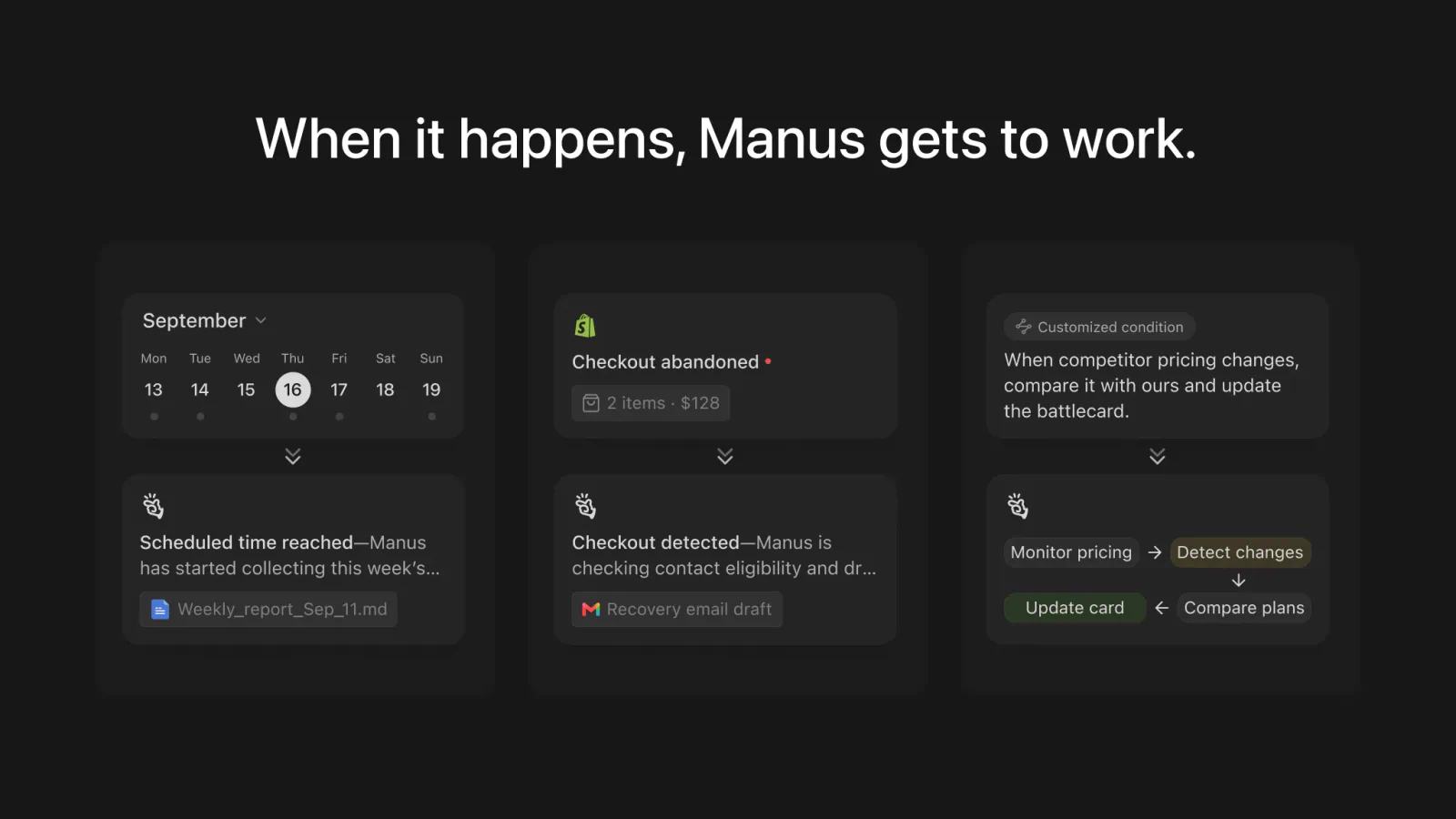
Manus is a general-purpose agent that rebuilt itself around a new in-house agent harness, Cascade, in its September 28 release, . In one configuration Manus measured, Cascade used 23.2% fewer tokens, finished tasks in 28.2% less time, and cost 32% less to run than the previous system.
Frequently Asked Questions
5 questions
1What is the best AI agent in 2026?
There's no single best AI agent, because the right pick depends on the tools you already use. ChatGPT Work and Claude Cowork are the strongest general picks for individuals and small teams, Copilot Cowork fits Microsoft 365 companies, and Perplexity Computer suits research-heavy work.