Six coding tools are compared to help developers choose a daily AI assistant based on where each runs, how much work can be delegated, which models are available, and what each costs. Claude Code suits terminal-heavy workflows at $20 per month Pro. Cursor bundles Grok after its SpaceX acquisition at $30 per month Premium plus metered third-party model costs. GitHub Copilot uses a credit model starting at $10 per month and fits teams living inside GitHub. OpenAI Codex is included with ChatGPT Plus at $20 per month for cloud-based parallel agent tasks.
Picking the best AI for coding got harder this year, mostly because the tools kept changing names and owners. Windsurf is now Devin Desktop. Cursor's plans now come bundled with Grok. Google steers developers toward Antigravity for its newest Gemini models.
So here are my six recommendations for November 2026: the coding agents, AI IDEs, and CLIs I'd point a working developer to today.
A quick note on method. I compared each tool's official product page and pricing page, read on November 12, 2026. The picks are my opinion, built on what those pages say about features, limits, and price. I haven't run a benchmark for this piece, so you won't find speed or accuracy scores here.
The list is for developers choosing a daily tool, whether you're solo or buying for a team. I judged each one on four things: where it runs (terminal, editor, or cloud), how much work you can hand off, which models you get, and what you pay. The order isn't a ranking. By the end, you should know which one or two to trial first.
1. Claude Code
Best for: Developers who live in the terminal and want to hand off long, multi-step jobs.
Claude Code is Anthropic's coding agent. You describe a bug fix, a test suite, or a multi-day migration, and it plans, writes code, runs tests, and opens pull requests while you review. It started in the command line, and it now runs on macOS, Linux, and Windows across the terminal, a desktop app, VS Code, JetBrains IDEs, Slack, the web, and mobile.
Agentic search: Maps project structure and dependencies, so you don't hand-pick context files
Permission controls: Permission modes, allow and deny rules, and hooks decide what runs with or without your approval
Where it's strongest is unfamiliar or sprawling code. Anthropic says Claude Code is designed to follow imports across a repo, run your tests, and keep going when something breaks, and it checks with you when it needs a decision. If you've just inherited a service nobody documented, that's the job I'd hand it first. It also plugs into GitHub, GitLab, and the command-line tools you already use, so there's no new editor to learn.
Ultra: $200 per month for 10 times the Pro usage each week and no five-hour limit
Team: $25 per seat per month, or $20 with annual billing
The trade-offs are about access and limits. The product page lists Pro, Max, Ultra, Team, Enterprise, or a pay-per-token Console account as the ways in, so the free Claude plan won't get you there. Pro and Max usage is capped every five hours and every week, which you'll feel on days when an agent runs for hours. And if switching between OpenAI, Google, and Anthropic models inside one tool is a priority, Cursor and Devin Desktop both advertise that.
Before you subscribe, estimate how many hours a day you'd keep an agent busy and compare that against the Pro and Max limits.
2. Cursor
Best for: Developers who want an AI editor with a choice of models, and who'd also use Grok.
Cursor calls itself a coding agent for building ambitious software, and it comes as a desktop editor plus a CLI. The big change this year is ownership: the homepage now carries the headline "Cursor is now a part of SpaceX," and the pricing page says subscriptions are sold through X Subscription Corp. That reshaped the plans, which now share one AI usage pool across Cursor and Grok.
The product itself still does what made it popular. Key features on the current site:
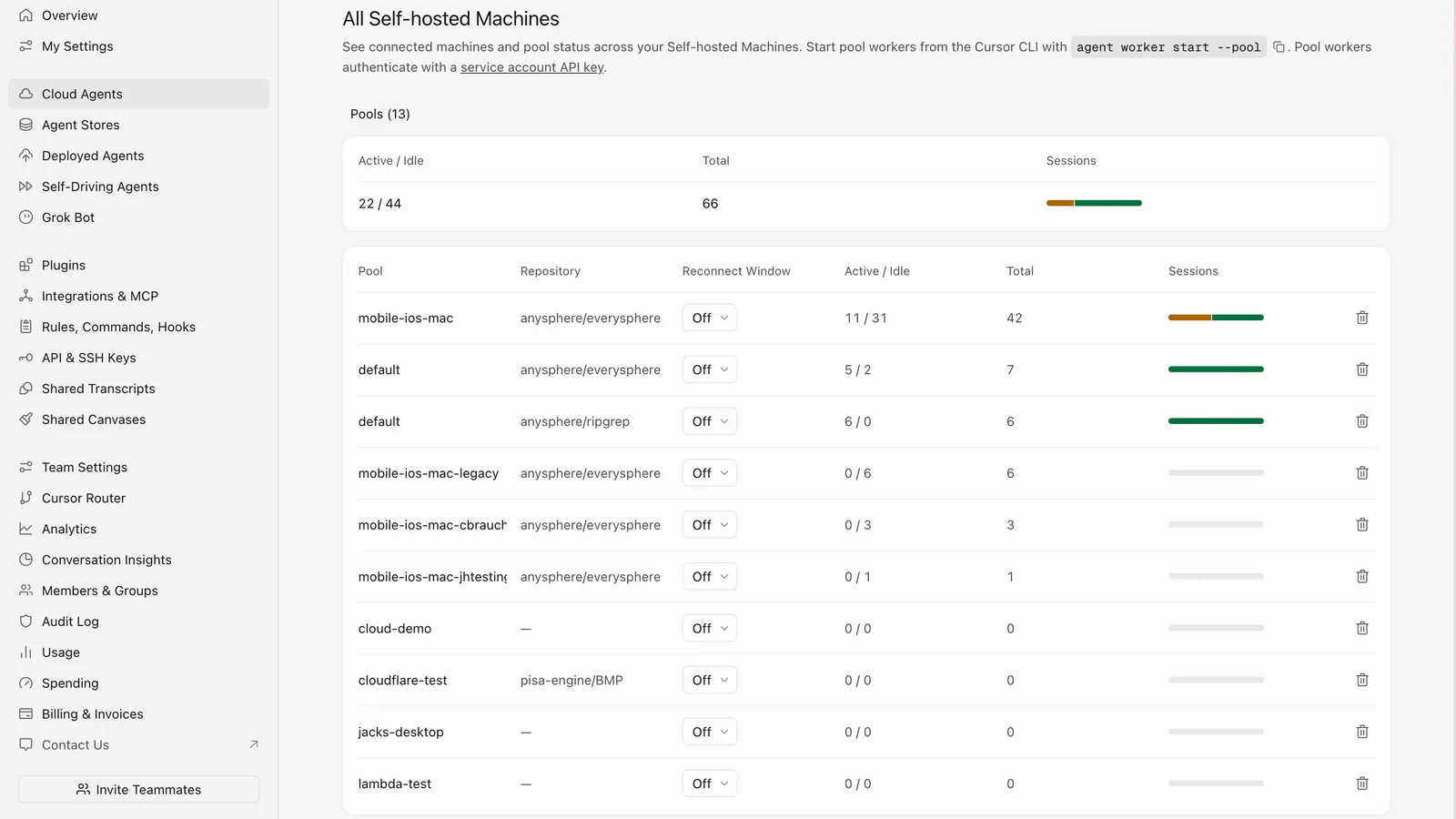
Cloud agents: Agents use their own computers to build, try out, and demo a feature for you to review
Parallel work: Launch fleets of agents on tasks that run for hours or days
Model choice: Pick from OpenAI, Anthropic, Gemini, SpaceXAI, and Cursor's own models
Beyond the editor: Runs in your terminal, collaborates in Slack, and reviews pull requests in GitHub
Privacy mode: When it's on, Cursor says your code isn't used for training by it or its model providers
I'd pick Cursor when the editor matters as much as the agent. You can make a targeted edit by hand, pass a bigger task to a cloud agent, and review its demo later, all in one window. Cursor says it's used by more than half of the Fortune 500 (its claim, and a sign that plenty of security teams have already approved it).
Premium: $30 per month for four times the Plus usage, cloud agents, and AI code reviews
Super: $100 per month for 15 times the Plus usage
Ultra: $200 per month for 50 times the Plus usage
Teams: From $30 per user per month
Here's the catch. The pricing page states that third-party model usage isn't included in those monthly prices and is billed separately at API list price. So if you mostly code with an Anthropic or OpenAI model, your real bill is the plan plus metered usage. The plans also bundle X perks like ad-free scrolling, which you may not care about. Your allowance refreshes weekly, and you can set a spending cap.
Check which model you'd use most, then price a typical week at that model's API rate before you choose a tier.
3. GitHub Copilot
Best for: Teams whose work already runs through GitHub issues and pull requests.
GitHub now describes Copilot as an AI coding agent that works across the whole development cycle: exploring a codebase, planning, reviewing changes, and resolving merge conflicts. It's also the tool on this list with the widest reach. It runs in VS Code, Visual Studio, JetBrains IDEs, Xcode, Vim, Neovim, Zed, and Eclipse, plus a CLI, a desktop app, the web, mobile, Slack, and Teams.
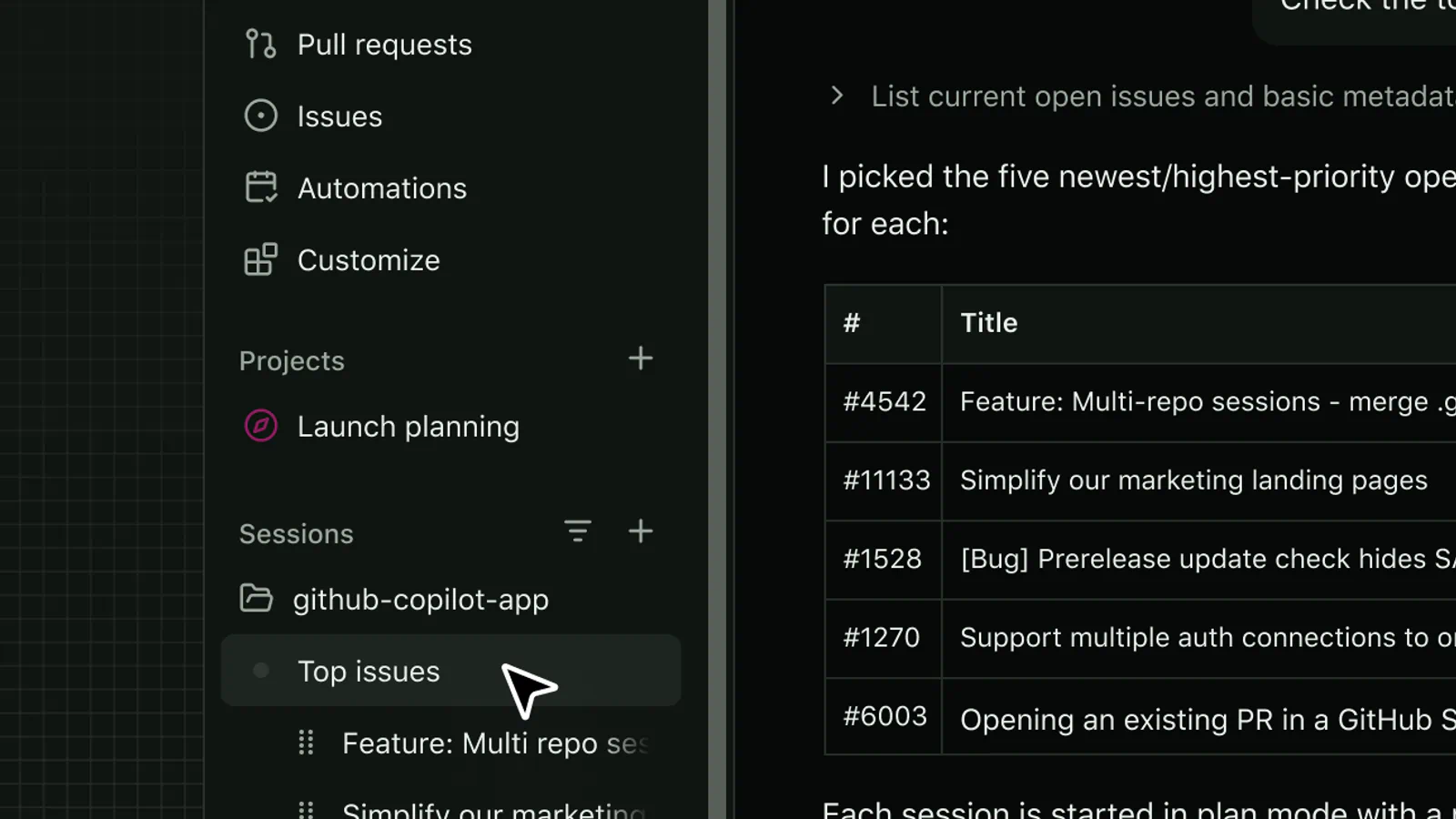
Start from an issue: Open a session with the task, discussion, and repository context already attached
Automations: Run reusable agent tasks on demand, on a schedule, or from supported triggers
Code review: Find quality and security issues before you open a pull request
Bring your own model: Connect a cloud provider with your API key, or run models locally with Ollama and Foundry Local
Third-party agents: Paid plans include access to Claude Code and Codex inside Copilot
The reason I recommend it is the loop. A change can start as an issue, get picked up by an agent, come back as a pull request, get reviewed, and be merged, and none of that leaves GitHub. If your team already tracks everything there, you skip the copy-and-paste between tools.
Pro plan: $10 per user per month, with $15 in monthly AI credits
Pro+: $39 per user per month, with $70 in credits and premium models
Max: $100 per user per month, with $200 in credits
One AI credit equals $0.01, and agents, chat, code review, and the CLI all draw from it, while completions and next edit suggestions stay unlimited on paid plans. That's the trade-off to watch. GitHub says a quick question to a lightweight model costs a fraction of a credit, and a long agent session on a frontier model costs a lot more. Heavy agent users could burn through Pro's allowance fast, and then you either wait for the monthly reset or buy more.
It's also less compelling if your code lives on GitLab or Bitbucket, since the issue-to-merge loop is the main draw.
Look at your last month of work and count how many tasks you'd give to an agent. That number tells you whether Pro is enough.
4. OpenAI Codex
Best for: Developers who already pay for ChatGPT and want cloud agents that keep working after the laptop closes.
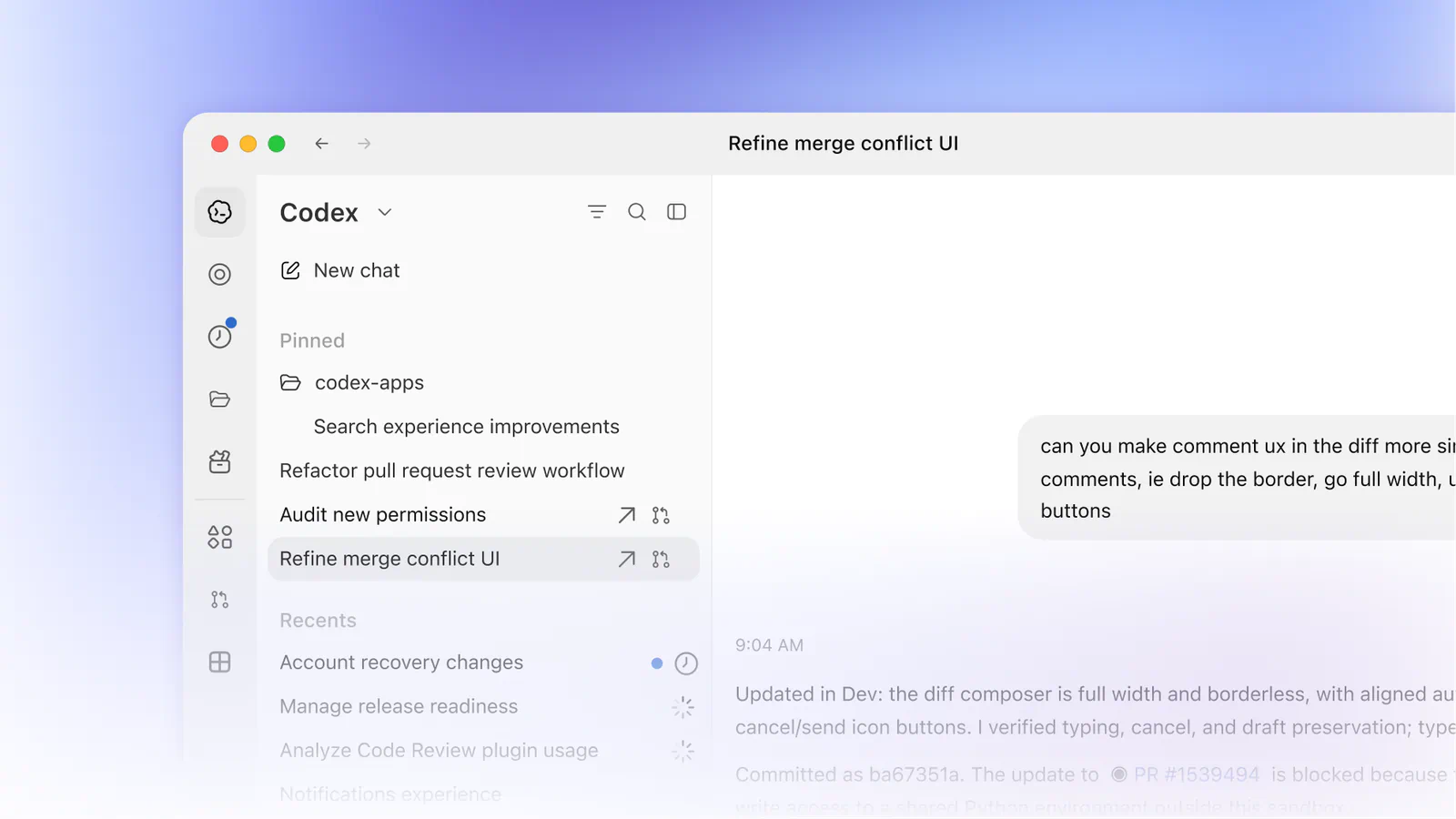
Codex is OpenAI's coding agent, and it's included in your ChatGPT plan. It runs in ChatGPT, a desktop app, your editor, and the terminal, all tied to one ChatGPT account. OpenAI's pitch is parallel work: Codex runs many agents at once and uses computer and browser tools to verify the result before it reports back.
Plugins: Connect your tools so the agent can act across your apps
API key mode: Run the CLI, SDK, or IDE extension on API pricing, which suits CI pipelines
Codex fits best when you think in batches. You can queue up a refactor, a flaky check, and a dependency upgrade as three separate cloud tasks, then review all three later. If you're already a ChatGPT subscriber, there's nothing extra to buy to try it.
The plans:
Free and Go: Free, or $8 per month for Go, with GPT-6 Luna in the desktop app (subject to rollout)
Plus: $20 per month for Codex on the web, CLI, IDE extension, and iOS, with GPT-6.1 Sol and GPT-6 Luna
Pro plan: From $100 per month, with $200 and $500 tiers and no five-hour limit for now
Business: $25 per user per month, or $20 with annual billing for two or more users
The limits are the fuzzy part. OpenAI says usage depends on the model, the task size, and whether it runs locally or in the cloud, and that cloud tasks can use more of your allowance than local messages. That makes Plus hard to budget for a heavy week. Model lineups move quickly too: GPT-5.5 was retired from Codex for ChatGPT sign-ins on October 14, 2026. And API key mode drops the cloud features, including GitHub code review and Slack.
Open the usage dashboard after your first week on Plus. It'll show whether you need Pro long before a limit stops you mid-task.
5. Devin Desktop
Best for: Developers who run several agents at once, and former Windsurf users.
If you're looking for Windsurf, this is it. Cognition's own FAQ puts it plainly: "Devin Desktop is the new name for Windsurf." The update arrives over the air, and Cognition says your plan, pricing, extensions, and settings carry over. Windsurf for JetBrains is still available as a separate download.
What changed is the front door. The Agent Command Center now sits front and center, and the full IDE is still there when you want it.
Key features:
Agent Command Center: Spaces, a Kanban view, and multi-agent management in one place
Open agent support: Other agents plug in through the Agent Client Protocol (ACP), so they share one command center with Devin
Local or cloud: Run a session on your machine or in Devin Cloud, and move between them with the same context
Devin Review: Go through every diff from where you code
Devin Fusion: Pairs a frontier lead model with a cheaper sidekick that does the execution
Devin Desktop makes the most sense when you're managing agents more than typing. Say you've got eight subtasks in a billing migration. You can watch each one move across a board from "running" to "waiting for review," then step into the editor for the last-mile fix. The model list is broad too: Pro includes frontier models from OpenAI, Claude, Gemini, and SpaceXAI, plus open-source models.
Pro plan: $20 per month, with full model availability, free use of SWE-2, and Devin Cloud agents
Max: $200 per month for much higher quotas
Teams: $80 per month plus $40 per month for each full developer seat, for up to 100 users
Two things give me pause. The Teams math adds up quickly for small groups, since the $80 base fee sits on top of every seat. And quotas refresh daily and weekly, with extra usage billed at API pricing, so a heavy week can cost more than the sticker price. The command center is also more interface than a solo developer on one task needs.
If you're coming from Windsurf, confirm your legacy plan shows up correctly after the update.
6. Google Antigravity
Best for: Developers who want to start free, and anyone already in Google's stack.
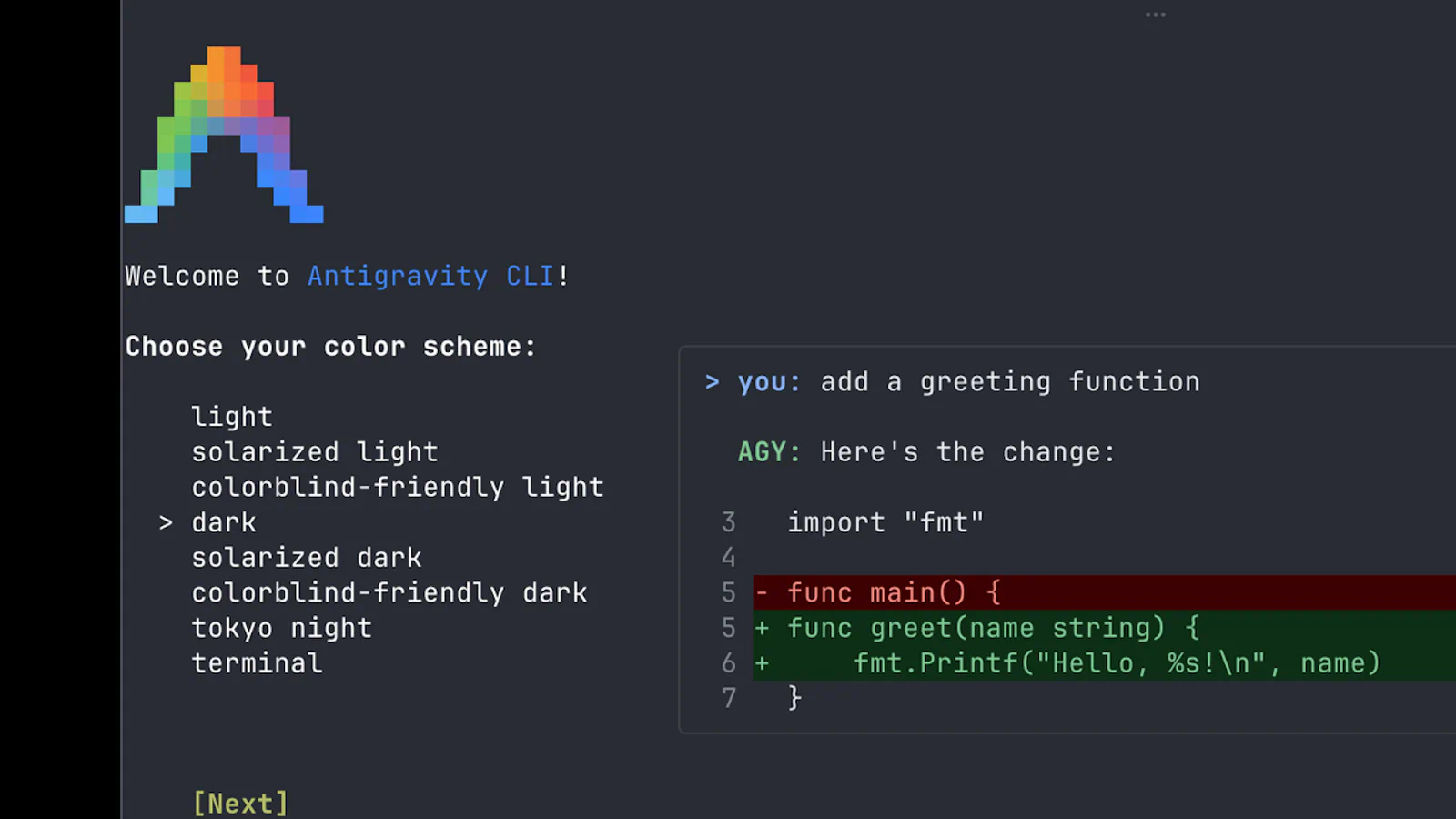
Google calls Antigravity its agentic development platform. It's really four products under one name: a desktop app for managing agents, a CLI, a full IDE, and an SDK. It's available on macOS, Windows, Linux, and Googlebook. The site's latest announcement adds Gemini 4 Carbon and a /swarm command in preview.
Antigravity App: A command center for several local agents in parallel, with Projects and scheduled messages
Antigravity CLI: Terminal-first, with autonomous coding agents, shell commands, and background subagents
Antigravity IDE: An agentic IDE with an agent manager and artifacts
Antigravity SDK: Python scripts for prototyping custom agents and running evaluations
Browser-in-the-loop agents: Google pitches these for automating repetitive front-end work
It's my pick for trying agentic coding at no cost. The individual plan is free and includes unlimited Tab completions and unlimited Command requests, with basic weekly rate limits on agent models. That's a generous way to learn how agents behave before you pay anyone. The SDK is a nice extra if you want to script your own agent on Google's harness.
Google AI Ultra: Even higher limits, aimed at daily use
Organizations: Through Google Cloud, with Gemini Enterprise plans starting at $30 per seat per month or a pay-as-you-go plan with no seat fee
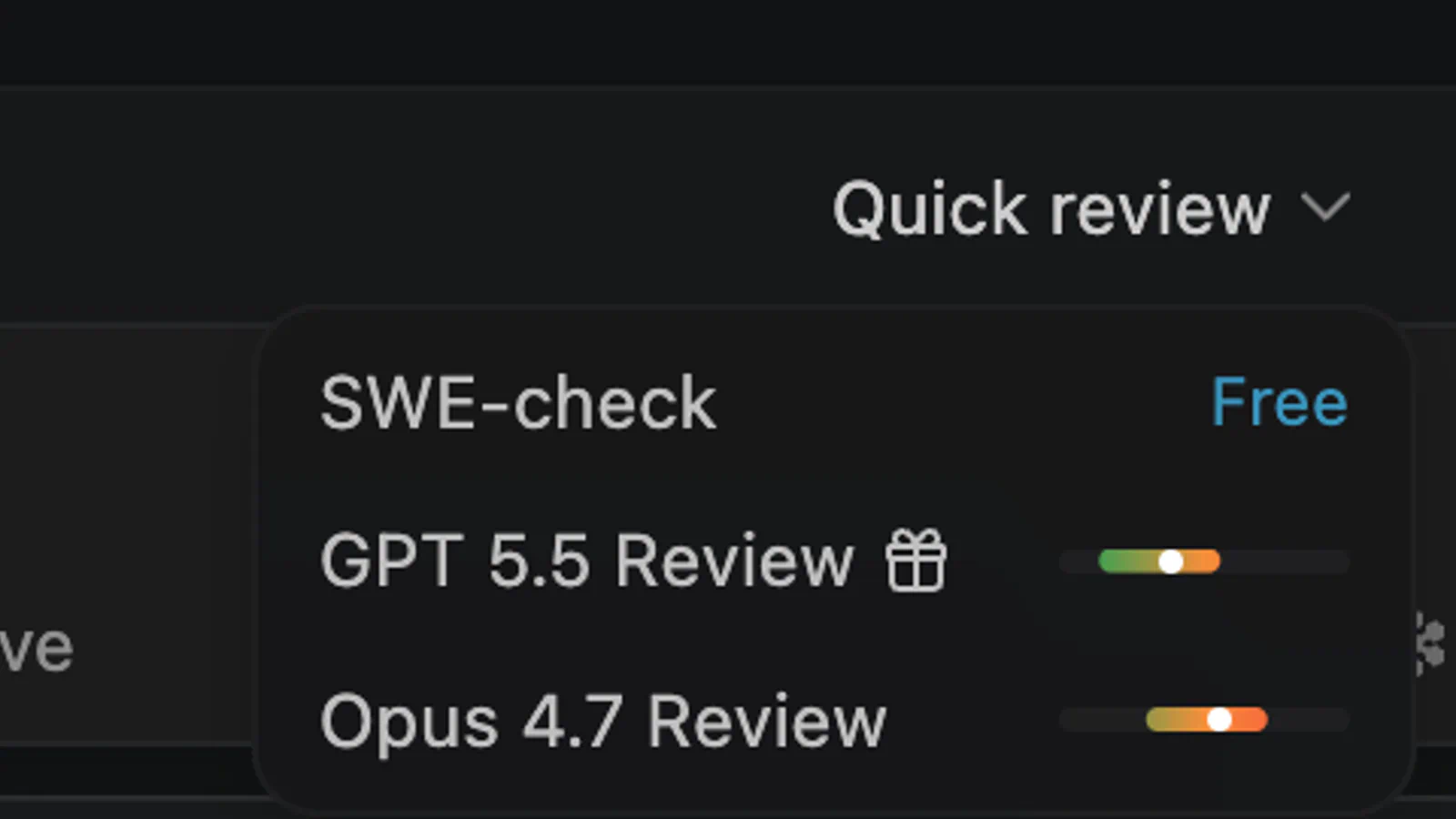
The pricing page doesn't list what Google AI Pro or Ultra cost, and it doesn't spell out the rate limits behind "basic," "more," and "even more." So you can't budget from that page alone. The paid tiers are also tied to a wider Google subscription, which is fine if you want the rest of it and wasteful if you don't. Antigravity is the newest name here, and four surfaces is a lot to keep straight.
Look up the current Google AI Pro price in your country before you plan around the paid tiers.
How to choose the right AI coding tool?
Choose by where you work and how much you hand off: a terminal agent if you delegate whole tasks, an AI editor if you still want your hands on the code, and a GitHub-native tool if your team lives in pull requests. There's no single best AI for coding, because the right one depends on that fit and on how each plan meters your usage.
What to look for in an AI coding tool
Where it runs: A tool that doesn't fit your editor or terminal habits gets abandoned in a week.
How it meters usage: Five-hour windows, weekly pools, and credits behave very differently. Ignore this and you'll hit a wall mid-task.
Which models you get: Some plans limit you to one vendor's models, and some bill third-party models on top.
How your code is handled: Cursor has a privacy mode, and OpenAI says it doesn't train on Business data by default. Check the policy for your plan.
Team controls: Seat management, spend limits, and SSO matter once you're buying for more than yourself.
Metering: Claude and Codex use time-window limits, Copilot uses credits, and Cursor and Devin Desktop use pooled quotas that refresh weekly or daily.
Model choice: Cursor, Devin Desktop, and Copilot advertise models from several vendors. Cursor bills third-party models separately.
Home base: Copilot is built into GitHub. Claude Code and the Antigravity CLI start from the terminal. Cursor and Devin Desktop are editors first.
Free access: Five of the six list a free tier. Claude Code is the exception.
What it costs in practice
Sticker prices hide a lot, so here are three quick examples at monthly billing.
Solo developer, one agent: Claude Pro, Codex on ChatGPT Plus, and Devin Desktop Pro each cost $20 per month. Copilot Pro is half that at $10, with 1,500 AI credits.
Five-person team: Claude Team comes to $125 per month (five seats at $25). Codex on ChatGPT Business also comes to $125 per month. Devin Desktop Teams comes to $280 per month ($80 plus five seats at $40).
Which AI coding tool should you choose?
If you delegate whole tasks from the terminal, pick Claude Code.
If you want an editor and several model vendors, pick Cursor, and budget for metered usage.
If your team runs on GitHub issues and pull requests, pick GitHub Copilot.
If you already pay for ChatGPT, try Codex before buying anything else.
If you supervise many agents, pick Devin Desktop.
If you want to spend nothing while you learn, start with Google Antigravity.
The clearest lesson from this comparison is that the metering separates these tools far more than the feature list does. All six tools can plan, write, and review code with an agent. They differ in where they run, which models they include, and how quickly a heavy week pushes you past what your plan covers. If you came looking for the best AI for coding, start from your workflow and your budget, then pick the tool that matches both.
My pick is Claude Code, because the Pro plan includes it with nothing extra to configure and the permission controls let me decide what an agent can do unprompted. For a team that lives in GitHub, I'd choose Copilot. That's my opinion from reading the vendors' own pages, and your codebase may point somewhere else.
What do you think of this list? If there's a coding agent, editor, or CLI you rely on that I left out, tell me which one and why it deserves a place.
Which AI coding tool do you use every day? Share your thoughts in the comments.
Frequently Asked Questions
5 questions
1
What is the best AI for coding in 2026?
The best AI for coding depends on how you work, so there's no single winner. Terminal-first developers tend to fit Claude Code, GitHub-centered teams fit Copilot, and people who want an AI editor fit Cursor or Devin Desktop.
2
Is there a free AI for coding?
Yes, five of the six tools here list a free tier. Copilot Free includes 2,000 completions per month, and Antigravity's individual plan is free with weekly rate limits. Claude Code is the one that needs a paid plan or API account.