Ask five creators to name the best AI video generator and you'll get five answers, mostly because they're paying in five different currencies. Every platform on this list sells credits, and a credit buys a different amount of video on each one.
So we did the math. We compared seven platforms using their own pricing pages, help centers, and product pages as of November 2026, then worked out what a single short clip costs on each entry plan. Every figure is the vendor's own, taken from pages we read this month.
This guide is for creators and marketers making short-form and social video. It covers apps and platforms, so if you'd like to compare the underlying models instead, read our guide to five AI video models to know in 2026 first.
Each section looks at four things: output quality as the vendor describes it, clip length and resolution limits, editing tools, and price per clip. The order isn't a ranking. By the end, you'll know which platform fits your workload and roughly what a month of clips will cost.
1. Google Flow
Best for: Creators who want daily free clips and an upgrade path that scales.
Google Flow is Google's AI video studio, and it's the only platform here that refreshes free credits every day. With or without a subscription, you get 50 Google Flow credits per day, which is enough to keep experimenting without paying anything.
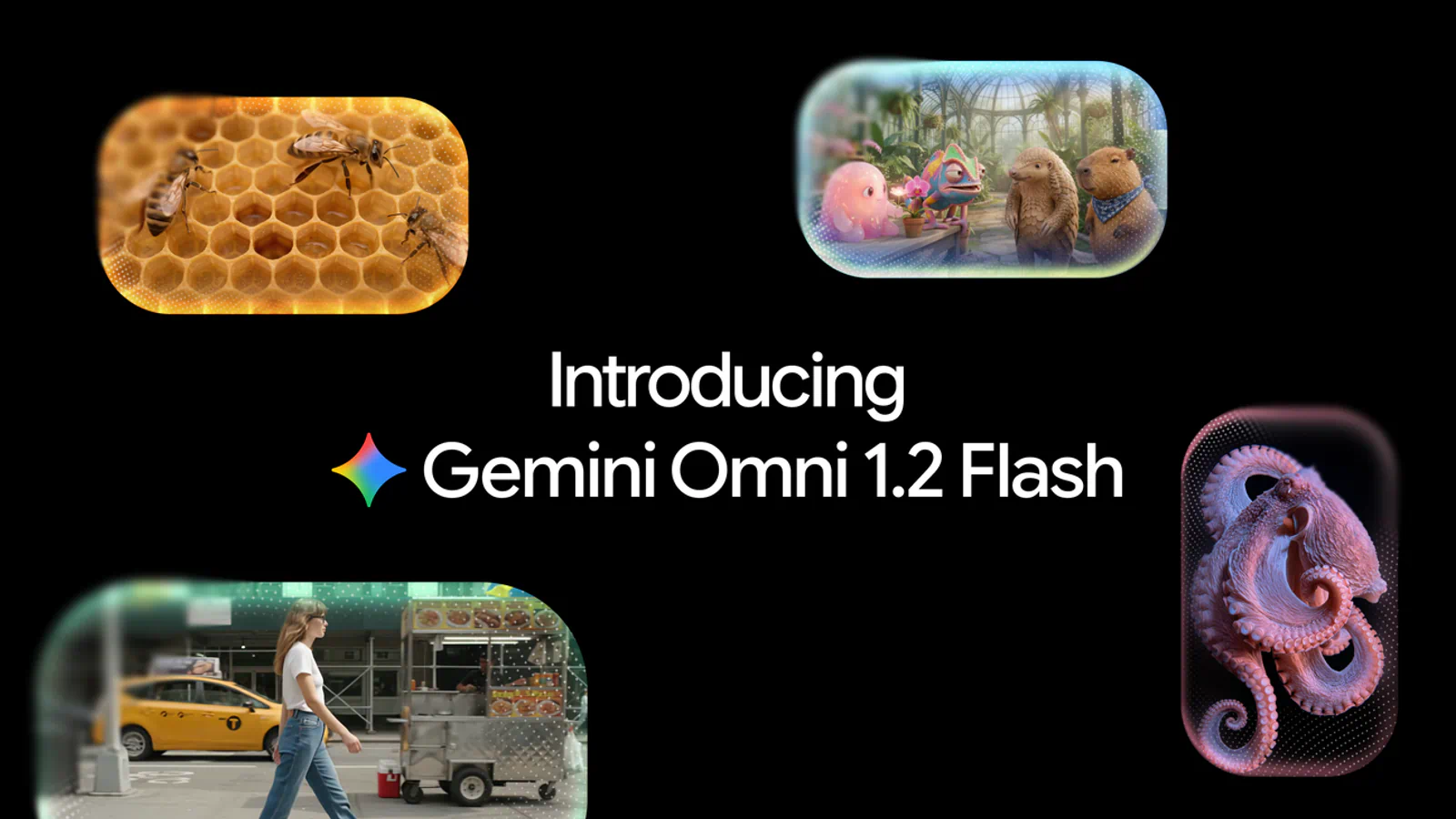
Flow now runs on two video models. Google positions Omni Flash 1.2 as the option for higher visual quality and consistency, while Veo 3.1 Lite is the low-cost baseline for 720p work.
Key features that Google's Omni Flash 1.2 feature list confirms for short-form work:
- Clip length: 3 to 10 seconds for everyone, and up to 15 seconds with a Google AI subscription
- Inputs: Text, start and end frames, reference images (Google calls them ingredients), or an existing video
- Video-to-video editing: Change a generated or uploaded clip with a prompt
- Extend: Add 3 to 10 seconds to a clip (subscribers only, on the web)
- Upscaling: Up to 1080p for subscribers and 4K on the Ultra tiers
The pricing is unusually easy to read. Omni Flash 1.2 costs 1 credit per second at 360p and 3 credits per second at 720p, so a 10-second 720p clip is 30 credits. Your free daily allowance covers one of those with 20 credits to spare. Veo 3.1 Lite is cheaper still at 10 credits for a 4-, 6-, or 8-second clip, which works out to five clips a day for free.
Monthly credits scale with Google's AI plans:
- Google AI Plus: 200 extra credits a month
- Google AI Pro: 1,000 extra credits a month
- Google AI Ultra: 10,000 or 25,000 extra credits a month on the tiers Google labels Ultra $100 and Ultra $200
If the Ultra $100 label matches what you pay each month, 10,000 credits work out to about a cent each, or roughly $0.30 for a 10-second 720p clip.
There are catches. Free users may be locked out of video generation during peak hours, roughly 2 PM to 5 PM UTC. Native output tops out at 720p, so anything sharper depends on upscaling, and unused credits (daily or monthly) don't roll over.
Flow is also mid-transition. Google will retire Veo 3.1 Fast, Veo 3.1 Quality, and Omni Flash 1.1 on December 5, 2026, so build any repeatable workflow on Omni Flash 1.2 or Veo 3.1 Lite. Before you subscribe, check the plan price for your country, because Google sets it by region.
2. Runway
Best for: Marketers and editors who need to fix a shot after it's generated.
Runway has grown from a single-model tool into a hub. It now offers its own Gen-4.5 next to Seedance 2.5, Kling, Wan 3.0, and Gemini Omni, all inside one workspace. Runway describes Gen-4.5 as its frontier model for motion quality and visual fidelity.
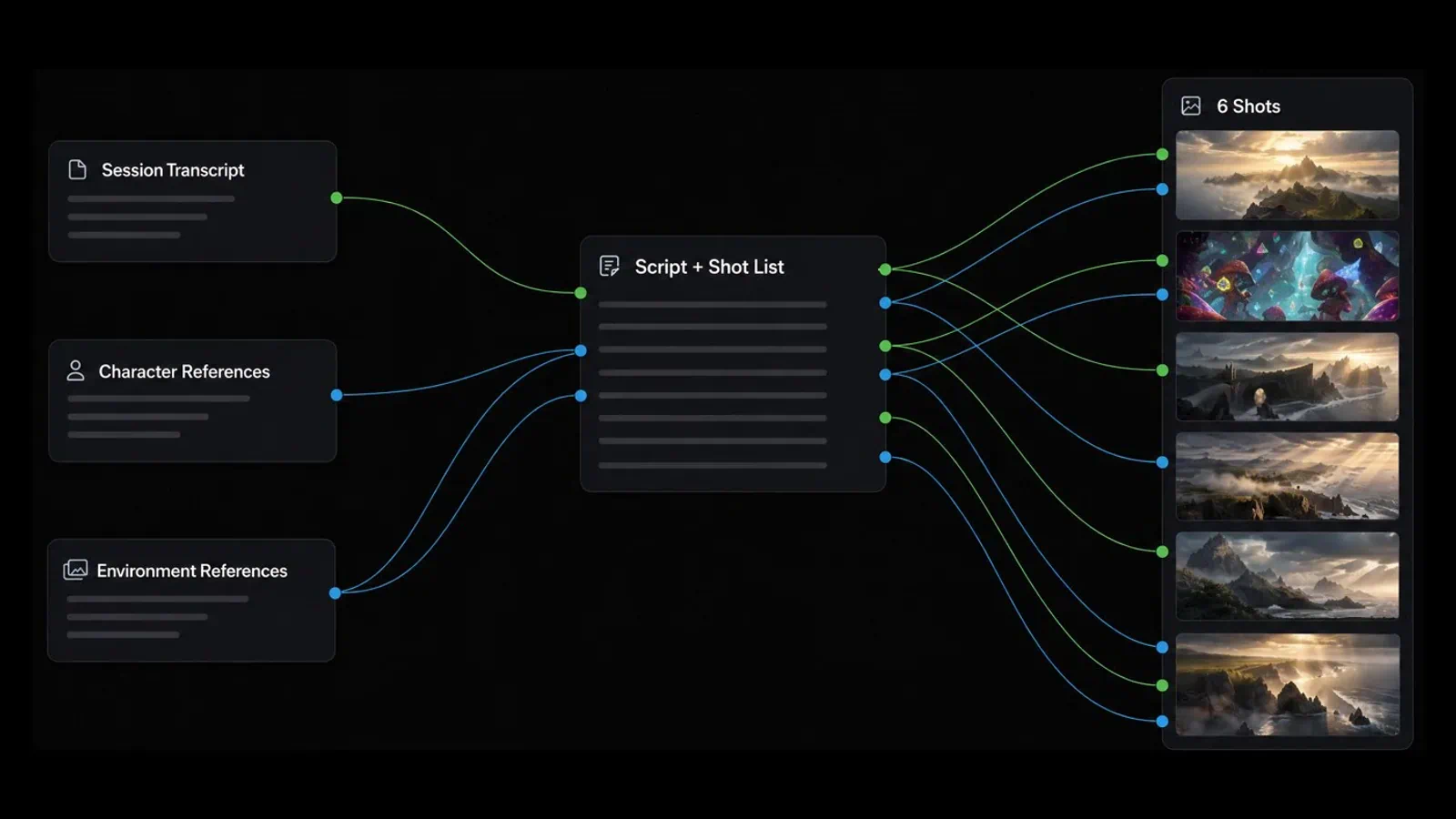
The editing side is where Runway pulls away from the other platforms on this list. Most rivals leave you to regenerate a flawed shot. Runway lets you keep the take and change it.
Key features in Runway's creative toolkit that matter for social video:
- Aleph 2.0 and Edit Studio: Edit one frame, then apply the change to the rest of the video
- Prompt edits: Relight a scene, swap a backdrop, change an outfit, or remove an object by describing it
- Runway Agent: Build an end-to-end video through a chat conversation
- Multi-Shot Video App: Turn one prompt into a sequence of shots
- Plugins: Generate, edit, and extend footage inside Premiere Pro and After Effects
Runway sells four individual plans:
- Free plan: 125 one-time credits
- Standard plan: $15 a month, or $12 a month billed annually, with 625 credits
- Pro plan: $35 a month, or $28 a month billed annually, with 2,250 credits
- Max plan: $95 a month, or $76 a month billed annually, with 9,500 credits
Here's the per-clip math. Gen-4.5 costs 60 credits for 5 seconds, so Standard's 625 credits buy about 10 clips a month. On monthly billing, that's roughly $1.44 per 5-second clip. Runway's own conversion says the same thing in different words: 625 credits equals 52 seconds of Gen-4.5.
That's the trade-off. Runway is one of the pricier ways to generate raw footage, and third-party models cost more again (Kling 4.0 at 1080p is listed at 118 credits per 5 seconds). Standard and Pro credits reset each month, and only Max rolls over unused credits for one month. Paid plans do remove watermarks and include 4K upscaling.
If you mostly need volume, look further down this list. If you need a specific shot fixed for a client, the editing tools can pay for the higher per-clip rate. Confirm the credit cost of the exact model and resolution you plan to use, since Runway prices each one separately.
3. Kling AI
Best for: Creators who want long single takes and a cheap way in.
Kling AI is a video and image platform, and its current flagship is Kling 4.0. Kling says the model supports native 30-second generation, along with dynamic motion, reference inputs, and multiple keyframes. For social video, 30 seconds is a whole Reel or Short in one pass, with no stitching.
Key features from Kling's list of models and member benefits, trimmed to what a short-form creator will use:
- Kling 4.0: Native 30-second clips with multiple keyframes
- Kling 3.0 and 3.0 Omni: Synchronized audio and video, storyboarding, and element references
- Native 4K video: Offered on paid plans alongside 1080p
- Motion Control: Copy movement and facial expression from a reference performance
- Batch output: Up to four videos per generation on paid plans, one on the free Basic plan
Kling's monthly pricing has a first-month discount baked in, so read the renewal price too:
- Standard plan: $6.99 for the first month, then $8.80 a month, with 660 credits
- Pro plan: $25.99 for the first month, then $32.56 a month, with 3,000 credits
- Premier plan: $144.99 for the first month, then $181.99 a month, with 18,000 credits
Kling quotes its own price per 100 credits: $1.06 on Standard and $0.87 on Pro. Paid plans add watermark removal, a commercial-use license, 1080p and 4K generation, and a faster queue.
The gap in Kling's pricing is the per-clip figure. The membership page tells you what a credit costs but doesn't list how many credits a Kling 4.0 clip uses; that number appears in the generation panel and changes with model, length, and resolution. Two other platforms on this list do publish a figure for the same model, which gives you a rough benchmark (see the Pika section).
Kling is a weaker fit if you want editing after generation. Its strength is the take itself. Before you commit to an annual plan, generate one clip at your real settings on Standard and note the credits it used.
4. Pika
Best for: Budget-conscious creators who want many models and the lowest published cost per clip.
Pika used to mean one quirky model. It's now a multi-model platform: every plan, including Free, can use all models, from Pika's own Pika 2.5 and H3 Flex to Seedance 2.5, Kling 4.0, and Wan 3.0.
What sets Pika apart for this comparison is how openly it prices. The pricing page lists the credit cost of each model and how many clips each plan buys.
Key features among the self-contained apps Pika offers for video work:
- Video Studio: Anything from a short clip to a 30-second multi-shot video
- Extend Video: Lengthen a clip by generating extra frames
- Color Grade: Adjust color, contrast, and mood on a photo or clip
- Pika Soundtrack: Score a clip with music, ambience, and foley matched to the action
- Character Studio: Build a character you can reuse across videos
Pika has four individual plans:
- Free: No monthly credits (you buy packs), no watermark, and no commercial license
- Starter: $10 a month, or $8 a month billed annually, with 600 credits
- Creator: $35 a month, or $28 a month billed annually, with 2,600 credits
- Fancy: From $95 a month, or from $76 a month billed annually, with 8,550 credits or more
Per-clip costs vary a lot by model, and that's the point. On Starter, a 5-second Pika 2.5 clip at 720p uses 20 credits, about $0.33. Pika H3 Flex at 768p uses 10 credits, about $0.17. A 5-second Seedance 2.5 clip at 720p uses 122 credits, which Pika itself prices at around $2.03 on Starter.
So one $10 plan buys either 60 clips or four, depending on the model you pick. Kling 4.0 at 1080p is listed at 118 credits per 5 seconds, about $1.97 on Starter.
Limits to know: plan credits don't roll over, top-up packs expire after 365 days, and top-ups can't be used with the API or the iOS app. The Free plan has no commercial license, so client work needs Starter at minimum. Check the "what your monthly credits make" table for your model before you choose a tier.
5. CapCut
Best for: Short-form creators who want generation and a full editor in the same app.
Most platforms here hand you a clip and leave the editing to you. CapCut starts from the other side. It's a timeline video editor first, with auto captions and templates, and it now generates video inside that workflow.
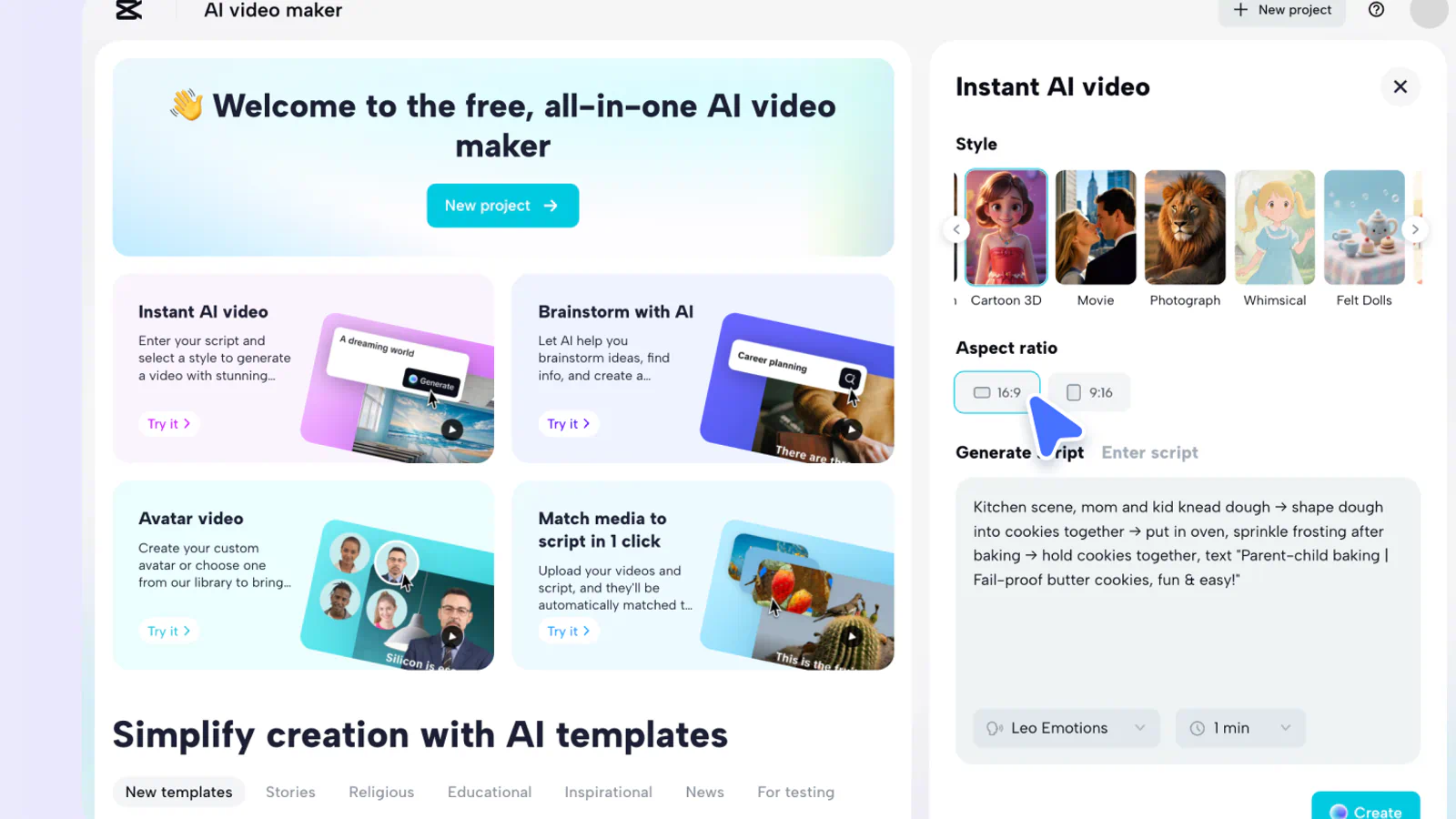
CapCut's AI video generator is powered by Seedance 2.5, and the app's model menu also lists Seedance 2.0, Sora 2, and Veo 3.1.
Key features of CapCut's Seedance 2.5 video generator, as the company describes them:
- Script to video: Paste a script, pick a visual style, and get a draft video
- Digital avatars: Presenter-style characters that read your script
- AI templates: Starting structures for formats like news updates and explainers
- Brainstorming: Topic ideas and storyboard outlines when you're stuck
- Edit before export: Adjust visuals, pacing, music, and subtitles in the editor
Pricing is where CapCut gets awkward to compare. CapCut shows plan prices in your local currency and says the final price appears after you sign in, so we can't quote one US figure. What the page does state in dollars is the generation rate: Seedance 2.5 starts at $0.12 per second on Pro for the first month, and Seedance 2.0 Mini at 480p starts at $0.007 per second.
At that launch rate, a 5-second Seedance 2.5 clip costs about $0.60, well under what the same model costs on Pika's Starter plan. Pro includes 1,600 AI credits a month, which CapCut says is enough for up to 240 seconds at 720p with Seedance 2.0 Mini.
The fine print matters here. Those per-second rates are first-month prices, and CapCut doesn't say on the page what they become afterward. The cheaper Seedance 2.0 Mini figures are for 480p and 720p, which is fine for a phone screen but soft on a TV. Sign in and read the renewal price before you plan a budget around the launch rate.
Frequently Asked Questions
5 questions
1Is there a free AI video generator?
Yes. Google Flow gives every account 50 credits a day, enough for one 10-second 720p clip. Runway offers 125 one-time credits, and HeyGen's free plan includes three watermarked videos a month.