
You've just finished your fourth call of the day, and you can't remember who agreed to send the revised budget. Picking the best AI note taker for meetings fixes that, but the tools split on one question most roundups skip: does a bot join your call, or does the app quietly record from your laptop?
We compared seven note takers using each vendor's own pricing and plan pages as of late November 2026. That covers free-plan limits, per-seat prices on monthly and annual billing, meeting-length caps, and how each tool captures audio. Every claim below comes from what the vendors publish.
This list is for professionals and small teams who sit in Zoom, Google Meet, and Microsoft Teams calls every week. The order isn't a ranking. Each tool fits a different situation, and by the end you'll know which capture style suits your meetings, how far a free plan stretches, and what a seat really costs.
1. Fathom
Best for: Individuals who want unlimited free recordings and a choice between a bot and bot-free capture.
Fathom has the most generous free plan here. The free tier includes unlimited recordings and transcriptions with instant AI call summaries, clips, and search across calls. There's no monthly meeting cap to count down, which is rare in this category.
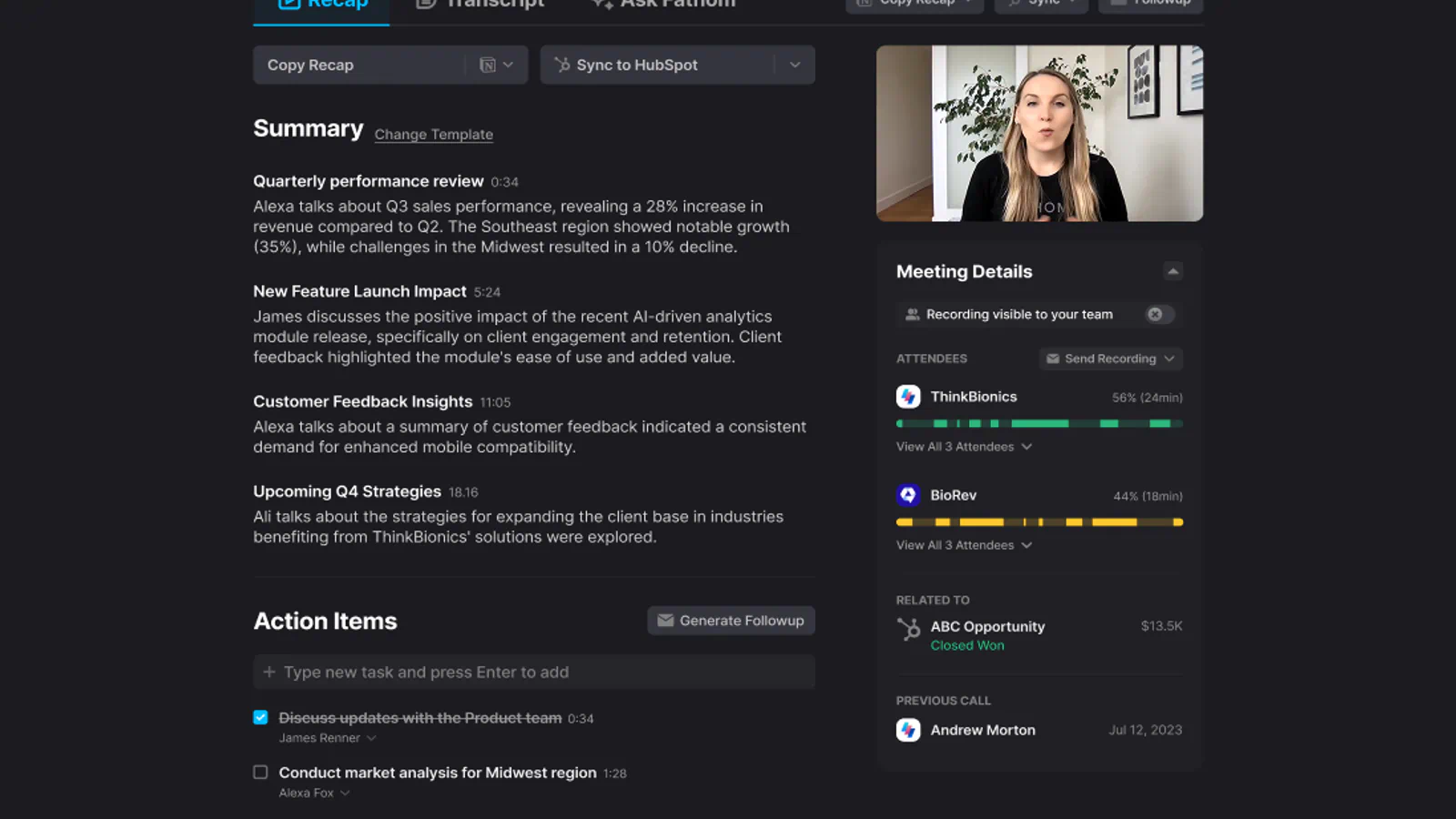
The bigger recent change is how it captures calls. Fathom now offers a choice of bot-free or bot capture, though the bot-free mode is still a beta feature for Mac. If you're on Windows, expect the familiar bot in the participant list for now.
What you get on each plan:
- Free: Unlimited recordings, transcripts, and instant summaries, with limited use of Ask Fathom (its chat over a call)
- Premium: $20 per user monthly, or $16 a month billed annually, adding advanced summaries, AI action items, and MCP connections to your chatbot of choice
- Team: $19 per user monthly, or $15 billed annually, with a two-user minimum, shared folders, and HIPAA compliance under a standard BAA
- Business: $34 per user monthly, or $25 billed annually, adding CRM field sync, Deal View, and AI scorecards
Those prices come from Fathom's plan comparison, which also lists a 90-day guarantee on paid plans.
Fathom's strength is the gap between free and paid. A freelancer or consultant can run every client call through it for months without paying, then move to Premium only when they want action items written for them. Sales teams get a clear upgrade path too, since Business pushes notes into HubSpot or Salesforce after each call.
The catch is that the free plan rations the AI parts. Action items and the conversational assistant sit behind Premium, so "free" mostly means free recordings and summaries. If you need everything automated, budget for at least $16 a month on annual Premium. Before you commit, check whether bot-free capture has left beta for your operating system.
2. Otter
Best for: People who want live transcription they can read during the call, on desktop or phone.
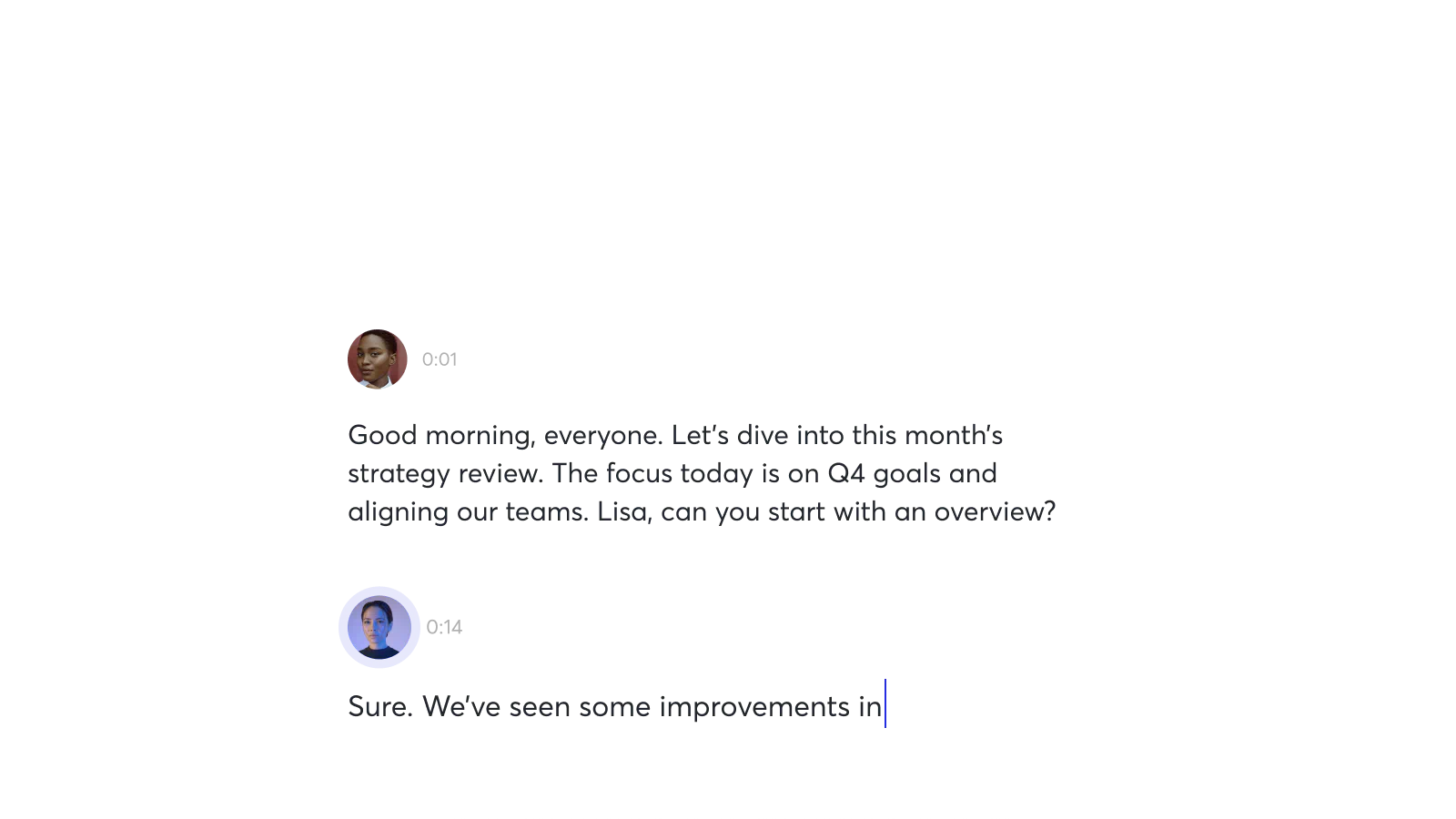
Otter is one of the oldest names in AI transcription, and it still leans on live transcription: you watch the words appear as people speak. Its assistant joins Zoom, MS Teams, and Google Meet to write and share notes automatically, and it now offers AI chat within and across meetings plus an MCP server for connecting other AI tools.
Plan limits are where Otter differs most from Fathom:
- Basic (free): 300 transcription minutes a month, 30 minutes per conversation, and only your 25 most recent conversations kept
- Pro plan: $16.99 per user billed monthly, or $8.33 a month billed annually, with 1,200 minutes and up to 90 minutes per meeting
- Business: $30 per user billed monthly, or $19.99 a month billed annually, with unlimited meetings, up to 4 hours per meeting, and three concurrent meetings
- Enterprise: Custom pricing with SSO, HIPAA as an add-on, and an API
All of these figures appear on Otter's pricing table, which also lists transcription in English, Spanish, French, German, Japanese, and Chinese.
The live view is the reason to pick Otter. If you're a student in a lecture, a journalist on an interview, or someone who joins calls in a second language, reading the transcript in real time helps more than a summary afterward. The iOS and Android apps make it handy for in-person conversations as well.
The free plan is tight, though. A 30-minute cap per conversation cuts off most real meetings, and keeping only 25 conversations means your archive disappears quickly. Pro's annual price is low, but the monthly price is roughly double, so choose your billing period with care. Check that your working languages are on Otter's short list before paying.
3. Fireflies.ai
Best for: Teams that want a searchable meeting archive and conversation analytics across many tools.
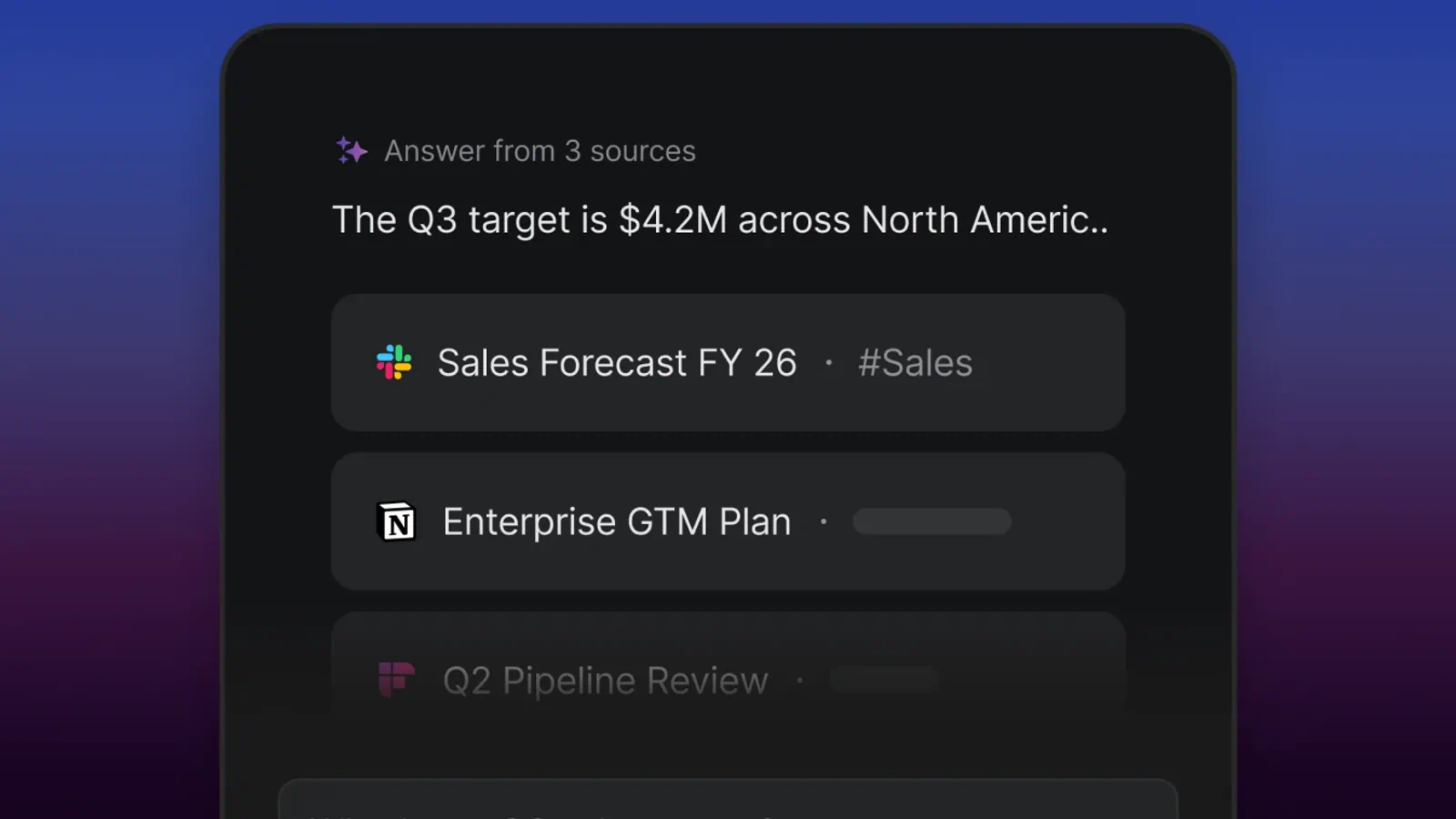
Fireflies started as a bot that joins your calls and has grown into a broad meeting workspace. Its free plan offers unlimited transcription in 100+ languages, live notes, an AI assistant called AskFred, and desktop and mobile apps. It also lets you record with its Chrome extension without the Fireflies bot joining.
The free tier has limits that show up fast:
- Free: Limited AI summaries, 400 minutes of storage per team, 20 AI credits, and a 2-hour recording limit
- Pro plan: $18 per seat monthly, or $10 a month billed annually, with unlimited summaries, 8,000 minutes of storage per seat, video recording, and downloads
- Business: $29 per seat monthly, or $19 billed annually, adding unlimited storage, conversation intelligence, and team analytics
- Enterprise: $39 per seat, annual only, with SSO, audit logs, and HIPAA readiness under a BAA
Fireflies lists every one of these limits on its plan comparison page, so you can check the per-seat math before you invite your team.
Its strongest case is a growing team that wants every call searchable in one place. The Business plan adds sentiment analysis, speaker talk-time analytics, and topic trackers, which helps a sales or customer success lead spot patterns across dozens of calls. The language count is also the widest on this list, which helps distributed teams.
The trade-off is storage on the free plan. Four hundred minutes per team is about seven hour-long meetings before you hit the ceiling, so free use is really a trial. The feature list is long enough that a solo user may pay for analytics they never open. Before you upgrade, confirm how AI credits get used on your plan, since they cap some assistant features.
4. Granola
Best for: People in back-to-back meetings who want notes without any bot in the call.
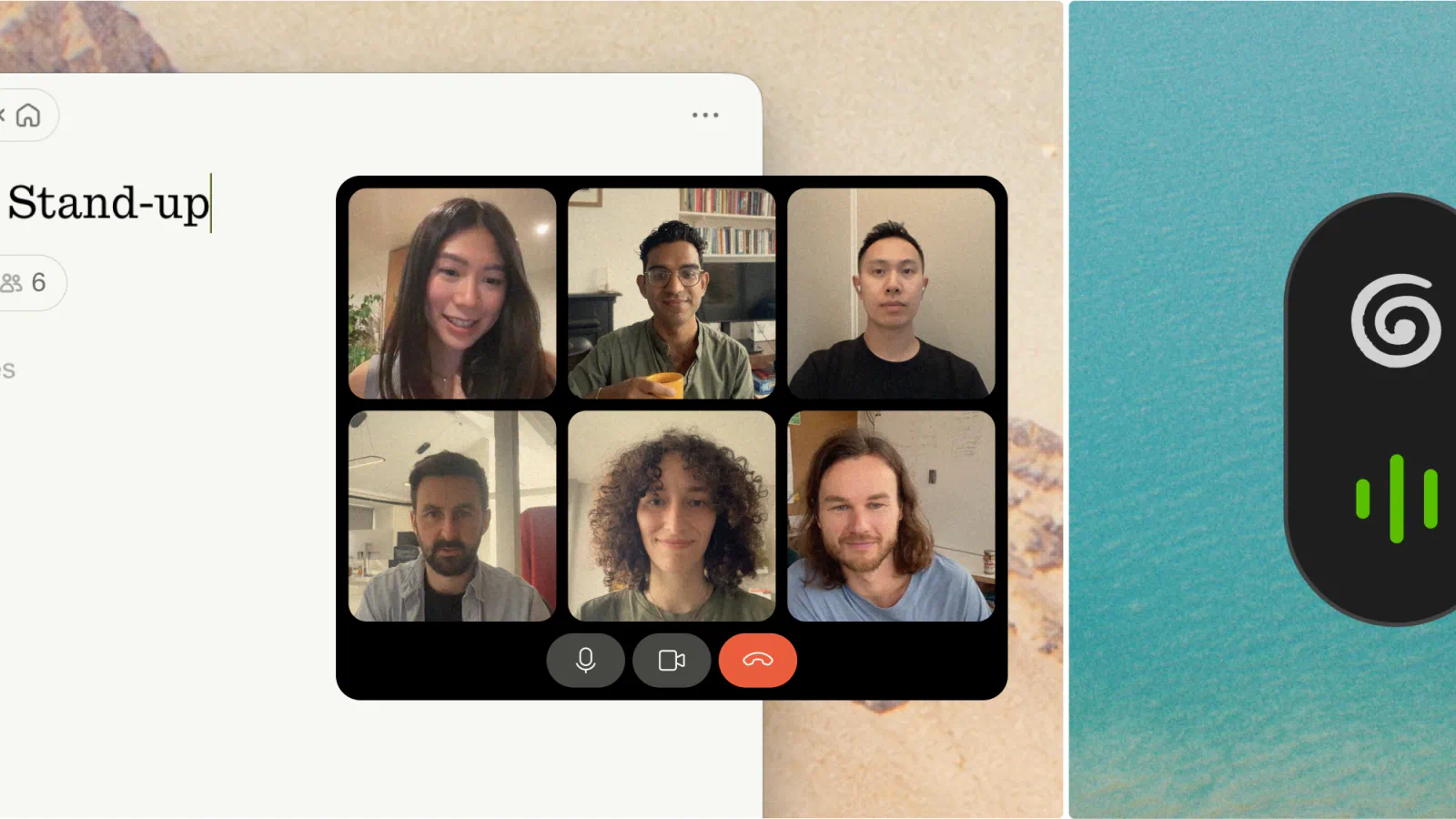
Granola works like a notepad. You jot rough notes during the call, and it fills them out afterward from the audio. Every plan uses bot-free, device-audio capture, so nothing joins your meeting, and Granola's plan table lists apps for desktop, iOS, Android, and Apple Watch.
Plans are simple:
- Basic (free): AI meeting notes, AI chat across meetings, shared folders, custom templates, and 30 days of meeting history
- Business: $14 per user per month for unlimited history, advanced AI models, Notion, HubSpot, Attio, and Zapier integrations, pre-meeting briefs, and follow-up emails
- Enterprise: $35 per user per month for SSO, SCIM, HIPAA-compliant workspaces, and org-wide auto-deletion
The prices and limits come from Granola's pricing page, which notes that audio is deleted after transcription on every plan.
The bot-free design is the main draw. Founders, investors, and managers who hop between calls with outside people often don't want a recorder announcing itself, and Granola's notepad approach keeps your own judgment in the notes. It also works across any meeting app, because it listens to your device rather than plugging into Zoom or Teams.
There are privacy points to weigh. Granola says it trains on anonymized user data unless each person opts out in settings, and only Enterprise turns training off by default. Without a bot, the other people in the call may not know they're being transcribed, so you'll need to tell them yourself. The free plan's 30-day history also means older notes drop away unless you upgrade.
5. Bluedot
Best for: Small teams that want bot-free recording and pay only for the people who actually record.
Bluedot is another bot-free option, and it covers more meeting types than most. It captures Meet, Zoom, Teams, and Slack calls on Mac or Windows, plus in-person meetings and phone calls through its mobile and Apple Watch apps. The company also says customer data is never used to train AI models.
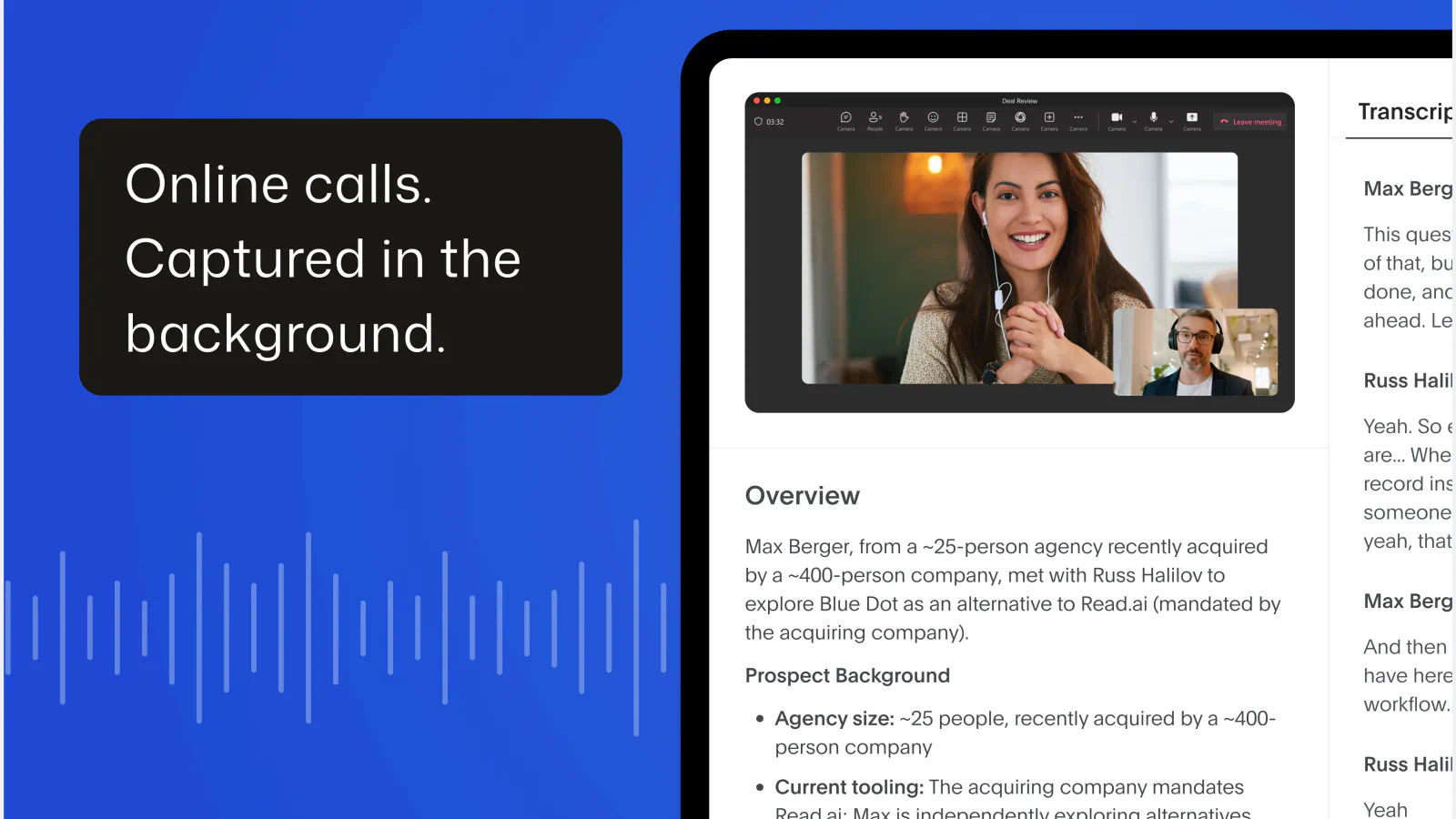
Image: bluedothq.com.
Its pricing model stands out:
- Free: Five meetings for the lifetime of the account
- Basic: $18 per user monthly, or $14 billed annually, for unlimited audio-only meetings capped at 1 hour each
- Pro plan: $25 per user monthly, or $20 billed annually, adding video, unlimited recording length, and custom note templates
- Business: $39 per user monthly, or $32 billed annually, adding CRM and ATS integrations, SSO, and custom data retention
Bluedot's pricing FAQ adds that it charges only for users who record meetings, so teammates who just read notes don't need a seat.
That billing rule can save real money. A five-person team where two people run client calls pays for two seats, while the rest read and search the notes for free. Recruiters get a dedicated angle too, since Business syncs with applicant tracking systems.
The free plan is the weakest here. Five meetings in total is a short demo, not a free tier. Basic's 1-hour cap and audio-only recording will frustrate anyone who runs longer workshops. The cancellation terms deserve a look as well: if you cancel, you lose access to recordings and have one month to restore before they're deleted, so export anything you need first.
6. tl;dv
Best for: EU-based teams and anyone who wants unlimited free video recordings with a modest AI allowance.
tl;dv records the video of your calls, not only audio, even on its free plan. The free tier includes unlimited video recordings and transcription in 100+ languages, with AI notes for 10 meetings and 10 Ask AI questions included. Data is hosted and stored in the EU, and the company lists GDPR and SOC 2 compliance.
How the plans compare:
- Free: Unlimited recordings and transcripts, AI notes on 10 meetings, and 10 Ask AI queries
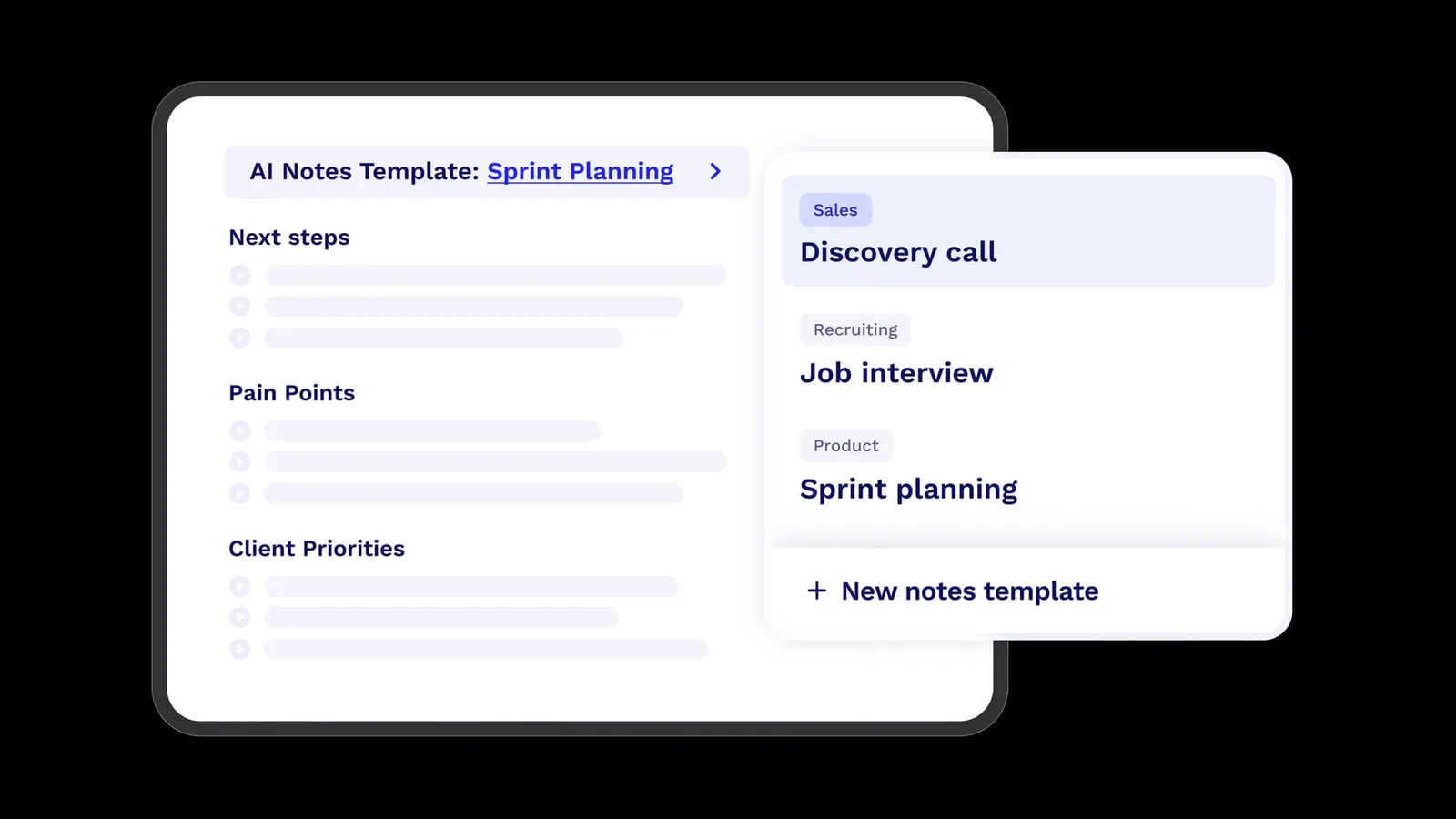
- Pro plan: $18 per seat a month, billed annually, for unlimited AI notes, custom note templates, an email follow-up drafter, 5,000+ integrations, and a custom bot appearance
- Business: $29 per seat a month, billed annually, adding custom vocabulary, multi-meeting insights, and scheduled AI reports
- Enterprise: Custom pricing with SSO, SCIM, and privately hosted AI
These figures come from tl;dv's pricing page, which says annual billing saves up to 40% compared with paying monthly.
Product, design, and research teams get the most from it. Video replay helps when you need to see a screen share or a user's reaction again, and the template system shapes notes for standups, user interviews, or sales calls. EU hosting also makes procurement easier for European companies with strict data rules.
The weak spot is cost. At $18 a seat on annual billing, Pro costs more than Fireflies Pro or Otter Pro on the same terms, and the monthly price is higher still. It joins calls as a bot, so it won't suit people who want invisible capture. Ten AI-noted meetings go fast for anyone with a busy calendar, so test it during a typical week before deciding.
7. Read AI
Best for: Professionals who want meeting notes plus search across their email and messages.
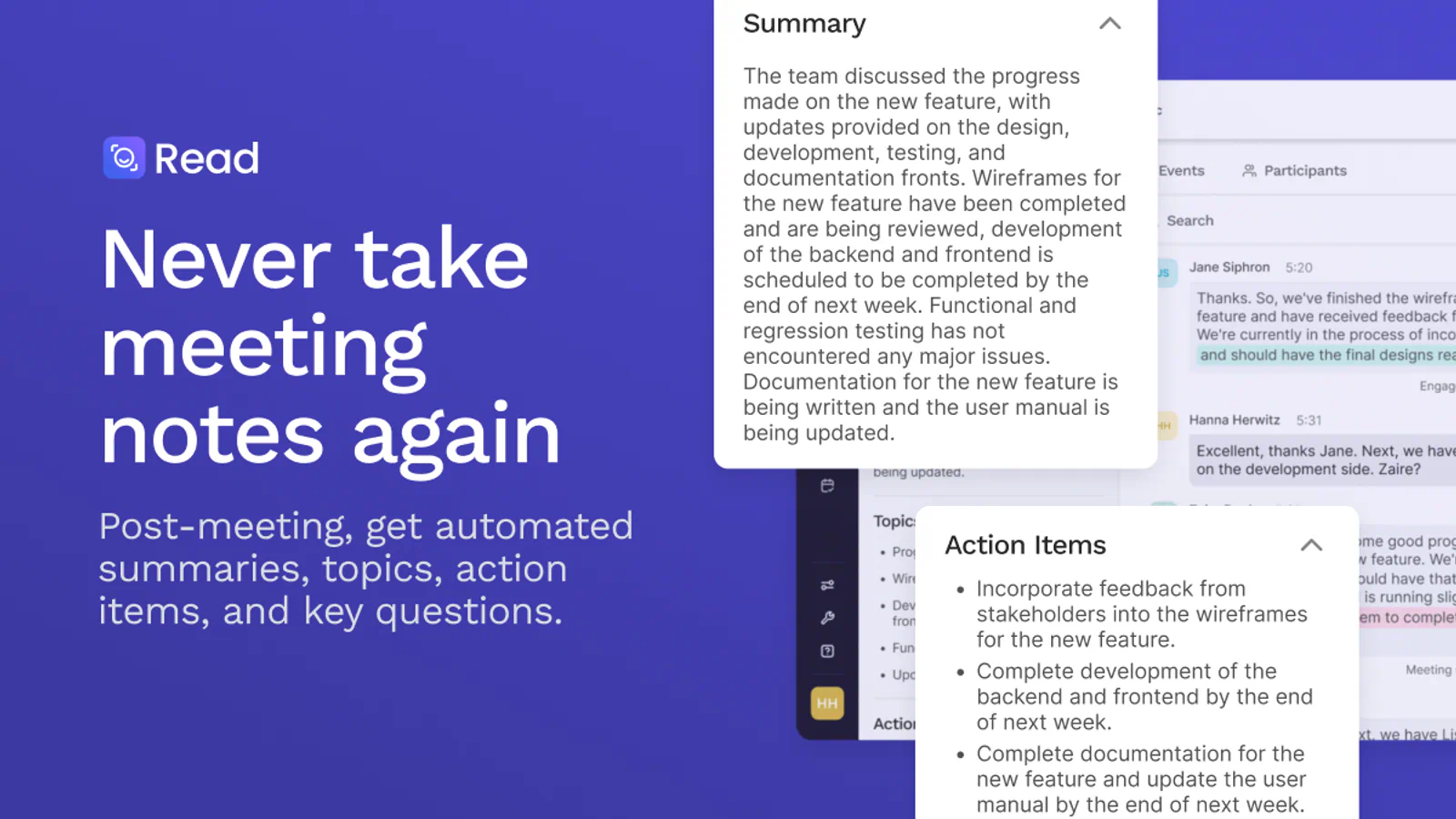
Read AI goes beyond the meeting. The free plan includes five meeting transcripts a month, unlimited enterprise search, and summaries for meetings, email, and messaging, along with a personal meeting coach. Its assistant joins Zoom, Teams, or Meet to take notes, and reports come in 16+ languages.
Plans step up by meeting length and playback:
- Free: Five transcripts a month and meetings up to 1 hour
- Pro plan: $19.75 per user monthly, or $15 billed annually, for unlimited transcripts, meetings up to 4 hours, and premium integrations such as Notion, Salesforce, HubSpot, and Jira
- Enterprise: $29.75 per user monthly, or $22.50 billed annually, adding audio and video playback and video highlights
- Enterprise+: $39.75 per user monthly, or $29.75 billed annually, with a five-license minimum, HIPAA compliance, and EU and Canada hosting
All prices and limits come from Read AI's plans page, where the annual toggle shows the 25% discount.
Its coaching angle is unusual. The meeting coach reports talking speed, filler words, and other speaking habits, which suits managers, trainers, and anyone working on how they come across in calls. Search across meetings, email, and chat also helps when you remember a decision but not where it was made.
Watch the plan names. Video playback isn't in Pro; you need the tier Read calls Enterprise, which can surprise solo buyers. Five free meetings a month is a trial for most people. Some participants find the engagement and sentiment metrics intrusive, so tell your team before you turn them on.
How to choose the right AI note taker for meetings?
The best AI note taker for meetings is the one whose capture style suits your calls and whose free or entry plan covers your actual meeting volume. Settle those two questions first, then compare prices.
What to look for in an AI note taker
- Capture method: A bot that joins the call is visible to everyone, which is clearer for consent but awkward with clients. Bot-free tools record from your device, so you have to tell participants yourself.
- Free-plan ceiling: Limits come in minutes, meeting counts, storage, or history. Pick the wrong kind and the free plan ends in your first busy week.
- Meeting-length cap: Caps range from 30 minutes to unlimited. A cap shorter than your usual meeting cuts off the decisions at the end.
- Billing period: Annual prices on these pages run up to half the monthly rate. Comparing one tool's annual price with another's monthly price will mislead you.
- Integrations and compliance: CRM sync, HIPAA, SSO, and EU hosting usually sit on the higher tiers. Check the tier as well as the product.
Comparing AI note takers at a glance
| Tool | Capture | Free plan | Paid from (annual) |
|---|---|---|---|
| Fathom | Bot or bot-free (Mac beta) | Unlimited recordings | $15/user, Team |
| Otter | Bot plus live app | 300 min/month, 30 min cap | $8.33/user |
| Fireflies.ai | Bot or Chrome extension | 400 min storage per team | $10/seat |
| Granola | Bot-free | 30 days of history | $14/user |
| Bluedot | Bot-free | 5 meetings, lifetime | $14/user |
| tl;dv | Bot | Unlimited recordings, 10 AI notes | $18/seat |
| Read AI | Bot | 5 meetings/month, 1 hour cap | $15/user |
Key differences
- Bot-free by design: Granola and Bluedot never put a bot in your call. Fathom offers it as a Mac beta, and Fireflies through its Chrome extension.
- Free-plan depth: Fathom and tl;dv let you record without a cap; Bluedot and Read AI give you a handful of meetings.
- Seat rules: Bluedot bills only people who record, while Fathom's team plans need at least two users.
- Extras beyond notes: Fireflies leans on analytics, Read AI on coaching and email search, and tl;dv on video and templates.
What it costs in practice
Take a three-person team on annual billing where everyone records calls. Fathom Team comes to $45 a month at $15 per user, Fireflies Pro to $30 at $10 per seat, and Granola Business to $42 at $14 per user. That's a $15 monthly spread between the cheapest and priciest of the three.
Change the setup so only one of the three records, and Bluedot Pro drops to $20 a month, since it charges only users who record. For a solo user on monthly billing, Otter Pro costs $16.99 while Read AI Pro costs $19.75, so switching either one to annual billing saves you more than any plan change.
Which AI note taker should you choose?
- If you want the most free use, pick Fathom.
- If you read transcripts live or work in lectures and interviews, pick Otter.
- If your team wants analytics across many calls, pick Fireflies.ai.
- If you meet clients and don't want a bot in the room, pick Granola or Bluedot.
- If you need video replay and EU hosting, pick tl;dv.
- If you want speaking feedback and search across email, pick Read AI.
Skip the category if your company forbids recording calls, or if the people you meet won't agree to it. No feature list fixes a consent problem.
Final thoughts
The best AI note taker for meetings comes down to capture style before features. Bot-free tools like Granola and Bluedot suit client-facing work, and bot-based tools like Fireflies, tl;dv, and Read AI suit internal teams that want shared archives and analytics. Free plans vary more than prices do, so check whether your plan limits minutes, meetings, or history before you rely on it.
My pick is Fathom for most individuals, because unlimited free recordings with instant summaries cover what most people need, and the bot-free option gives you somewhere to go once it leaves beta. For a team that meets outside clients all day, I'd start with Granola, since nothing joins the call and the Business plan stays at $14 a seat for a small team.
What do you think of this list? Is there a note taker you rely on that deserves a spot here, or one you've dropped for a good reason?
What do you think of this list? Share your thoughts in the comments.
Frequently Asked Questions
5 questions
1Is there a free AI note taker for meetings?
Yes, several. Fathom's free plan includes unlimited recordings and summaries, and tl;dv records unlimited video for free with AI notes on 10 meetings. Otter, Fireflies, Granola, Read AI, and Bluedot have free tiers too, but with tighter limits.
2Can an AI note taker record without joining the call as a bot?
Yes. Granola and Bluedot capture audio from your device on every plan, Fathom offers bot-free capture as a Mac beta, and Fireflies can record through its Chrome extension. You still need to tell other participants they're being recorded.
3Do AI note takers work with Microsoft Teams?
Yes, all seven list support for Microsoft Teams alongside Zoom and Google Meet. Bot-based tools join the Teams call directly, while bot-free tools record the audio on your computer.
4Are AI note takers HIPAA compliant?
Some are, on specific plans. Fathom includes HIPAA compliance with a standard BAA on its Team plan, Fireflies on Enterprise, Granola on Enterprise, and Read AI on Enterprise+, while Otter sells it as an Enterprise add-on.
5What's new in AI meeting notes this month?
ElevenLabs entered the category in November 2026 with ElevenAI, an experimental app that combines meeting notes, dictation, and agent integration, but it's still in preview behind an early-access sign-up. It isn't on this list because you can't download it or see its pricing yet.
Sources (9)
- 01fathom.aiunlimited recordings and transcriptions (opens in a new tab)
- 02otter.aijoins Zoom, MS Teams, and Google Meet (opens in a new tab)
- 03fireflies.aiunlimited transcription in 100+ languages (opens in a new tab)
- 04granola.aiGranola's plan table (opens in a new tab)
- 05bluedothq.comin-person meetings and phone calls (opens in a new tab)
- 06bluedothq.compricing (opens in a new tab)
- 07tldv.iounlimited video recordings and transcription in 100+ languages (opens in a new tab)
- 08read.aifive meeting transcripts a month (opens in a new tab)
- 09techcrunch.comexperimental app that combines meeting notes, dictation, and agent integration (opens in a new tab)


