
Searching for the best AI tools usually lands you on a list of 70 apps, half of which do the same thing. Most people only need a handful: one to chat with, one to write, one to research, and a few for the jobs that eat your week, like meeting notes, slides, or a quick product video.
This list takes a different route. It picks one tool per everyday job and tells you what the free plan really covers and what the first paid plan costs. We compared each tool's official pricing page, plan comparison, and product documentation as of November 28, 2026.
It's written for people new to AI tools and for professionals who want a short, sensible starter kit. The order follows a typical workday, so it isn't a ranking. By the end, you'll know which tool fits each job, which free plans are good enough to keep, and roughly what a paid setup would cost you each month.
1. ChatGPT
Best for: Everyday questions, brainstorming, and quick help with almost anything.
ChatGPT is OpenAI's general-purpose assistant, and it's still the easiest first AI tool to pick up. The free plan now includes unlimited text chats with GPT-6, subject to OpenAI's abuse guardrails, plus limited uploads, image creation, voice chats, and deep research. That's a lot of tool for nothing, and it's why most people start here.
What you get at each level:
- Free: Unlimited text chats, with limited image creation, voice, and memory
- Go: More messages, uploads, images, and voice chats, though the plan may include ads
- Plus: $20 a month, billed monthly, with GPT-6.2 reasoning models, projects, scheduled tasks, and custom GPTs
- Pro plan: From $100 a month, with a choice of three usage tiers and Dot, OpenAI's always-on agent
The jump from Free to Plus is bigger than it looks. Free users get a 27K context window for GPT Instant, while Plus doubles that to 54K, so Plus can keep a much longer document or chat thread in view at once. Plus also adds projects (folders that remember files and instructions) and scheduled tasks, which turn ChatGPT into something closer to a daily assistant.
The catch is that ChatGPT tries to do everything, and its plan page lists more than a dozen models across tiers. If you only want quick answers, that menu is noise. It's also less careful with sources than a dedicated research tool like Perplexity, so check facts before you paste them into anything important. Before paying, use the free plan for a week and see whether you actually hit the limits.
2. Claude
Best for: Long writing, editing, and working through documents.
Claude is Anthropic's assistant, and it's the one many writers reach for when the draft is long or the tone has to be right. The free plan lets you chat on web, desktop, and mobile, search the web, create files, and run code. It also includes memory across conversations and Artifacts, the side panel where Claude builds documents, slides, and small apps you can edit.
Paid plans scale by how much you use it:
- Free: Limited usage that resets every 5 hours and every week
- Pro plan: $20 if billed monthly, or $17 a month billed annually ($200 up front), with Projects, Claude Code, and Claude in Chrome and Microsoft 365
- Max: $100 a month for five times Pro usage and priority access at busy times
Where Claude earns its spot is long, careful work. Projects let you load a style guide, past articles, or a contract once, and every chat in that project uses them. The Microsoft 365 connection on Pro means you can work on a Word document or a spreadsheet without copying text back and forth. For a marketer rewriting a 3,000-word guide, or a manager turning meeting notes into a policy draft, that's the whole job.
The usage limits are the trade-off. Anthropic meters Claude by a rolling 5-hour window plus a weekly cap, so a heavy afternoon on the free plan can lock you out until the window resets. Claude also has no built-in image generator, so you'll still need a separate tool for pictures. If you write daily, the annual Pro plan is the cheapest way to stop worrying about the cap.
3. Perplexity
Best for: Research questions where you want sources you can click.
Perplexity is an AI search engine. You ask a question, and it writes an answer with citations in every answer, so you can open the pages it used. That one habit makes it the safest pick on this list for facts you plan to repeat to someone else.
The plans, per Perplexity's pricing page:
- Free: Search with cited answers, access to basic AI models, and limited daily usage
- Pro plan: $17 a month when billed annually, with deep research, top AI models, expanded Computer access, and 4,000 bonus credits
- Max: $167 a month when billed annually, with 10,000 monthly credits and maximum Computer usage
The paid plans add more than search. Pro unlocks deep research, which reads dozens of pages and writes a report, and a switch to choose between top AI models from different labs. It also lets Perplexity create polished documents and simple apps. For a student comparing studies, or a small business owner checking suppliers, deep research can save an afternoon of tab-hopping.
Perplexity is built to summarize sources, so it's a weaker fit for long creative drafts, where Claude or ChatGPT give you more room to shape tone. The Pro price is quoted as an annual rate, so check the monthly figure at checkout before you commit. And citations only help if you click them: the answer can still misread a source.
4. Gemini Notebook
Best for: Studying and making sense of your own files.
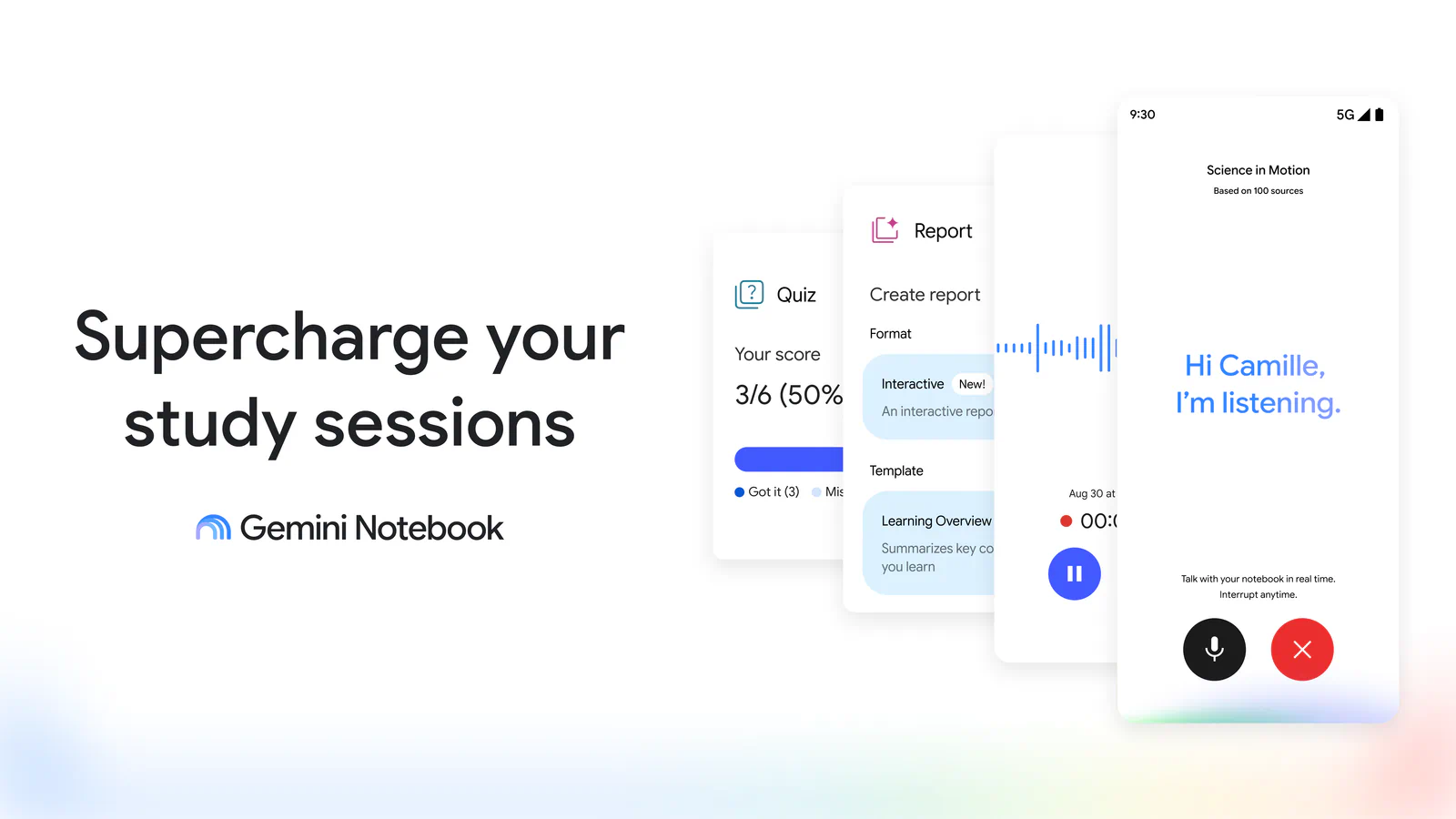
Gemini Notebook is the tool Google used to call NotebookLM. Google renamed NotebookLM to Gemini Notebook on July 16, 2026, and says more than 30 million people and over 600,000 organizations use it. You upload your own sources, such as PDFs, notes, or links, and it answers questions using only those.
What the free plan covers, from Google's help page:
- Notebooks: Up to 100 per user without a paid AI plan
- Sources: Up to 50 per notebook (Google AI Pro raises that to 300)
- Outputs: Reports, flashcards, infographics, slide decks, audio overviews, and video overviews
- Privacy: Your data isn't used to train Gemini Notebook unless you send feedback
The audio overview is the feature people talk about. It turns your sources into a podcast-style conversation you can play on a commute, and the video overview does the same with slides. Students use it to turn lecture notes into flashcards; consultants use it to brief themselves on a client's reports before a call. Google also gave every notebook a secure cloud computer that can run code for data analysis grounded in your sources.
The limit is the source list itself. Gemini Notebook is only as good as the files you give it, so it's the wrong tool for open-ended questions about the wider web. Upgrades come through Google AI Plus, Pro, and Ultra, and the help page lists the higher limits without listing prices, so check your Google One account for the current rate before upgrading.
5. Otter.ai
Best for: Meeting notes and transcripts without typing.
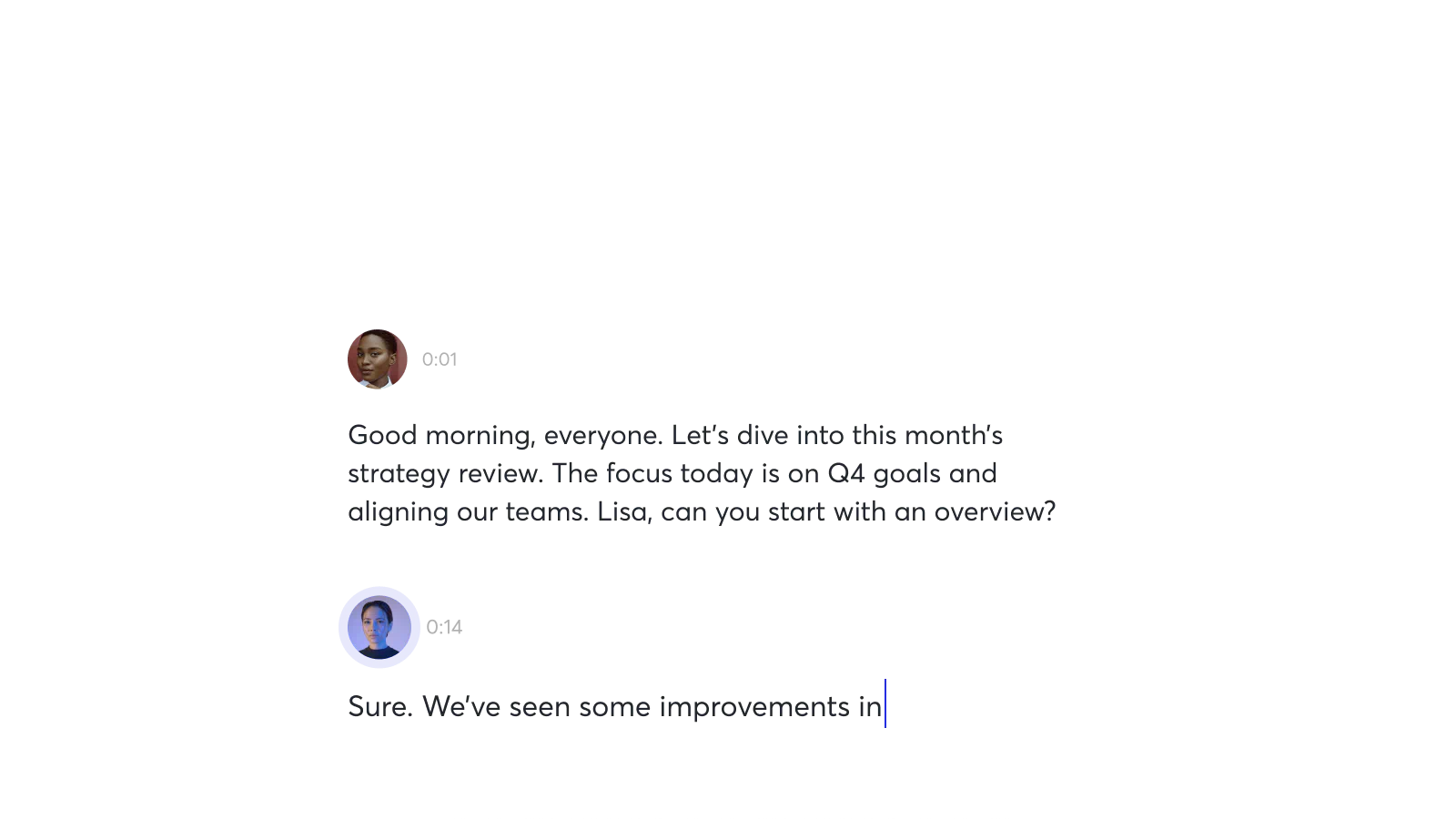
Otter joins your calls and writes everything down. The free Basic plan works with Zoom, Microsoft Teams, and Google Meet and includes live transcription, speaker identification, and AI chat inside and across your meetings. If you spend a big part of your week on calls, this is the tool that pays back fastest.
Here's how the plans compare:
- Basic: Free, with 300 monthly transcription minutes and three lifetime file imports
- Pro plan: $16.99 per user a month, or $8.33 a month billed annually, with 1,200 minutes and meetings up to 90 minutes
- Business: $19.99 per user a month billed annually, with unlimited meetings, up to 4 hours per meeting, and three concurrent meetings
The useful part comes after the call. You can ask Otter "what did we promise the client?" across all your meetings, and it searches every transcript at once. Pro adds integrations with Salesforce, HubSpot, and Zapier, so a sales rep's call notes can land in the CRM without retyping. Team vocabulary on Pro helps it spell product names and colleagues' names right.
Watch the meeting length. Pro caps each meeting at 90 minutes, so a long workshop gets cut off unless you're on Business. The 300 free minutes go quickly too: that's about five one-hour calls a month. And always tell people you're recording before a bot joins the call.
6. Beautiful.ai
Best for: Building clean slide decks fast.
Beautiful.ai is a presentation app that designs slides for you. Its plans include unlimited AI content generation and over 300 Smart Slide layouts, which rearrange themselves as you add text or images. If you've ever spent an hour nudging boxes in PowerPoint, that auto-layout is the reason to try it.
Pricing is simple, with no free plan:
- Trial: 14 days free to test it
- Pro plan: $14.50 a month billed annually, or $45 for a single month
- Team: $40 per user a month billed annually, or $50 billed monthly, for 2 to 20 seats
The Pro plan covers what most solo users need: AI image generation, an AI writing assistant, translation, and a custom theme builder for your brand colors, fonts, and logos. For a founder pitching investors next week, or a teacher who needs a polished deck for parents' night, the one-month option is a fair way to pay only when you need it.
The trade-off is control. Smart Slides keep things tidy by limiting how far you can move elements, which designers sometimes find restrictive. There's also no free tier to keep after the trial, unlike most tools here. ChatGPT and Claude can both draft slides now, so if you make one deck a year, try those first before paying for a dedicated app.
7. Krea
Best for: Making images with several top models in one place.
Krea is an AI image and video studio that puts many models behind one account. Its pricing page lists Krea 3, GPT Image 2.6, Nano Banana Pro, Kling 4.0, and Seedance 2.5 among the models you can use. For a beginner, that saves signing up to five different services to find the style you like.

The plans are measured in compute units:
- Free: 100 units a day, with access to selected models and features
- Basic: 5,000 units a month, which Krea says is about 200 Nano Banana 2.1 images or about 16 Seedance 2.5 videos
- Price: Basic lists at about $9 a month on monthly billing, with deeper discounts on annual plans
Krea's strength is trying models side by side. A small online shop can generate a product shot in one model, then rerun the same prompt in another to compare lighting and detail. The paid plans add model training, so you can teach Krea a consistent character or brand look, plus unlimited relaxed generations on higher tiers.
Units are the confusing part. A video costs far more than an image, so 5,000 units goes fast if you mix in clips. Krea is also running Black Friday pricing right now, so the discounts you see this week may not last. Before you buy, check the units each model costs on the pricing page and work out how many images you'd really make in a month.
8. Runway
Best for: Short AI video clips for social posts and ads.
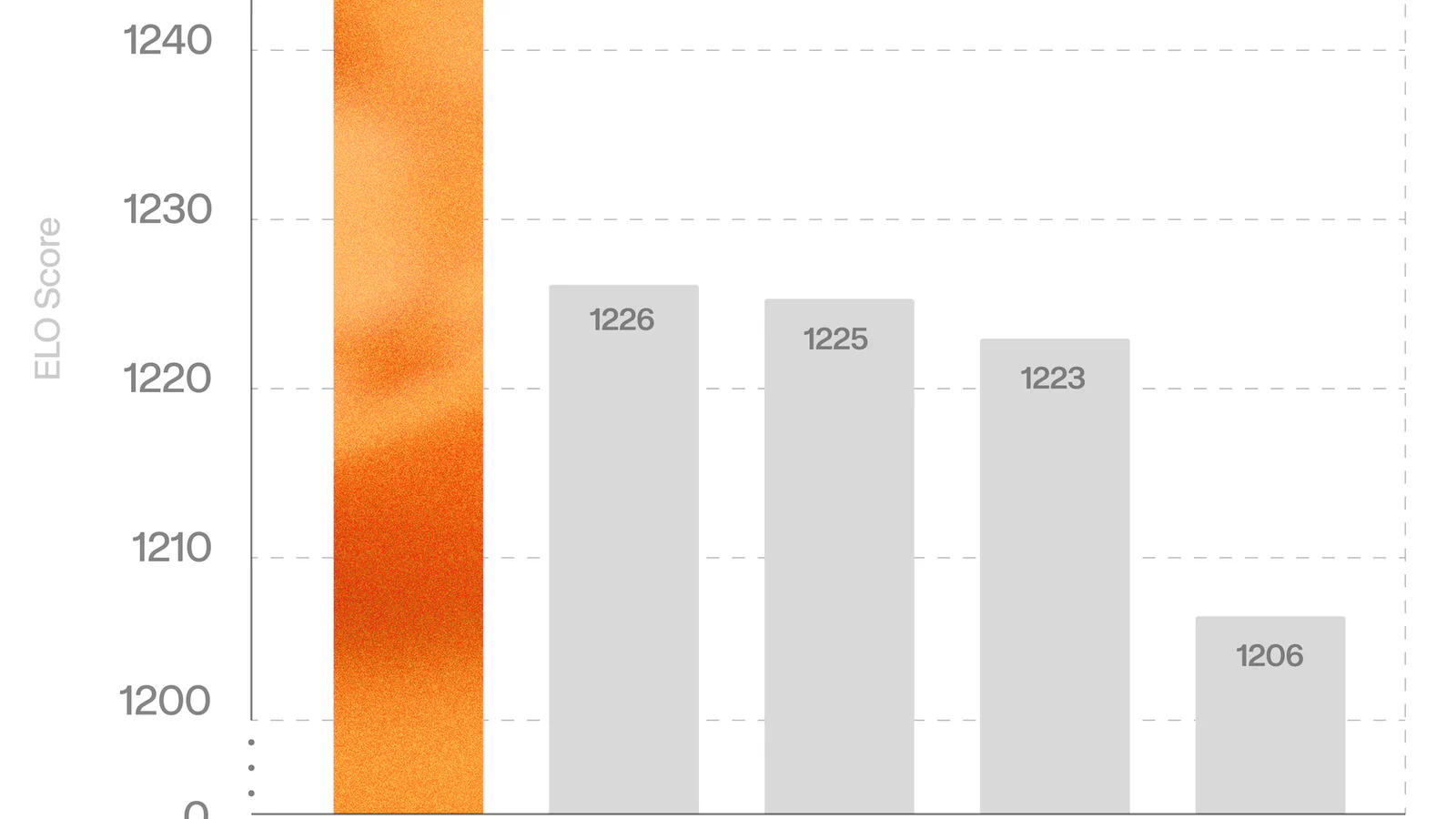
Runway is a video-first AI studio, and its Gen-4.5 model is the headline. Every paid plan gets access to all AI video and image models, including Gen-4.5 and Nano Banana Pro. You type a prompt or upload an image, and Runway turns it into a short clip you can edit, upscale, or extend.
What each plan buys, based on Runway's credit math:
- Free: 125 one-time credits to explore the tools
- Standard: $12 a month billed annually for 625 credits a month, about 52 seconds of Gen-4.5 video or 78 Gen-4 images at 1080p
- Pro plan: $28 a month billed annually for 2,250 credits, about 187 seconds of Gen-4.5
Paid plans remove watermarks and add 4K upscaling, music, voice, and sound effects. Runway's Ads tool lets you generate, test, and publish ads in one place, which is handy for a small brand that needs a few 10-second spots a week. The credit math is clear, too: you know how many seconds of video you're buying.
The free credits are a one-time sample, so you'll hit a wall quickly. Fifty-two seconds of Gen-4.5 a month on Standard is enough for a few short clips, and that's it; anything longer means Pro or cheaper models.
9. ElevenLabs
Best for: Natural-sounding voiceovers, narration, and dubbing.
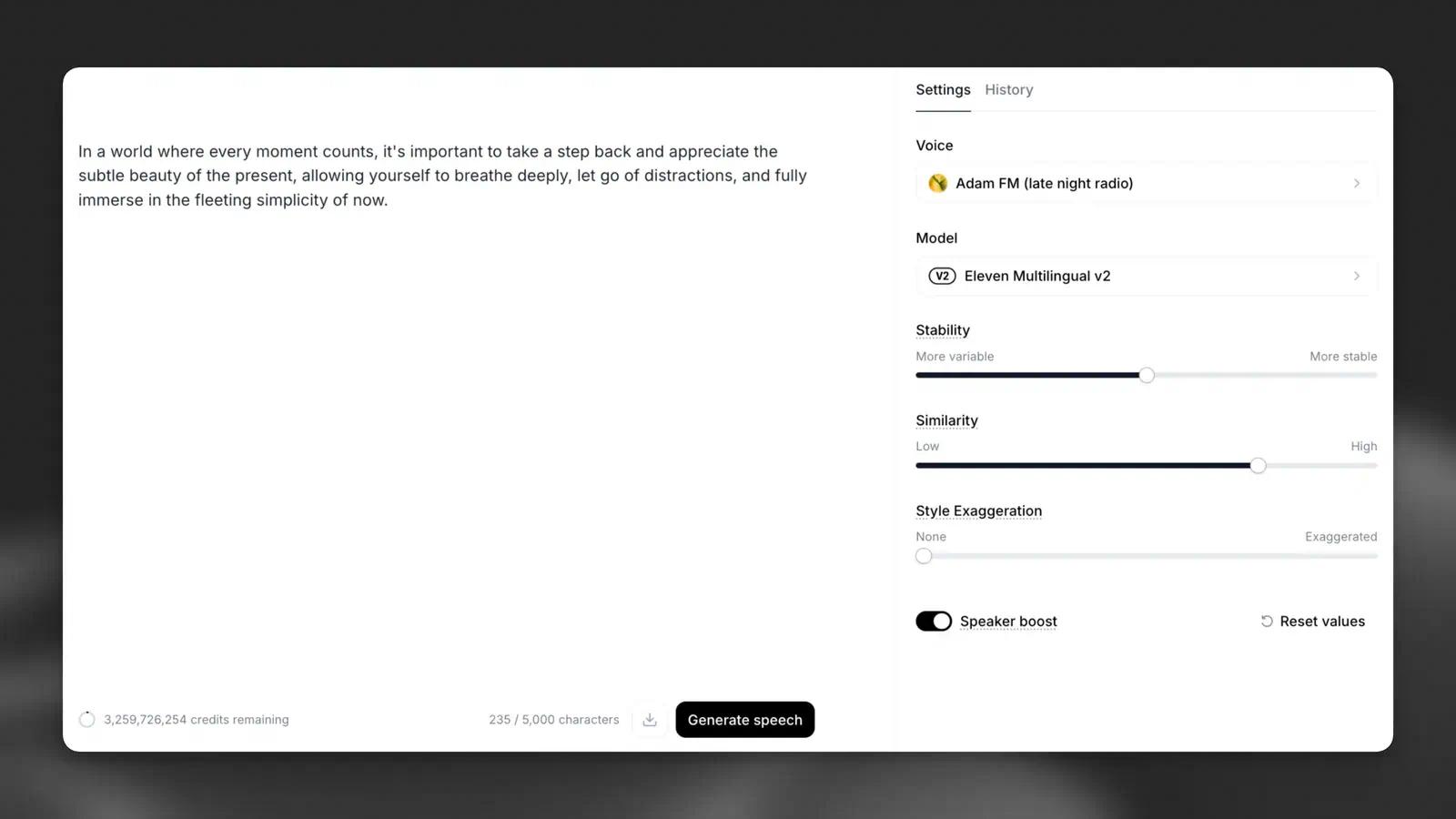
ElevenLabs turns text into speech that sounds close to a real person. The free plan includes text to speech, speech to text, sound effects, voice design, and music, with 10,000 credits a month. Its newest model, Eleven v4, is pitched by the company as its most emotive yet.
The regular plan prices, setting aside this week's Black Friday offers:
- Free: 10,000 credits a month and three Studio projects
- Starter: $6 a month, with a commercial license, instant voice cloning, Dubbing Studio, and 30,000 credits
- Creator: $22 a month, with professional voice cloning and 121,000 credits
- Pro plan: $99 a month, with 600,000 credits and higher-quality audio output via the API
The commercial license comes with Starter, so a YouTuber or course creator who earns from their audio should start at the $6 Starter plan and not the free tier. Instant voice cloning then lets you build a voice from a short sample, and Dubbing Studio translates a video into other languages while keeping the speaker's voice.
Voice cloning carries real responsibility. Only clone your own voice or one you have written permission to use. Credits also drain by character count, so a long audiobook can eat a month's allowance in an afternoon. Estimate your script length before you pick a plan.
10. GitHub Copilot
Best for: Writing and fixing code, even if you're just learning.
GitHub Copilot is an AI coding assistant that works inside the editors developers already use. It runs in VS Code, Visual Studio, Xcode, Neovim, Eclipse, and Zed, among others. It suggests code as you type, explains errors, and can take a task and work on it as an agent.
The plans start free, with no credit card needed:
- Free: 2,000 completions a month and access to Haiku 4.5, GPT-5 mini, and more
- Pro plan: $10 per user a month, with unlimited completions, Copilot in the cloud, code review, and third-party agents like Claude Code and Codex
- Pro+: $39 a month, with premium models including Opus and four times Pro's included usage
- Max: $100 a month for high-volume agent work
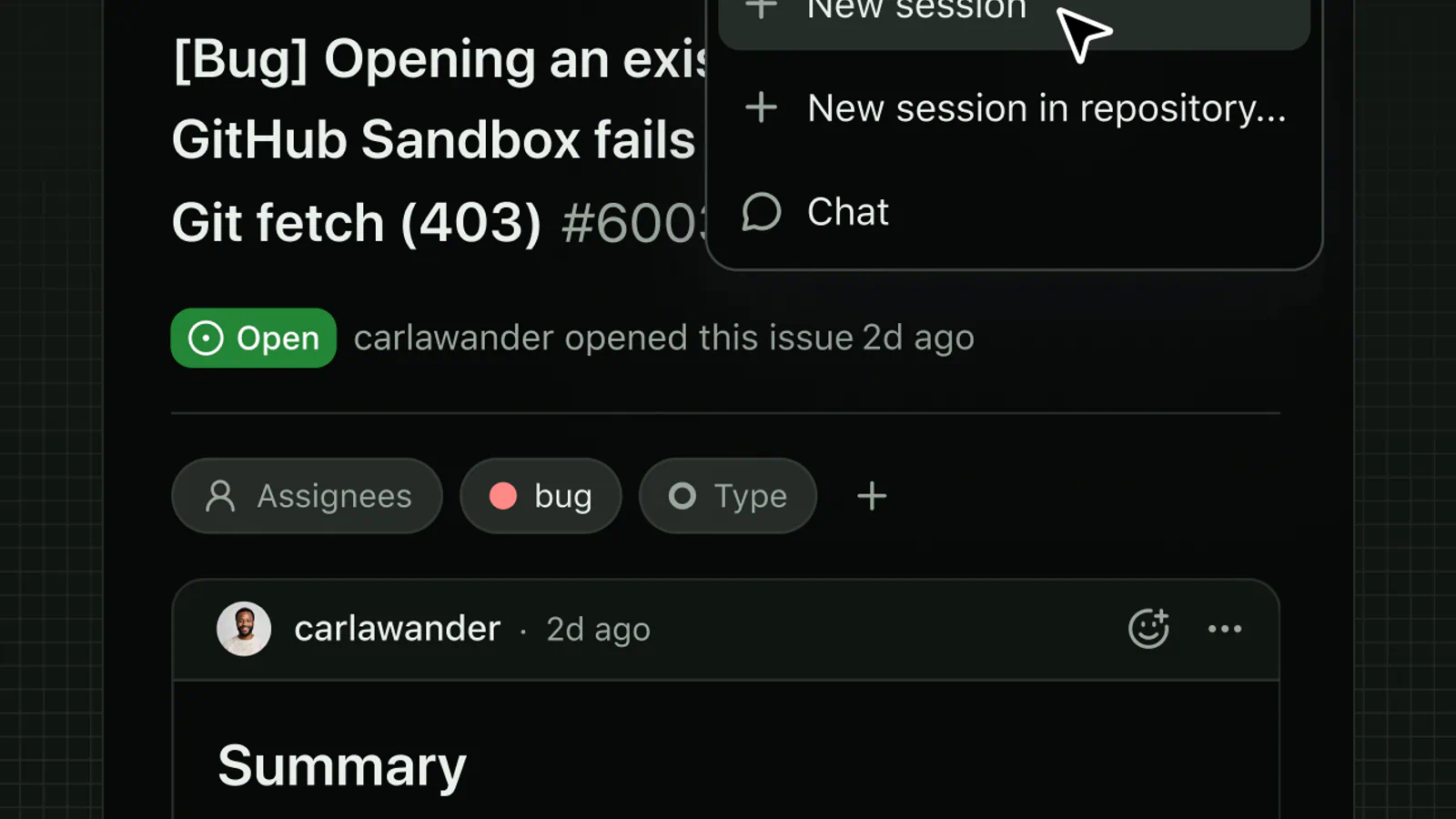
The free plan is generous for learners. Two thousand completions cover weeks of practice, and verified students can get a dedicated student plan. On Pro, you can hand Copilot a GitHub issue and let it open a pull request in the cloud, which is useful for a solo developer juggling a side project after work.
Copilot is the most technical tool here, and it won't teach you to code on its own. Accepting suggestions you don't understand is how bugs and security holes slip in. Paid plans also run on GitHub AI credits, so heavy agent use can push you toward Pro+ or Max. If you're curious about coding, start with the free plan and a beginner course.
How to choose the right AI tool?
The right AI tool is the one that handles a job you already do every week, so start with your calendar. Pick one or two jobs that cost you the most time, try the free plan for those, and only pay once you hit a limit you feel.
What to look for in an AI tool
- A free plan you'd keep: Nine of these ten have a free tier. If the free plan already covers your week, there's nothing to buy.
- How usage is measured: Some tools meter by messages, some by minutes, credits, or units. Ignore this and you'll pay for a plan that runs out mid-month.
- Monthly versus annual pricing: Several vendors quote annual rates first. Read the monthly figure before you compare: Claude Pro is $17 a month annually but $20 monthly.
- Commercial rights: Free plans for voice and media tools often bar paid use. Skip this check and you may have to redo a client project.
- Where your data goes: Check whether your files train the model. Gemini Notebook, for example, says your uploads aren't used for training unless you send feedback.
Comparing the tools at a glance
| Tool | Everyday job | Free plan | First paid plan |
|---|---|---|---|
| ChatGPT | Chat and brainstorming | Unlimited text chats | Plus, $20/month |
| Claude | Writing and documents | Limited usage | Pro, $20/month or $17/month annually |
| Perplexity | Research with sources | Limited daily usage | Pro, $17/month annually |
| Gemini Notebook | Studying your own files | 100 notebooks | Via Google AI plans |
| Otter.ai | Meeting notes | 300 minutes/month | Pro, $16.99/month |
| Beautiful.ai | Slide decks | 14-day trial | Pro, $14.50/month annually |
| Krea | Images | 100 units/day | Basic, about $9/month |
| Runway | Short videos | 125 one-time credits | Standard, $12/month annually |
| ElevenLabs | Voiceovers | 10,000 credits/month | Starter, $6/month |
| GitHub Copilot | Coding | 2,000 completions/month | Pro, $10/month |
Key differences
- General versus specialist: ChatGPT and Claude can attempt almost any task; the other eight do one job better than a chatbot would.
- Answers from the web versus your files: Perplexity searches the open web, while Gemini Notebook answers only from what you upload.
- Text versus media: Krea, Runway, and ElevenLabs make images, video, and audio, and all three bill by credits or units that shrink faster with longer outputs.
- Free tiers that last: ChatGPT, Gemini Notebook, Otter, and GitHub Copilot have free plans many people never outgrow; Runway's free credits are a one-time sample, and Beautiful.ai only offers a trial.
What it costs in practice
A light starter stack of free plans costs nothing: ChatGPT for daily questions, Gemini Notebook for study, Otter for up to 300 meeting minutes, and Copilot's free tier if you code.
A working professional who writes and meets a lot might pay for Claude Pro at $20 a month and Otter Pro at $16.99 a month. That's $36.99 a month on monthly billing, or about $25.33 if you take both annual rates ($17 plus $8.33).
A solo creator making short videos with voiceover could pair Runway Standard at $12 a month billed annually with ElevenLabs Starter at $6 a month. That's $18 a month for roughly 52 seconds of Gen-4.5 video and 30,000 voice credits.
Which AI tool should you choose?
- If you want one tool to start with, pick ChatGPT and use the free plan for a week.
- If you write long documents for work, pick Claude.
- If you need facts with sources, pick Perplexity.
- If you're a student or you study reports, pick Gemini Notebook.
- If your week is full of calls, pick Otter.ai.
- If you build decks often, pick Beautiful.ai; for one deck a year, use a chatbot.
- If you need images in different styles, pick Krea; for video, pick Runway; for narration, pick ElevenLabs.
- If you code or want to learn, pick GitHub Copilot.
- If you only use AI once a month, skip paid plans entirely: the free tiers above will cover you.
Final thoughts
The best AI tools in 2026 make a small kit, one tool per job, and most of that kit is free. A chatbot, a research tool, and a meeting note-taker will save most people hours a week before they spend a cent.
My pick for a first paid upgrade is Claude Pro, because writing is the job most of us do every day, and Projects keep your style guide and files close at hand. If research is your main job, I'd put the money toward Perplexity Pro at $17 a month annually instead.
What do you think of this list? Is there a tool you use every day that deserves a spot, or one here you'd swap out?
What do you think of this list? Share your thoughts in the comments.
Frequently Asked Questions
5 questions
1What is the best free AI tool?
ChatGPT has the most generous free plan for general use, with unlimited text chats on GPT-6 subject to abuse guardrails. For studying your own files, Gemini Notebook's free plan is also strong, with up to 100 notebooks and 50 sources each.
2Do I need to pay for AI tools?
No, most people can start for free. Nine of the ten tools here have a free plan, and you only need to pay once you hit a usage cap or need features like commercial rights or longer meetings.
3Which AI tool is best for beginners?
ChatGPT is the easiest place to start because you just type a question in plain English. Once you're comfortable, add one specialist tool for the job that takes most of your time, such as Otter for meetings.
4Is ChatGPT or Claude better for writing?
Claude suits long, careful writing thanks to Projects and its Microsoft 365 connection, while ChatGPT is the better all-rounder with built-in image creation. Both start paid plans at $20 a month (ChatGPT Plus and Claude Pro billed monthly), so try the free versions with the same draft and compare.
5Are AI tools safe to use with work files?
Yes, with care: check each tool's data policy and your employer's rules first. Gemini Notebook, for example, says uploads aren't used for training unless you give feedback, but policies differ by tool and plan.
Sources (12)
- 01chatgpt.comunlimited text chats with GPT-6 (opens in a new tab)
- 02help.openai.com$20 a month, billed monthly (opens in a new tab)
- 03claude.comchat on web, desktop, and mobile, search the web, create files, and run code (opens in a new tab)
- 04perplexity.aicitations in every answer (opens in a new tab)
- 05blog.googlerenamed NotebookLM to Gemini Notebook (opens in a new tab)
- 06support.google.comgemininotebook / answer / 16213268 (opens in a new tab)
- 07otter.aiZoom, Microsoft Teams, and Google Meet (opens in a new tab)
- 08beautiful.aiunlimited AI content generation and over 300 Smart Slide layouts (opens in a new tab)
- 09krea.aiKrea 3, GPT Image 2.6, Nano Banana Pro, Kling 4.0, and Seedance 2.5 (opens in a new tab)
- 10runway.comaccess to all AI video and image models (opens in a new tab)
- 11elevenlabs.iotext to speech, speech to text, sound effects, voice design, and music (opens in a new tab)
- 12github.comVS Code, Visual Studio, Xcode, Neovim, Eclipse, and Zed (opens in a new tab)


