Presentations and slide decks are still the default way businesses share information. From weekly syncs and sales reports to investor pitches, training materials, and client proposals, almost everything still runs on slides. They survive because they’re easy to scan, share, and present, but building them by hand eats a lot of time.
That’s why AI presentation APIs are worth a look in 2026. Instead of treating AI as a standalone slide generator, developers can now bake presentation generation directly into their own apps, dashboards, internal tools, CRM systems, and AI agents.
You send a prompt, document, or structured data to an API, and it returns a PowerPoint deck, usually as a native .pptx file, that your app can download, email, or store.
A handful of companies now offer this kind of API. The real question is which ones are worth building on. For this article, I’ll focus on three:
- Plus AI
- Presenton AI
- SlideSpeak
Each takes a different angle. Plus AI leans toward professional, on-brand PowerPoint generation. Presenton stands out because it’s open source and self-hostable. SlideSpeak is the most API-heavy of the three, with features built around document-to-presentation workflows, editing, translation, and automation.
Let’s get into the details of each platform.
1. Plus AI
I’ve talked a lot about Plus AI in my account because I love this platform. I use it for my own PPTs and it’s probably the strongest option if your goal is to build professional presentation generation into a serious business workflow.
The Plus AI PowerPoint API lets developers generate native PowerPoint files and embed AI presentation generation inside their own apps and workflows.
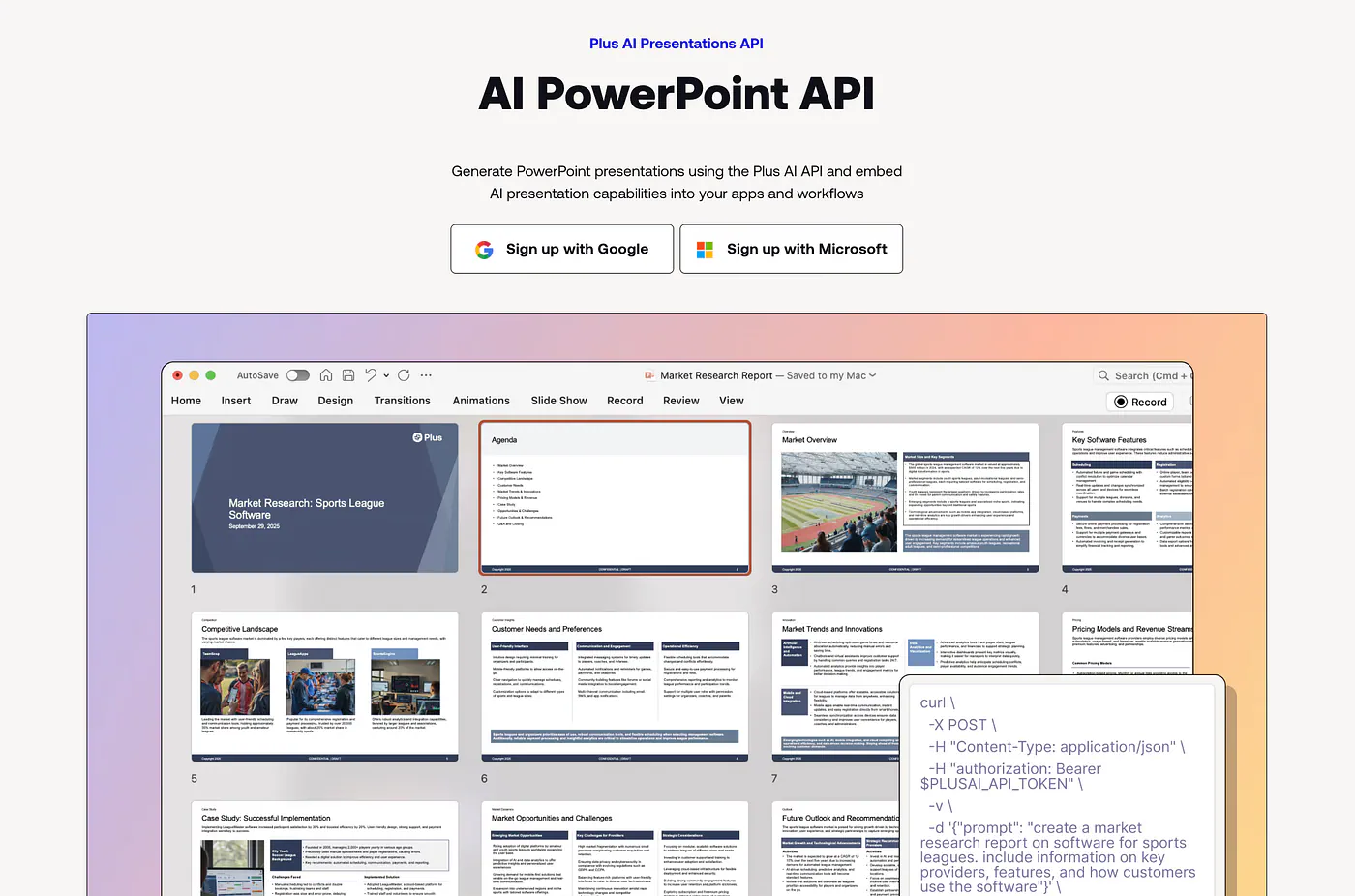
Plus AI PowerPoint API
It can create editable native PPTX files, support advanced slides with charts and images, and apply custom templates. That last part matters. Most business users want a deck that looks like it came from their own company, not a generic template.
Plenty of AI slide tools can produce a decent draft, but brand consistency is usually the part where these tools falls short. The slides look fine on their own, yet they often don’t match the company template, typography, or layout rules.
According to its PowerPoint API page, Plus AI also supports workflows across Zapier, n8n, Make, MCP servers, CRM and ERP integrations, Slack, and Teams.
How the Plus AI API works
The Plus AI Presentations API uses a simple asynchronous workflow: you create a presentation, then poll its status until the deck is ready.
Here’s a simple example using curl:
curl \
  -X POST \
  -H "Content-Type: application/json" \
  -H "authorization: Bearer $PLUSAI_API_TOKEN" \
  -d '{"prompt": "Create a presentation about the future of AI agents in enterprise software"}' \
  https://api.plusdocs.com/r/v0/presentation
The response returns a status showing the presentation is processing, along with a URL you can check later. Then you poll the presentation endpoint:
curl \
  -X GET \
  -H "Content-Type: application/json" \
  -H "authorization: Bearer $PLUSAI_API_TOKEN" \
  https://api.plusdocs.com/r/v0/presentation/YOUR_PRESENTATION_ID
Once the deck is ready, the API returns a “generated” status and a download URL. The asynchronous design makes sense, since generating a full deck takes longer than returning a text response.
For production apps it’s also easier to work with: you can spin up a background job, show a loading state, and notify users when the file is ready.
Things to keep in mind
Plus AI isn’t the most open-ended option if you want full control over the presentation engine. It’s a hosted API, so you’re relying on their infrastructure, templates, and generation pipeline.
For most apps, that’s the point. You don’t want to rebuild a slide-rendering system from scratch when presentation generation is only one feature in your product.
If your app needs company templates, slide libraries, or advanced brand controls, you may have to work with Plus AI on a team or enterprise plan, which covers custom template conversion, custom assets, and reusing existing slides and brand systems.
If I were building a serious AI presentation app today, Plus AI is the first API I’d reach for, because it focuses on the part that usually breaks once you leave the demo: editable, branded, presentation-ready output.
2. Presenton AI
Presenton AI comes at the problem from a different direction.
Rather than being a hosted API alone, Presenton is an open-source AI presentation generator. It creates PowerPoint and PDF presentations from prompts or uploaded documents, and its source code is on GitHub. That alone makes it appealing to developers.
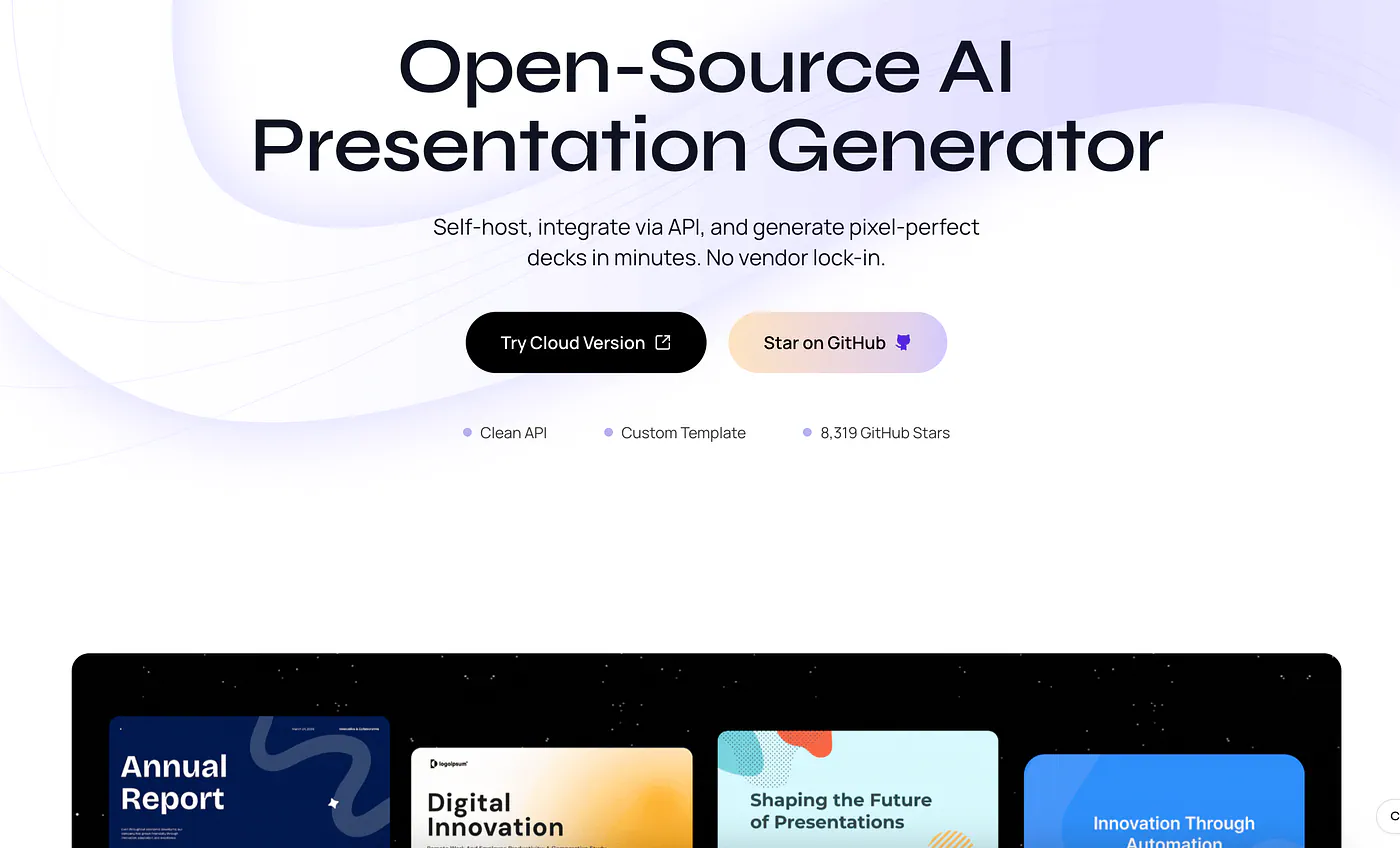
Presenton AI
You can run it yourself, read the code, plug in your own LLM provider, and control the whole environment, which is handy if you’re testing a workflow before committing to a commercial API.
Presenton’s GitHub page says you can run it two ways: Docker for a quick setup, or Electron for a native desktop app. LLM and image-provider API keys can be set inside the app when you use the desktop version.
Here’s the Docker command from the setup docs:
docker run -it --name presenton -p 5000:80 \
  -v "./app_data:/app_data" \
  ghcr.io/presenton/presenton:latest
After running it, open http://localhost:5000 and you can start generating presentations locally.
Why Presenton stands out
Presenton’s main draw is control. If you’re building a small prototype, you probably don’t want to apply for an enterprise plan or wait on custom API access. You just want to run something locally, fire off a request, generate a PPTX, and see how the output looks.
Recent GitHub descriptions list custom templates and themes built with HTML and Tailwind CSS, AI template generation from existing PowerPoint files, export to PPTX and PDF, and a built-in MCP server for generating presentations through the Model Context Protocol.
Beyond generating one-off decks, that gives developers a foundation they can customize.
Generation via API
Presenton exposes API endpoints for generating presentations. Here’s a sample request:
curl -X POST http://localhost:5000/api/v1/ppt/presentation/generate \
  -H "Content-Type: application/json" \
  -d '{
    "content": "Introduction to Machine Learning",
    "n_slides": 5,
    "language": "English",
    "template": "general",
    "export_as": "pptx"
  }'
The response includes a presentation ID, local file path, and edit path:
{
  "presentation_id": "d3000f96-096c-4768-b67b-e99aed029b57",
  "path": "/app_data/d3000f96-096c-4768-b67b-e99aed029b57/Introduction_to_Machine_Learning.pptx",
  "edit_path": "/presentation?id=d3000f96-096c-4768-b67b-e99aed029b57"
}
This works well for local workflows. You generate the deck, save the output, and let users keep editing inside the Presenton UI.
Where Presenton works best
Presenton works best for developers who want ownership and flexibility, whether that means self-hosting the entire workflow, controlling where data is processed, connecting your own LLM provider, or modifying the generation logic.
The tradeoff is more responsibility. You host it, maintain it, update it, manage model keys, and improve the output quality yourself. That’s fine if you want full control, but it’s probably too much overhead if all you need is a reliable production API.
I’d point builders, tinkerers, and teams who want an open-source foundation toward Presenton. It isn’t the easiest path to a polished commercial product, but it gives you freedom that hosted APIs usually don’t.
3. SlideSpeak
SlideSpeak is another strong option, especially if you want an API focused on presentation automation, document conversion, and programmatic editing.
Its API page says it can generate presentations from text or documents, edit slides programmatically, export to PowerPoint and PDF, and support custom templates and branding.
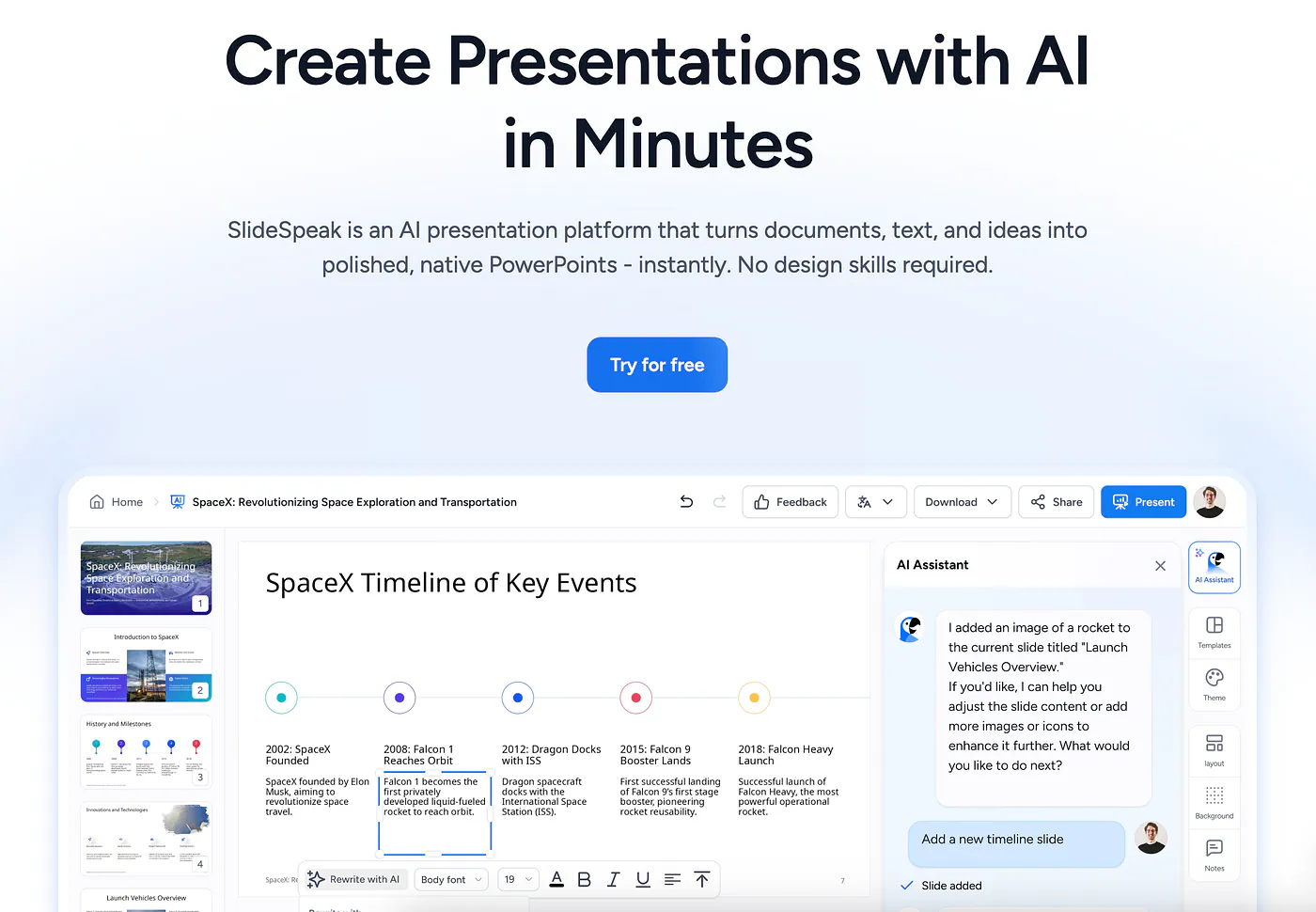
SlideSpeak AI
That makes it a fit for workflows where the source material already exists, like a PDF report, a Word document, a plain-text brief, or JSON data that needs to become a deck. It also leans into automation-heavy use cases: recurring reports, BI and CRM workflows, AI agents, and MCP-based workflows.