I have written a couple of posts about AI image models that are especially fine-tuned for anime images, and many readers, especially otakus and anime art fans, seem to enjoy this category a lot.
Today, PixAI is back with something new.
PixAI rolled out Mio.2, the second generation of its anime-focused image generation agent. The previous version was already pulling in beginners who did not want to write messy tag-soup prompts just to get a good anime image.
This new one is for people who want to generate a cute anime character in one shot. Mio.2 seems aimed more at creators who need a character to stay consistent across many generations. People who want a story broken into panels. People who want to change an outfit without the face suddenly turning into a different person.
You can access the new anime agent here.
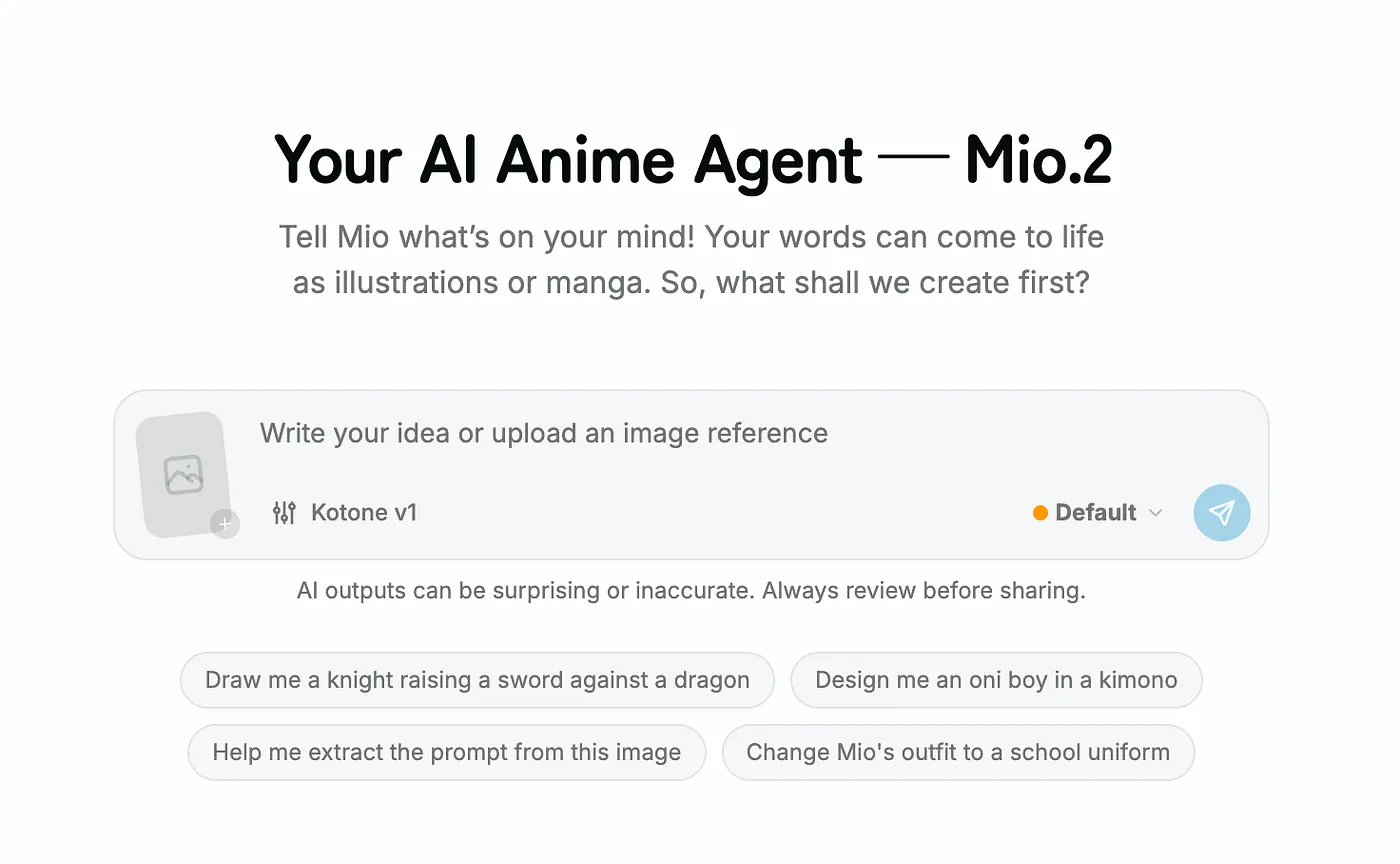
PixAI’s Mio.2 AI anime agent dashboard. Image by Jim Clyde Monge
In this post, I’ll break down the new features of Mio.2 and show sample images along with the full prompts so you can try them yourself.
Let’s get started.
What’s new in Mio 2
The biggest structural change is that Mio.2 separates the workflow into two distinct modes:
- Ideation
- Default
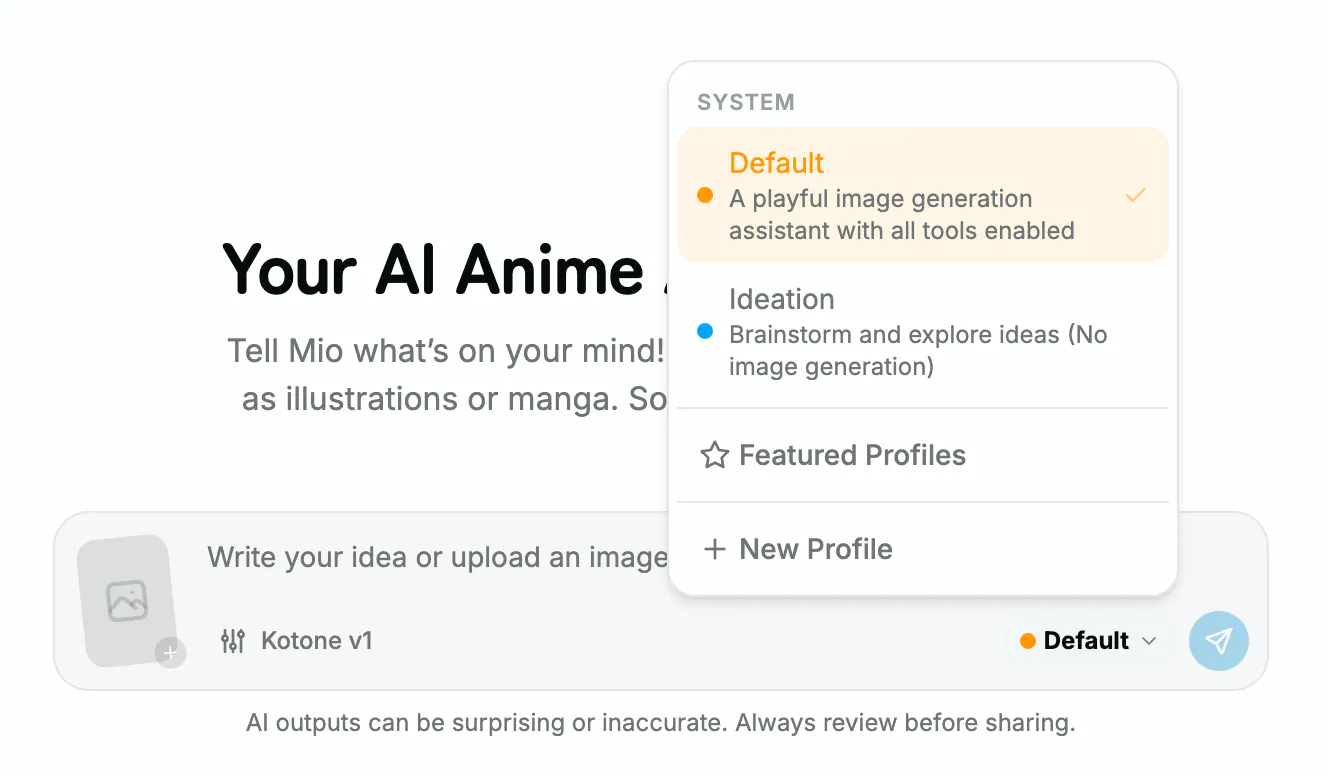
PixAI’s Mio.2 AI anime agent dashboard. Image by Jim Clyde Monge
Ideation is for the messy, undecided phase where you’re still figuring out what you want. You can brainstorm with the agent, talk through references, and let it suggest creative directions before any image gets generated.
Once the concept feels right, you flip into Default mode and start generating, with the option to render multiple images at once for side-by-side comparison.
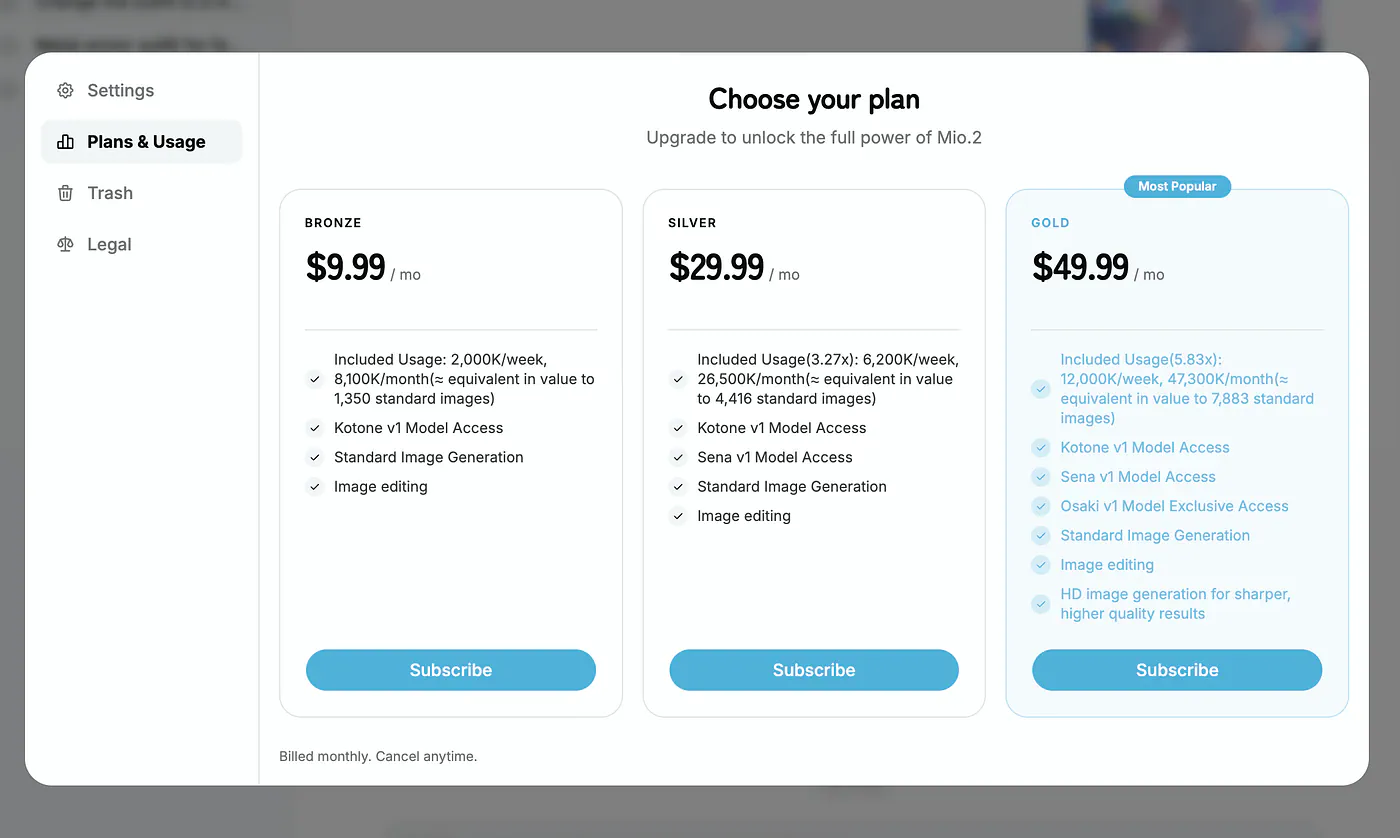
Underneath that, Mio.2 ships with a three-model lineup. Kotone is the default and handles the bulk of anime and illustration work at speed.
Sena is built for more complex tasks and is available on Silver and Gold tiers. Osaki sits at the top, exclusive to Gold subscribers, and targets the most demanding generation work.
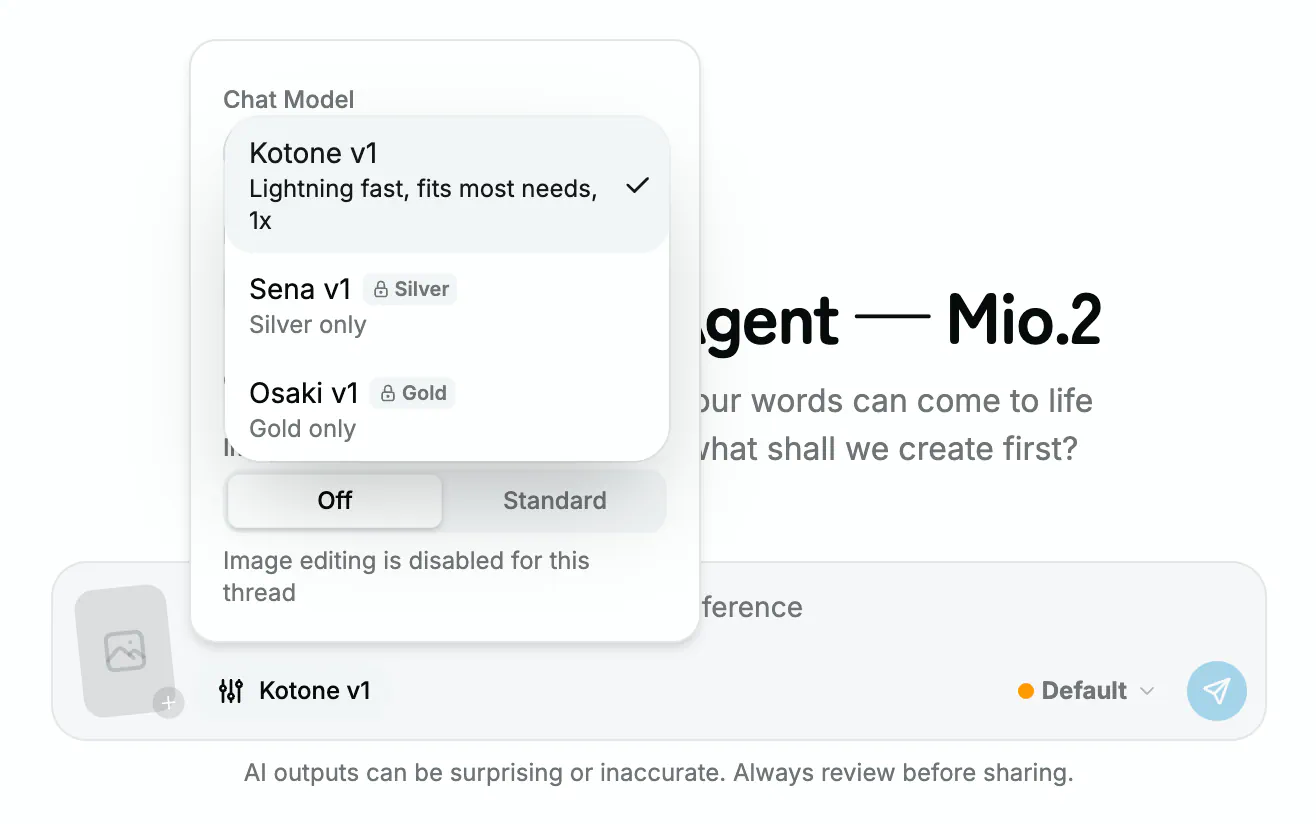
PixAI’s Mio.2 AI anime agent dashboard. Image by Jim Clyde Monge
You pair the model choice with an output quality setting, either Standard or High Quality, depending on whether you’re iterating fast or finishing a piece for publication.
The interface has clear opinions about how creators actually work. You can run several conversations in parallel from the left sidebar, each one independent of the others.
Mini Player mode keeps Mio.2 floating in a small window while you do other things.
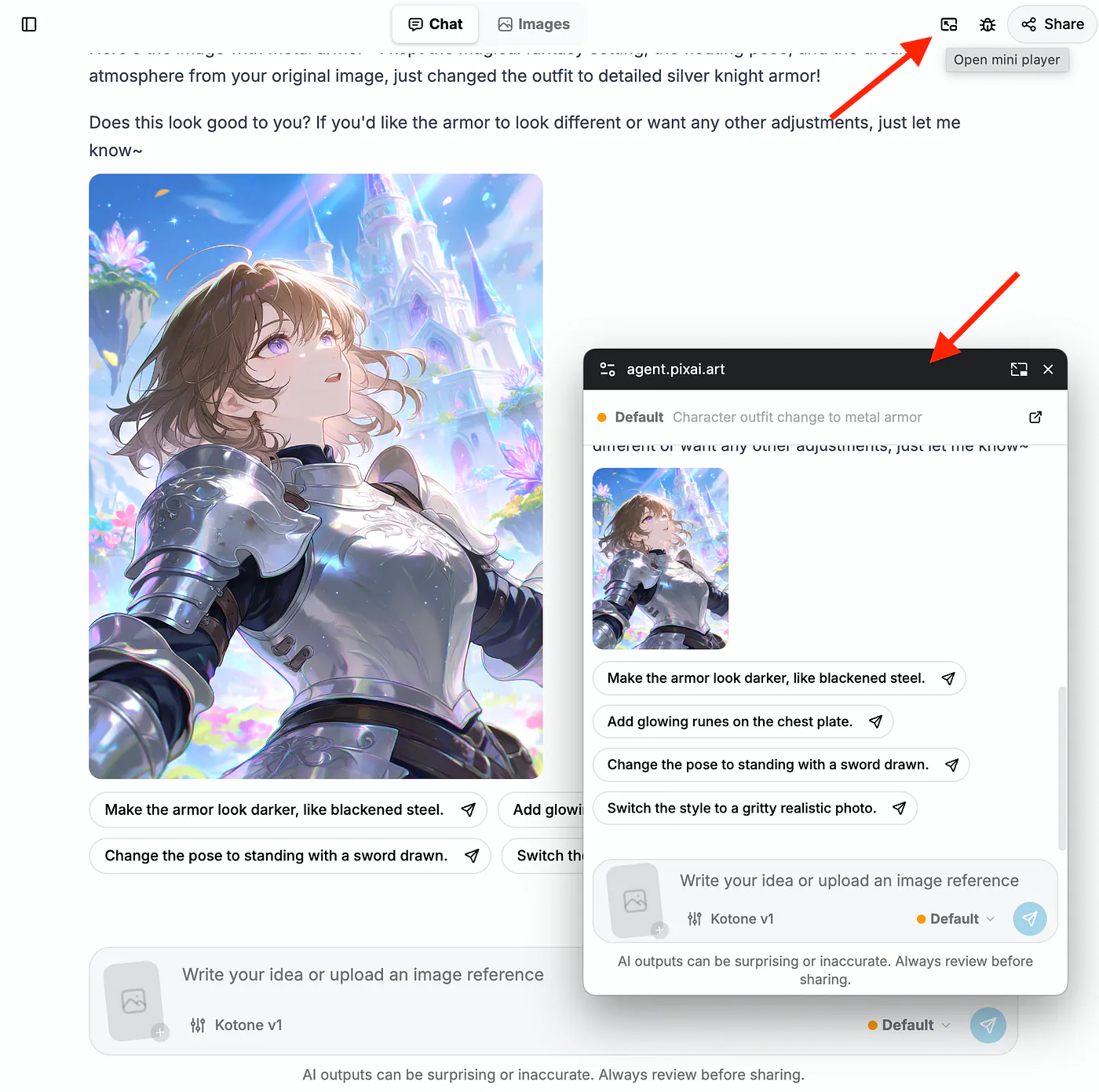
PixAI’s Mio.2 AI anime agent dashboard. Image by Jim Clyde Monge
There’s also a thread sharing feature where you can hand someone a link and they pick up the conversation with all the prior settings and instructions intact, which is useful for collaborative projects.
The agent also handles Japanese, English, Traditional Chinese, and Korean natively, which lines up with PixAI’s geographic footprint. Per a Third News writeup, the platform now serves over 13 million creators globally, with strong concentration in North America, Japan, and Taiwan.
For anyone tracking the anime AI generation space, the timing is worth flagging. PixAI has been shipping fast across 2026.
- Tsubaki.2 launched in March as the new flagship model
- They are also running its Spring Echoes Campus Band Festival, a themed campaign built around campus and youth band aesthetics
Sample prompts and what they produce
Let’s do a few examples to show the potential use cases for Mio.2.
Manga storyboarding. Drop in a one-line story and the agent breaks it into scenes, writes a prompt for each panel, and renders them in sequence with consistent character design. A prompt like:
Prompt: “A girl finds a magic book in a ruined library and gets pulled into another world. Help me storyboard this in seven panels.”
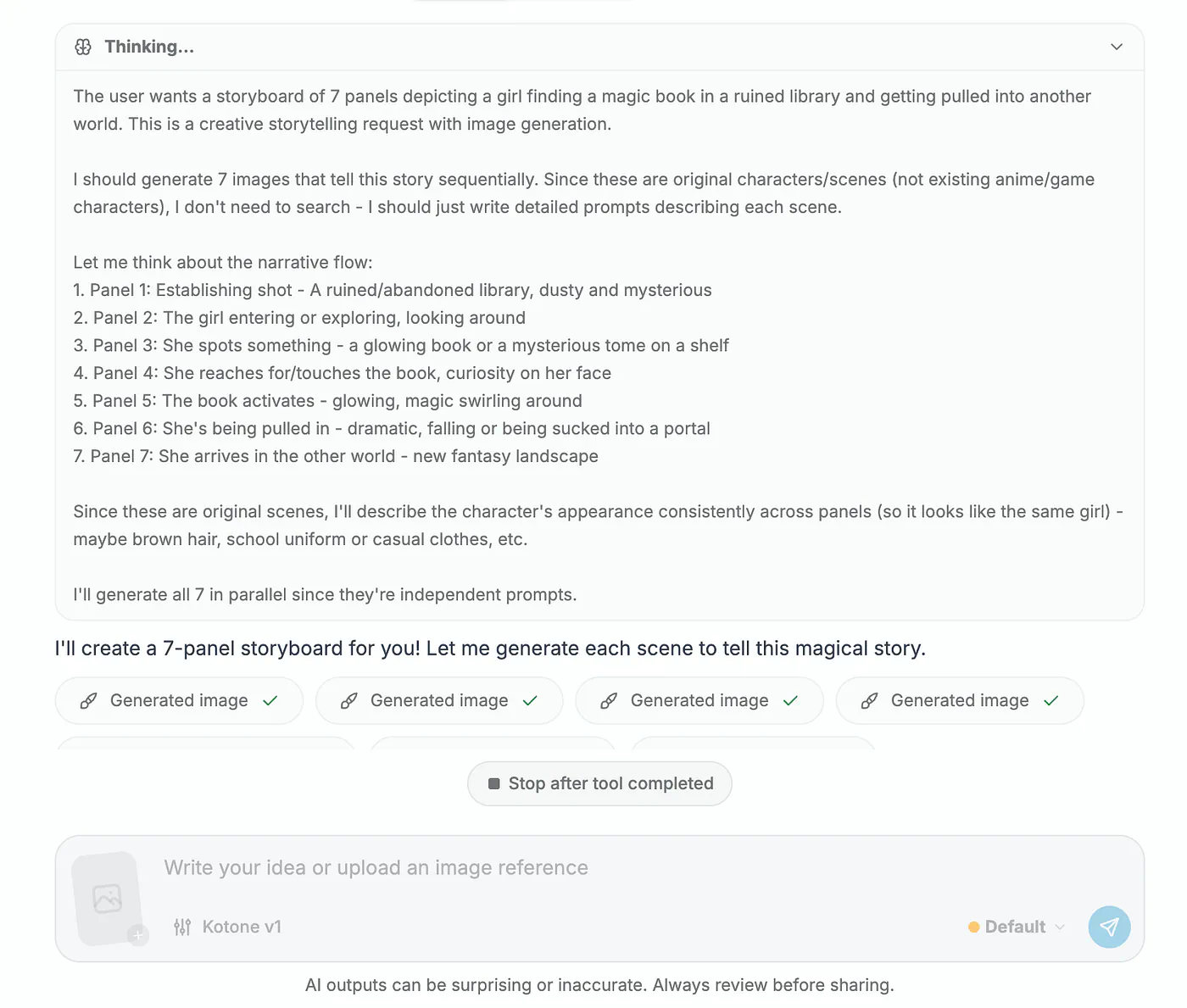
PixAI’s Mio.2 AI sample image generation. Image by Jim Clyde Monge
After sending the prompt, notice that the AI goes into thinking mode and process each panel in the storyboard.
I should generate 7 images that tell this story sequentially. Since these are original characters/scenes (not existing anime/game characters), I don't need to search - I should just write detailed prompts describing each scene.

Let me think about the narrative flow:
1. Panel 1: Establishing shot - A ruined/abandoned library, dusty and mysterious
2. Panel 2: The girl entering or exploring, looking around
3. Panel 3: She spots something - a glowing book or a mysterious tome on a shelf
4. Panel 4: She reaches for/touches the book, curiosity on her face
5. Panel 5: The book activates - glowing, magic swirling around
6. Panel 6: She's being pulled in - dramatic, falling or being sucked into a portal
7. Panel 7: She arrives in the other world - new fantasy landscape

Since these are original scenes, I'll describe the character's appearance consistently across panels (so it looks like the same girl) - maybe brown hair, school uniform or casual clothes, etc.
Here’s are six of the frames:
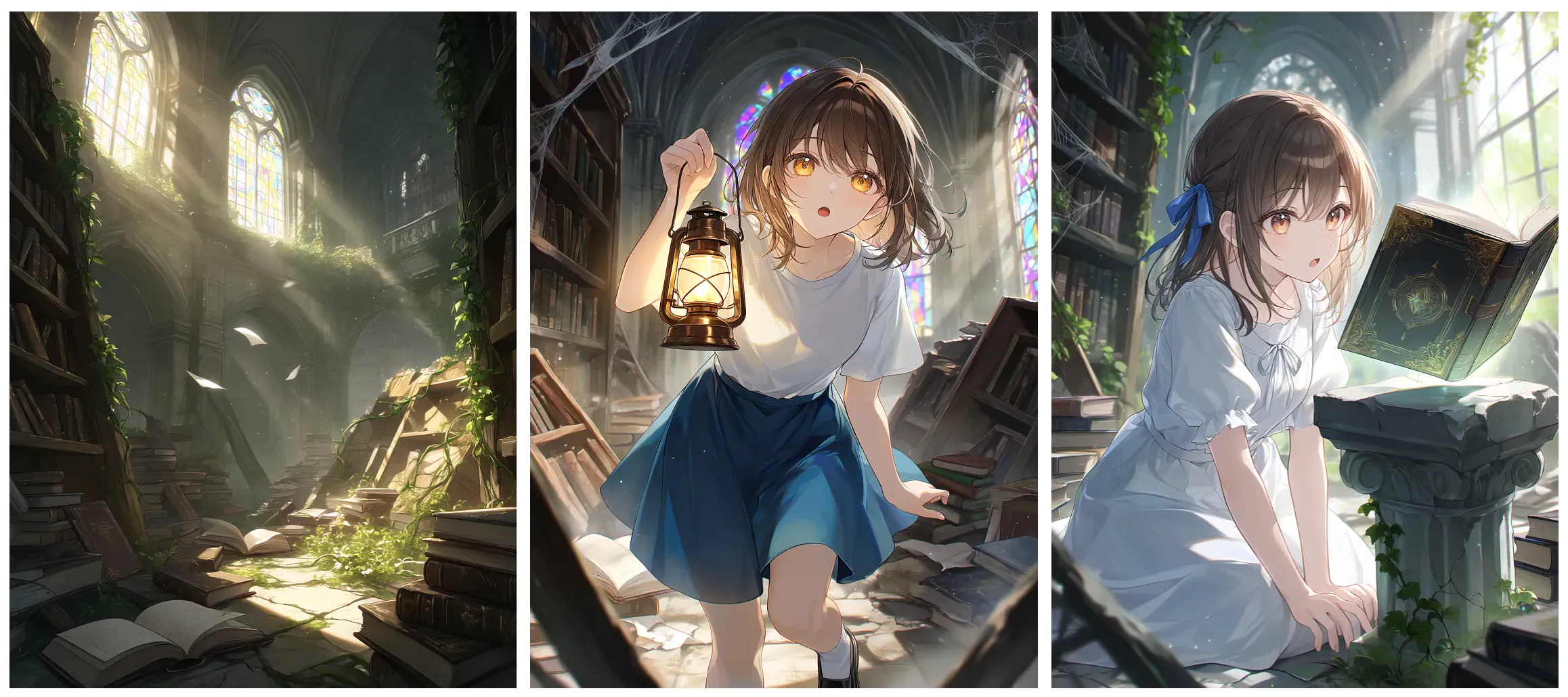
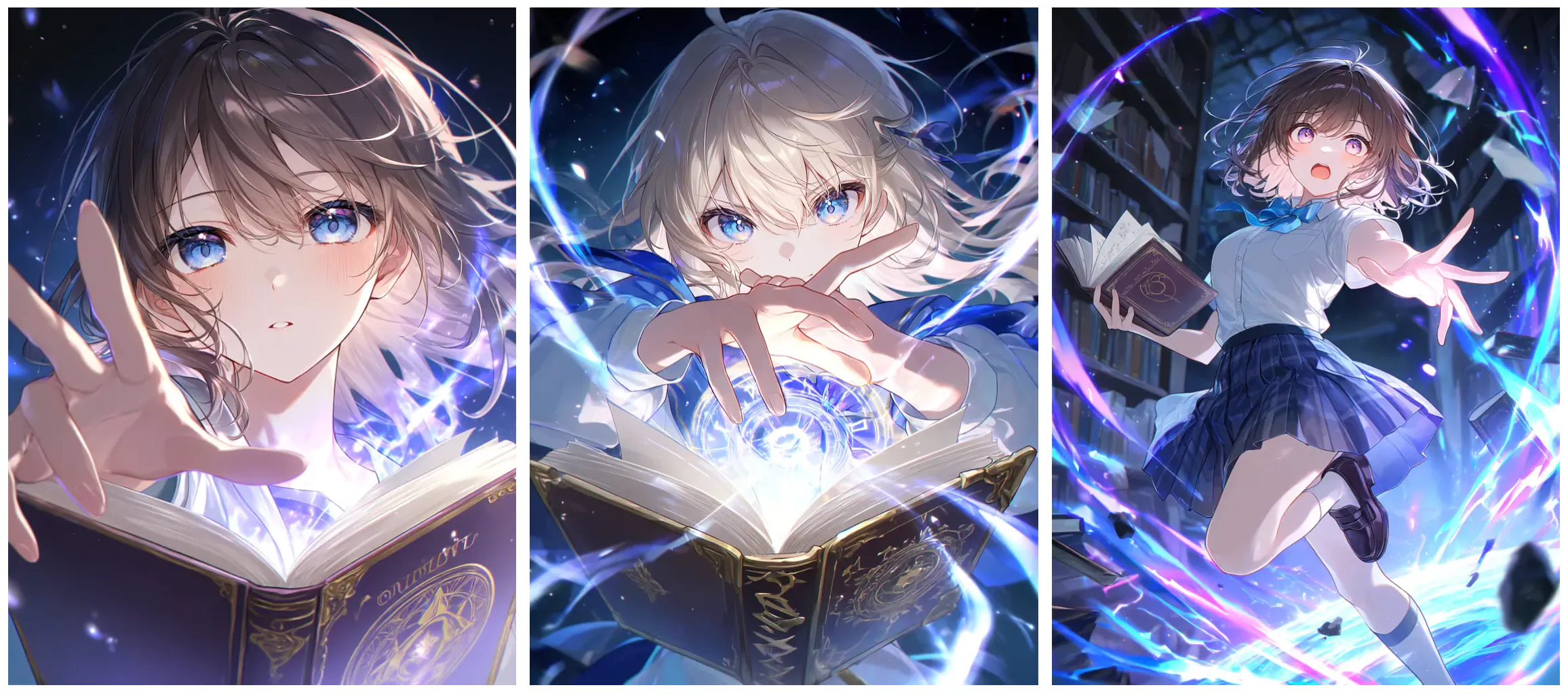
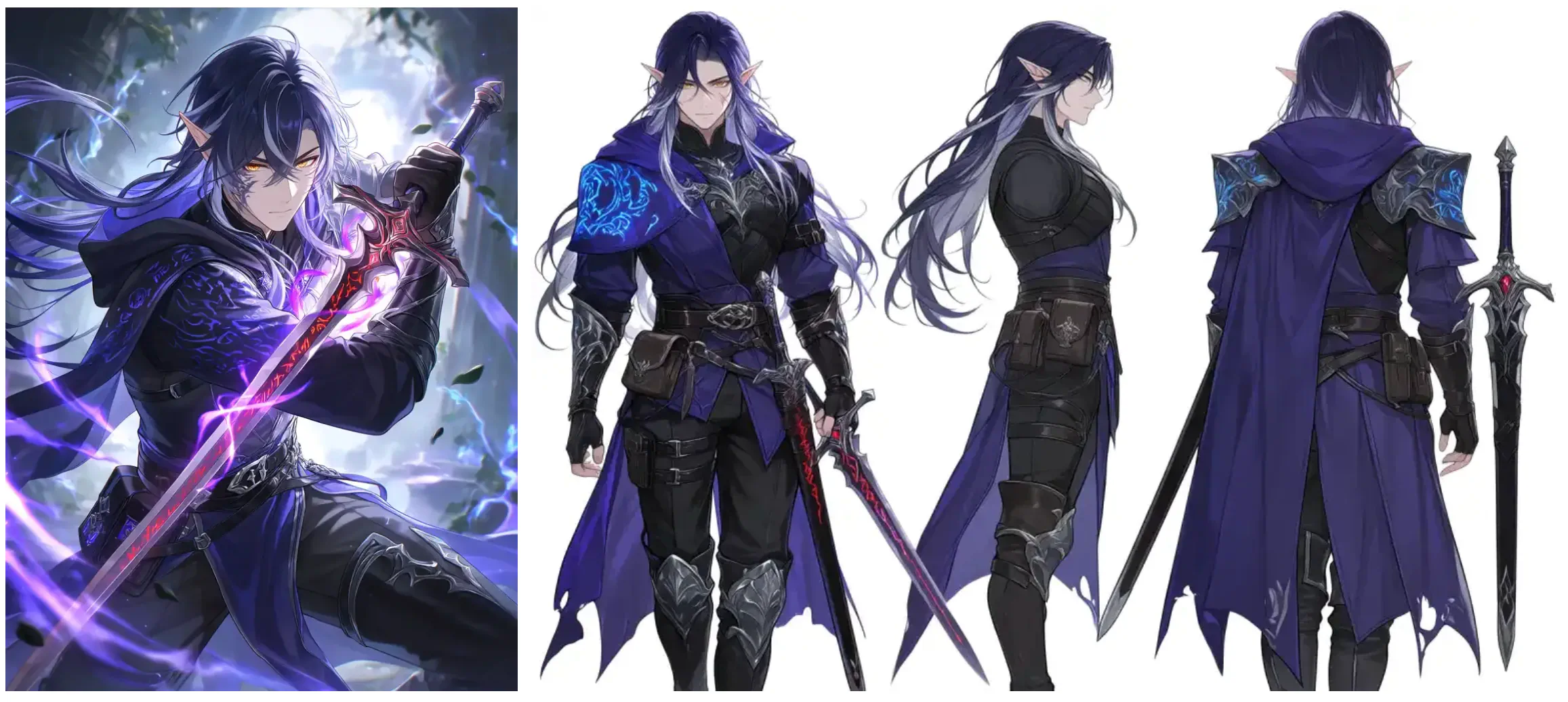
The model produces a sequential thread where the heroine’s hair, outfit, and face stay locked in across every panel. That kind of consistency used to require either a real storyboard artist or a very disciplined LoRA workflow.
What’s cool is that the agent suggests follow up prompts like turning the images into darker tone, or make the character look more dramatic.
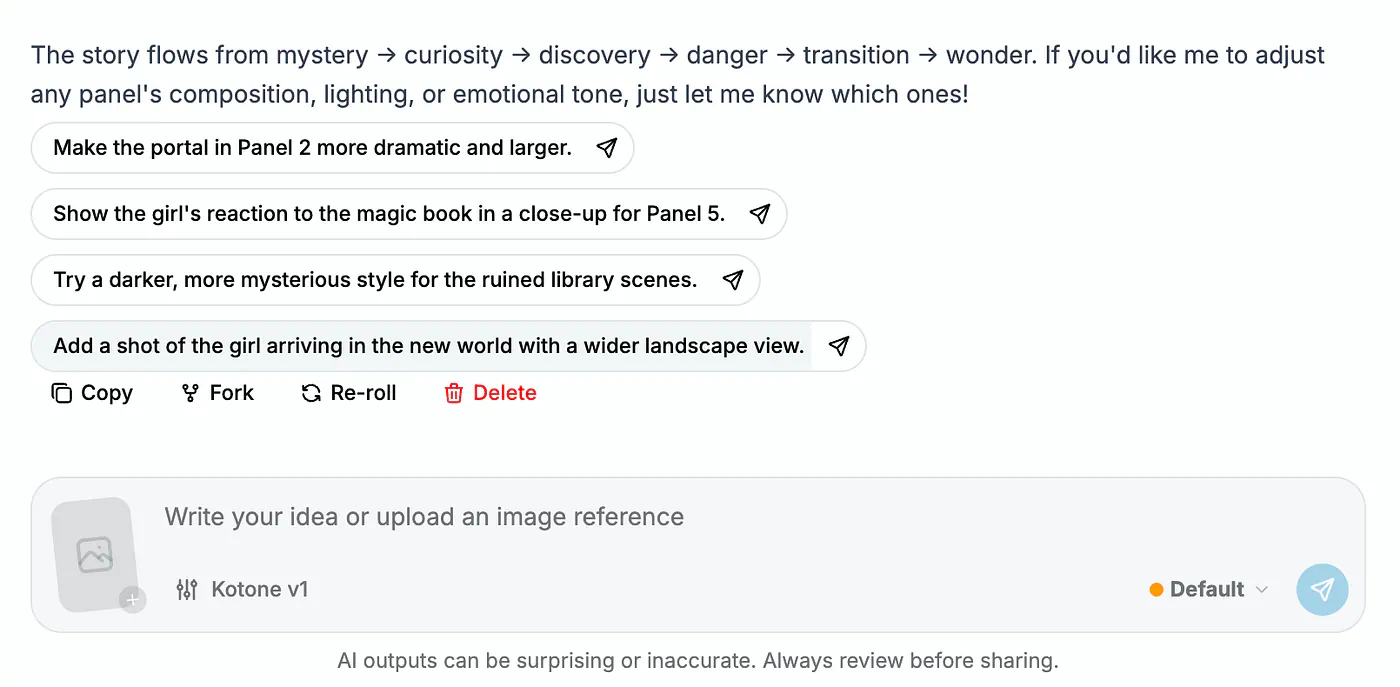
PixAI’s Mio.2 AI sample image generation. Image by Jim Clyde Monge
You can also tweak the images by clicking on quote icon and describing the changes in the prompt field. There’s a lot of flexibility with this tool and you can make even the tiniest changes you wish with simple text descriptions.
What used to require a professional storyboard artist and hours of back-and-forth? Now it starts with one sentence.
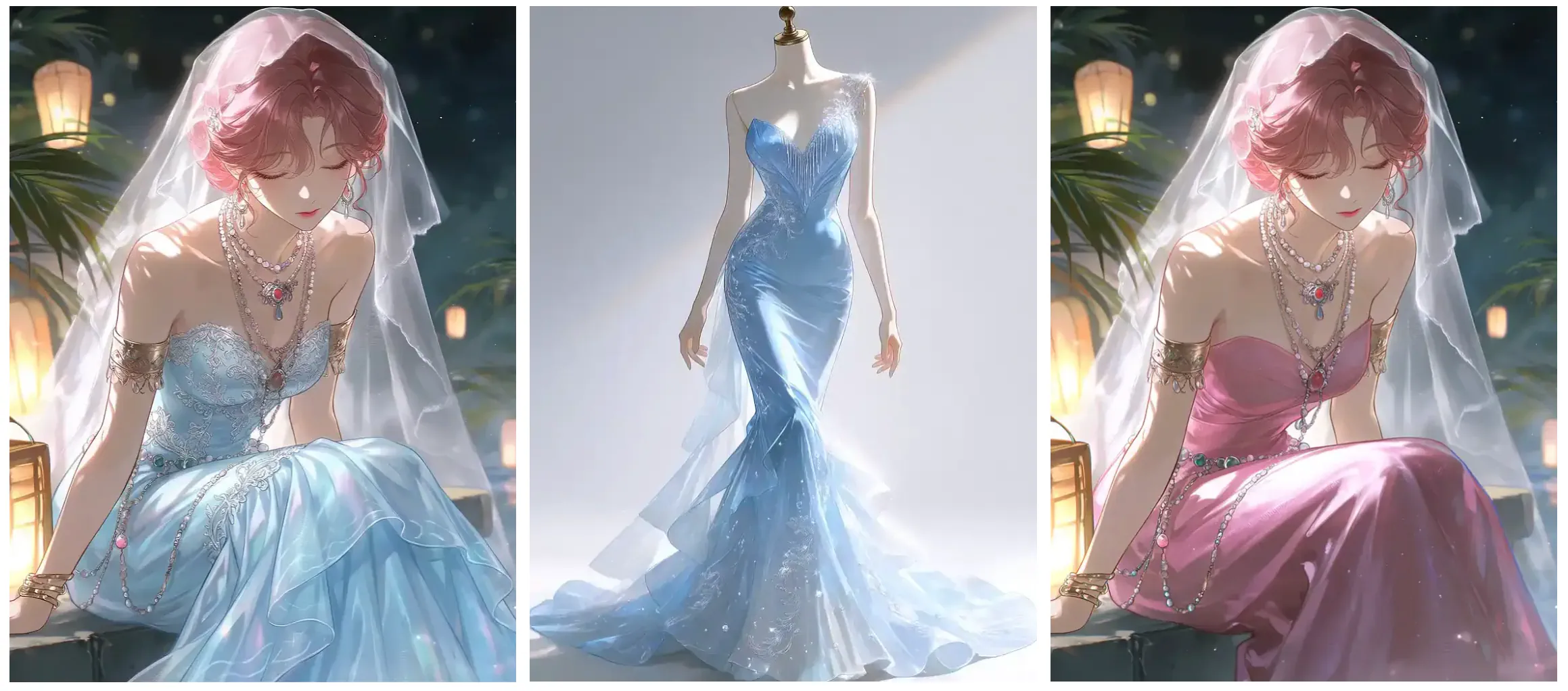
Outfit and background swaps. Upload a reference image and tell Mio.2 what to change. Here are some examples:
Prompt: “Switch to metal armor outfit.”, “Add cat ears.”, “Put her in a school uniform.”
Or for backgrounds:
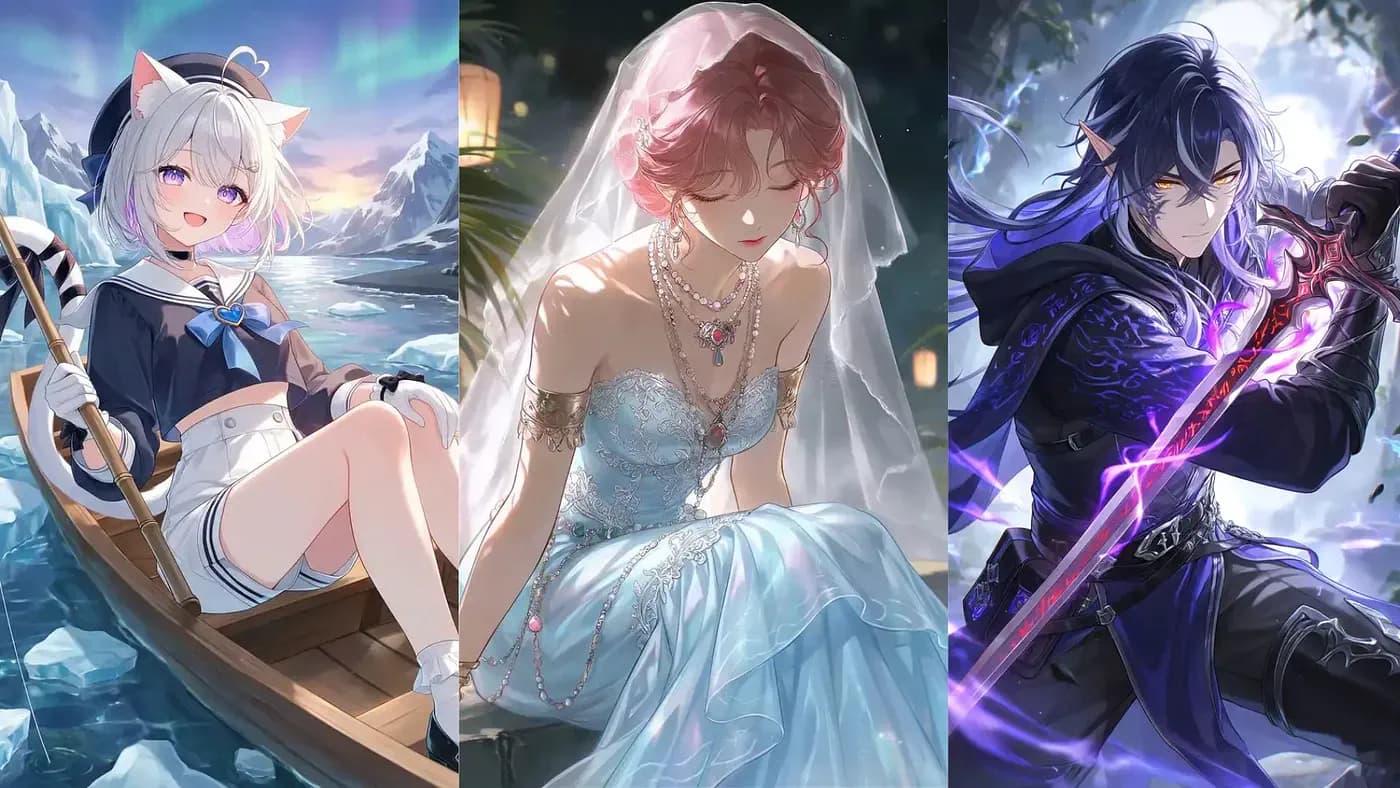
Prompt: “Same character, same pose. Draw her fishing in Iceland, then Okinawa, then the Maldives.”
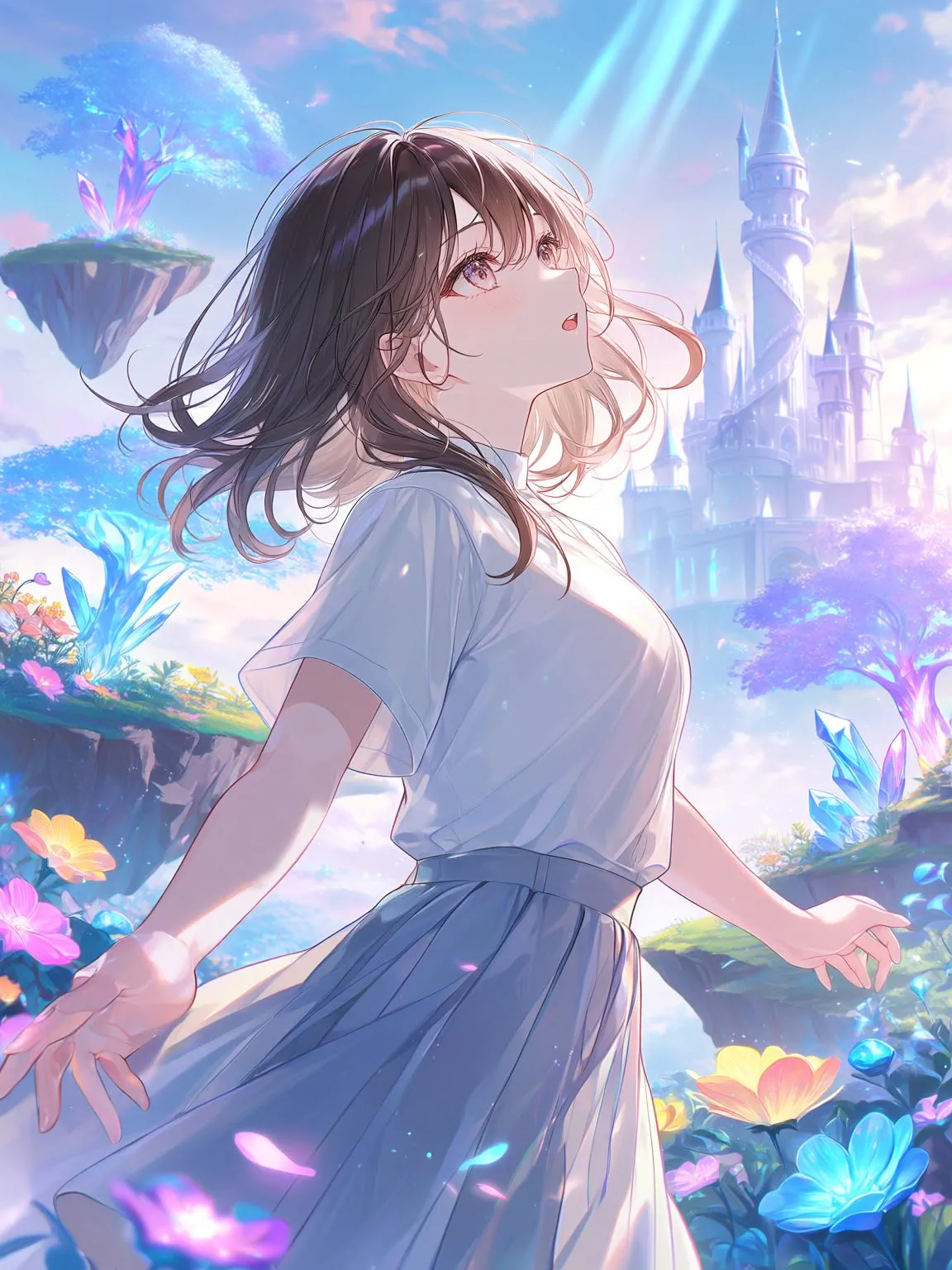
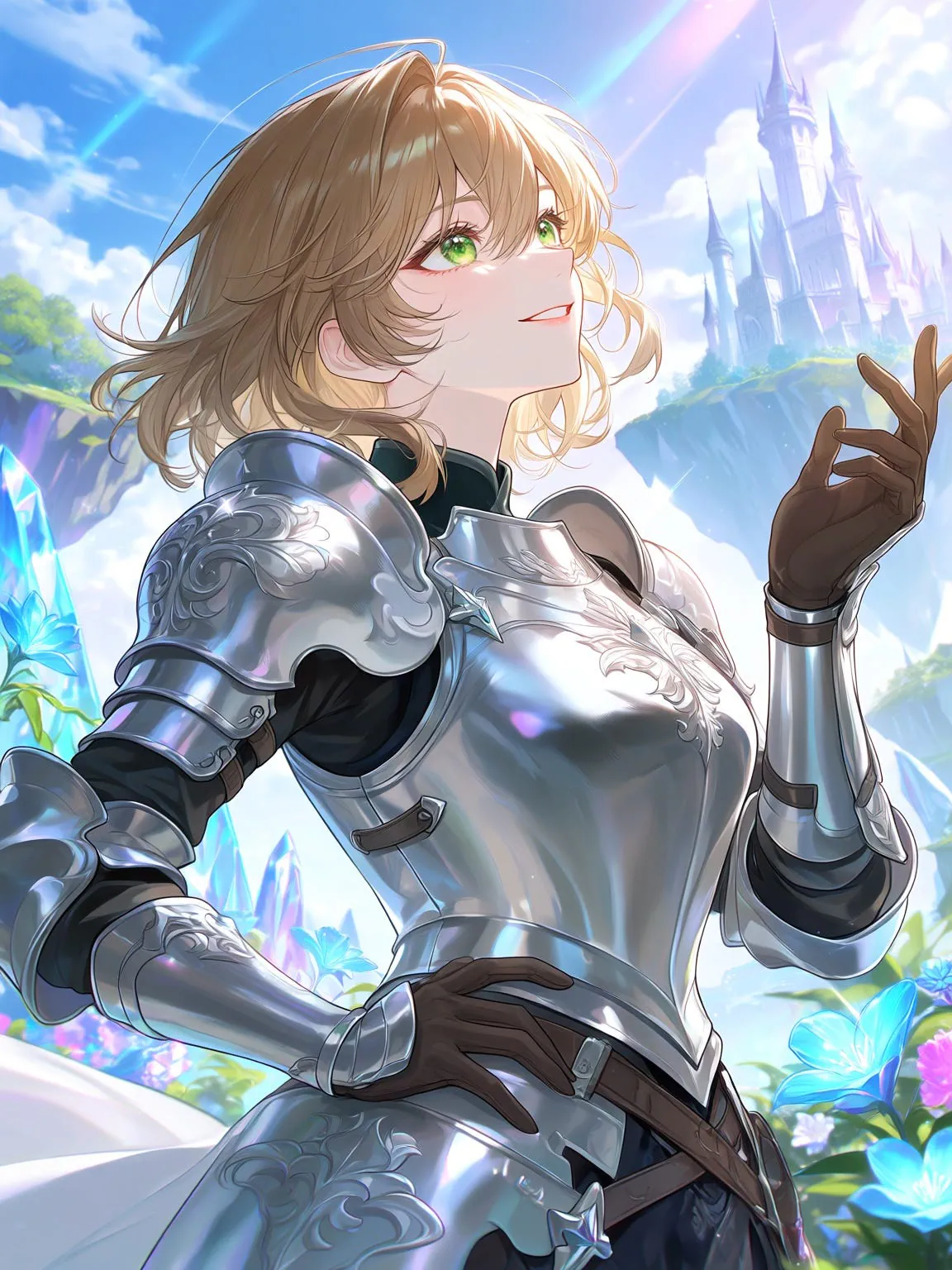
PixAI’s Mio.2 AI sample image results. Image by Jim Clyde Monge
Awesome. I love how clean the edit feels. Only the targeted attribute changes, while the face and body proportions stay close to the original, which is what most creators actually want. The AI did not perfectly copy every detail from the original image, but the overall resemblance is still there.
Sources
- PixAIpixai.art
- Mio.2agent.pixai.art
- Jim Clyde Mongemedium.com
- Third News writeupthird-news.com
- Tsubaki.2 launched in Marchpixai.art
- Spring Echoes Campus Band Festivalblog.pixai.art