If you’re into AI video generation, you’d know how many video generator platforms there are right now. There are literally hundreds of them out there. As a tech writer and AI enthusiast, my job is to review as many tools as I can and talk about the most interesting ones.
Today, I found a video generator tool that offers something unique. It offers tools that focus on audio processing. The platform is called RecCloud.
RecCloud is an AI-powered audio and video platform that brings several useful tools into one place. It offers the following capabilities:
- AI video generation
- Speech-to-text/text-to-speech
- Subtitle generation
- Video translation
- Video/audio summarization
What makes it interesting is that it not only focuses on creating videos from text or images. It also gives attention to the audio side of the workflow, which is a big part of making AI-generated videos feel more complete.
In this guide, I’ll discuss the key video and audio features and how you can leverage them.
Let’s get started.
Extracting Text from Videos
The first example I wanted to show is extracting a transcript from a YouTube video.
To start, open the AI Speech to Text tool and paste the video URL. You can also upload a video from your local disk or record your screen, which is useful if you are capturing a standup, an online meeting, a webinar, or any video where you need the spoken content turned into text.
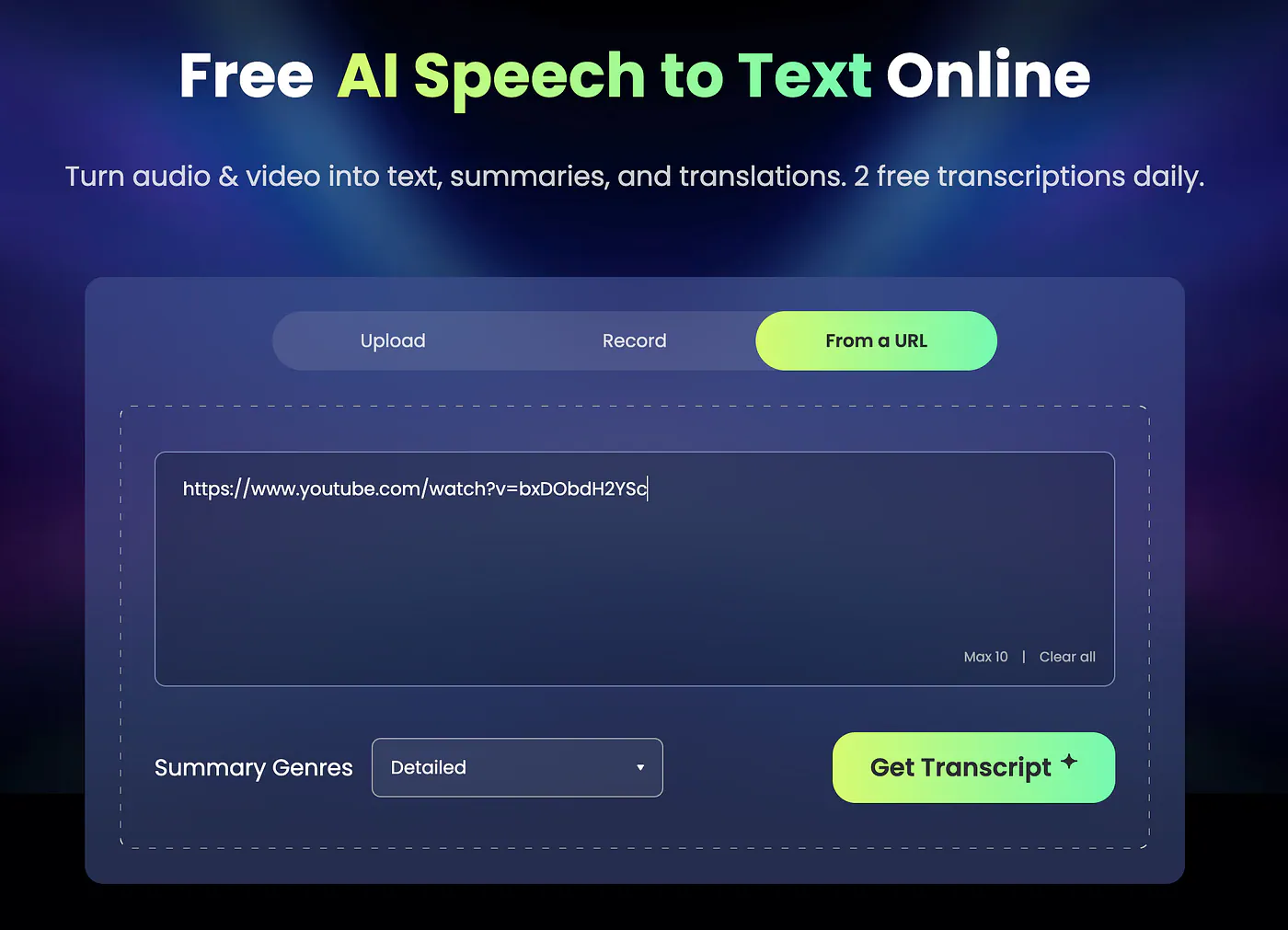
Free AI speech to text tool. Image by Jim Clyde Monge
Once the video is processed, the AI will extract the script and display it on the screen. From there, you can edit the text or translate it into any of the supported languages.
This is useful because you are not just getting a raw transcript that you still need to clean up somewhere else. You already have a working draft that you can reuse, revise, summarize, or turn into another piece of content.
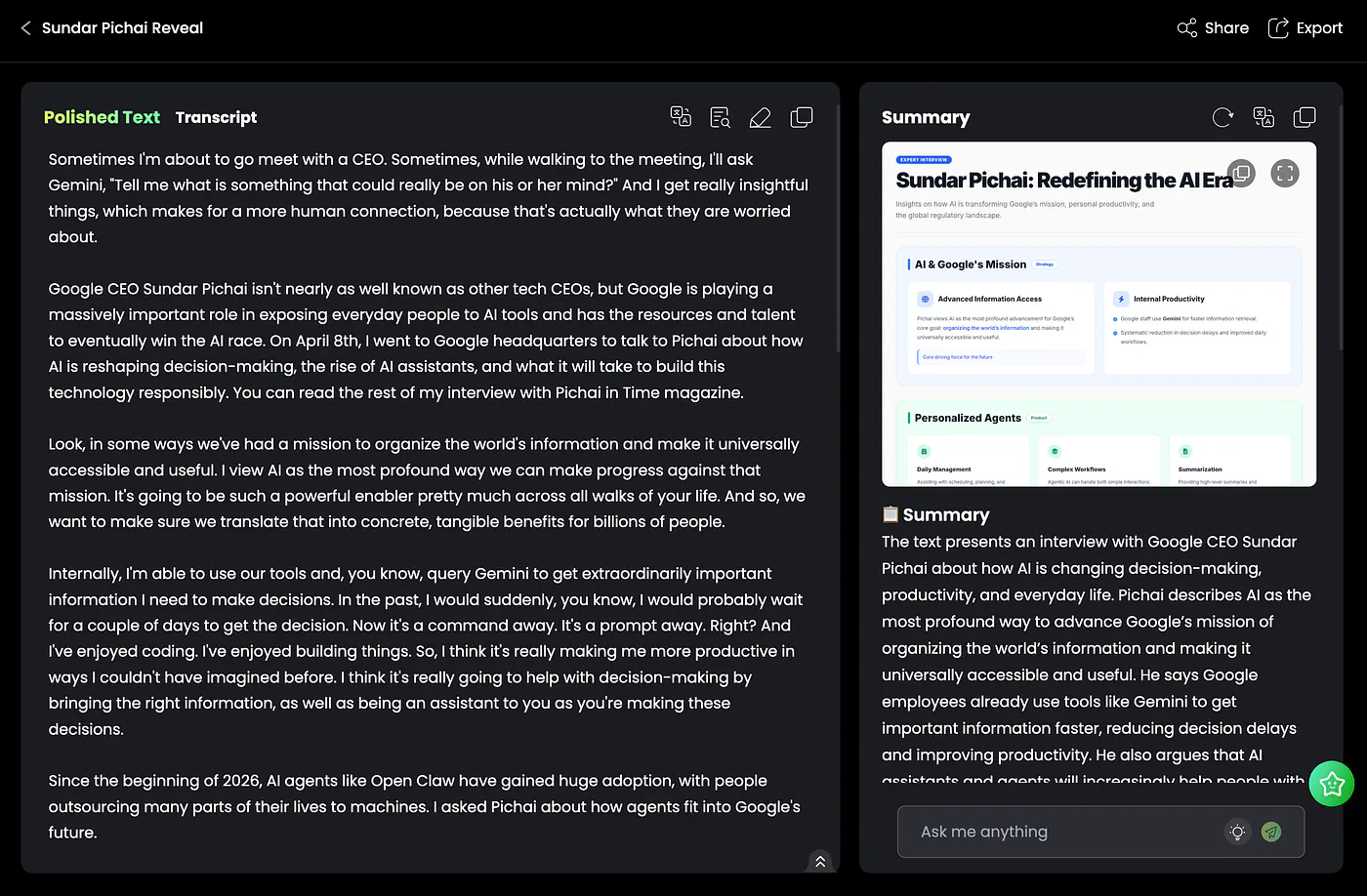
Free AI speech to text tool. Image by Jim Clyde Monge
What is interesting about this tool is that it goes beyond extracting the script. It automatically creates a summary, key points, and an image visualization like the one below.
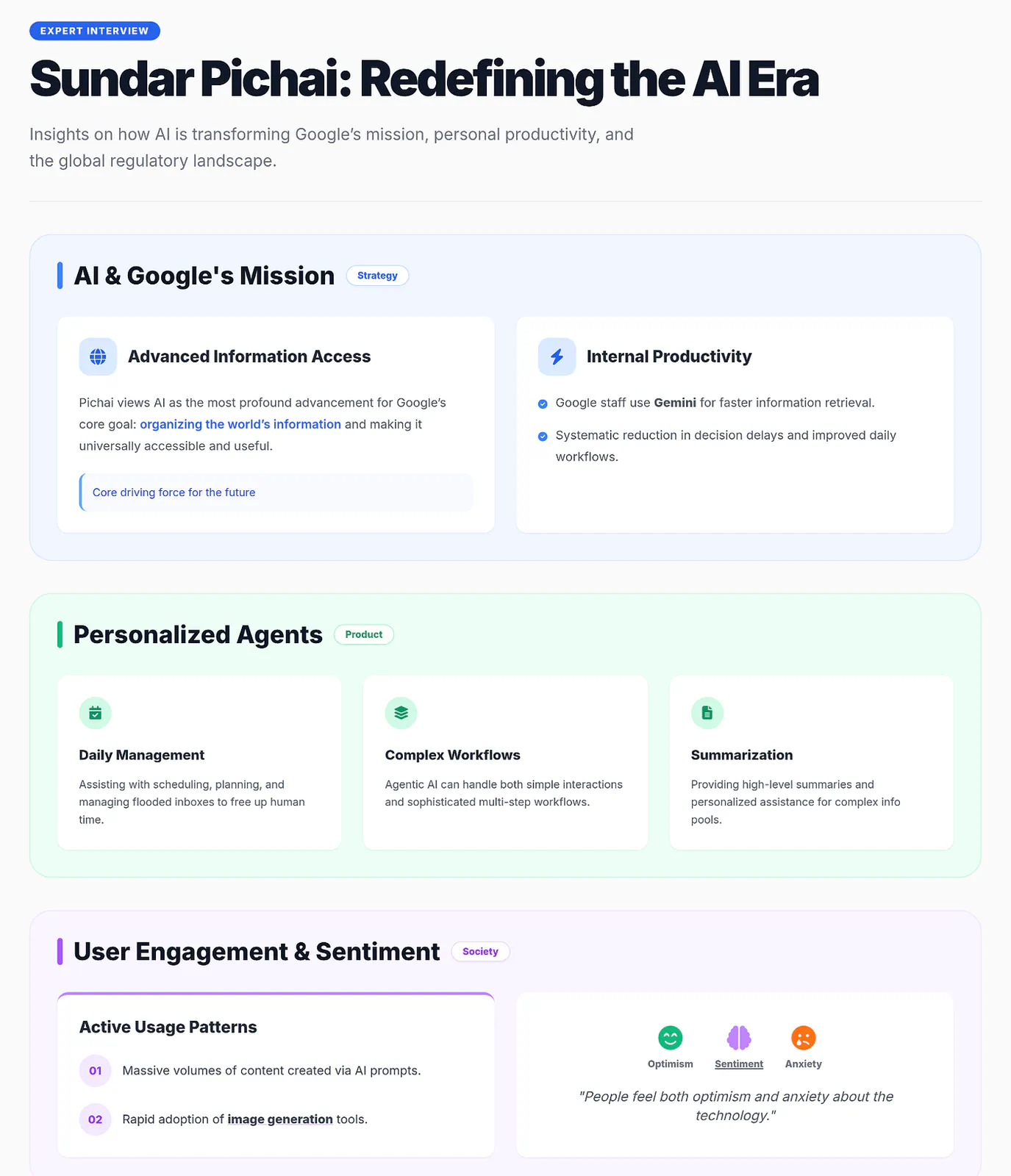
Sample AI speech to text output. Image by Jim Clyde Monge
Isn’t this cool? There is even a built-in chat app on the lower right, so you can ask questions and research the topic further without leaving the dashboard.
I like this part because it makes the tool feel less like a basic transcription app and more like a small workspace for understanding the video.
AI Video Translator
The next tool I wanted to share is the video translator tool. As the name suggests, this tool lets you translate a video into your selected language in just a few seconds.
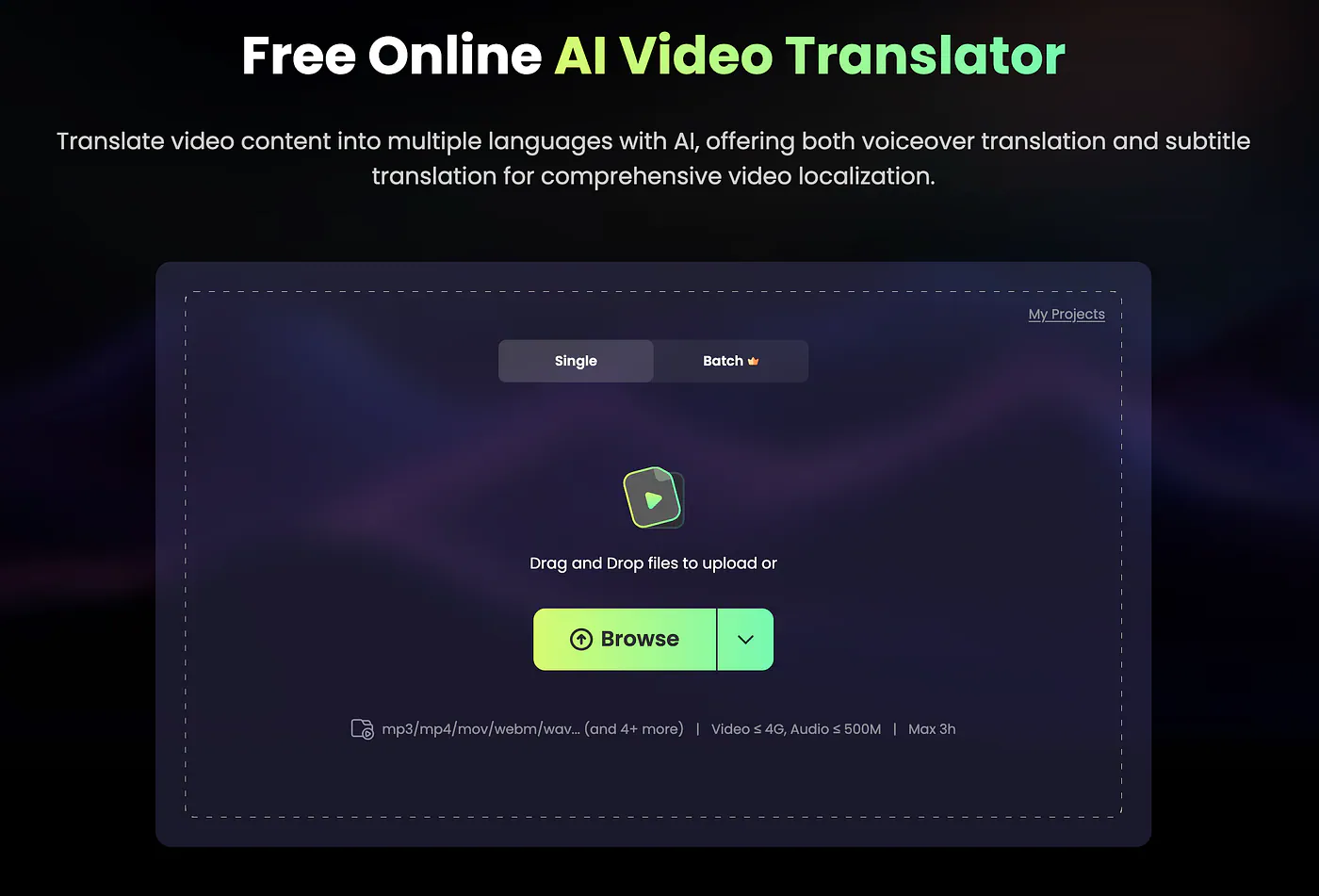
Free online video translator. image by Jim Clyde Monge
The way it works is pretty simple. You upload a video file, and the AI processes it for translation. You also have two options for the subtitle source:
- On-screen text (From subtitles in video): More accurate, slower
- Audio (From audio in video): Faster, works for most videos
In this example, I will select the OCR.
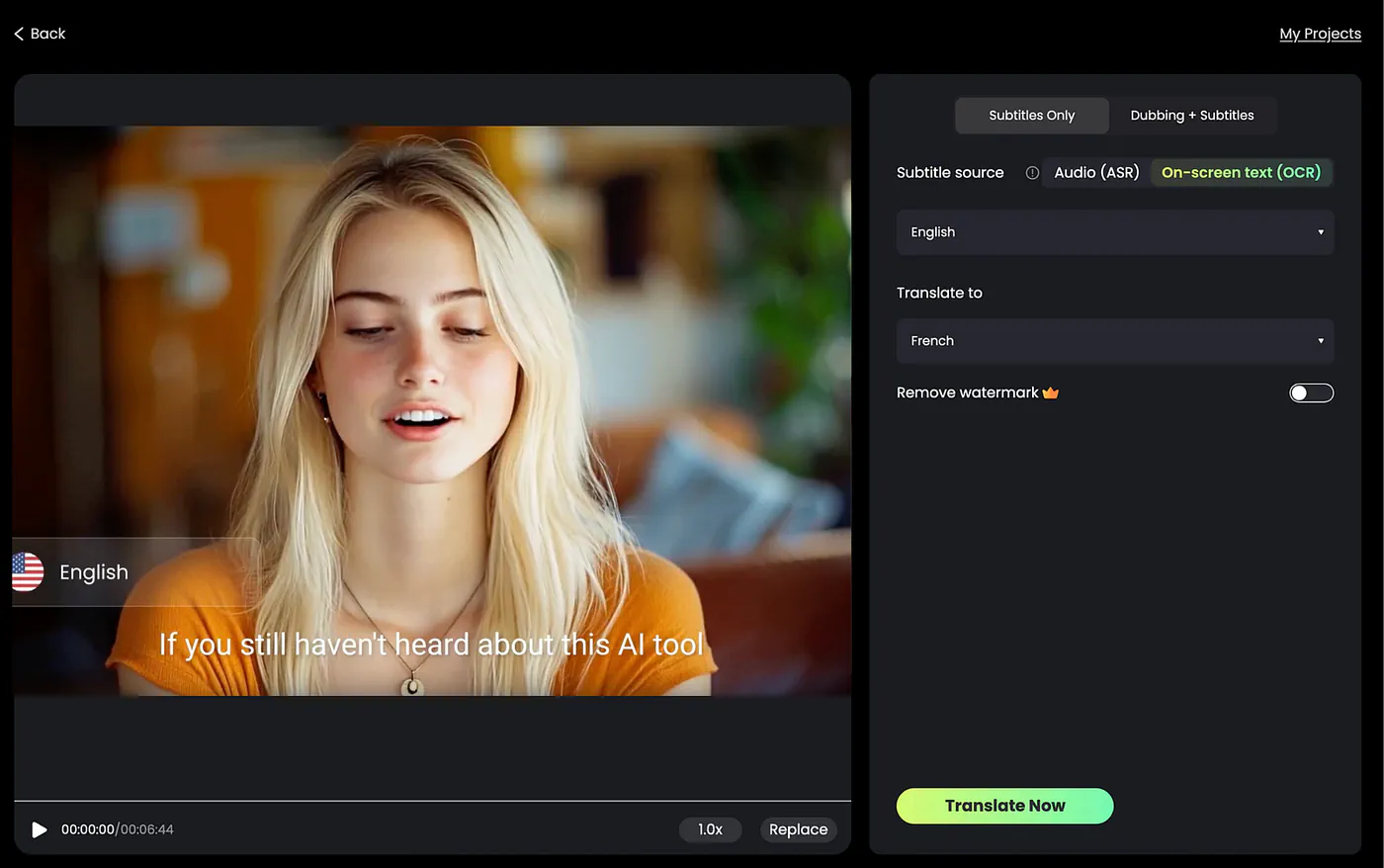
Sample video getting translated to a different language. image by Jim Clyde Monge
Next, choose the source language and set your target language. If you want to translate both the voice and the text, switch to the Dubbing + Subtitle tab.
Once all the parameters are set, click the Translate Now button and wait for the final video to render. Here’s an example:
Loading this video connects to Vimeo, which receives device and connection data and may use cookies or similar storage.
This is a very useful tool if you regularly work with videos for a global audience. You can use it to localize tutorials, interviews, product demos, online lessons, and social media clips without manually rewriting every subtitle line.
It also makes old content more useful because you can repurpose one video into multiple languages and reach people who would normally skip the content because of the language barrier.
Free YouTube Video Translator
Another example I wanted to showcase is the free YouTube video translator. The process is simple. Paste the YouTube URL, choose your preferred language, and click the Translate button.
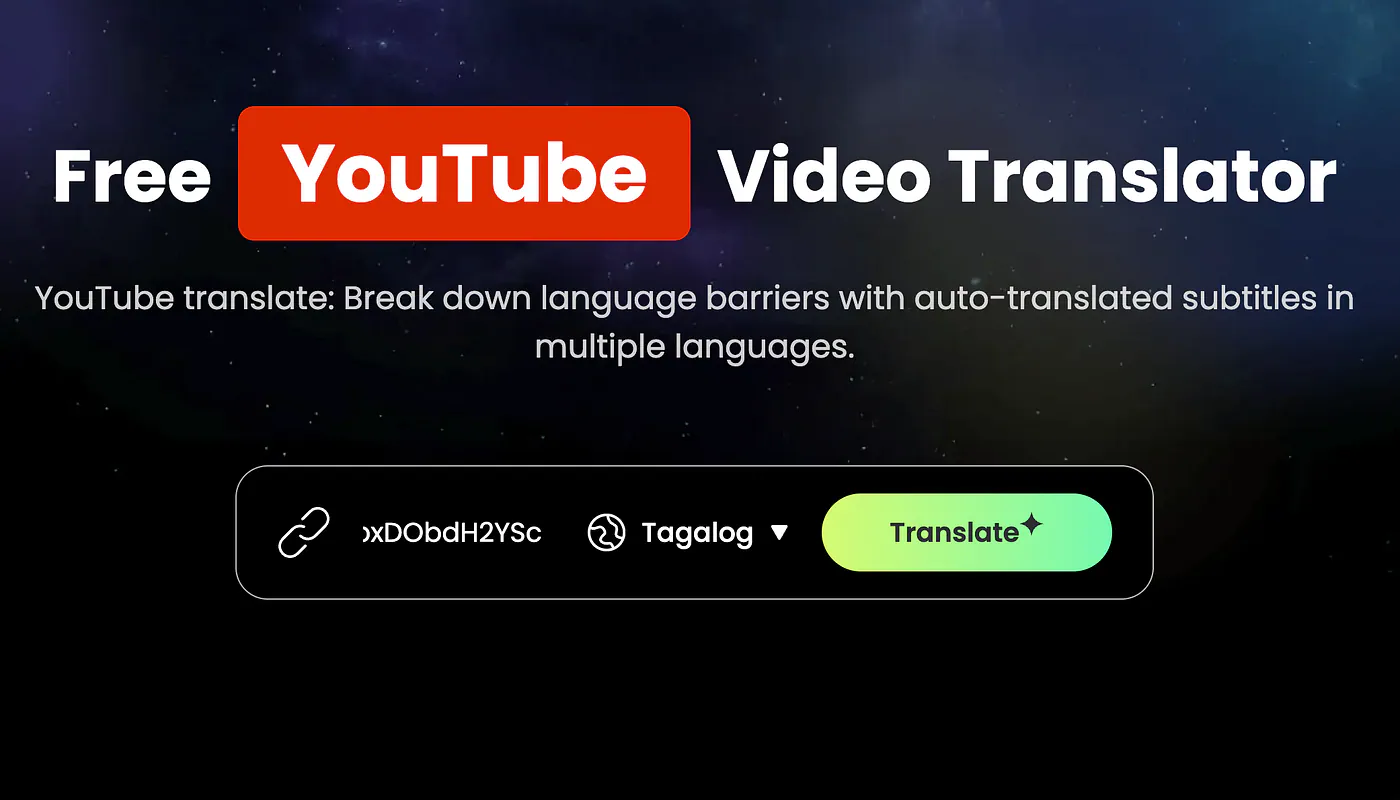
RecCloud AI YouTube video translator. Image by Jim Clyde Monge
It supports both long-form YouTube videos and YouTube Shorts, which makes it useful for different types of content.
What is interesting here is that you can download the translated text as an SRT file. That means you can play the video locally and drop the SRT file into your video player so the video has subtitles.
In terms of supported languages, RecCloud supports a wide range of options. It includes widely spoken languages like Spanish, Chinese, French, and Arabic, along with lesser-known dialects.
That makes it easier to access global content in your preferred language, especially when the original video does not already include proper subtitles.
Free AI Subtitle Generator
One last example I wanted to showcase in this post is the subtitle generator tool. This feature lets you translate and localize an uploaded video into your chosen language.
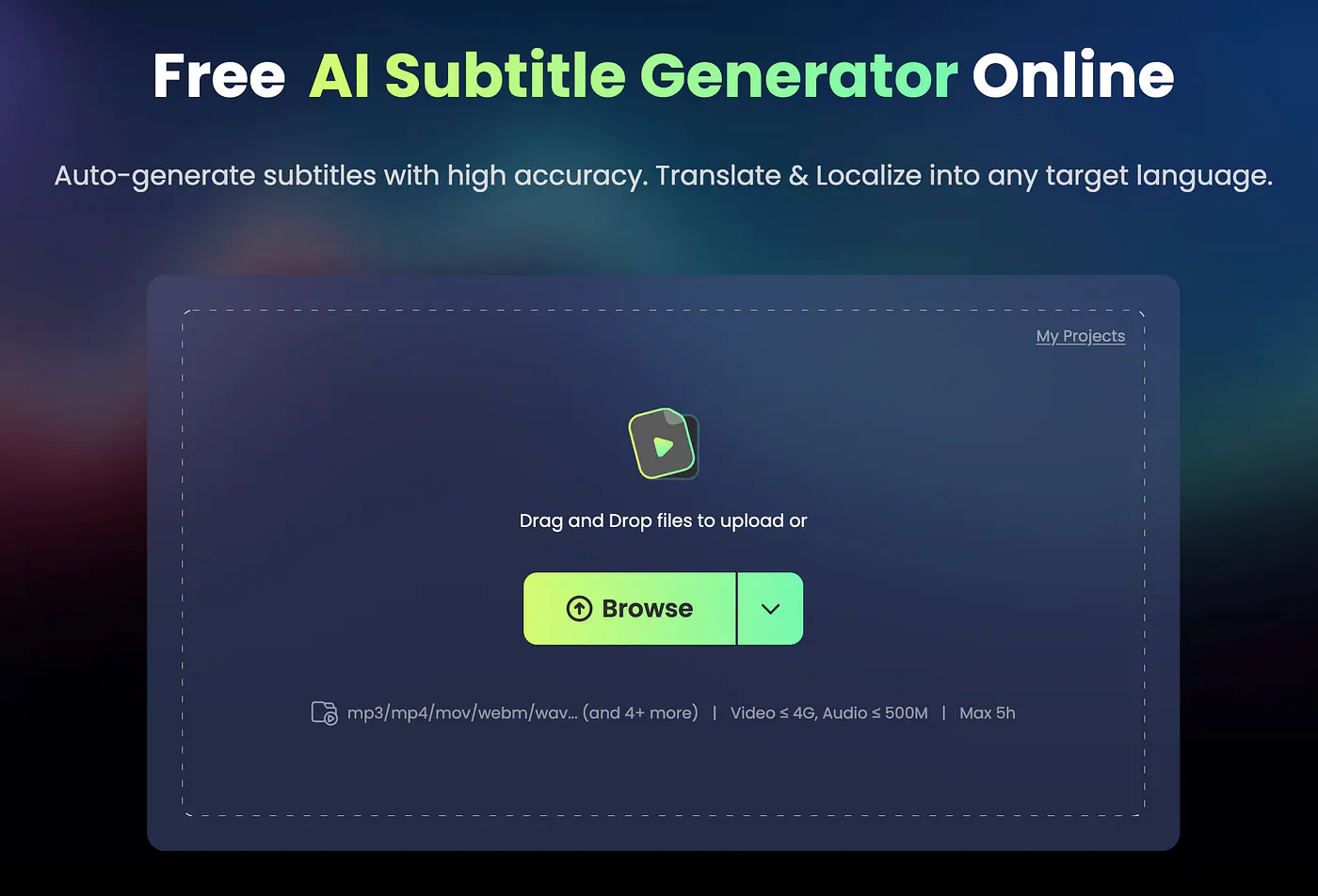
Free AI Subtitle Generator. Image by Jim Clyde Monge
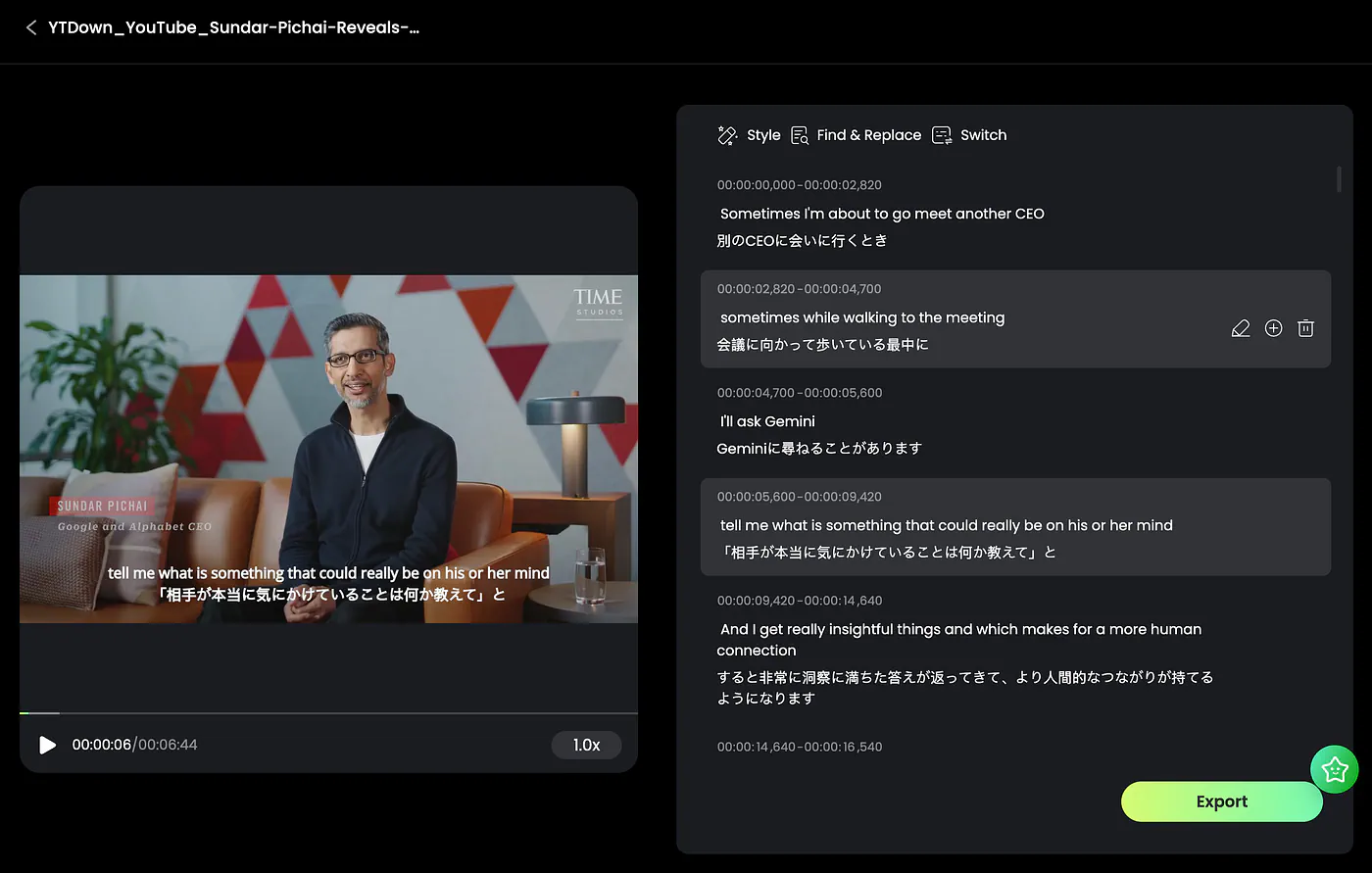
Using a YouTube video of Sundar Pichai, I uploaded it into the subtitle generator tool and chose Japanese as the target language.
After processing the video, this is what you will see on your screen. The original video appears on the left side, while the translated dual subtitles appear on the right side.