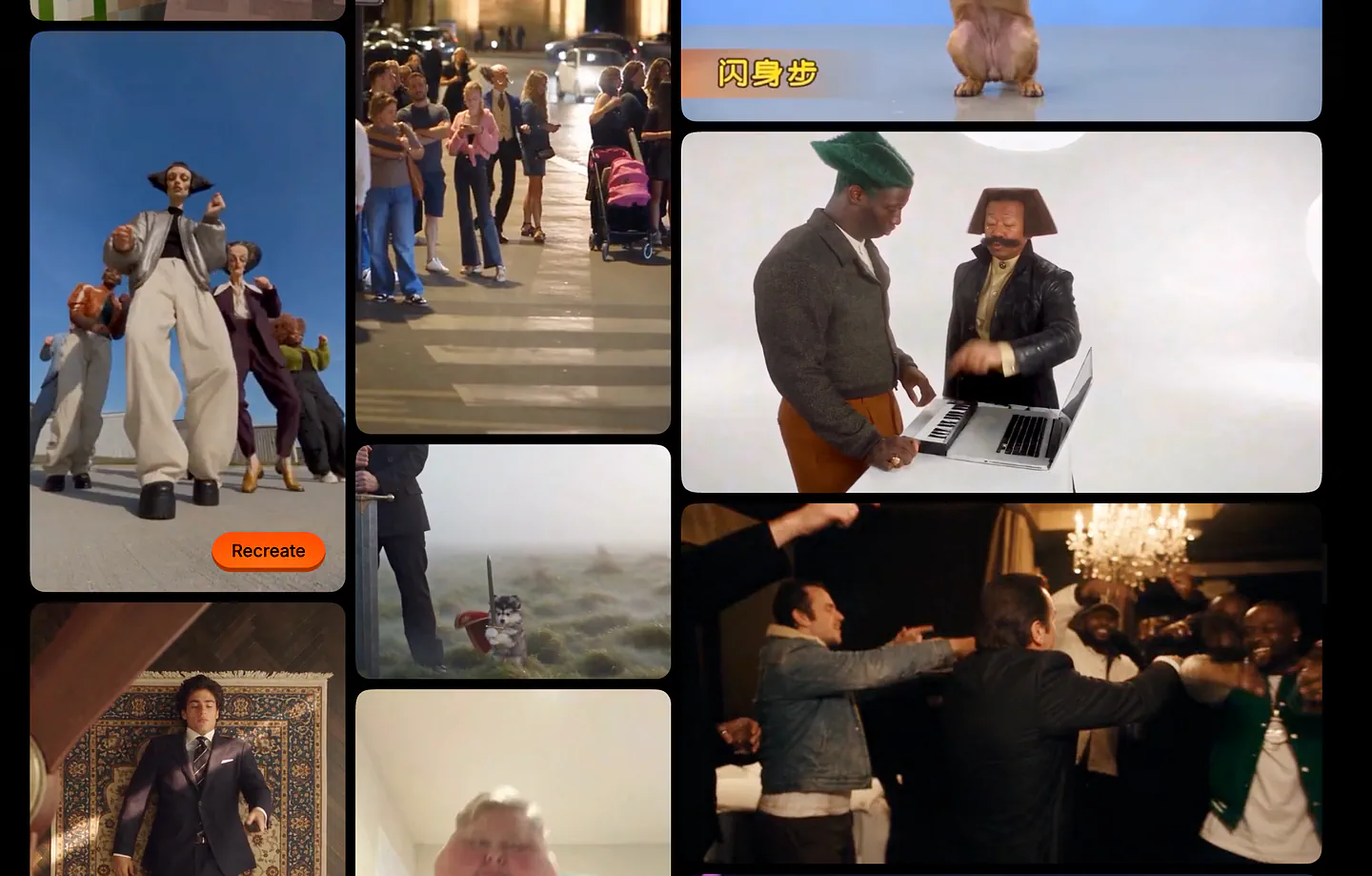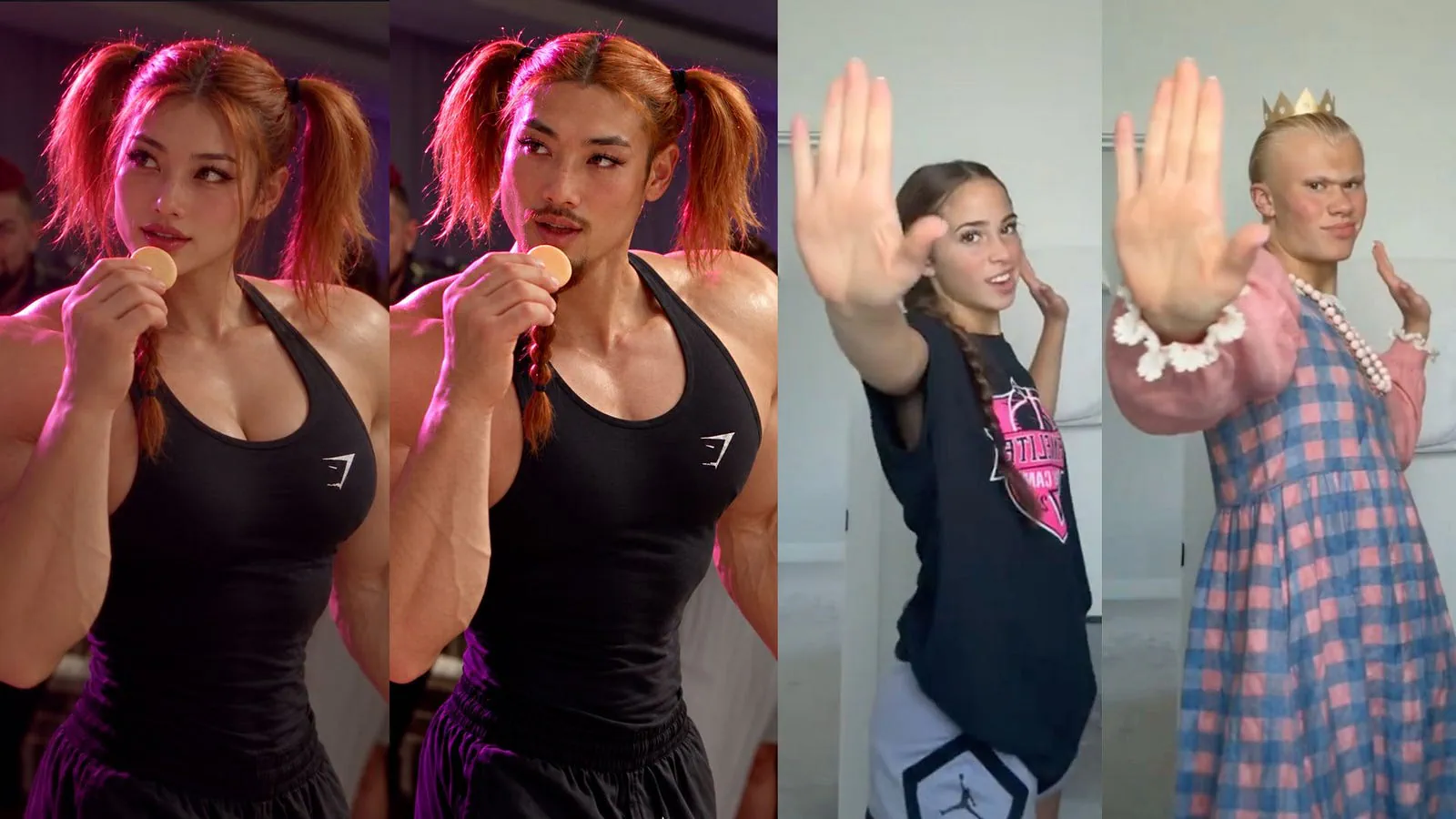
Have you seen the AI showdown video of Sam Altman and Dario Amodei dancing and singing APT? Yeah, that one went around X, and many in my network, including myself, wondered how that kind of video was created.
I’ve actually seen a couple of these videos in my TikTok feed, and I have never assumed it was AI-generated because of how seamless the character integration is.
One tool that lets you do this is Pollo Recast. You can upload a video or choose a template, add your character images, and generate your own version.
In this guide, I’ll show you two examples: an elderly man taking over a stage performance, and Sam Altman dunking on Faker in a basketball video.
Here’s an example output video.
Loading this video connects to Vimeo, which receives device and connection data and may use cookies or similar storage.
Pretty cool, right? I’ll explain how to prepare each example and what to look for in the generated video.
Let’s get started.
What Is Pollo Recast?
Pollo Recast lets you replace characters, products, clothing, or settings in a video while following its original actions, camera movements, and timing. It also retains the original audio.
You can upload a 4–30-second reference video and up to ten reference images. There are ready-made templates too, so you can start experimenting without looking for a source video first.
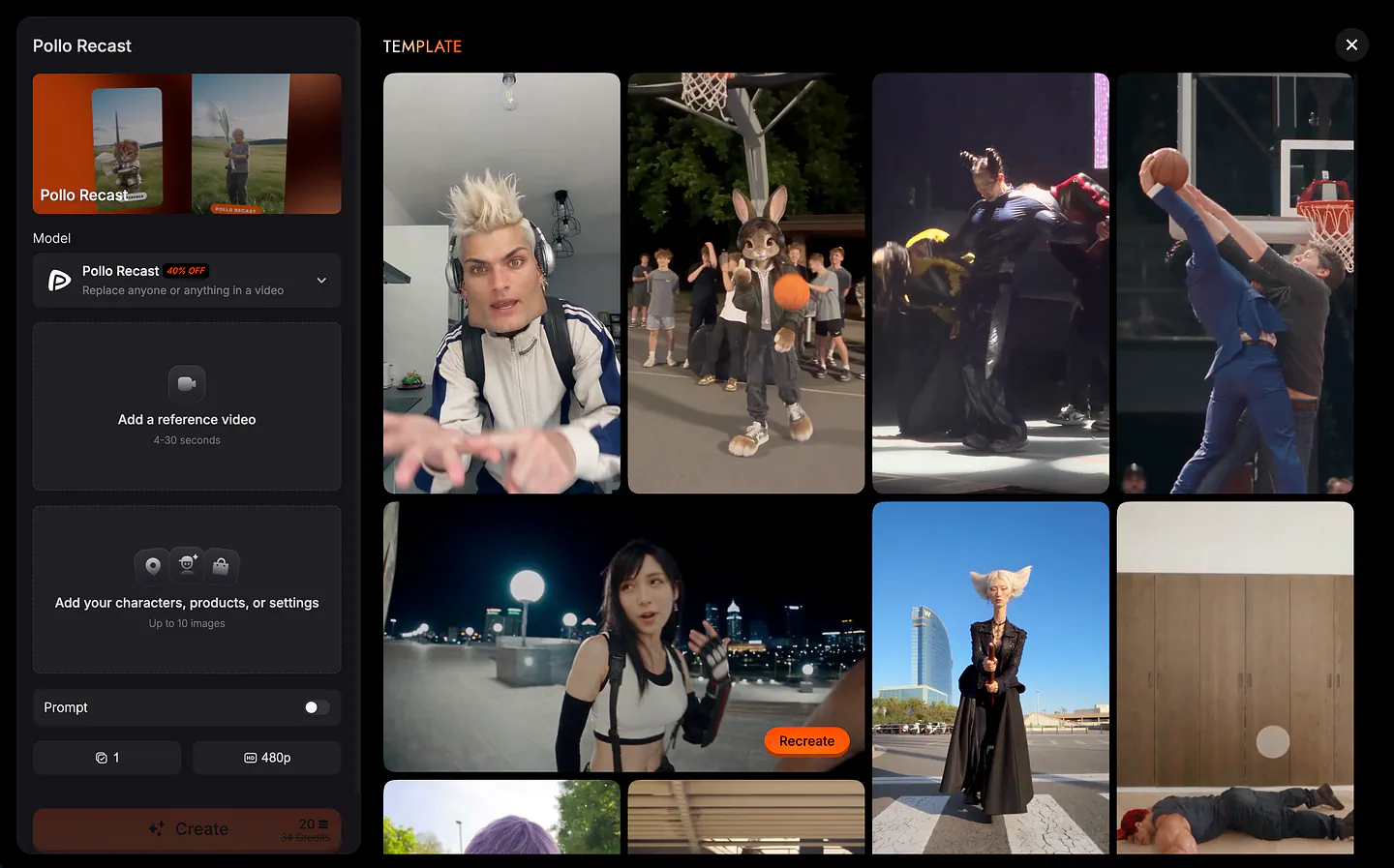
Pollo Recast dashboard. Image by Jim Clyde Monge
The video and images have different jobs. The video shows the performance you want to recreate. The images show the people or things you want to put into it.
For a dance, that means you can use a viral performance online instead of trying to describe the choreography in a text prompt. In other example like a basketball clip, you can use a particular dunk instead of asking the model to invent one.
That’s what I want for these examples. I already have an idea of what should happen in each scene. I’m changing who appears in it.
Pollo Recast can replace more than a face, too. The character’s clothes and body can change with the reference image. That’s why I prepared a full-body reference for the first example rather than just using a headshot.
Putting an Elderly Man into the Viral Dance
The dance template I’m using has a lead performer holding a microphone, with backup dancers onstage. There’s already plenty happening in the original, so changing the lead is enough for the first video.
Here’s the character:
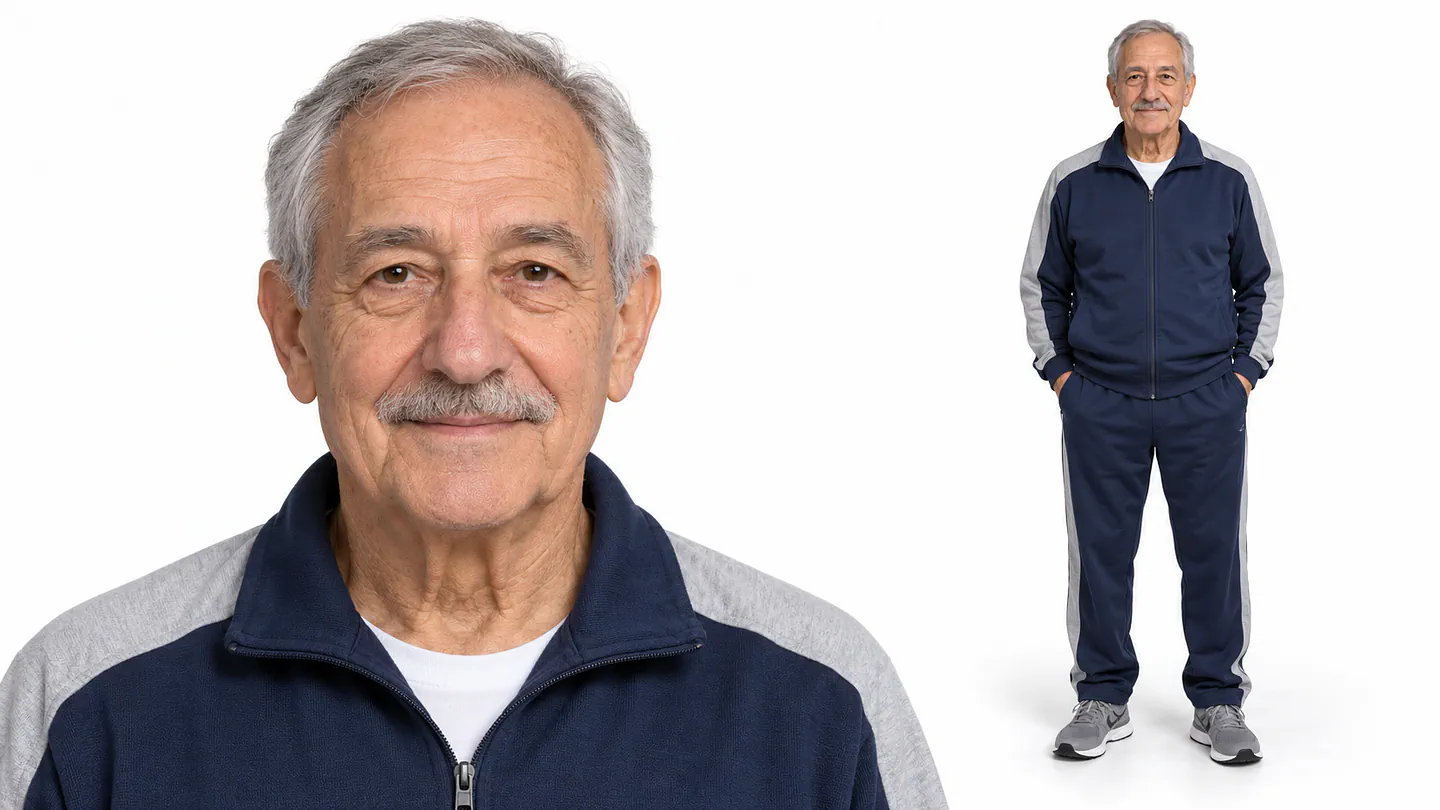
Sample character to replace the template video in Pollo Recast. Image by Jim Clyde Monge
He has short gray hair, a gray mustache, and a friendly expression. The tracksuit and sneakers make him look like someone you might see walking around the neighborhood.
I like that for this video. He’s dressed for an ordinary day, and I’m putting him into a stage performance with a microphone and backup dancers. The outfit is part of what makes the idea funny to me.
The reference image is also something I can reuse. Once I have a character I like, I can bring the same image into another template instead of generating a different person for every clip.
For readers with an original character or a mascot, that’s a useful way to approach it. Start with the character you already have, then look for a performance that suits the video you want to make.
Now, open the template in Pollo Recast and upload the reference image.
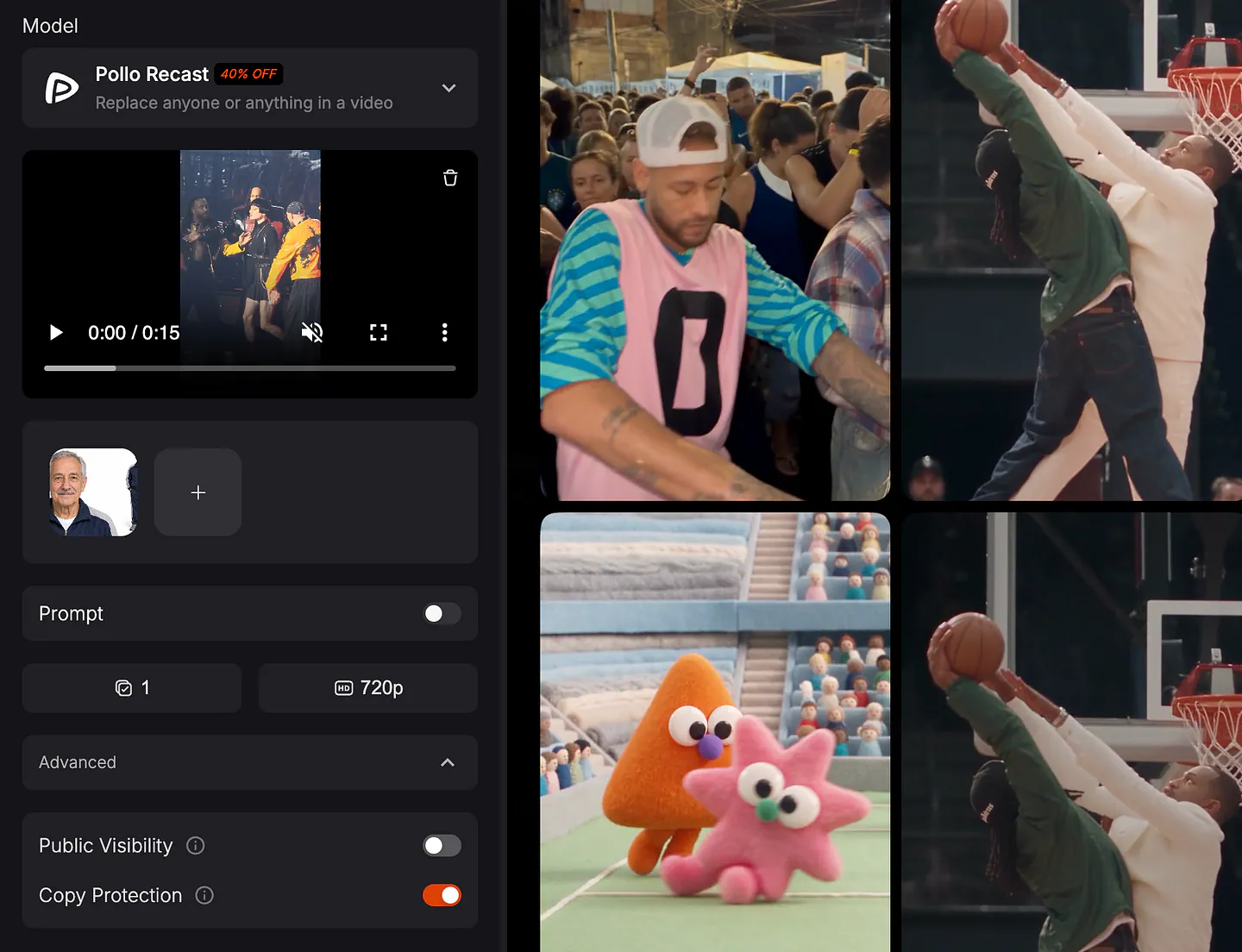
Pollo Recast video generation parameters. Image by Jim Clyde Monge
For a single-character video, the prompt is optional. You can leave it empty here. The template shows the dance, and the image gives Pollo Recast the replacement character.
I like having that option. Sometimes I have a reference that already shows exactly what I want. Writing another paragraph about the same action doesn’t add much, especially for a quick video like this.
There’s still a prompt field when you want to add instructions. Pollo also automatically refines the prompt using your reference materials. For this first example, I’m keeping the setup simple and letting the references do the work.
Next, choose the resolution and the number of outputs, then click Generate. I’ll explain those settings later in the article.
Loading this video connects to Vimeo, which receives device and connection data and may use cookies or similar storage.
The stage performance is what makes this more fun than animating the reference image on its own. The character gets the whole routine, with the music and the people around him.
That’s also why I want to keep his clothes casual. I don’t need to give him a new hairstyle or turn him into a different character for the stage. I picked this particular image because I want to see this guy doing the dance.
The videos I mentioned seeing on TikTok have made me more interested in this kind of editing. A clip can be funny enough to watch and share without the viewer ever thinking about how it was made.
I want the result to work that way too. The character should be entertaining in the video, without needing a long caption explaining the technology.
Once the result is ready, download it. For this article, I’m placing it beside the original so you can see the replacement straight away. For a social post, the remake can also be shared on its own.
Making Sam Altman Dunk on Faker
For the second video, I want two people in the scene.
The idea is a basketball clip where one player dunks over another. Sam Altman gets to do the dunk, and Faker gets posterized.
Here are the reference character photos:
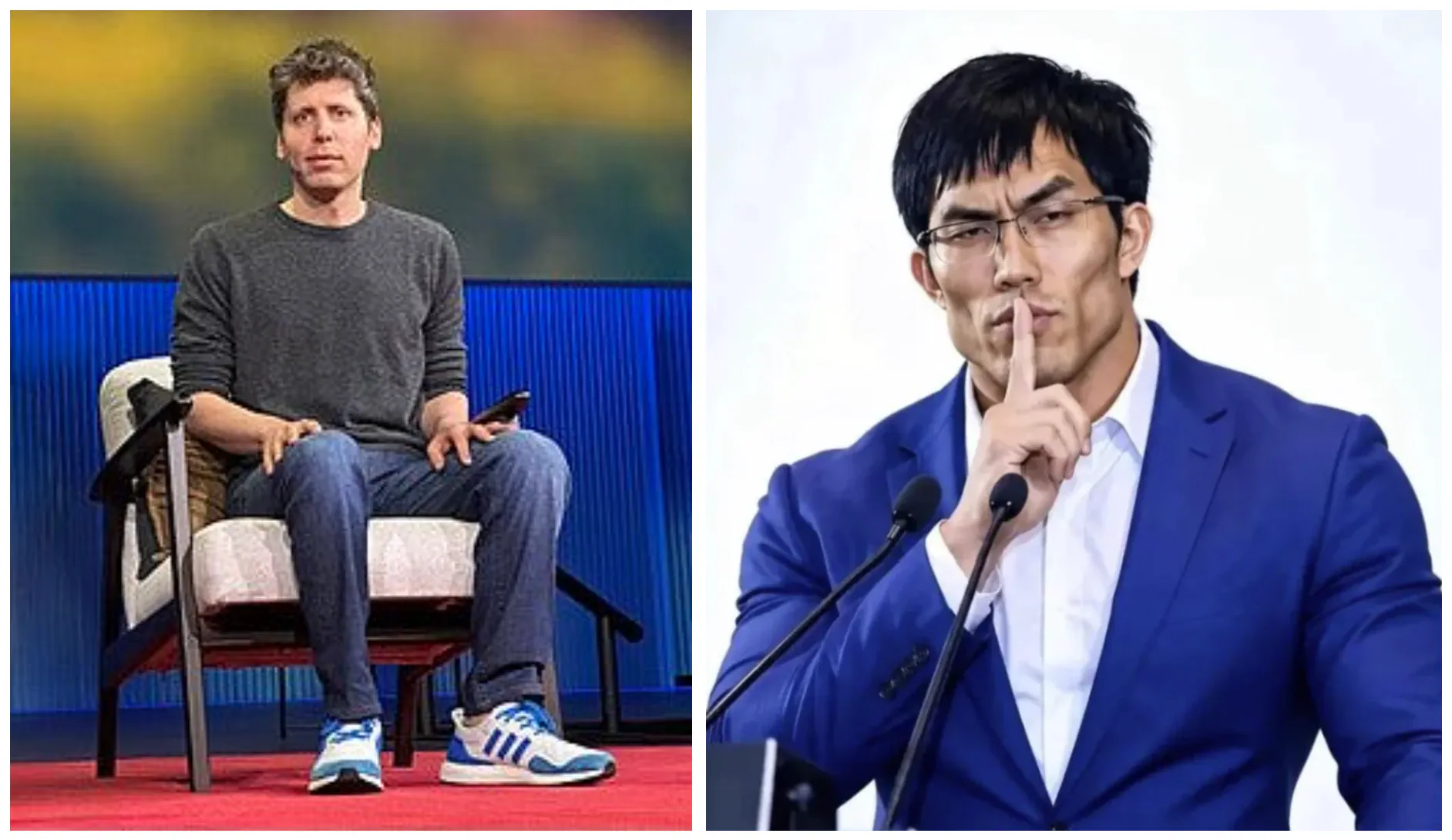
Sam Altman (Left) and Faker (Right) sample input images for Pollo Recast
I’m putting Sam and Faker into the same basketball clip because it’s such an unexpected pairing. I want to see what that matchup looks like.
Here’s the reference video:
Loading this video connects to Vimeo, which receives device and connection data and may use cookies or similar storage.
The reference for this example needs to show the play I want to use. I’m looking for a dunk with a clear attacker and defender, where both people are visible.
I’m not trying to generate a whole basketball game. One good play is enough. The video already has a beginning and a finish, and putting these two into it gives me the idea for the remake.
Upload the basketball clip, then add the character images in this order:
- Image 1 is Sam Altman, replacing the player who dunks the ball.
- Image 2 is Lee “Faker” Sang-hyeok, replacing the player who gets posterized.
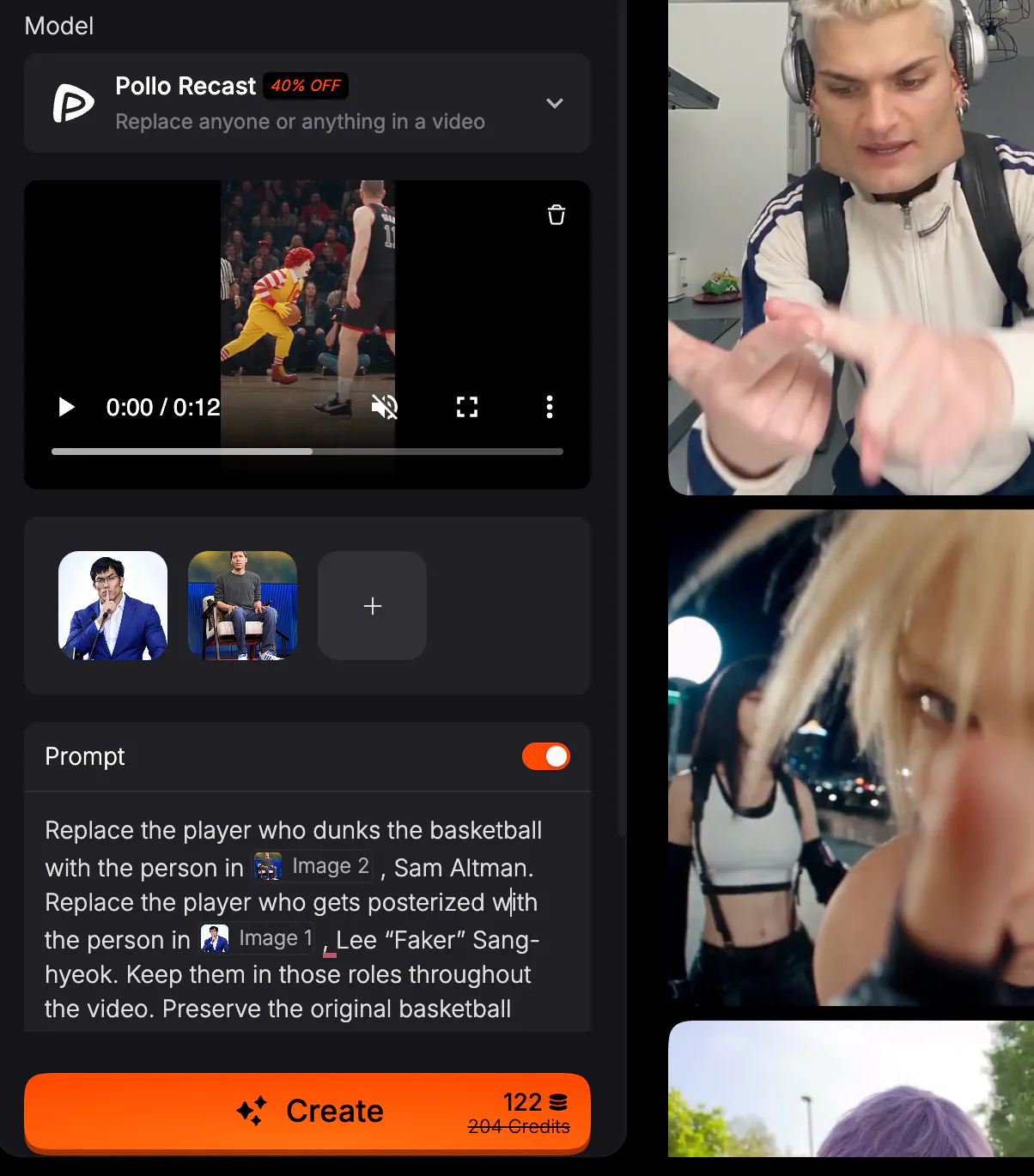
Pollo Recast video generation parameters. Image by Jim Clyde Monge
Unlike the dance example, I’m adding a prompt here. There are two people to replace, and I want a specific person in each role.
Here’s the prompt:
Replace the player who dunks the basketball with the person in Image 1, Sam Altman. Replace the player who gets posterized with the person in Image 2, Lee “Faker” Sang-hyeok. Keep them in those roles throughout the video. Preserve the original basketball action, court, camera movements, timing, and audio, and leave the other people unchanged.
I’m referring to the players by what they do. “The player who dunks” is a clearer instruction than “the person on the left,” especially once they start moving across the court.
Beyond that, I’m keeping the original play. I chose the clip because of the dunk, so I don’t need to ask Pollo Recast to invent a different finish or add another camera angle.
This is where I find reference-based generation more useful than trying to write everything in a prompt. I can show the exact movement I want, then explain the part the references don’t decide for me: who replaces whom.
Before generating, choose the resolution and output count. Pollo Recast allows up to four results in one submission, so you can request a few versions of this idea together.
Here’s the final result:
Loading this video connects to Vimeo, which receives device and connection data and may use cookies or similar storage.
Sam dunking on Faker is already a funny idea to me, but reversing them could work too. The same reference can give you another version simply by changing the assignments.
That gives the feature a bit more room than a one-off joke. You can take a clip and try different people in the same roles, then choose the pairing you enjoy most.
For someone making content around fictional characters, those choices could come from the characters’ personalities. One might be the confident person showing off, while another is always getting into trouble. A familiar video gives them a scene to act out.
The two examples also show when a prompt earns its place. The dance has one replacement character, so I can leave the field empty. The basketball video needs the image-to-player assignments, and a short paragraph explains them.
That’s about as complicated as the instructions need to be for this idea. The rest is in the video and the images.
More Pollo Recast Settings to Know About
There are a few settings to choose before you generate. They affect the resolution, how many versions you get, and the credits required for the request.
Pollo Recast has 480p, 720p, and 1080p options.
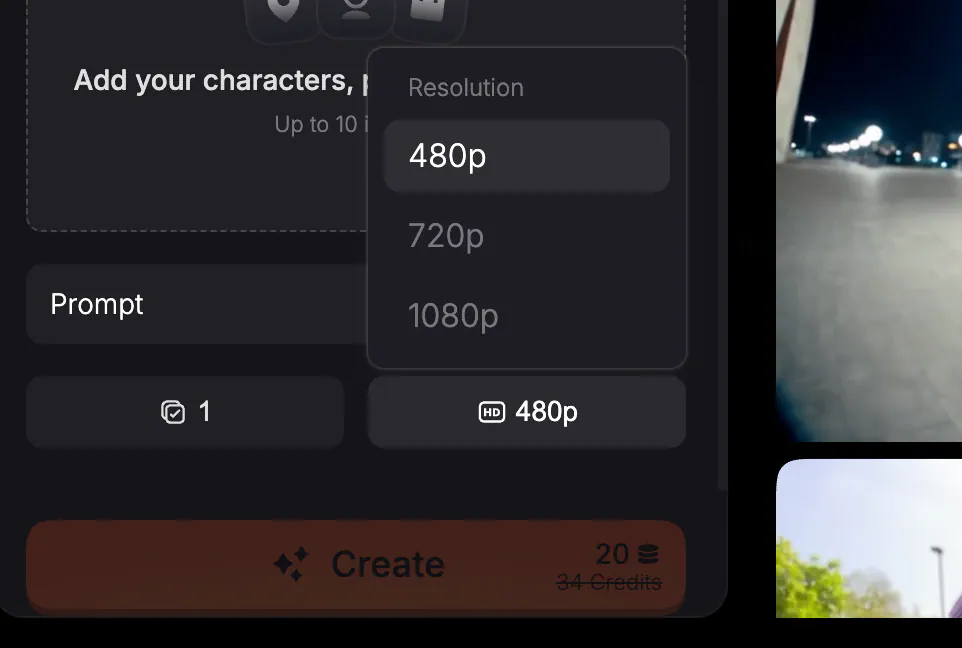
Pollo Recast’s video generation parameters. Image by Jim Clyde Monge
For an idea I’m still playing with, 480p gives me a way to try it before requesting a higher-resolution version. For a video going into an article or a social post, I can choose 720p or 1080p.
The resolution and the character choice are separate decisions. At the start, I’m usually asking myself whether the idea is something I want to keep. Once I’ve decided that, I can choose the output quality for where I’m posting it.
The credit amount shown in Pollo Recast is the one to use for the selected settings. I’m not putting a fixed cost per video in this guide because the duration, resolution, and output count can change the total.
The Output Number setting offers one, two, three, or four videos per submission.
For the elderly dancer, one output is enough to start with. For the basketball idea, requesting several gives me a few versions to choose from without submitting the same setup individually.
I like having some choice when making a short, funny video. Sometimes one version is simply more enjoyable to watch than another, and I want to pick the one I’m happiest to share.