You open your editor on a Monday with a failing test, a half-finished refactor, and a pull request waiting for review. Agentic coding assistants are built for that kind of morning: you describe the job, and the assistant reads the code, edits files, runs commands, and reports back.
There are a lot of them now, and they've started to look alike. So we compared five by reading each vendor's product docs, security docs, and pricing pages as of November 2026. We didn't run benchmarks of our own, so every claim below traces back to those pages.
This list is for individual developers picking one assistant to live with every day. We judged each on three things: where it fits in your daily workflow (editor, terminal, or both), how you control what it's allowed to do without asking, and what it costs one person per month.
The order below isn't a ranking. By the end you should know which one matches how you already work, and what you'll pay for it.
1. Claude Code
Best for: Developers who spend most of the day in a terminal and want fine-grained control over what the agent can do alone.
Claude Code is Anthropic's coding agent. Its docs describe it as a tool that reads your codebase, edits files, runs commands, and connects to your development tools. It started in the terminal, and it now also runs as a VS Code extension, a JetBrains plugin, a desktop app, and in the browser.
Key features for daily use:
- Terminal CLI: Edit files and run commands for a whole project from one prompt
- VS Code extension: Inline diffs, @-mentions, plan review, and conversation history in the editor
- Desktop app: Review diffs visually, run several sessions side by side, and schedule recurring tasks
- CLAUDE.md: A file in your project root that the agent reads at the start of every session, so your coding standards carry over
- MCP support: Connect outside tools such as Jira, Slack, or Google Drive through the Model Context Protocol (an open standard for plugging AI tools into other systems)
Where it stands out for this comparison is the autonomy dial. Claude Code has six permission modes, and each one answers the question "what runs without asking?" differently. The default mode only reads files on its own. acceptEdits adds file edits and common filesystem commands. plan blocks edits until you approve a plan. auto runs everything with background safety checks, and recent versions start terminal and VS Code sessions in that mode.
That last detail deserves a second look before your first session. If you're working in unfamiliar or sensitive code, the docs suggest starting in default mode with a single flag, and they reserve the skip-everything mode for isolated containers and VMs. You get a lot of control, but you do have to learn the modes (there are more of them here than in any other tool on this list).
Pricing follows your Claude subscription, and the free plan leaves Claude Code out:
- Pro plan: $20 per month billed monthly, or $17 per month on an annual plan ($200 up front)
- Max: $100 per month, with five times Pro's usage
- Ultra: $200 per month, with 10 times Pro's weekly usage and no five-hour limit
Usage on Pro and Max is capped in five-hour and weekly windows, and the pricing page describes those caps only relative to each other. If you plan to run long agent sessions most days, watch how fast a week of Pro usage goes before you commit to a year.
2. Cursor
Best for: Developers who want the agent built into the editor itself, with an easy way to undo its work.
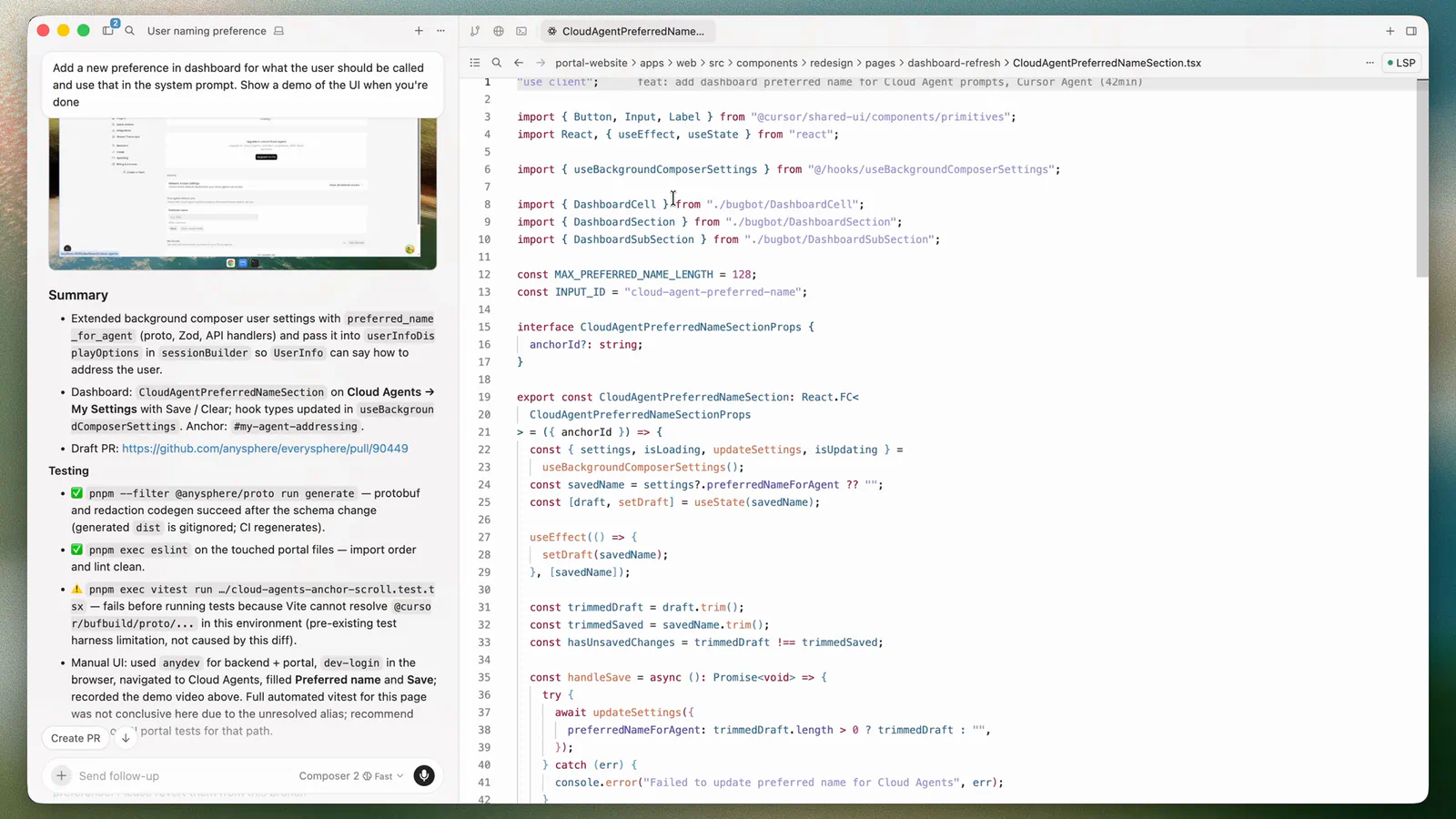
Cursor is a code editor with an agent at its center. The docs describe Agent as an assistant that can complete complex coding tasks independently, run terminal commands, and edit code, and you open it in a side pane with one keyboard shortcut. For bigger jobs such as a migration, a coordinator agent can plan the work and hand pieces to other agents.
Key features that shape the daily loop:
- Tools: Codebase search, web search, file edits, shell commands, and a browser the agent can control to test what it built
- No tool-call cap: Cursor says there's no limit on the number of tool calls Agent can make during a task
- Checkpoints: Snapshots of your files that Agent creates automatically before significant changes
- Queued messages: Type your next instruction while the agent works, or send a follow-up that steers the current turn
- Clarifying questions: The agent can ask you something and keep working while it waits
Checkpoints are the feature to understand first. If Agent takes a wrong turn, you click a checkpoint in the chat timeline, preview your files at that point, and restore them. Cursor stores checkpoints locally and keeps them separate from Git, and it tells you to use them only for undoing Agent changes. That makes Cursor forgiving for people who'd like to let the agent run and review afterward.
Pricing changed shape this year, and it's the part most likely to surprise you:
- Free: Limited agent and chat requests
- Plus: $8 per month, with only Grok models available
- Premium: $30 per month, with about four times Plus usage, cloud agents, and AI code reviews
- Super: $100 per month, which Cursor recommends for daily agent users
- Ultra: $200 per month
The catch sits in the fine print. On Premium and above, third-party models are available at API list price and are billed separately from the monthly fee. So if you want to drive Cursor with a non-Grok model, your real monthly cost is the plan plus usage. The plans also bundle Grok and X perks that have nothing to do with coding.
One more gap for solo users: the comparison table lists auto-run, browser, and network controls only under the Enterprise column. Before you subscribe, open the agent settings on the free plan and see which approval options you actually get as an individual.
3. GitHub Copilot
Best for: Developers whose work already lives in GitHub issues and pull requests, and anyone on a tight budget.
GitHub now calls Copilot an AI coding agent, and the product has grown well past autocomplete. You can start a session from an issue or pull request with the repository context already attached, run several tasks in parallel, and pick up a long-running task later from the Copilot app, the CLI, your editor, github.com, or GitHub Mobile.
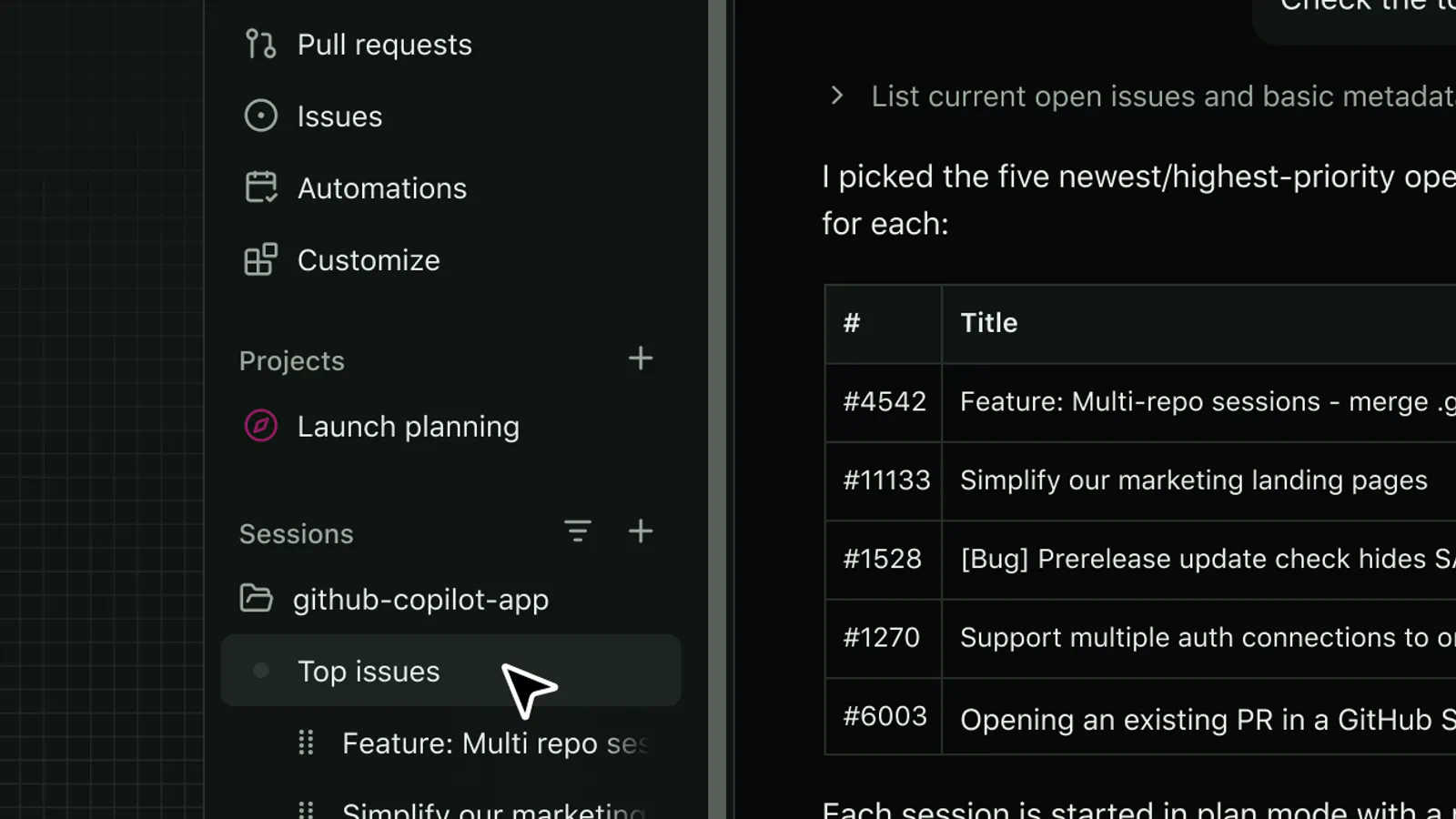
Key features for an individual:
- Agent mode: Available in VS Code, Visual Studio, JetBrains, Eclipse, and Xcode
- Copilot CLI: The same agent in your terminal, included on every plan
- Local review: Find code quality and security issues before you open a pull request, then ask Copilot to fix the ones you choose
- Automations: Reusable agent tasks that run on demand, on a schedule, or from supported triggers
- Model choice: Let Copilot pick a model, choose one yourself, or bring your own API key (local models through Ollama and Foundry Local work too)
Copilot's strength is reach. It supports more editors than anything else here, and because it's part of GitHub, a change can start as an issue, come back as a pull request, get reviewed, and merge in one place. If your day already runs through GitHub, you won't have to copy context between tools.
It's also the cheapest paid entry on this list:
- Free: 2,000 completions per month, with limited chat and agent usage
- Pro plan: $10 per month, with unlimited completions and $15 in monthly AI credits
- Pro+: $39 per month, with premium models and $70 in monthly credits
- Max: $100 per month, with $200 in monthly credits
Here's the part to read twice. Agent mode, code review, cloud sessions, the CLI, and the app all consume GitHub AI Credits. Pro's $15 of credits is made up of $10 in base credits plus a $5 flex allotment, and GitHub says flex allotments may change over time. Heavy agent use can burn through that faster than the low sticker price suggests.
Copilot's plan pages say little about per-action approval settings, so its autonomy controls are harder to judge from the outside than Claude Code's or Codex's. Try agent mode on the free plan and see how often it stops to ask before you decide the paid tier is your daily driver.
4. OpenAI Codex CLI
Best for: ChatGPT subscribers who want a terminal agent that's sandboxed by default.
Codex CLI is OpenAI's terminal agent. It lets you inspect code, make changes, run commands, and automate repeatable work from a project directory. You install it with one command, run codex, and sign in with your ChatGPT account. The same Codex allowance also covers the IDE extension, the web, and the iOS app on paid plans.
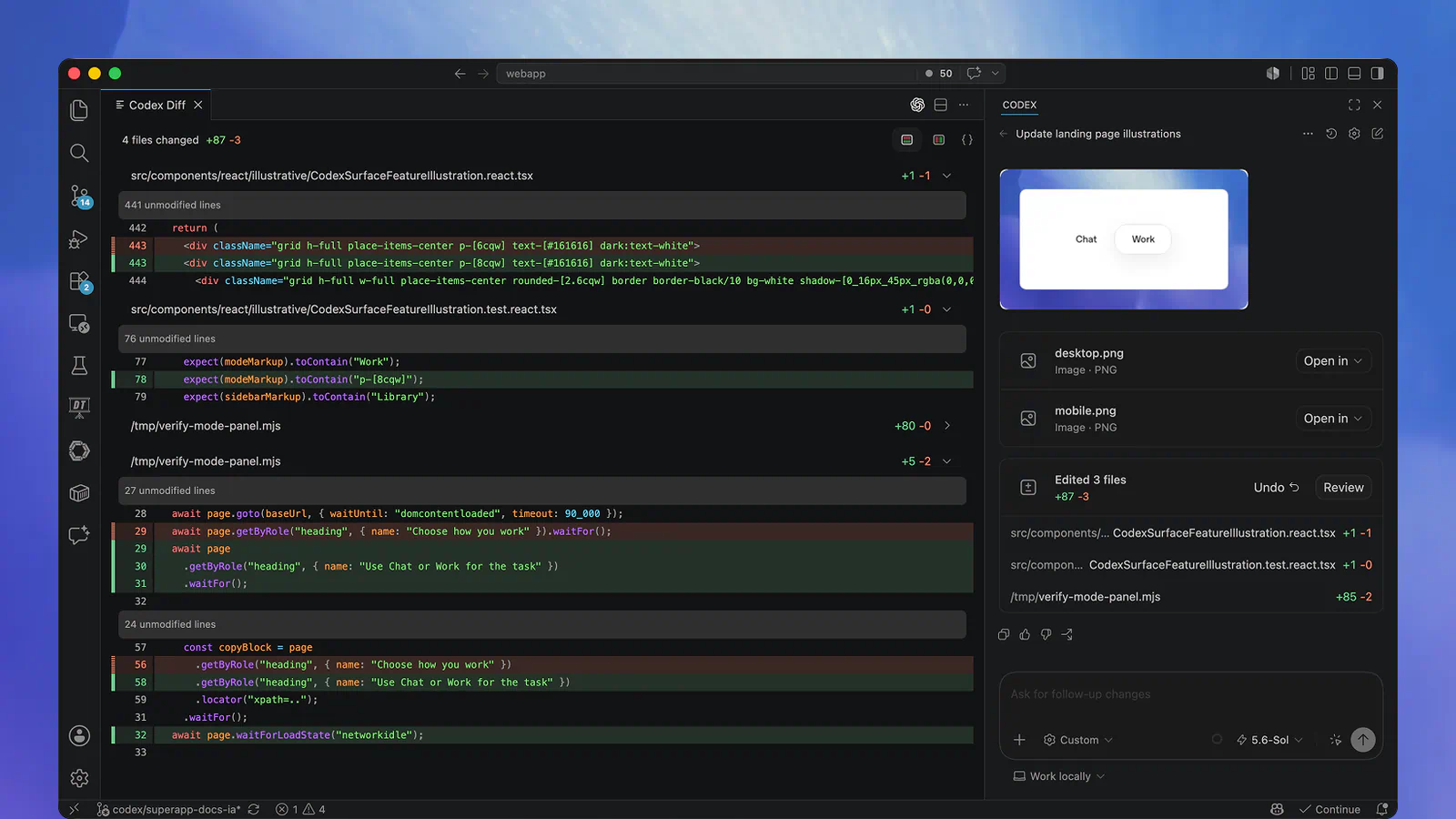
Key features you'll touch every day:
- /permissions: Choose what Codex is allowed to do in the current session
- /model: Pick the model and reasoning effort for the task
- /review: Review your changes and find issues before you commit
- /init: Create an AGENTS.md file with standing instructions for the project
- codex exec: Call Codex from scripts and CI pipelines for repeatable jobs
The safety defaults are the most conservative of the five. OpenAI's security docs say the agent runs with network access turned off by default. Locally it uses a sandbox enforced by your operating system that typically limits it to the current workspace, plus an approval policy that controls when it must stop and ask. There's also a read-only mode for when you only want it to look around.
If you already pay for ChatGPT, there's nothing extra to buy:
- Free and Go: Codex in the desktop app only, with one lighter model (Go is $8 per month)
- Plus: $20 per month, which adds the CLI, IDE extension, web, and iOS
- Pro plans: From $100 per month, in $100, $200, and $500 tiers
- API key: Pay per token at API rates, with no cloud features
Frequently Asked Questions
5 questions
1What is an agentic coding assistant?
An agentic coding assistant is a tool that carries out a coding task for you: it reads your project, edits files, runs commands, and checks the result. Older assistants only suggested the next line or answered questions in a chat box.