Agentic AI coding tools now do far more than finish your line of code. You hand one a task, and it reads the repo, edits files, runs commands, and comes back with a pull request. The catch is that "agent" covers three very different products in late 2026: terminal agents, IDE agents, and cloud agents that work while your laptop is closed.
We compared eight of them using each vendor's own documentation and pricing pages, read on November 20, 2026. We didn't run these tools ourselves, so every claim points to the page it came from.
This list is for developers and engineering teams picking a tool for real work. We judged each one on three things: how much it does on its own, which models it can run, and what it costs once you're past the free tier. The order isn't a ranking. By the end, you'll know which type of agent fits how you work and roughly what a seat will cost.
1. Claude Code
Best for: Developers who live in the terminal and want an agent that can run the whole loop, from reading code to fixing failing tests.
Claude Code is Anthropic's coding agent. The docs describe it as an agentic coding tool that reads your codebase, edits files, runs commands, and plugs into your dev tools. It started as a command-line tool, and it now runs in the terminal, IDE extensions, a desktop app, and the browser.
The pitch is simple: you describe a job in plain English and it works through it. The docs list the chores people tend to put off, like writing tests for untested code, fixing lint errors across a project, resolving merge conflicts, and updating dependencies.
What it gives you:
- Project memory: A
CLAUDE.mdfile in your repo that it reads at the start of every session, so your coding standards carry over - Tool connections: MCP (Model Context Protocol, an open standard for linking AI tools to outside data) lets it read docs in Google Drive or update Jira tickets
- CI hooks: It can run inside GitHub Actions or GitLab CI/CD for automated reviews and fixes
- Provider choice: The terminal CLI, VS Code, and JetBrains versions also work with third-party cloud providers
Where it's strongest is long, multi-step work in an existing codebase. Anthropic's docs use the example prompt "write tests for the auth module, run them, and fix any failures," and the agent keeps going until the suite passes or it gets stuck. For a team, the CI integration is the bigger deal, since the same agent can review pull requests without anyone opening a terminal.
Pricing runs through Claude subscriptions. The free plan doesn't include Claude Code. Pro costs $20 a month billed monthly (or $17 a month on an annual plan), Max is $100, and Ultra is $200 with no 5-hour usage limit. Team standard seats cost $25 a month billed monthly and include Claude Code.
The trade-off is model choice. On a subscription you're running Anthropic's models, and heavy agent sessions eat into usage limits that reset every five hours and every week. If you want to mix in models from other labs, you'll need a different tool or a third-party provider setup. Before you commit, check how fast a typical day of your work burns through the Pro limit.
2. OpenAI Codex
Best for: ChatGPT subscribers who want one agent across the CLI, the IDE, the web, and their phone.
Codex is OpenAI's coding agent, and it shares billing with ChatGPT. That's the first thing to know: ChatGPT Work and Codex share pricing, credits, and usage limits, so a ChatGPT plan you already pay for probably covers some Codex use.
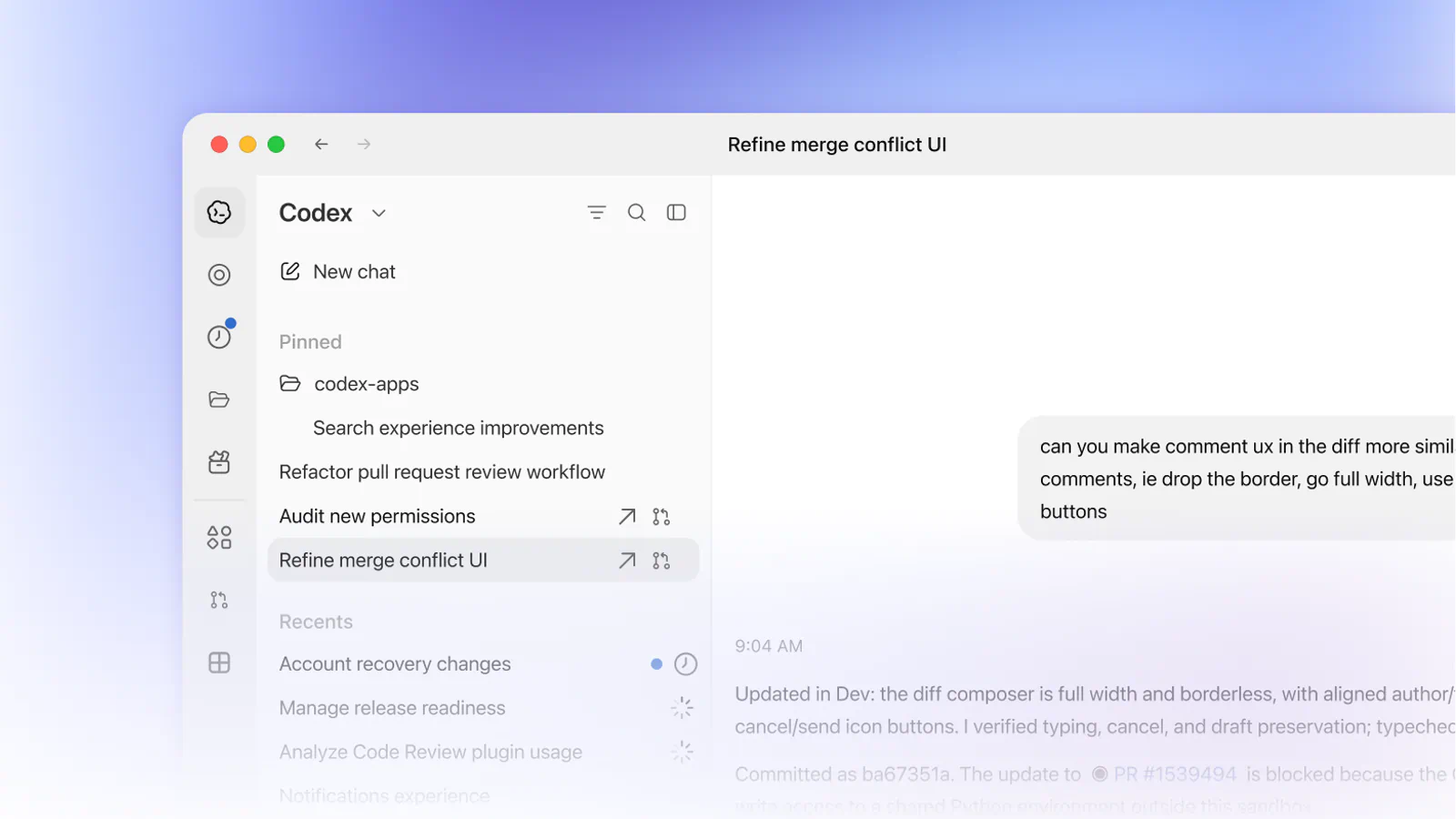
It spans more surfaces than most tools here. On Plus and above, you get Codex on the web, in the CLI, in the IDE extension, and on iOS, plus cloud features like automatic code review and a Slack integration.
How the plans break down:
- Free: $0, with GPT-6 Luna in the desktop app (subject to rollout)
- Go: $8 a month for lightweight tasks
- Plus: $20 a month, with GPT-6.1 Sol and GPT-6 Luna, cloud code review, and Slack
- ChatGPT Pro: $100, $200, or $500 a month, with Ultrafast mode on the $500 tier
- Business: $25 per user a month billed monthly, or $20 billed annually (two or more users)
The cloud side is where Codex earns its place among agentic tools. You can hand off a task, let it run in a cloud environment, and review the result later, including from your phone. Business plans add larger virtual machines so cloud tasks finish faster, which helps when a team pushes many jobs at once.
There's also an API-key route, aimed at CI and other shared environments. It runs Codex in the CLI, SDK, or IDE extension and bills at API rates. The catch is that API-key mode drops the cloud features, so there's no GitHub code review or Slack hand-off. Models are also OpenAI-only. If your team standardizes on Claude or Gemini, Codex won't fit, so check which models your stack depends on first.
3. Google Antigravity
Best for: Developers who want a free starting tier and Google's Gemini 4 models across a terminal, an app, and IDE extensions.
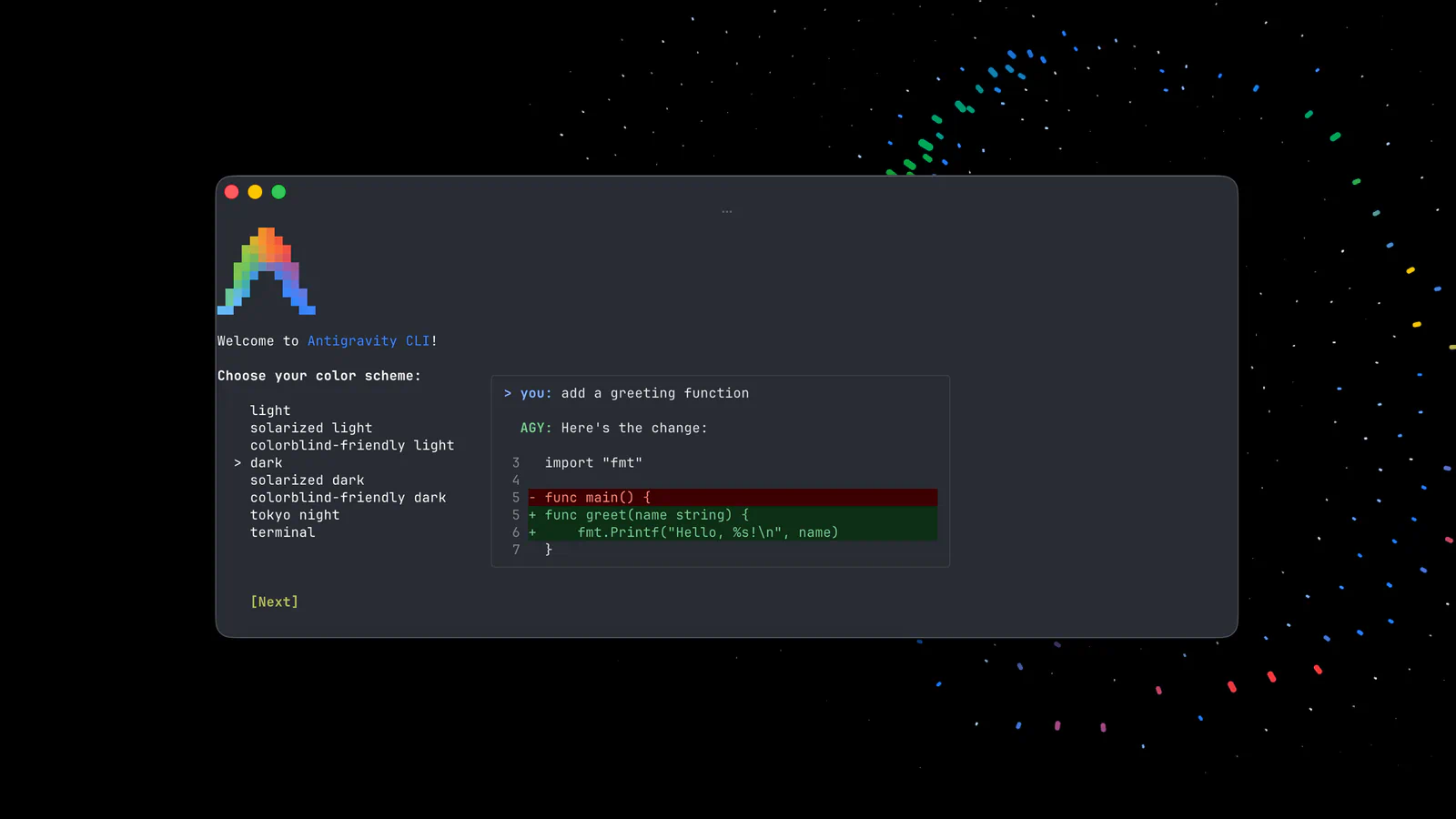
Antigravity is Google's agent platform, and its terminal tool replaced Gemini CLI for most people. The Gemini CLI repository says free individual access and Google AI Pro and Ultra accounts moved to Antigravity CLI on June 18, 2026. Gemini CLI now targets Google Cloud's Code Assist licenses.
The Antigravity CLI runs multiple agents in parallel as subagents. You type /agents to watch their status, and you can approve a tool call with a keyboard shortcut. Slash commands open plugins, MCP servers, skills, and hooks, and /config sets permissions.
Here's what each tier includes:
- Individuals: Free, with the app, CLI, IDE extensions, and Python SDK, plus background agents, browser use, and scheduled tasks on a weekly quota
- Google AI Pro: Quotas that refresh every five hours, Gemini 4 Neon and Argon, plus Claude Sonnet 5.5 and Opus 5.5
- Google AI Ultra: The highest quotas and Gemini 4 Carbon
- Organizations: Gemini Enterprise Standard or Plus from $30 per seat a month, or a pay-as-you-go plan with no seat fee
The free tier is the standout. Few tools on this list give you parallel background agents and scheduled tasks at no cost. Paid users also get a model mix that includes Anthropic's latest Claude models next to Gemini.
Read the footnotes before you plan around the free tier, though. The pricing page marks the free tier's Claude 4.6 models and GPT-OSS-120b for removal on November 18, 2026, which leaves Gemini 3.8 Flash as the main free model. Pro and Ultra also need a personal Google account, so Workspace users have to go through Google Cloud instead. Google doesn't list Pro and Ultra prices on that page, so confirm the current subscription cost before you budget for it.
4. Cursor
Best for: Developers who want an AI-first editor with cloud agents, and who don't mind usage-based billing for non-Grok models.
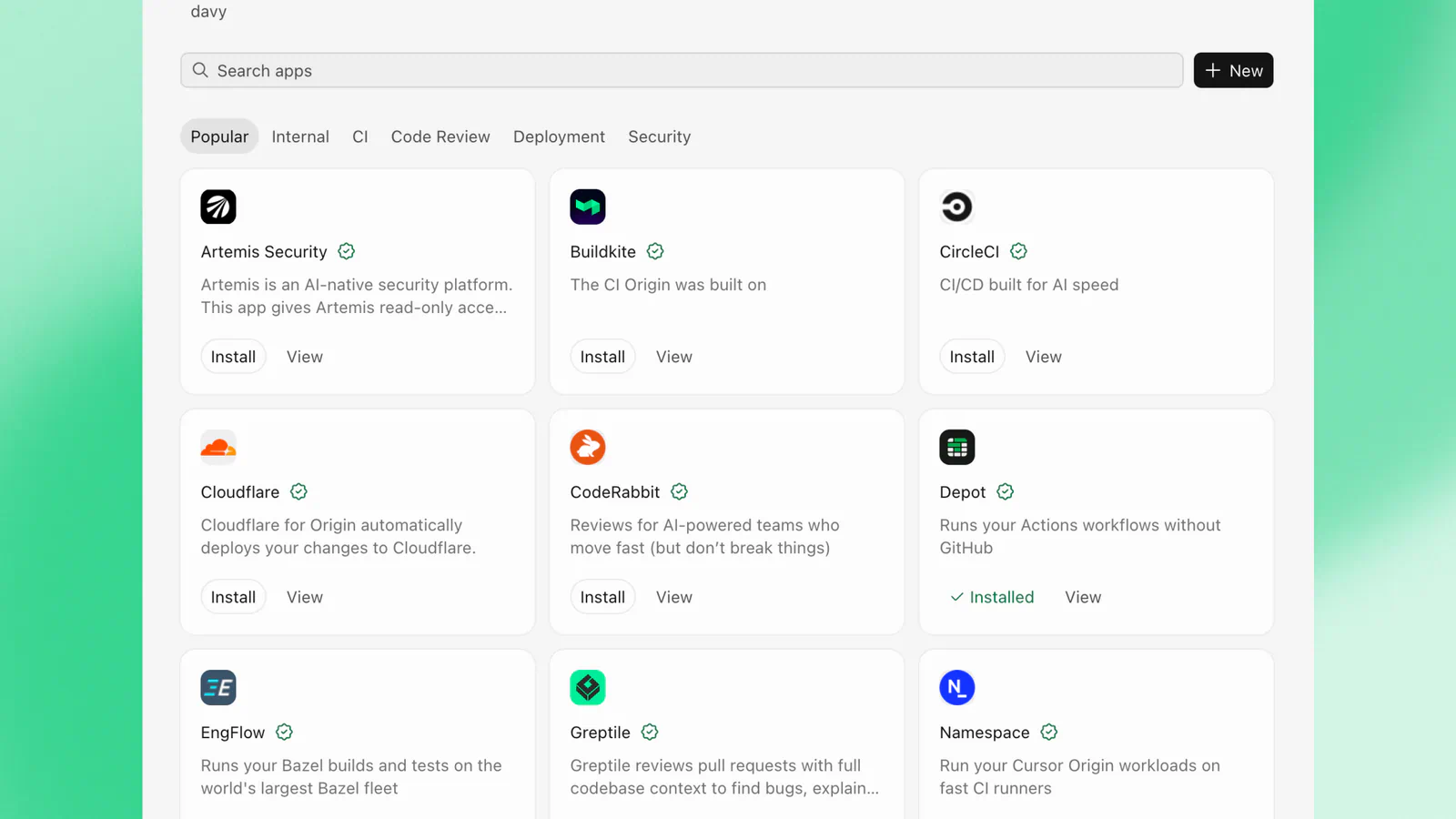
Cursor is an AI code editor with its own agent built in. Its plans changed a lot this year, and they now bundle X features. The Cursor pricing page lists perks like a premium checkmark and ad-free scrolling next to the coding features, and the Plus plan runs Grok models only.
The plan you pick decides how agentic Cursor gets. The Cursor Agent works on every tier, but cloud agents and automations start at Premium.
- Free: Limited agent and chat requests
- Plus: $8 a month, Grok models only
- Premium: $30 a month, with cloud agents, automations, Bugbot code reviews, and third-party models at API list price
- Super: $100 a month, 15 times Plus usage
- Ultra: $200 a month, 50 times Plus usage
- Teams: From $30 per user a month, with SSO, usage analytics, and a team marketplace for rules, skills, and plugins
Cursor is strongest when you want to stay in one editor and still hand off longer jobs. Cloud agents can pick up work in the background while you keep coding locally. Enterprise admins also get fine-grained controls over auto-run, browser and network access, and which repos, models, and MCP servers the agent can touch.
The pricing model is the thing to watch. Third-party models (Claude or GPT, say) aren't included in the monthly price. Cursor bills them separately by usage at API list price, so a heavy month on a frontier model can cost far more than the sticker suggests. If your team prefers Claude or GPT for agent work, estimate a month of usage before you pick a tier.
5. GitHub Copilot
Best for: Teams already on GitHub who want an agent that turns issues into pull requests inside the tools they use.
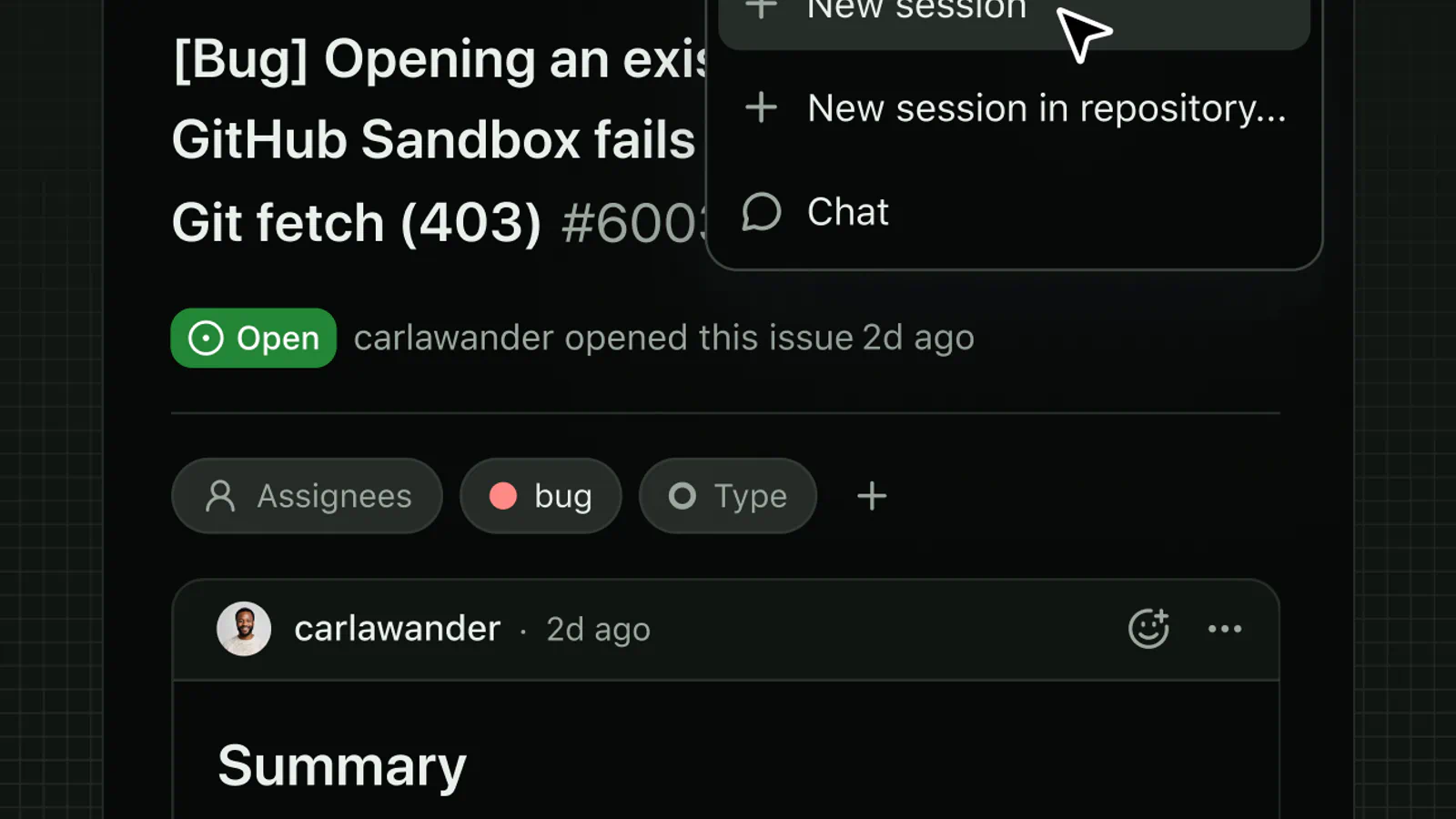
Copilot is the default for a lot of teams, and its agent side has grown. The Copilot plans page now lists agent mode, code review, Copilot in the cloud, Copilot CLI, and the Copilot app, all drawing on GitHub AI Credits.
The editor coverage is the widest here. Copilot runs in VS Code, Visual Studio, Xcode, JetBrains IDEs, Neovim, Eclipse, and Zed, so most teams can use it without changing editors.
Plans and monthly credits:
- Free: $0, with limited chat and agent usage (it supports the CLI and agent mode)
- Copilot Pro: $10 a month with $15 in monthly credits, plus Copilot in the cloud and code review
- Pro+: $39 a month with $70 in credits, premium models including Opus, and delegation to Claude and Codex agents (preview)
- Max: $100 a month with $200 in credits and priority access to new models
Copilot in the cloud is the agentic piece. You assign work to Copilot, and it researches, plans, and writes code, with or without opening a pull request. For a team that tracks everything in GitHub issues, that's a short path from ticket to reviewable change. Pro+ goes further and lets you hand tasks to third-party agents from Anthropic and OpenAI from the same place.
Credits are the trade-off. A quick question to a small model costs a fraction of a credit, while a long agent session on a frontier model costs a lot more. Run out and you'll be choosing between waiting and paying for more. Look at how many long agent sessions your team runs a week before you settle on Pro or Pro+.
6. Kiro
Best for: Teams that want specs and requirements written before any code, plus cloud agents that open pull requests on a schedule.
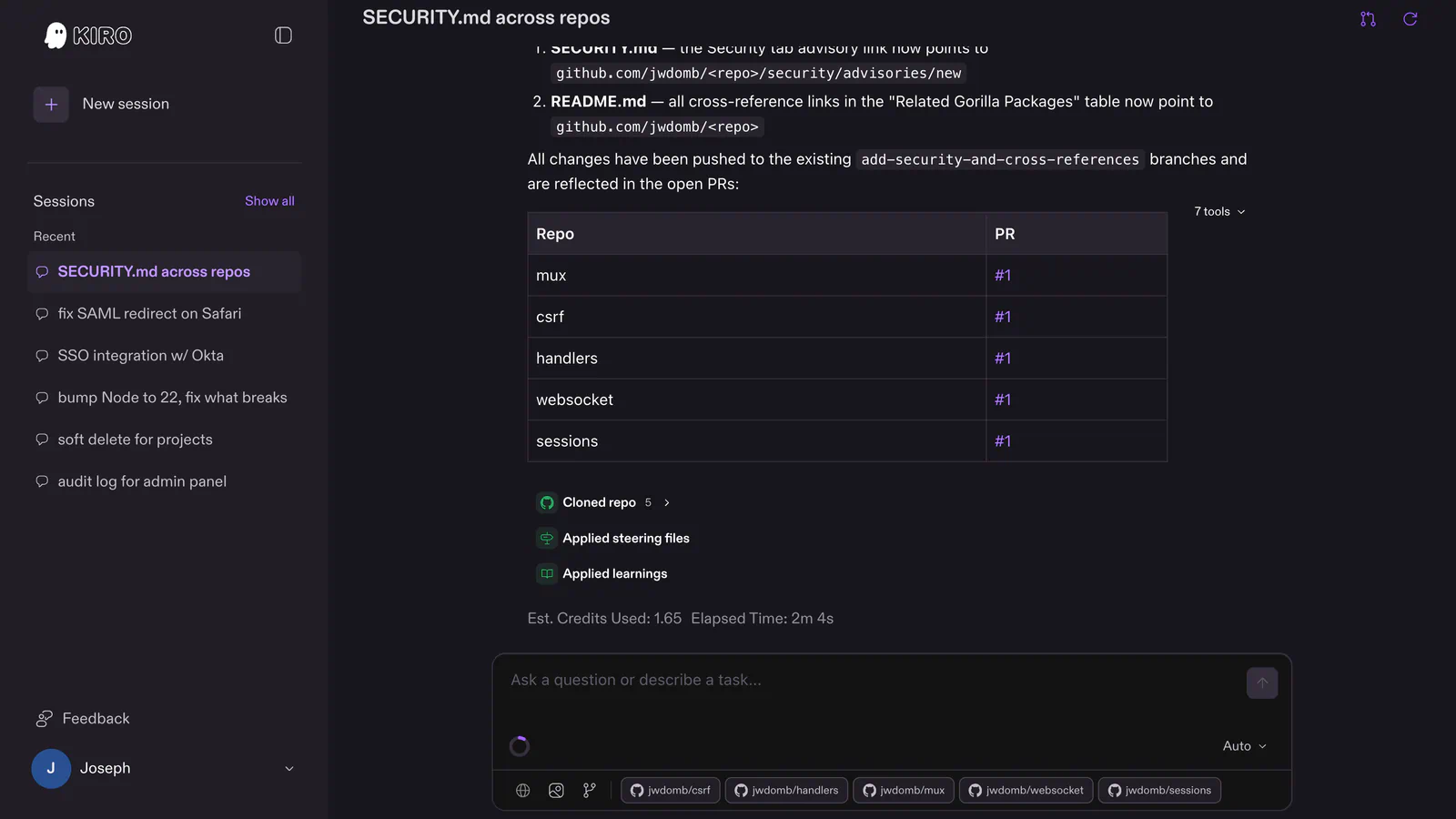
Kiro is an agentic IDE and cloud platform built around planning. Its signature is spec mode, which expands a request into structured requirements with acceptance criteria, then a technical design and an implementation plan. The idea is that you can trace each change back to a requirement.
Kiro runs as an IDE, a CLI, a web app, and mobile apps, all tied to the same cloud sessions. Kiro Web is the most hands-off part. You assign a goal, and it builds a plan, spins up a sandbox, and works through to a pull request with no step-by-step approvals.
Key features for teams:
- Multi-repo changes: Coordinates edits and pull requests across GitHub and GitLab repos in one session
- Scheduled tasks: Runs recurring jobs in its own sandbox and opens pull requests with the results
- Isolated sandboxes: Each session sets up from your Dockerfile, and your settings control network access, secrets, and MCP servers
- Steering files: Your conventions load in every session, on every surface
Pricing is credit-based, per Kiro's plans. Free gives you 50 credits with open-weight models and Claude Sonnet 4.5. Pro is $20 a month for 1,000 credits, Pro+ is $40 for 2,000, Pro Max is $100 for 5,000, and Power is $200 for 10,000. Extra credits cost $0.04 each.
The credit math takes some care. Kiro says a spec task typically costs more than one credit, and pricier models burn credits faster than its Auto setting. Kiro Web is also limited to paid tiers, so the free plan won't show you the cloud agent at all. Teams pay $20 a seat for 500 pooled credits per seat, which helps when usage is uneven across people.
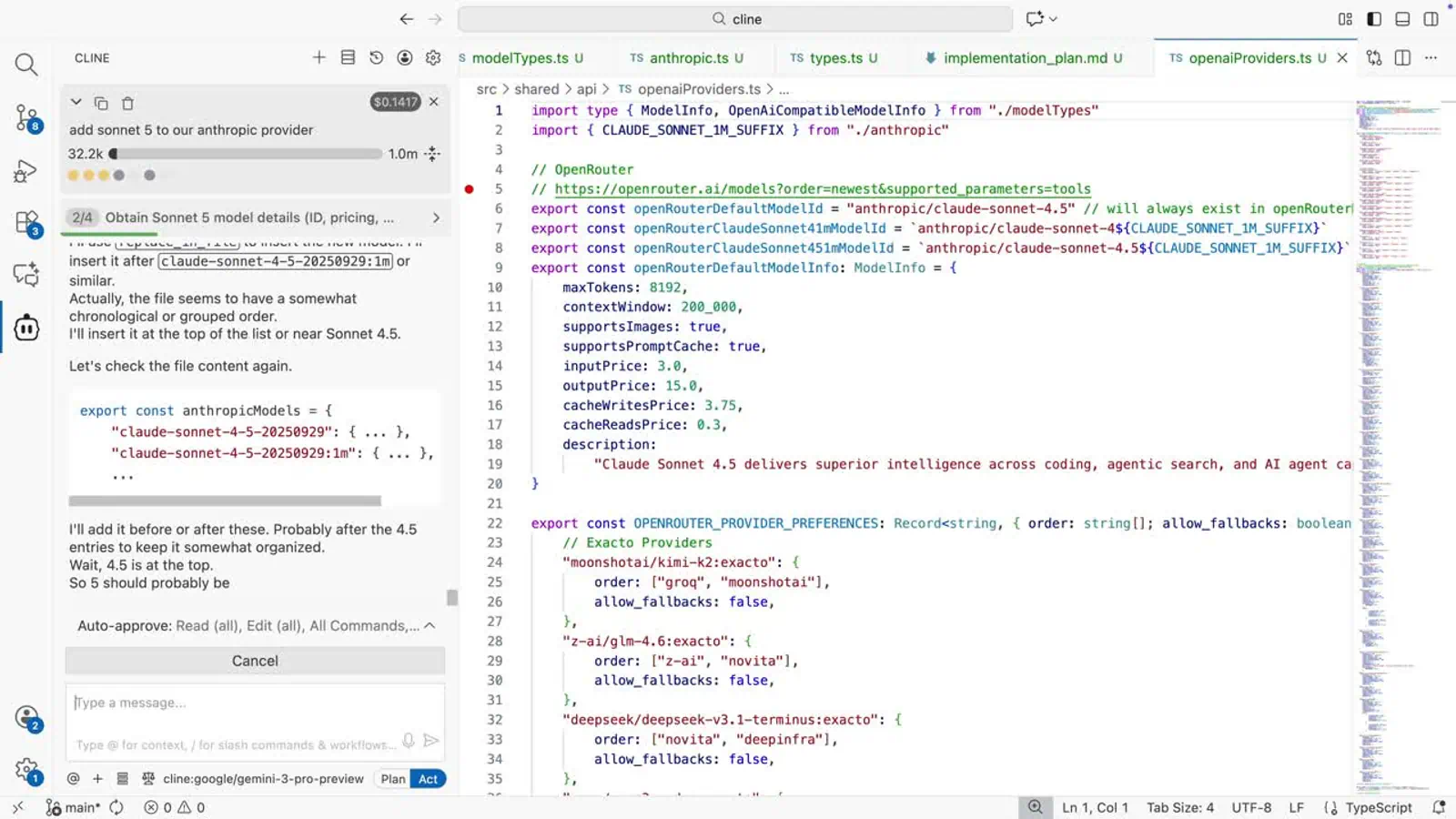
7. Cline
Best for: Developers who want an open-source agent and full control over which model provider they pay.
Frequently Asked Questions
5 questions
1What is an agentic AI coding tool?
An agentic AI coding tool is an assistant that plans and carries out multi-step tasks on its own. It reads your code, edits files, runs commands, and checks results, often ending with a pull request you review.