You've got a product shot, a portrait, or a piece of key art, and you need it moving by Friday. Image to video AI does exactly that: you hand the model a still as the first frame, describe the motion, and get back a short clip. The hard part is picking a tool, because every vendor prices, caps, and controls clips differently.
We compared seven tools using each vendor's own pricing pages, documentation, and release notes as of November 2026. Every credit price below was converted into what a single clip actually costs, so you can compare a per-credit plan with a per-second API on the same footing.
This list is for creators and marketers who animate images for ads, social posts, and product pages. It judges each tool on four things: how long a clip can run, the resolution you can export, how much control you get over motion, and the real price of a 5-second clip. The order isn't a ranking. By the end, you'll know which one fits your format, your budget, and how much steering you need.
1. Runway Gen-4.5
Best for: Agencies and video editors who want a full production suite around the model.
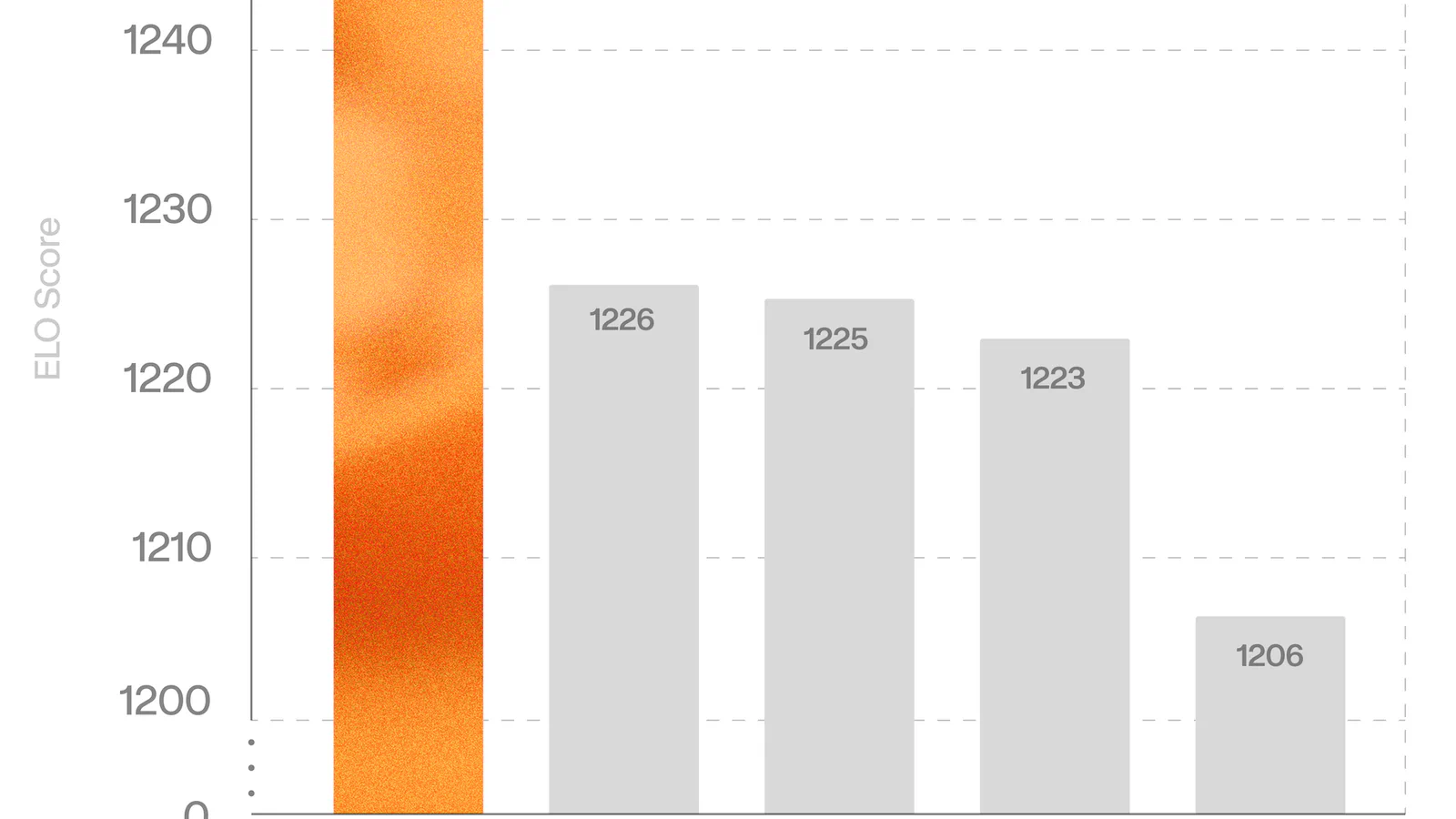
Runway is the most complete creative suite on this list, and its current flagship model is Gen-4.5. Runway launched it on December 1, 2025, and says it hit 1,247 Elo points on the Artificial Analysis text-to-video leaderboard, first place at the time. At launch, the company also promised to bring its control modes (Image to Video, Keyframes, Video to Video) to the new model, which is what makes it relevant for animating stills.
Plans that matter for image animation:
- Free: 125 one-time credits to try the tools
- Standard: $15 a month, or $12 a month billed yearly, with 625 credits (about 52 seconds of Gen-4.5)
- Pro plan: $35 a month, or $28 a month billed yearly, with 2,250 credits (about 187 seconds of Gen-4.5)
- Max: $95 a month, or $76 a month billed yearly, with 9,500 credits and rollover
- Gen-4.5 cost: 12 credits per second, so a 5-second clip uses 60 credits
On the Standard monthly plan, that works out to roughly $1.44 per 5-second Gen-4.5 clip. It's one of the pricier per-clip rates here, and you're paying for what surrounds the model. Paid plans drop watermarks and add 4K upscaling, and the same credits also run partner models like Kling 4.0 and Seedance 2.5 (Runway listed 25% off Kling 4.0 until November 30).
That mix suits a team that wants one login for animation, upscaling, sound, and ad variations. If you're cutting a 30-second spot from six product stills, you can animate, upscale, and finish in one place without exporting between apps.
The catch is cost at volume. 625 credits disappear in under a minute of Gen-4.5 footage, and you'll rarely keep every take. If you mostly need short, cheap social loops, Pika or Midjourney will stretch your budget further. Before you subscribe, check whether the Gen-4.5 mode you need (image input, keyframes) is live on your plan, since Runway rolled its control modes out after launch.
2. Kling AI
Best for: Creators who need longer single takes and keyframed motion.
Kling AI, from Kuaishou, is the tool to look at when a 5-second clip is too short. Its current model, Kling 4.0, adds native 30-second generation and multi-keyframes, along with what Kling calls Omni Reference for keeping characters and products consistent. A separate Motion Control feature copies movement and facial expression from reference footage.
Membership tiers at list price:
- Basic: Free, with one video per generation and no 1080p or 4K output
- Standard: $10 a month for 660 credits, about $0.98 per 100 credits
- Pro plan: $37 a month for 3,000 credits, about $0.80 per 100 credits
- Premier: $207 a month for 18,000 credits
- Ultra+: $619 a month for 57,000 credits
Kling was running a promotion at the time of writing (35% off the first three months on monthly plans), so your first bill may be lower than the list price. Every paid tier unlocks 1080p and 4K generation, watermark removal, commercial use, and up to four videos per generation.
The 30-second ceiling is the big draw. A product walkthrough or a slow reveal can stay in one continuous shot instead of being stitched from three short clips, and keyframes let you pin where the camera starts and ends. That's a real time saver for UGC-style ads.
Kling's own plan page doesn't publish a simple per-second credit rate, which makes budgeting harder than with Google or MiniMax. You can sanity-check costs through resellers: Pika charges 118 credits for a 1080p, 5-second Kling 4.0 clip, and Luma charges 79 credits per second at 1080p. Read Kling's credit cost for your chosen length and resolution in the app before you buy a large pack.
3. Luma Ray3.2
Best for: Studios that want frame-by-frame direction and HDR output.
Luma's Ray3.2 is built around control. Its standout feature, Multi-Keyframe, lets you set up to 16 keyframes inside a single clip, so you decide what changes, what holds still, and how the shot ends. Luma also offers Motion Transfer, Camera Motion Transfer, and Reframe for delivering one shot in several aspect ratios.
Ray3.2 image-to-video pricing in credits:
- 720p: 100 credits for 5 seconds, 300 credits for 10 seconds
- 1080p: 400 credits for 5 seconds, 1,200 credits for 10 seconds
- HDR: Twice the base cost, or three times with EXR export
- Plus plan: $30 a month, or $300 billed yearly, for 10,000 credits and commercial use
- Pro plan: $90 a month for 40,000 credits
On Plus, a credit costs about $0.003, so a 720p, 5-second clip runs roughly $0.30 and the same clip at 1080p about $1.20. That 4x jump for 1080p is steep, and it's the main thing to plan around.
Where Luma earns that price is in finishing. HDR and EXR export matter if your clip is headed into a color-graded edit, and the Modify Video V2 tool reshapes existing footage up to 20 seconds at 1080p. A brand team can animate a hero image, then reframe it for 9:16 and 1:1 without regenerating.
Clip length is the trade-off: Ray3.2 image-to-video tops out at 10 seconds per generation. There's also no free individual plan on the pricing page, so you'll pay $30 for the Plus plan before your first clip. Luma's credits also run Veo 3.1, Kling, Seedance, and MiniMax models, which is handy if you want to compare outputs, but check each model's per-second rate first, since several cost more than Ray3.2.
4. Google Gemini Omni Flash
Best for: Marketers and developers who want simple per-second pricing and native audio.
Google's current video model is Gemini Omni 1.2 Flash, released on November 5, 2026. It generates native 15-second clips at $0.07 per second for 720p, 30% cheaper than the previous version. It's available through the Gemini API, Google Vids, and Gemini for business.
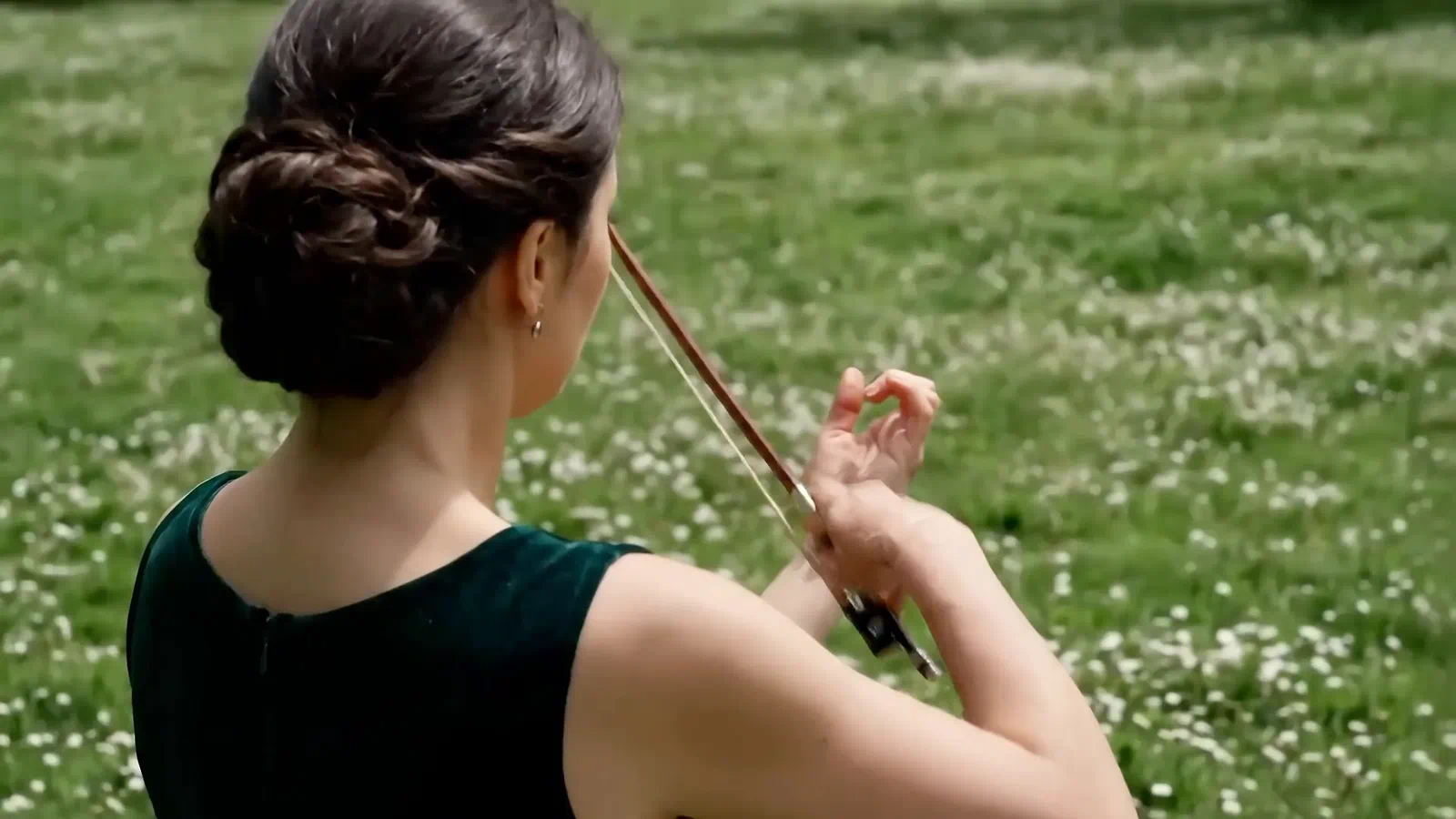
What the model gives you, according to Google's developer docs:
- Length: Any whole second from 3 to 15, with 10 seconds as the default
- Resolution: 720p by default, 360p for drafts, and upscaled 1080p or 4K
- Framing: 16:9 by default, with 9:16 for vertical video
- First and last frame: Give it two images and it animates between them (3 to 10 seconds)
- Extension: Extend clips across turns to about 30 seconds total
- Audio: Synchronized sound generated with the video
The pricing is the easiest on this list to budget. At $0.07 per second, a 5-second, 720p clip costs about $0.35, and a full 15-second clip about $1.05. Google suggests drafting at 360p or 720p, fixing details with a follow-up edit instead of starting over, then upscaling only the keeper.
Reference handling is the other strength. Google says Omni 1.2 Flash keeps faces, garments, packaging typography, and brand colors consistent across camera angles, using character, product, or style images as guides. For an e-commerce team turning catalog photos into try-on clips, that's the exact job.
The limits are about access. The cleanest route is the API, which means someone on your team has to be comfortable with code or a tool built on it. The first-and-last-frame mode is capped at 10 seconds, so a 15-second clip only works from a single starting image. Confirm which Google app on your plan exposes Omni 1.2 before you commit a campaign to it.
5. Pika
Best for: Social creators who want cheap, fast clips and access to many models.
Pika has turned into a multi-model studio. Alongside its own Pika 2.5 and Pika H3 Flex models, the same credits run Seedance 2.5, Kling 4.0, and Wan 3.0, so you can try one image across several engines without juggling accounts.

Plans and per-clip costs:
- Free: Credit packs only, with no commercial license
- Starter: $10 a month, or $8 billed yearly, for 600 credits
- Creator: $35 a month, or $28 billed yearly, for 2,600 credits
- Fancy: From $95 a month for 8,550 credits, with a priority queue
- Pika H3 Flex: 10 credits for a 768p, 5-second clip
- Pika 2.5: 20 credits for a 720p, 5-second clip
Those native rates are the cheapest on this list. On Starter, a Pika 2.5 clip costs about $0.33 and an H3 Flex clip about $0.17, which means 60 H3 Flex clips a month for $10. If you post several short animated loops a week, that math is hard to beat.
Even the free tier skips the watermark, which is unusual. The catch is that free output can't be used commercially, so anyone making client or brand work needs at least Starter.
Pika's own models aren't built for long takes or high resolution: the native options sit at 720p and 768p for 5 seconds. Jumping to a premium model gets expensive fast, since a 1080p Seedance 2.5 clip costs 299 credits, about half a month of Starter. Pick your default model before you pick your plan.
6. Midjourney Video
Best for: Artists and designers animating stylized images they already made in Midjourney.
Midjourney's video feature is pure image-to-video. You feed it one image as the first frame and an optional text prompt, and it returns a 5-second clip. Every image in your Midjourney gallery gets an Animate Image button, and you can upload your own images too.
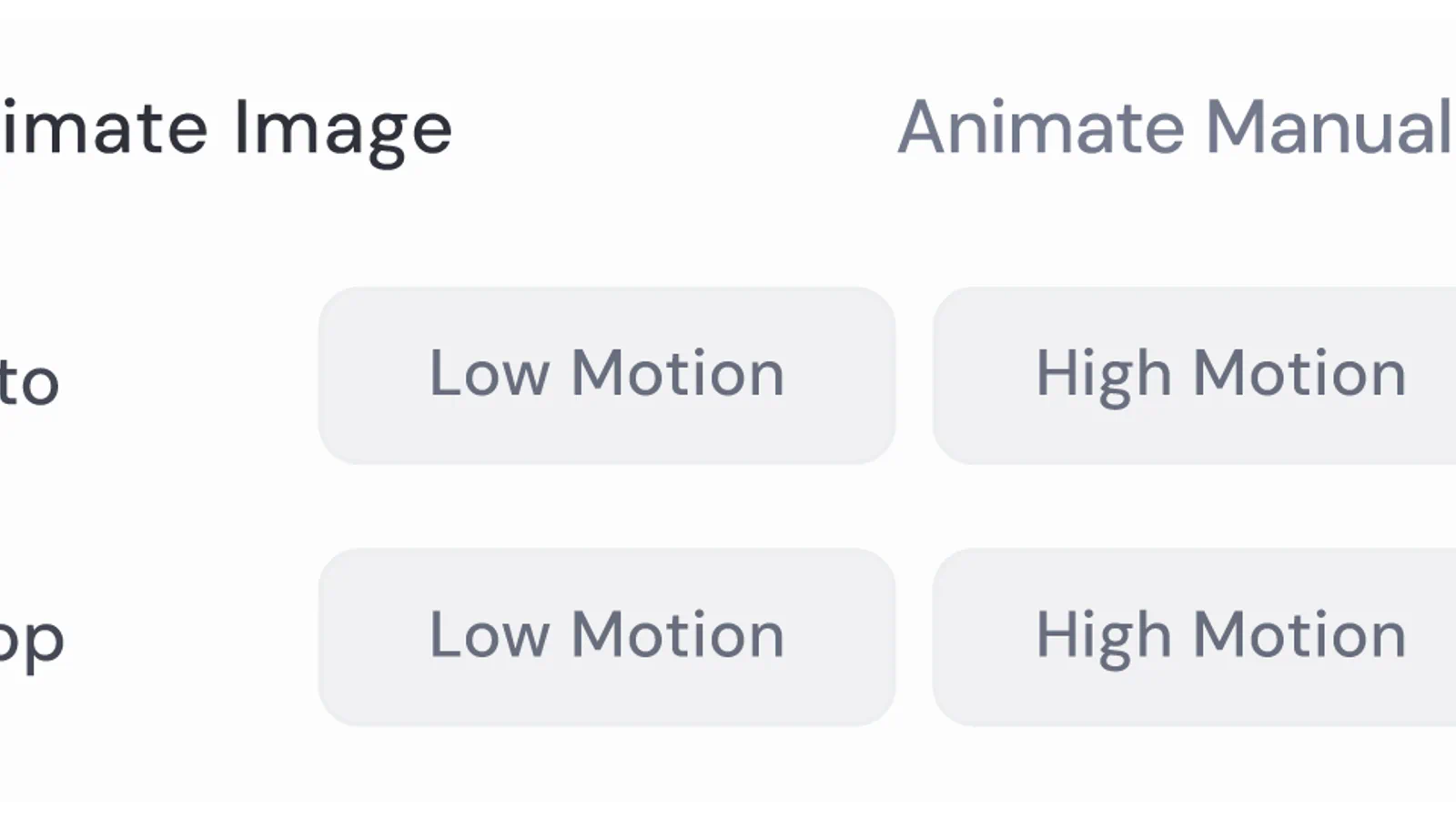
Motion controls are simple but useful:
- Low or High Motion: Low (the default) favors subtle movement and calm cameras; High allows big moves but can look glitchy
Frequently Asked Questions
5 questions
1Can I use image to video AI for free?
Yes, but with limits. Runway gives 125 one-time credits, Kling has a free Basic tier without 1080p, and Pika's free plan lacks a commercial license, so free output usually isn't usable for client work.