Today my six-year-old niece asked me to draw a chibi version of herself on my iPad. I told her we could just use AI to make one. Easy peasy… but it wasn’t actually.
Deciding which tool to actually use turned out to be trickier than I expected. There are a lot of AI image generators out there now, and not all of them handle chibi the same way. Some are general-purpose models that happen to do anime styles. Others are fine-tuned specifically for anime and chibi work. The output you get from each one is pretty different.
Chibi also looks deceptively simple until you try to generate it. The proportions are extreme, expressions are exaggerated, and the linework has to stay clean even when the character is only a few hundred pixels tall. Get any of that wrong and the result looks like a regular anime character with a shrunken body.
So I did some research and found 5 tools that some of my Otaku readers might find helpful.
Before getting into the details, here is the short version:
- PixAI is an anime-first platform with thousands of community models, many of them tuned specifically for chibi.
- ChatGPT uses GPT Image 1.5 for native image generation and handles chibi through natural conversation.
- Nano Banana Pro is Google’s flagship image model built on Gemini 3 Pro, strong at reasoning and character consistency.
- Flux 2 Pro is Black Forest Labs’ production-grade model with strong prompt adherence and multi-reference support.
- Midjourney v7 is the Discord and web-based model known for stylized, painterly output.
Now let’s go through each one.
1. PixAI
PixAI is a text-to-image platform focused almost entirely on anime and anime-adjacent styles. It runs on fine-tuned Stable Diffusion checkpoints, many uploaded by the community, and it supports LoRAs, ControlNet, img2img, and character templates.
A lot of the models are trained specifically on chibi data, which is why it lands at the top of this list.
Press enter or click to view image in full size
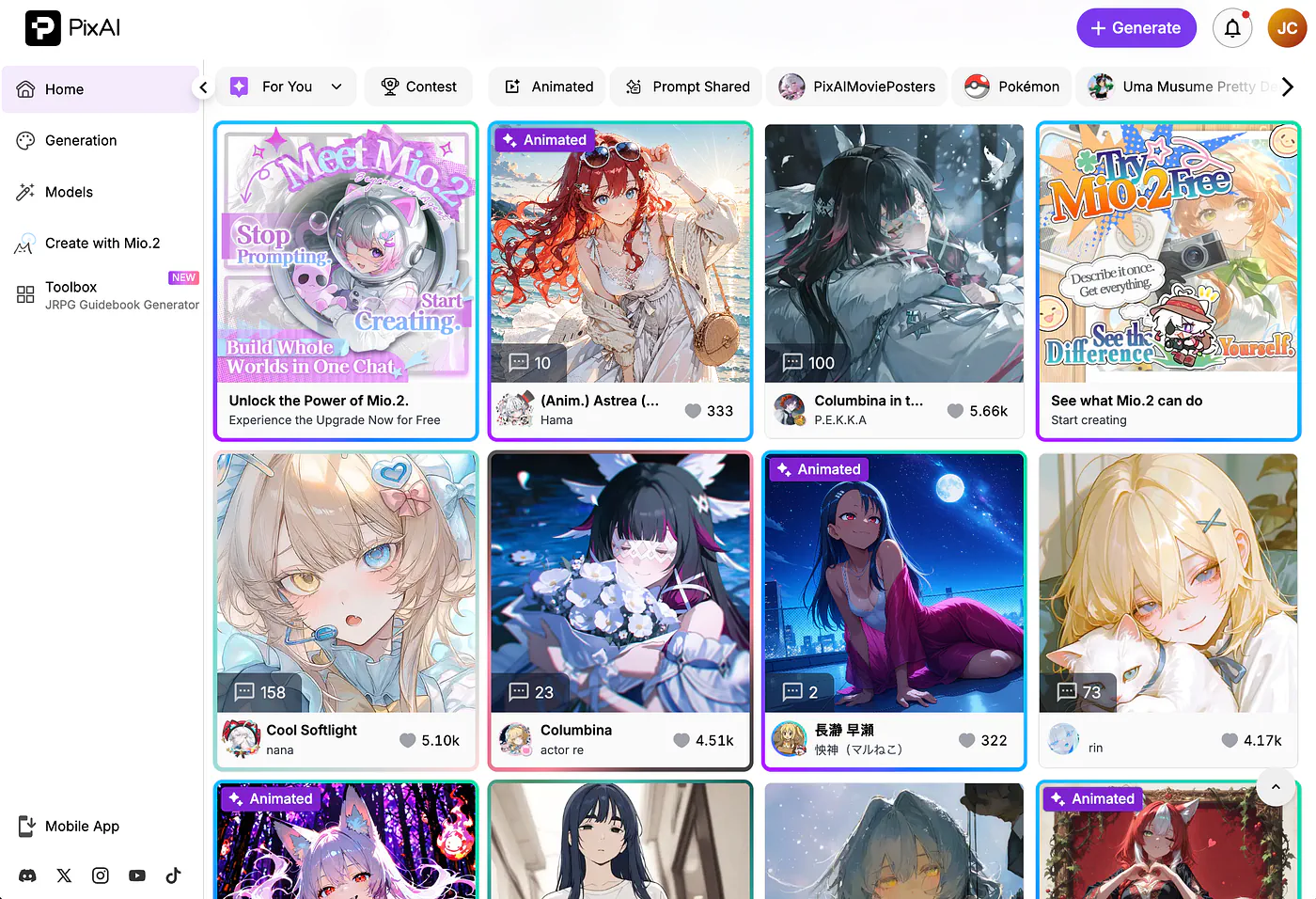
PixAI dashboard. Image by Jim Clyde Monge
You can access PixAI at pixai.art. There’s a free tier with daily credits that reset every 24 hours, and paid plans start at $9.99/month for Starter, $29.99 for Plus, and $49.99 for Premium.
Here’s a sample prompt:
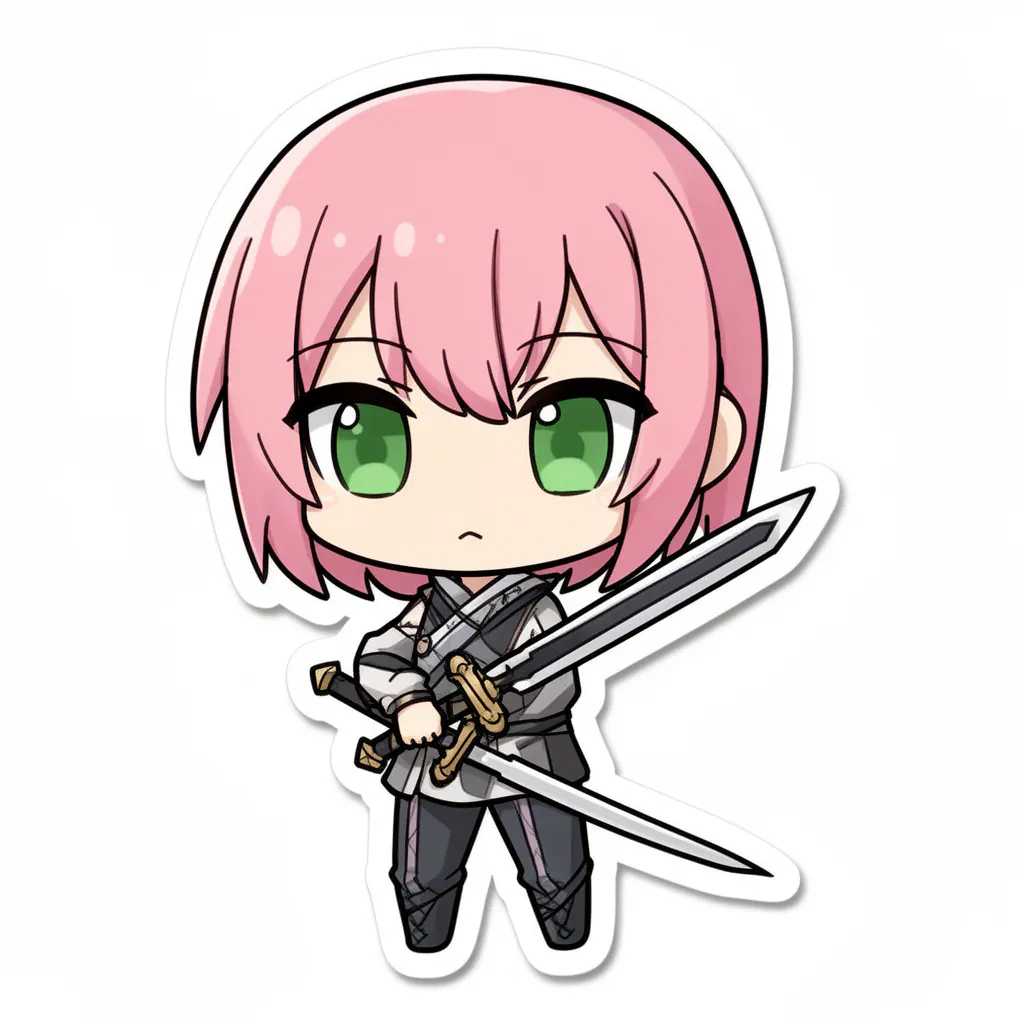
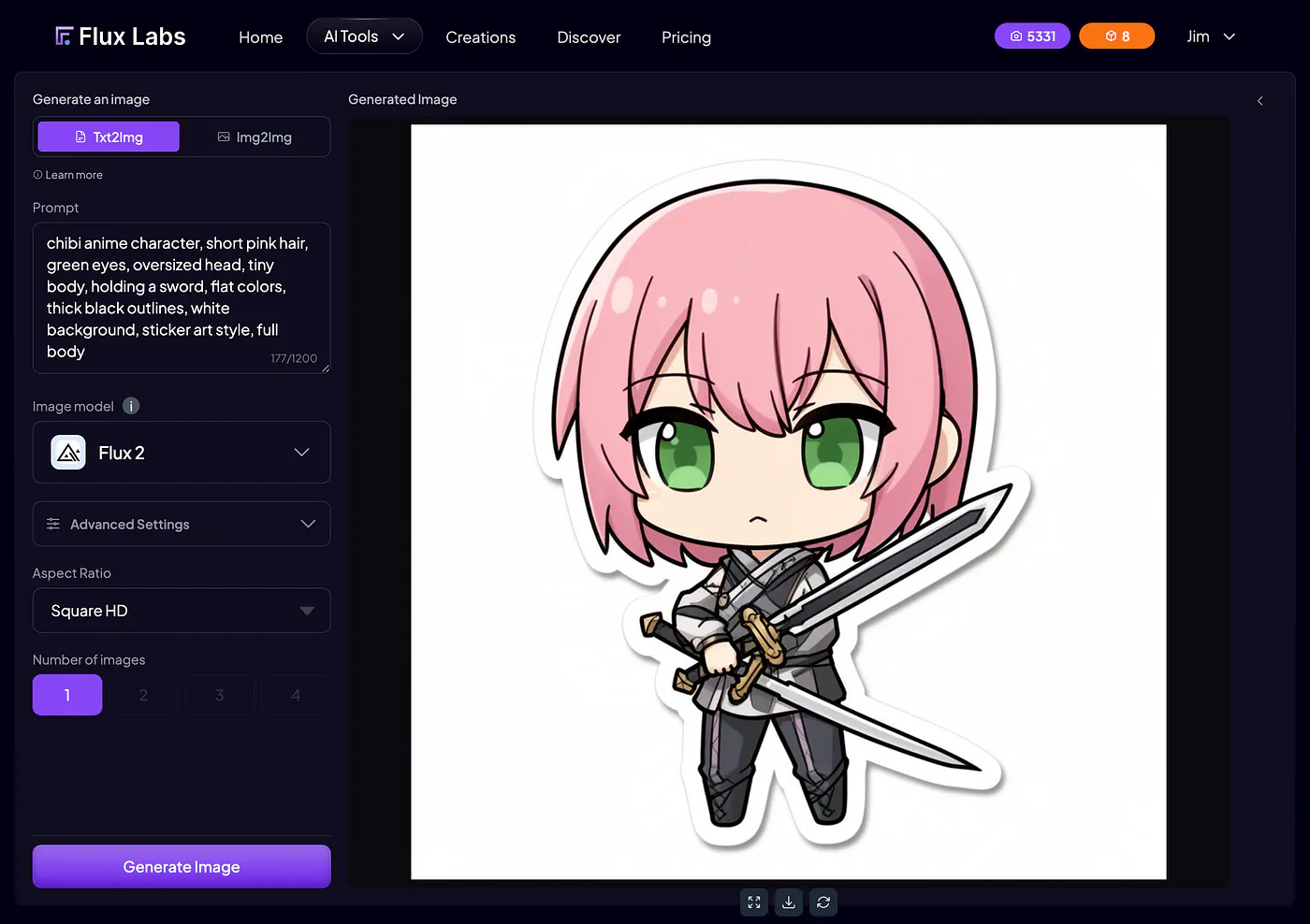
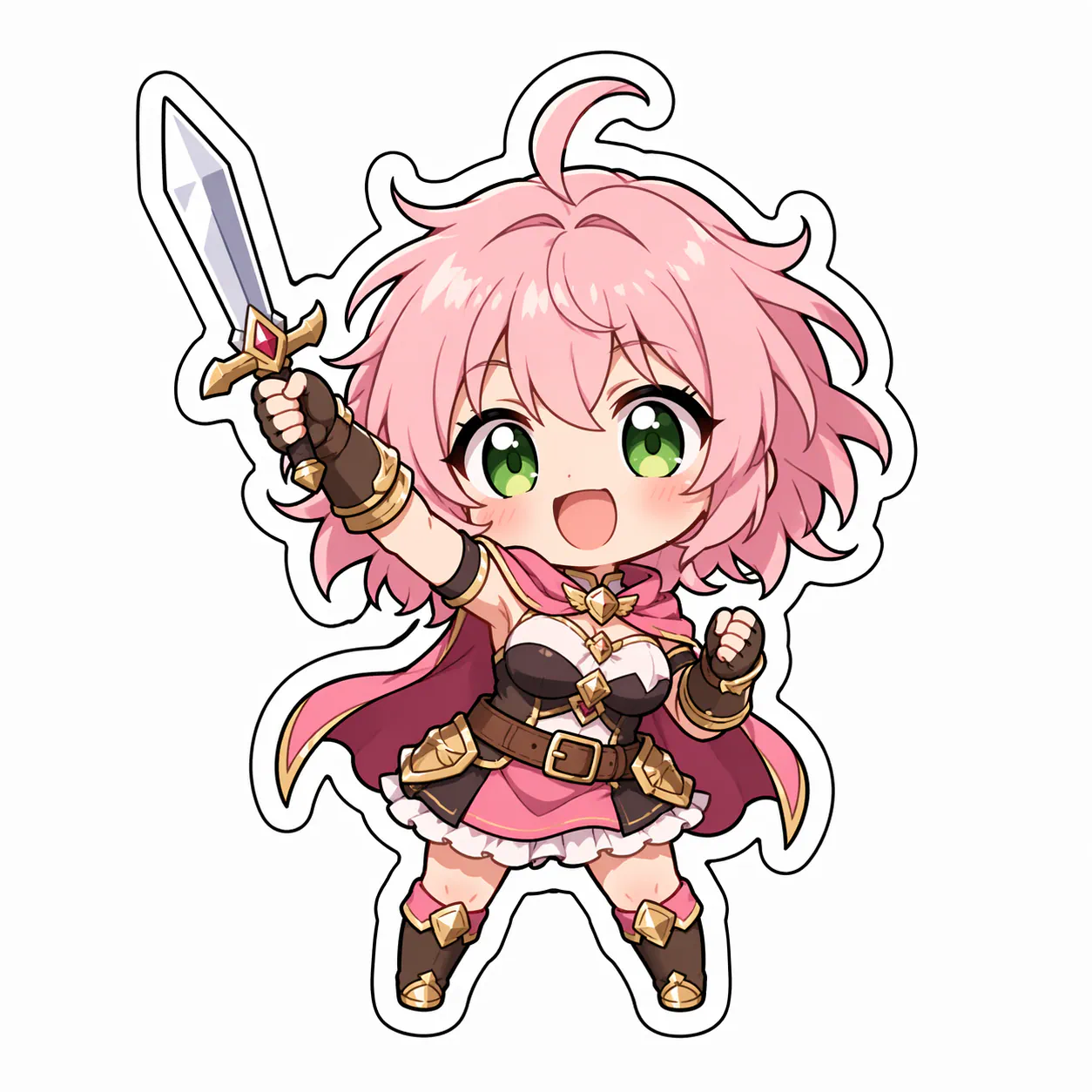
Prompt: chibi character, girl, short pink hair, green eyes, oversized head, tiny body, holding a sword, flat colors, thick line art, white background, full body
Press enter or click to view image in full size
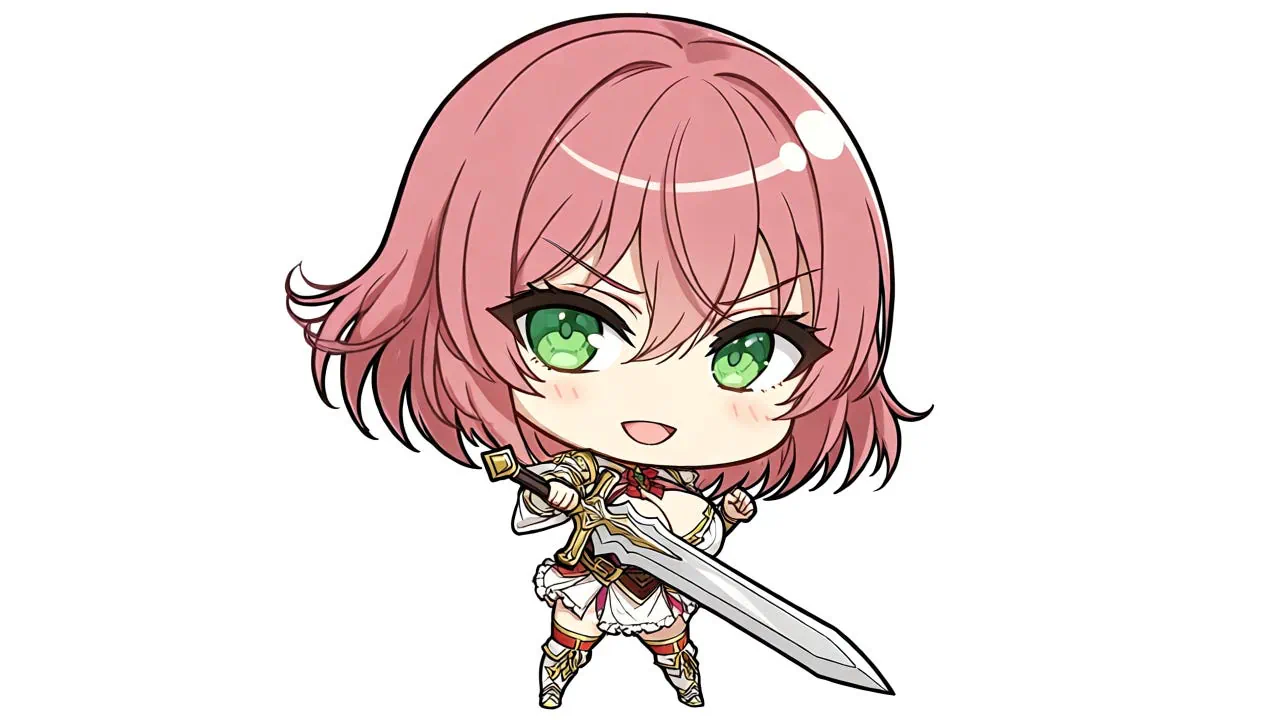
PixAI sample chibi image. Image by Jim Clyde Monge
The result is pretty much what you’d expect from a chibi-trained model.
Clean linework, oversized head, body proportions that actually look like chibi and not just a miniaturized anime character. Colors come out flat and saturated, which is the right look for stickers or merch.
What I like most is being able to switch between chibi-focused checkpoints and get completely different aesthetics without rewriting the prompt. Some models lean toward cute plushie vibes. Others are closer to traditional manga chibi.
What I like about PixAI is how much control you have over the output images and how ample the number of available models are. Take a look at the image generator dashboard below. On the left side you can see that there are options for the model, style, LoRAs, resolution, aspect ratio, etc.
Press enter or click to view image in full size
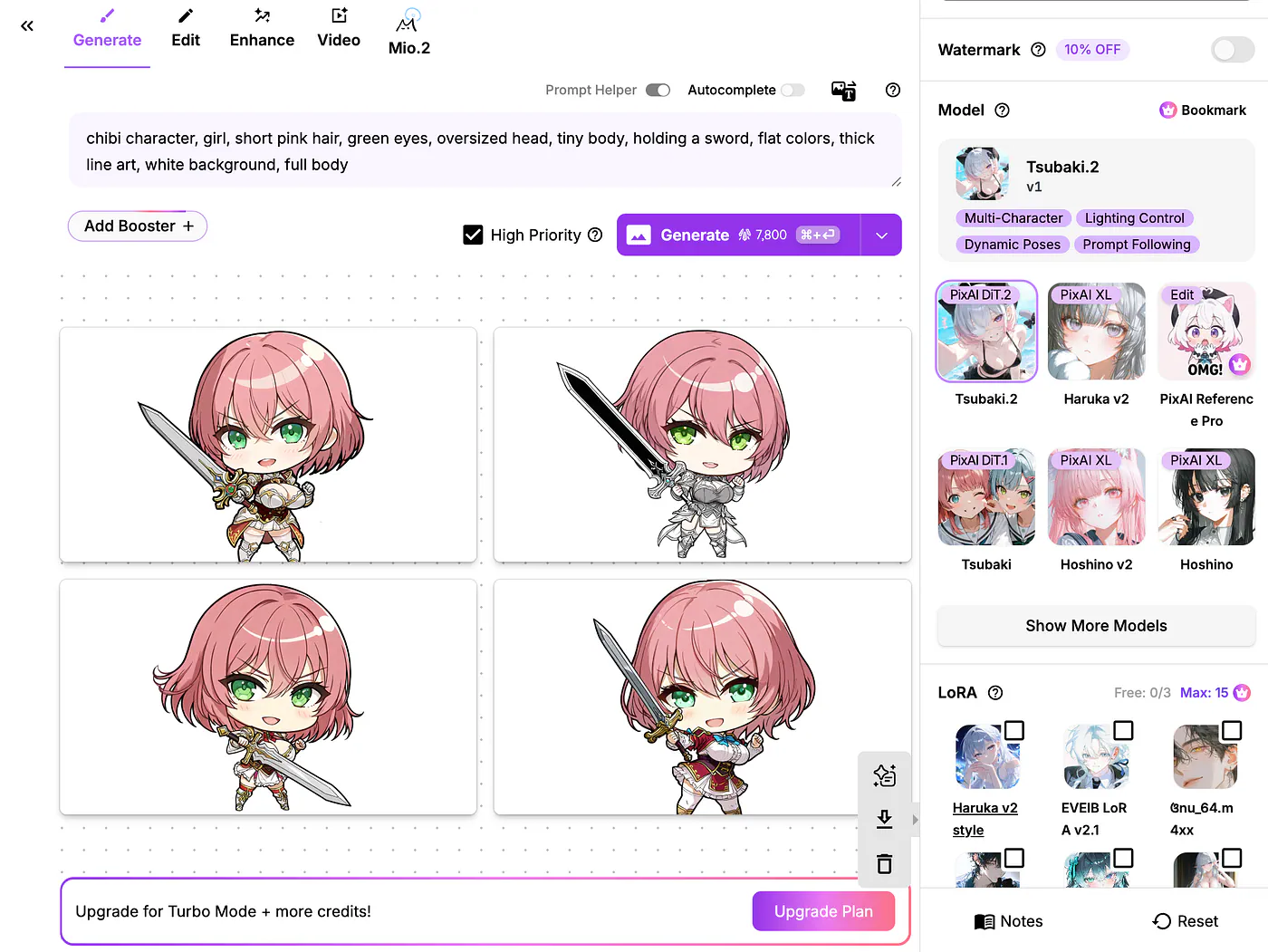
PixAI image generation dashboard. Image by Jim Clyde Monge
You can also control the number of output images. Once the results are generated, you can make further edits like make enhancements or turn them into videos!
Pros:
- PixAI is purpose-built for anime and chibi styles.
- The library of community models and LoRAs is massive
- You get ControlNet plus img2img support when you want to feed in a pose reference.
Cons:
- Quality varies between community checkpoints, so you’ll waste a few generations figuring out which ones actually deliver.
- Queue times on the free tier get long during peak hours too.
2. ChatGPT
ChatGPT’s image generation is powered by GPT Image 1.5. Well, if you are a paid subscriber, you now have access to the recently released ChatGPT Image 2.0. This brand new model features a near-perfect text rendering and next level hyperrealism capabilities.
Press enter or click to view image in full size
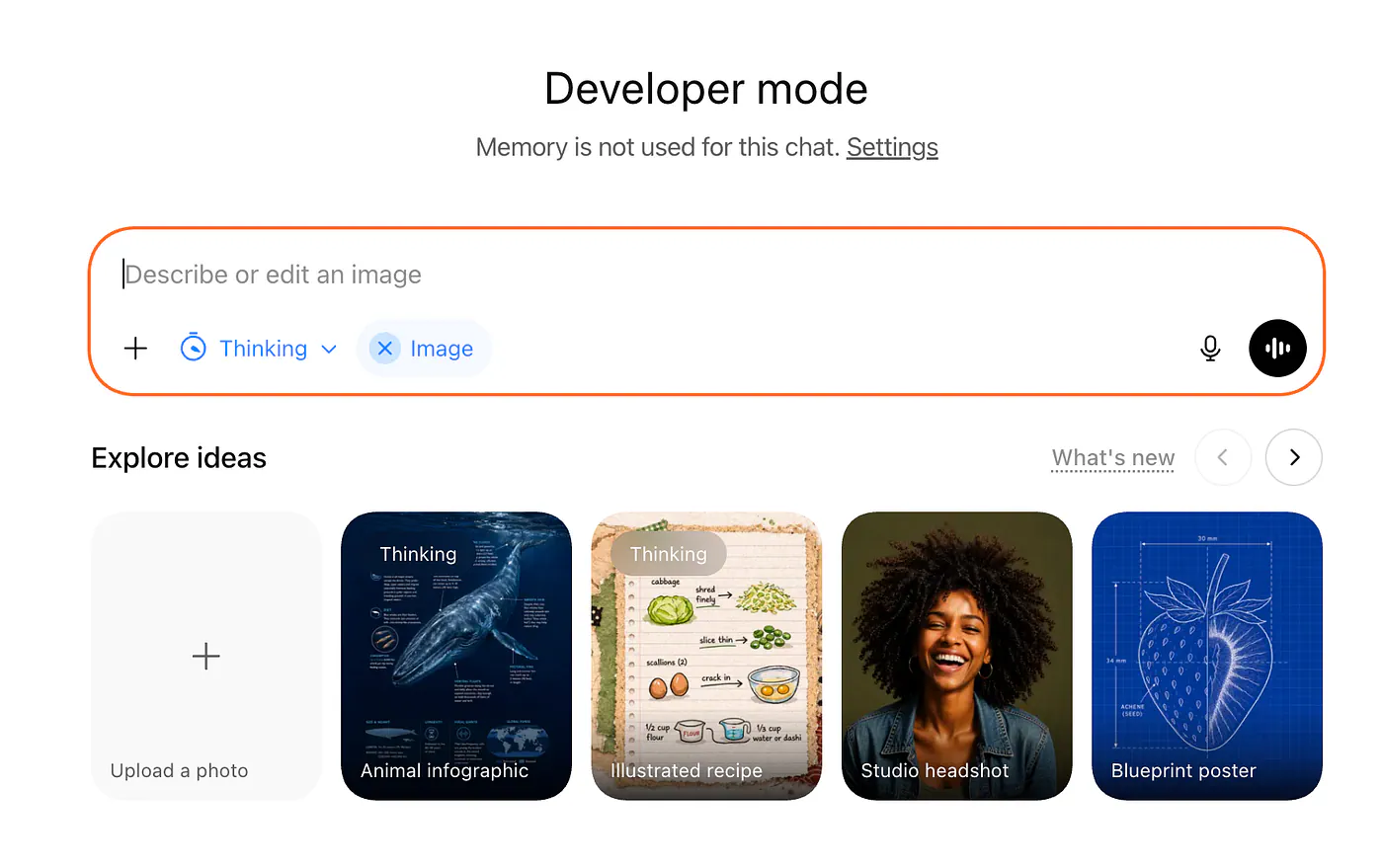
ChatGPT image generation dashboard. Image by Jim Clyde Monge
It’s a multimodal model, so the conversation and the image live in the same context. You can describe a character, ask for a chibi version, then iterate with follow-ups like “make the hair silver” or “add a tiny dragon on the shoulder.”
It’s available at chatgpt.com on Free, Plus, Pro, and Team tiers. Plus at $20/month is the most common entry point, and it includes image generation alongside everything else.
Let’s do an example:
Prompt: Generate a chibi style anime character. She has short pink hair, green eyes, is holding a small sword, and stands on a white background. Flat colors, thick lines, oversized head, tiny body.
Press enter or click to view image in full size
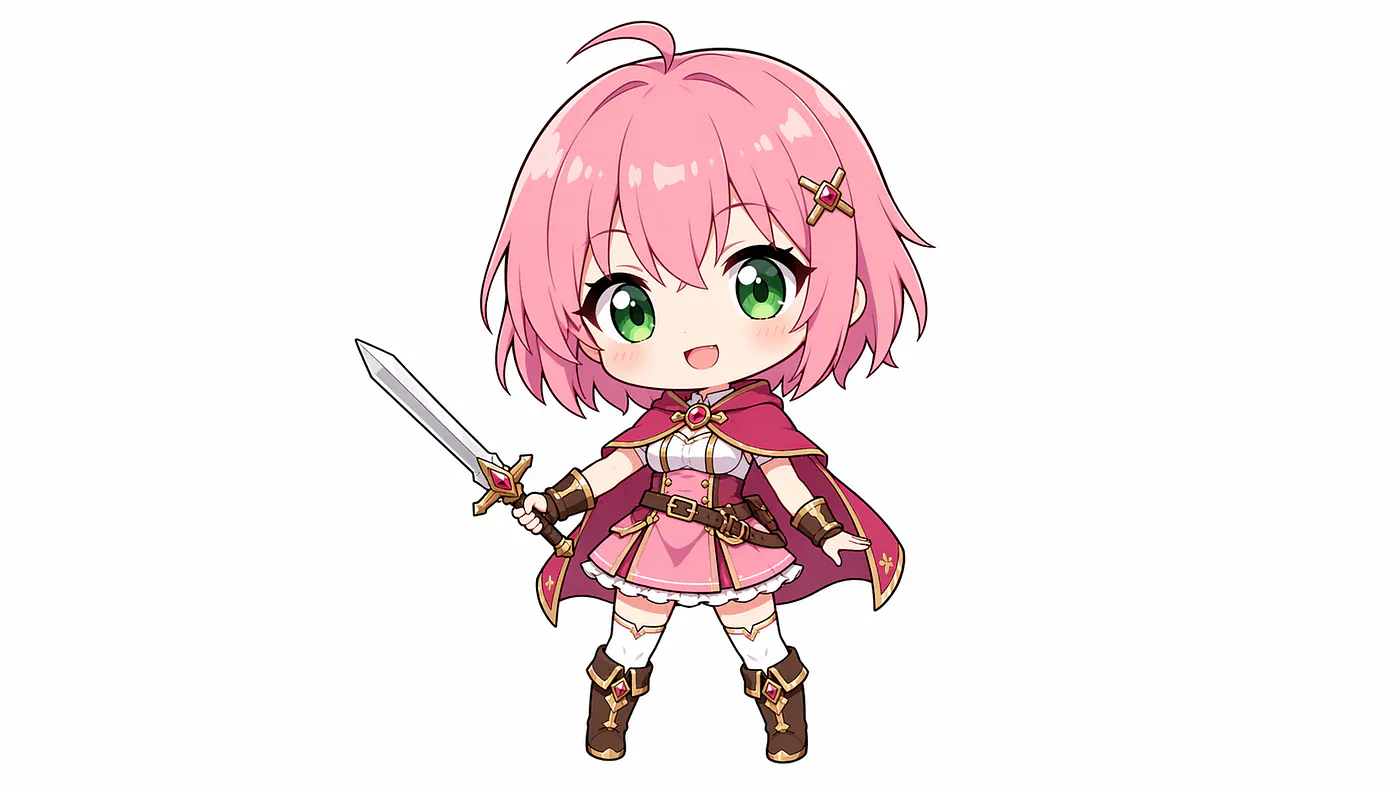
Chibi image generated with ChatGPT image 2. Image by Jim Clyde Monge
It looks good but I was expecting a character with larger head.
Sometimes it nails the proportions. Other times the head is only slightly larger than it should be, and the body still has realistic-ish anime proportions. Face is usually good, lineart is clean, but I end up going back and forth a few times to push it into proper chibi territory.
The real advantage here is the conversational loop. I can ask for ten variations, reference something from earlier in the chat, or paste a photo and ask for a chibi version of it. That feels natural in a way standalone image tools don’t.
Here’s how it works in the image generator dashboard. In the ChatGPT chat prompt, toggle the “Create an image” button and describe the image you want to create.
Press enter or click to view image in full size
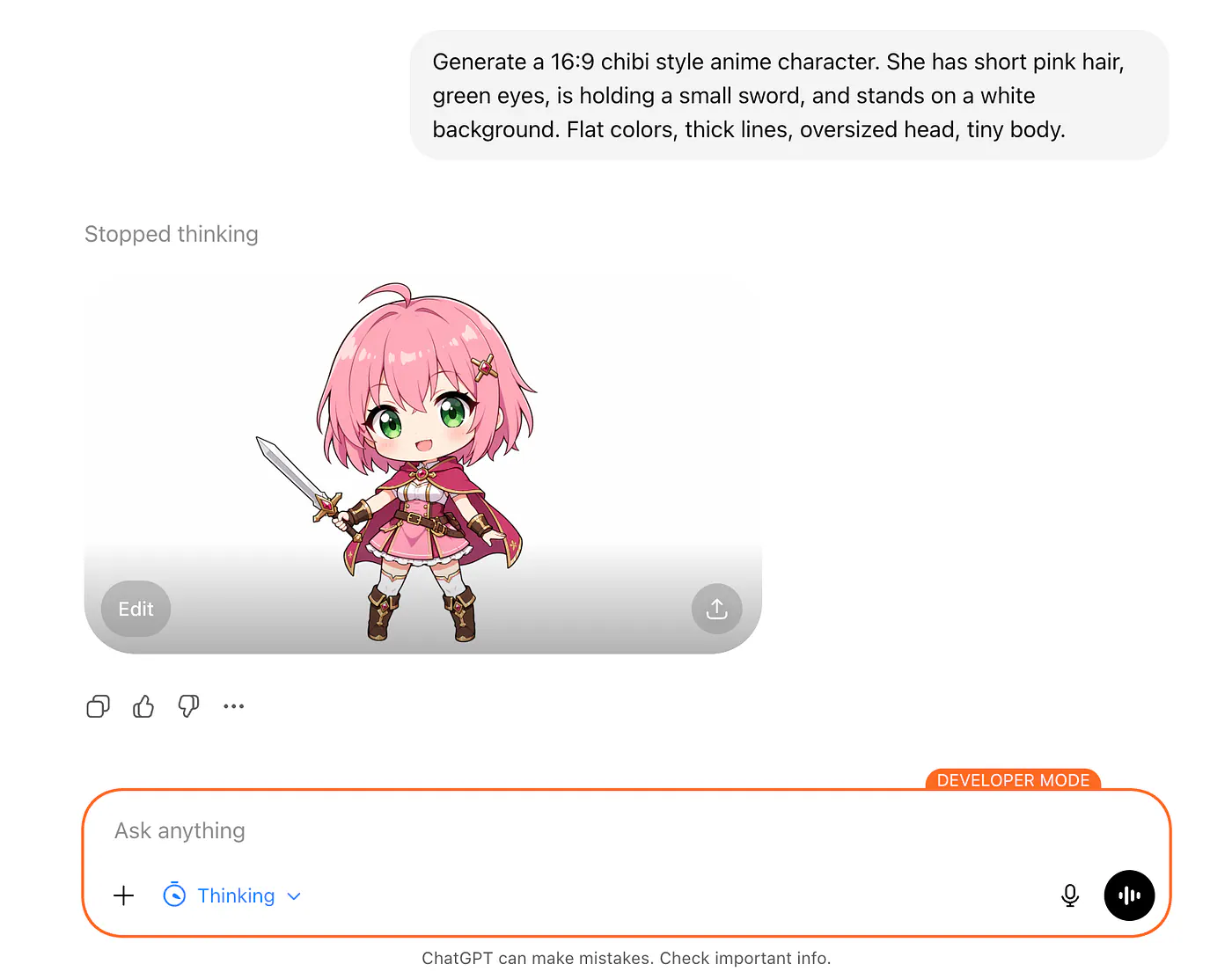
Chibi image generated with ChatGPT image 2. Image by Jim Clyde Monge
Once done, click on the output image and choose download to upscale the image and download it to your local disk.
Pros:
- Conversational iteration feels fast and intuitive
- Strong text rendering inside images
- Easy to combine with other ChatGPT features
Cons:
- Not chibi-native, so it defaults to standard anime proportions unless pushed
- Content filters are stricter than most tools on this list
- Output has a clean commercial look that’s hard to shake
3. Nano Banana Pro
Nano Banana Pro is Google’s current flagship image model, built on Gemini 3 Pro. Released in late November 2025, it’s the upgrade to the original Nano Banana (which ran on Gemini 2.5 Flash Image).
It does up to 4K output, handles up to 8 reference images, keeps character consistency across 5 subjects, and has strong text rendering inside images.
You can access it through the Gemini app by selecting “Create images” with the Thinking model, or through Google AI Studio and Vertex AI. Adobe Firefly and Photoshop also integrate it as a partner model.
Check out the example below:
Prompt: A chibi anime character with short pink hair and green eyes, holding a small sword. Big head, tiny body, flat colors, clean line art, white background, sticker style.
Press enter or click to view image in full size
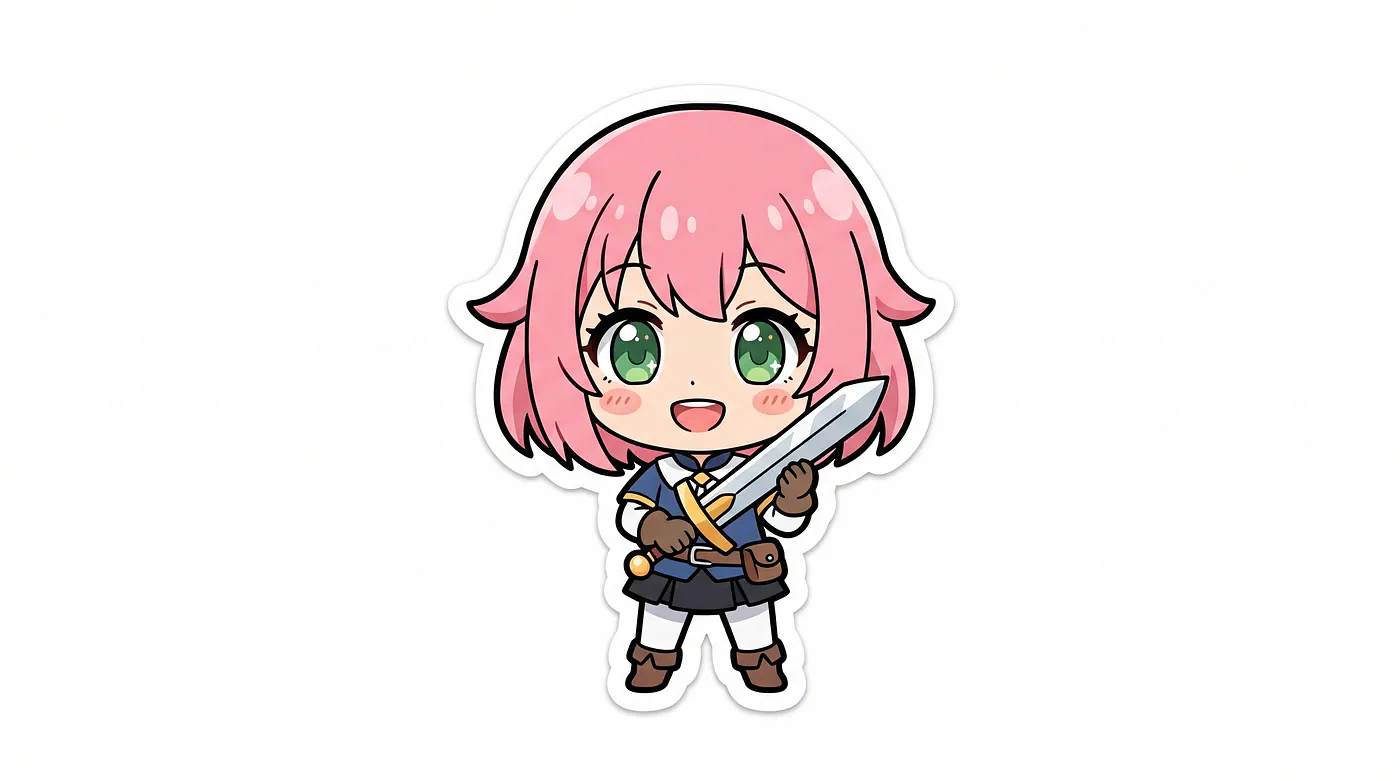
Chibi image generated with Nano Banana 2. Image by Jim Clyde Monge
Nano Banana Pro does chibi surprisingly well for a general-purpose model.
The proportions come out closer to real chibi than ChatGPT’s default, and the linework is sharper. What stands out more is the character consistency. Generate one chibi character, then ask for five different poses of the same character, and the model holds the identity well across the set. Useful for sticker packs or small game asset kits.
To create one with the Gemini app, make sure you have the “Create image” toggled to let the AI know you are trying to create an image. Then describe the output in the prompt box before you hit the enter key.
Press enter or click to view image in full size
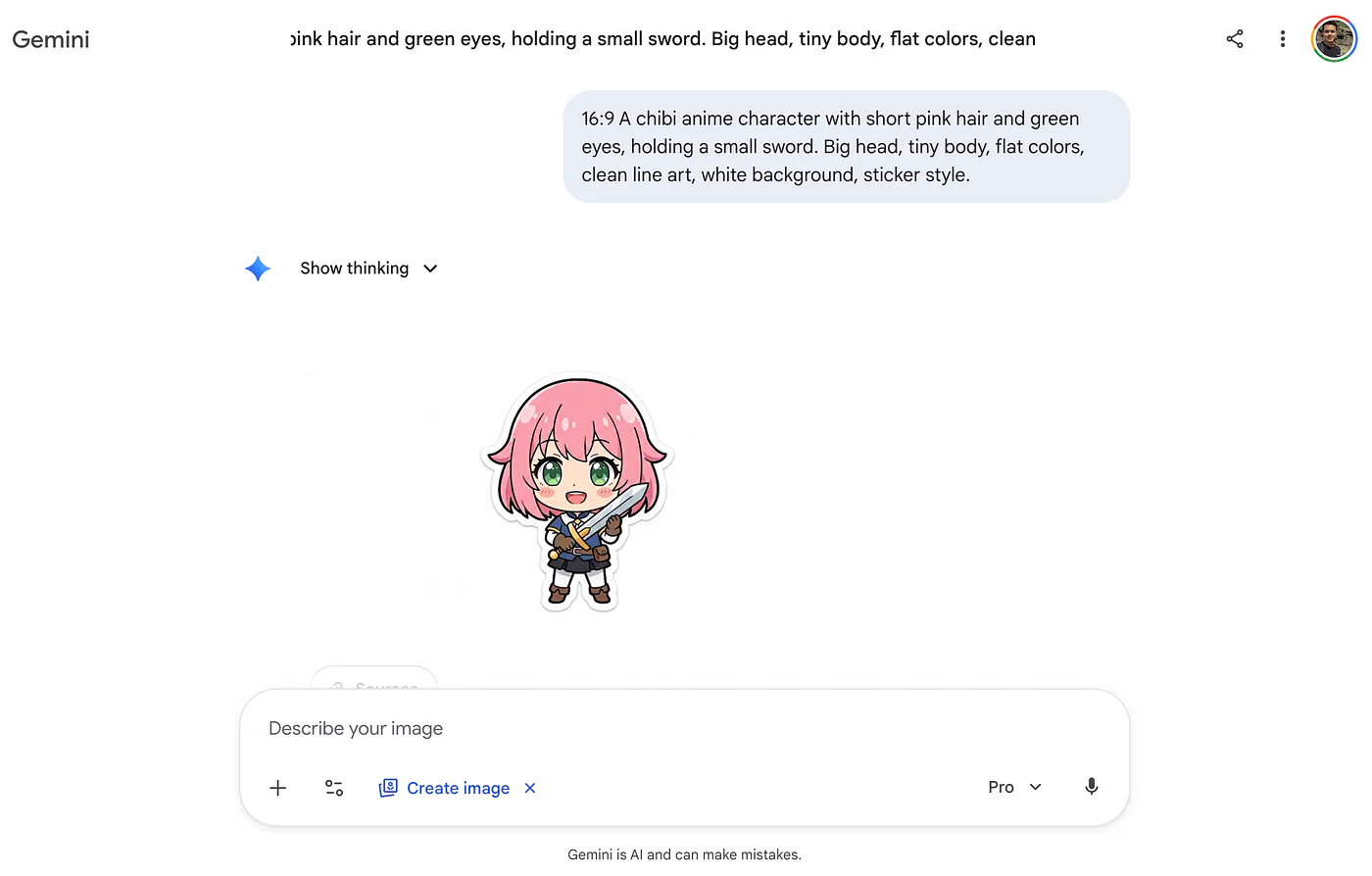
Chibi image generated with Nano Banana 2. Image by