Pollo AI just dropped a brand new AI video generation tool called Marketing Studio. As the name suggests, it lets you generate marketing videos for almost any product using different references, such as a product URL, photo, script, or existing ad.
I have tried a handful of tools like this over the past couple of years, so I was curious to see what Pollo AI brings to the table this time.
Let’s get started.
What is Marketing Studio?
Marketing Studio is Pollo AI’s new AI-powered workspace for creating video ads faster. Instead of starting with a blank timeline, you can start with a product URL, a product photo, a script, or an existing ad idea, then let the platform turn that input into a video ad.
The goal is not just to generate a random AI video. It is built more like a marketing production workspace. You bring in the product, the concept, or the asset you already have, then choose the type of ad you want to create.
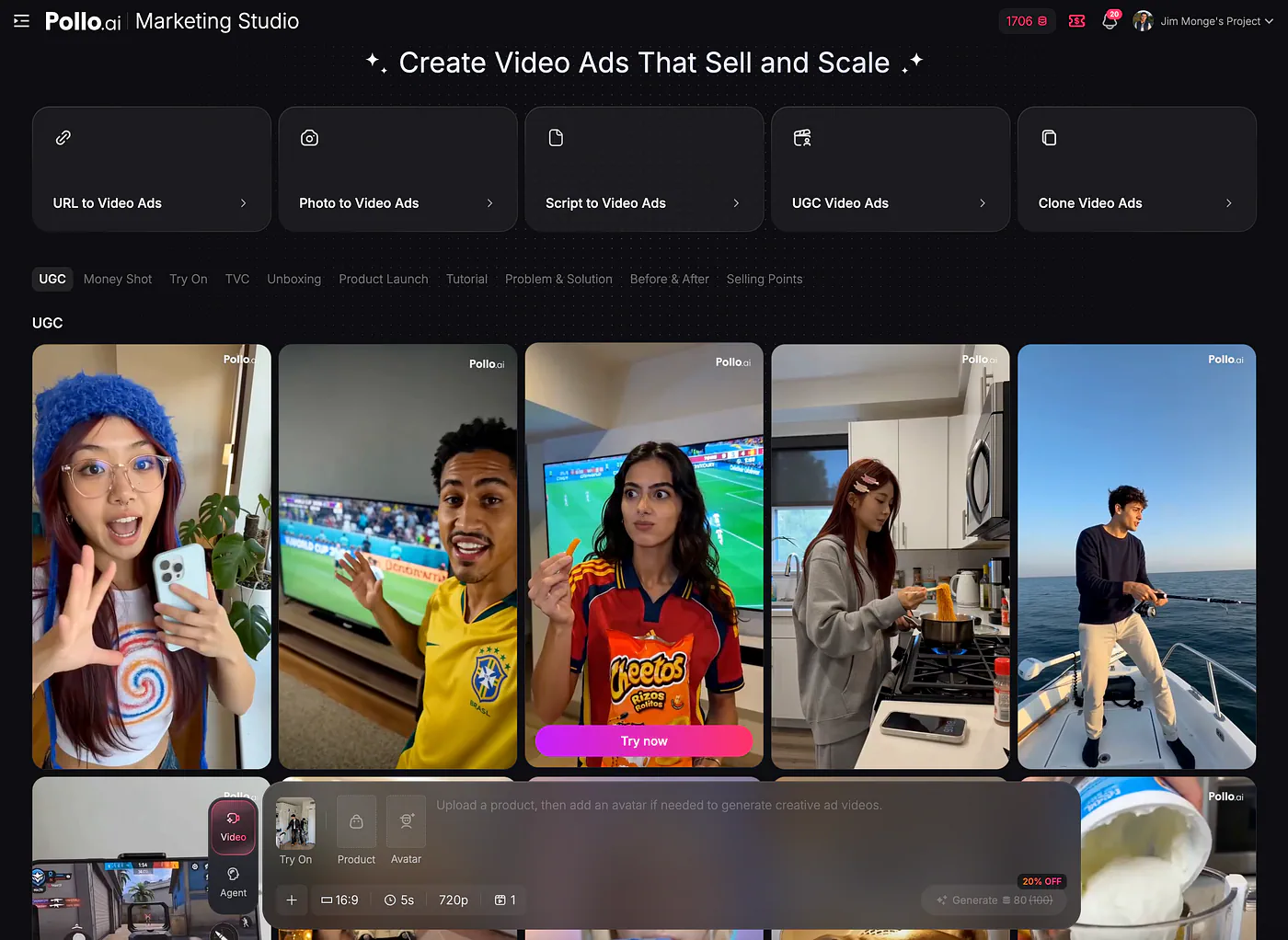
Maketing Studio dashboard. Image by Jim Clyde Monge
From there, Marketing Studio helps produce a more complete ad that can be used for testing, launching, or scaling campaigns.
Marketing Studio includes five creation modes:
- URL to video ads
- Photo to video ads
- Script to video ads
- UGC video ads
- Clone video ads.
Each one solves a slightly different problem.
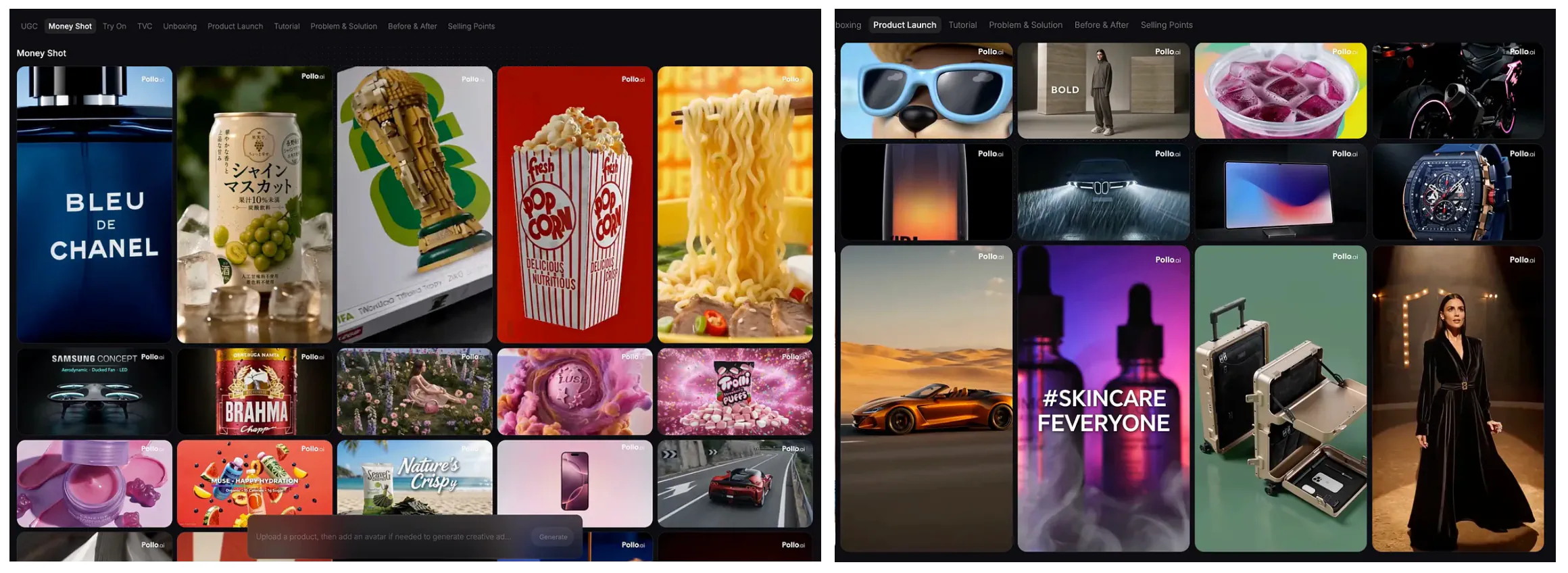
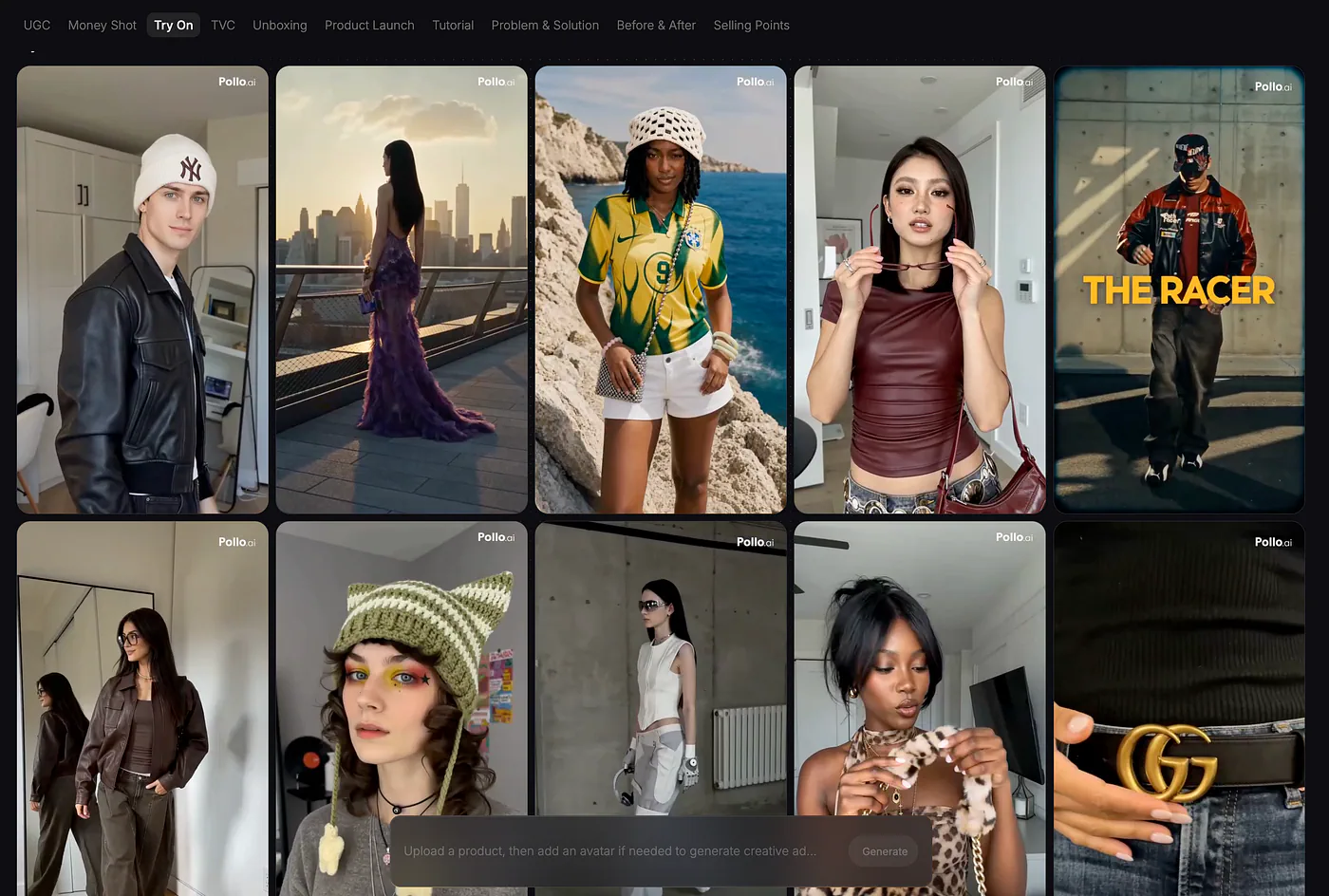
The platform also includes 10 ad formats commonly used in performance marketing, such as Try On, Money Shot, UGC, Unboxing, TVC, Product Launch, Tutorial, Problem & Solution, Before & After, and Selling Points.
These formats make the tool more practical because marketers usually do not think in terms of “make me a video.” They think in terms of campaign goals. They want to show how a product works, prove the result, introduce a new item, compare before and after, or create a direct-response ad that pushes people to buy.
How to Use Marketing Studio
To get started with Marketing Studio, go to Pollo AI and create an account for free. On the homepage’s popular tools section, select Marketing Studio. This will take you to the main dashboard, where you can browse different sample ads and use them as references.
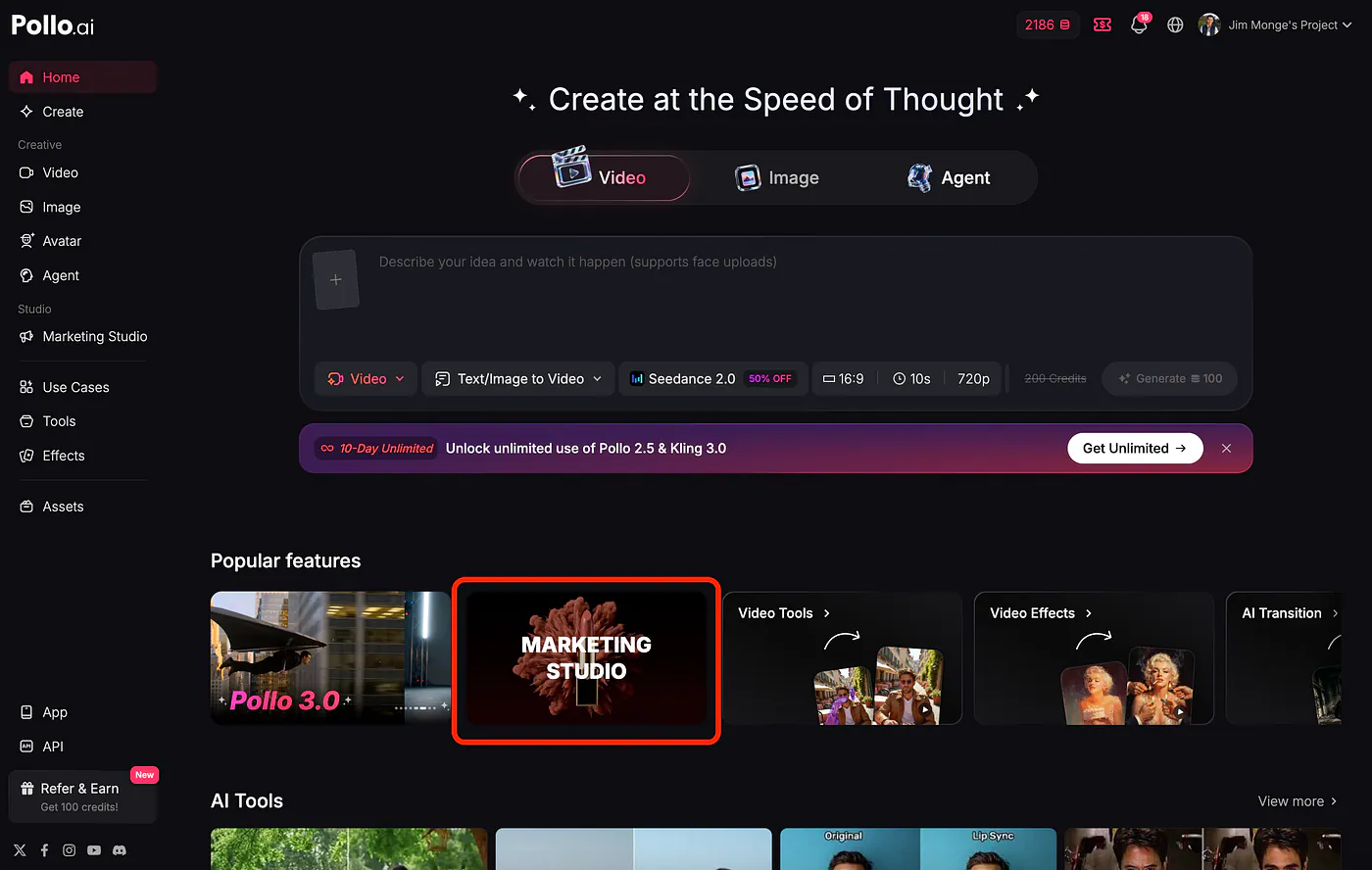
Maketing Studio shorcut from homepage. Image by Jim Clyde Monge
I actually like this part because it removes the usual blank-page problem. Instead of figuring out everything from scratch, you can quickly look at existing examples and pick the format that feels closest to the kind of ad you want to create.
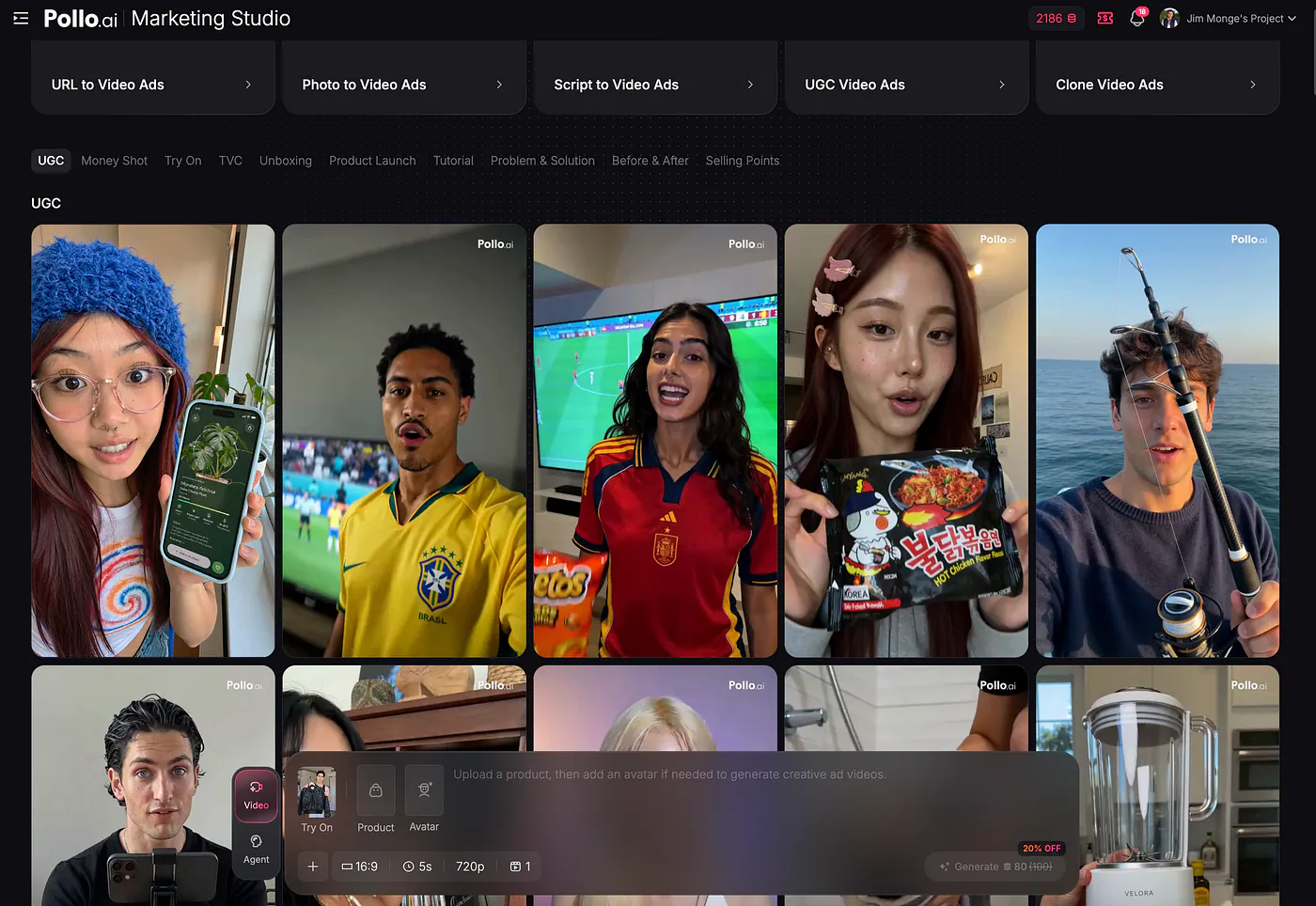
Maketing Studio dashboard. Image by Jim Clyde Monge
In my case, I wanted to make a UGC-style video for my own soda product called Jim Pops. I chose a virtual model named Olivia as the main actor because she looked like a good fit for a casual product video. The whole idea was to make the ad feel like a simple creator-style reaction, not a heavily produced commercial.
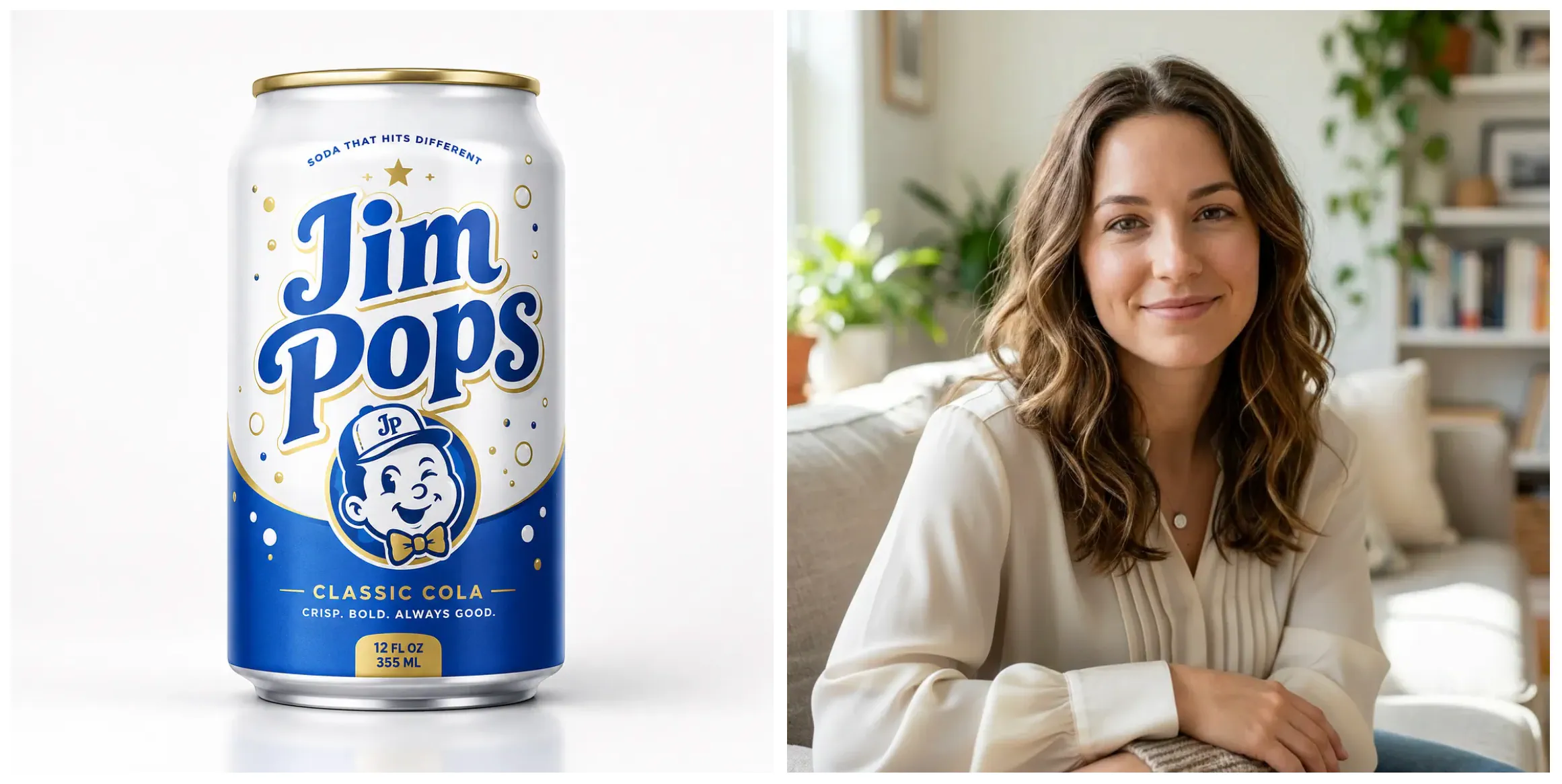
Sample input images for Maketing Studio. Image by Jim Clyde Monge
After selecting the format and model, the prompt section was automatically filled out for me. You can still edit it manually, which is useful if you want to change the tone, product description, or how the video should feel. In my case, the generated prompt was already close to what I wanted, so I only needed to make a few small changes.
Here’s the sample prompt:
10-sec UGC product video, 16:9

0:00–0:02 | Close-up shot, young female content creator matching <<>> by a window with soft natural daylight.
She leans in slightly, holding the Jim Pops soda can low in frame, curious and excited tone: “I just tested this random soda…”

0:02–0:05 | Slight angle shift, she raises the Jim Pops can briefly next to her face so the blue, white, and gold label is partially visible, not a full insert, just a glimpse.
She opens it and reacts immediately, eyebrows lifting: “I tried it just to see if it actually tastes good…”

0:05–0:07 | Medium close-up, still holding the can near chest level, gesturing naturally while talking, no heavy product focus.
Tone quick and impressed: “And it’s actually crisp, sweet, and super bubbly. It has that classic soda taste but feels lighter.”

0:07–0:10 | Back to tighter framing, she lightly tilts the Jim Pops can toward camera again, small nod and smile: “It’s cold, refreshing, and honestly better than I expected.”

One take feel with light jump cuts, soft natural daylight, subtle handheld micro-shake, no long product-only shots, can only briefly appears as part of her movement, no text overlays, no TikTok UI, raw casual footage.
Tone: casual discovery → quick taste validation → genuine surprise, clean and natural.
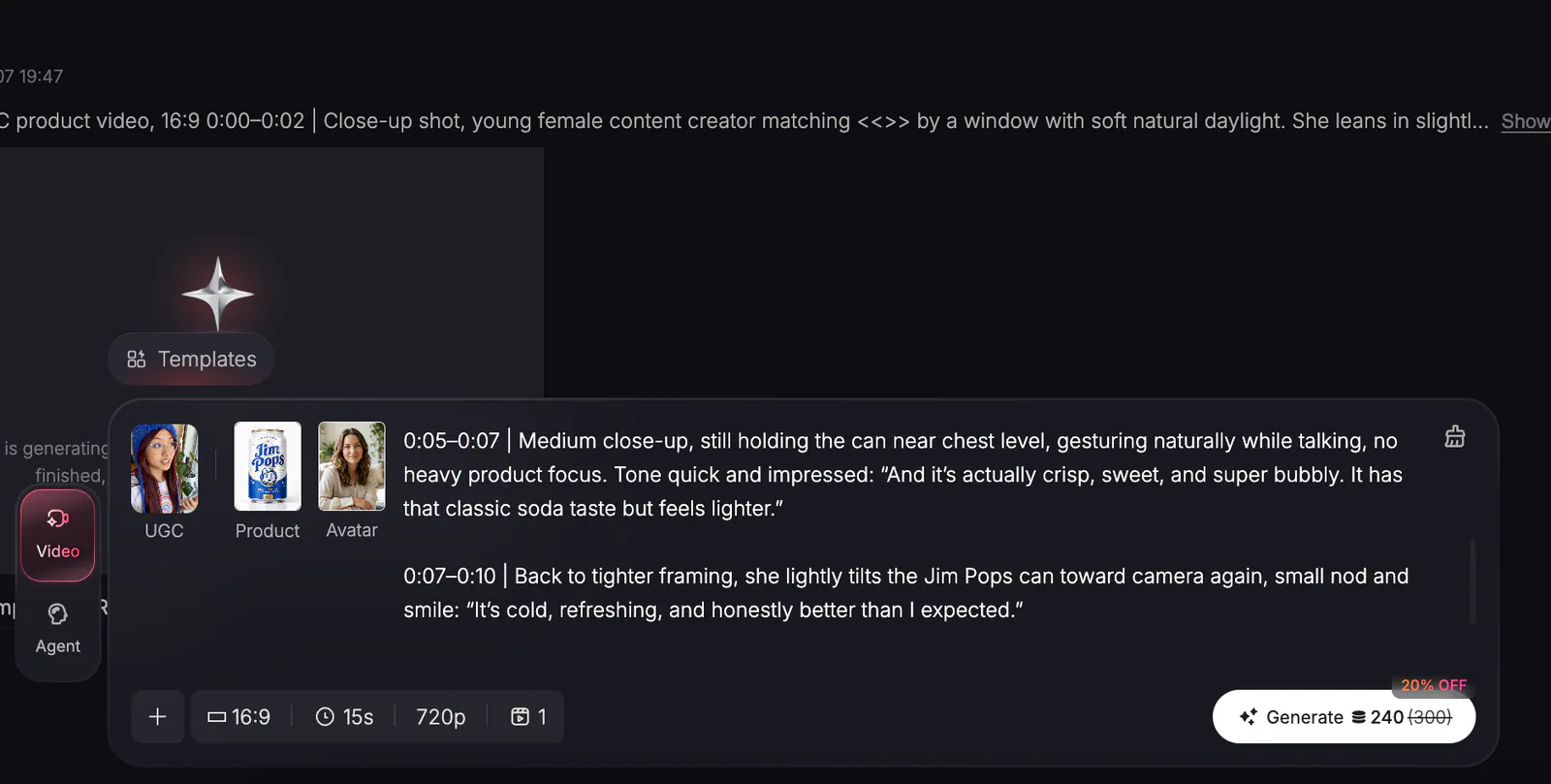
Sample prompt for Maketing Studio. Image by Jim Clyde Monge
For the video parameters, you can adjust the aspect ratio, duration, and quality. In my example, I wanted to post it on YouTube, so I chose the 16:9 aspect ratio with 720p resolution.
Finally, I clicked the Generate button and waited for the result to appear in the output dashboard.
This is what the final video looks like:
Loading this video connects to Vimeo, which receives device and connection data and may use cookies or similar storage.
Final video output. Video by Jim Clyde Monge
The output looked really good. Seedance 2.0 is already one of the stronger AI video models right now when it comes to realism, and you can see that in the final result. The lighting looked natural, the facial expression of the actor was believable, and the overall video had that casual UGC feel that works well for product ads.
The way she opened the cap looks weird, though, because the can looked like it was floating mid air. Other than that, the video looked pretty cool.
Product consistency is usually one of the biggest problems with AI-generated ads. The logo, shape, color, and label can easily change between shots, especially when the actor moves the product around. In this case, the Jim Pops can stayed consistent enough across the entire video.
I also liked the script and the delivery. It did not feel like a hard-sell commercial. It felt more like a quick product discovery video, which is the kind of format you often see on TikTok, Instagram Reels, and YouTube Shorts. The voice, expression, and pacing all worked together nicely.
Lots of other ways to market your product
UGC is just one great example of how you can market a product using AI. What I really like about Pollo AI is that it gives you many ways to create promo videos for your product.
If you want to focus only on the product itself without human actors, the Money Shot and Product Launch templates are great options. These formats are more direct. They put the product at the center and make it feel like a more traditional commercial or social ad.