Pippa Turns a Coding Agent Into a Free Mac Assistant
The open-source app combines local Qwen models with native Mac integrations, but its privacy promises and task safeguards still need independent testing.
Listen
AI narration
10:56
0:00 / 10:56
AI SummaryGenerated from this article
Pippa packages a free, open-source coding agent into a Mac application that organizes files, drafts emails, and checks spreadsheets using local Qwen models without requiring subscriptions or Terminal knowledge. The application integrates with Mail, Calendar, and Excel through native interfaces, with safeguards like preview-and-approval for folder changes and draft-only email. However, the developers acknowledge the application lacks independent safety audits, doesn't run in a system sandbox, and provides no measured evidence of task accuracy or reliability on real documents.
Pippa can prepare an email reply in Apple Mail, but its developers say it will never send it. That boundary captures the project’s approach: give a local AI agent access to everyday office tasks while keeping consequential decisions with the user.
The Pippa project packages a coding-agent harness into a free, MIT-licensed Mac application for people who don’t want to open Terminal or pay for an AI subscription. Its advertised tasks include organizing Downloads, explaining letters, finding files, checking spreadsheet totals and preparing email replies.
The underlying design is more interesting than another chat window. Pippa connects a Swift interface, a local model server and the Pi agent to Mac applications. Its usefulness will depend on whether that combination can reliably handle personal documents and actions, not merely generate plausible answers. The published material describes several safeguards, but provides no independent safety audit or task-accuracy results.
A Swift Interface Puts Pi Behind Everyday Tasks
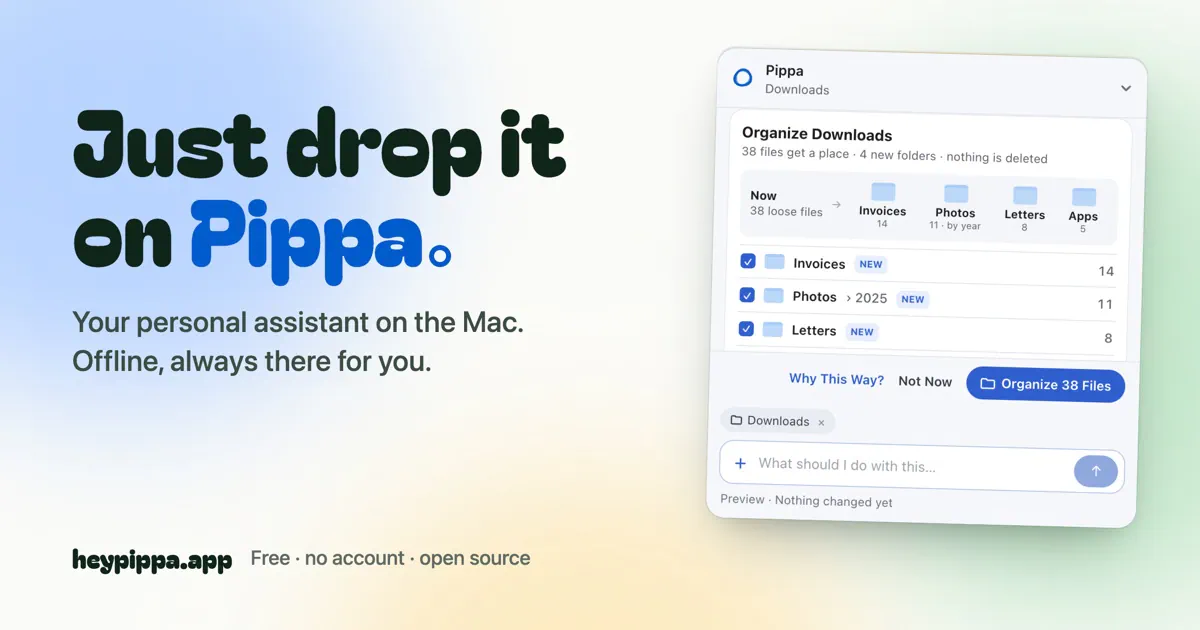
Pippa’s interface is a small, pill-shaped target that accepts dropped files, folders and photos. Users can select an action or ask for help without interacting directly with the agent’s command-line interface.
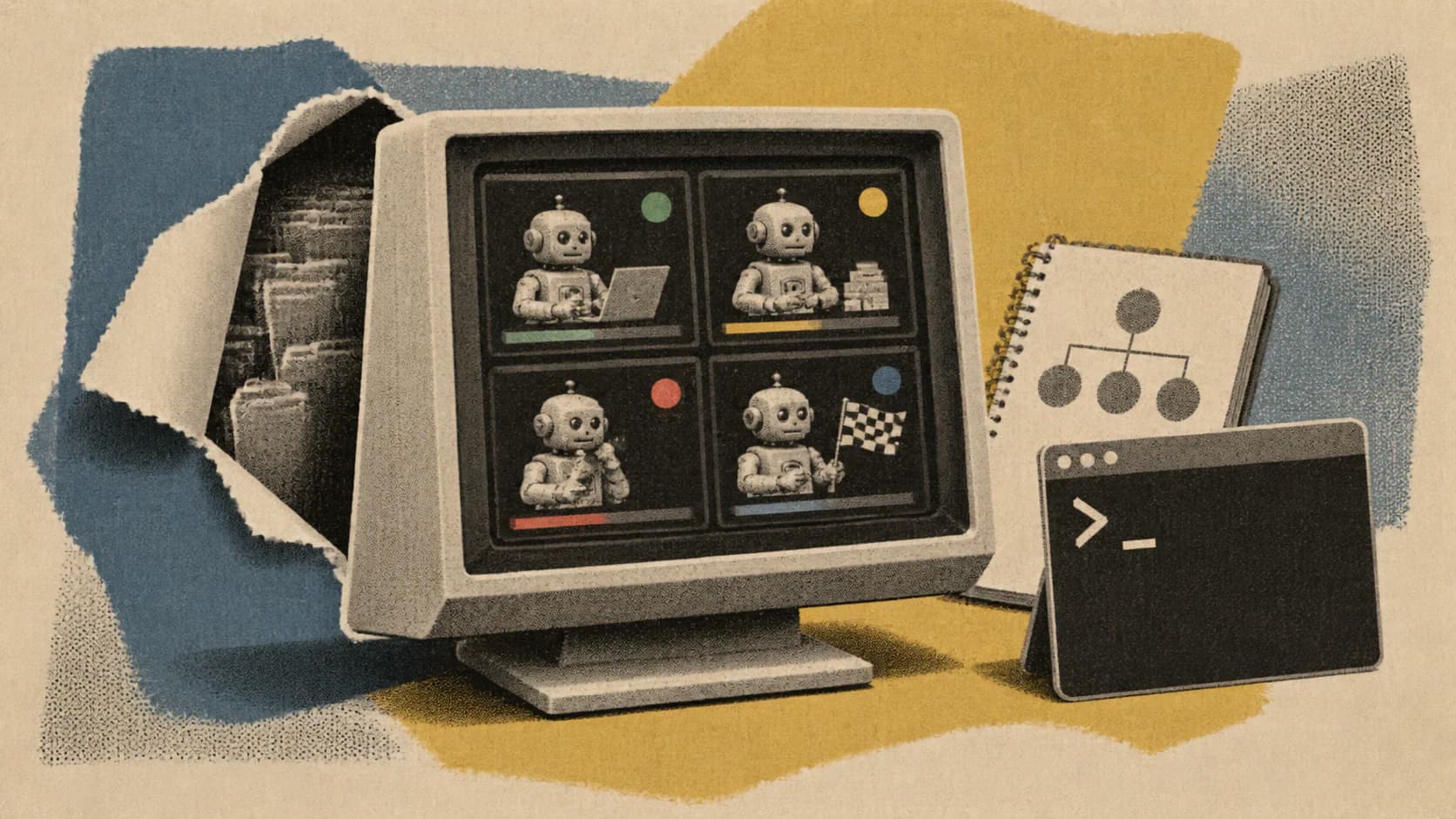
Behind that front end, the architecture has three main components:
The Swift application draws the interface, manages settings and connects to Mac applications. Its architecture includes an MCP server for Mail, Calendar and Excel.
A local llama.cpp server runs the language model and listens on 127.0.0.1, the computer’s loopback address.
Pi in RPC mode supplies the agent, with Pippa-specific skills and a web-access extension.
RPC mode gives the application a way to control Pi as a background component rather than expose its terminal interface. MCP provides an interface through which the agent can interact with application tools.
The Pi toolkit describes itself as a minimal, extensible agent harness. Pippa uses that extensibility to redirect a developer-oriented system toward household and office work.
Pippa’s skills are plain-text files rather than Swift application code. That separates task instructions from the native interface and makes them inspectable. It also introduces an important distinction: instructions describing how an agent should behave are not, by themselves, a security boundary.
The loopback-only model server limits where that server listens for connections. It does not establish what files or applications the agent can access once a task begins.
Work with Zeniteq
Let’s work together
We’re open to thoughtful collaborations with teams building in AI. Explore the ways we can work together.
Pippa requires Apple Silicon, meaning an M1 or later Mac, and macOS 15 or later. Intel Macs are outside its stated requirements.
The installer selects a local model according to available memory. The project’s installation requirements list Qwen3.5 4B for 8 GB Macs, with an approximately 2.7 GB download, and Qwen3.5 9B for machines with at least 16 GB, with an approximately 5.7 GB download. It specifies 3 to 6 GB of free storage.
The installer can reuse a matching model from LM Studio, Ollama or the Hugging Face cache. Otherwise, users approve a one-time AI download, after which the project says local tasks can run offline.
No Pippa account or subscription is required. That removes a service-payment requirement, but it does not establish how responsive the assistant will feel on supported hardware.
The published specifications give model sizes, not measured latency, memory pressure or task-completion rates. Nor do they show how much better the 9B configuration performs on Pippa’s workflows. Compatibility and useful performance remain separate questions.
Office Work Mixes Model Judgment With Conventional Tools
The advertised workflows vary considerably in how much judgment they demand from the model.
Folder organization presents a proposed destination for files, waits for approval and offers an undo path. Letter explanations are supposed to include the passage supporting an answer. File search lets users describe what they remember about a document rather than supply its exact filename.
For email, users select a message in Apple Mail. Pippa can consult the calendar and prepare a reply as a draft. Calendar and reminder integrations also support adding appointments and deadlines, so the application’s actions extend beyond reading and summarizing.
Spreadsheet checking combines model interpretation with arithmetic performed in code. According to the README, Pippa adds numbers again and points out rows that a total omits. Invoice extraction produces a CSV table that can open in Excel, while the original files remain unchanged.
Recalculating a total in code is a stronger approach than asking a language model to guess the sum. It still leaves a separate problem: identifying the correct rows, interpreting their meaning and deciding which amounts belong in the calculation. Correct arithmetic cannot rescue an incorrectly selected range.
Similarly, showing a source passage makes a letter explanation easier to check, but does not prove that a deadline or obligation was interpreted correctly.
The PDF utilities are a different category. The project explicitly describes compressing PDFs and photos, combining scans and converting between PDF, JPG and PNG as tasks that do not need AI. Those operations should be evaluated separately from document comprehension or agent decision-making.
Pippa’s demo is illustrative rather than independent evidence. The README states that its names and files are made up.
Access Controls Are Not the Same as a Sandbox
Pippa’s access settings separate areas such as Desktop, Documents and Downloads from Calendar, Reminders, Photos and Mail. The website says users choose access during setup and can change those choices later.
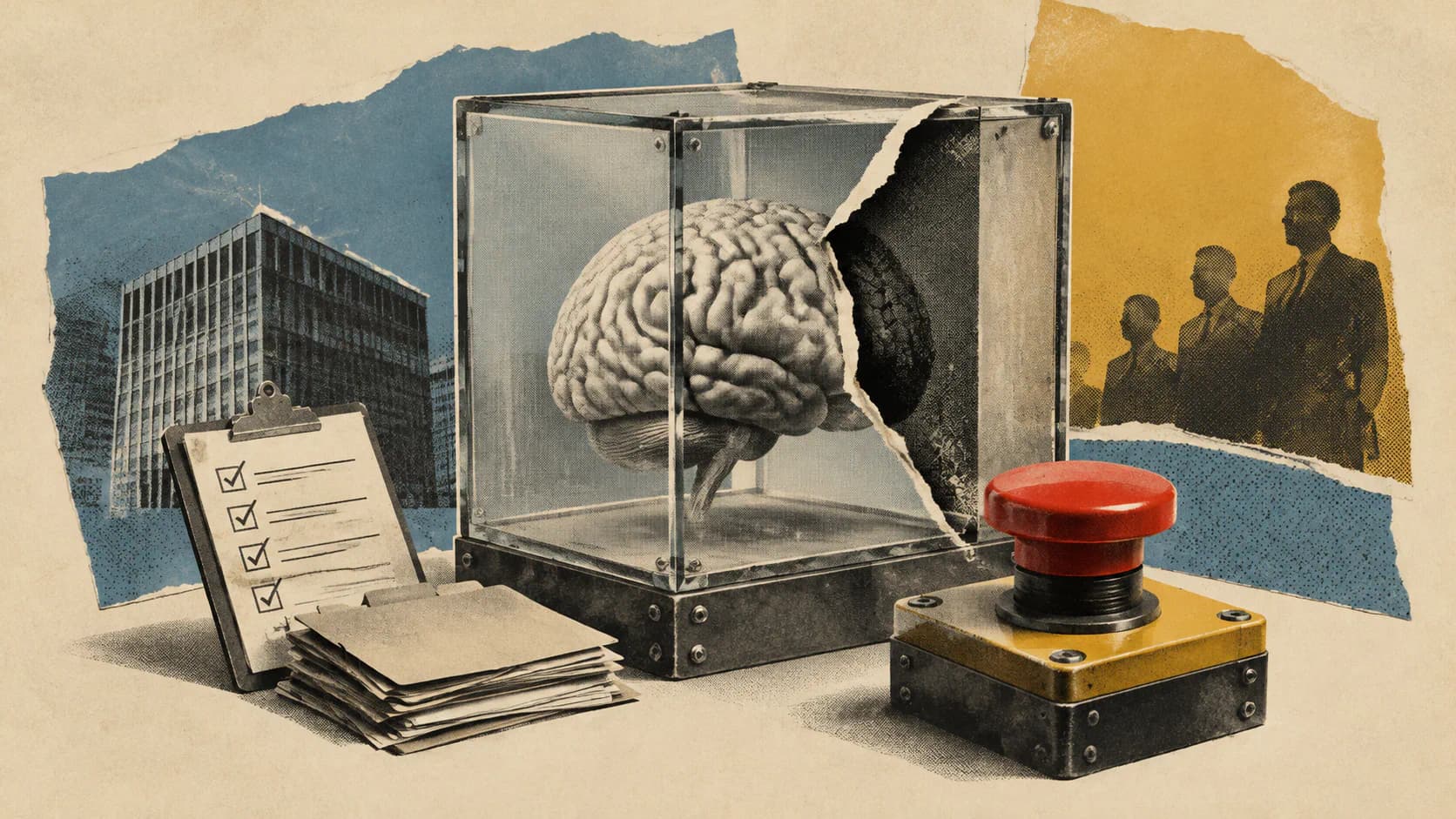
These controls make intended access more visible, but the project also discloses that Pippa does not run inside the macOS App Sandbox. Its stated reason is that a sandboxed application cannot set up its agent. The README advises keeping Time Machine enabled.
That disclosure matters because the upstream Pi documentation explicitly says Pi has no built-in permission system restricting filesystem, process, network or credential access. By default, it runs with the permissions of the user and process that launched it. Pi recommends sandboxing or containerization when stronger boundaries are needed.
This does not prove that Pippa disregards its own access settings. It does mean those settings should not be confused with a demonstrated operating-system containment boundary around the agent. Establishing how reliably Pippa enforces its narrower permissions requires examining and testing the application’s implementation.
Its action safeguards also differ by workflow. Folder tidying promises a preview, confirmation and undo. Email remains draft-only. The website says smaller steps may happen immediately, with a record of changes shown below the answer.
Consequently, Pippa does not promise approval before every action. Nor does folder undo establish that every possible change is reversible.
A cautious first trial would use copied documents and a disposable folder, with narrowly granted access and backups enabled. That recommendation follows from the disclosed architecture and missing independent testing, not from a documented incident.
Local by Default Does Not Mean Never Online
Pippa’s privacy description says its AI runs on the Mac, with no Pippa server. The README additionally says there are no usage statistics.
The project identifies several network uses: model downloads, updates, web lookups and an optional connection to ChatGPT through the user’s own subscription. The website says conversations go to an external AI service if the user chooses to connect one.
Those exceptions make “local by default” a more precise description than treating the application as permanently disconnected. A local document workflow and an online lookup have different data-handling implications.
Pippa also says its memory lives in one readable text file on the Mac and that it refuses to store passwords or account, card and ID numbers. Readable memory gives users something concrete to inspect. The refusal policy, however, remains a developer claim rather than an independently established guarantee.
Open-source availability permits scrutiny of these behaviors. It does not demonstrate that an audit has happened or that every privacy promise has been verified.
Reliability Is the Missing Evidence
Pippa offers a concrete example of coding-agent infrastructure being repackaged for nondevelopers. The native interface, automated local-model setup and office integrations remove several steps that would otherwise require technical knowledge.
The supplied primary sources do not include independent results for document understanding, multilingual responses, invoice extraction, spreadsheet interpretation or permission enforcement. There are also no measured comparisons between its two default model configurations.
The most useful evaluation would therefore test complete workflows: whether an extracted deadline matches the letter, whether an invoice table preserves amounts and currencies, whether spreadsheet checks select the right data, and whether access restrictions hold throughout a task. File-move recovery deserves testing alongside the initial preview.
Pippa’s narrower safeguards make it more credible than an unrestricted promise to automate the desktop. Draft-only email preserves a human send decision, and folder previews make proposed changes inspectable. But the central question is still whether those boundaries remain dependable when the agent encounters ambiguous documents and unexpected tool behavior. Until that evidence exists, its strongest case is as an inspectable local assistant for carefully scoped tasks, not as a trusted operator for important office work.