NVIDIA Cosmos Guide Turns World Models Into Workflows | Zeniteq
Loading
Loading article
Zeniteq is now available on mobile for iPhone, iPad and Apple Watch.Download nowLearn more
NVIDIA Cosmos Guide Turns World Models Into Workflows
NVIDIA’s implementation guide connects released Cosmos checkpoints to simulation recipes, synthetic-data generation and API serving, with validation still left to each development team.
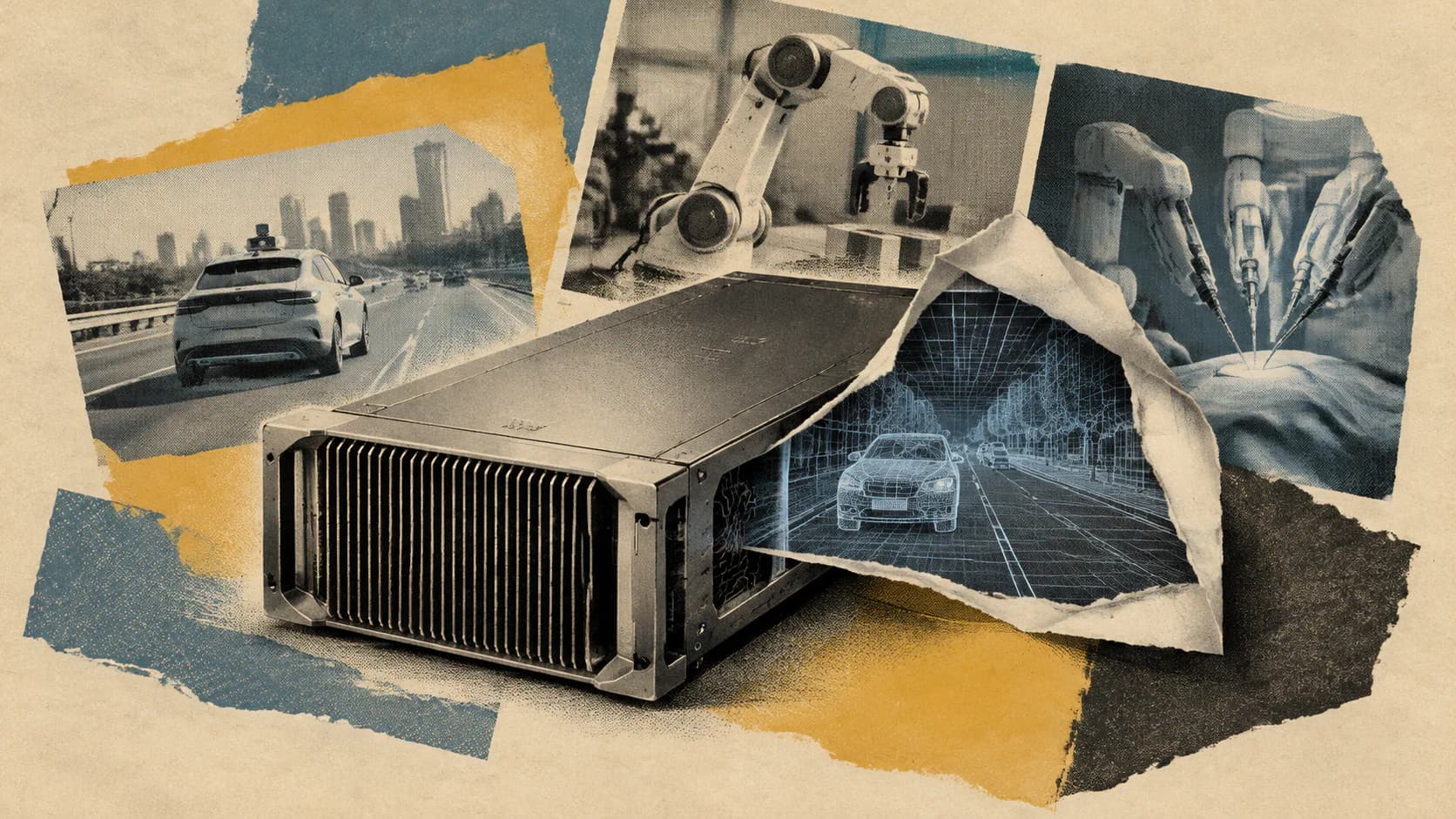
NVIDIA’s November 2026 implementation guide provides a structured workflow for deploying Cosmos world models into autonomous driving, robotics, and surgical simulations. Rather than releasing a new foundation model, the guide connects Cosmos Framework recipes with NIM microservices for GPU-accelerated inference. Developers can now utilize specific checkpoints like Cosmos3-Nano-Sim-Auto for closed-loop interaction or Transfer-Auto for offline synthetic data generation. This framework enables controlled environmental variations, such as adjusting weather or lighting while preserving scene geometry, though teams must independently validate sensor alignment, numerical integrity, and behavioral consistency to ensure these generated simulations remain reliable for real-world policy training.
NVIDIA published a practical Cosmos implementation guide on November 2, 2026, covering how developers can adapt world models and deploy them for autonomous-vehicle, robotics and surgical simulation. The update is implementation guidance for existing Cosmos components, not the launch of a new foundation model.
The guide connects two parts of the development process. Cosmos Framework supplies recipes and agent skills for data processing, training, optimization and inference. Cosmos NIM microservices provide GPU-accelerated serving through application APIs.
For teams evaluating physical-AI tools, the useful change is the path from an available checkpoint to a working experiment: select the appropriate generation behavior, configure the hardware, produce observations, inspect them and then connect the model to an application. That sequence also exposes where a successful demonstration stops short of a validated simulator.
Choose the Checkpoint Around the Experiment
NVIDIA describes Cosmos Framework as modular, with support expanding beyond Cosmos 3 to models including Alpamayo, GR00T, Qwen and pi0.5. Compatibility depends on the checkpoint and recipe; the list should not be read as a promise that every model supports every workflow.
Generates surgical video from robot actions, predicts actions from video, or combines both
Interactive surgical simulation
Cosmos3-H-Dreams
Uses a causal, few-step model distilled from H-Embodied-Nano to generate frames from live kinematics
The consequential distinction is offline generation versus closed-loop interaction.
Transfer-Auto can process a whole clip together. That suits building a synthetic dataset before training or evaluating another system. Sim-Auto instead produces observations as actions arrive, allowing a driving policy to influence what happens next.
I’d make that distinction before comparing output quality. A visually convincing offline clip cannot tell you how a simulator responds when a policy changes direction halfway through an episode. Conversely, a closed-loop workflow needs predictable response times as well as plausible frames.
NVIDIA says the example simulation checkpoints support PyTorch and vLLM-Omni and were tested on Hopper and Blackwell GPUs. The selected recipe determines GPU count, memory configuration and inference settings.
Synthetic Data Starts With Controlled Variation
The autonomous-vehicle recipes accept prompts and World Scenario Map, or WSM, controls describing lanes, objects, road markings, signs and road boundaries. Joint camera-and-LiDAR generation also uses HD-map rangemap controls and can take initial LiDAR observations. Optional initial camera images provide visual context.
Prompts describe weather, lighting, time of day and road conditions, with prefixes supplying camera-rig and field-of-view context. This gives developers a way to vary a scene’s appearance while retaining structured controls over its layout.
NVIDIA’s example changes a daytime drive into a rainy nighttime scene while keeping the road layout and vehicle trajectories, according to the published walkthrough. That is a useful synthetic-data application: a perception team can investigate whether a system’s behavior changes under different visibility conditions without intentionally changing the entire scenario.
The robotics transfer recipe serves a related purpose. Depth video supplies geometry and motion, while generation changes lighting, textures and backgrounds. My view is that this controlled variation is more useful than collecting visually diverse clips without knowing which conditions changed. It gives an experiment a clearer variable to investigate.
That control still needs checking. A prompt requesting rain does not prove that every camera view depicts consistent rain, reflections or visibility. Likewise, intended preservation of geometry needs verification in the generated output.
Validate Files, Sensors and Policy Behavior Separately
NVIDIA’s Transfer-Auto reference run uses four GPUs and a sample containing seven synchronized camera videos, per-camera captions, first-frame RGB conditioning and HD-map LiDAR controls. The reported output comprises seven 720p videos, each with 297 frames at 30 frames per second, plus 99 LiDAR sweeps.
Those figures contain a useful implementation detail. Each video represents approximately 9.9 seconds, calculated as 297 frames divided by 30 frames per second. The camera-frame and LiDAR-sweep counts differ, so downstream software cannot simply assume one LiDAR sweep corresponds to each video frame. It needs to preserve and check temporal alignment.
The walkthrough reports NVIDIA’s specific output checks: inspect sample_outputs.json for success, check lidar.safetensors for finite range and intensity values, and verify alignment and consistency across camera views and LiDAR.
These checks address different failure modes:
Output integrity: Did generation finish and produce the expected artifacts?
Numerical validity: Do sensor tensors contain usable values instead of invalid numbers?
Cross-sensor consistency: Do cameras and LiDAR agree about the same scene?
Behavioral usefulness: Does the generated environment support the experiment the team intends to run?
The final layer is an analytical implication, not a reported NVIDIA test result. Files can pass numerical checks while depicting inconsistent geometry. A coherent scene can still produce misleading policy evaluations if its response to actions differs from the target environment.
For surgical workflows especially, generated video and action prediction should be treated as development tools. Real-world suitability requires separate application-specific evidence.
Adapt the Model With Bounded Agent Tasks
Cosmos Framework supports LoRA, which adapts a limited set of parameters, and full supervised fine-tuning, which updates all model parameters. NVIDIA lists JSONL, WebDataset, LeRobot and custom adapters as supported data-loading options.
The framework also covers offline preference optimization, online reinforcement learning, on-policy distillation and diffusion-model reinforcement learning. These are options for different training problems, not a sequence every team needs to complete.
NVIDIA places setup, inference, post-training and troubleshooting skills under .agents/skills. Its example agent task includes several useful constraints:
Pin model, code and data revisions.
Validate the dataset and separate training episodes from evaluation episodes.
Run a smoke test and save the configuration.
Stop at a specified GPU-hour budget.
Compare the adapted checkpoint with the base model on held-out data using three seeds.
Repeat evaluation at a supported lower precision, recording quality, peak memory and latency.
Those instructions are a stronger contribution than an open-ended request to improve a model. They define what the agent may change, how much compute it may consume and what evidence it must produce.
I’d retain those boundaries even in a manually operated workflow. Without a held-out comparison against the base checkpoint, extra training can look productive while providing no demonstrated improvement. Comparing precision settings also prevents a memory-saving deployment change from silently becoming a different-quality experiment.
GiB means gibibytes, with one GiB equal to 2³⁰ bytes. BF16 and FP8 are 16-bit and 8-bit numerical formats, respectively. Lower precision can reduce memory use, while offloading reduces what must remain resident on the GPU.
These are NVIDIA-reported configuration figures, not independent measurements or universal requirements for every specialized checkpoint listed above.
One source discrepancy matters for hardware planning. The NVIDIA page’s AI-generated summary associates Nano’s 44 GiB figure with FP8 and offloading. TokenPost’s configuration breakdown instead lists 44 GiB for FP8 alone and 31 GiB for FP8 with offloading. Developers should confirm the exact recipe and configuration before reserving hardware.
The table also illustrates why memory fit and interactive performance are separate decisions. A configuration that fits through offloading may have a different latency profile. The evidence here does not provide a like-for-like latency comparison across these memory settings.
Move to NIM After Establishing a Baseline
NVIDIA positions Cosmos NIM as the API-serving layer. Its deployment walkthrough covers choosing a configuration for the GPU, launching the container, verifying readiness and submitting an initial inference request.
A practical rollout follows that same order:
Select the supported model and hardware configuration. Match the intended workload to the relevant recipe and serving support.
Launch the documented container. Keep its configuration tied to a known model revision.
Verify readiness. A running container is not the same as an inference service ready to accept requests.
Submit a representative request. Use inputs resembling the application’s actual sensor setup and controls.
Measure the application path. Record latency, memory use, output quality and behavior under expected request volume.
NIM handles serving, but the application still determines whether the result is usable. For interactive simulation, timing includes input handling, generation, output delivery and the policy’s next action. A model-level optimization therefore cannot automatically be treated as an equivalent improvement to the whole control loop.
The most defensible first pilot is narrow: one supported checkpoint, one sensor configuration, a fixed evaluation set and a recorded hardware profile. Establishing that baseline gives a team something concrete to compare when it adds fine-tuning, lower precision or API deployment.
Frequently Asked Questions
3 questions
1
Is This a New Cosmos Model Release?
No. The November 2 guide explains implementation workflows using released Cosmos components and checkpoints, including simulation recipes and NIM deployment.
2
Do All Cosmos Simulation Workflows Require LiDAR?
No. Joint camera-and-LiDAR generation is part of the autonomous-vehicle guidance. Other recipes use inputs such as depth video, robot actions or surgical kinematics.
3
Does Successful Generation Validate a Simulator?
No. Successful files and finite sensor values are initial checks. Teams still need to assess synchronization, scene consistency, action responses and suitability for their target application.