Hark Pro Launches Free Computer Use With Visible Actions
The assistant combines a visible browser, approval checkpoints, and ad-free access, but connecting personal accounts raises questions its launch materials cannot settle.
Listen
AI narration
11:31
0:00 / 11:31
AI SummaryGenerated from this article
Hark Pro launched free access to an AI assistant that can browse the web and complete tasks like ordering food, booking travel, and managing email, with a visible browser window showing the agent's actions. The service, available on browsers and mobile apps as of October 6, 2026, combines persistent memory, connected accounts, and approval checkpoints, though its privacy policy raises unresolved questions about data handling and the sensitive information required for administrative tasks.
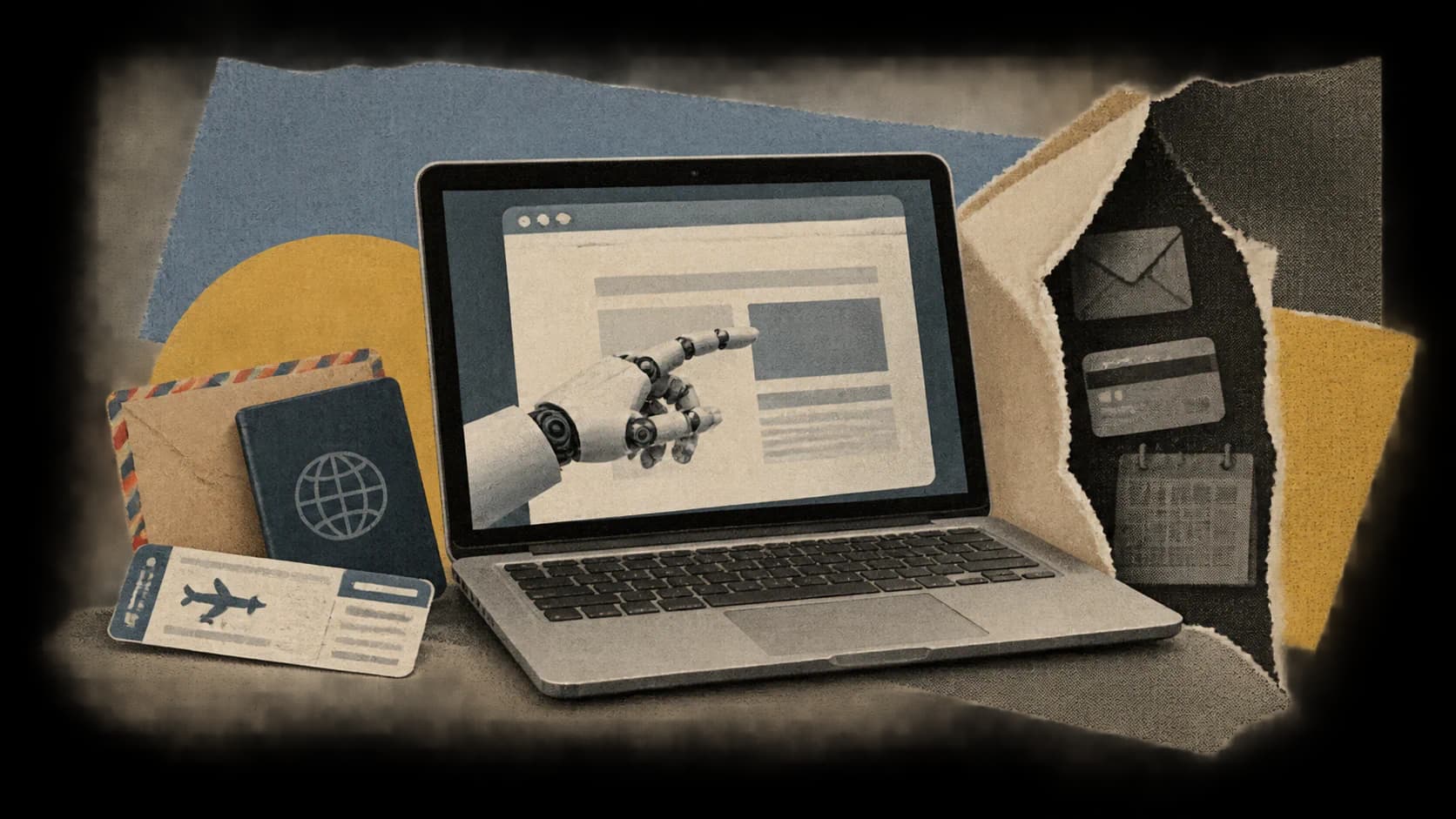
Hark Pro is offering free access to an AI assistant that can browse websites and attempt tasks such as ordering food, arranging travel, and managing email. Users can watch the agent navigate the web instead of receiving only a final answer, its most useful interface choice.
The wide release, reported by TechCrunch on October 6, 2026, brings together several increasingly familiar AI capabilities: persistent memory, connected accounts, suggested actions, and computer use. Hark says the service is available through browsers, iOS, and Android, with an ad-free tier and paid subscriptions for additional usage.
Hark Pro is worth examining as a shipping product. Its usefulness, though, depends on unusually broad trust. An assistant that can read email, save logins, and make purchases needs more than a reassuring interface. Readers should distinguish what Hark offers today from what its demonstrations and security claims establish.
Hark Uses Its Own Browser to Complete Tasks
According to Hark’s product page, the computer-use agent, called Handoff, works from a dedicated computer with a full browser individual to each user. Hark lists research, placing orders, building websites, and creating slides among its capabilities.
The phrase “uses your computer for you” can suggest software controlling your local desktop. Hark describes an agent operating its own browser environment, and its privacy policy places task execution inside isolated virtual-machine environments.
The broader interface centers on an ongoing conversation. Persistent memory is meant to retain useful context, while Projects organize larger undertakings such as job searches and travel planning. Action Buttons suggest and prioritize tasks based on what the assistant knows about the user.
Hark also offers customizable Panels, which it describes as mini-apps built from a user’s request. Its examples involve services such as Strava, Spotify, and Venmo. These company descriptions explain intended functionality; they do not independently establish that every integration or requested workflow succeeds.
Work with Zeniteq
Let’s work together
We’re open to thoughtful collaborations with teams building in AI. Explore the ways we can work together.
The practical appeal is Hark’s attempt to identify work without waiting for instructions. An assistant with access to receipts, appointments, and conversations could surface an unfinished expense claim or a trip that still needs booking. Whether those suggestions are accurate and welcome will depend on the quality of its account access, memory, and reasoning.
The Launch Demo Shows a Workflow, Not a Reliability Record
TechCrunch’s reporter saw Hark design lead Abidur Chowdhury demonstrate an interface that proactively raised expenses needing approval, emails needing responses, a meeting, and travel arrangements. The demonstration showed the product’s presentation and suggested workflow, but it was not a published evaluation of how reliably Hark completes those tasks across different accounts and websites.
The California DMV example in the report needs particular care. Chowdhury described the assistant recognizing that a colleague needed to renew a vehicle registration and handling it through the agency’s website. That account came from a company representative; the article does not describe the reporter independently observing or verifying the renewal.
Computer-use tasks have more ways to fail than ordinary chatbot answers. A travel purchase can require the agent to select the correct dates, understand restrictions, use the right account, and submit the intended payment. A successful demonstration does not establish dependable handling of all those details under different conditions.
Hark’s claims of end-to-end execution remain product promises. The cited launch evidence supplies no task-success benchmark, failure rate, or systematic comparison with competing assistants. There is no basis here for calling Hark the most reliable computer-use product.
A Visible Browser Helps Oversight, but Does Not Prove Safety
TechCrunch reports that Hark shows the agent’s web navigation in a small window. Chowdhury described that choice as a way to build trust by letting users see what the agent is doing.
Watching the browser can make an incorrect destination or unexpected navigation easier to notice. It also gives users more context than a status message saying that an assistant is “working.” Still, a user may miss a changed booking date, an unexpected recipient, or a payment detail. The visible window does not, by itself, explain what connected-account data the system has processed behind the scenes.
Hark separately says it checks with users before doing something that requires approval. That could be the more consequential safeguard, provided the checkpoint clearly states the proposed action and arrives before an irreversible commitment.
The launch material reviewed here does not establish a comprehensive approval policy. It leaves unspecified which actions always trigger confirmation, how standing permissions work, and what happens when a task changes after approval. Readers should not assume that every message, purchase, or account modification receives a separate confirmation.
Comparisons with rivals need the same care. TechCrunch characterizes visible browsing as a notable interface choice, but does not provide a feature-by-feature audit showing that competitors lack visibility or approval mechanisms. Chowdhury claims Hark can deliver better, more complete results than Muse, while acknowledging it may not be faster. That remains a vendor comparison, not an independently measured advantage.
Free Access Includes Features, While Paid Plans Add Usage
Hark says all features are available across all plans and that upgrading increases usage. The free tier therefore appears intended as an entry point to the product itself, rather than a separate, feature-restricted chatbot.
How much work each subscription buys is less clear. The pricing description uses illustrative scenarios involving food orders and complex planning instead of a straightforward allowance of tasks, browser minutes, or another standardized unit.
Those examples are difficult to use for budgeting. Ordering from a familiar restaurant and researching a complicated itinerary can demand very different amounts of agent work. Before subscribing, readers need to know how usage is counted, when limits reset, and what happens if the allowance runs out during a task. The cited pricing material does not settle those questions.
Free and ad-free access lowers the cost of evaluating the interface. It does not lower the consequences of granting access to an inbox or authorizing a transaction.
The Privacy Policy Complicates the Security Pitch
Hark markets “Secured by Hark” as end-to-end encryption and describes a vault that no person can access. Those are company claims. The cited launch materials do not include an independent security audit or a technical architecture sufficient to verify the scope of that protection.
The privacy policy, last updated October 1, 2026, provides a broader picture of data handling. It describes collecting account information, inputs and outputs, connected-service data, usage information, and memory drawn from conversations and linked accounts.
For sandbox task execution, Hark says it may collect uploaded or generated files, shell commands and their outputs, code, and task logs for debugging and security. The policy also says parts of the service integrate with third-party AI providers.
These disclosures do not prove that the encryption claim is false, but they leave important boundaries to clarify. A credential vault could have different protections from conversation history, browser content, or execution logs. Where is content processed in readable form? Which systems receive it, and how do third-party providers participate?
A more immediate tension concerns the tasks Hark promotes. Its website gives examples involving insurance, dentist appointments, and annual physicals, while its policy asks users not to provide sensitive information, including health information, government identification numbers, and financial account numbers.
The boundary between a useful administrative task and the sensitive data needed to complete it remains unresolved. A DMV renewal or medical appointment workflow can involve information that readers should not casually hand to a new assistant. The cited materials do not explain how those cases fit the policy.
Hark says users can review, edit, or delete Memory by asking the agent. That is a useful stated control. Deleting remembered preferences, however, should not be assumed to delete every associated conversation, execution log, or copy held elsewhere.
Start With Research Before Granting Transaction Authority
The sensible first use of Hark Pro is a bounded, low-consequence task: researching options, organizing non-sensitive material, or preparing something for review. That tests the interface without immediately connecting an entire digital life.
Before linking an account, inspect the permissions requested and prefer narrower access where it is available. For purchases or outgoing messages, check whether the approval screen identifies the exact recipient, amount, item, or commitment, rather than merely asking permission to continue.
These precautions do not imply that Hark currently exposes every control a cautious user might want. If a workflow demands broad access or lacks a clear confirmation step, the safer choice is to complete the sensitive part manually.
Hark Pro’s visible browser and free tier make it easier to examine than a closed demonstration. The harder test is whether users get meaningful control: precise approvals, understandable permissions, predictable usage limits, and documented data protection. Until those boundaries are clearer, the strongest reason to try Hark is to evaluate a limited workflow, not to delegate unrestricted access to email, payments, and personal accounts.