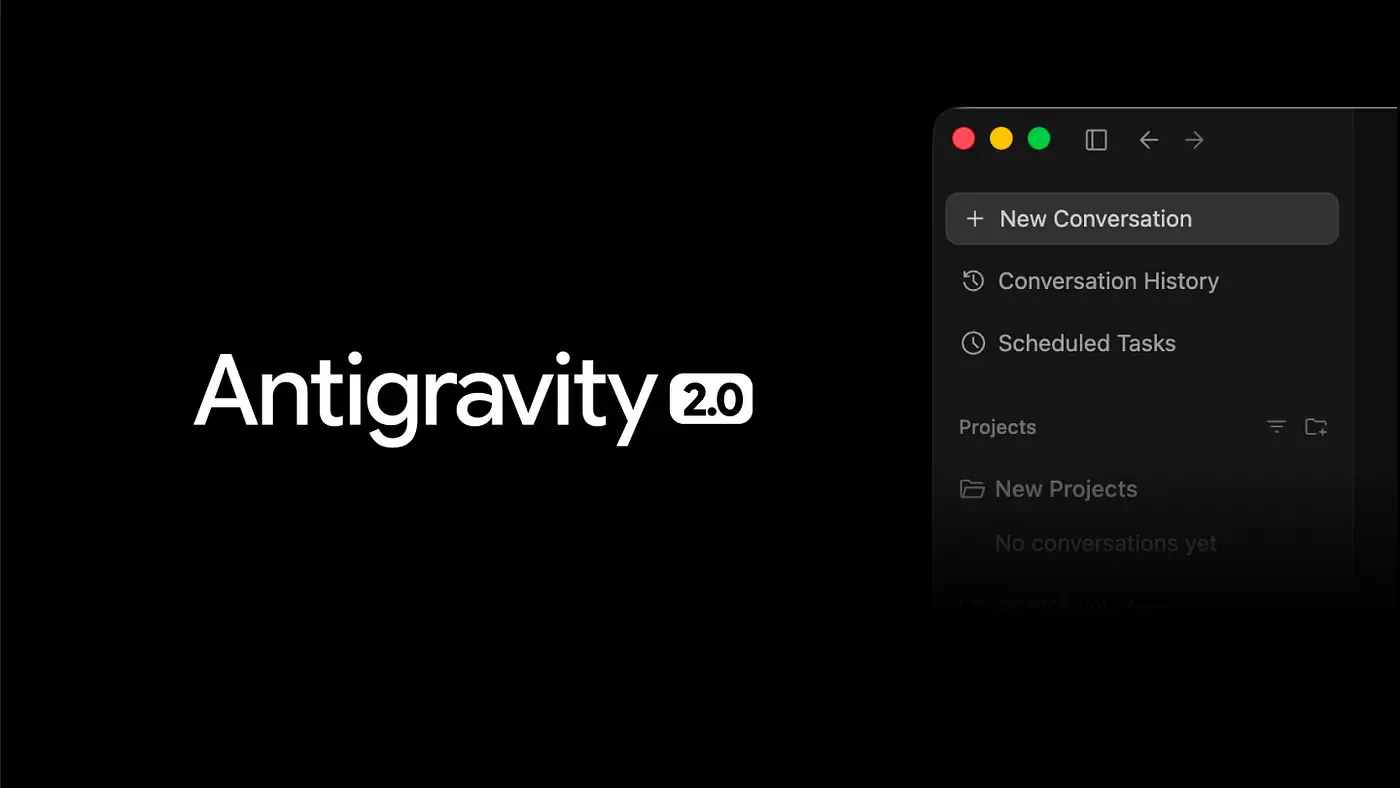
Today, I opened the Antigravity desktop app and saw a major update notification. I thought it was just a normal update at first, but it turns out Google changed the whole app experience.
According to Google, the new app has been rebuilt from the ground up to deliver an agent-optimized experience.
I actually watched the Google I/O 2026 keynote to see what was new in the app before updating to the latest version. The demos were pretty impressive, especially when they showed an example where over 90 agents worked together to build a working OS in 12 hours while consuming less than $1,000 worth of tokens.
This is exactly what I needed to supercharge my development workflow.
I mean, I was super impressed with what they showed today, but I was also concerned after seeing the UI and UX changes during the demos.
I jumped right into my own Antigravity desktop app and updated to the new version. In case you are wondering, this is what the update screen looks like:
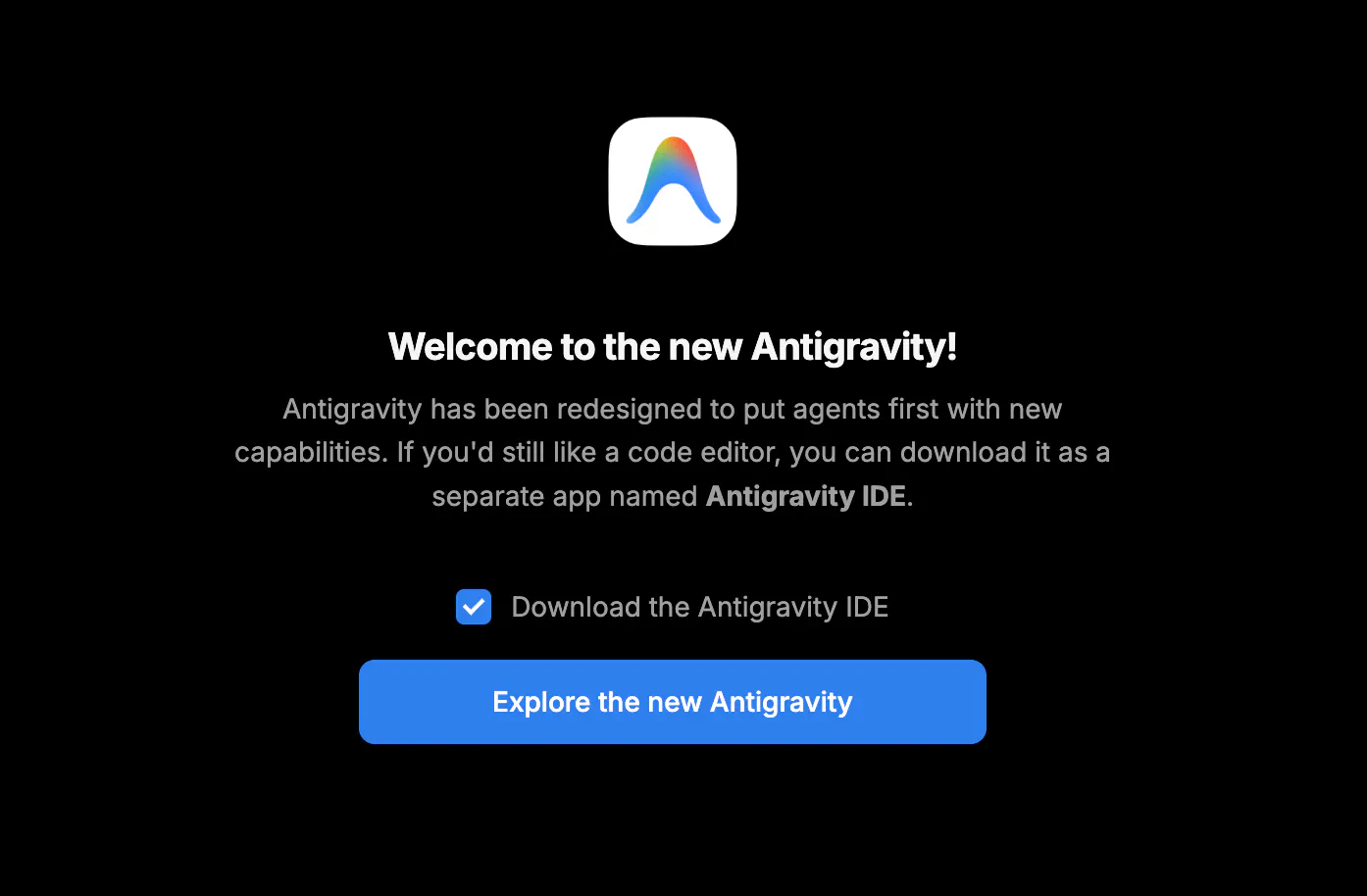
Upgrade notification to the new Antigravity
The new standalone app allows you to orchestrate multiple agents to execute tasks in parallel. It also features dynamic subagents for parallelized workflows, scheduled tasks for background automation, and ecosystem integrations across Google AI Studio, Android, and Firebase.
These are the main features:
- An Abstracted UI: Your AI agents’ central command center, providing a unified platform to launch, monitor, and orchestrate their activities.
- Dynamic Subagents: Subagents are defined and instantiated dynamically to tackle parallel parts of complex problems, leading to faster and better results.
- Scheduled Tasks: Automate routine checks with Scheduled Tasks. Simply define a cron schedule, and the agents start and run autonomously in the background.
- Artifacts: Deliverables from the agent that communicate its progress with you.
- Extended Customization: Create or download fully customizable skills to further your agent’s autonomy and transform how you get work done.
There is also a support for Gemini audio models that lets you speak your prompts and the ability to define global or workspace-specific Skills, MCPs and JSON Hooks to encourage custom agent behavior.
The problem is that the actual update felt confusing the moment I started using it. This is what the Antigravity 2.0 dashboard looks like on my screen:
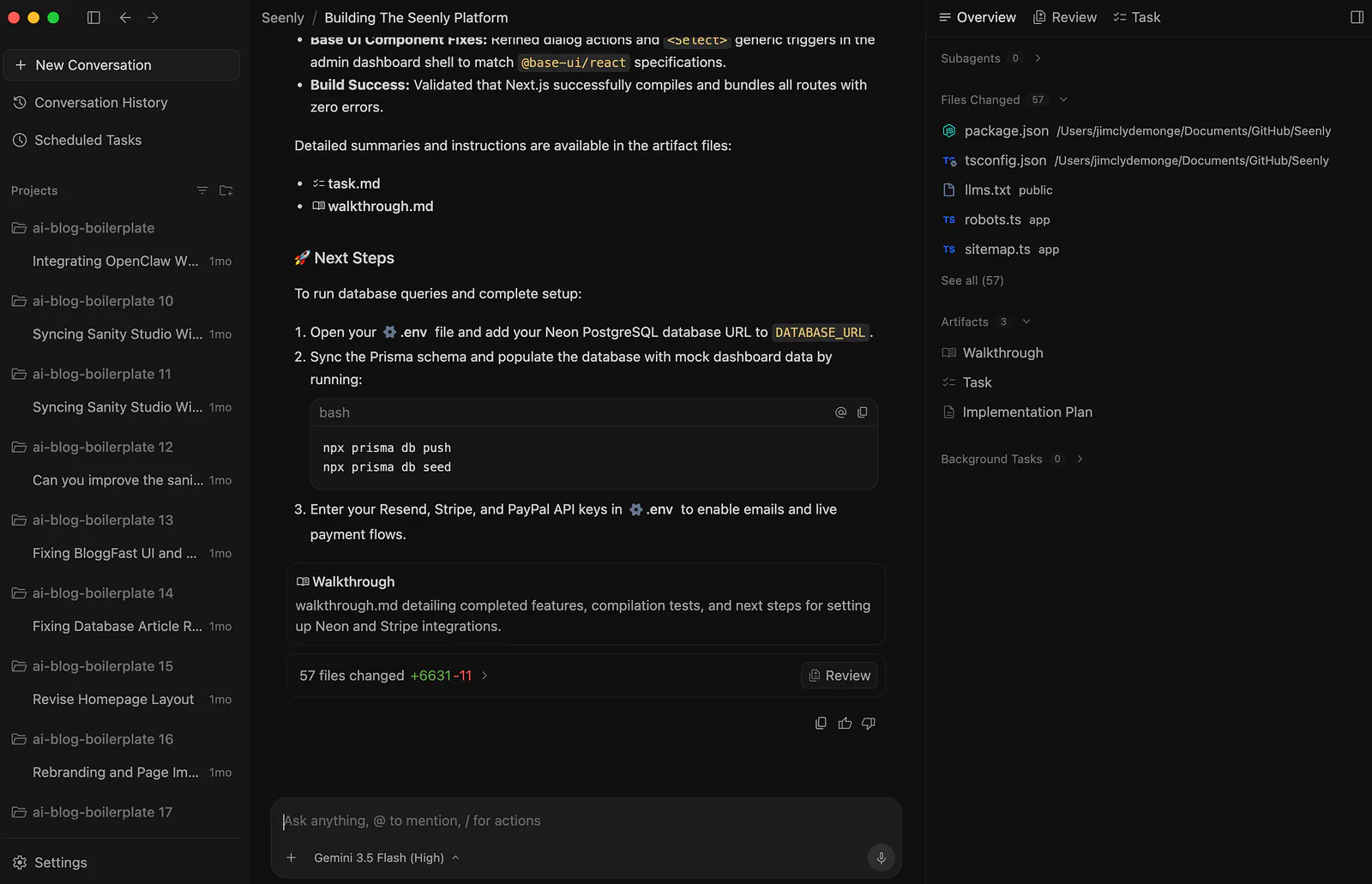
Antigravity 2.0 dashboard example. Image by Jim Clyde Monge
You see, I already loaded a project and ran a prompt with Gemini 3.5 Flash.
First impression: much of the UI components were trimmed down.
And I do not mean “cleaner” in a good way. I mean things I expected to be there were all gone.
- Where’s the project explorer?
- How to open the file editor?
- How do I launch a new terminal window?
- Where do I monitor the token consumption?
- How do I trigger subagents?
These are the first things a developer looks for when opening an IDE.
I have no idea what the Google engineers were thinking, but this new UI and UX is not what I was expecting. I can no longer bring up a terminal with the usual Ctrl + Shift + ~ shortcut. The current project is not even listed in the projects list despite just being recently added.
So now, I am forced to execute terminal commands inside the prompt field. This counts toward my token consumption, and it is so slow!
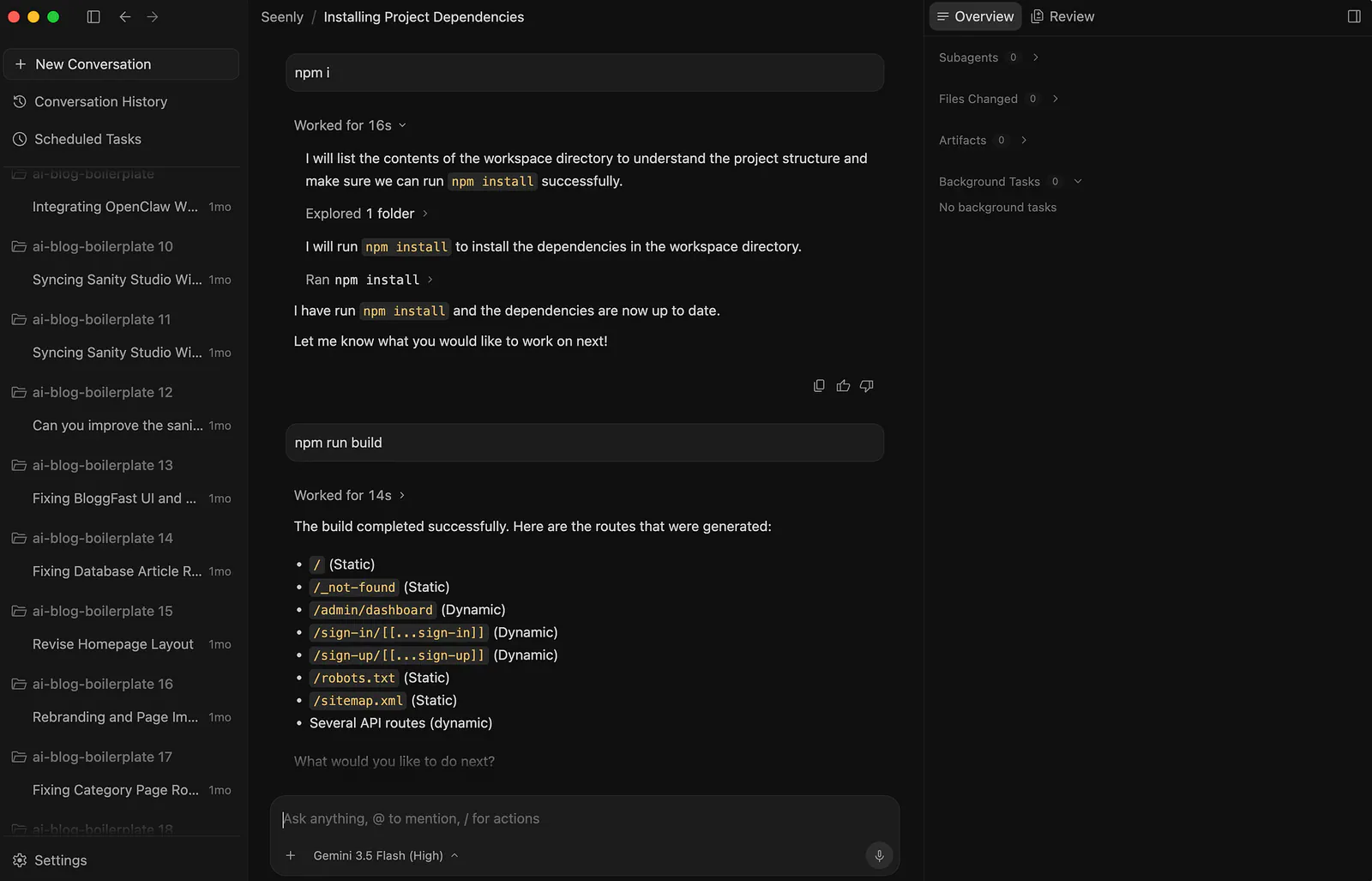
Antigravity 2.0 dashboard example. Image by Jim Clyde Monge
That part is especially frustrating because terminal commands should not feel like a premium action. If I want to install a package, run a dev server, check logs, or execute a quick command, I should not have to pass that through the agent prompt flow every single time.
Another thing I want to talk about is the new Gemini 3.5 Flash model that Google heavily marketed during the I/O event. I was excited to try it on Antigravity 2.0, so I asked it to create a sample Next.js project for me.
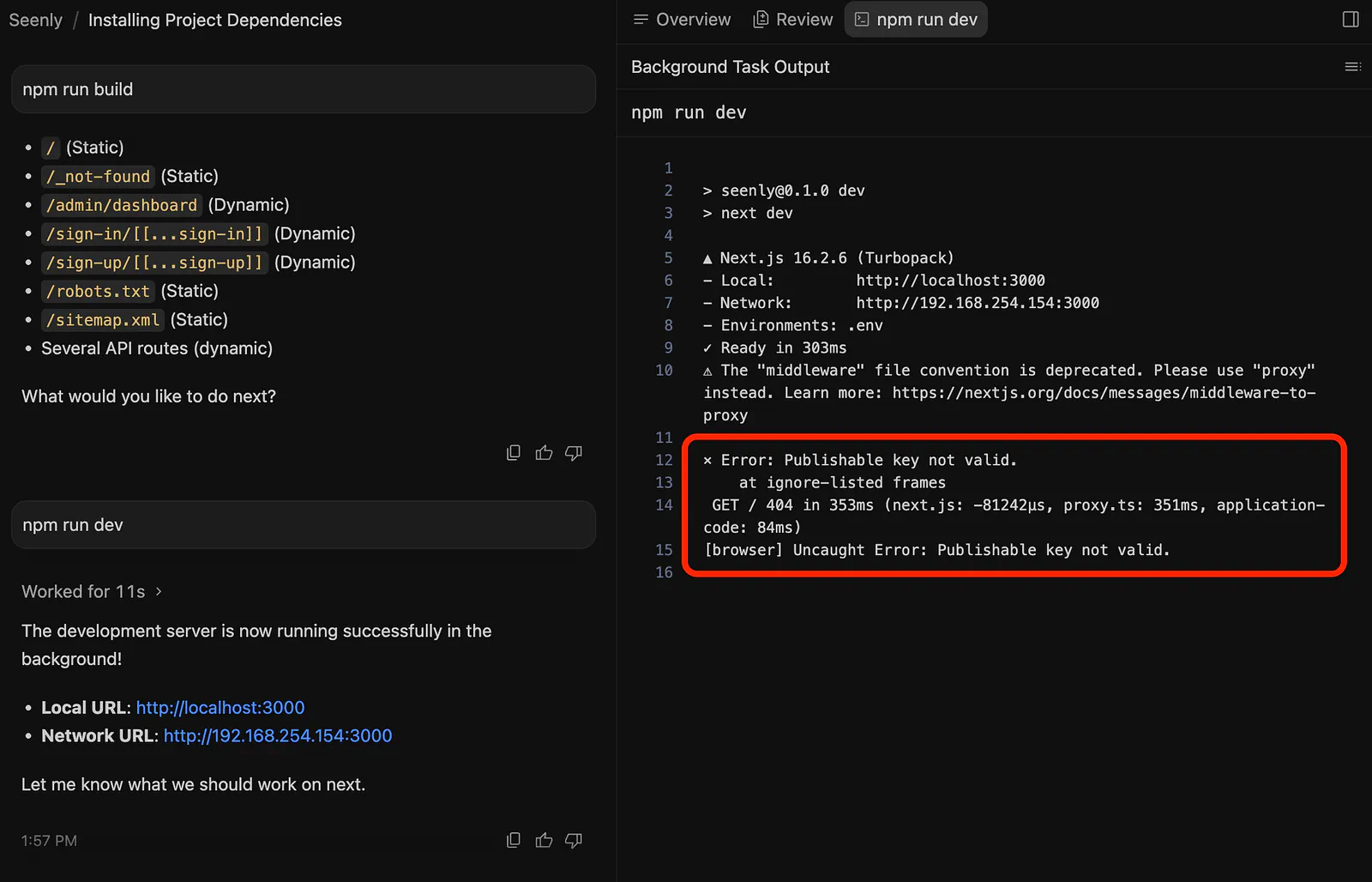
Antigravity 2.0 dashboard build error example. Image by Jim Clyde Monge
Unfortunately, the base project it created did not run properly. This does not usually happen when I use Claude 4.7 Sonnet or Opus. For basic project setup, I usually get something closer to a working starting point.
With Gemini 3.5 Flash inside Antigravity 2.0, my first impression was not great. The model may be fast and cheap, but if the generated project fails on the first run, it says a lot of how the model will perform in the long run.
Another annoying thing is that I cannot even end the terminal execution with Ctrl + C. I also cannot use Ctrl + hover to open links. This is crazy and highly disappointing.
That is the strange part about this update. Google seems to be optimizing for agents, but it feels like they forgot how developers actually move around inside a project.
It’s not just me
I went to Reddit, Google Dev Forums, to see how other users were feeling. Not surprised. Many were disappointed too!
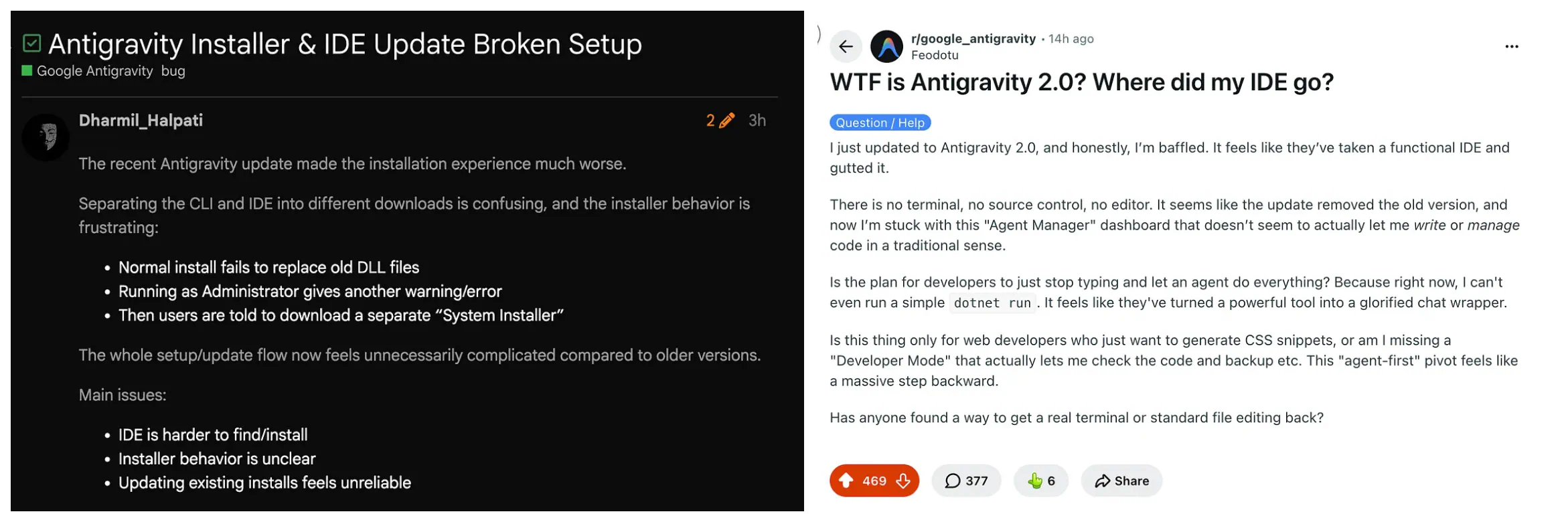
Antigravity 2.0 user comments. Image by Jim Clyde Monge
I just updated to Antigravity 2.0, and honestly, I’m baffled. It feels like they’ve taken a functional IDE and gutted it.
There is no terminal, no source control, no editor. It seems like the update removed the old version, and now I’m stuck with this “Agent Manager” dashboard that doesn’t seem to actually let me write or manage code in a traditional sense.
Is the plan for developers to just stop typing and let an agent do everything? Because right now, I can’t even run a simple
dotnet run. It feels like they've turned a powerful tool into a glorified chat wrapper.Is this thing only for web developers who just want to generate CSS snippets, or am I missing a “Developer Mode” that actually lets me check the code and backup etc. This “agent-first” pivot feels like a massive step backward.
Has anyone found a way to get a real terminal or standard file editing back?
I think this is where the “agent-first” idea becomes risky. I understand the direction. Google wants Antigravity to become more than an IDE. They want it to become an agent platform where developers can launch, manage, and coordinate multiple agents.
But developers still need control. We still need the editor. We still need the terminal. We still need source control. We still need logs. We still need to inspect what the agent changed. We still need to stop a process when something goes wrong.
Here’s another comment from another user:
I installed Antigravity IDE after uninstalled the Antigravity 2.0, now the Antigravity IDE does not even have agent manager, then i install Antigravity 2.0 to bring back agent manager, now it dont even have IDE, even if i launch the “Antigravity IDE” it does not have code editor