Google and OpenAI both released new flagship models this fall, with Gemini 4 Argon rolling out to paid tiers on October 13 and GPT-6.2 Astra shipping on November 17.
The middle paid tiers are nearly identical in price, with Google AI Pro at $19.99 and ChatGPT Plus at $20.
Gemini AI Pro offers a 1 million token context window, while ChatGPT Plus caps at 256,000 tokens for reasoning models.
Gemini includes video generation through Omni and Tasks for phone calls, while ChatGPT Work focuses on polished documents and decks.
ChatGPT integrates with 1,400 plugins, whereas Gemini prioritizes Google's own apps like Gmail and Calendar.
If you're weighing Gemini vs ChatGPT right now, you're picking between two assistants that both got new models this fall and both charge almost the same for the tier most people buy. On the surface they look alike. Under the hood, they differ in ways that change what you'll actually get done.
We compared the two using only Google's and OpenAI's own pages: plan and pricing pages, help center articles on limits, release notes, and feature pages, all read in late November 2026. Prices are the US list prices. Every claim below points back to what the companies themselves publish.
This guide is for anyone deciding which subscription to keep (or whether to pay at all). It covers five concrete differences: models, pricing, usage limits, built-in tools, and app integrations. The order isn't a ranking. By the end, you should know which one fits the way you work, and which plan tier makes sense for your budget.
1. Models: Gemini 4 Versus GPT-6
Best for: Readers who care which engine answers their prompts.
Both companies now run a family of models in their apps instead of one. Google rolled out Gemini 4 Argon to Google AI Pro and Ultra subscribers on October 13, calling it its newest frontier model for complex tasks. Its plan page lists a different headline model per tier: Gemini 4 Hydrogen on Free and AI Plus, Gemini 4 Neon on AI Pro, and Gemini 4 Carbon on Ultra.
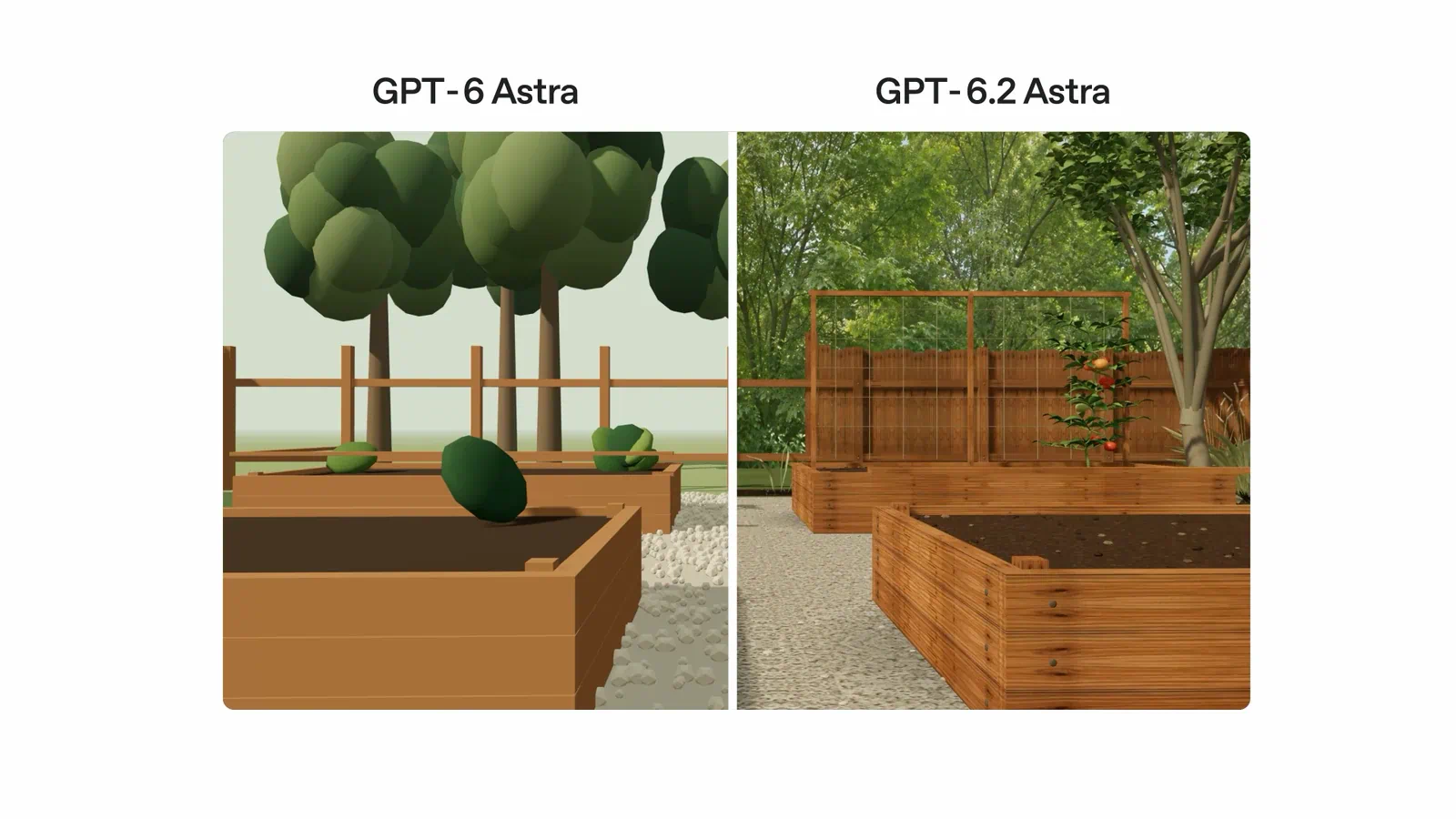
OpenAI's lineup is named after the GPT-6 generation. In October, it updated GPT-6 in ChatGPT to give shorter answers with less flattery, a change aimed at Free and Go users. Then on November 17 it shipped GPT-6.2 Astra and GPT-6.2 Sol.
Here's how each side splits its models:
Gemini Free: Auto model selection, built on Gemini 4 Hydrogen
Gemini paid tiers: Neon on AI Pro, Carbon on Ultra, plus Argon for Pro and Ultra
ChatGPT Free: GPT-6 Luna and GPT-5 Thinking Mini, per OpenAI's plan table
ChatGPT Plus: GPT-6 Astra, GPT-6 Sol, GPT-6.1 Sol, and the GPT-5.6 family
ChatGPT Pro: Everything in Plus with expanded access, plus GPT-5.6 Sol Pro
The naming gets confusing fast (Hydrogen, Neon, Carbon, Argon on one side; Luna, Sol, Astra on the other). In practice, both apps pick a model for you on the free tier and let paying users reach for heavier ones.
Where OpenAI pulls ahead is in documenting what its new models are for. It describes GPT-6.2 Astra as its frontier model for your hardest projects and Sol as the efficient, everyday option, and says both reach better results with fewer output tokens. Fewer tokens per answer means you hit your plan's limits later. Google, by contrast, pitches Argon around turning big jobs like a financial report or a slide deck into finished output.
There's one catch with GPT-6.2. OpenAI says it's available to Plus, Pro, Enterprise, and Edu users in ChatGPT Work and Codex, so the newest model isn't necessarily the one answering in the regular chat window. Gemini's Argon, meanwhile, is locked to the two paid tiers, which start at $19.99 a month for AI Pro and climb from there.
If raw model quality is your deciding factor, neither page gives you a clean head-to-head. Check which model your tier actually gets in the app you'll use most before you pay.
2. Pricing: Where Each Plan Lands
Best for: Anyone comparing what the cheap, middle, and top plans buy.
Both companies sell four consumer tiers, and the middle tiers land within a penny of each other. Google's US plans start with a free tier and climb through AI Plus and AI Pro to Ultra. OpenAI's go from Free through Go and Plus to a three-tier Pro.
Here are the US list prices as of late November 2026:
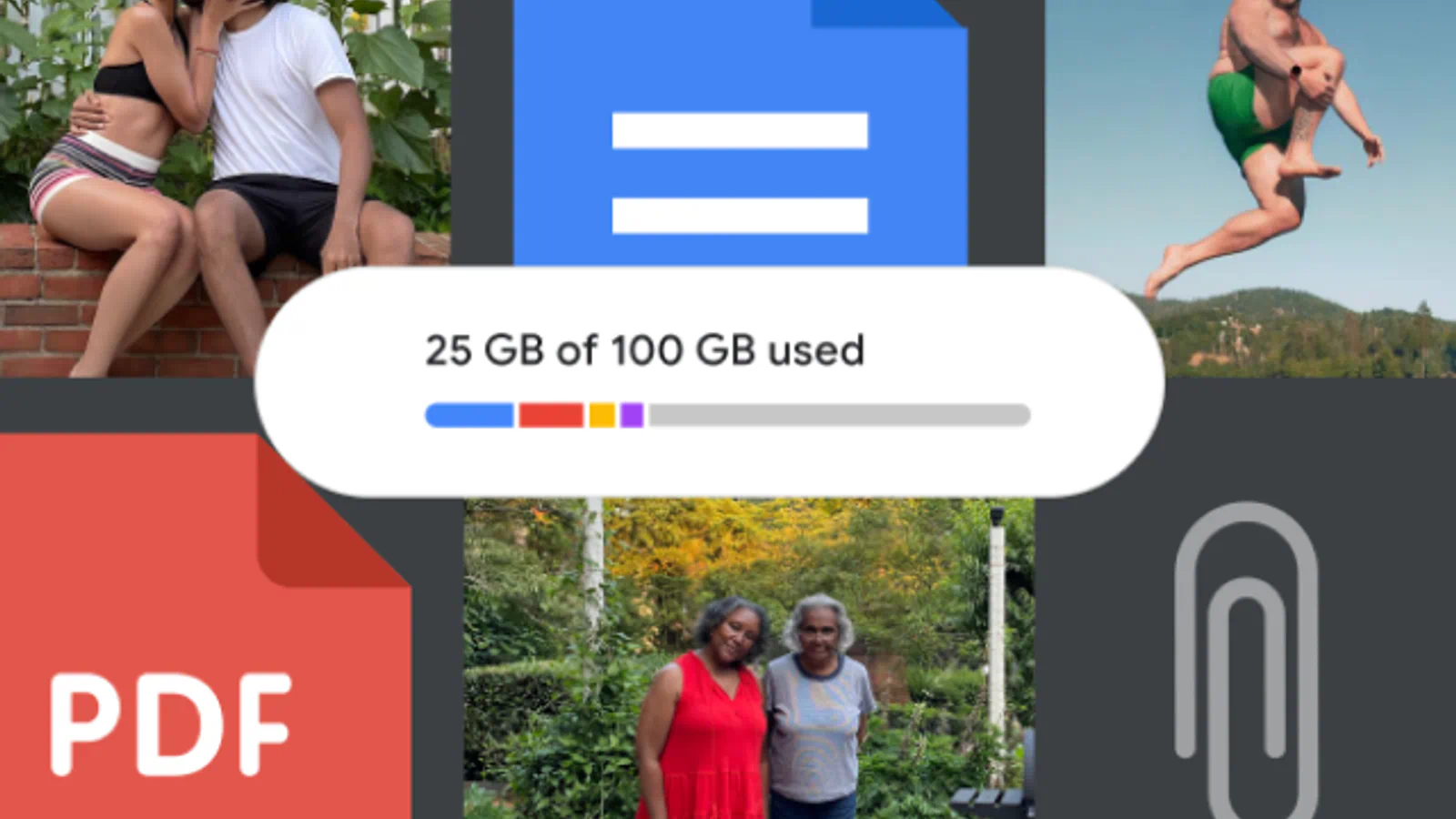
Google AI Plus:$4.99 a month, with 400 GB of storage
Google AI Pro: $19.99 a month, with 5 TB of storage and Gemini in Gmail and Docs
Google AI Ultra: $99.99 or $199.99 a month, depending on the usage tier
ChatGPT Go:$8 a month, and the plan may include ads
ChatGPT Plus: $20 a month
ChatGPT Pro: From $100 a month, with three usage tiers ($100, $200, and $500)
The cheapest paid step is where the two split most. Google AI Plus at $4.99 costs less than ChatGPT Go at $8 and bundles 400 GB of Google storage across Gmail, Drive, and Photos. ChatGPT Go gives you more messages, uploads, image creation, and longer memory, but OpenAI warns it may carry ads.
At the top, Google's bundle keeps growing. AI Pro adds 5 TB of storage and a YouTube Premium Lite plan, and Ultra adds a YouTube Premium family plan and starts at 20 TB of storage. If you already pay Google for storage, Gemini can replace a bill you have today. ChatGPT Pro instead adds monthly API credits for building your own apps, plus Dot, OpenAI's always-on agent.
One thing to verify: prices change by country. Google's page shows local currency outside the US, and ChatGPT's page does the same, so confirm the figure in your own region.
3. Usage Limits and Context Windows
Best for: Heavy users who upload long files or chat all day.
Gemini measures usage by compute, while ChatGPT's free plan advertises unlimited text chat. Google says Gemini's limits refresh every 5 hours until you reach a weekly cap, and they weigh prompt complexity, the model, and chat length. A short email subject line barely dents your allowance. Deep Research and video eat it quickly.
AI Ultra: Five or 20 times the AI Pro limits, depending on your plan
ChatGPT handles this differently. OpenAI's plan table lists unlimited text chats on every tier, subject to abuse guardrails, and then caps the heavier features (uploads, deep research, image creation) by plan.
The bigger gap is the context window, which is how much text the assistant can hold in mind at once. Gemini AI Pro gets 1 million tokens, while Gemini Free gets 32,000 and AI Plus gets 128,000. On ChatGPT, the fast "Instant" model holds 27,000 tokens on Free, 54,000 on Go and Plus, and 128,000 on Pro. Its reasoning models reach 256,000 on Go and Plus and 400,000 on Pro.
OpenAI also translates this into pages, which helps. ChatGPT Plus takes roughly 40 pages of text with the Instant model and about 320 with reasoning. Pro goes up to about 680. Google, for its part, advertises up to 1,500 pages of file uploads on its paid plans.
So if you regularly drop in a 300-page contract or a whole research folder, Gemini AI Pro gives you the most room for $19.99 a month. If your day is lots of short questions, ChatGPT's unlimited text chat means you're unlikely to hit a wall on any plan.
One caution on Gemini's free tier: Google notes that features like Deep Research may be unavailable during periods of high demand if you don't pay. Before you commit to either, run your longest typical file through the free version and see where it stops.
4. Built-In Tools: Video and Tasks Versus ChatGPT Work
Best for: Creators who want video, and professionals who want finished documents.
Gemini leans into media and errands, and ChatGPT leans into office deliverables. Google's video tool is Gemini Omni, which replaces Veo in the Gemini app. It turns a typed idea, your photos, or existing clips into short videos with sound.
According to Google, Gemini Omni 1.1 Flash lets you:
Create clips: 10-second videos with native audio
Animate photos: Turn up to five photos into a video
Extend scenes: Ask what happens next and lengthen the video
Edit by chat: Swap backgrounds, adjust lighting, or stabilize footage
Star yourself: Build an AI avatar that looks and sounds like you
Video needs a paid Google AI plan. Gemini also added Tasks, which runs multistep errands in the background, and as of November 17 it's free for many users in the US, India, Canada, Australia, Japan, and Korea. It can even phone US businesses to compare quotes, though it asks you to approve the call plan first.
ChatGPT's answer is ChatGPT Work, which turns your files and connected tools into polished docs, decks, spreadsheets, sites, and reports. You can give it a goal, schedule recurring work, and review its step-by-step plan in Plan mode before it starts. It's available on desktop for every plan and on web and mobile for Plus and above.
That split decides a lot. If you make content for social media or YouTube, Gemini gives you video inside the same app you chat in. If your output is a weekly report or a client deck, ChatGPT Work is built for that, and OpenAI says GPT-6.2 Astra's slides and spreadsheets follow your templates more closely.
The trade-off runs both ways. ChatGPT's plan comparison lists image generation and deep research, but it has no row for video generation, so creators who need clips will have to look elsewhere. Gemini's Tasks features like phone calls and Google Pay checkout launched in English for US users first.
Check which of these tools are live in your country, and on your plan, before you count on them.
5. App Integrations: Google Apps Versus 1,400 Plugins
Best for: People whose day runs inside Gmail, Slack, or a CRM.
Gemini's integrations start with Google's own apps, while ChatGPT casts a wider net across work software. With your permission, Gemini can summarize emails from Gmail and create Google Calendar events, play music on YouTube Music or Spotify, send WhatsApp messages on Android, and control Google Home devices. You call an app by typing "@" and its name.
Google says you can now connect more than 40 apps or services, including Instacart, OpenTable, and Adobe. On AI Pro, Gemini also lives directly inside Gmail and Docs, so you don't have to leave your inbox to use it.
Here's how they compare on the parts that affect daily use:
Calling an app: Both use "@" plus the app name
Home turf: Gemini covers Gmail, Calendar, Maps, YouTube, and Android; ChatGPT covers Slack, Jira, CRMs, and code tools
Team controls: ChatGPT lets Enterprise and Edu admins choose which plugins staff can use
Custom builds: ChatGPT lets companies build their own plugins for internal systems
So the choice mostly follows where your work already lives. A Gmail-and-Android household gets more from Gemini, because it reaches your phone, calendar, and smart home. A team that runs on Slack, Jira, and Salesforce will find far more ready-made connections in ChatGPT.
Privacy settings matter here too. Gemini's Connected Apps won't work on the web or iOS if your Gemini History setting is off, and Google notes Connected Apps can't be used inside Google Messages yet. On ChatGPT, OpenAI says Business and Enterprise data isn't used for training by default, while Plus and Pro users manage that in settings. Look at both privacy pages before you connect your inbox.
How to choose the right AI assistant: Gemini vs ChatGPT?
The right choice in Gemini vs ChatGPT comes down to where your work lives: pick Gemini if you're deep in Google's apps or need long-file and video work, and pick ChatGPT if you produce office documents or rely on work tools like Slack and Jira. Both have usable free tiers, so you can try before you pay.
What to look for in an AI assistant
Model access on your tier: The newest model may sit on a higher plan or in a separate workspace. Skip this check and you could pay for a tier that doesn't include the model you read about.
Context window: Long contracts and research folders need room. Too small a window and the assistant forgets the start of your document.
Usage limits: Look at how limits reset. A cap you hit by lunch makes the plan useless for heavy days.
Built-in tools: Video, Tasks, Work, and deep research vary by plan and country. Ignore this and you may find the feature you wanted isn't available where you live.
Integrations: Match the assistant to the apps you open every day. A tool that can't reach your inbox or CRM saves you less time.
Total cost: Count bundled extras like storage or API credits, since they can offset what you already pay.
Comparing Gemini and ChatGPT at a glance
Prices are US list prices, linked to each company's plan page in the table.
Storage versus credits: Google bundles cloud storage with every paid plan; ChatGPT Pro bundles API credits.
Limits: Gemini uses compute-based limits that refresh every 5 hours; ChatGPT advertises unlimited text chat and caps heavier features.
Context: Gemini AI Pro holds about 1 million tokens; ChatGPT Plus holds 54,000 with Instant and 256,000 with reasoning.
Media: Gemini makes video with sound; ChatGPT's plan table lists images but no video.
Work output: ChatGPT Work builds decks, sheets, and sites from your tools; Gemini Tasks runs errands like calls and reorders.
What it costs in practice
A student or light user: Gemini Free or ChatGPT Free covers everyday questions at no cost.
Someone who wants a cheap upgrade:Google AI Plus at $4.99 runs about $60 a year and adds 400 GB of storage. ChatGPT Go at $8 runs about $96 a year.
A full-time knowledge worker: AI Pro at $19.99 and ChatGPT Plus at $20 cost almost the same, so let integrations decide.
A heavy researcher or developer: ChatGPT Pro starts at $100 and Google AI Ultra at $99.99, both aimed at people who'd otherwise hit limits daily.
Which AI assistant should you choose?
If you live in Gmail, Calendar, and Android, pick Gemini.
If you upload very long documents, pick Gemini AI Pro for its 1 million-token window.
If you make short videos for social media, pick Gemini on a paid plan.
If you build reports, decks, and spreadsheets for work, pick ChatGPT Plus.
If your team runs on Slack, Jira, or a CRM, pick ChatGPT Business.
If you mostly ask quick questions and don't need files, video, or integrations, skip paying and stay on either free tier.
Final thoughts
The clearest takeaway from this Gemini vs ChatGPT comparison is that price no longer separates them at the main paid tier; the apps around them do. Gemini wins on context length, storage, and video, while ChatGPT wins on work deliverables and the sheer number of apps it connects to.
My pick for most people is Gemini AI Pro, because 1 million tokens, 5 TB of storage, and Gemini inside Gmail cost the same as ChatGPT Plus. If your job runs on Slack, Jira, and decks, though, I'd start with ChatGPT Plus instead.
What do you think of these five differences? Did we miss one that decided it for you, like voice mode or memory? Tell us which difference deserves a spot on this list.
What do you think of this list? Share your thoughts in the comments.
Frequently Asked Questions
5 questions
1
Is Gemini better than ChatGPT?
Neither is better across the board. Gemini is stronger for long files, video, and Google apps, while ChatGPT is stronger for office documents and its much larger plugin catalog. Choose based on the tools you already use every day.
2
Is Gemini cheaper than ChatGPT?
Yes, at the entry level. Google AI Plus costs $4.99 a month in the US against $8 for ChatGPT Go, while the main tiers are nearly identical at $19.99 for AI Pro and $20 for ChatGPT Plus on each company's plan page.
3
Which has the bigger context window, Gemini or ChatGPT?
Gemini does on its paid plans. Gemini AI Pro and Ultra reach 1 million tokens, while ChatGPT Pro tops out at 400,000 tokens with its reasoning models.
4
Can ChatGPT make videos like Gemini?
No, not according to ChatGPT's current plan comparison, which lists image generation but no video generation. Gemini makes 10-second clips with sound through Gemini Omni on paid Google AI plans.
5
Is ChatGPT free to use?
Yes, ChatGPT has a free plan with unlimited text chats, subject to abuse guardrails. Uploads, image creation, voice, and deep research are limited until you upgrade.