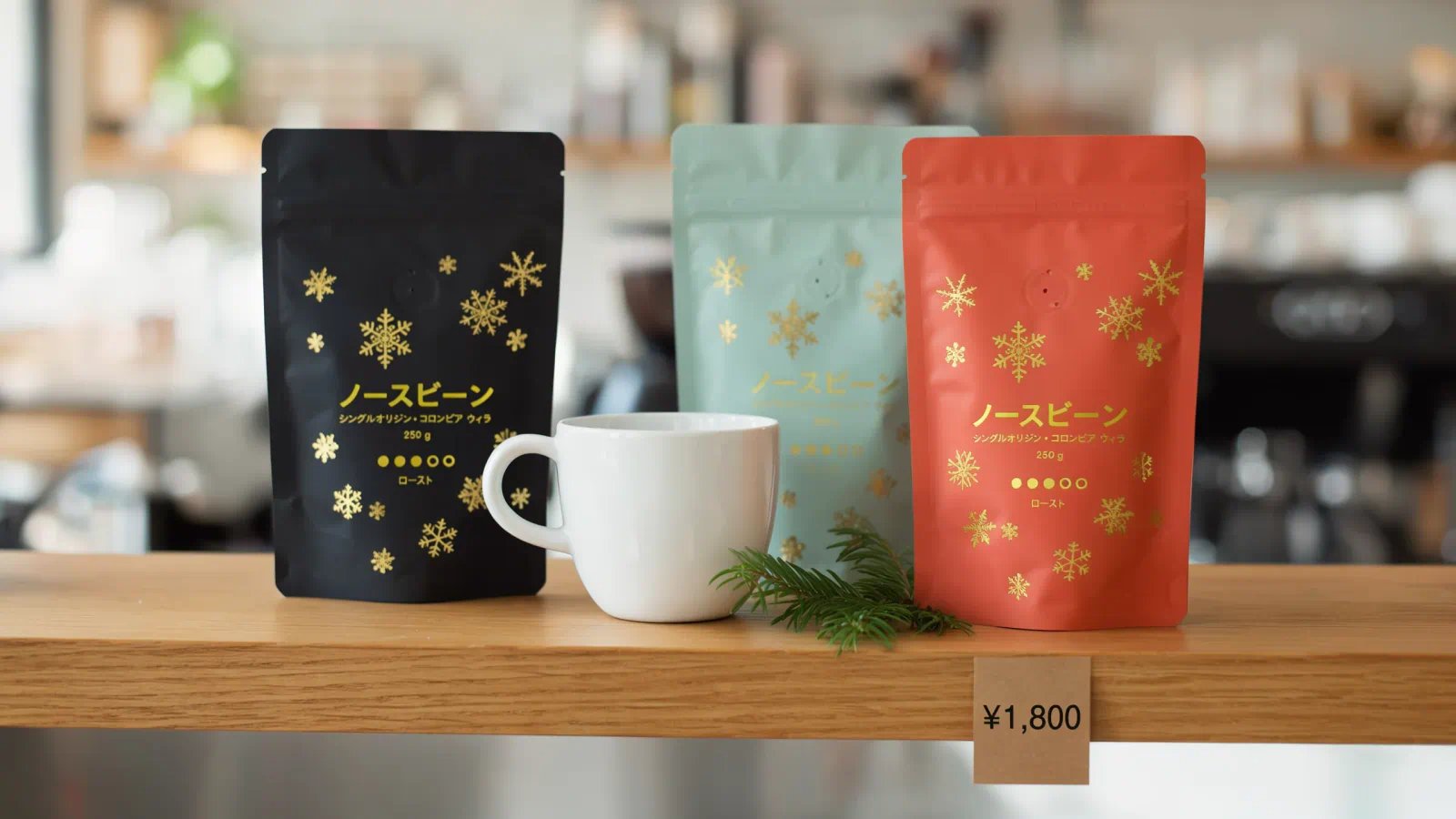
You open a review that crowns the best AI image generator, type the same prompt into the winner, and get a poster with a misspelled headline. That happens because each model is built for a different job. One is quick at edits, another handles packaging text, and a third just has a look people like.
We compared five options using each company's own pages as of November 2026: model pages, release notes, plan tables, and API price lists. Every quality claim below is credited to the vendor that makes it.
This list is for creators and marketers who need to choose one tool (or two) and move on. For each pick you'll see what it's good at, where it falls short, and what it costs. The order isn't a ranking. The first entry is a way to compare models on your own prompt, and the four after it are generators you can pay for today.
By the end, you should know which one fits your work and roughly what a month of it will cost.
1. Zeniteq Model Compare
Best for: Seeing how two or more image models handle your own prompt before you subscribe to any of them.
Model Compare is Zeniteq's own tool (yes, it's ours, so weigh this section accordingly). It's a web page where you type one prompt and run it through several image models at once, with the results in columns next to each other. When we opened it, the two default columns were GPT Image 2.6 Flare from OpenAI and Nano Banana Pro from Google.
What the page gives you:
- One prompt box: It feeds every model you've selected, so each one gets the same words
- A model picker per column: Each column has its own settings, such as output size, quality, and number of outputs
- A credit estimate: Each column shows a rough cost before you run it (about 29 and 27 credits for the two defaults at their preset settings)
- Reference images: You can attach one to guide the result
- Inspiration prompts: Ready-made prompts that tell you what to look at, like fur and depth of field in an animal portrait, or exact text and layout in a typography poster
- Images and Videos tabs: Plus a History view for past runs
This is useful because image models fail in different places. A prompt for a perfume bottle shows you how each one draws glass and reflections. A poster prompt shows you which one spells the headline right. Reading a review tells you how a model did on someone else's prompt, and a side-by-side run tells you how it does on yours.
It's a paid tool once you want to generate. The plans page lists three tiers, and credits are charged only for completed outputs:
- Starter plan: $9.99 per month for 1,000 credits, with up to two image models per run
- Growth plan: $29.99 per month for 3,300 credits, with up to three image models and two video models
- Largest plan: $49.99 per month for 6,000 credits on the Pro tier, with up to four image models
The trade-offs are plain. You have to sign in before you can generate, and the plans page shows no free tier. Credits expire 60 days after each grant, so a quiet month costs you. And it's a bench for comparing, so the images still come from other companies' models, with their rules and quirks.
At the default settings, one two-model run comes to 56 credits, which works out to about 17 runs on Starter. Check the estimate on each column before a big batch, because it changes with the model and quality you choose.
2. ChatGPT Images 2.6
Best for: Marketers and creators who want quick edits, short animated GIFs, and image work inside a chat app they already use.
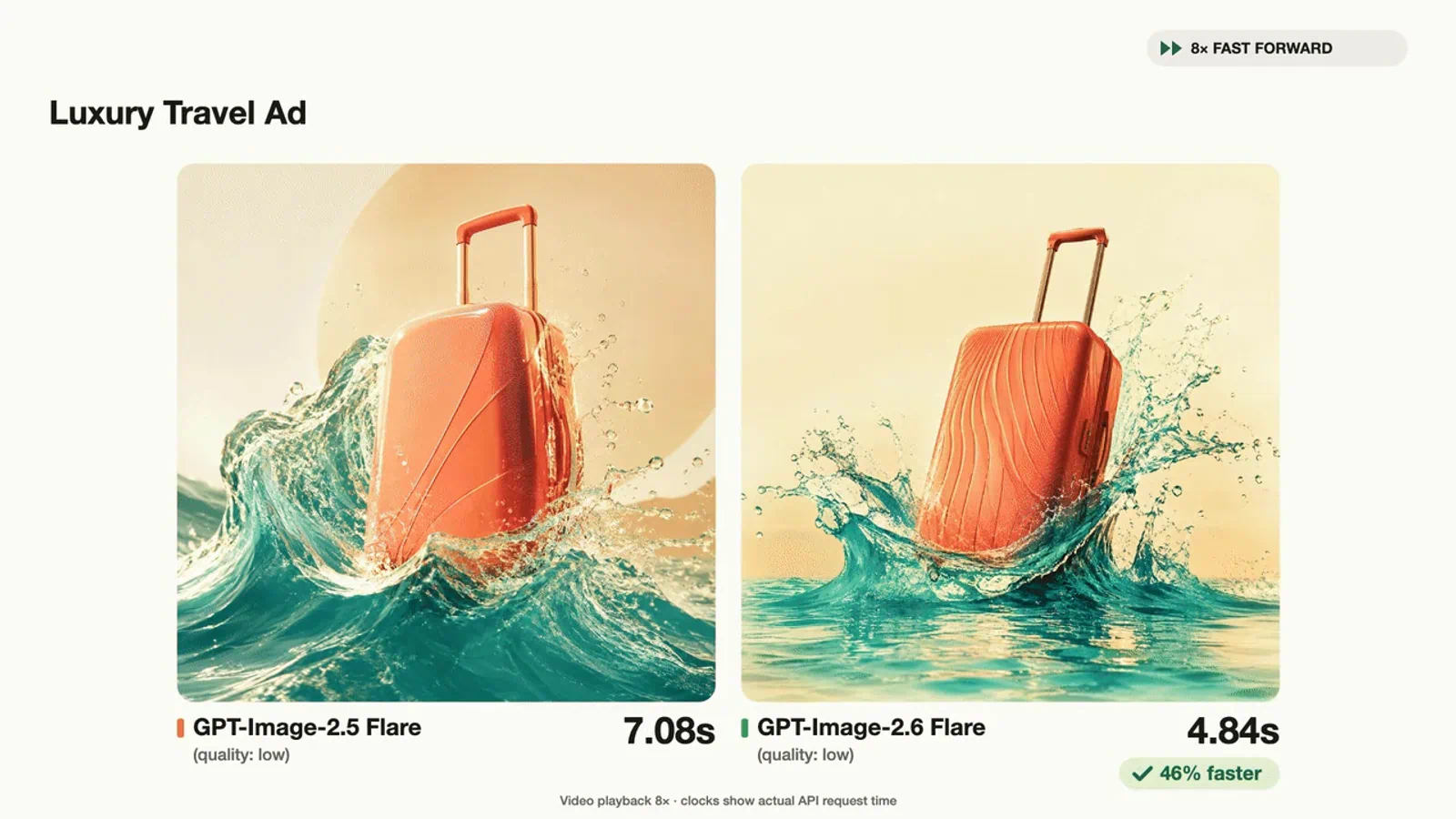
OpenAI released Images 2.6 on November 4, 2026, in ChatGPT, Codex, and the API. The company says it generates images 50% faster than before and keeps characters, products, and brand details more consistent as you edit. It also says people now create 4 billion images a week across its products.
Key features in this release:
- GIFs: Turn a prompt or an image into a short animated loop, like a brand mascot or a product shot
- Two API models: GPT-Image-2.6 Flare for speed and GPT-Image-2.6 Sunburst for more detail and consistency
- Fast drafts: OpenAI says Flare can return an image in as little as six seconds at low quality
- Image markup: Point at the exact area you want changed (already in ChatGPT, now in the API too)
- SVG exports: Designs that scale for websites, apps, and print
If you run social accounts, the GIF feature is the part to look at. OpenAI pitches it for reactions, memes, and animated storyboards, and a mascot that moves is more useful in a feed than a still. Flare is also said to produce better layouts for posters and product imagery, which covers a lot of everyday marketing work.
Access is the easy part. OpenAI says Images 2.6 is available in ChatGPT on every subscription tier. The ChatGPT plan table describes image creation as limited on Free, expanded on Go and Plus, and unlimited and faster on Pro. It shows prices in your local currency, so check the figure for your country there.
The API is where costs get harder to read. OpenAI bills both 2.6 models by tokens: $8 per million image input tokens and $30 per million image output tokens. There's no flat price per image on that page. OpenAI points you to a calculator in its image generation guide instead, so a budget takes a bit of homework.
A couple of other gaps are worth knowing. The plan table says "limited" for the Free tier's image creation without giving a number, so you won't know your cap until you hit it. And the launch post is a list of improvements, with no section on what the model still gets wrong.
Before you commit, run a few of your real briefs on the Free plan and see how many images you get in a day.
3. Nano Banana Pro
Best for: Campaigns that need readable text in several languages, or many reference images blended into one scene.
Nano Banana Pro is Google's name for Gemini 3 Pro Image. Google DeepMind describes it as built on Gemini 3 for studio-quality precision and control, with a focus on clear text, fine control over each part of an image, and real-world knowledge for things like infographics.
What Google lists on the model page:
- Resolution: Output at 1K, 2K, or 4K
- Consistency: Up to five characters and up to 14 objects kept consistent in one workflow
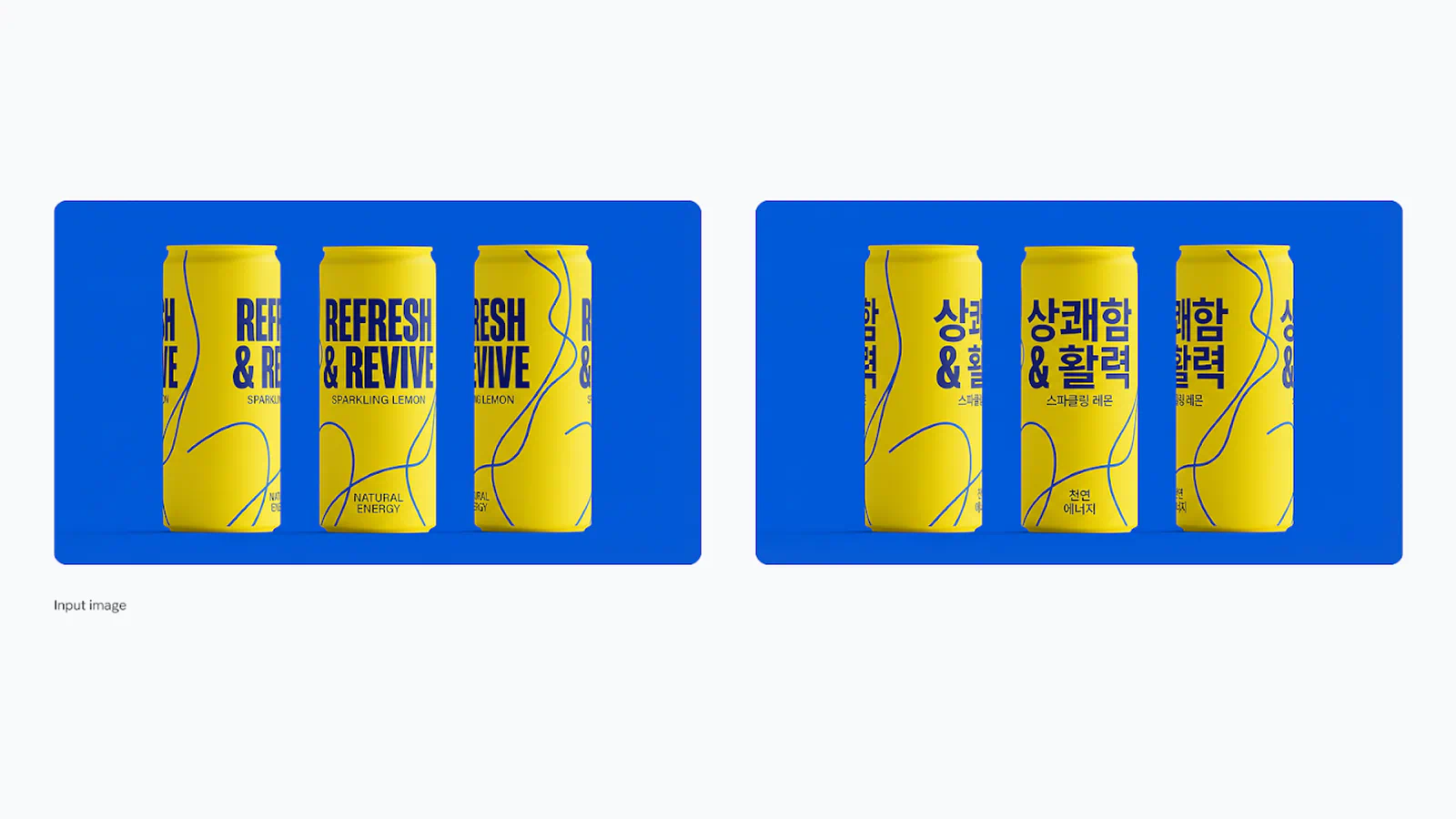
- Text and localization: Legible text for posters and diagrams, then the same design translated for other markets
- Lighting and color control: Change color grades, lighting direction, or switch a shot from day to night
- Aspect ratios: Reframe one visual for different platforms
- Watermarking: Every image carries an invisible SynthID watermark
The localization piece is what stands out for marketers. Google's examples show a soda can design moved from English to Korean, and a billboard reworked for London, a Spanish-speaking city, and Japan. If you ship the same ad in three countries, that's hours of manual rework a model can draft for you (a native speaker should still check the copy).
The reference limits matter too. A product line of a dozen items, or a recurring cast of characters, usually breaks image models after a few generations. Google says this one holds up to 14 objects steady, which is the highest stated figure among the four generators here.
Pricing is per image through the Gemini API, with no free tier for this model:
- 1K or 2K image: $0.134 each
- 4K image: $0.24 each
- Cheaper sibling: Nano Banana 2.1 costs about $0.05 per 2K image on the same page
Google is fairly open about the weak spots. It says the model can still struggle with small faces, accurate spelling, and fine details, and that masked edits, big lighting changes, and blending several images may produce artifacts or disjointed scenes. That's a useful warning for a tool sold on text and blending.
Cost adds up at scale as well. At roughly 13 cents an image, a batch of 500 drafts runs about $67, and the 4K tier nearly doubles that. Draft on Nano Banana 2.1 and save Pro for finals if the budget's tight.
Google notes the model can be tried in Google AI Studio, so start there with one real brief.
4. Midjourney V8.2
Best for: Creators who care most about a distinctive, stylized look and want to generate a lot for a flat monthly fee.
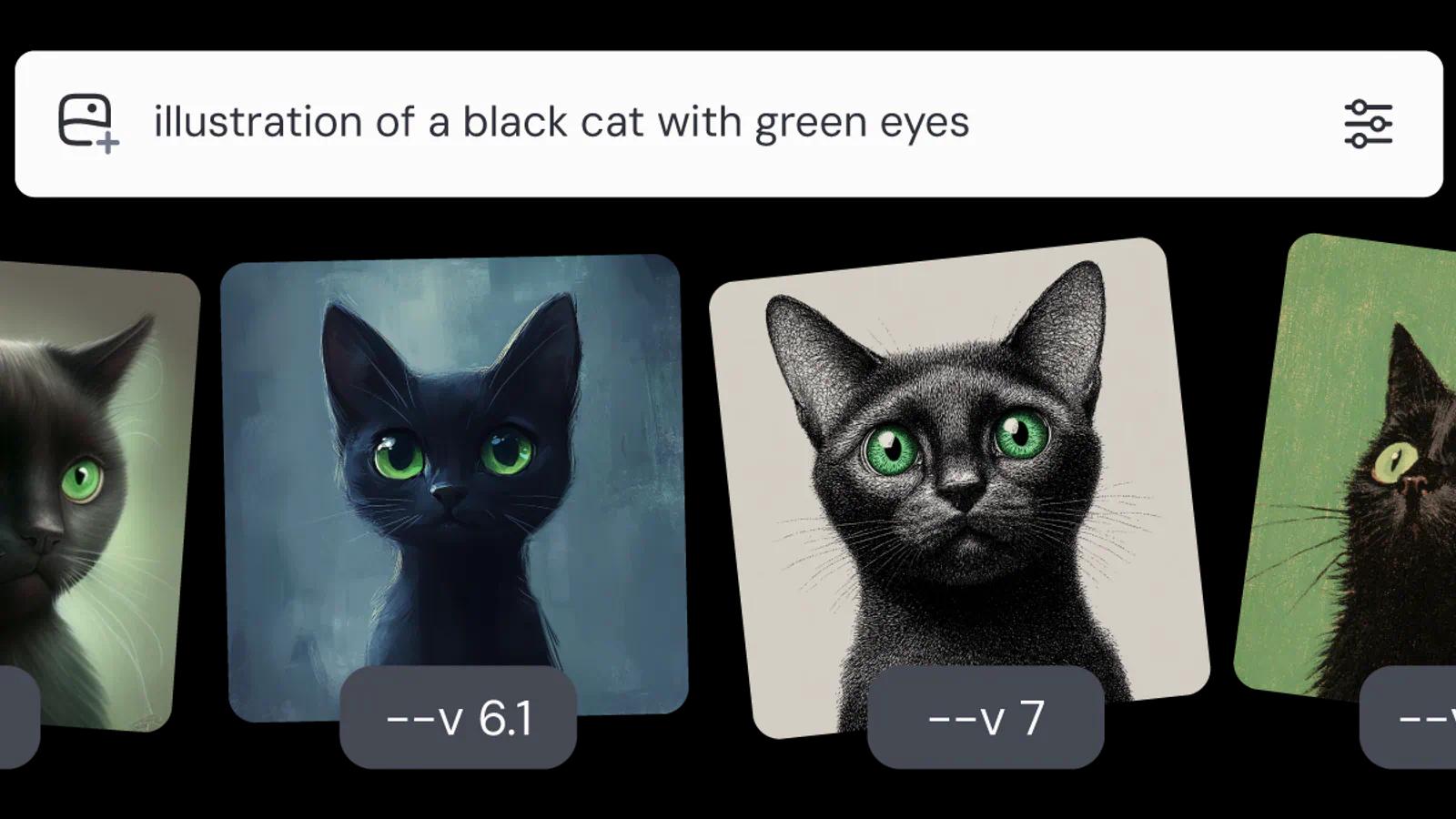
Midjourney made V8.2 its default model on July 24, 2026. The company calls it an update focused on aesthetics, image quality, and Personalization, and describes the images as more creative, bold, and edgy. It also adds a new Edit Model that replaces three older tools: Omni Reference, Character Reference, and Retexture.
Key features from the version notes:
- Personalization: A profile that learns your taste from the images you rate, which Midjourney says works much better in V8.2
- HD images: Native 2K output (2048 pixels) with no upscaling step
- Speed: V8.1, the release before it, renders standard jobs about four to five times faster than earlier versions
- Raw mode: Turns off the default styling when you want the prompt followed more literally
- Wide formats: Aspect ratios up to 14:1, or 4:1 for HD
Midjourney's pitch is taste. Most models aim to follow instructions, and this one is tuned to make a picture look good even from a short prompt. For album covers, mood boards, and concept art, that default style saves a lot of prompt writing. Personalization pushes it further, since two people typing the same words can get different results that match their own taste.
Every plan is a subscription. Midjourney's plan table lists four tiers, billed monthly or yearly with 20% off for annual:
| Plan | Monthly | Annual (per month) | Fast GPU time |
|---|---|---|---|
| Basic | $10 | $8 | 3.3 hours |
| Standard | $30 | $24 | 15 hours |
| Pro | $60 | $48 | 30 hours |
| Mega | $120 | $96 | 60 hours |
GPU time is an odd unit, so here's the math. A standard job costs 0.8 minutes and an HD job costs 1.3 minutes. Basic's 200 fast minutes cover about 250 standard jobs or roughly 150 HD ones. From Standard up, Relax Mode gives you unlimited images at a slower pace.
The catches are mostly about business use. Stealth Mode, which keeps your images private, is only on Pro and Mega, so client work on the cheaper plans isn't hidden. Companies with more than $1,000,000 in yearly revenue have to buy Pro or Mega. And editing has a quirk: using Pan, Zoom Out, or region edits on an HD image drops it back to standard resolution until you upscale again.
If you're buying for a team, read the usage rights line in the plan table first.
Frequently Asked Questions
5 questions
1What is the best AI image generator in 2026?
There isn't one best AI image generator for everyone. Going by each vendor's own pages, ChatGPT Images 2.6 leads on speed, Nano Banana Pro on localization, Midjourney V8.2 on style, and Ideogram 4.5 on repeated edits.