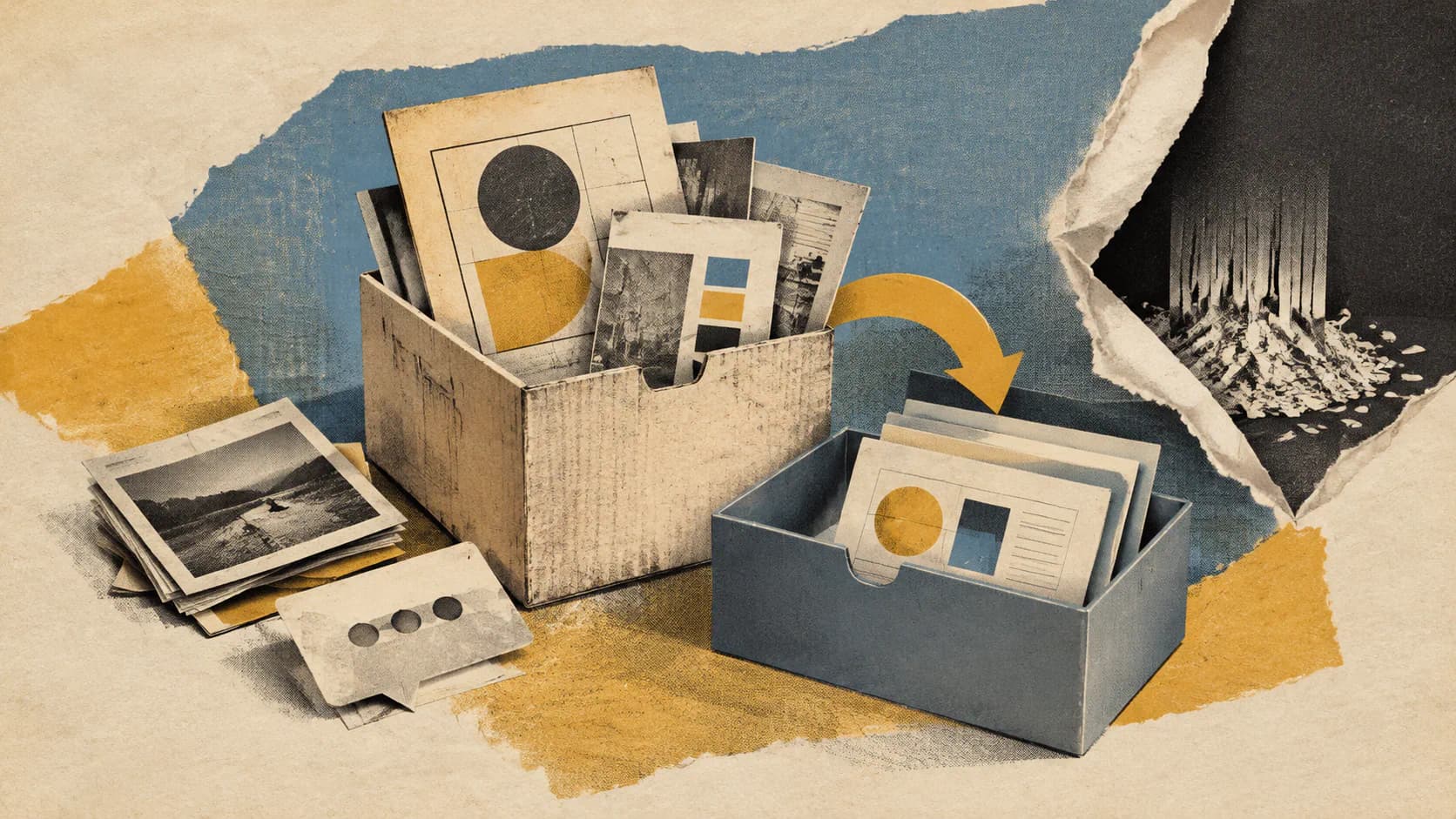
Claude Design users need to save their chats and comments before December 14, 2026. Anthropic says those records will not move into Claude, and public links to standalone projects will stop working when the old service closes.
According to Anthropic’s migration guide, the standalone site will remain accessible until that date. Afterward, claude.ai/design will redirect to Claude, where new designs, design systems, and slide decks are created as Artifacts. Originals in the standalone service will be deleted after closure under Anthropic’s data-retention practices.
Design systems have a migration tool; existing projects do not yet have a fully documented transfer process. Team and Enterprise administrators also need to review permissions and sharing before someone starts a migration that affects the entire organization. Treat this as a migration notice, with preservation work to complete before closure.
Separate Design Systems From Projects and Conversations
The migration tool transfers eligible design systems. Projects and conversations require separate attention.
Once someone starts the migration, it brings over the organization’s eligible design systems, including systems owned by other members. Owners and existing sharing relationships are preserved. If an owner has left the organization, its Primary Owner becomes the owner.
Two exclusions apply: empty design systems and systems created from built-in starter themes do not migrate, even if someone has edited the starter theme. A successful migration does not necessarily mean every system from the standalone service has been copied.
Projects remain in the standalone version and continue working until closure, according to Anthropic. The Artifacts page can list up to 60 existing projects, but those entries still open in the standalone service. Seeing them in Claude does not mean their contents have migrated.
Anthropic says more details about moving projects into Claude are coming. Meanwhile:
- Chats with Claude are not carried over.
- Comments on projects and design systems are not carried over.
- Public links to standalone projects stop working after closure.
Keep separate records for migrated design systems, saved project files, and preserved conversations. Completing the design-system migration covers only one of those tasks.
Export Needed Projects and Save the Decision History
For users who need an independent copy of a project, Anthropic documents a manual archive export:
- Open the project in standalone Claude Design.
- Click Share, then choose Project HTML.
- For a slide deck, find that option under More formats and apps.
- Leave Project archive selected and click Export.
The result is a ZIP file containing every file in that project. Exports are free and do not count toward usage limits, Anthropic says, but there is no download-all option. Projects must be exported individually.
Teams with many prototypes or decks should make an inventory early. Identify which projects need to survive, assign someone to export each one, and check the resulting archives before the service closes.
Do not assume the archive preserves the accompanying discussion. The guide describes an export of project files and separately instructs users to save needed chats and comments. Preserve important instructions, approvals, unresolved feedback, and design decisions separately using an appropriate method for your organization.
Public links require their own review because an archive does not keep an existing public URL working. If a standalone project link appears in client communications, documentation, or review materials, plan to replace it and notify its recipients. Anthropic’s guide does not promise redirects from individual project links.
The December deadline covers both content preservation and link maintenance.
Administrators Should Check Access Before Anyone Migrates
On Team and Enterprise plans, migration is organization-wide. Anyone who can use Claude Design can start it, not just an organization owner, and one run attempts to bring over every eligible design system.
Review sharing first. Anthropic warns that published design systems that are not private will be shared with everyone in the organization and appear in their design-system menus. On individual plans, migration does not share anything with others.
Next, check Organization settings → Artifacts. The migration guide lists these controls and defaults:
| Control | What it enables | Listed default |
|---|---|---|
| Artifacts | The foundation for the design features and migration | On |
| Design systems, under Templates | Migrating and creating design systems | On for Team; off for Enterprise |
| Design and Slides, under Templates | Creating designs and slide decks in Claude | On for Team; off for Enterprise |
If Artifacts is disabled, members cannot create designs in Claude or migrate anything, and they will not see the migration banner.
The documentation differs on Enterprise timing. The migration guide lists the two design template settings as off by default, while Anthropic’s getting-started guide says Claude Design turns on by default for Enterprise on October 15, 2026. Administrators should check their actual settings; the announced default change may not resolve every prerequisite.
Enterprise custom roles also need the relevant Artifacts permissions. A design system cannot migrate if its owner’s role does not include design systems. Someone may be able to start the migration even when other owners lack the permissions needed to complete it.
Organizations with zero data retention (ZDR) face a broader limitation: Anthropic says they cannot enable Artifacts and therefore cannot use the automated migration flow. Its instruction is to download projects before closure. Organizations with custom retention or compliance configurations should confirm their options with Anthropic support before assuming a settings change is permitted.
Run the Migration Once, Then Inspect the Results
The documented migration flow starts on Claude’s Artifacts page:
- Select Migrate team design systems in the “Claude Design lives here now” banner.
- If the banner was dismissed, use the Claude Design menu at the top right.
- Click Migrate to confirm. Individual plans skip confirmation and start immediately.
- Wait for completion, then inspect the results.
Closing the window does not stop the migration.
Successful transfers appear under Migrated, with each system’s owner and an Open link. Members see only systems they can access unless they are an organization owner, so an administrator should perform the organization-wide reconciliation.
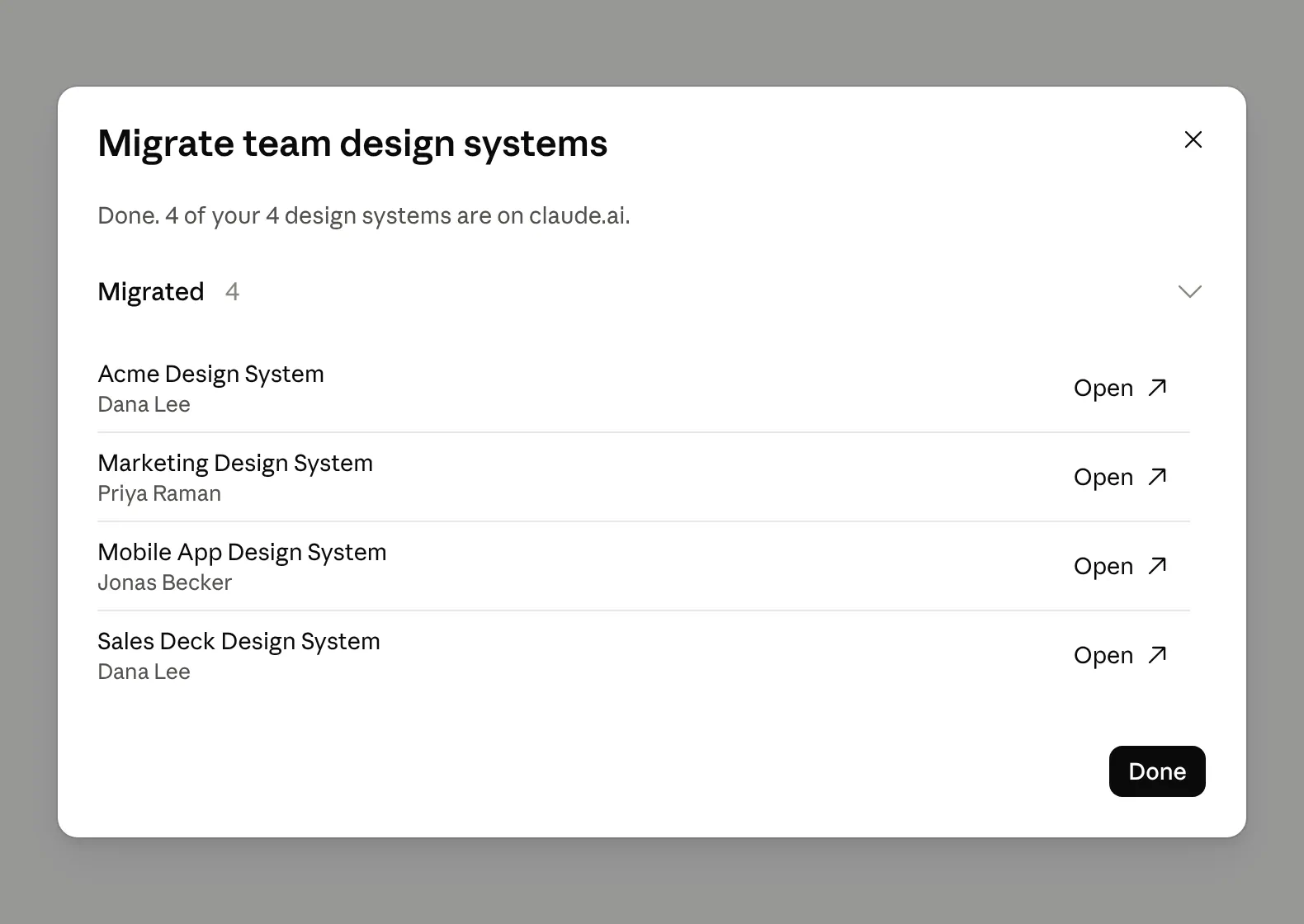
When creating designs and slide decks, users will find migrated systems in the design-system menu. Owners can also open View design systems from the Claude Design menu to reach the settings list and set an organization default. An existing standalone default becomes the default in Claude if it migrates, unless a default has already been set there.
Sources
- Anthropic’s migration guidesupport.claude.com
- getting-started guidesupport.claude.com