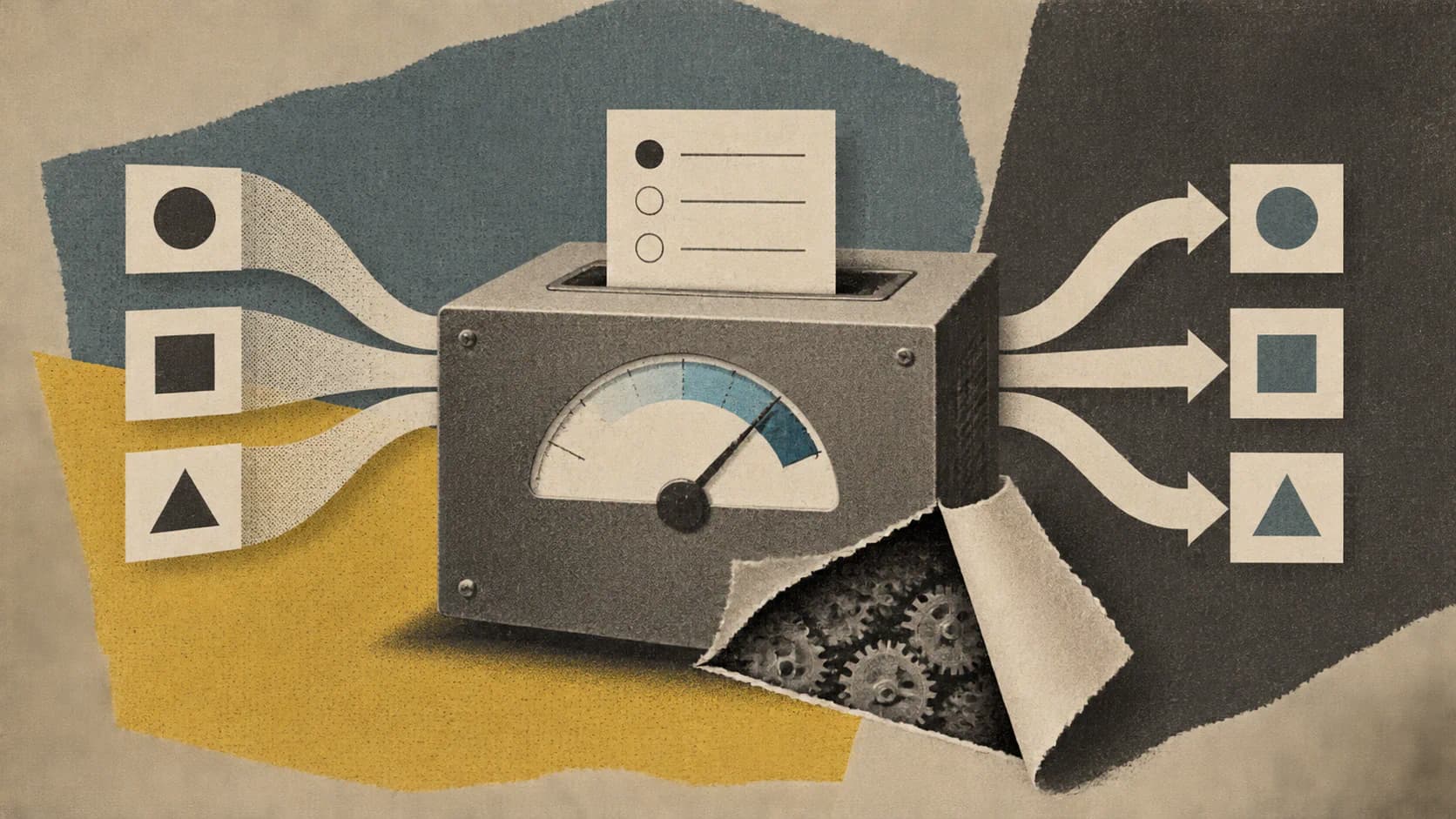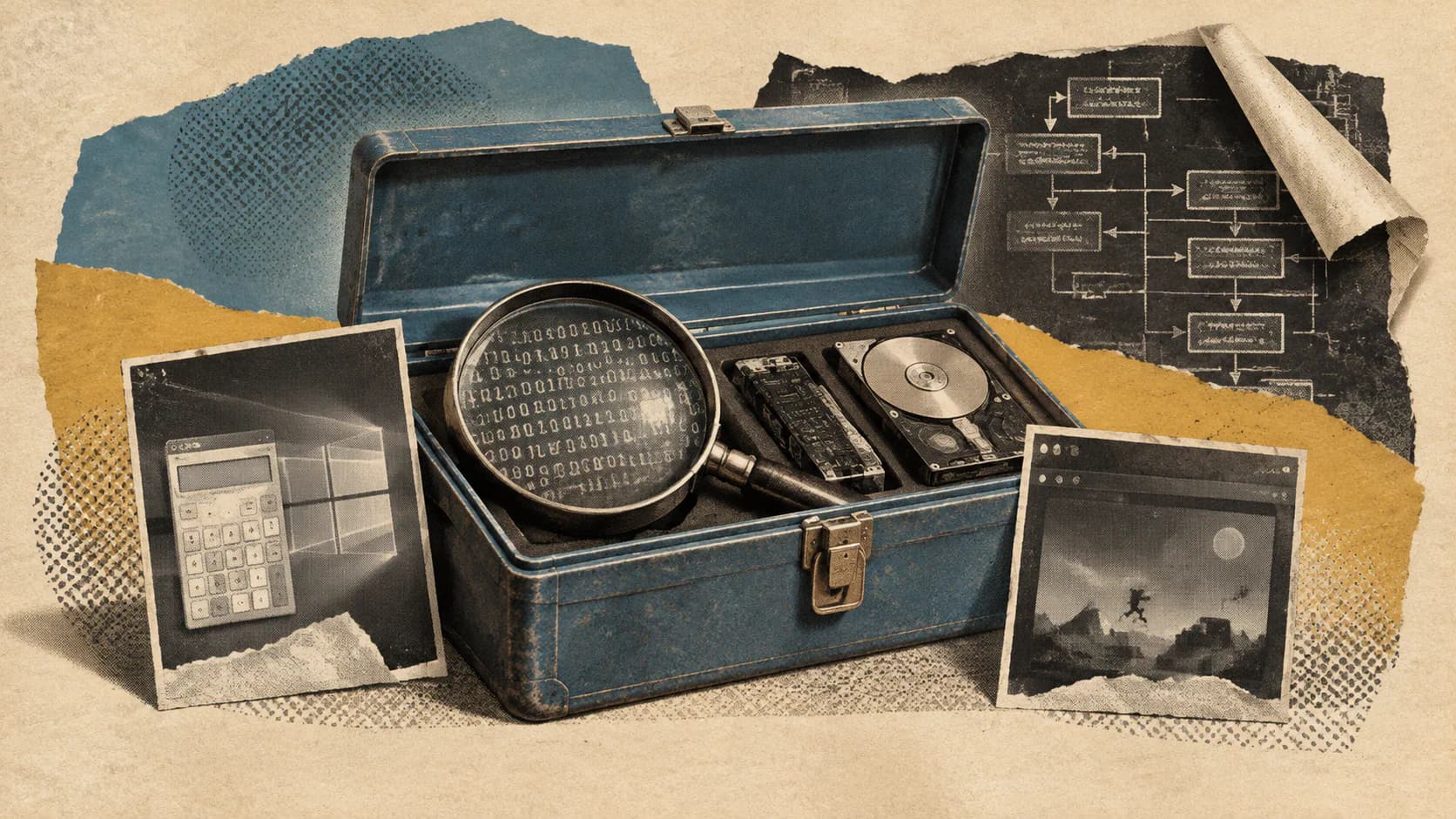
Assembly instructions, decompiler output, application module maps and observations of running software give coding agents evidence they can't get from editing a source repository alone. REA 6.1 makes that evidence available so an agent can investigate a feature, explain its behavior and attempt an implementation that can be checked against the original.
The MIT-licensed REA project provides both a Model Context Protocol (MCP) interface and a command-line interface. Its documented setup supports Anthropic's Claude Code, Codex, Cursor, Google's Gemini CLI, xAI's Grok Build and other clients that support local MCP servers.
REA is an existing reverse-engineering project receiving attention around its current release. Agent-assisted binary analysis predates it, and its demonstrations don't establish that a model can faithfully reconstruct any program. Its useful contribution is a shared toolkit that lets agents request inspectable evidence instead of relying solely on guesses about how software works.
What Agents Can Inspect Through REA
REA connects an agent to several kinds of analysis. Their outputs differ substantially, so “reverse engineering” shouldn't be treated as one uniform capability.
For native executables and libraries, the documented outputs include pseudocode, assembly, strings, symbols, calls and references. Deep native analysis uses Hopper, Ghidra or IDA. REA supplies the interface and workflows; it doesn't replace those analysis engines.
Decompiled pseudocode interprets machine code; it doesn't recover the original source text. Assembly and references give the agent additional evidence to check that interpretation, but its conclusions still need testing.
For JavaScript and Electron applications, REA maps modules, imports, source maps, routes, inter-process communication (IPC) and relationships with native add-ons. It can inspect an extracted application directory or an ASAR archive, Electron's application packaging format.
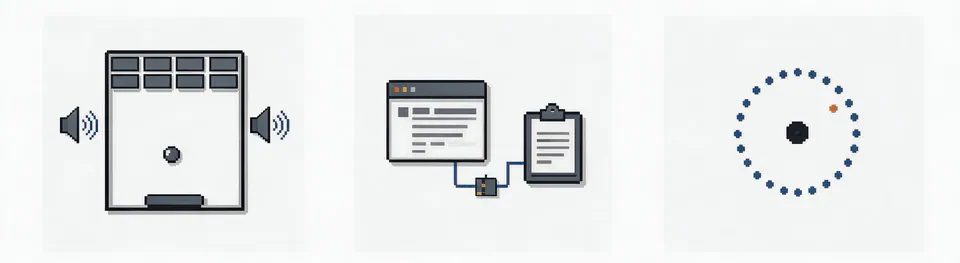
An Electron feature may cross the renderer, preload bridge and main process. Following those boundaries helps explain which component actually performs an operation. Those relationships can be more useful than a large dump of JavaScript or an investigation that stops at the visible interface.
For websites and runtime behavior, REA documents page structure, scripts, network observations and requested screenshots. Process capture can record terminal output, interactions, exit behavior and filesystem observations, then compare runs. The documented process-capture path requires Linux or macOS with a native pseudoterminal.
The toolkit also includes static.NET assembly inspection. Requirements vary by target, and the repository cautions readers to check release availability for capabilities added since the latest npm release. Its evolving main-branch documentation shouldn't be read as a list of features newly introduced in 6.1.
The Demonstrations Show Narrow, Checkable Investigations
The strongest examples ask a specific question and expose the evidence used to answer it.
The REA website demonstrates investigating Windows Calculator's percentage button. After addition, 200 + 10% produces 220 because the percentage is calculated against the first number. After multiplication, 10% becomes 0.1, so 200 × 10% produces 20.
The page shows selected instructions from the installed Calculator library and cross-checks operator identifiers against Microsoft's public source. It identifies the inspected application as Windows Calculator 11.2508.4.0, x64, analyzed with REA 4.1.0. This documents an earlier workflow, not a fresh 6.1 benchmark.
The website also labels its illustrated reasoning and example reply. Readers shouldn't mistake that presentation for an unedited record of an agent independently completing the entire investigation.
A second example inspects wayou's Chromium-derived browser edition of the dinosaur game. REA returns the loaded script, including settings that start speed at 6, increase it by 0.001 per eligible update and cap it at approximately 13. The project reports controlled checks with obstacles and automatic scheduling disabled.
The finding applies to the inspected browser implementation, not every version of Chrome's dinosaur game. Identifying the artifact is part of establishing what the result actually proves.
Together, these cases show that agents can use REA to recover particular rules and produce implementations that can be tested. They do not measure performance across arbitrary software, establish an overall reconstruction success rate or prove recovery of an entire application's behavior.
Install the Server and Its Matching Workflow Instructions
Start with the documented setup command:
npx rea-agents setup
REA requires npm and a supported Node.js version: Node 22.x starting at 22.19, Node 24.x starting at 24.11, or Node 26 and later.
Setup asks users to choose their agents, review proposed configuration changes and approve them. It registers REA's MCP server, installs matching workflow instructions and backs up existing configuration. The agent must then be restarted.
The instructions guide the investigation; the MCP registration makes the analysis tools available to the client. Installing instructions alone doesn't connect the tool server.
Native analysis needs additional configuration. Setup can optionally install Hopper with approval, while Ghidra and IDA use existing installations. Static JavaScript and.NET inspection don't require a native analysis engine.
For a terminal-only JavaScript or Electron investigation, the README provides:
npx -y rea-agents@latest analyze-javascript-application /absolute/path/to/app --json
The result includes modules, imports, Electron boundaries and supporting evidence. A regular CLI installation is also documented:
npm install --global rea-agents
rea --help
These commands provide installation paths, not a version-pinned reproduction recipe. For repeatable investigations, record the installed REA version, the analysis provider and the exact target artifact. Updating the tool or changing the binary can change the evidence returned.
Repeatability Requires More Than a Plausible Explanation
REA's documented loop is straightforward: the agent requests an inspection, receives findings with evidence, asks follow-up questions, then explains the behavior or writes and tests an implementation. The CLI exposes the same workflows, and the documentation covers snapshots, import/export and scripting. An investigation can therefore produce something reviewable beyond a chat answer.
A useful reconstruction should keep the original evidence distinct from the agent's interpretation. Which instructions support the claimed rule? Which module owns the operation? Which inputs were compared against the original? Where does uncertainty remain?
Runtime evidence adds another check, with limits of its own. Observing one successful interaction doesn't establish behavior for every input or execution path. A filesystem change or network request may explain one run without resolving all the code that caused it.
For practical work, a narrow question is a better starting point than “rebuild this application.” Recovering one export format, calculation or IPC path creates a manageable test boundary. Once that boundary is verified, expanding the investigation is more defensible than accepting a large, plausible-looking reconstruction.
Local Analysis Still Has Privacy and Authorization Limits
REA says target analysis runs locally. Its README also states that the agent receives tool results and that the model provider has its own data policy.
A locally inspected binary can yield code fragments, strings or observations that enter a remotely processed model conversation. Developers handling confidential software should review both the analysis workflow and the client's data handling.
Static JavaScript and.NET inspection read supplied files without executing the application. Runtime capture runs or interacts with the selected target using the user's permissions. Treating both operations as equally passive would be a mistake.
Begin a cautious evaluation with software the user is authorized to inspect, preferably an isolated example. Review setup changes before approving them, and separate untrusted targets from production credentials and sensitive files.
The project's MIT license covers REA's implementation. It doesn't grant rights to the software being inspected, waive another tool's license or make redistribution of reconstructed code permissible.
Reverse engineering can be lawful or unauthorized depending on the target, jurisdiction, contract and purpose. REA's stated requirement is to obtain authorization and comply with applicable law. Access to an executable is not, by itself, permission to analyze it or publish a derivative implementation.
Developer Interest Extends Beyond Output Quality
The substantial Hacker News discussion shows interest in the technical output alongside disagreement about its consequences.
Commenter InvisibleUp described a linked Touhou 4 reconstruction favorably, pointing to matching output, sensible variable names and readable comments. The same commenter worried that increasingly accessible automated reconstructions could weaken the collaborative appeal of reverse-engineering communities.
Another participant, mjr00, emphasized preservation: native ports could keep older games playable on modern hardware, while people who enjoy manual reverse engineering could continue doing it.
These individual assessments aren't representative user testing or evidence that REA consistently produces high-quality results. They identify a genuine tension between making old software accessible and changing the social activity through which people previously did that work.
REA's most defensible contribution is connecting an agent's explanation to artifacts that another person can inspect. Maintainers can then rerun an investigation, challenge an inference and compare the resulting implementation against the original. Evidence that survives independent review is a stronger measure of progress than more generated code alone.
Sources
- REA projectgithub.com
- rea/README.md at main · morluto/reagithub.com
- REA websiterea.tools
- Hacker News discussionnews.ycombinator.com