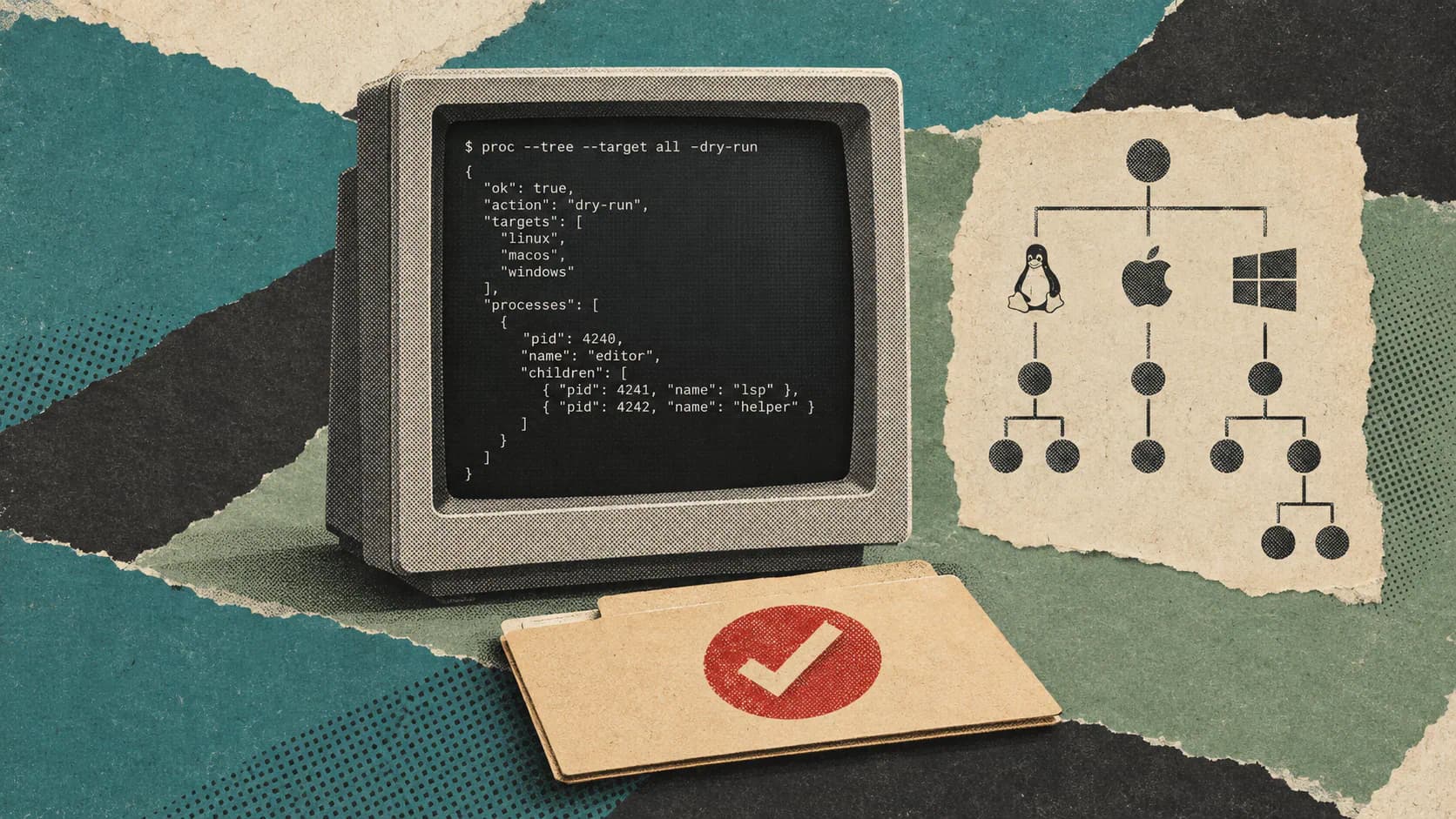
Proc’s October 25, 2026 product update summarizes nineteen releases since March, taking the process-management CLI from version 1.8 to 1.14.5. The changes cover busy ports, forgotten development servers, scripting behavior and installation.
The tool provides 19 commands for macOS, Linux and Windows, with targets expressed as ports, process IDs, names or paths. It aims to replace small chains of lsof, ps and kill commands with operations that describe the task directly: find what owns a port, trace what started it, or release it. Its homepage also documents confirmation prompts, dry runs and JSON output for automation.
The useful distinction is between identifying a process and deciding whether to stop it. Proc simplifies the first job and provides controls for the second. Its documented behavior comes from the project itself; the supplied evidence includes no independent reliability or safety testing.
Semantic Targets Replace Shell Glue
A developer reclaiming port 3000 usually needs several answers: which process holds it, what launched that process, and whether it belongs to the current project. Proc gives those questions separate commands.
The repository’s comparison shows how that changes the workflow:
| Task | Proc command | Work otherwise involved |
|---|---|---|
| Identify the listener on port 3000 | proc on:3000 | Inspect output from lsof -i:3000 -P -n |
| Find what launched that listener | proc why:3000 | Combine port discovery with a parent-PID lookup chain |
| Find Node processes in the current project | proc by node --in. | Match process listings, then check working directories |
| Wait for a process to exit | proc wait node | Maintain a polling loop around process discovery |
The leading colon is significant: :3000 means a port, while 3000 means a process ID. A bare name such as node selects matching processes. Paths have explicit discovery commands: proc for./server.py finds processes running that file, while proc in. lists processes started in the current directory or its descendants. These rules are documented on the homepage.
I’d treat the consistent target syntax as the main convenience here. A coding agent can express the same intent across supported operating systems without constructing a different discovery pipeline each time. That reduces shell-specific work, although cross-platform availability alone does not demonstrate identical permissions or signal behavior on every OS.
Target Scope Determines What Is Safe to Stop
Proc’s name matching is deliberately broad. According to its target documentation, node matches both process names and full command lines, so it can include nodemon and node server.js.
That makes a short command convenient, but potentially wide-reaching. A Node development server, an editor helper and another project’s watcher may all be relevant matches.
Compare these documented target forms:
proc on :3000
proc info 1234
proc by node --in .
The first inspects the listener on one port. The second requests details for PID 1234. The third searches for matching Node processes while restricting results to the current folder and its descendants.
None of those selectors proves that a process is disposable. A PID identifies one process, not its purpose. A port identifies the service holding it, not who authorized its termination. Folder scoping narrows the candidate set, while ancestry inspection adds context about how a process started.
Proc also accepts comma-separated targets such as :3000,:8080,node. The project says a process matched more than once is acted on only once. That avoids duplicate actions, but combining targets still expands the selection. Deduplication is useful bookkeeping, not a substitute for checking scope.
A more deliberate preview would be:
proc kill node --in . --dry-run --json
This asks Proc to preview a project-scoped force-kill operation and describe it as JSON. It does not perform the termination. I’d use that kind of preview before giving an agent permission to act on a name target: the important question is which processes it selected, not whether the command looks readable.
Freeing a Port Includes Checking the Result
Proc distinguishes an immediate kill from a workflow that releases a port.
The update post describes proc free:3000 as requesting that the process exit, forcing termination if it has not exited within five seconds, then waiting until the port is actually free. The final check matters because process termination and port availability are separate conditions.
A documented inspection-and-preview workflow is:
proc on :3000
proc why :3000
proc free :3000 --dry-run --json
proc on shows the listener, including its PID, folder and resource information. proc why traces its parent chain, which can reveal a forgotten server launched through a terminal, editor or tmux session. The last command previews the port-release operation without carrying it out. These examples describe the published interface; they have not been executed for this article.
Once the identified process is appropriate to stop, the action is:
proc free :3000
The distinction among lifecycle commands is worth keeping explicit:
| Command | Documented behavior |
|---|---|
proc kill:3000 | Force termination immediately using SIGKILL, after confirmation |
proc stop:3000 | Request a graceful stop using SIGTERM |
proc free:3000 | Request exit, escalate after five seconds if necessary, then verify port release |
Those behaviors are described in the repository and update.
For a development-server restart, I’d favor free when the actual goal is an available port. It checks the condition the next server needs. The five-second escalation also means it is not an indefinite graceful shutdown: a process doing valuable work still needs consideration before that command is authorized.
JSON and Exit Codes Give Agents Explicit Outcomes
Proc’s automation changes address a different failure mode: interpreting command results.
The release summary specifies that --json produces exactly one JSON document per command, including errors and empty results. The document includes action and success fields. Dry-run JSON identifies the previewed command and includes "dry_run": true.
The published exit-code contract is:
| Exit code | Meaning |
|---|---|
0 | Success |
1 | Error |
Frequently Asked Questions
3 questions
1Does Proc Work on Windows?
The project documents support for Windows, macOS and Linux, including a Scoop installation option for Windows. Platform support should not be read as proof of identical signal or permission behavior.