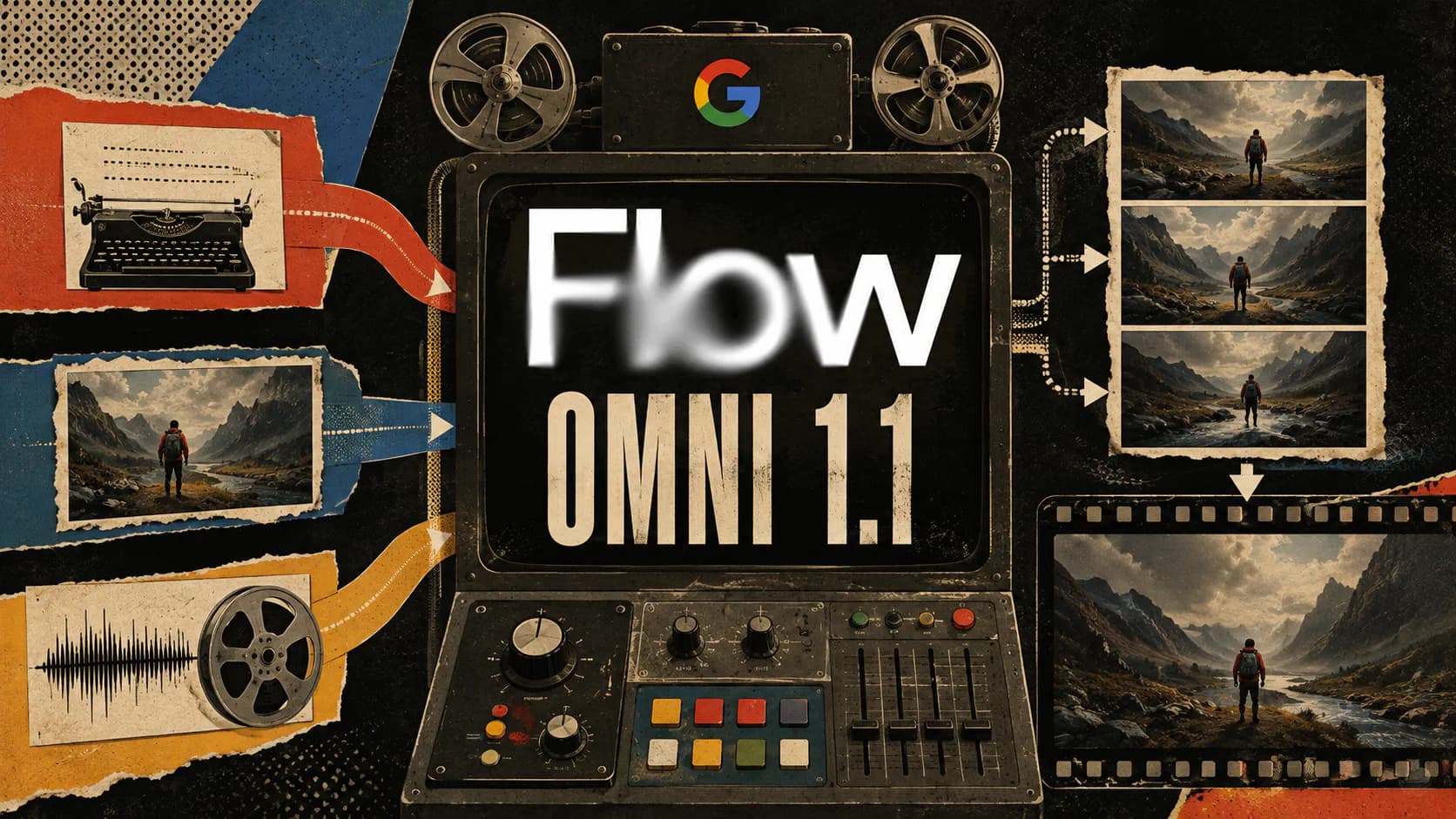
Google rolled out Gemini Omni 1.1 Flash updates to Flow on August 27, 2026, adding three controls aimed at turning AI video generation into a more deliberate production process: desktop start-and-end frames, lower-cost 360p drafting, and 1080p or 4K upscaling for selected clips. Google’s Flow announcement describes the release as a way to move from rough experimentation to polished delivery inside the same creative workspace.
The resolution options will attract attention, but the larger improvement is the workflow they enable. Creators can define where a shot should finish, explore more variations before committing credits, and reserve high-resolution exports for clips that already work.
End Frames Give Creators Control Over the Destination
Omni 1.1 Flash lets Flow users on desktop supply both the opening and closing frame of a video. The model generates the movement between those endpoints, giving creators more influence over a shot’s destination than they would get from a text prompt alone.
That control should prove useful for camera orbits, push-ins, pull-outs, visual transformations, loops, and match-style transitions. A character can begin in one composed frame and finish in another deliberately designed pose or environment, while Omni attempts to preserve identity and narrative continuity through the generated motion.
An end frame is still a constraint, not a guarantee. The Gemini Omni Flash model card identifies complete consistency, complex motion, and accurate text as remaining challenges. Strong endpoint images narrow the model’s options, but creators still need to inspect the intermediate frames for distorted anatomy, changing clothing, unstable objects, or sudden lighting shifts.
360p Drafting Makes Iteration More Practical
Flow can now generate or edit Omni videos in 360p at half the credit cost of its standard 720p output. Google positions the mode as a fast way to test concepts and compositions, particularly from the Google Flow mobile app.
The lower resolution encourages a more disciplined process:
- Test several camera directions before selecting one.
- Change one prompt variable at a time.
- Compare character motion and composition side by side.
- Spend full-resolution credits only on the strongest version.
A 360p clip is not intended for delivery, but it is sufficient for judging timing, framing, broad motion, and whether a transition works. That matters because AI video often requires several generations to find a usable interpretation. Lowering the cost of those failed or exploratory attempts may have more practical value than improving the final export resolution.
4K Upscaling Improves Delivery, Not the Generation
Once a creator has a suitable 720p generation, Flow can upscale it for export in 1080p or 4K. The distinction is important: Omni is not regenerating the entire scene natively at 4K. Flow is enlarging and enhancing an existing lower-resolution clip for use in social, digital, and production workflows.
Upscaling can produce cleaner edges and a sharper final file, but it cannot repair an incorrect performance, inconsistent character, malformed object, or unwanted camera movement. Those problems should be solved during the drafting and generation stages.
According to Google’s current Flow credit guide, 1080p upscaling is available to Google AI Plus, Pro, and Ultra subscribers at zero credits. The 4K option is restricted to Ultra subscribers and costs 50 credits per upscale. Google notes that costs and limits can change, so the settings shown in Flow should be treated as the latest authority.
Omni 1.1 Flash Fits a Broader Flow Workflow
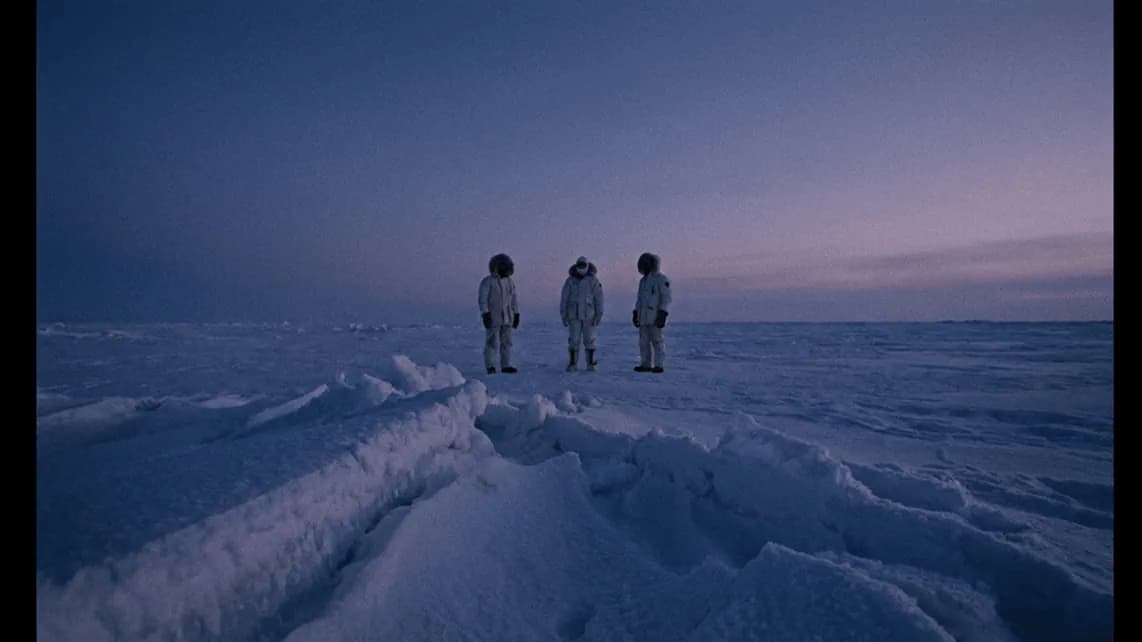
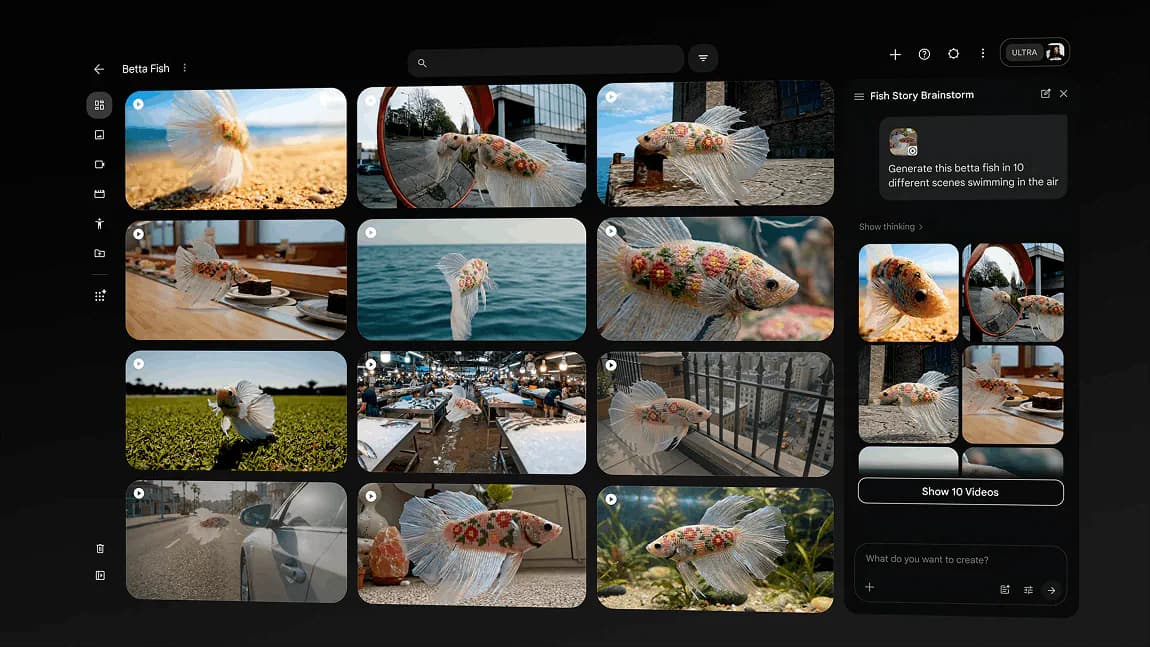
The original Gemini Omni Flash entered Flow at Google I/O 2026 as a multimodal model capable of creating and editing video from text, images, audio, and video references. Omni 1.1 builds on that foundation with more explicit production controls rather than simply asking users to write increasingly elaborate prompts.
Frequently Asked Questions
4 questions
1What is Gemini Omni 1.1 Flash in Google Flow?
Gemini Omni 1.1 Flash is Google’s updated multimodal AI model for creating and editing videos in Flow. It accepts references such as text, images, audio, and video, then generates video with audio. Version 1.1 adds stronger production controls, including first-and-last-frame guidance, lower-cost 360p drafts, and support for high-resolution upscaling.