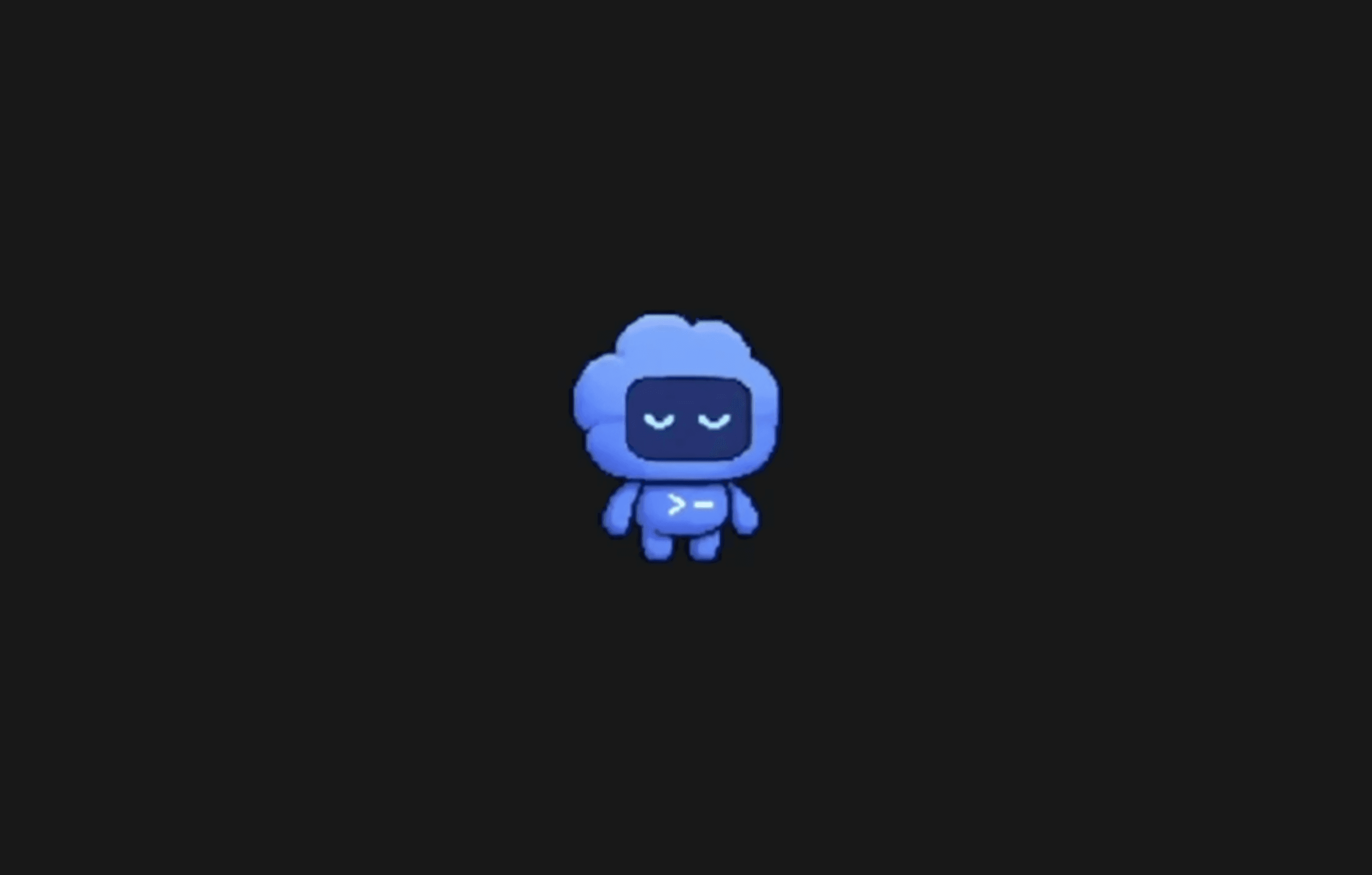
OpenAI just shipped one of the more unexpected additions to its Codex developer platform: desktop pets. Not a model upgrade, not a new benchmark, just a small animated creature that sits on your screen and tells you what your coding agent is doing. It's a deliberate break from the usual pattern of productivity-first releases, and it's more functional than it sounds.
The feature, called Codex Pets, is live now. OpenAI introduced it as a new experimental feature that lets users hatch small AI companions inside the Codex experience, give them names, and use them as playful project partners while building software. The timing makes sense: Codex has grown into a serious multi-agent platform, and long-running background tasks create a supervision problem that a small status overlay can genuinely help solve.
As someone who covers AI tools daily, I'll say this: the feature is easy to dismiss, and equally easy to underestimate. The underlying UX problem it addresses — knowing what your agent is doing without constantly switching back to the app — is real.
What Codex Pets Actually Are
Codex Pets are optional animated companions for the app. In Settings, you can choose Pets to select a built-in pet or refresh custom pets from your local Codex home.
OpenAI updated Codex with a new /pet command that surfaces small, animated "pet" widgets on macOS. Users can type /pet to show or hide several prebuilt creatures or create custom ones; the pets act as Dynamic Island-style messengers that indicate background activity and can appear near the Finder icon.
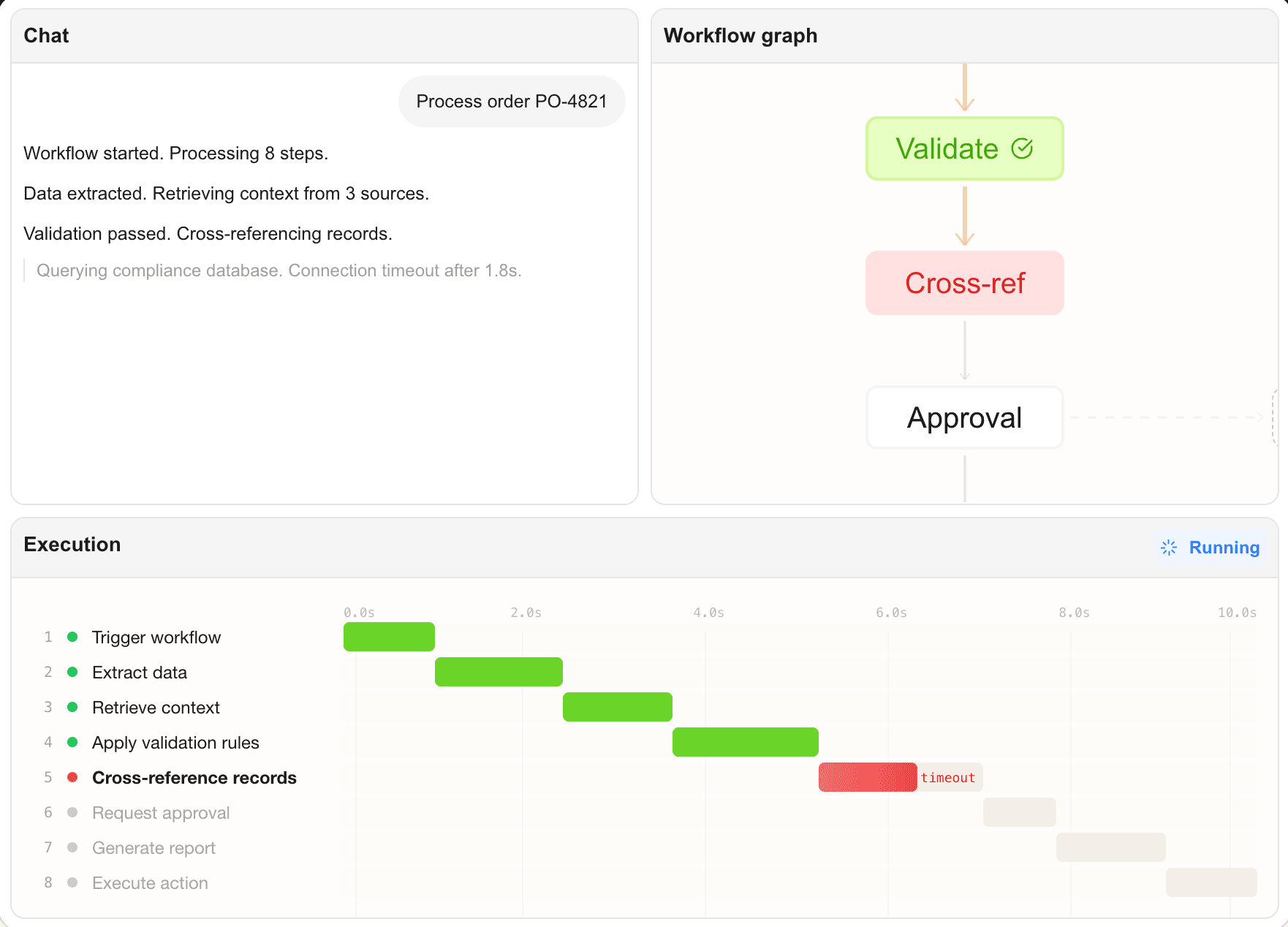
You can type /pet in the composer, use Wake Pet or Tuck Away Pet in Settings, or press Cmd+K / Ctrl+K and run the same commands to toggle the floating overlay. The overlay keeps active Codex work visible while you use other apps. It shows the active thread, reflects whether Codex is running, waiting for input, or ready for review, and pairs that state with a short progress prompt so you can glance at what changed without reopening the thread.
That last part is the actual value. Codex tasks can run for minutes or longer. Task completion typically takes between 1 and 30 minutes, depending on complexity. A floating overlay that communicates agent state without demanding your attention is a reasonable solution to a real workflow friction point.
Key Technical Details
Pets are overlay avatars that live on your desktop. Eight predefined pets are available, and users can also use skills to generate custom pets.
Here's how the feature breaks down: