Anthropic’s new Claude add-in for Microsoft PowerPoint sounds promising on paper. The idea of generating presentations directly inside PowerPoint is exactly the kind of AI workflow many professionals have been waiting for. But after trying it, I found that the experience still feels limited, unreliable, and not quite polished enough for people who want to build decks quickly.
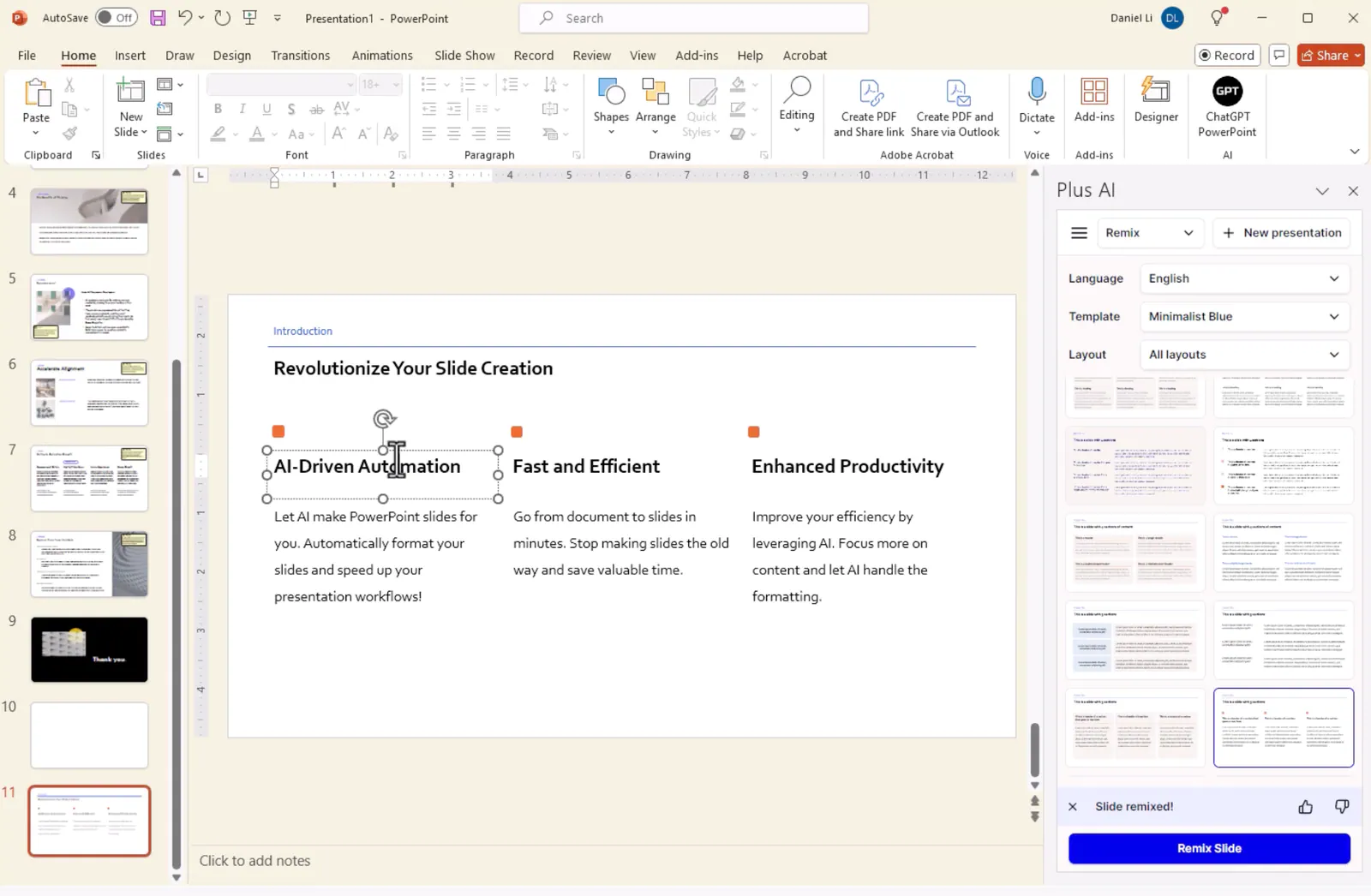
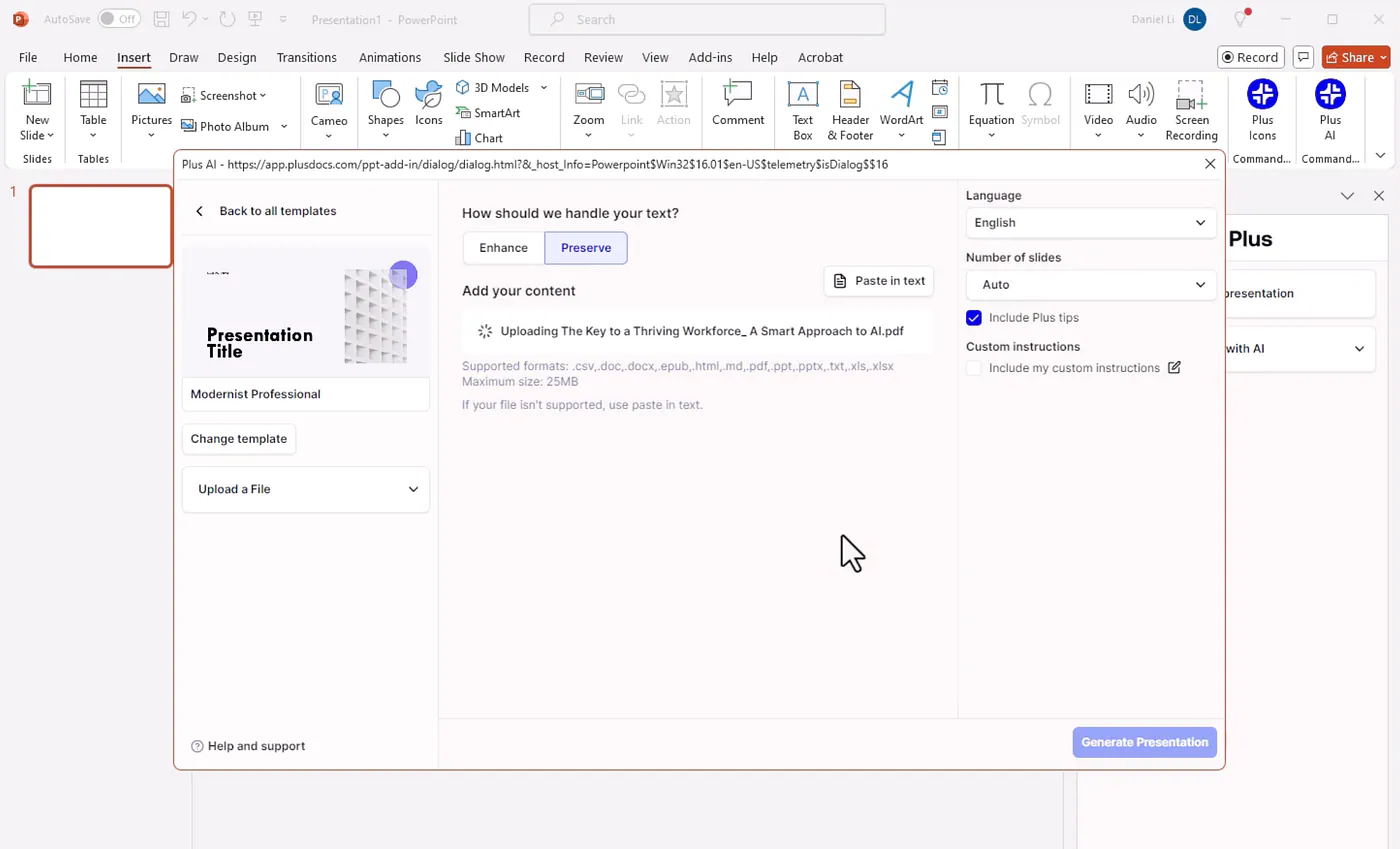
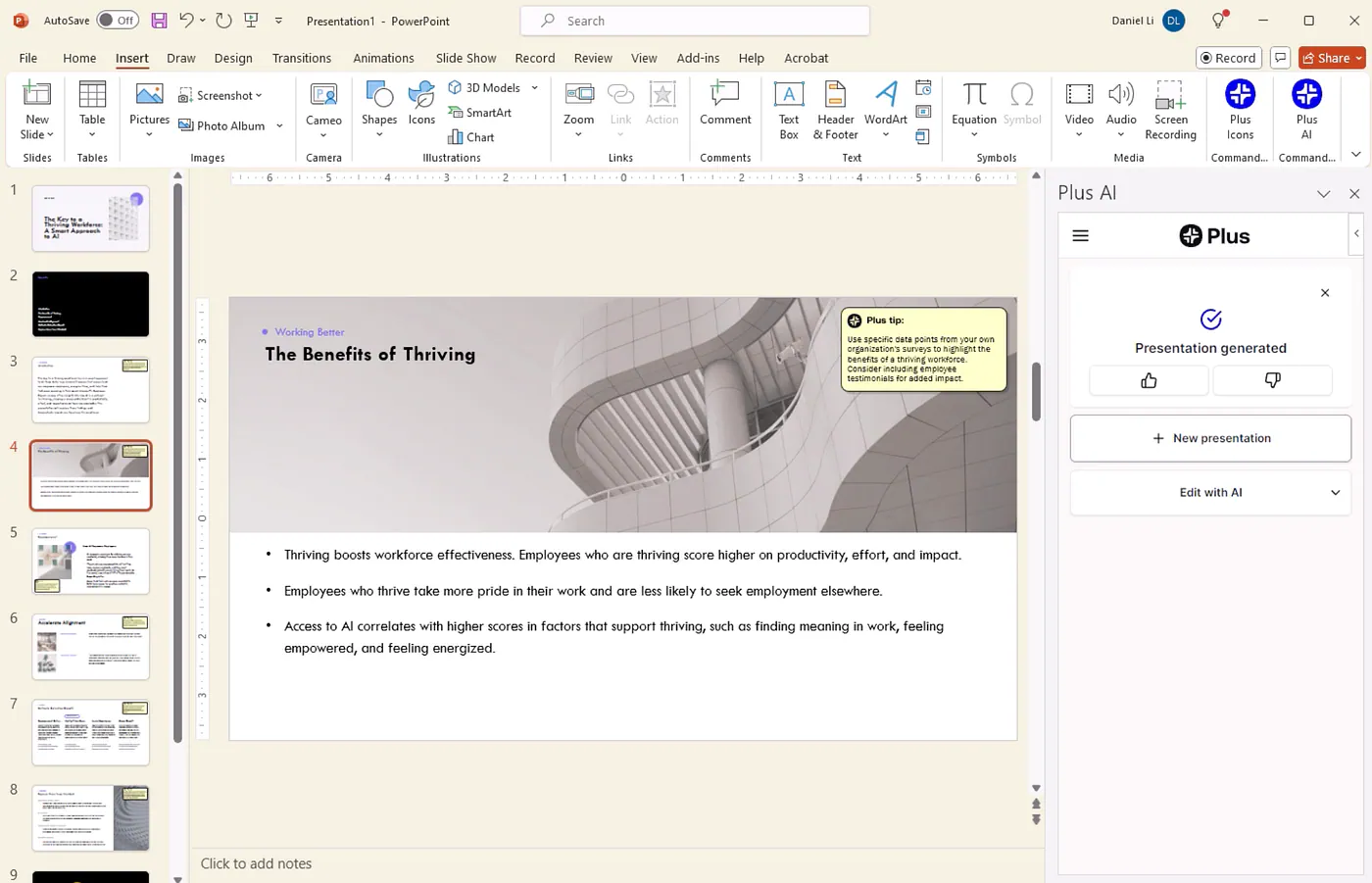
The good news is that there’s already a stronger option available. In this article, I’ll walk through how Claude’s PowerPoint add-in works, where it falls short, and why Plus AI stands out as a better alternative for creating polished presentations directly inside PowerPoint.
Let’s get started.
Claude for PowerPoint
Claude add-in can be installed in the web version of MSFT PowerPoint.
Press enter or click to view image in full size
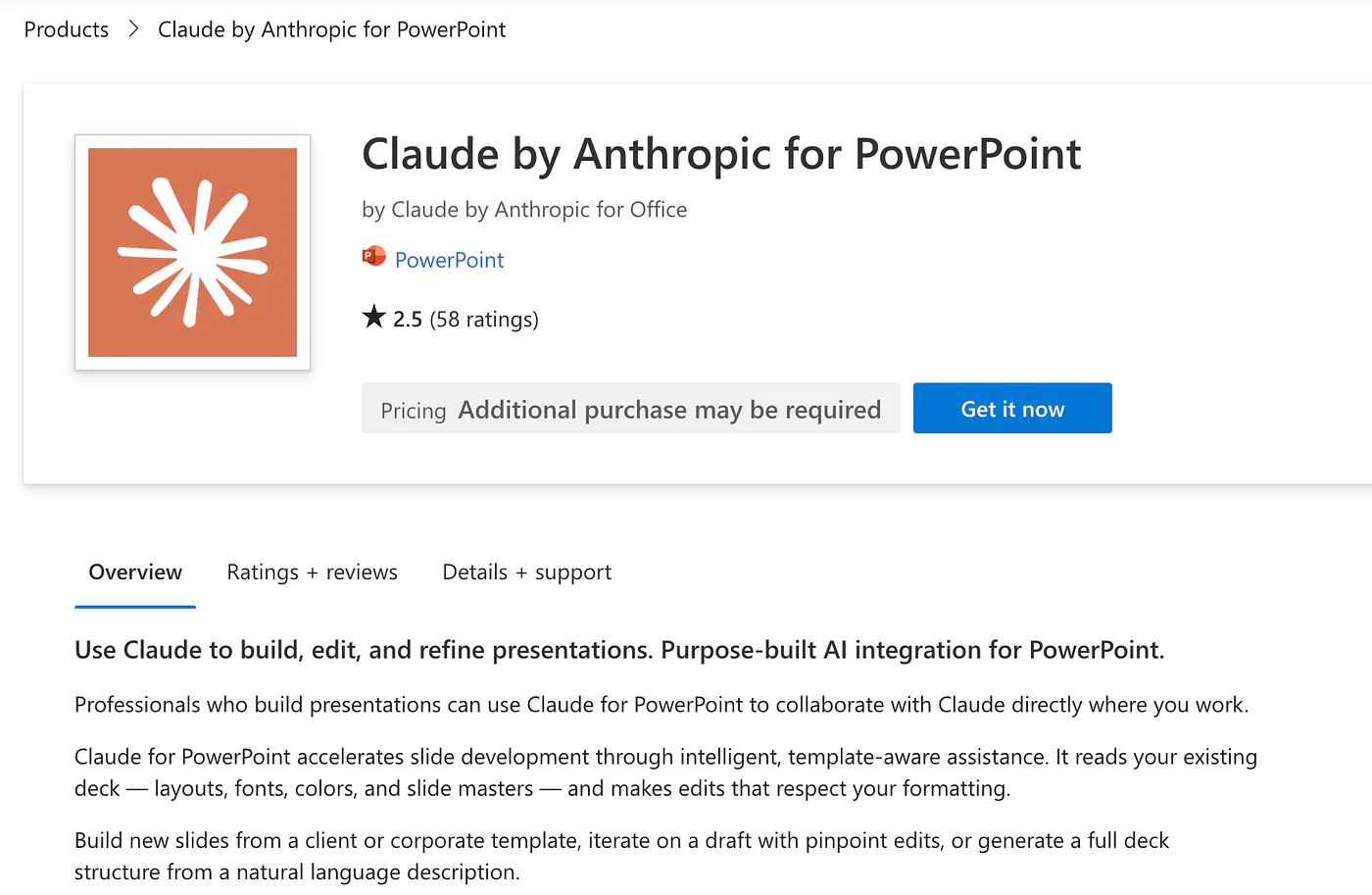
Claude add-on in Microsoft Marketplace. Image by Jim Clyde Monge
You can also install the add-on from within the PPT dashboard itself. In the Home > Add-ins tab, search for “Claude” and install it.
Press enter or click to view image in full size
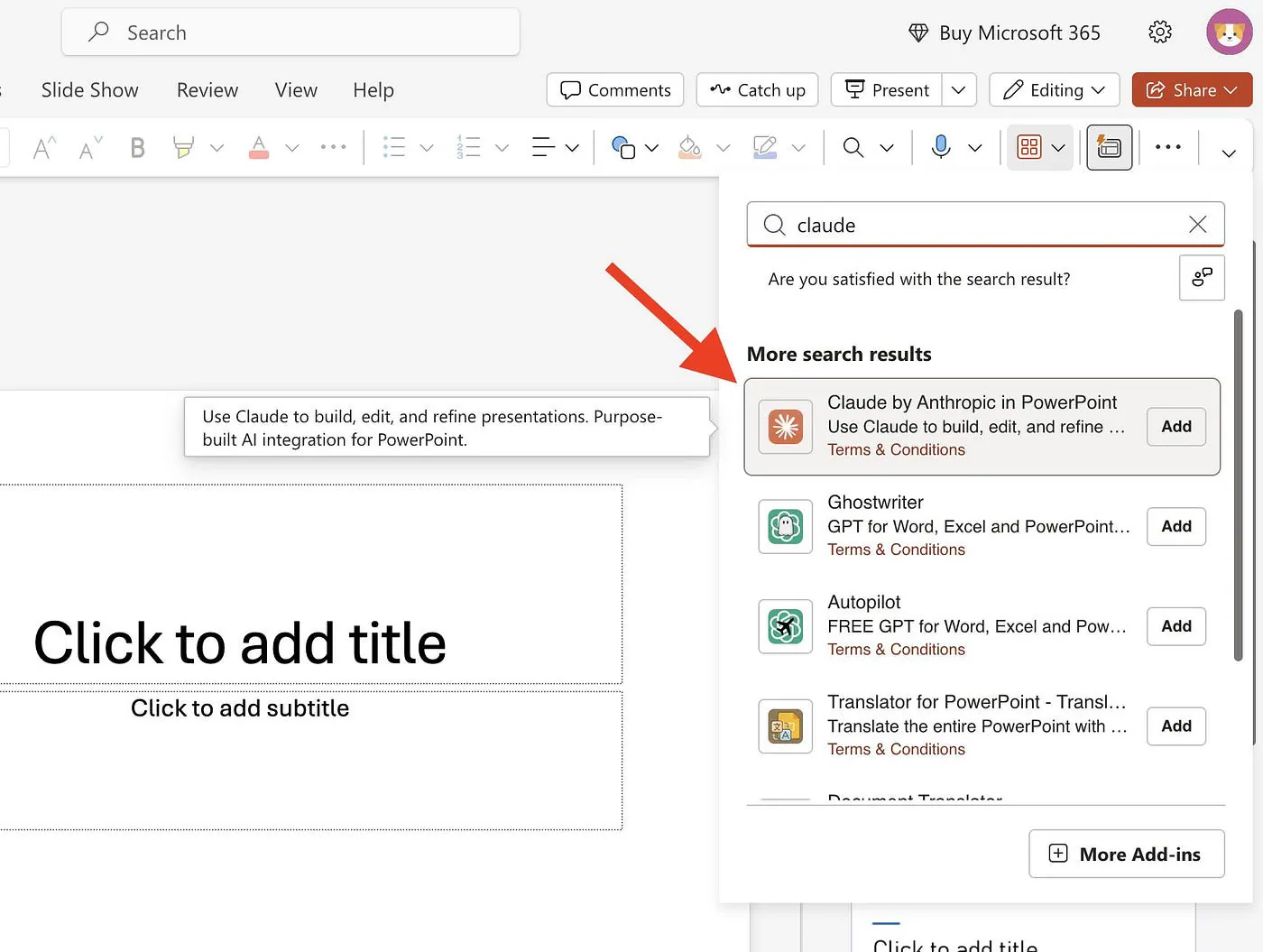
Claude add-on in Microsoft Marketplace. Image by Jim Clyde Monge
You need to sign in to your Anthropic account and give access to PPT.
- Access your Anthropic profile information
- Contribute to your Claude subscription usage
- Upload files on your behalf
- Access profile information for all members in your organization
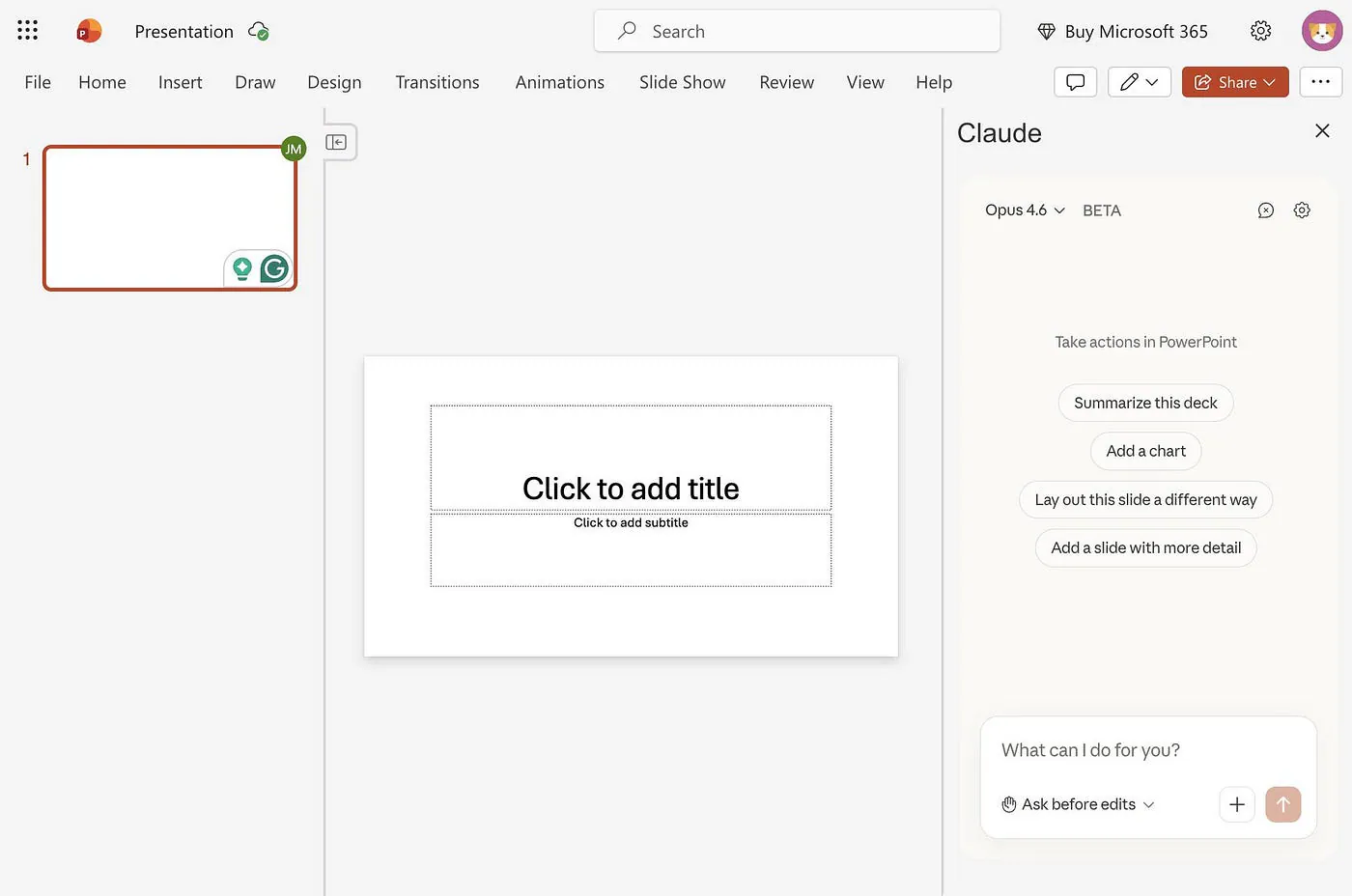
If all of these permissions look good to you, authorize it and proceed by following the on-screen instructions. This is what your dashboard should look like: