Google is rolling out Google Pics, a dedicated AI image creation and editing app built for Google Workspace. After previewing the product in May, the company began general availability on September 1, 2026, giving eligible users a new place to generate images, modify existing assets, and work on visuals with other people.
Google’s launch announcement positions it as a business-focused alternative to the repetitive generate-download-edit-upload cycle common with AI image tools.
The release is not arriving simultaneously for every account. Rapid Release domains begin receiving it on September 1, while Scheduled Release domains start on September 15. Both rollouts can take up to 15 days. Access is also limited to selected paid Google Workspace, education, and consumer AI plans.
Google Pics matters less because it can generate another AI image and more because of what happens afterward. Its object-level controls, editable text, version history, Workspace integrations, and familiar sharing model are designed to turn AI imagery into a collaborative work file rather than a disposable output.
Google Pics Makes AI Images Editable, Not Disposable
Users can start with a text prompt or import an existing image from a computer, Google Drive, or Google Photos. Pics then offers several generated variations, allowing the user to choose an option before making more detailed changes. Existing images can also serve as references for a new image’s style or individual elements. Google’s Pics documentation identifies the underlying technology as Gemini’s Nano Banana image generation and editing model.
That workflow gives Pics several possible starting points:
- Generate a completely new AI image from a written description.
- Upload a JPG, PNG, BMP, or TIFF file for editing.
- Use an existing image as a style reference.
- Ask Pics to reuse a color, object, or other element from a reference.
- Create several alternatives from one prompt and refine the best result.
The distinction between a reference and a final image is important. A marketing team, for example, could upload an existing product photograph, use another asset as a visual-style reference, and generate campaign variations without recreating the composition from a blank prompt.
Pics files can be downloaded as PNG or JPEG images, printed, or shared with viewers and editors. The supported output formats are suitable for presentations, documents, websites, and social posts, although Google’s current documentation does not list a layered production format for continued editing in other design software.
Object-Level Editing Is the Main Feature
Most prompt-based image generators are good at producing an initial result but become less predictable when users request small revisions. Changing one object can alter faces, typography, lighting, or unrelated parts of the composition.
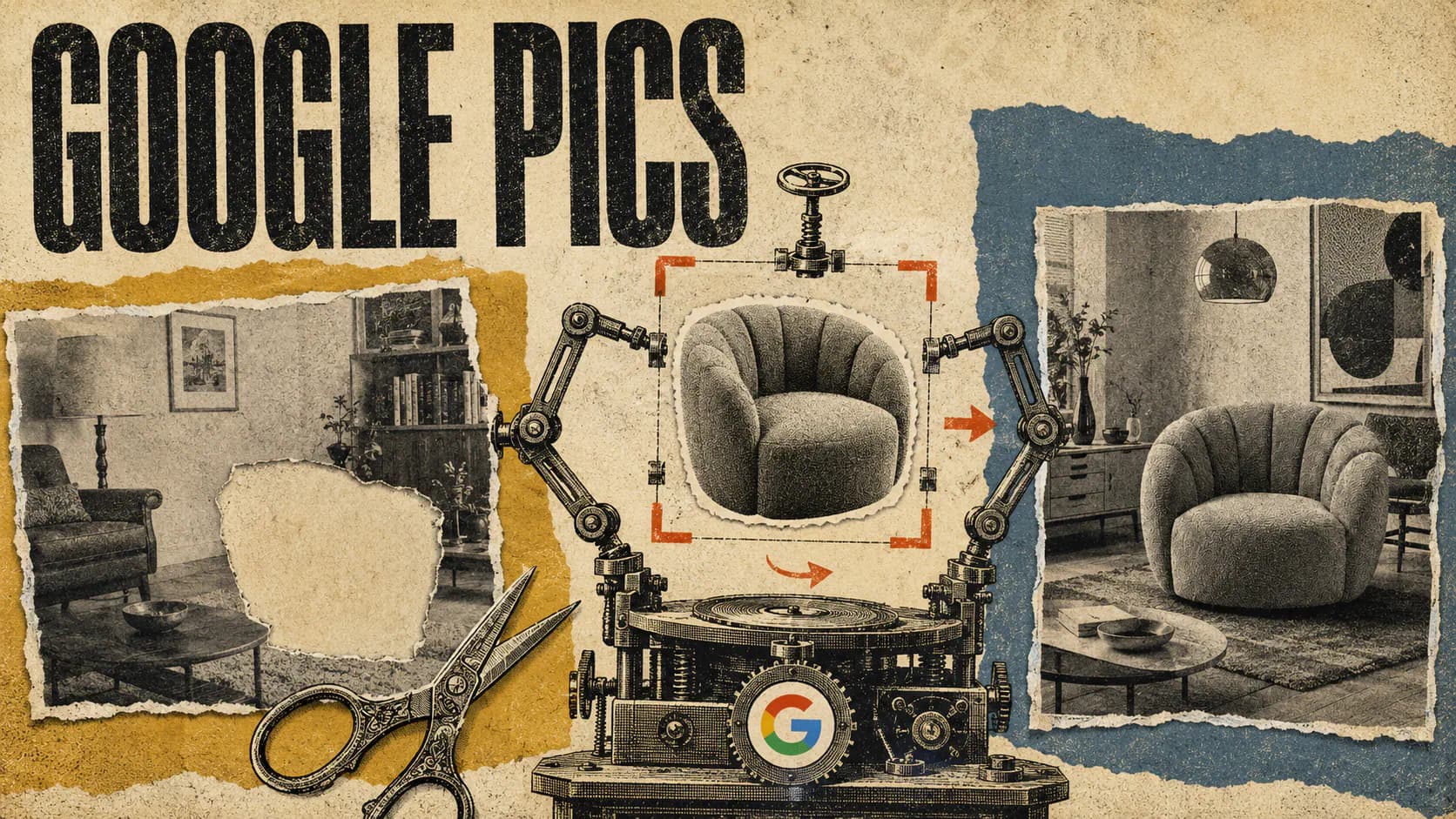
Google Pics is designed to make those revisions more controlled. Users can hover over an image and select a detected object, then describe what should change. They can also draw a selection around a specific area when automatic object detection does not isolate the intended region. Google’s editing guide says Pics can queue up to five text and image changes before applying them together.
A user could select a chair and change its color, place a rug on a detected floor, or modify one section of a poster without explicitly asking the model to recreate everything else. Google calls this object segmentation, with the stated goal of transforming a selected object while leaving the surrounding image intact.
Pics also provides several conventional image controls:
- Crop and rotate an image.
- Change its aspect ratio, including formats such as 16:9, 1:1, and 4:3.
- Upscale the result to 2K or 4K.
- Undo unwanted changes.
- Return to earlier versions through persistent version history.
These controls do not make the app equivalent to a full professional graphics package. They do address a common weakness in AI image workflows, however: the gap between generating an appealing concept and turning it into an asset with the right dimensions, content, and composition.
Editable Text Could Solve a Major AI Image Problem
Text rendering has improved across newer image models, but a visually attractive design can still become unusable because of one misspelled word, an incorrect date, or an invented line of copy. Regenerating the entire image to fix that error risks changing the layout and visual identity.
Google Pics automatically detects text elements and lets users edit the wording or request formatting changes. Google says users can also translate text inside an image without disrupting the surrounding design or changing its font. The official prompt guidance recommends placing exact wording in quotation marks and specifying a target language when translation is required.
That makes Google Pics particularly relevant to posters, event announcements, product graphics, social media assets, infographics, and localized campaigns. A team could create one visual, duplicate it for several markets, and translate the visible copy without rebuilding each version manually.
The output still needs review. Automatic text recognition can misidentify decorative lettering, and a technically correct translation may not match a company’s preferred terminology or local tone. Pics reduces the cost of revising text, but it does not remove the need for proofreading and brand approval.
Workspace Integration Could Be the Bigger Advantage

Google Pics is available as a standalone desktop application, but its deeper advantage comes from its position inside Google Workspace.
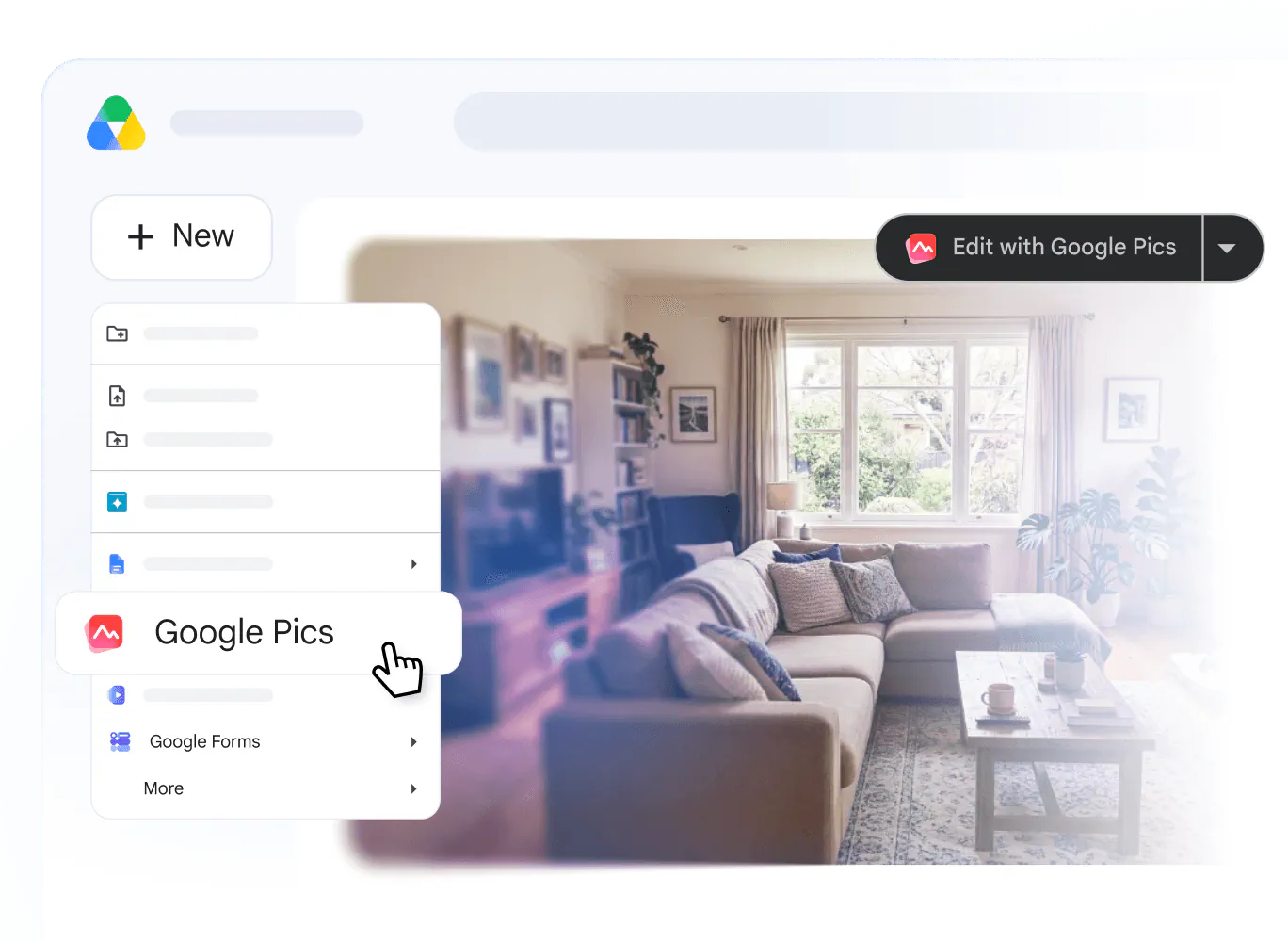
In Google Docs and Slides, users can select an image and open Pics without leaving the document or presentation. After editing, they can replace the original image with the new version. The editor can also be minimized while generation continues, allowing other work on the document or slide deck to continue.
Pics also borrows Workspace’s established sharing system. A file can be shared through a link, and recipients can receive viewer or editor access. That allows multiple people to work on the same Pics creation instead of circulating exported image files with names such as “final,” “final-2,” and “final-approved.”
Google says the initial integration covers Docs and Slides, with deeper Drive support following in the coming weeks. Once that Drive feature arrives, users should be able to open and edit nearly any compatible image stored in Drive with one click. Pics creations are also saved and managed through Drive, placing them alongside the documents and presentations in which they will often be used.
For organizations already standardized on Google Workspace, this could be more valuable than a small difference in raw generation quality. Fewer file transfers, shared version history, link-based access, and in-context editing can remove several manual steps from routine creative work.
Who Gets Google Pics and When
Google Pics became generally available on September 1, 2026, but eligibility depends on the account and plan. According to Google’s availability documentation, access is included with:
- Google Workspace Business Standard and Business Plus.
- Google Workspace Enterprise Standard and Enterprise Plus.
- The AI Expanded Access add-on.
- Google AI Pro for Education.
- Google AI Pro personal subscriptions.
- Google AI Ultra personal subscriptions.
- Certain discontinued Gemini and AI access add-ons.
Business Starter and Enterprise Starter are not listed among the eligible plans. Google also says Pics is unavailable to personal-use accounts in Germany, although Workspace accounts are supported in countries and regions where Google Workspace is available.
For managed organizations, Pics is switched on by default. Administrators can disable it for an entire domain or manage access by organizational unit or group. Rapid Release domains may see it at any point during the 15-day window beginning September 1. Scheduled Release domains enter their corresponding rollout window on September 15.
The application is desktop-only at launch. Google lists the two most recent versions of Chrome and Firefox as supported browsers, along with Microsoft Edge on Windows. Its help center lists broad multilingual support for image generation and editing, although the dedicated style-reference feature is currently documented as English-only.
Generative features are subject to usage limits. Google says eligible users will receive higher access through at least February 28, 2027, but it has not presented one universal Pics quota covering every plan and workflow. It also warns that higher-resolution downloads consume promotional limits more quickly, while Pics features used inside Docs and Slides follow those products’ existing image-generation limits.
Eligible users can open Google Pics in a browser. If the app does not appear yet, the account may still be waiting for its rollout window, may be on an unsupported plan, or may have access disabled by an administrator.
Google Still Has to Prove the “Pro-Level” Claim
Google describes Pics as providing “pro-level” AI image creation and editing, but its launch material does not include independent quality tests, generation-speed measurements, object-selection accuracy rates, or detailed comparisons with established image editors. The available demonstrations show promising workflows, not evidence that every complex edit will behave reliably.
The most important test will be consistency. Object-level editing is useful only when Pics can accurately identify the intended subject, preserve nearby details, and maintain the overall style across repeated revisions. In-image translation needs to retain spacing and typography across languages with very different word lengths and writing systems. Collaboration also becomes less valuable if every revision requires several attempts.
Teams should also distinguish rapid visual production from final creative approval. AI-generated graphics can contain incorrect details, misleading visualizations, unsuitable brand elements, or text that looks correct at first glance but fails closer inspection. Human review remains necessary for public marketing materials, factual infographics, regulated communications, and assets that use protected logos or third-party imagery.
The launch feature set looks strongest for presentations, campaign drafts, social assets, product mockups, event collateral, and internal communication. Workflows requiring layered exports, exact color management, complex vector construction, or advanced print preparation may still need dedicated creative software.
Final Thoughts
Google Pics is a more consequential addition to Workspace than a basic image-generation button would have been. Google is treating an AI image as a document that can be revised, shared, localized, restored, and inserted into existing work, rather than as the end of a one-shot prompt.
Its success will depend on whether object selection and text preservation remain reliable under real production pressure. If they do, Pics could handle the large category of everyday visual work that is too specific for stock imagery but too routine to justify a long design handoff. The Workspace integration, not the promise of unlimited imagination, is the part worth watching.
Frequently Asked Questions
5 questions
1What is Google Pics?
Google Pics is a Gemini-powered AI image generator and editor built into Google Workspace. It creates images from text prompts, edits uploaded files, uses existing images as style or element references, and lets users modify detected objects and text. Pics files can also be shared with collaborators and used inside Google Docs, Slides, and Drive.
2Who can use Google Pics?
Google Pics is available to eligible Business Standard, Business Plus, Enterprise Standard, Enterprise Plus, AI Expanded Access, Google AI Pro for Education, Google AI Pro, and Google AI Ultra accounts. The rollout began on September 1, 2026, for Rapid Release domains and begins September 15 for Scheduled Release domains, with each rollout taking up to 15 days.
3Can Google Pics edit text inside an AI image?
Yes, Google Pics can detect and edit individual text elements inside an image. Users can replace wording, request formatting changes, or translate the text into another language. Google says the tool is designed to retain the existing layout and font, although teams should proofread translated or customer-facing material before publication.
4Does Google Pics work inside Google Docs and Slides?
Yes, Google Pics can edit selected images directly inside Google Docs and Google Slides. Users open the Pics editor from the selected image, make their changes, and replace the original without switching to a separate tab. Google says deeper Drive integration, including one-click editing for compatible stored images, will follow in the coming weeks.
5How do I try Google Pics?
Open Google Pics through its direct launcher while signed into an eligible Google account. The app is currently available on desktop and supports recent versions of Chrome and Firefox, plus Microsoft Edge on Windows. If Pics does not open, check your subscription, ask your Workspace administrator about access, or wait for the gradual rollout to reach your account.
Sources
- Google’s launch announcementworkspace.google.com
- Google Pics: AI Image Generator and Editor | Google Workspaceworkspace.google.com
- Google’s Pics documentationsupport.google.com
- https://www.youtube.com/watch?v=-GmbnFkTOiQ&t=75syoutube.com
- Google’s editing guidesupport.google.com
- official prompt guidancesupport.google.com
- Google’s availability documentationsupport.google.com
- open Google Pics in a browserpics.new