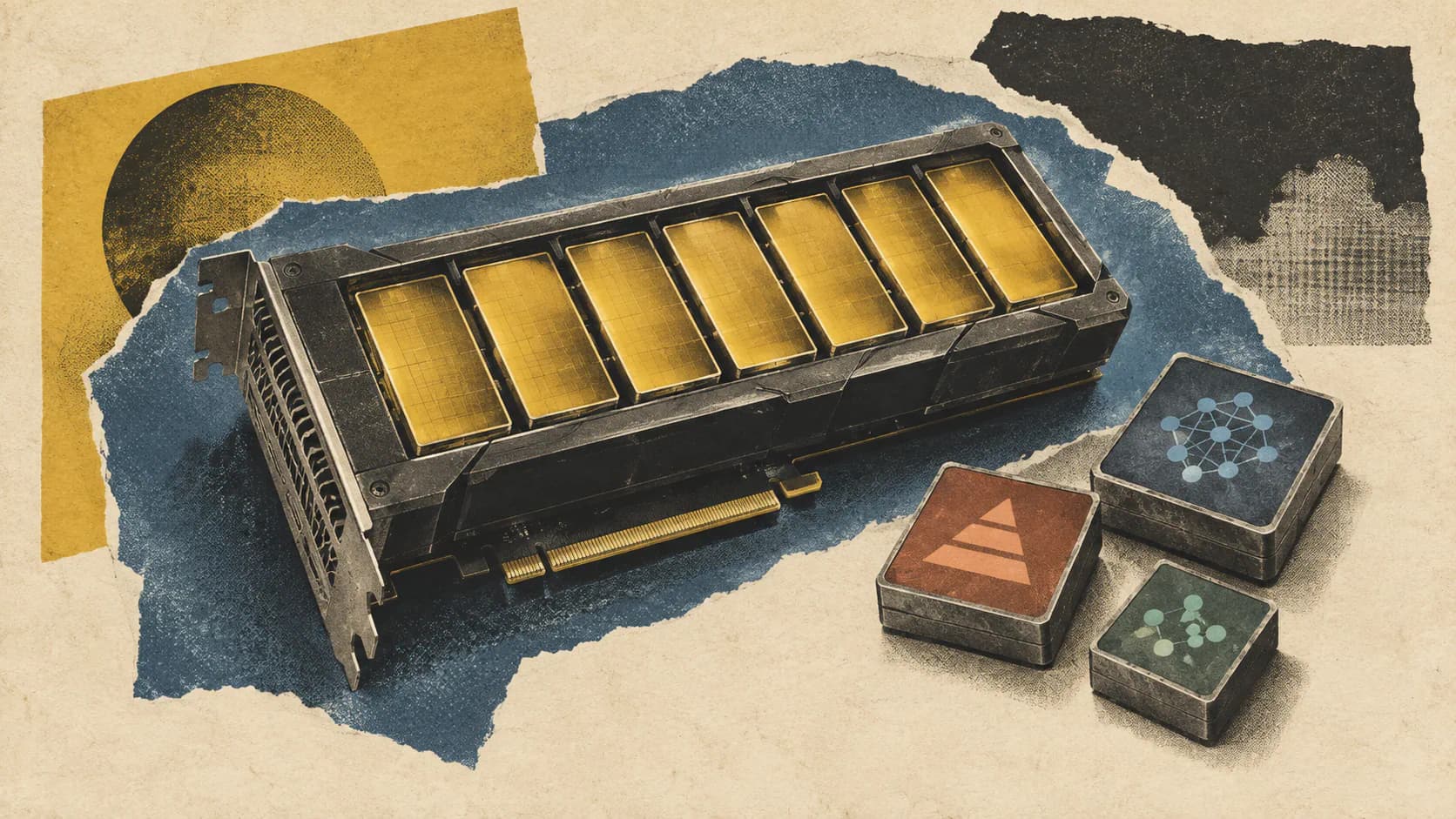
Amazon Web Services announced on October 30, 2026, that Amazon SageMaker AI real-time inference endpoints now support GPU partitioning. Using NVIDIA Multi-Instance GPU, or MIG, teams can divide a supported accelerator into as many as seven isolated partitions and deploy inference components onto those partitions.
The AWS launch announcement targets small and mid-sized workloads, including embedding models, rerankers, classifiers and fine-tuned models that leave much of a full GPU unused. Each partition receives dedicated GPU memory and compute slices, with hardware-enforced isolation.
The operational details matter as much as the headline capacity. AWS’s documentation says partitioned models still share the instance’s CPU, host memory, storage and networking. The partition layout also cannot change on a running endpoint. Those constraints make this a capacity-planning feature with deployment consequences, not a switch that automatically optimizes an existing fleet.
How MIG Divides a GPU Between Models
MIG divides a physical GPU into independent partitions, each with a fixed allocation of compute slices and GPU memory. An inference component assigned to a partition uses that allocation without competing for another partition’s GPU memory or compute resources.
AWS describes this as hardware-enforced isolation: one model cannot read a neighboring model’s GPU memory or take its assigned throughput. That protection applies to the GPU resources, not the entire serving path.
Partition names describe their resource allocation. For example, mig-4g.20gb means four compute slices and 20 GB of GPU memory, according to the SageMaker developer guide. The g portion refers to compute slices; it is not another memory measurement.
Memory capacity alone therefore cannot determine the right profile. On P5, AWS lists both mig-1g.20gb and mig-2g.20gb. Each has 20 GB of memory, but the second assigns more compute slices. AWS lists maximum capacities of four and three partitions per GPU, respectively, when considering those profile types.
That creates a practical tradeoff: a model may fit into a smaller compute allocation yet need a larger one to meet its latency target. My view is that teams should size against both memory requirements and serving performance. A model fitting into GPU memory establishes feasibility, but it does not tell you whether the slice can handle production traffic.
Supported Instances and Regions
GPU partitioning launches on four SageMaker instance families. The “up to seven” headline applies to P4d and P5; the listed G7 and G7e hardware supports fewer partitions.
| Instance family | GPU and memory | Smallest listed partition | Maximum partitions per GPU |
|---|---|---|---|
| P4d | NVIDIA A100, 40 GB | mig-1g.5gb, 5 GB | 7 |
| P5 | NVIDIA H100, 80 GB | mig-1g.10gb, 10 GB | 7 |
| G7 | NVIDIA RTX PRO 4500, 32 GB | mig-1g.16gb, 16 GB | 2 |
| G7e | NVIDIA RTX PRO 6000, 96 GB | mig-1g.24gb, 24 GB | 4 |
These are the smallest profiles and maximum partition counts in AWS’s published tables. Larger profiles reduce the number that can fit on one GPU.
Availability covers seven AWS Regions:
- US East (N. Virginia):
us-east-1 - US East (Ohio):
us-east-2 - US West (Oregon):
us-west-2 - Asia Pacific (Singapore):
ap-southeast-1 - Asia Pacific (Tokyo):
ap-northeast-1 - Europe (Frankfurt):
eu-central-1 - Europe (Ireland):
eu-west-1
Regional feature support does not guarantee that every supported instance type is available there. AWS explicitly tells customers to confirm instance availability and endpoint usage quota for their chosen Region.
Partition counts also apply per GPU, not per instance. AWS gives an example using an ml.p4d.24xlarge, which has eight GPUs: a layout containing three mig-1g.5gb partitions per GPU provides 24 partitions across that instance. That is the capacity of that chosen layout, not the hardware’s maximum possible partition count.
Configure the Layout, Then Place Inference Components
SageMaker adds two optional API fields to its existing endpoint and inference-component configuration:
| Field | Where it belongs | What it controls |
|---|---|---|
AcceleratorPartitionLayouts | A production variant of an endpoint hosting inference components | How SageMaker partitions every accelerator on every instance in that variant |
AcceleratorPartitionType | An inference component | The partition type assigned to that component |
AWS says the feature introduces no new API operations, resource types or IAM actions. Endpoints that omit both fields retain their existing behavior.
The deployment sequence in the developer guide is:
- Choose the instance family and partition types. Valid profiles depend on the GPU. A profile supported on one family is not automatically valid on another.
- Declare the layout on the production variant. SageMaker applies it while launching the endpoint’s instances.
- Wait for the endpoint to reach
InService. At that point, the accelerators are partitioned, but the partitions are empty. - Create inference components targeting partition types. This places the models onto the available partitions.
A request containing a partition type for the wrong GPU receives a 400 error listing valid values. Checking profile names against the selected family before deployment should catch that class of mistake.
Applications continue to invoke a model by its inference component name. The partition does not appear in the inference request, so applications already using this invocation pattern do not need to address MIG slices themselves.
This separation is useful: endpoint configuration defines the hardware layout, while inference components place workloads onto it. It also means those two configurations need to agree. Creating partitions does not deploy models, and declaring a component’s partition type does not create a different layout underneath it.
GPU Isolation Leaves Shared Host Bottlenecks
Models colocated on the same instance still share four host resources:
- CPU
- Host memory
- Storage
- Networking
AWS states this limitation directly in its partitioning documentation.
That distinction changes how teams should evaluate workload combinations. An embedding model and a classifier can have separate GPU allocations while still depending on the same CPUs for preprocessing or the same network interface for requests and responses.
The practical inference is that GPU isolation cannot guarantee end-to-end latency isolation. If a colocated workload heavily uses shared host resources, another model’s request path can still encounter contention outside its GPU partition.
I’d assess host demand alongside GPU fit before combining latency-sensitive services. Pairing models solely because their GPU memory requirements fit leaves a substantial part of the serving system out of the decision. MIG provides a defined GPU boundary, but the endpoint remains a shared machine.
Changing the Layout Requires a New Endpoint
SageMaker partitions accelerators while launching endpoint instances. Once the endpoint is running, its layout is fixed.
AWS’s documentation is explicit:
“You can't change the partition layout of a running endpoint.”
An UpdateEndpoint request pointing to a configuration with a different layout returns a 400 error. AWS requires customers to create a new endpoint to use a different partition layout.
This makes partition sizing a deployment decision with a migration cost. If a model later requires a profile outside the current layout, changing the layout means provisioning another endpoint and planning the application’s move to it.
I’d keep the layout under version control alongside the instance choice and inference-component configuration. The reason is concrete: a seemingly small change to the partition mix can require endpoint replacement, so it deserves explicit review and a cutover plan.
Teams should also distinguish changing which models occupy existing partitions from changing the partitions themselves. The documented restriction concerns the accelerator layout. It should not be treated as a general statement that every model deployment change requires a new endpoint.
Frequently Asked Questions
3 questions
1Can Every Supported GPU Have Seven Partitions?
No. AWS lists up to seven partitions per GPU on P4d and P5, two on G7, and four on G7e. Larger partition profiles reduce those counts.