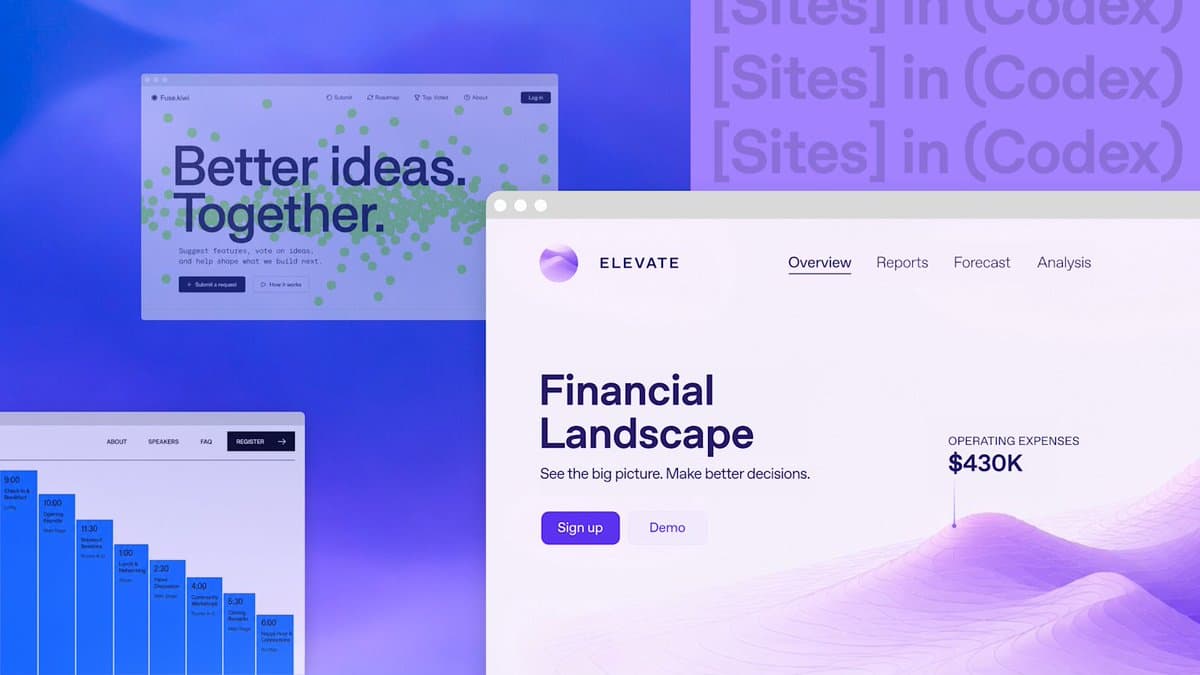
On June 2, 2026, OpenAI published its "Codex for every role, tool, and workflow" announcement, releasing three capabilities at once. The most significant of the three is Sites: a Codex plugin that takes a natural language description and produces a deployed, interactive web application. No CI/CD pipeline. No cloud console. Just a prompt and a production URL.
More than 5 million people now use Codex weekly, with non-developers — including analysts, marketers, operators, designers, researchers, investors, and bankers — accounting for about 20% of users and growing more than three times faster than developers. That growth is clearly what motivated this release. OpenAI is repositioning Codex from a developer-focused coding agent into something much broader.
OpenAI introduced new ways to do more work with Codex: plugins that adapt Codex to your role and tools, annotations that help you refine the result in place, and a preview of the ability to create interactive websites and apps you can share with your workspace using a URL. Inside OpenAI, non-technical teams already use Codex to build internal apps, prepare executive materials, create dashboards, and turn creative briefs into work that reflects brand and design constraints.
What Is ChatGPT Sites
OpenAI introduced Sites as a new Codex capability for creating, saving, deploying, and inspecting hosted websites, web apps, dashboards, internal tools, and lightweight interactive experiences. It ships as a Codex plugin, not a standalone product.
Sites is not simply "ask ChatGPT for HTML." It is closer to a work-product publishing surface inside Codex: you can ask Codex to turn a business review, launch plan, product dashboard, financial model, creative brief, project tracker, or lightweight app idea into something your team can open, use, and iterate on through a URL.
Unlike a static document or presentation, Sites can continue to be updated as project information changes. That's the key distinction from exporting a PDF or sharing a Google Doc. The output is a live application.
How Sites Works Under the Hood
The workflow is conversational by design. You describe what you want in a thread, optionally calling the plugin explicitly with @Sites when a task should end in a deployment, and Codex builds the project, runs it for testing, deploys it, and hands back a production URL.
You can ask Codex to validate the site's build, then tell it either to save a deployable version for review or to deploy the approved saved version. That two-step save-then-deploy model is deliberate. It gives teams a review gate before anything goes live.
On the infrastructure side, the stack is specific. Sites hosts projects that build Cloudflare Worker-compatible output as ES modules. New projects can start from a recommended site starter; existing projects need Codex to confirm the build produces compatible artifacts before a deploy. Persistent state is handled by D1-style databases and R2-style object storage, so a generated app can hold real user state and uploaded files, not just render static markup.