Developer aaitor released Video Studio Skill v1.0.1 on November 2, 2026, addressing three failures in the documented route from a fresh clone to a finished product-demo video. The fixes cover composition setup, missing audio during silent renders, and Playwright CLI installation. The release notes say that documented path now works.
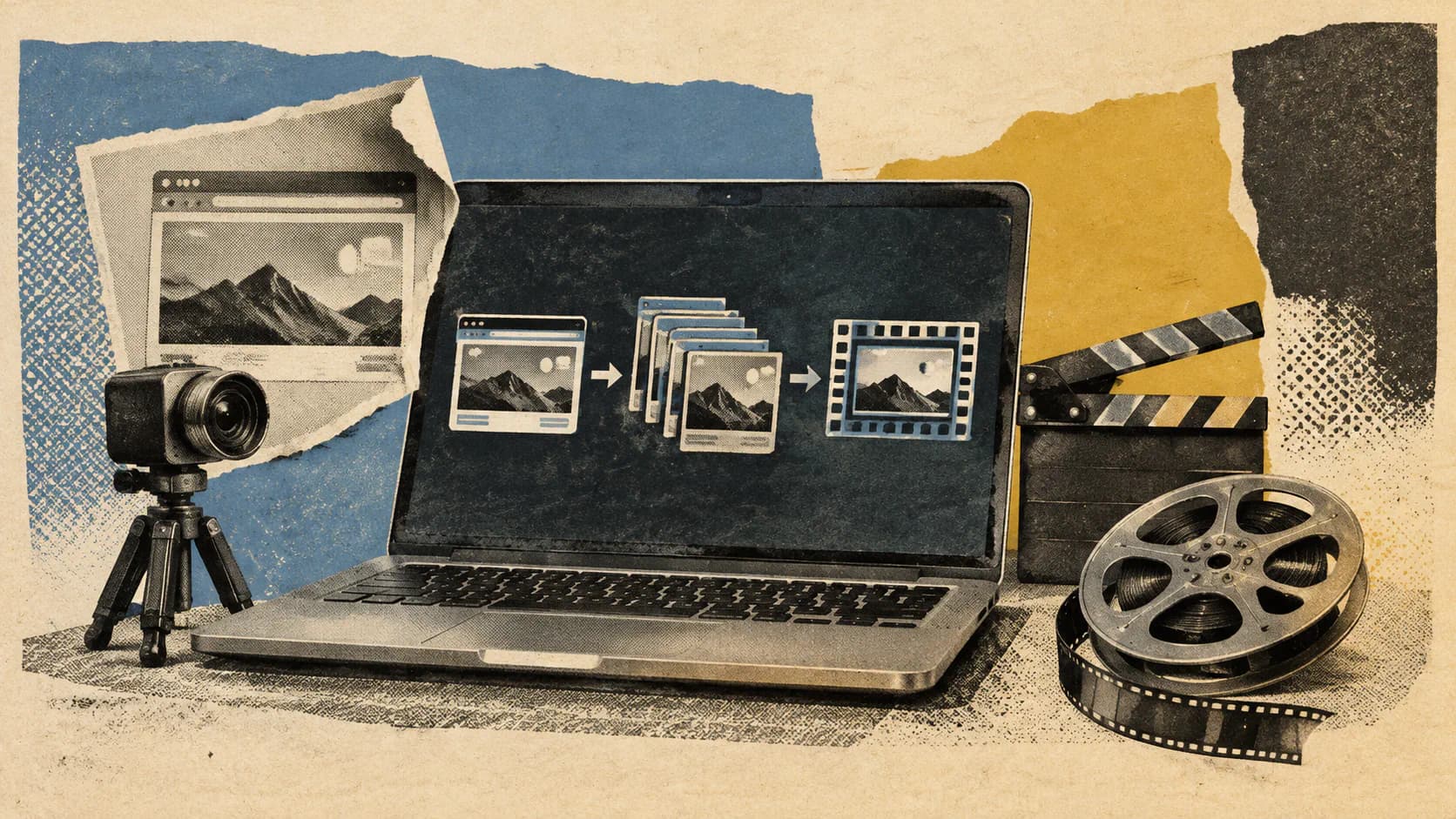
The MIT-licensed project packages a /devrel-video skill for Claude Code alongside scripts, templates, brand assets, and worked examples. Playwright CLI captures real browser interactions, HyperFrames builds the branded presentation, and FFmpeg handles local mastering and inspection. Claude Code coordinates those stages through the skill’s instructions. The repository contains the production workspace, not a standalone video-generation model.
For developers evaluating it, the important distinction is between planning a video and producing one. Git and authenticated Claude Code are enough for the planning quick start. A complete render also needs Node.js, Chromium, FFmpeg, and the relevant Python dependencies.
How the Production Pipeline Fits Together
The documented sequence runs from brief, exploration, and branding through capture, composition, optional layers, rendering, QA, and thumbnail generation.
Each video starts with projects/<slug>/brief.yaml, which records the product URL, audience, message, beats, brand, duration, and optional layers. Brand tokens and logos live under brands/<name>/. That separates the production’s content from its visual identity, making the supplied structure useful for repeatable product walkthroughs.
The three main tools have distinct jobs:
- Playwright CLI captures product interactions. Browser scripts use explicit beats and stable selectors to show the actual interface.
- HyperFrames composes the presentation. Its timeline adds elements such as title cards, a browser frame, chapters, and a call to action.
- FFmpeg masters and inspects the output. The workflow includes master and web copies,
ffprobechecks, a contact sheet, and a thumbnail.
Optional layers include narration, music, subtitles, and presenter footage. The README recommends starting with a silent walkthrough. It also distinguishes its browser walkthrough from a separate CLI/browser example whose terminal scenes are authored HTML reenactments. That matters when judging what a finished demo actually documents. Repository workflow and examples
My view is that the useful engineering choice here is the separation of stages. A failed capture, a broken composition, and a mastering problem leave different artifacts to inspect. That gives developers a more concrete debugging path than a single instruction to make a polished video, although repeatability still depends on the local toolchain and product interface.
What v1.0.1 Actually Fixed
The release’s three fixes address assumptions about what files and directories already exist at each stage.
Composition No Longer Requires an Empty Capture Folder
The previous compose step called hyperframes init. According to the release notes, that command refused a folder that already contained the capture, causing composition to fail for every new video.
New projects now start from templates/composition.html.
The consequence is straightforward: capture and composition can share the intended project layout without an initializer rejecting the artifacts created by the preceding step. I’d treat this as the release’s most consequential fix because it repairs the handoff between two core stages.
Silent Rendering Gets the Audio File It Expects
The example walkthrough previously stopped at render-qa.sh. Its index.html referenced a narration mix that would only exist after a later step.
The documented process now creates a silent track first.
A silent video can still have an audio-file dependency inside its composition. Creating that track satisfies the template’s input requirement without requiring narration. This fixes a dependency-order problem; it does not add a new narration capability.
Playwright Installation Is Isolated and Errors Are Visible
The updated capture.sh installs playwright-cli under .pw/ even when a parent folder contains a package.json. It also exposes npm errors that were previously hidden.
Those changes matter when the studio sits inside an existing development workspace. The parent project’s package layout should no longer prevent the intended local installation, and installation failures should provide something useful to diagnose.
Together, these fixes make the documented pipeline less dependent on incidental directory state or files generated later in the process. The release also adds offline checks around the affected steps, while keeping full renders outside CI. v1.0.1 fixes
Local Dependencies for a Complete Render
Cloning the repository supplies the workspace and source material. It does not install the entire media-production stack.
| Dependency | Role | Documented requirement or condition |
|---|---|---|
| Git and authenticated Claude Code | Clone the workspace and run the skill | Enough for the planning quick start |
| Node.js | Support the capture and composition tooling | Node.js 22 or newer |
| Chromium | Provide the browser used for capture | Required for full production |
| Playwright CLI | Automate and capture browser interactions | capture.sh installs it under .pw/ |
| HyperFrames | Compose the branded timeline | Release validation used version 0.9.5 |
FFmpeg and ffprobe | Master media and inspect output | Required locally |
| Python dependencies | Support individual helper scripts | Install the dependencies required by the helpers used |
| Narration service | Generate optional voice tracks | Requires the user’s own endpoint and configuration |
| Avatar infrastructure | Support optional avatar workflows | Requires additional services or GPU setup |
The distinction between minimum requirements and the reported validation environment is worth preserving. The README specifies Node.js 22+, while the maintainer’s v1.0.1 validation used Node 24 with HyperFrames 0.9.5. Those are different statements: one describes the supported starting point; the other identifies the environment used for the reported run. Prerequisites · Validation environment
Frequently Asked Questions
3 questions
1Does Cloning Video Studio Skill Produce a Video?
No. Cloning supplies the workspace. Planning needs authenticated Claude Code; capture and rendering require the additional local production dependencies.