
Opera announced on October 27, 2026, that it had begun shipping local AI capabilities in its desktop browsers through an early preview of WebAI. The feature lets websites and browser extensions use models running on the user’s computer for text generation, classification and finding relationships between pieces of content.
The launch announcement identifies Opera One as the first browser receiving the preview, with Opera GX and Opera Neon to follow. Supported hardware is limited to 64-bit Windows PCs with Intel or AMD processors and Macs with Apple silicon.
WebAI is a proposed standard, not an established cross-browser capability. Opera has shipped an implementation that people can opt into. That gives developers something concrete to explore, but it is too early to treat the interface as a dependable feature across the wider web.
The consequential change is where the AI work happens: a website can ask the browser to process content locally, without sending that content to a cloud AI provider for inference.
Who Can Try Opera’s WebAI Preview?
Opera’s setup guide gives the following platform boundaries:
| Computer | Preview support |
|---|---|
| 64-bit Windows PC with an Intel processor | Supported |
| 64-bit Windows PC with an AMD processor | Supported |
| Mac with Apple silicon | Supported |
| Intel-based Mac | Not supported |
| Windows on Arm PC | Not supported |
| Linux computer | Not supported |
Processor architecture matters here. A Windows laptop running on Arm falls outside the announced preview, even if it is sold as an AI-focused PC. Likewise, owning a Mac is insufficient: it needs Apple silicon.
Opera’s rollout descriptions also differ. Its newsroom announcement says Opera One comes first, with GX and Neon following. Its companion blog describes the preview as available across all three. Opera One is therefore the clearest starting point because both the launch announcement and the published setup instructions point readers there.
Opera says this work builds on local-model access introduced in an experimental developer build in 2024. The new announcement moves that effort into an everyday-browser preview while adding an interface for sites and extensions.
Enabling WebAI and Granting Website Access
Opera’s instructions describe a short setup process:
- Download or update Opera One.
- Open Settings → Opera AI, or enter
opera://settings/aiin the address bar. - Turn on Enable Web AI API.
- To explore Opera’s demonstrations, install an example extension and open it from the extensions menu.
Enabling the setting downloads a compatible local model. Opera says this may take a few minutes, and that nothing is downloaded before the user turns the feature on. Users can also switch it off again, according to the setup guide.
The browser-wide switch and website permissions serve different purposes. The switch enables the local AI capability; site-specific permissions determine which websites may access it, according to the announcement.
That distinction is useful. Agreeing to download a model should not be treated as blanket consent for every page to use it. Opera’s design gives users a separate decision about the sites they trust with access.
The published material does not describe the full permission dialog, its duration or whether individual operations require additional approval. It also does not detail extension-specific permission behavior. Those controls should not be assumed from the phrase “site-specific permissions.”
I’d treat enabling WebAI and granting a website access as two separate choices: first whether local AI is worth the download and device resources, then whether a particular site has a useful reason to invoke it.
Three APIs for Different Kinds of AI Work
Opera’s technical overview names three interfaces: Prompt, Decision and Semantic Embeddings. Together, they expose more useful building blocks than a single chatbot window.
Prompt: Generate Text From Supplied Content
The Prompt API supports text generation. A developer could use that capability to produce text based on an article, a user instruction or other content available to an application.
Opera’s Got It? demonstration turns an article into a short quiz. Its RecordIn Alchemy example rewrites an article as an inspirational social-media post. Both illustrate the same basic pattern: provide source material and ask the local model to generate something from it.
For a reading app, this could make an AI feature part of the page workflow instead of requiring users to copy text into a separate service. Generated answers would still need to be treated as model output, with the possibility of mistakes.
Decision: Classify Information
The Decision API covers classification: deciding which category or condition applies to a piece of information.
Opera suggests tools that identify relevant job postings, prioritize articles or highlight material matching a user’s interests. Those are narrower tasks than open-ended conversation, with results that can fit directly into an interface as labels, highlights or sorting decisions.
My view is that these small decisions are a particularly sensible starting point for local browser AI. Their value can come from repeated assistance with ordinary browsing, without requiring long generated responses. That is a product-design judgment, not evidence that Opera’s models have achieved a particular accuracy or speed.
Semantic Embeddings: Find Related Content
Semantic embeddings represent content in a form that software can compare for relationships in meaning. This supports features such as grouping related passages or finding saved material that discusses a similar idea without using the same words.
Opera’s Semantic Art demonstration makes that relationship visible: similar sentences become visual neighbors in an animated representation of an article.
The practical distinction is that an AI feature does not always need to write an answer. Sometimes the useful output is a relationship that helps an application organize information.
Model Choice Still Comes With Hardware Constraints
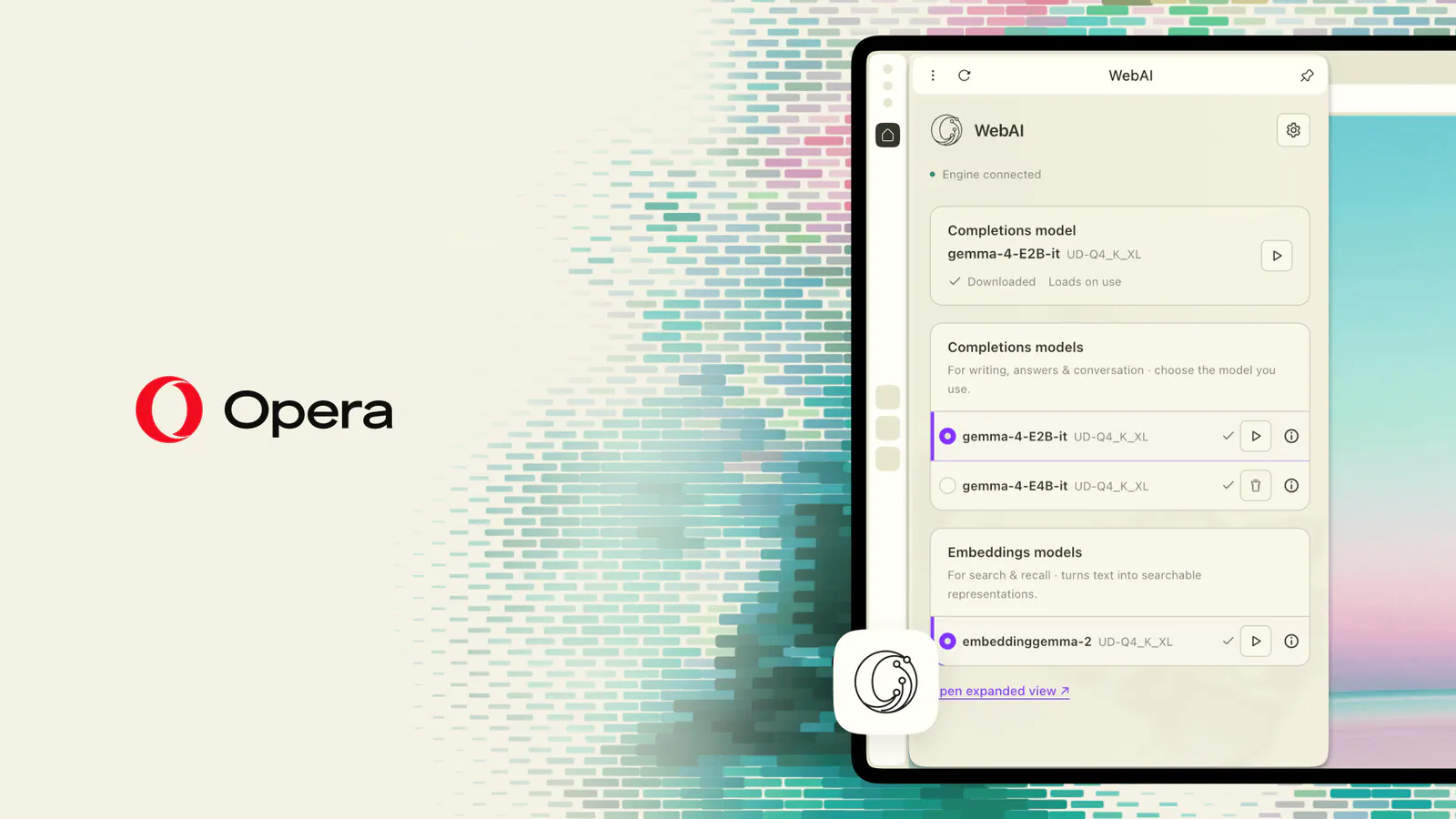
Opera describes its implementation as model-agnostic. Its announcement names Google’s Gemma family and, on Macs, Apple’s on-device foundation model. The technical overview also describes support for compatible models supplied through Opera and compatible models already present on a device.
That leaves room for different providers and device-specific choices. It does not mean every downloadable model will work, or that every supported computer receives identical capabilities.
The published launch material does not identify exact Gemma versions, model download sizes, minimum memory requirements or measured response speeds. It also provides no independent benchmarks. Opera explicitly says performance depends on the user’s hardware, so there is no supported basis for promising a particular latency or quantifying the resource impact.
For developers, that uncertainty has a concrete consequence: supporting WebAI requires more than detecting a compatible browser. An application also needs to account for unsupported hardware, disabled access, denied permissions and a model that may respond slowly. I’d keep the core workflow usable without AI during this preview, especially for features people depend on to complete a task.
Local Inference Narrows One Privacy Risk
Opera’s privacy argument follows directly from the processing location. If a model handles content on the user’s computer, that content does not need to travel to an external AI provider for the inference step.
That can matter for private reading lists, personal interests, saved articles or other material a user would prefer not to submit to another service. Opera presents local processing as a way to keep that work on the device in its technical overview.
Frequently Asked Questions
3 questions
1Is Opera WebAI a Finished Web Standard?
No. Opera describes WebAI as a proposed standard, and its implementation is an opt-in early preview. Developers should not assume it works across other browsers.