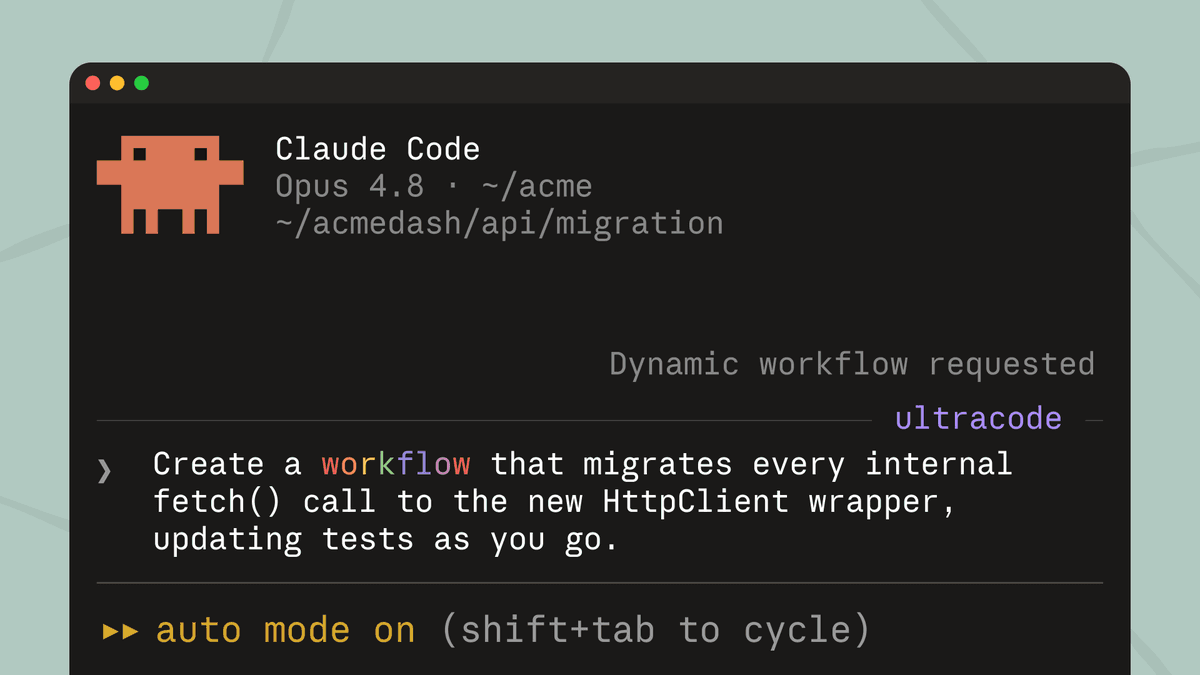
Claude can now dynamically write orchestration scripts that run tens to hundreds of parallel subagents in a single session, checking its work before anything reaches you. Some problems are simply too big for one pass by a single agent, especially in complex, legacy codebases: a bug hunt across an entire service, a migration that touches hundreds of files, a plan you want stress-tested from every angle. Dynamic workflows can handle all of these end-to-end.
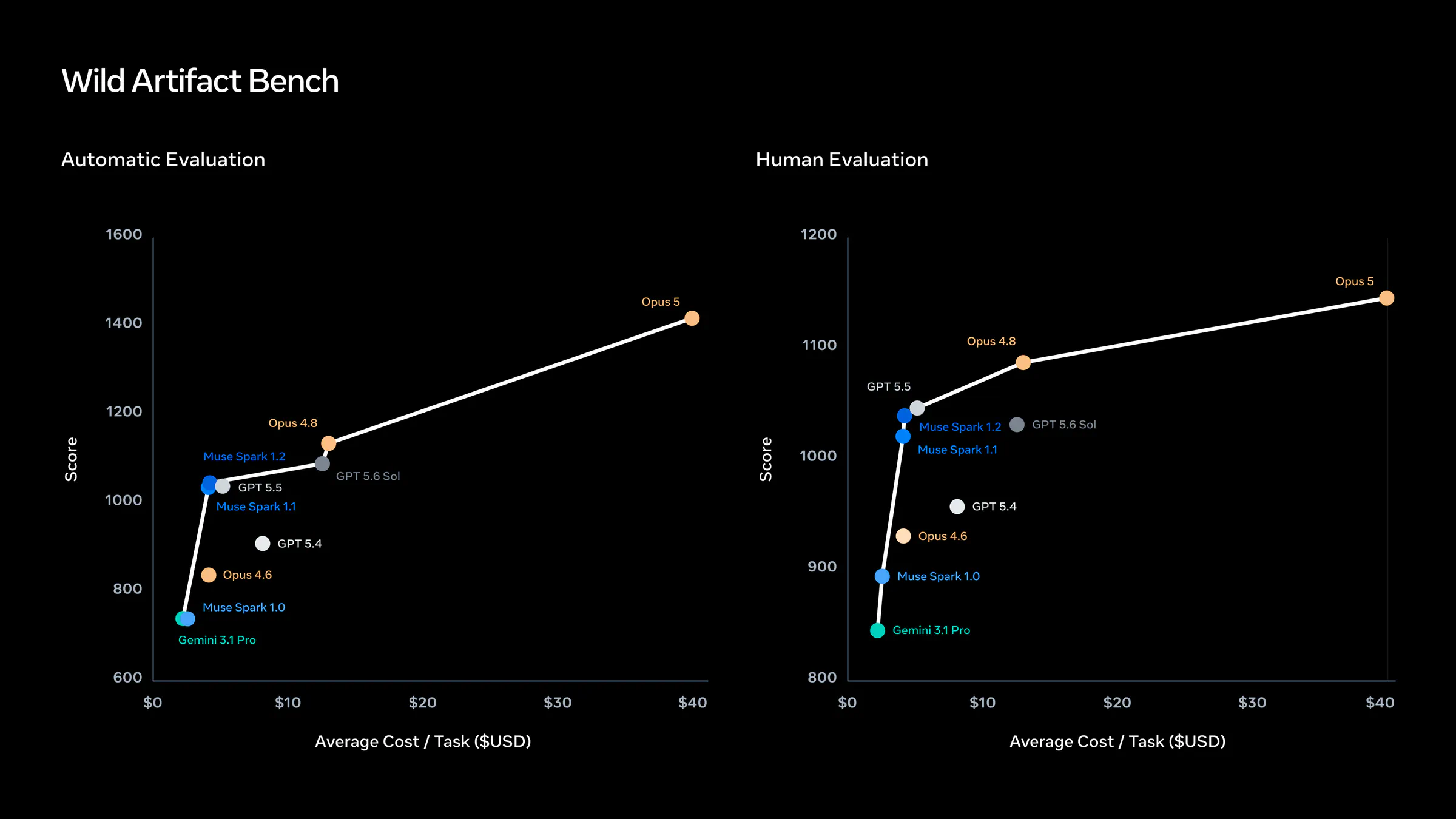
Dynamic workflows are available in research preview starting May 28, 2026, on every paid Claude Code plan. The feature ships alongside Claude Opus 4.8, and it represents a meaningful architectural shift in how Claude handles large-scale engineering tasks.
As someone who covers agentic AI on a daily basis, this one stands out. Not because of the headline number of subagents, but because of what the architecture actually changes about how you interact with Claude as a coding tool.
What Dynamic Workflows Actually Are
A dynamic workflow is a JavaScript script that orchestrates subagents at scale. Claude writes the script for the task you describe, and a runtime executes it in the background while your session stays responsive.
The key distinction from prior Claude Code features is architectural. With a traditional subagent, Claude itself decides turn by turn which worker to spawn, and every intermediate result ends up in its context window, eating useful tokens. With a skill, Claude follows a sequence written in a Markdown file, but it still acts as the orchestrator of the flow. In dynamic workflows, the plan moves to code: the JavaScript script decides what to launch, in what order, with what conditional or loop logic, and keeps intermediate state in variables that live outside the conversation.
A workflow script holds the loop, the branching, and the intermediate results itself, so Claude's context holds only the final answer. Moving the plan into code also lets a workflow apply a repeatable quality pattern: it can have independent agents adversarially review each other's findings before they're reported, or draft a plan from several angles and weigh them against each other, so you get a more trustworthy result than a single pass.
How the Runtime Works
When a workflow kicks off, Claude plans dynamically based on your prompt, breaks it into subtasks, and fans the work out across subagents running in parallel. Results are checked before they're folded in, and you come back to a single, coordinated answer. Agents address the problem from independent angles, other agents try to refute what they found, and the run keeps iterating until the answers converge.
The runtime applies hard limits: it allows up to 16 concurrent agents and caps each run at 1,000 agents total. The workflow script itself cannot touch the filesystem or shell. Only the agents read, write, and run commands.