
Gemini users do not need to abandon their Gems today. Google is rolling out skills, a new way to save and combine custom instructions, while keeping Gems available during a transition period. The deadlines differ for personal accounts, businesses, and education customers.
Google plans to turn remaining Gems in the Gemini app into draft skills, but skills do not currently sync between the Gemini app and Workspace apps. Anyone who needs the same instructions in both places has manual work ahead. Administrators also need to find Workspace Studio flows that depend on Gems before those steps stop working.
Skills Put Reusable Instructions Inside the Conversation
A Gem gives Gemini instructions tailored to a particular task. A skill saves instructions for reuse inside an ordinary conversation. Users can type / followed by a skill’s name in the prompt bar, then combine multiple skills in one prompt. In Google’s Gemini announcement, the company gives the example of pairing writing-style instructions with brand guidelines.
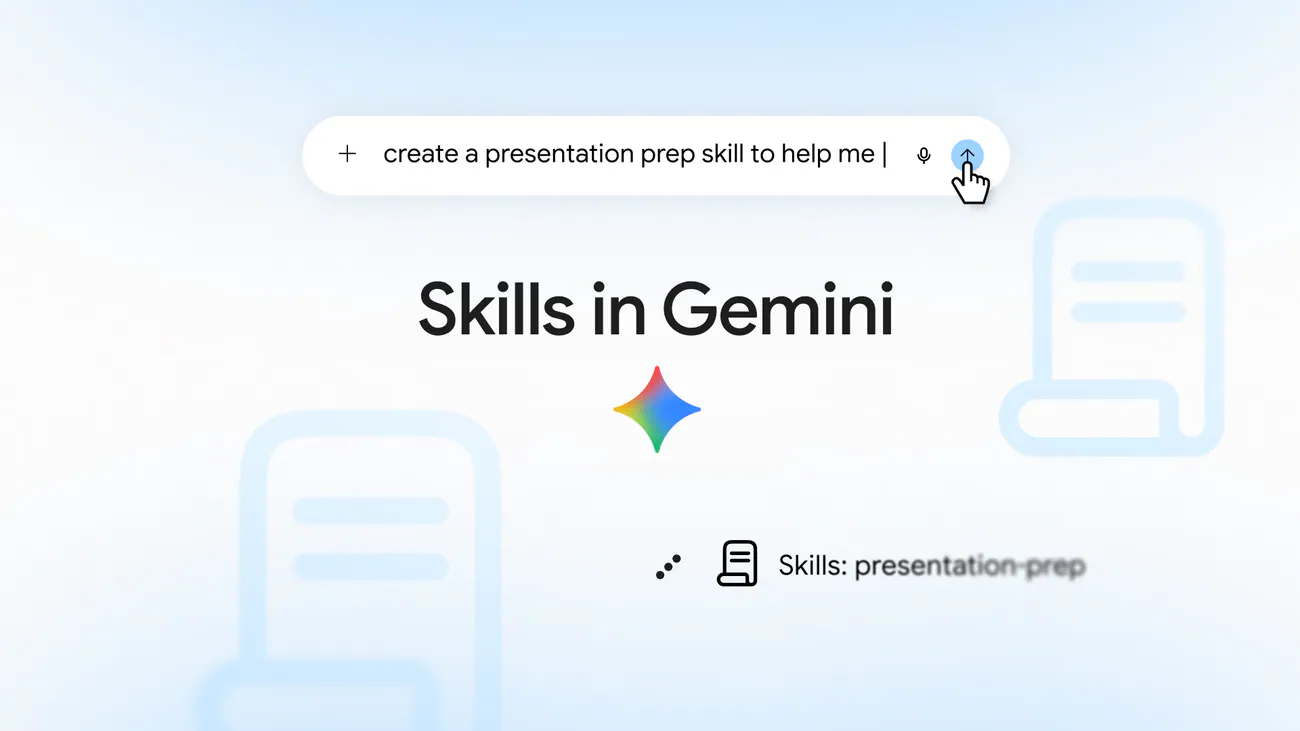
A team could keep task and style instructions in separate skills and apply both when needed, instead of maintaining a Gem for every combination. Google says skills can also include reference files such as text documents, PDFs, and images.
Skills use an open, Markdown-native SKILL.md format. According to Google’s Workspace transition notice, users can copy skills created on other platforms into Gemini and Workspace. The format makes instructions portable, but skills do not sync automatically across Google’s own products.
Users should also check which features are available before replacing a Gem. Google says skill sharing and support for adding Google Drive files and Gemini Notebook notebooks are coming in the following weeks. A Gem that relies on those features may need to wait.
The Rollout Starts Months Before Some Gems Retire
Google’s published rollout schedule separates the arrival of skills from the retirement of Gems. These are gradual rollout dates, not promises that every eligible account will see a feature that day:
- September 30, 2026: Google begins rolling skills into Gemini chat globally.
- October 5: Skills begin rolling out in Workspace Rapid Release domains, with completion expected by October 12.
- October 13: The broader Gemini app rollout begins, with completion expected by mid-November.
- October 19: Workspace Scheduled Release domains begin receiving skills, with completion expected by mid-November.
- November 17: Gems move to the Gemini app’s Settings panel. Users can still create, edit, and use them.
Moving Gems into Settings on November 17 does not switch them off. Google’s consumer announcement says it will begin removing Gems support for personal accounts in November, but the detailed Workspace schedule does not give a precise final shutoff date for personal accounts. Users should follow subsequent notices rather than treat November 17 as a confirmed cutoff.
Workspace customers have later, explicitly qualified milestones. No sooner than March 1, 2027, business and enterprise users will lose the ability to create, edit, or use Gems. For education users, that point comes no sooner than June 1, 2027. The education change also covers Gems in Google Classroom and third-party learning management systems supported by Gemini LTI.
Those dates are the earliest stated retirement points, not guaranteed switch-off days. Google says it will give administrators at least 30 days’ notice before the final automatic migration. Until the relevant cutoff, existing Gems remain usable during the transition.
Automatic Migration Only Covers Gemini-App Gems
Google plans to convert Gems still in the Gemini app into draft skills when Gems go away. Users should inspect those drafts before relying on them for existing workflows. Those who do not want to wait can manually recreate their Gems as skills sooner.
Google says skills in the Gemini app currently do not sync with skills in Workspace apps. If a team uses a Gem’s instructions in the Gemini app and wants a corresponding skill in Workspace, it must create that Workspace skill separately. Waiting for the Gemini-app auto-migration will not produce a Workspace copy.
A useful migration inventory should record where each Gem is used, who depends on it, and whether it relies on files or features that are still arriving in skills. Prioritize instructions needed across both the Gemini app and Workspace, then test the recreated skills on representative prompts. A draft skill or copied SKILL.md file should not be assumed to preserve every aspect of the original setup.
Gems by Google Labs are a separate exception. Google says those Gems will not migrate into skills. The company also says its experimental Opal mini-app tool will turn down in November. Users of either product should not apply the ordinary Gemini-app Gem migration promise to their work.
Workspace Admins Need to Find “Ask a Gem” Flows
Workspace Studio has a separate failure point. Google says users can no longer create new flows containing an Ask a Gem step, although existing flows with that step continue to work for now. At the applicable business, enterprise, or education Gems retirement point, those existing steps stop working too.
Administrators should identify affected flows before the cutoff, establish which ones are still needed, and arrange a supported replacement or redesign. Converting a Gem into a draft skill in the Gemini app does not, by itself, fix a Studio flow or create a skill in Workspace. An organization that inventories Gems without checking the automations calling them could miss these flows.
Frequently Asked Questions
4 questions
1Are Gemini Gems shutting down now?
No. Google is rolling out skills while Gems remain usable during a transition period. On November 17, 2026, Gems move to the Gemini app’s Settings panel, where users can still create, edit, and use them. Google has announced later retirement milestones for Workspace customers and has not specified a precise final personal-account cutoff in the cited schedule.


