
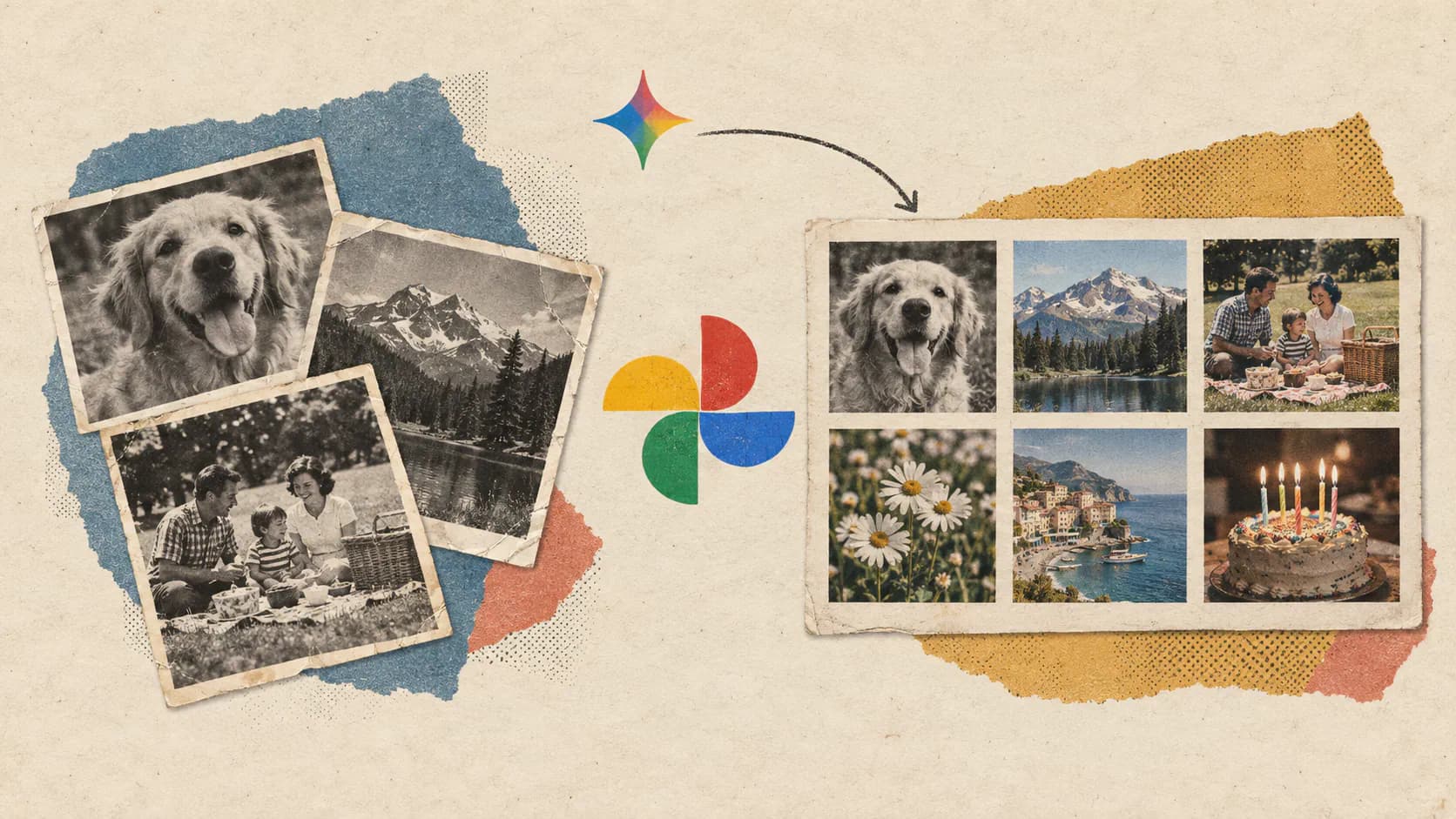
Google has expanded Gemini Spark into one of the most personal parts of its ecosystem: the Google Photos library. As TechCrunch reported on September 4, 2026, the AI agent can now find photos, edit images, organize albums, share collections, and carry out related tasks across connected Google services. Google’s documentation also lists potentially destructive operations, including deleting, archiving, and restoring photos.
Google Photos already offers AI-powered search, conversational editing, and image-generation tools. The meaningful change is that photos can now become part of a longer, multi-app workflow. A user can ask Gemini Spark to locate images, modify or organize them, and then use information from those images in Calendar, Gmail, Docs, or another connected service.
That makes the update more ambitious than another AI image editor. It also raises practical questions about reliability, privacy, approval controls, and whether people should let an AI agent perform bulk operations on an irreplaceable photo collection.
Google Photos Becomes an Agentic Data Source
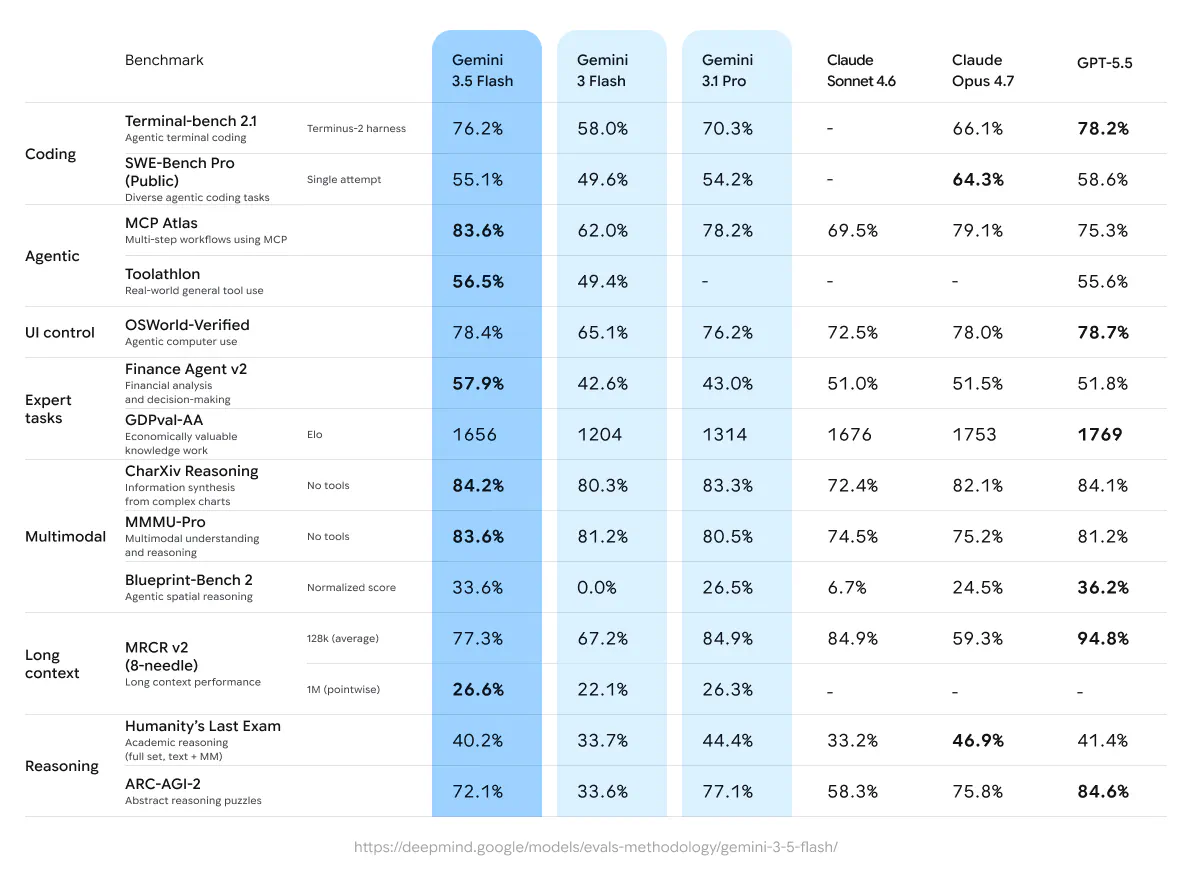
Google introduced Spark alongside Gemini 3.5 at Google I/O in May 2026. Unlike a conventional Gemini conversation, Spark is designed to create a plan, divide a request into steps, and perform actions across websites and Google apps. Google says tasks can run in the background for up to 24 hours, with the user able to review the plan and approve relevant actions.
The Google Photos connection broadens both sides of that system. Photos can serve as an input, supplying images, text, dates, locations, and other contextual information. The library can also become the destination for an action, such as creating an album, editing an image, or restoring an archived photo.
This distinction matters because an AI agent is more useful when it can move between services rather than simply answer questions about one of them. A request such as “find the invitation I photographed last week and add the event to my calendar” combines image search, visual understanding, text extraction, and calendar access. Previously, the user would usually need to locate the image and transfer the relevant information manually.
Spark can also use multiple Google apps in the same task. Google’s supported connections include services such as Gmail, Drive, Calendar, Keep, Tasks, Maps, and YouTube, although availability varies by account and region. The result is closer to a personal workflow engine than a standalone Photos assistant.
What Gemini Spark Can Do With Google Photos
The Google Photos integration for Gemini Spark covers four broad types of work: finding content, changing content, organizing the library, and moving information between applications.
Supported actions include:
- Searching for photos and videos using natural-language descriptions
- Viewing an individual photo or a group of matching images
- Downloading photos into Spark’s working files
- Applying edits to an existing image
- Creating new AI images
- Making an album from selected photos
- Adding or removing items from an album
- Sharing photos, videos, or albums
- Adding comments or likes to shared content
- Archiving and unarchiving items
- Moving photos or videos to the trash
- Restoring deleted items
Google also provides several multi-app examples. Spark can find an event invitation in Google Photos and create a Calendar entry from it. It can locate vacation images, place them in a new album, and share the result with another person. It can even search for photographed receipts, add their totals, and summarize the expenses in a new document.
These examples show where the integration could save time. Searching for “photos of a blue bicycle” is helpful, but Google Photos has offered natural-language discovery for some time. Spark becomes more distinctive when the search result is only the first step in a longer task.
Consider someone preparing a family event recap. They could ask Spark to find photos taken at a specific location and date, remove irrelevant screenshots, create an album, and draft a message for relatives. A small business owner could locate photographed receipts and move their details into an expense report. A traveler might ask it to group photos by city and create separate shared albums.
However, Google’s documentation describes supported actions rather than independently measured performance. It does not establish how accurately Spark handles hundreds of similar photos, identifies the correct people, resolves duplicate images, or interprets vague instructions. Users should treat complex library changes as tasks to review, not operations to delegate blindly.
This Is More Than Another AI Image Editor
Google has already been adding generative AI directly to Photos. Its recent AI creative tools for Google Photos include conversational editing, Ask Photos, template-based image creation, and tools for producing animations, collages, and short video highlights.
Spark serves a different purpose. A normal AI Image tool focuses on the current asset: changing the background, removing an object, generating a variation, or turning a photo into a stylized image. Spark can combine that type of editing with library management and actions outside Photos.
The update is therefore primarily an integration and orchestration change, not the introduction of a new image-generation model. Its value comes from connecting visual understanding with other services.
That difference is easy to miss because both experiences use conversational prompts. In Google Photos, a prompt generally operates within the photo application. In Spark, the request can begin with a photo and end somewhere else. An invitation becomes a Calendar event. A group of receipts becomes a document. A collection of vacation pictures becomes a shared album and an accompanying email.
For Google, Photos is a particularly valuable addition because personal libraries contain years of unstructured information. Images can include documents, tickets, menus, product labels, schedules, handwritten notes, and screenshots alongside conventional photography. An agent capable of searching and acting on that material gains access to a much richer personal context than email or calendar data alone.
Access Remains Limited to Paid Personal Accounts
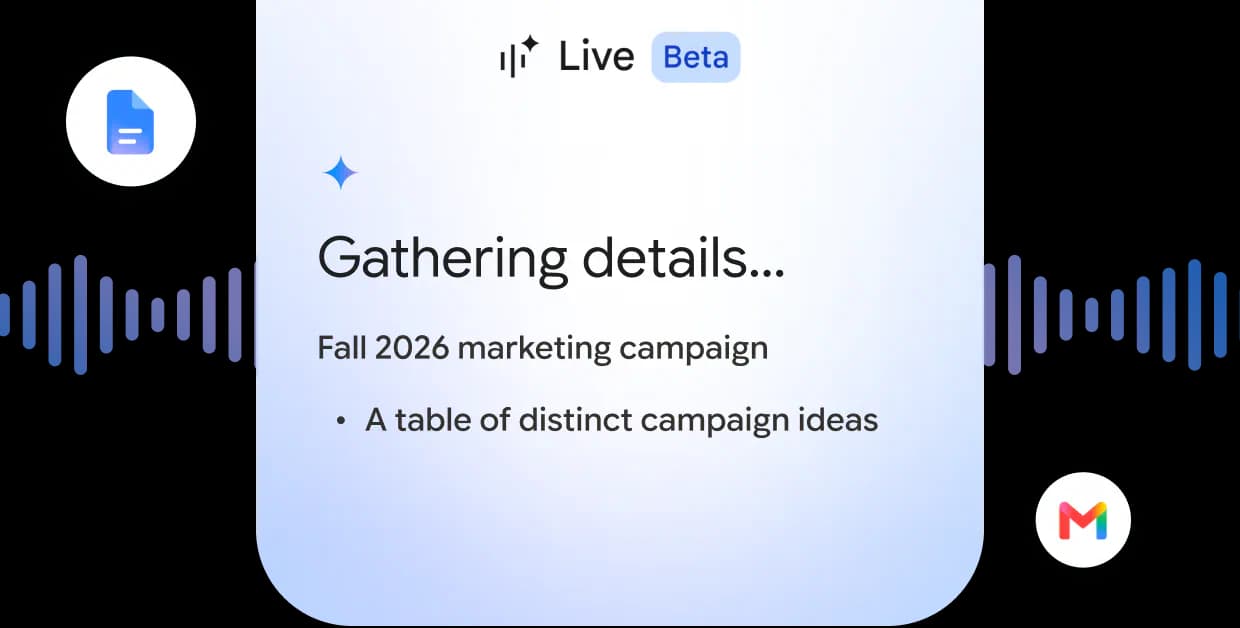
The feature is not available to every Gemini user. According to Google’s current eligibility requirements, Google Photos in Spark requires a personal account with a Google AI Pro or Google AI Ultra subscription. Users must also be at least 18 and have Gemini Apps Activity enabled.
It currently works through the desktop Gemini web app in U.S. English. Google says the rollout is gradual, so some otherwise eligible subscribers may not see the connection immediately. The feature is unavailable to Workspace business and education accounts, school-issued accounts, supervised accounts, and users signed into a work profile.
Google’s U.S. plan page currently lists Google AI Pro at $19.99 per month and Ultra starting at $99.99 per month, although prices, promotions, and included benefits can vary. That makes Photos management a paid agent feature rather than a general extension of the free Gemini experience.
Users who receive access can select Spark from the Gemini app’s tools menu and choose Google Photos from the connected-app list. The connection must use the same personal Google account as the photo library.
Those limitations will shape early adoption. Individual subscribers with large personal libraries are the immediate audience, while organizations cannot yet apply the feature to managed photo archives or team accounts.
Privacy Settings Matter More When AI Can Take Action
Connecting Google Photos to Spark gives Gemini access to highly personal material. Google says a connected account allows Gemini to work with all photos and videos in that library, although information is shared with other connected apps only when the user requests a task that requires it.
Google also states that personal content retrieved from Photos is not used to improve its generative machine-learning systems. Conversations can still be stored in Gemini Apps Activity when that setting is enabled, and Google’s broader Gemini privacy policy explains that a subset of saved activity may be reviewed by trained personnel to improve services.
There are several controls users should understand:
- The Photos connection can be enabled or disabled from Gemini’s Connected Apps settings.
- Spark asks for permission when it needs to access Google Photos.
- Users can review the actions Spark proposes before allowing them to proceed.
- Photos shared in a Spark session do not automatically appear in the Gemini conversation history as a new Photos record.
- Disabling the connection blocks future access but does not necessarily erase previously saved Gemini activity.
Approval is particularly important for bulk operations. A mistaken search result is inconvenient. A mistaken request that archives, shares, or deletes a large set of images creates a much larger problem.
Google’s Spark privacy and security guidance says the agent validates actions and asks users to approve important steps. It also warns that agentic systems can encounter prompt-injection attempts in external content. That risk is usually associated with malicious instructions hidden in webpages or documents, but the larger principle applies here: users should inspect what the agent found, what it plans to change, and who will receive shared material.
For now, the safest approach is to begin with reversible tasks. Searching, summarizing, creating a new album, or extracting an event is lower risk than bulk deletion or sharing. Requests should also include precise dates, locations, album names, and intended recipients instead of relying on ambiguous phrases such as “clean up my old photos.”
The Missing Evidence Is Real-World Reliability
Google’s feature list is broad, but several questions remain unanswered. The company has not published accuracy measurements for photo selection, event extraction, album curation, or bulk editing through Spark. There is also no public benchmark showing how its performance changes as libraries grow from a few thousand items to decades of images and videos.
The most important test will be instruction fidelity. An agent needs to understand whether “remove these photos” means removing them from an album, archiving them, or moving them to the trash. Those actions can look similar in conversation while producing very different results.
Identity and context create another challenge. Family photo libraries often contain similar faces, duplicate uploads, edited copies, screenshots, and images with incomplete metadata. A human can notice that the agent selected the wrong birthday party before sharing the album. Spark needs to make that review process clear enough that users actually perform it.
None of these concerns makes the feature inherently unsafe or unhelpful. They explain why adding an action layer is a more consequential update than improving photo search. The AI is no longer merely recommending what the user could do. It is preparing to do it.
Final Thoughts
Gemini Spark’s Google Photos connection is a credible example of what personal AI agents can offer beyond chat. The strongest use cases are not flashy edits. They are tedious, multi-stage jobs such as finding scattered photos, turning photographed information into structured data, and moving the results into an album, document, email, or calendar.
The tradeoff is that the same access that makes Spark useful also increases the cost of a mistake. Photo libraries are personal, difficult to reconstruct, and often poorly organized. Google’s approval controls are therefore central to the product rather than a minor safety feature.
Spark will be most convincing when it can make large libraries easier to manage without encouraging users to stop checking its work. Until its real-world reliability is better documented, it should function as a fast operator under human supervision, not an autonomous curator of personal memories.
Frequently Asked Questions
4 questions
1What can Gemini Spark do with Google Photos?
Gemini Spark can search for photos and videos, edit images, create albums, share collections, archive items, restore deleted content, and move files to the trash. It can also use photo information in cross-app tasks, such as turning a photographed invitation into a Google Calendar event or compiling photographed receipts into a document.
2
Sources
- TechCrunch reported on September 4, 2026techcrunch.com
- Gemini 3.5: frontier intelligence with actionblog.google
- Google Photos integration for Gemini Sparksupport.google.com
- AI creative tools for Google Photosblog.google
- Google AI plans with Cloud Storage - Google Oneone.google.com
- Google’s current eligibility requirementssupport.google.com
- Spark privacy and security guidancesupport.google.com


