The upgraded Google app for desktop is now available for Windows users globally in English, bringing the best of Google Search right to your desktop. This isn't a browser extension or a pinned tab shortcut. It's a standalone native app, and it changes how you interact with search on Windows at the OS level.
The app gives users quick access to Google's search and AI features without relying on a browser. It first launched in September 2025 as an experimental beta version available exclusively in the US, and the full version has been available worldwide since April 14.
Windows search has always been a weak link in the desktop experience. Google is betting that a significant number of users are willing to install a separate app to fix it.
What the Google Desktop App Actually Does
The app functions as a kind of control center, allowing users to search both the web and their own PC, as well as ask Gemini questions directly, all from a single search bar.
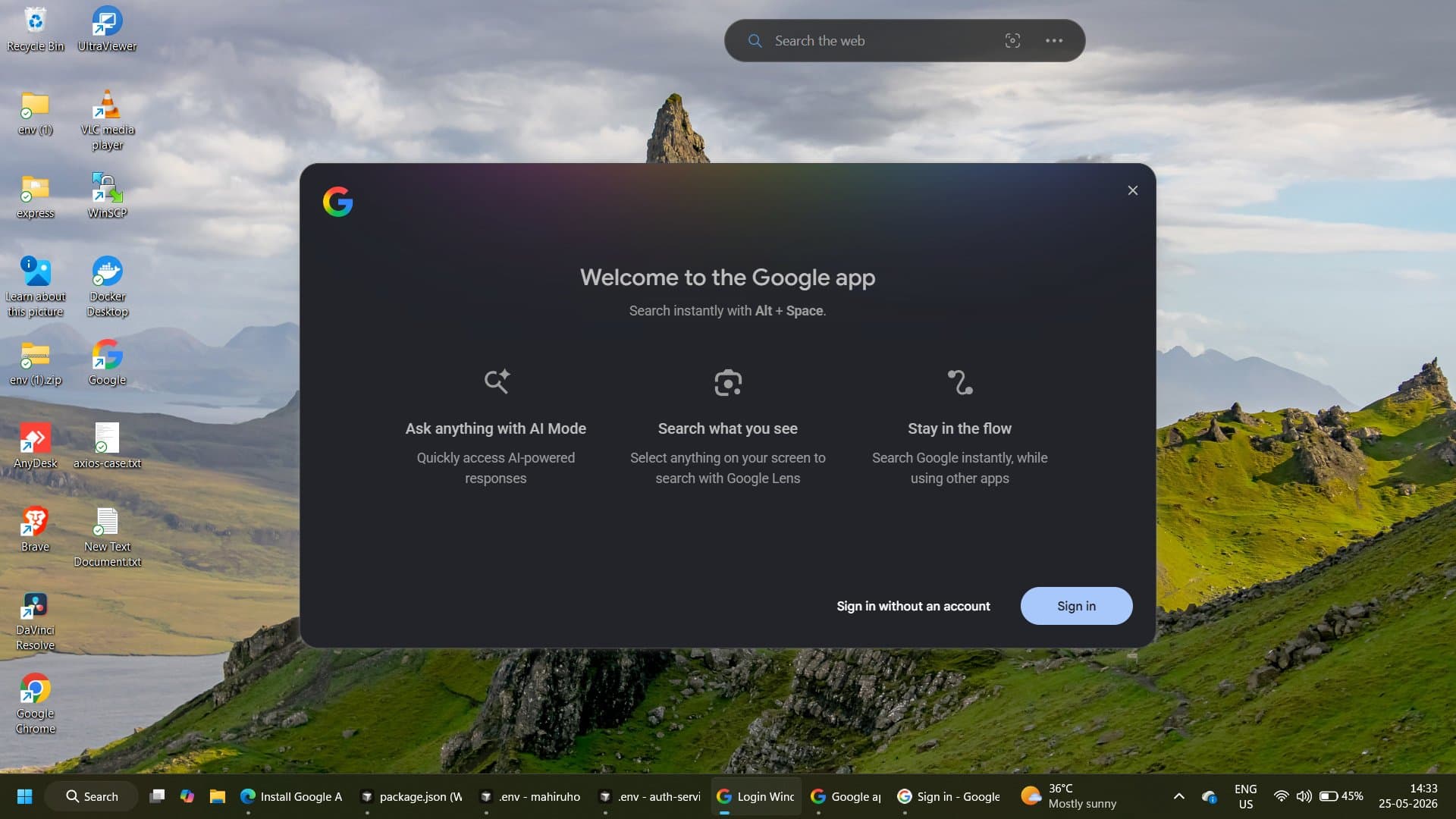
At its core, the app turns the simple shortcut Alt + Space into an AI-powered search tool. Pressing the keys brings up a compact search box that floats above whatever you're doing. From there, you can search the web with AI-powered results, browse your local files and installed apps, and even pull in documents from Google Drive.
The app is not a replacement for Chrome or any browser. It is not meant to replace a traditional browser. Its purpose is to bring Google Search, AI Mode, Google Lens, screen sharing, computer file search, and Google Drive search into one desktop search box.
Key Technical Highlights
Here's a breakdown of the core capabilities as documented on Google's official desktop app page:
- Alt + Space shortcut: With a simple keyboard shortcut, you can instantly find what you need on your desktop, including information from the web, your computer files, installed apps, and Google Drive files.
- AI Mode: Get comprehensive AI-powered responses to your toughest questions with AI Mode. AI Mode uses a "query fan-out" technique, dividing your question into subtopics and searching for each one simultaneously across multiple data sources, then bringing those results together to provide an easy-to-understand response.
- Screen sharing: Whether you're working on a document or browsing the web, you can select a specific window or your entire screen to keep asking questions without breaking your flow.
- Google Lens integration: Thanks to Google Lens, you can select anything on the screen and search for it instantly, without needing to open a new browser tab or pick up your phone.