Apple began developer beta testing its Apple Watch Audio Intelligence features on November 3, bringing Live Rewind and Siri Recap to Apple Watch Series 12 and Ultra 4. The rollout is part of the iOS 27.3 developer beta update, according to TechCrunch’s report. These are beta features, not a general release.
Live Rewind displays the previous 15 seconds of conversation as text. Siri Recap produces short summaries of conversations throughout the day. Both sit alongside automatic Shazam music identification and Sound Recognition in Apple’s four-feature Audio Intelligence package.
The consequential detail is how Apple separates temporary audio processing from text that users can keep. Its September 2026 privacy overview describes hardware-isolated audio buffers, on-device transcription and, for Siri Recap, cloud-based summarization. Deleting the audio does not necessarily delete the information extracted from it.
What Live Rewind and Siri Recap Actually Do
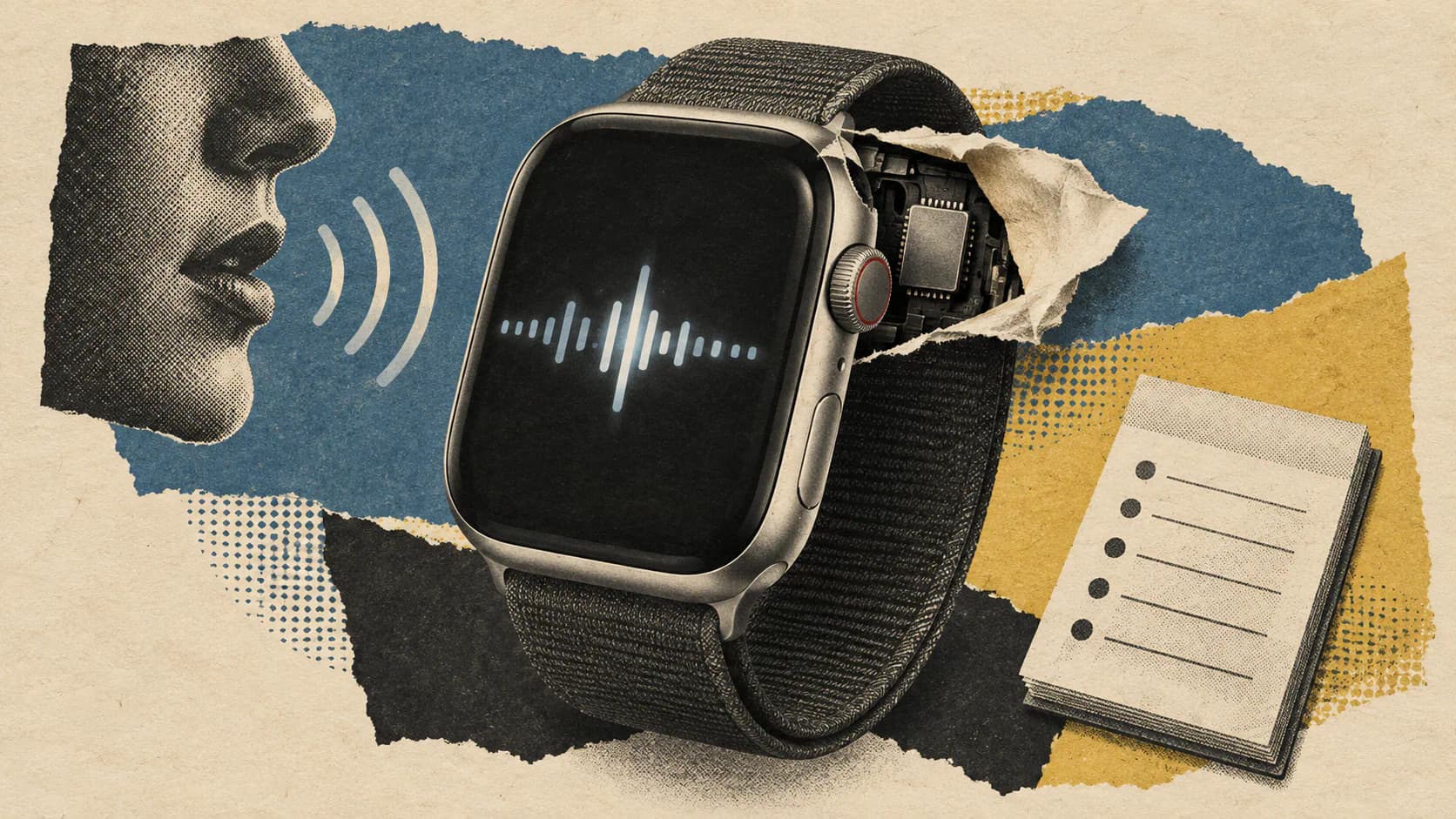
Live Rewind uses a double-press of the Digital Crown to show a text snippet covering the preceding 15 seconds of speech. That could help recover a name, a set of directions or a detail missed during a presentation.
Apple says the gesture triggers an audible chime and an animation on the watch. Users can read the snippet, save it to the Siri app or select Ask Siri to ask about its contents. An unfamiliar technical term, for example, could become a follow-up question. Unsaved snippets automatically disappear after 30 seconds, according to TechCrunch.
The double-press requests a look backward. It does not mean the microphone starts processing only at that moment: Live Rewind depends on a rolling audio buffer to recover speech that has already happened.
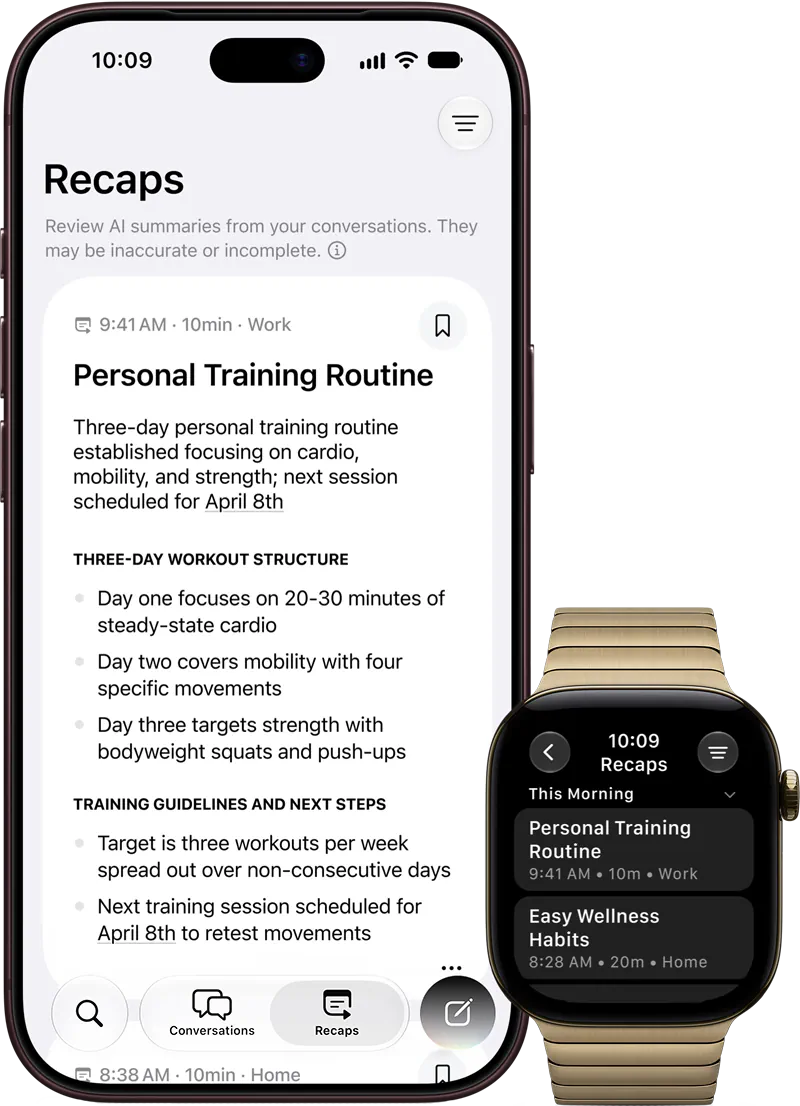
Siri Recap operates over conversations and produces a short summary with bullet points. Apple says it does not identify speakers or provide a word-for-word transcript. Suggested uses include meetings, parent-teacher conferences and training sessions, where dates, prices or tasks may be useful later.
That output format limits its usefulness as a meeting record. Without speaker attribution, a summary cannot reliably serve as a list of who committed to each task. I’d treat it as a memory prompt and confirm consequential deadlines or commitments separately.
TechCrunch also reports that Siri Recap will not capture conversations while the wearer is listening to music through headphones or using their noise-cancellation features.
How Audio Travels From Watch to Summary
Apple calls the protected processing compartment a Secure Exclave. Its privacy paper describes this as hardware isolation built into the silicon, separate from the operating system and apps.
On the watch, microphone audio enters the S11 chip’s Secure Exclave. Apple says the buffer is continuously overwritten and does not create an accessible audio recording. Raw audio is deleted after processing.
For Siri Recap, Apple documents a longer processing path:
- The watch processes incoming audio inside its Secure Exclave.
- Encrypted audio moves to the paired iPhone’s Secure Exclave. Apple describes an audio-verified pairing mechanism, additional to Bluetooth pairing, that restricts this transfer to the paired phone.
- Secure on-device transcription turns the audio into text.
- Private Cloud Compute summarizes the text, producing the high-level recap.
The distinction between audio and text matters. Siri Recap is not entirely processed on the watch, and its final summarization is not entirely on-device. Apple says its Foundation Models run on Private Cloud Compute, where request data is neither stored nor accessible to Apple. These are Apple’s documented architectural claims; the supplied evidence contains no independent testing of beta accuracy or real-world privacy behavior.
Apple’s statement that no audio recording exists should therefore be read precisely. Audio is temporarily handled inside protected hardware, including an encrypted transfer to the iPhone for Siri Recap. The promise concerns the absence of a retained, accessible recording, not the absence of audio processing.
Supported Hardware and Software
Apple documents Audio Intelligence for Apple Watch Series 12 and Apple Watch Ultra 4, both using the S11 chip. Older watches should not be assumed compatible simply because they can run other Apple Intelligence-related features.
| Component | Documented role |
|---|---|
| Apple Watch Series 12 or Ultra 4 | Microphone input and protected audio buffering through the S11 Secure Exclave |
| Compatible paired iPhone | Secure audio handling and on-device transcription for Siri Recap |
| Private Cloud Compute | Summarization and formatting of Siri Recap text |
| iOS 27.3 developer beta rollout | Initial developer access reported by TechCrunch |
For the iPhone side, Apple’s privacy paper specifically names iPhone 16, iPhone 16 Pro, iPhone 17e, iPhone Air, and later models as containing the required Secure Exclave. That is the document’s hardware wording, not a blanket promise that every Apple Intelligence-capable iPhone supports this processing path.
The rollout accompanies Apple’s broader Siri AI developer work in iOS 27.3. Developer-beta access should not be confused with a finished feature available to every eligible watch owner.
Opt-In Controls and Deletion Windows
Apple’s support document says each Audio Intelligence feature is opt-in. Live Rewind and Siri Recap also have separate controls for when they operate.
To enable Live Rewind, Apple lists this path on the paired iPhone:
Watch app → Siri → Live Rewind → Double Click Digital Crown
Siri Recap is also enabled through the Watch app. Users can activate it manually or schedule it by time, location or both. Apple gives examples such as running it only at work or keeping it off at night. Control Center provides an immediate on/off switch, and the watch notifies the wearer when a schedule starts or stops recapping.
Frequently Asked Questions
3 questions
1Are Live Rewind and Siri Recap generally available?
No. The reported November 3 rollout is a developer beta associated with iOS 27.3, initially covering Apple Watch Series 12 and Ultra 4.