
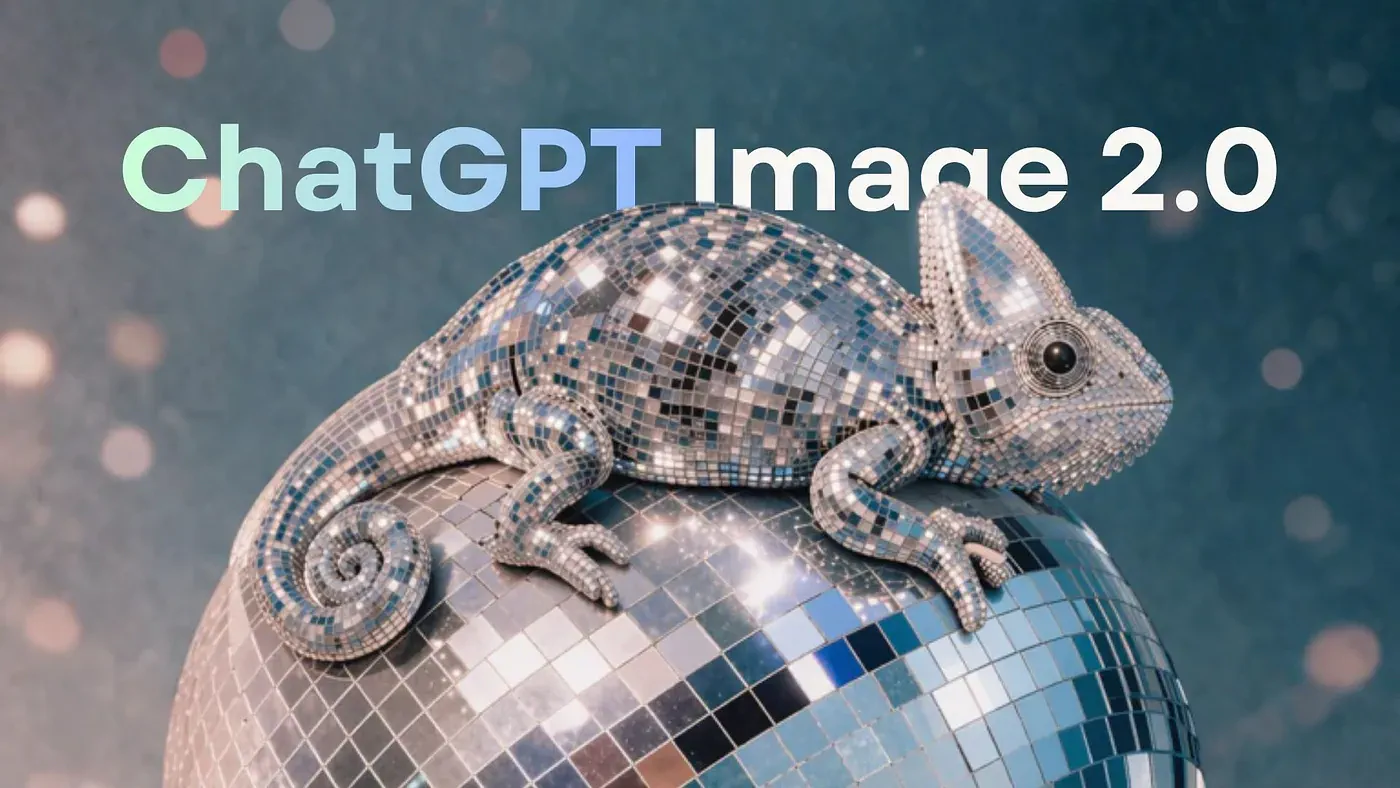
Just when everyone thought the big AI labs were too busy shipping video models and coding agents to care about image generation anymore, OpenAI quietly dropped a new flagship.
It’s called ChatGPT Image 2.0, and it replaces GPT Image 1.5 as the default model behind every image you generate inside ChatGPT.
The announcement page barely has any text on it. It’s mostly just sample images, which is probably the right call. You can describe text rendering in words all day, or you can show a poster where every letter is pixel-perfect and let the reader decide.
Press enter or click to view image in full size
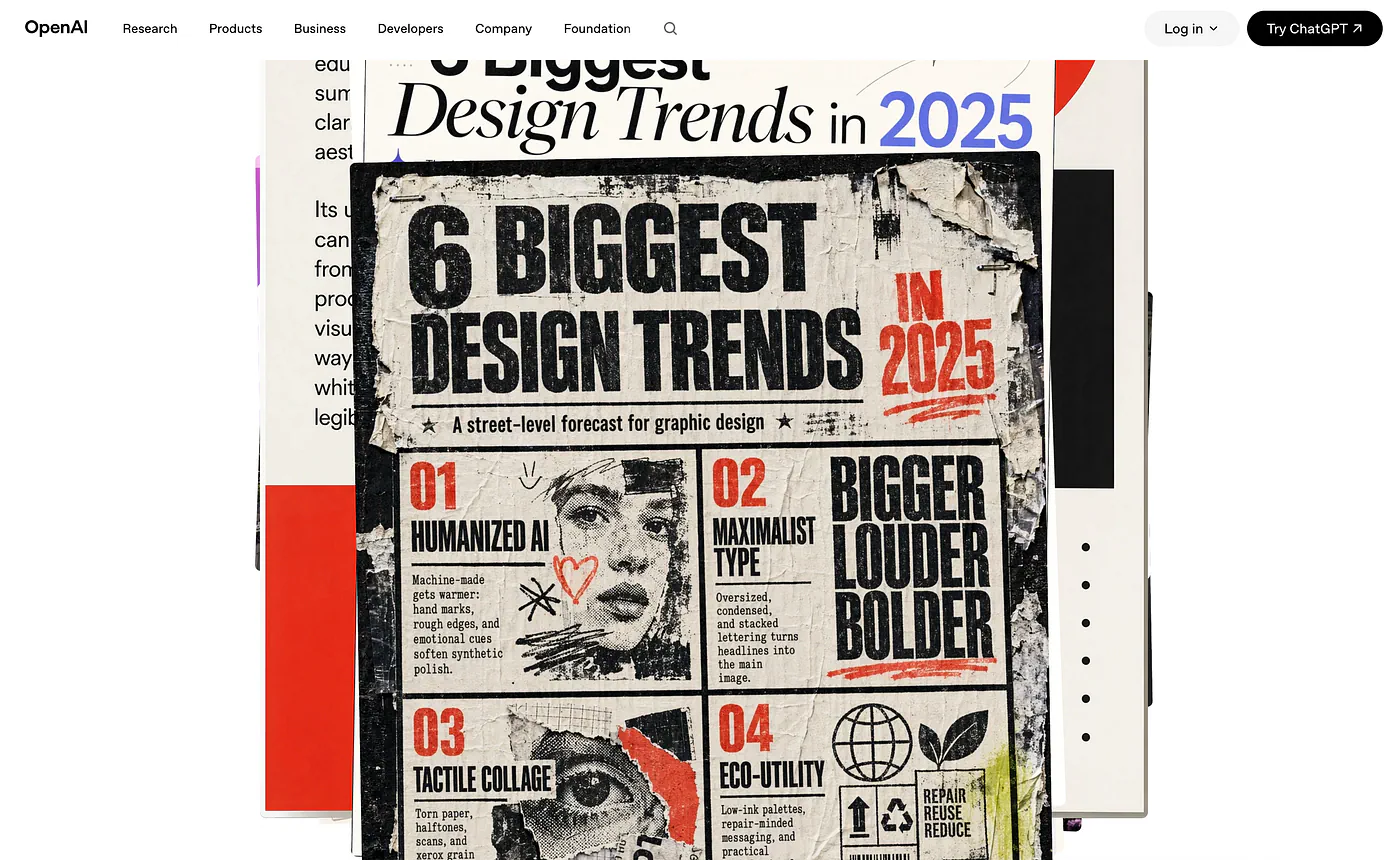
ChatGPT Image 2.0. Image from OpenAI official launch blog
I mean… what better way to prove the upgrades than show sample results, right?
When you open ChatGPT now, you get a welcome screen introducing the new model, along with a row of image templates sitting below the prompt field.
Press enter or click to view image in full size
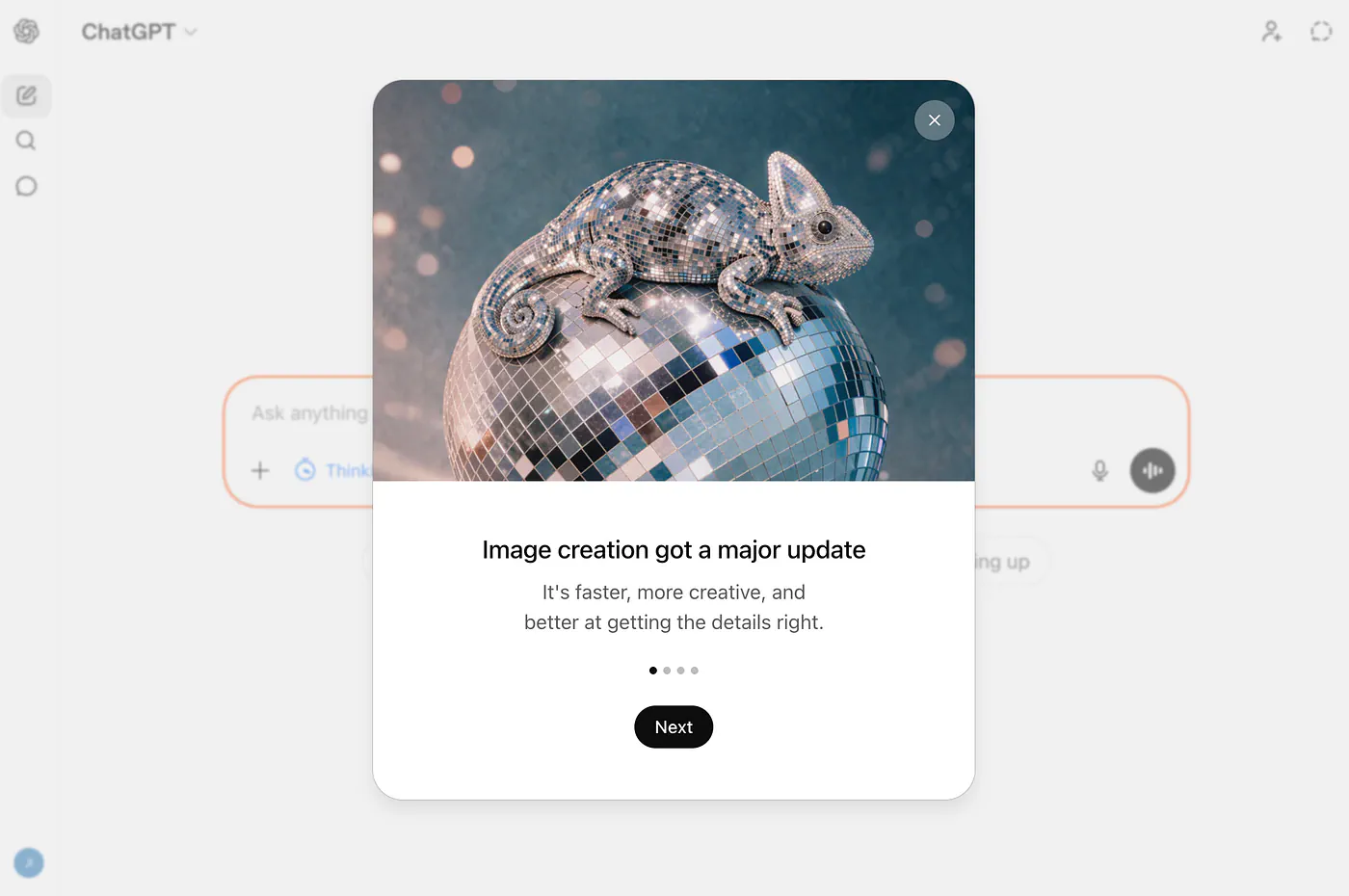
ChatGPT on browser new modal screen for Image 2
Small change on the surface. The thing running under the hood is a different story. Another update are the image templates that you can select below the prompt field.
Press enter or click to view image in full size
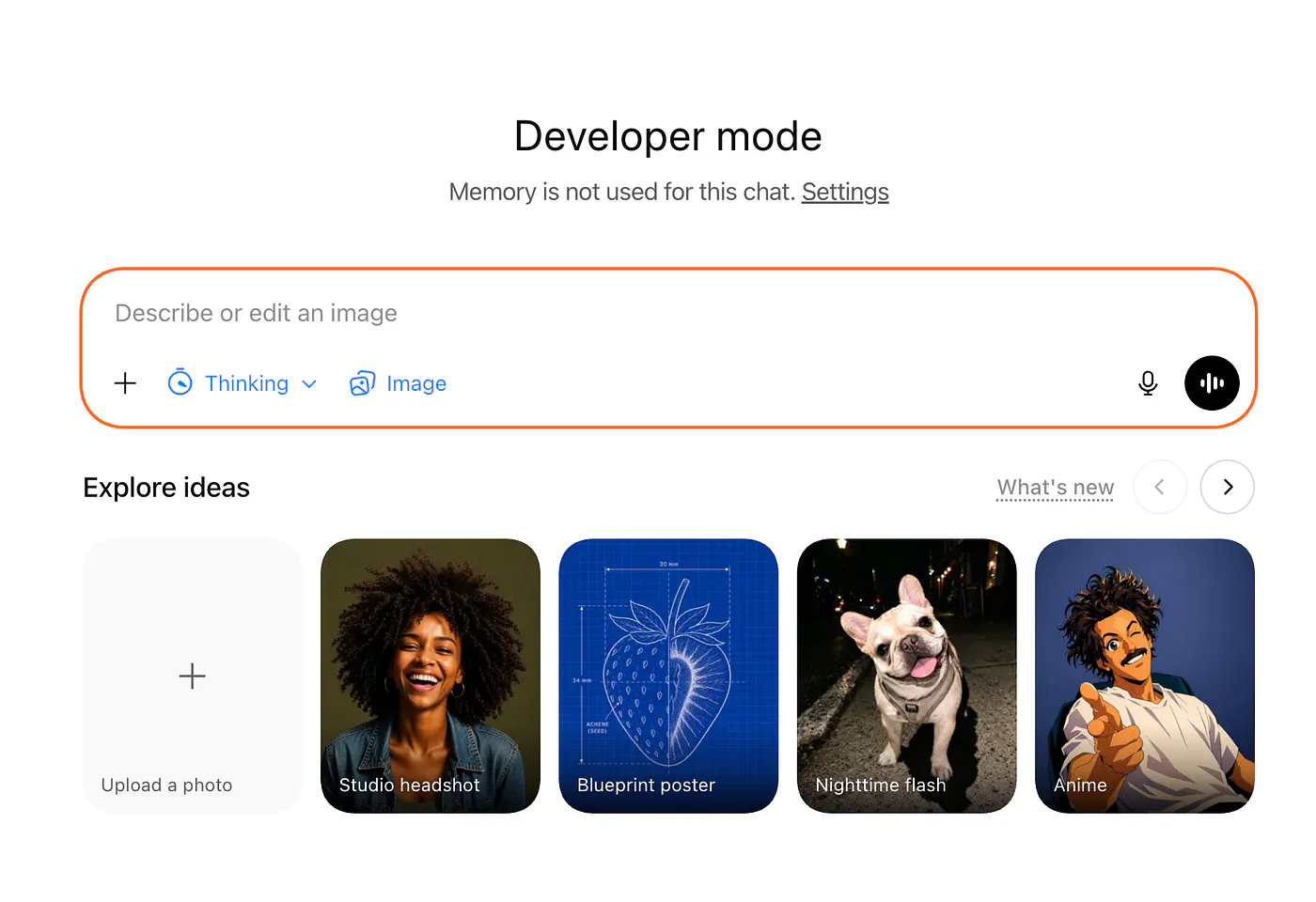
ChatGPT Image 2 list of presets
There are currently 19 presets to choose from, and they’ll probably add more in the future.
The Name Change You Probably Didn’t Notice
Before I get into examples, let’s talk about the new name.
If you’ve been following the AI image generation space over the years, OpenAI has changed what it calls its image model roughly every time it has shipped one.
The lineage goes like this.
- DALL-E in January 2021.
- DALL-E 2 in 2022.
- DALL-E 3 in 2023, which got baked into ChatGPT and lived there for about eighteen months.
- In March 2025, OpenAI killed the DALL-E brand inside ChatGPT and introduced native image generation under a new family, which they called GPT Image 1.
- In December 2025, GPT Image 1.5 replaced it, faster and cheaper.
- And now, in April 2026, we get ChatGPT Image 2.0.
So in less than five years, we’ve got six names, three different naming conventions, one model family that’s been quietly consolidating.
And to close the loop on the old era, DALL-E 2 and DALL-E 3 are both being retired from the API on May 12, 2026. If you’re still calling them, you have a few weeks to migrate.
What’s new in ChatGPT Image 2?
ChatGPT Image 2.0 is OpenAI’s first image generation model with native thinking capabilities, which means the model can plan an image before it draws one.
It can check its own output against the prompt, regenerate parts that don’t match, and even pull in web data mid-generation if you ask it to.
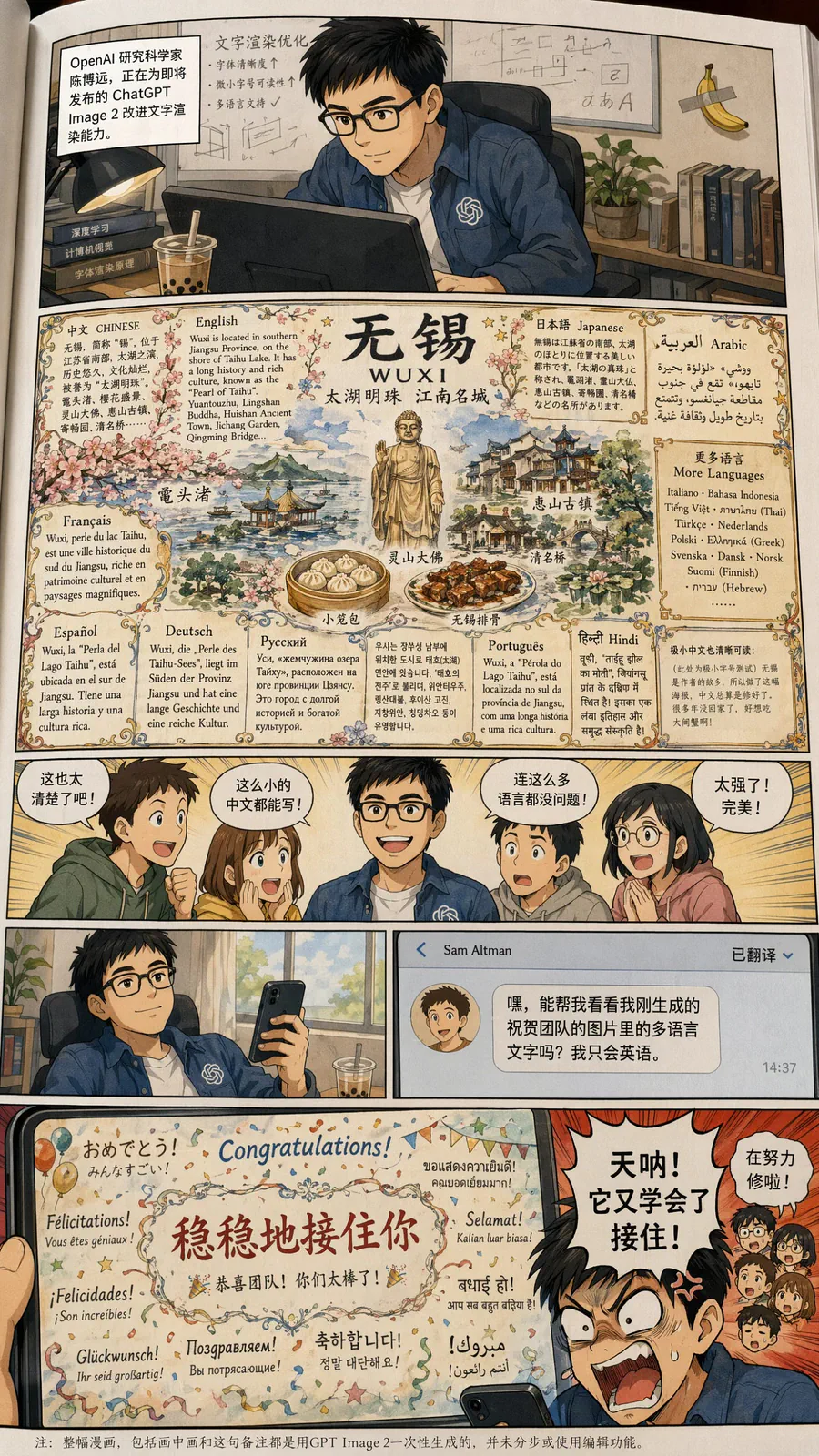
The other big one is text rendering. Every AI image model in history has choked on text. Garbled letters, misspelled words, jumbled signs. Images 2.0 is the first model I’ve used where I can ask for a poster with a paragraph of body copy on it and actually get readable body copy.
Check out this super complex image with tons of texts and very small details. I’ve never seen any image model that can render this much text in a single image.
Press enter or click to view image in full size
Sample image generated with ChatGPT Image 2
OpenAI says the model was specifically tuned for small text, UI elements, diagrams, and dense layouts, and it shows.
Here are the concrete specs worth knowing:
- Resolution up to 2K through the API, with 4K in beta
- Aspect ratios from 3:1 to 1:3, so ultra-wide banners and ultra-tall mobile screens both work natively
- Up to 8 images per prompt, with characters and objects staying consistent across the batch
- Multilingual text rendering, which has been one of the weakest points in every competing model
- Knowledge cutoff of December 2025, which matters for any prompt referencing recent events, logos, or people
OpenAI describes the model not as a traditional diffusion system but as a “generalist model” or “GPT for images”, and they’re intentionally not disclosing the architecture. That’s either commercially sensible or frustrating depending on what side of the API you sit on. For people fine-tuning or building infrastructure around image models, the opacity is a real constraint.
The thinking mode is where the model changes character.
- Turn it on and the model will take longer, spend more tokens, and produce noticeably more coherent output for anything that involves multiple subjects, precise spatial relationships, or layered text.
- Turn it off and you get instant mode, which is closer to what GPT Image 1.5 used to feel like but still sharper.
Example: Vintage Japanese Fantasy Magic Newspaper
{
  "type": "illustrated map infographic",
  "style": "{argument name=\"art style\" default=\"watercolor and ink hand-drawn illustration on vintage parchment\"}",
  "title_section": {
    "text": "{argument name=\"city name\" default=\"成都\"} {argument name=\"map title\" default=\"吃货暴走地图\"}",
    "mascot": "cartoon red chili pepper wearing sunglasses and giving a thumbs up"
  },
  "border": "{argument name=\"border decoration\" default=\"vine of green leaves and red chili peppers\"}",
  "layout": {
    "background": "textured beige parchment paper with yellow roads, blue rivers, and green park areas",
    "sections": [
      {
        "title": "landmarks",
        "count": 6,
        "illustrations": ["traditional pavilion", "traditional monastery", "modern skyscraper with climbing panda", "tall TV tower", "traditional gate", "industrial buildings"],
        "labels": ["人民公园", "文殊院", "IFS", "339电视塔", "宽窄巷子", "东郊记忆"]
      },
      {
        "title": "food_spots",
        "count": 12,
        "illustrations": ["mapo tofu", "dumplings in chili oil", "skewers in pot", "sticky rice balls", "egg baking cake", "nine-grid hotpot", "sweet potato noodles", "cold skewers", "spicy mixed dish", "covered tea bowl", "ice jelly dessert", "spicy rabbit heads"],
        "labels": ["1 陈麻婆豆腐", "2 钟水饺", "3 春熙路", "4 宽窄巷子·三大炮", "5 建设路·叶婆婆蛋烘糕", "6 玉林路·小龙坎火锅", "7 香香巷·肥肠粉", "8 武侯祠大街·钵钵鸡", "9 东郊记忆·冒椒火辣", "10 人民公园·鹤鸣茶社", "11 锦里古街·冰粉", "12 双流老妈兔头"]
      },
      {
        "title": "图例",
        "position": "bottom-right",
        "count": 5,
        "items": ["red dot", "green house", "green tree", "blue line", "yellow double line"],
        "labels": ["美食地点", "地标景点", "公园绿地", "河流湖泊", "主要道路"]
      }
    ],
    "centerpiece": "giant panda sitting and eating bamboo",
    "bottom_right_extras": ["vintage compass rose with N, S, E, W", "disclaimer text '温馨提示:吃辣需谨慎,肠胃要保护~' with a red chili pepper icon"]
  }
}
Press enter or click to view image in full size
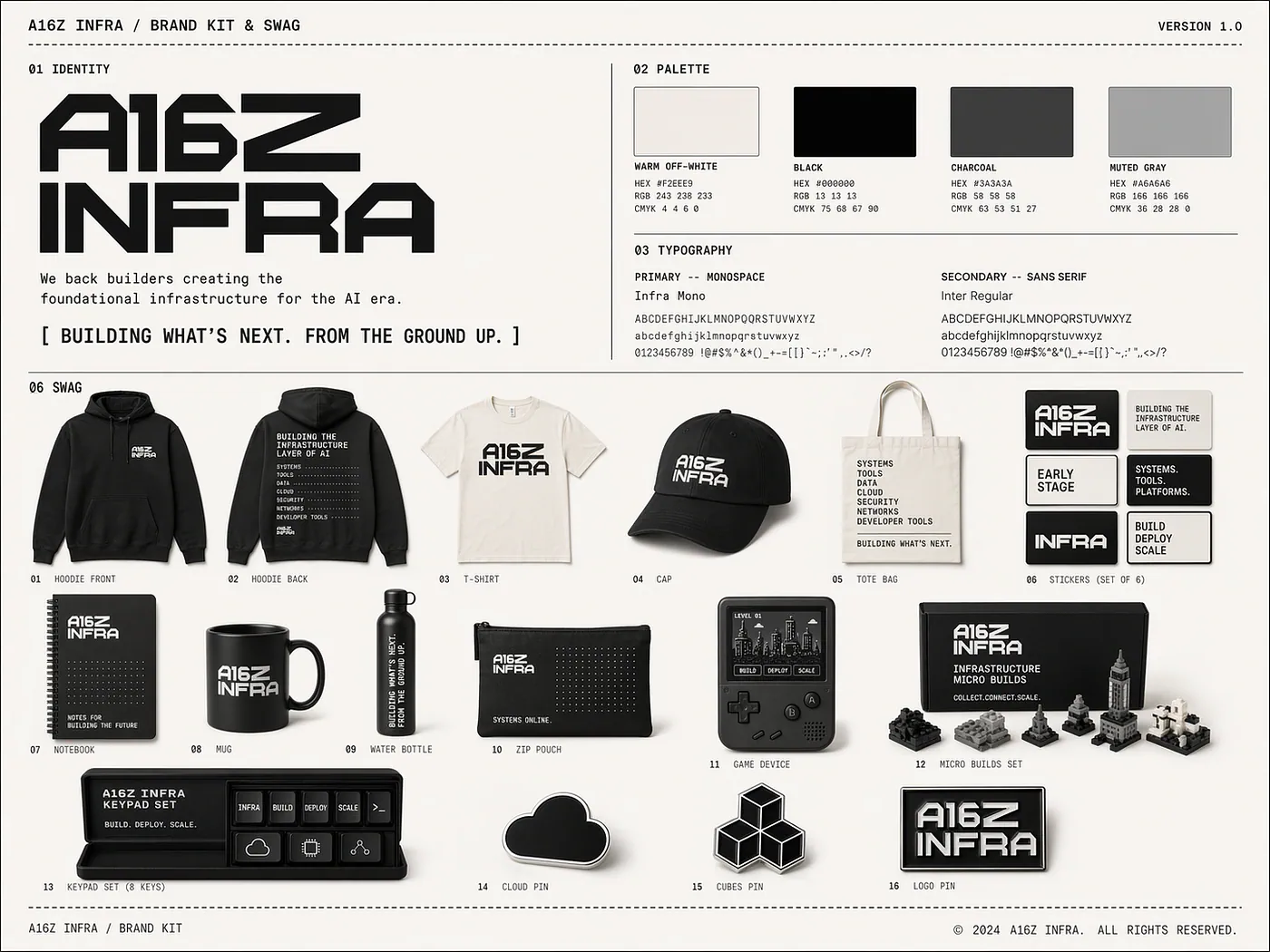
What People Are Actually Making With It
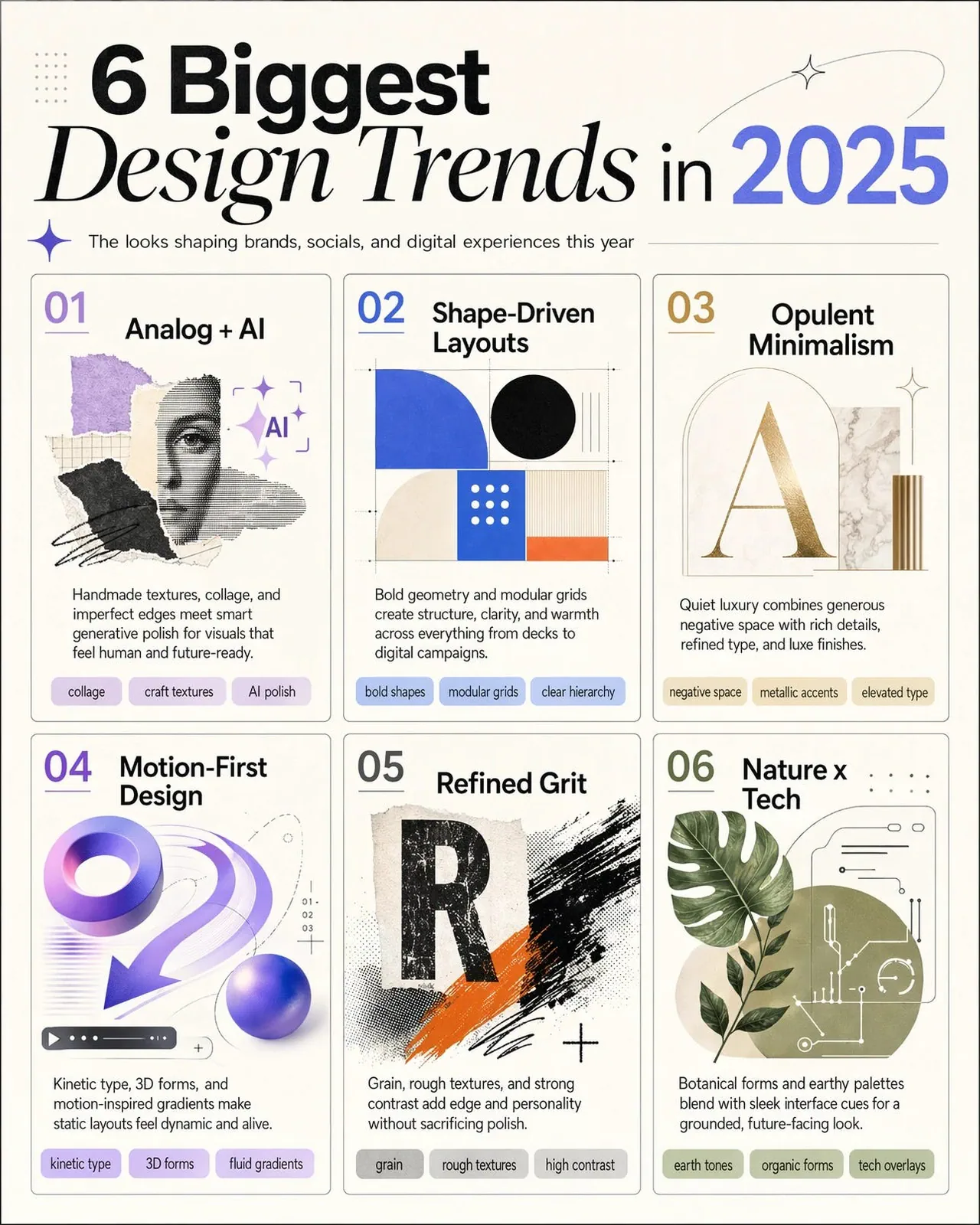
The obvious use case is marketing and design assets. Infographics, event posters, social ads, book covers, slide decks with real typography.
If you’re either building a front-end design or a magazine page, this works incredibly well.
Press enter or click to view image in full size
Sample image generated with ChatGPT Image 2
This is the first OpenAI image model where I’d trust it to generate a full campaign deliverable without pixel-level cleanup in Photoshop afterward.
Another set of users that may find this model interesting are photographers. The level of realism that you can achieve with it is mind blowing. Here’s an example:
Press enter or click to view image in full size
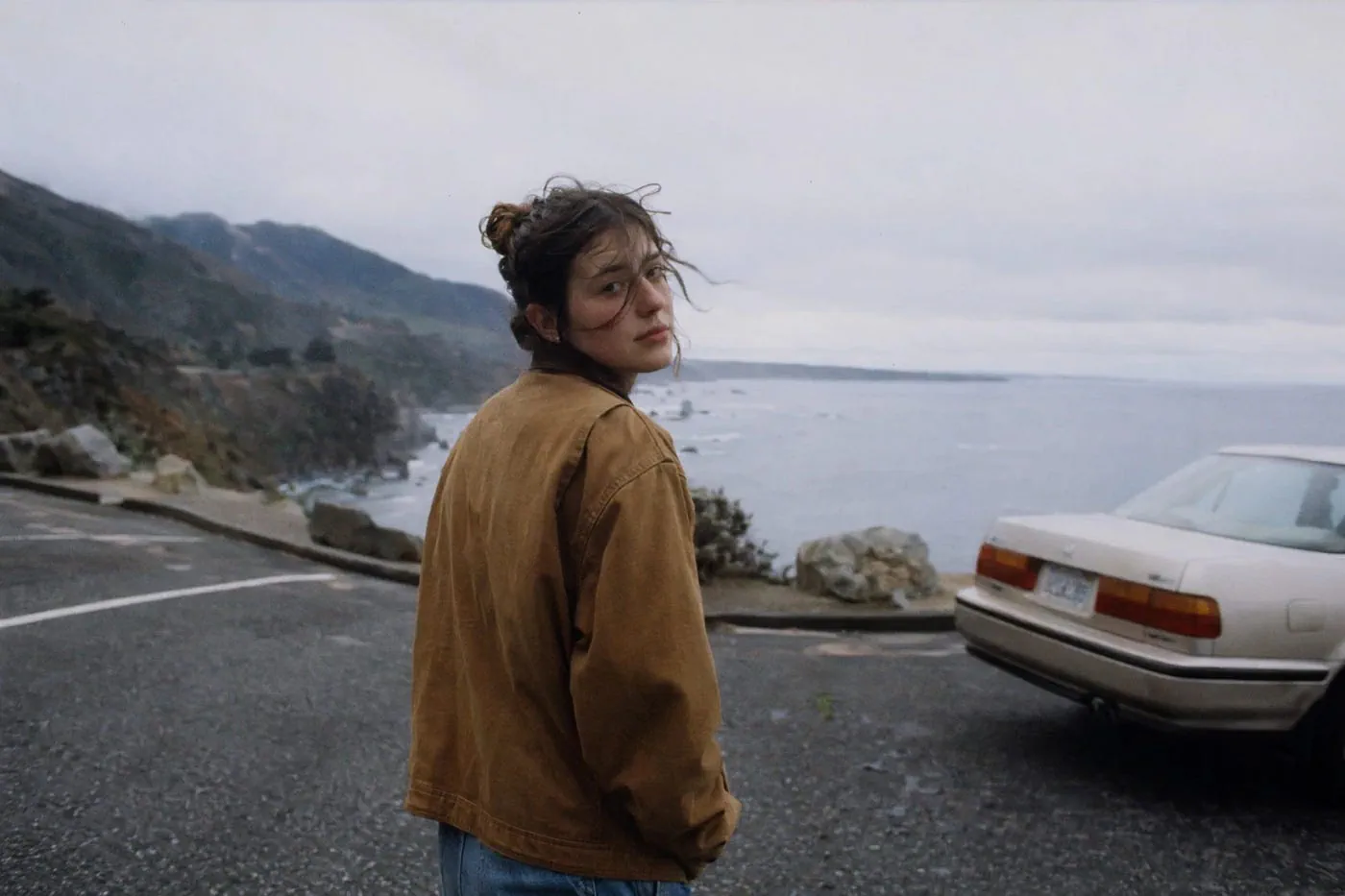
Sample image generated with ChatGPT Image 2
The multi-image mode is the one that’s quietly going to matter the most. Ask for eight variations of the same character in different poses and the model holds continuity across all eight. That alone solves a category of problem that used to require ControlNet, IP-Adapter, and a full ComfyUI workflow to approximate.
Some of the specific use cases OpenAI highlights in the developer docs are localized advertising, where text gets swapped between languages without re-rendering the whole image, educational content with diagrams that have legible labels, and design tools that let end users generate production-ready assets inside the product.
Where it’s actually useful, in practice:
- Pitch deck cover slides with real, readable headlines
- Product mockups with UI elements and button labels that aren’t gibberish
- Scientific posters and research figures with accurate axis labels
- Manga and comic panels with consistent characters across pages
- Multilingual ad creatives for teams shipping to multiple regions
What it’s still not great at is the stuff every image model is bad at. Hands in complex poses. Precise anatomy under stress. Reflections that obey real-world physics. Those are getting better, but they’re not solved.
There’s just so many things that you can do with it. The best way to prove it is actually go to chatgpt.com and create one yourself.
Where to Access It and What It Costs
Every ChatGPT and Codex user gets access to instant mode, including free tier. That’s a genuine shift. Free users now have access to a model that would have been behind a paywall a year ago.
Thinking mode, multi-image batching, and web-aware generation are gated to Plus ($20/month), Pro ($200/month), Business, and Enterprise plans. If you’re on the free plan and want to test the reasoning capabilities, you’ll need to upgrade or hit the API.
On the API side, the model is called gpt-image-2. OpenAI charges on a token basis:
Press enter or click to view image in full size
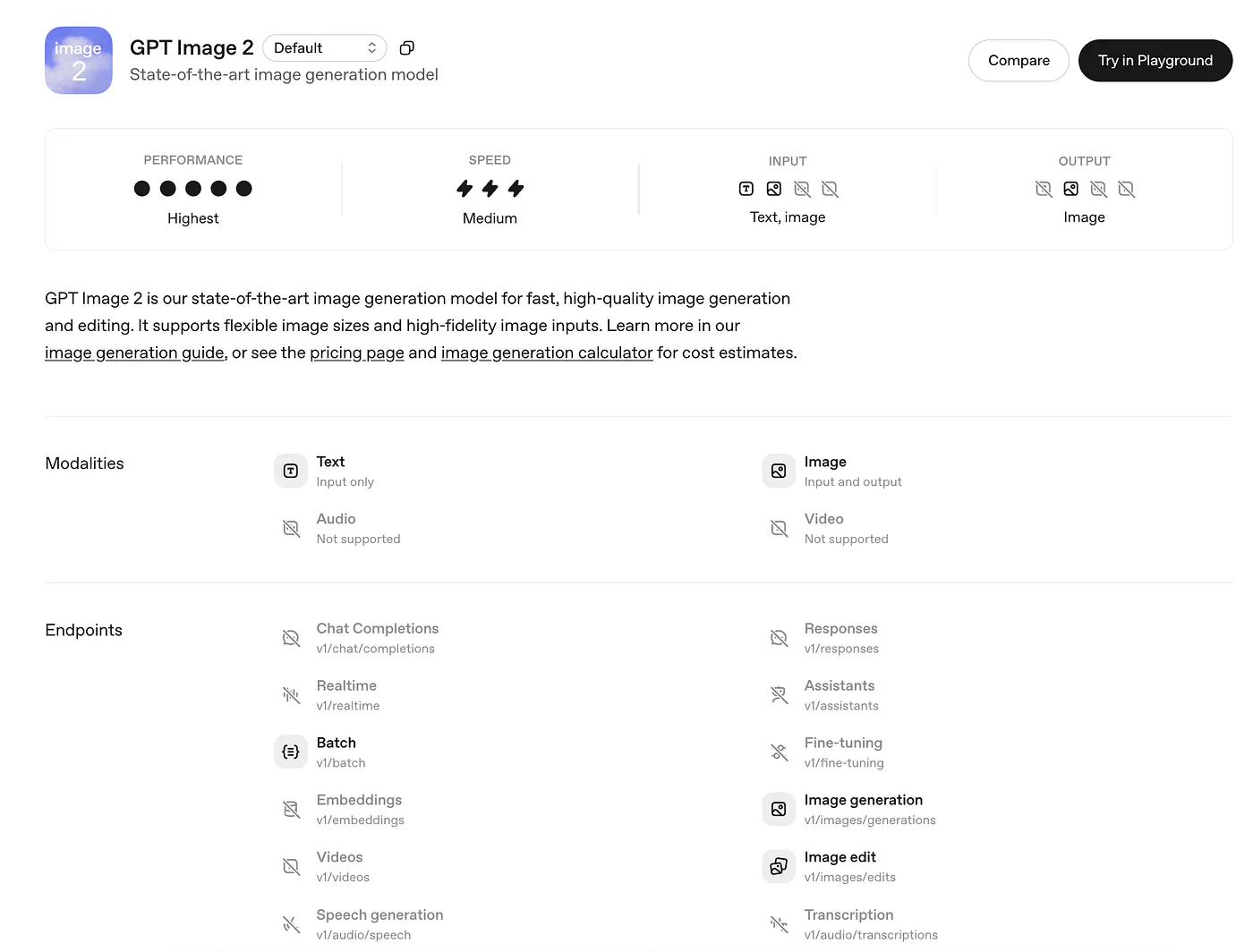
ChatGPT Image 2 API information
- $8 per million image input tokens
- $2 per million for cached image inputs
- $30 per million image output tokens
- $5 per million text input tokens, $10 output
In practical numbers, The Decoder worked through OpenAI’s calculator and reported that a 1024x1024 image costs about $0.006 at low quality, $0.053 at medium, and $0.211 at high. A 1024x1536 image is actually cheaper at high quality, around $0.165.
One thing worth flagging. At the standard 1024x1024 high-quality setting, gpt-image-2 is actually more expensive than GPT Image 1.5 was ($0.211 vs $0.133). At larger resolutions it comes out cheaper. So if you’re migrating a production workflow, your bill depends entirely on what sizes you use.
The full API isn’t rolling out to every developer until early May 2026, so if you can’t see gpt-image-2 in your dashboard yet, that's why.
Here’s a sample image generation code in Javascript:
import OpenAI from "openai";
const openai = new OpenAI();

const response = await openai.responses.create({
    model: "gpt-5.4",
    input: "Generate an image of gray tabby cat hugging an otter with an orange scarf",
    tools: [{type: "image_generation"}],
});

// Save the image to a file
const imageData = response.output
  .filter((output) => output.type === "image_generation_call")
  .map((output) => output.result);

if (imageData.length > 0) {
  const imageBase64 = imageData[0];
  const fs = await import("fs");
  fs.writeFileSync("otter.png", Buffer.from(imageBase64, "base64"));
}
You can also stream the output to see the image progression in realtime. Here’s a sample code:
import OpenAI from "openai";
import fs from "fs";
const openai = new OpenAI();

const stream = await openai.responses.create({
  model: "gpt-5.4",
  input:
    "Draw a gorgeous image of a river made of white owl feathers, snaking its way through a serene winter landscape",
  stream: true,
  tools: [{ type: "image_generation", partial_images: 2 }],
});

for await (const event of stream) {
  if (event.type === "response.image_generation_call.partial_image") {
    const idx = event.partial_image_index;
    const imageBase64 = event.partial_image_b64;
    const imageBuffer = Buffer.from(imageBase64, "base64");
    fs.writeFileSync(`river${idx}.png`, imageBuffer);
  }
}
You can learn more about the different ways to generate an image with ChatGPT 2.0 with API in the official documentation page.
Okay, that’s about it.
For me, the text rendering is the thing that will get the attention, and it deserves to. But the capability underneath it, the ability for an image model to reason about its own output, is the one that changes what you can build on top of it.
I do want to see independent benchmarks before I buy the claim that it’s the best model in every category. A lot of the launch coverage is citing Image Arena scores and OpenAI’s own examples, and those are easy to cherry-pick. Give me a month of people trying to break it, and I’ll have a better sense of where it actually lands against Midjourney v7 and Google’s Imagen 4.
Go try ChatGPT Image 2.0 and let me know what you think in the comments!
Sources
- ChatGPT Image 2.0openai.com
- DALL-E 2 and DALL-E 3 are both being retired from the API on May 12, 2026community.openai.com
- developer docsdevelopers.openai.com
- chatgpt.comchatgpt.com
- OpenAI chargesopenai.com
- The Decoder worked through OpenAI’s calculatorthe-decoder.com
- official documentation pagedevelopers.openai.com
- Midjourney v7


