Googlebook Linux Terminal Brings Debian With Limits
Google’s preview supports development tools and isolated AI-agent workflows, but hardware acceleration, USB debugging, and independent background operation remain roadmap items.
Listen
AI narration
11:45
0:00 / 11:45
AI SummaryGenerated from this article
Google's Linux Terminal preview for Chromebook runs Debian in an isolated virtual machine, supporting development tools like Git, Python, Node.js, and package management with automatic localhost port forwarding to the browser. Users grant explicit folder permissions to the VM, and a one-click reset option enables recovery from failed experiments. However, GPU acceleration, USB debugging, and independent background operation remain planned features without delivery dates.
The preview suits terminal-first workflows and web development but lacks hardware-accelerated inference and USB passthrough for Android debugging. Wireless ADB is available now, while graphical application launching inside Terminal differs from the promised app-launcher integration. Developers should scope workloads around documented capabilities and maintain backups of files stored only in the Linux environment.
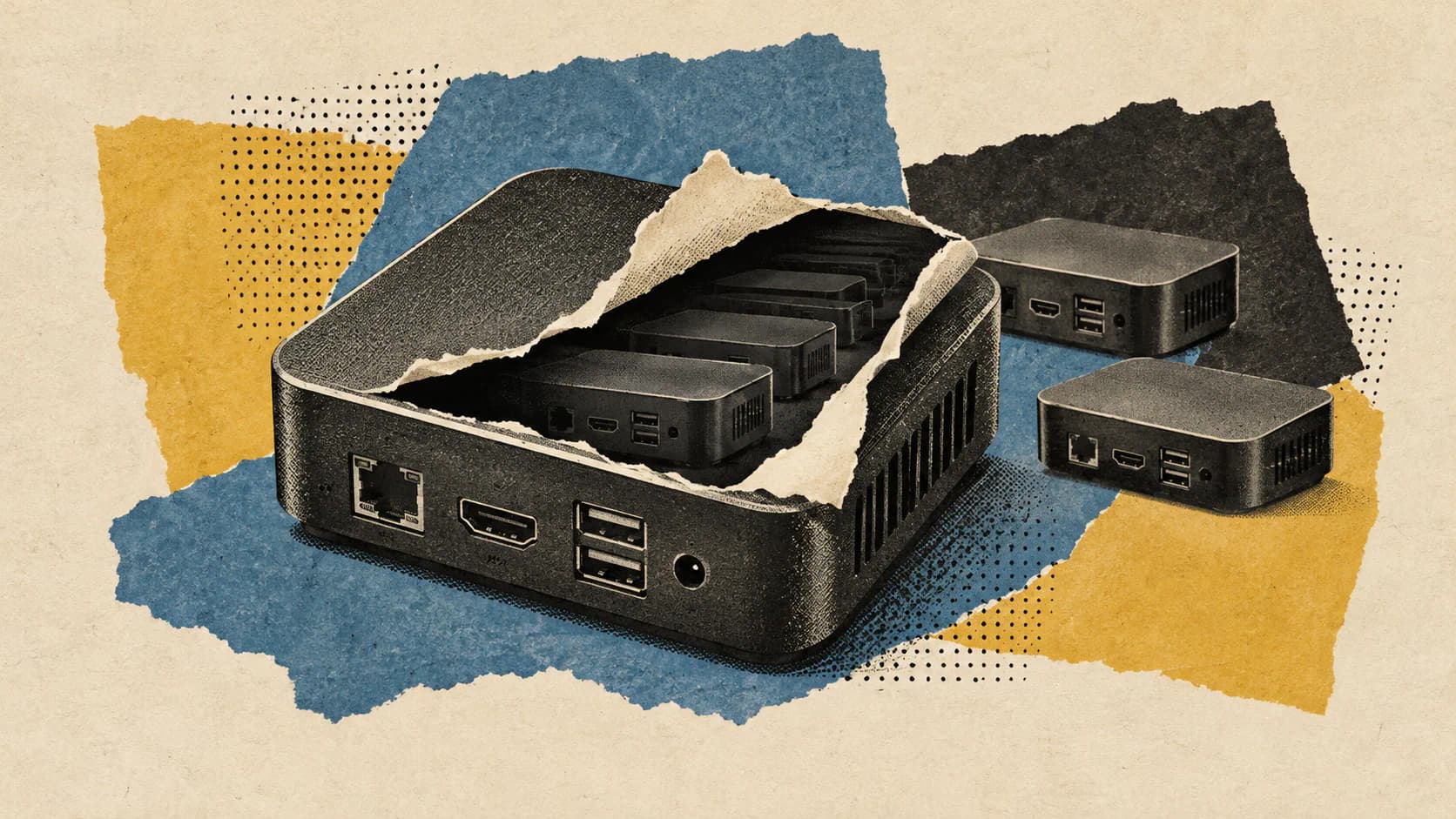
Googlebook’s Linux Terminal preview puts development tools and AI-agent commands inside a Debian virtual machine rather than directly on the host operating system. Google says the VM is isolated from the host and unshared private files, with access to local folders granted explicitly by the user.
Announced on October 12, 2026, the preview supports familiar command-line workflows: installing packages, managing Git repositories, running scripts, and serving web applications to the host browser. Users can adjust VM memory and reset the environment when an experiment goes wrong.
The distinction between available features and promised integrations matters, however. GPU/NPU acceleration, USB passthrough, and better support for long-running processes are still planned. Two details also deserve more precise treatment than a simple “coming soon” list: Google already identifies wireless ADB as available, while its help documentation describes limited graphical application support despite the announcement placing deeper GUI integration on the roadmap.
Standard Linux Tools Are Available Now
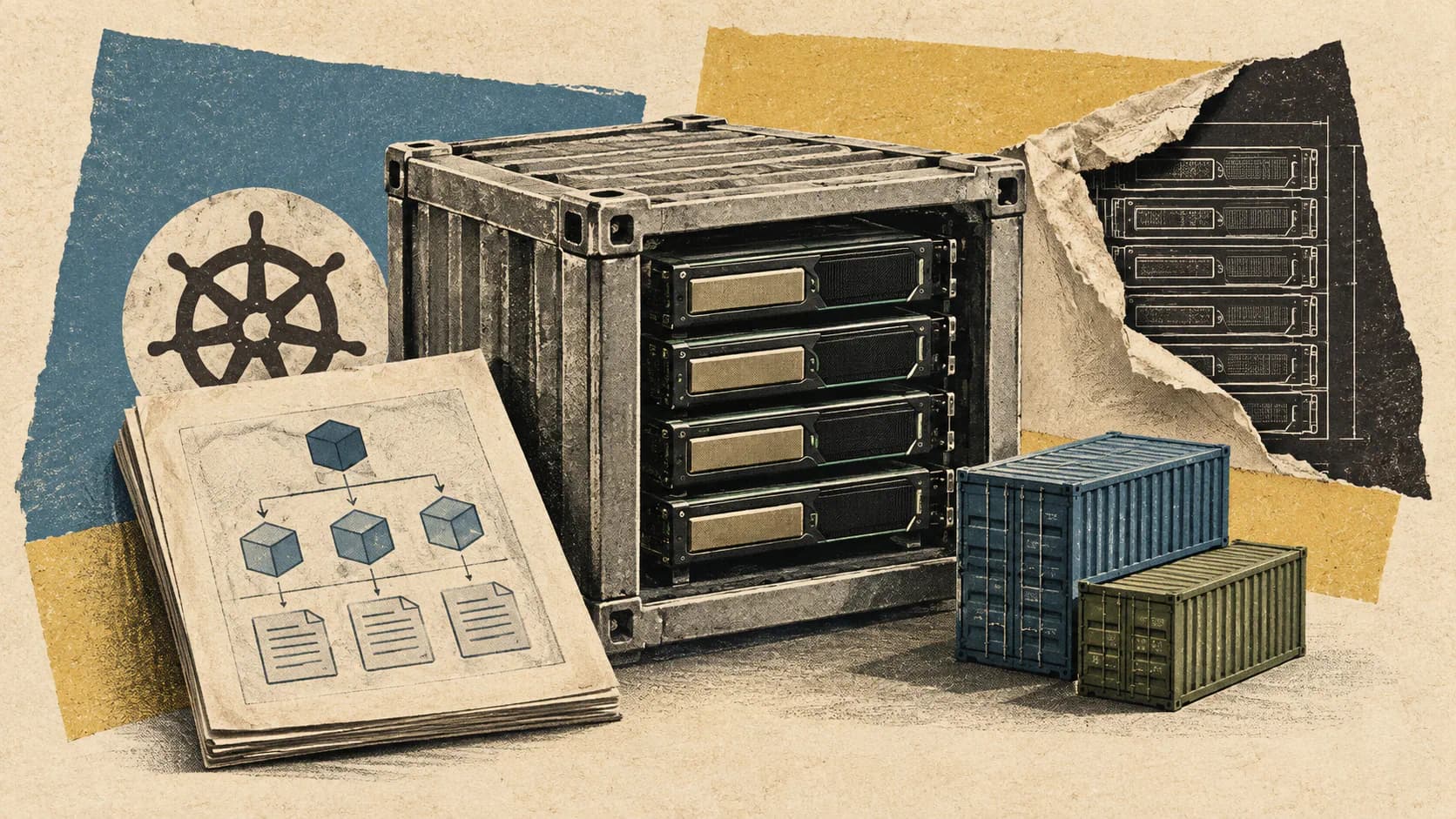
The preview provides a Debian environment with apt, git, ssh, and support for Python, Node.js, Ruby, Go, and Rust. Google positions it for rapid prototyping, web development, scripting, and command-line AI-agent workflows, including work with Antigravity.
For developers, that means the environment follows familiar Linux conventions rather than requiring a separate Google-specific development stack. Package management happens inside the VM, and tools execute there.
Google’s Terminal setup documentation gives a concrete installation example using sudo apt install -y git python3 python3-pip nodejs. That distinction is useful: support for a language or tool should not be read as a guarantee that every relevant package is already installed, or that a particular runtime version is included.
Automatic localhost port forwarding connects development servers running inside the VM to the host browser. A web project can therefore use its Linux-based development server while the developer views the result in Googlebook’s browser. The help page also documents controls for turning automatic forwarding on or off and adding individual ports under Settings > Security.
This browser connection makes the preview useful even without native Linux desktop integration. A browser-based application needs its server and build tools to run successfully; it doesn’t necessarily need a Linux graphical window.
Work with Zeniteq
Let’s work together
We’re open to thoughtful collaborations with teams building in AI. Explore the ways we can work together.
Google has not supplied runtime version numbers, performance measurements, or a comprehensive package compatibility list in the announcement. Its supported-tool list establishes the intended workflows, not universal compatibility with every Linux development environment.
Folder Permissions Define the AI Agent’s Reach
Google’s security argument centers on where commands execute and which files the VM can reach.
According to the preview announcement, all terminal commands run inside the Linux VM. Google says this allows users to grant sudo, or administrator privileges, to tools such as Antigravity while limiting opportunities for host-system corruption or unauthorized access to private files.
Those are administrator privileges inside the guest environment. They should not be confused with unrestricted administrator access to Googlebook’s host operating system.
Host folders become available only after explicit permission. The documented sharing route is Settings > Shared folders > Add folder, followed by selecting the directory the terminal should access.
For an AI-agent project, the practical approach is to share the project directory rather than a broader collection of personal files. Isolation protects the boundary around unshared material; it does not make the files deliberately exposed to an agent irrelevant to its actions.
A VM also does not establish that an agent’s commands are correct. It provides a contained place to run them. Developers still need to review consequential operations and protect valuable project data.
Google’s Files app offers a separate convenience: users can browse VM files through a Linux VM entry. That visibility makes files easier to manage without terminal commands, but it should not be confused with automatically granting the VM access to every host folder.
Reset Is Recovery, Not a Substitute for Backups
Google describes a one-click VM reset as a way to make experimentation easier, noting that users can retain files stored on the host filesystem when resetting the environment.
The documented recovery procedure is more specific. Users open Settings > Recovery, select Uninstall VM image, and receive a confirmation dialog that includes an option to back up their data before uninstalling.
That procedure deserves more care than the phrase “one-click reset” might suggest. Before removing the VM image, developers should identify which files live only inside the Linux environment and back up anything they need to keep. Host-stored files can be retained, but the announcement does not describe reset as a mechanism for undoing changes an agent has already made to shared project files.
Initial setup is similarly straightforward but not instantaneous. Opening the Terminal app for the first time prompts the user to install the virtual image. Google’s instructions say installation takes several minutes, after which a terminal window opens automatically.
Users can also adjust memory allocation under Settings > Advanced. That manual setting is available now; automatic adjustment of memory and storage to match changing workloads is a separate roadmap item.
USB Debugging, Acceleration, and Background Work Are Planned
Google’s Linux VM roadmap describes several integrations that developers should not treat as preview features:
Capability
What the announcement establishes
Network connectivity and wireless ADB
Described as existing capabilities
USB passthrough and ADB over USB
Planned
User-adjustable VM memory
Available in the preview
Dynamic memory and storage scaling
Planned
GPU/NPU hardware acceleration
Planned
VM persistence independent of the terminal window
Planned
Linux GUI integration into the app launcher
Planned
The ADB distinction is particularly important for Android developers. Google explicitly refers to existing wireless ADB, while placing USB passthrough and ADB over USB in the future. It would therefore be inaccurate to say that all ADB support is missing. A workflow that depends on connecting a device by USB, however, should not assume that integration is ready.
GPU/NPU acceleration is also a promise rather than a demonstrated preview capability. Google says it intends to add access to dedicated hardware for heavier local workloads. The announcement does not provide accelerated inference results, supported model specifications, or performance comparisons.
An AI agent using a terminal is not necessarily running its underlying model locally. The preview supports the command-line side of agent workflows, but that fact alone does not establish hardware-accelerated local AI inference.
For background work, Google says future VM persistence and separation from the terminal window will better support long-running processes. This is a lifecycle promise, not a statement that users currently lose all saved files between terminal sessions. The unresolved issue is whether a demanding process can reliably continue independently of the terminal interface.
Although the help page lists a Keep Awake setting, that does not establish the promised independent VM lifecycle. Google has not given firm delivery dates for these roadmap features.
GUI Support Is More Nuanced Than “Not Available”
The announcement says Linux GUI application support with direct app-launcher integration is coming. Read alone, that could suggest graphical Linux applications cannot run at all.
Google’s application-launching instructions describe something narrower: command-line applications launch in the terminal, while graphical applications launch in an alternative graphics screen within the Terminal app. Users access that screen through a computer icon at the top right of the window.
The most defensible distinction is therefore between documented graphical launching inside Terminal and planned integration into Googlebook’s app launcher.
This is not evidence that every Linux desktop application works, nor does the help page establish when its described graphical behavior became available. It also does not justify treating the preview as a fully integrated Linux desktop.
For a developer considering a particular graphical editor or utility, the documentation provides a possible launch path, not a compatibility guarantee. The announcement and help page together support a more qualified account than either “GUI apps are fully supported” or “GUI apps are entirely unavailable.”
Choose Workloads Around the Current Boundary
The preview’s clearest fit is a project whose core work happens in a terminal and whose output can be inspected in a browser or as files. Examples include a Python script operating on an explicitly shared directory, a web application with a local development server, or an agent preparing changes in a project workspace.
Those are illustrative uses of the documented capabilities, not results from independent testing.
A project requiring USB-connected device debugging, accelerated local model execution, or dependable unattended processing has a different dependency profile. Its feasibility may turn on features Google has announced but not delivered.
Google says its own engineers have used Googlebooks to build a Linux kernel and perform platform engineering. That is an attributed example of use, not a benchmark showing how a particular developer’s build, package set, or hardware configuration will perform.
The useful advance is the combination of standard Linux tooling, explicit folder sharing, and a recoverable guest environment. Developers can scope an agent’s workspace without making the whole host filesystem available to it.
That boundary is worth using deliberately. Start with a narrowly shared project, keep recoverable copies of valuable files, and assess the preview against the integrations a workload actually needs. For terminal-first development, there is a concrete environment to work with now. For hardware-dependent or persistent workloads, the roadmap still carries essential parts of the promise.