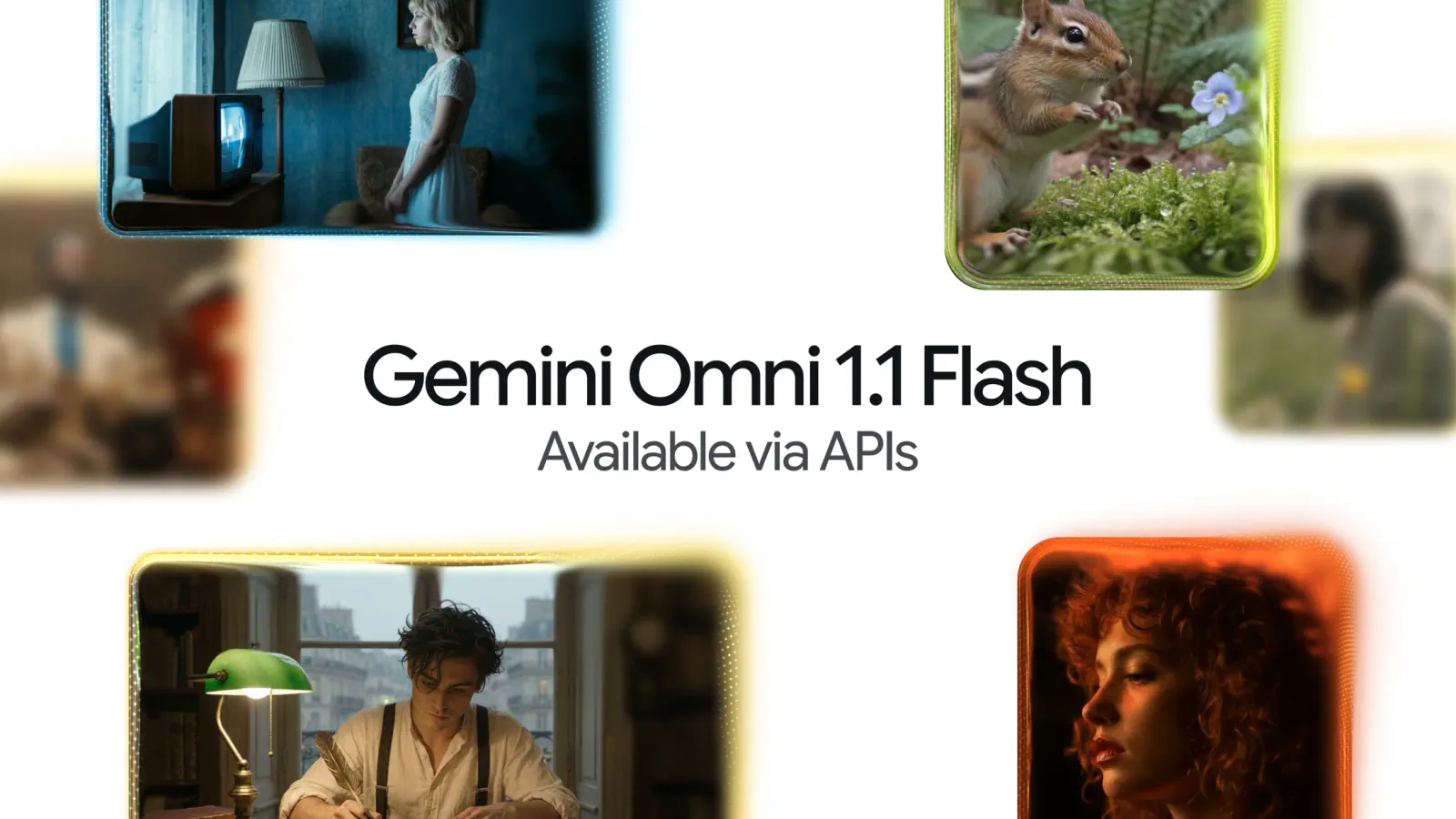
Google is opening Gemini Omni video generation in Google Vids to anyone with a Google or Google Workspace account. As of September 23, users can create 1080p scenes with Gemini Omni 1.1 Flash at no cost, according to Google’s announcement.
In July, Omni in Vids was available only to Google AI Pro and Ultra subscribers and Workspace business customers. The free entry point now includes controls for extending scenes, setting clip durations, and generating or upscaling video to 1080p.
Google says paid options offer more access, but its announcement does not quantify the no-cost generation allowance. Creators and small businesses can try Omni without paying upfront. Whether the free allowance can support regular production remains unclear.
July’s Paid Gate for Omni Is Gone
When Google introduced Gemini Omni in Vids in July, it presented the model as a way to generate clips from text and image references, then refine videos through written instructions. Access was restricted to Google AI Pro and Ultra subscribers and Workspace business customers.
With the September announcement, a person with an ordinary Google account can start generating with Omni 1.1 Flash without first buying an AI subscription. Google Workspace account holders can use the no-cost entry point too.
Google Vids itself was already available to people outside those paid groups. In its July post, Google said it had rolled out Veo 3.1 video generation to all Vids users earlier in the year. The September change specifically opens Omni in Vids and adds a newer model and editing controls.
Personal avatars were also introduced alongside Omni in July. They use a selfie and voice recording to create an on-screen presenter, but Google’s September post does not say they are part of the newly available no-cost Omni offer.
The New Controls Address the Editing Problem
Making a video scene is one task. Making several scenes fit a script, voiceover, or timeline is harder. Google’s new Vids controls focus on that work:
- Scene extension continues an existing scene. Google says the model works to preserve visual context, lighting, character appearance, and the environment as the footage continues.
- Precise duration lets a user choose the length of a generated clip, which could help a scene fit narration or an allotted place in a project.