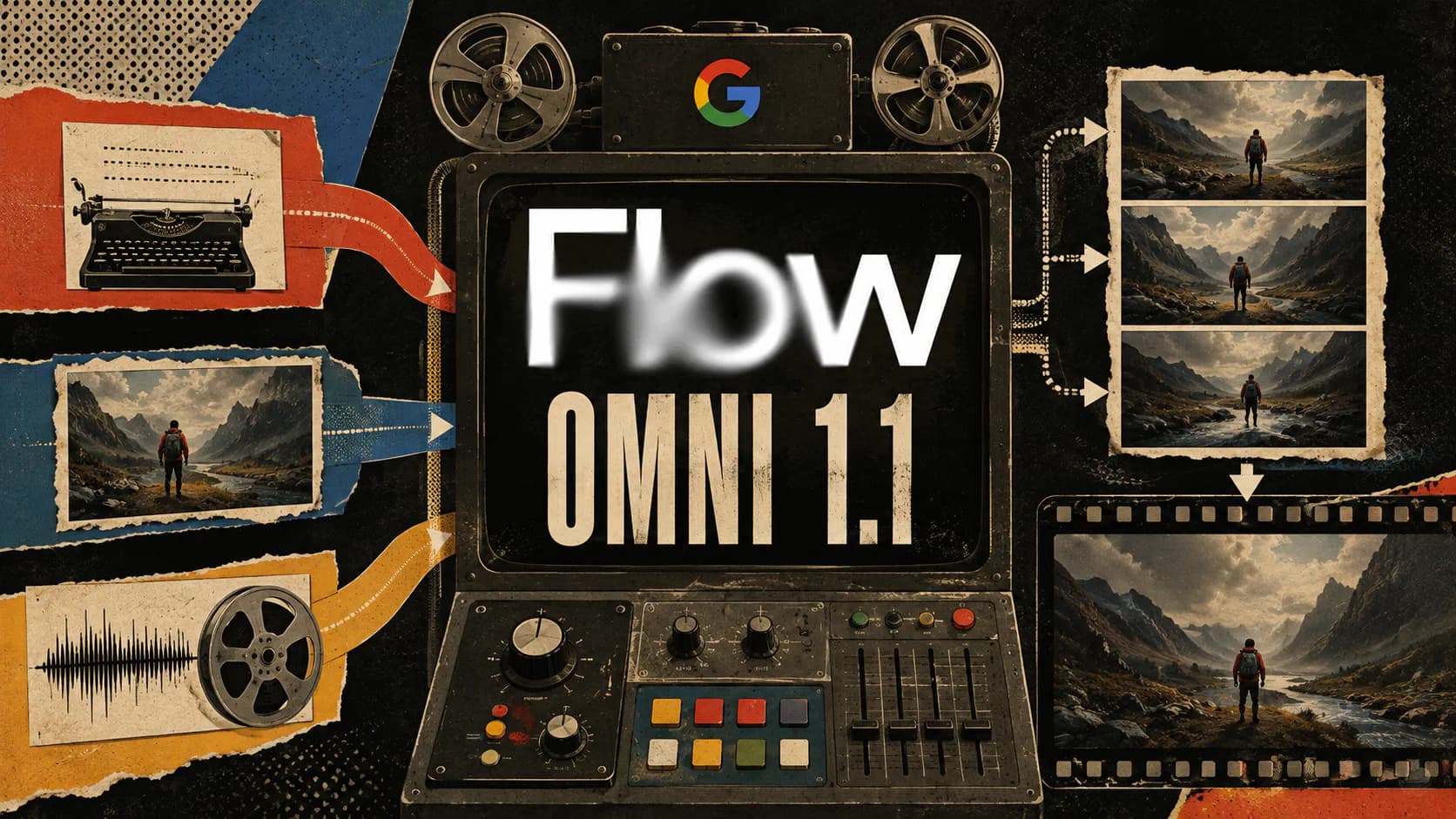
Google rolled out Gemini Omni 1.1 Flash updates to Flow on August 27, 2026, adding three controls aimed at turning AI video generation into a more deliberate production process: desktop start-and-end frames, lower-cost 360p drafting, and 1080p or 4K upscaling for selected clips. Google’s Flow announcement describes the release as a way to move from rough experimentation to polished delivery inside the same creative workspace.
The resolution options will attract attention, but the larger improvement is the workflow they enable. Creators can define where a shot should finish, explore more variations before committing credits, and reserve high-resolution exports for clips that already work.
End Frames Give Creators Control Over the Destination
Omni 1.1 Flash lets Flow users on desktop supply both the opening and closing frame of a video. The model generates the movement between those endpoints, giving creators more influence over a shot’s destination than they would get from a text prompt alone.
That control should prove useful for camera orbits, push-ins, pull-outs, visual transformations, loops, and match-style transitions. A character can begin in one composed frame and finish in another deliberately designed pose or environment, while Omni attempts to preserve identity and narrative continuity through the generated motion.
An end frame is still a constraint, not a guarantee. The Gemini Omni Flash model card identifies complete consistency, complex motion, and accurate text as remaining challenges. Strong endpoint images narrow the model’s options, but creators still need to inspect the intermediate frames for distorted anatomy, changing clothing, unstable objects, or sudden lighting shifts.
360p Drafting Makes Iteration More Practical
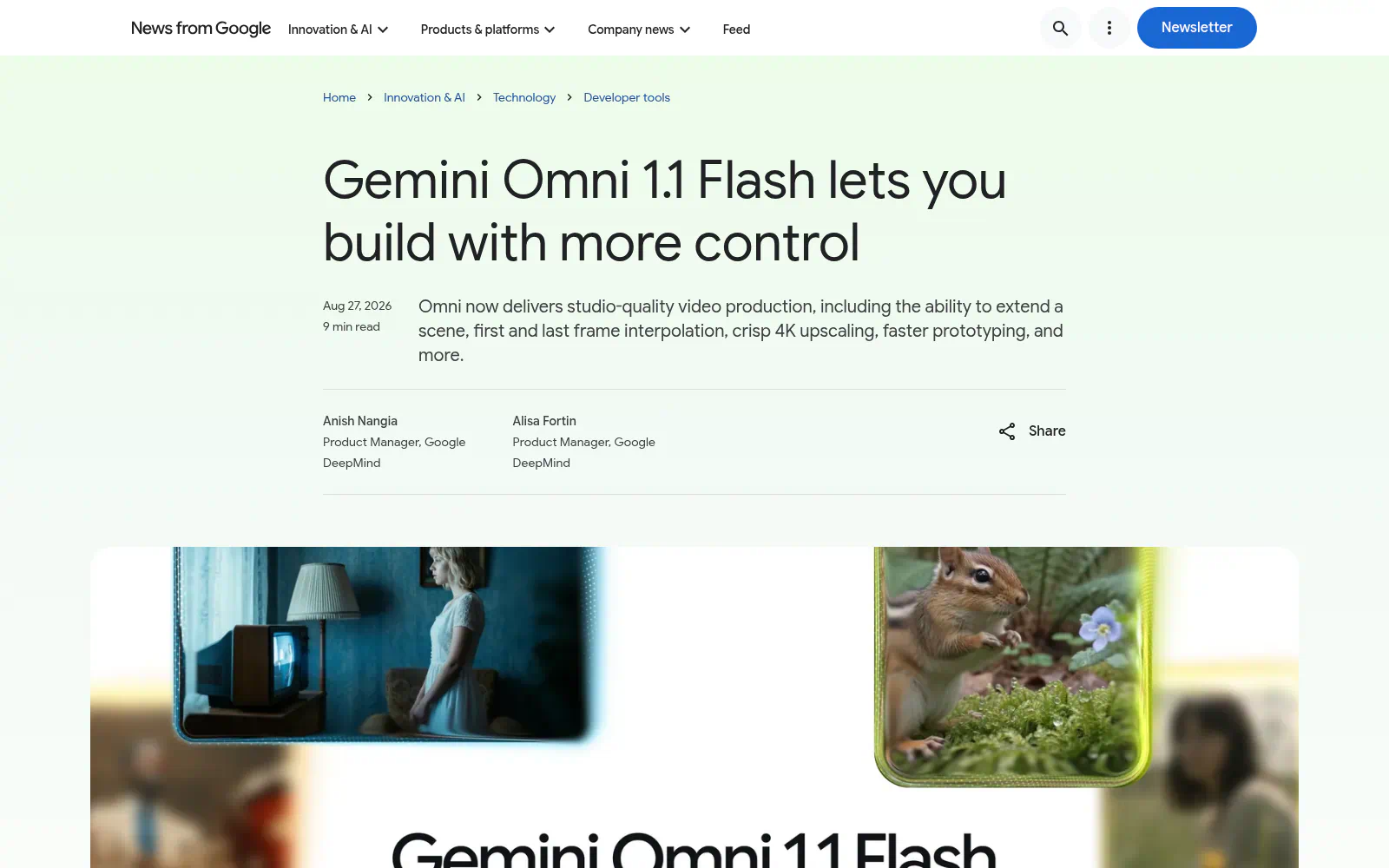
Screenshot: Build with Gemini Omni 1.1 Flash.