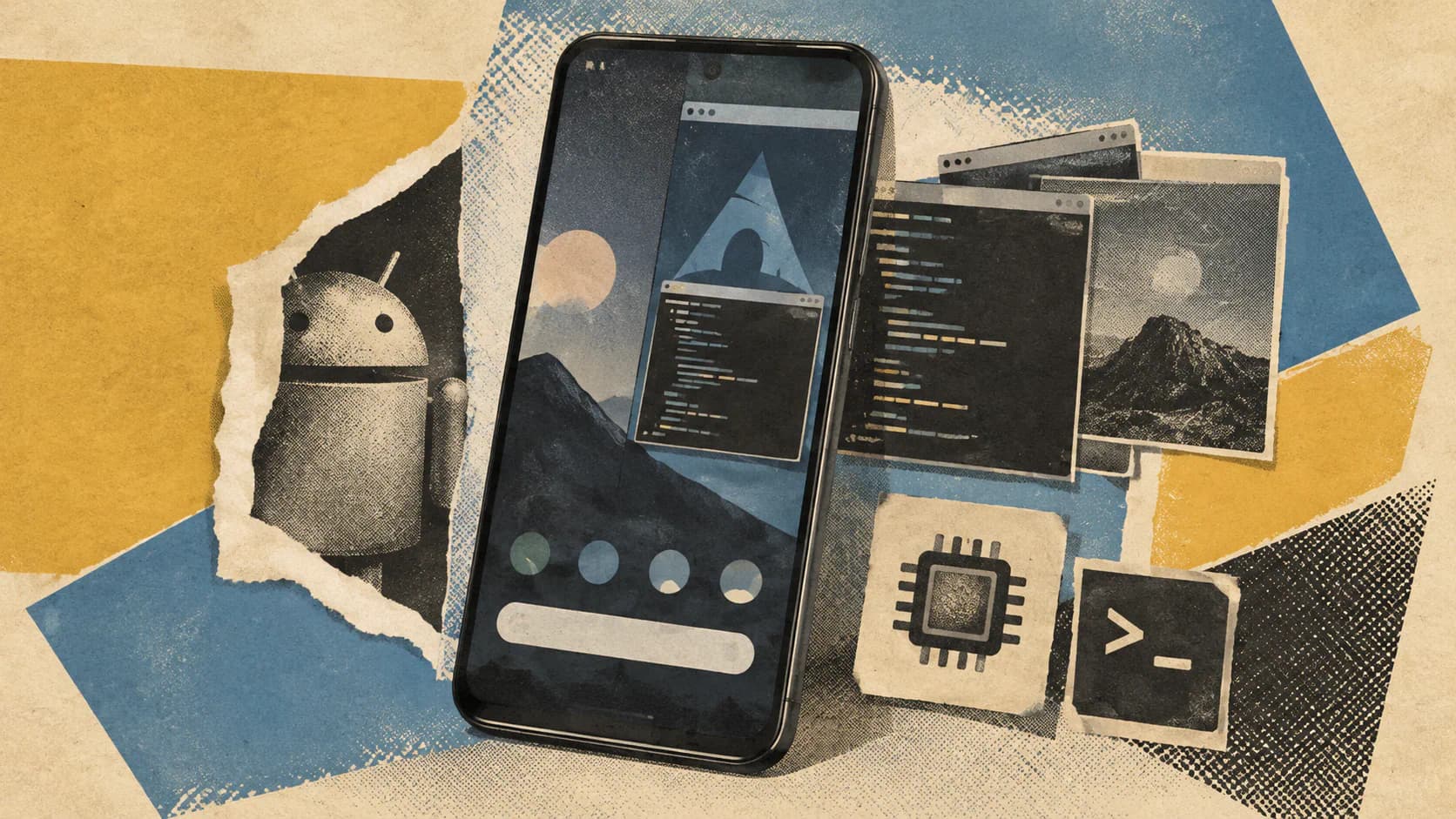
Omalauncher’s most unusual feature is how it presents Linux applications: each Linux window opens as its own Android task, with a separate card in Recents. The optional Arch Linux ARM environment runs without root, alongside ordinary Android apps, without replacing the phone’s operating system.
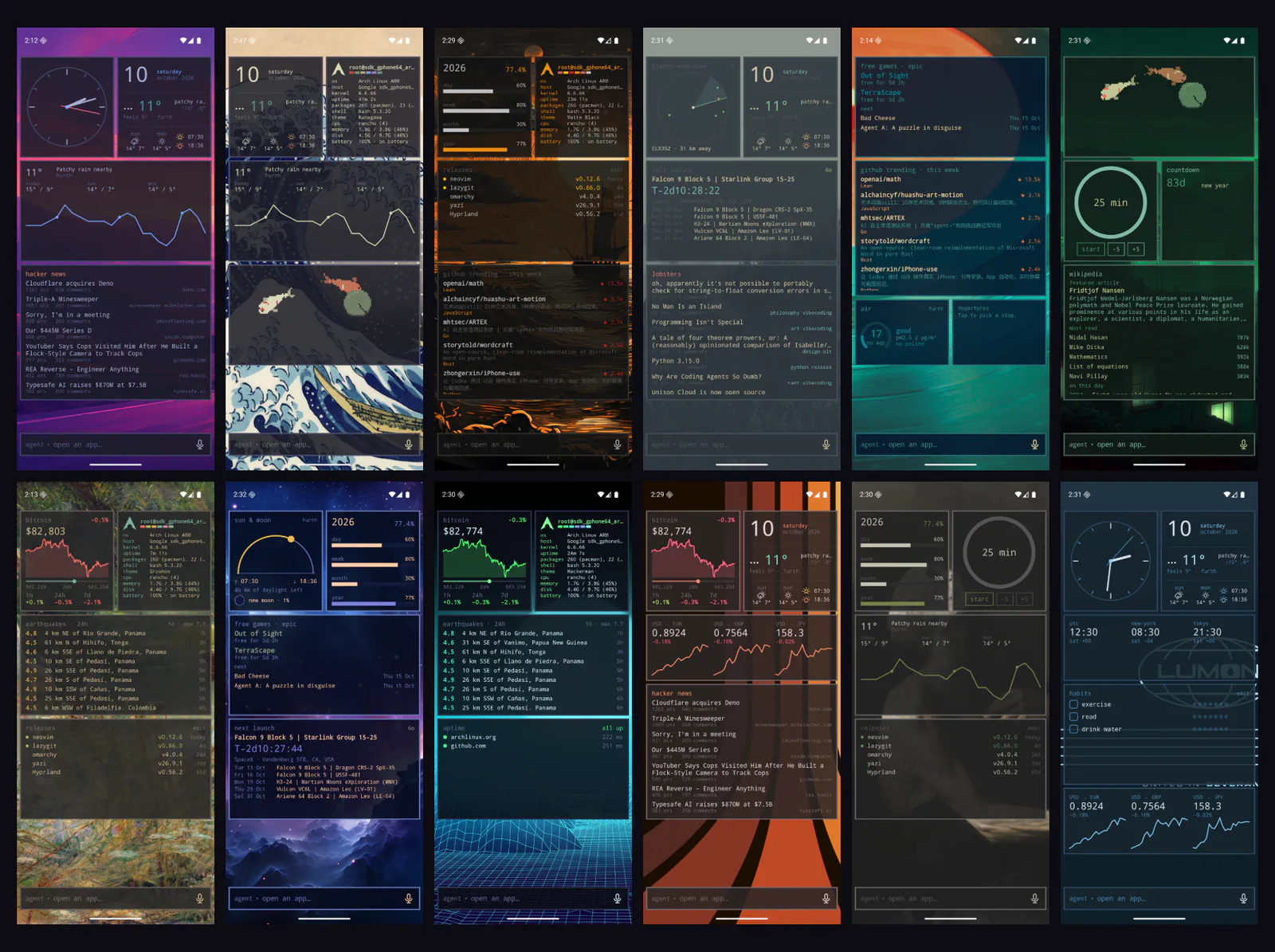
According to the Omalauncher repository, the launcher also puts application search and coding-agent prompts into a single input bar at the bottom of the home screen. That bar can open an app or send a request to an installed agent, including Anthropic’s Claude Code, Codex, Copilot, or opencode. Widgets written in a small, phone-editable language called OWL complete the setup.
This early independent project is not an official Android product from Anthropic or any other coding-agent vendor. Its appeal is a specific workflow experiment: bring Linux applications, terminal-based agents, and a customizable home screen together on one device. The documented requirements are an ARM64 phone running Android 10 or newer.
Linux Windows Get Their Own Android Tasks
Omalauncher runs its optional Arch Linux ARM environment under proot without requiring root access. The launcher itself acts as the Wayland compositor, the component responsible for presenting Linux application windows.
The integration extends beyond opening a terminal. The README says every Linux window becomes a separate Android task, allowing users to switch between those windows and Android applications through the phone’s existing Recents interface. These remain Linux applications running inside the optional environment, not native Android ports; the launcher makes them accessible through the same task switcher as Android software.
The documented Linux features include pacman and the AUR, Linux applications in their own windows, terminal widgets, and a file manager. For power users, that offers a more flexible starting point than a launcher with a fixed collection of built-in AI tools. It also introduces the work of managing a Linux environment.
Access to package tooling does not guarantee that every desktop application will work well on a phone. The project specifies ARM64 hardware, and the README’s feature list does not establish package-by-package compatibility or performance. GPU acceleration is opt-in and described specifically for Mali GPUs, so it provides no evidence of a general accelerated desktop experience across every compatible Android handset.
Users can also leave Linux disabled. In that configuration, the launcher retains themes, wallpapers, Android applications, and widgets that don’t run commands. Trying the home-screen interface does not require adopting the entire Linux-and-agent setup.