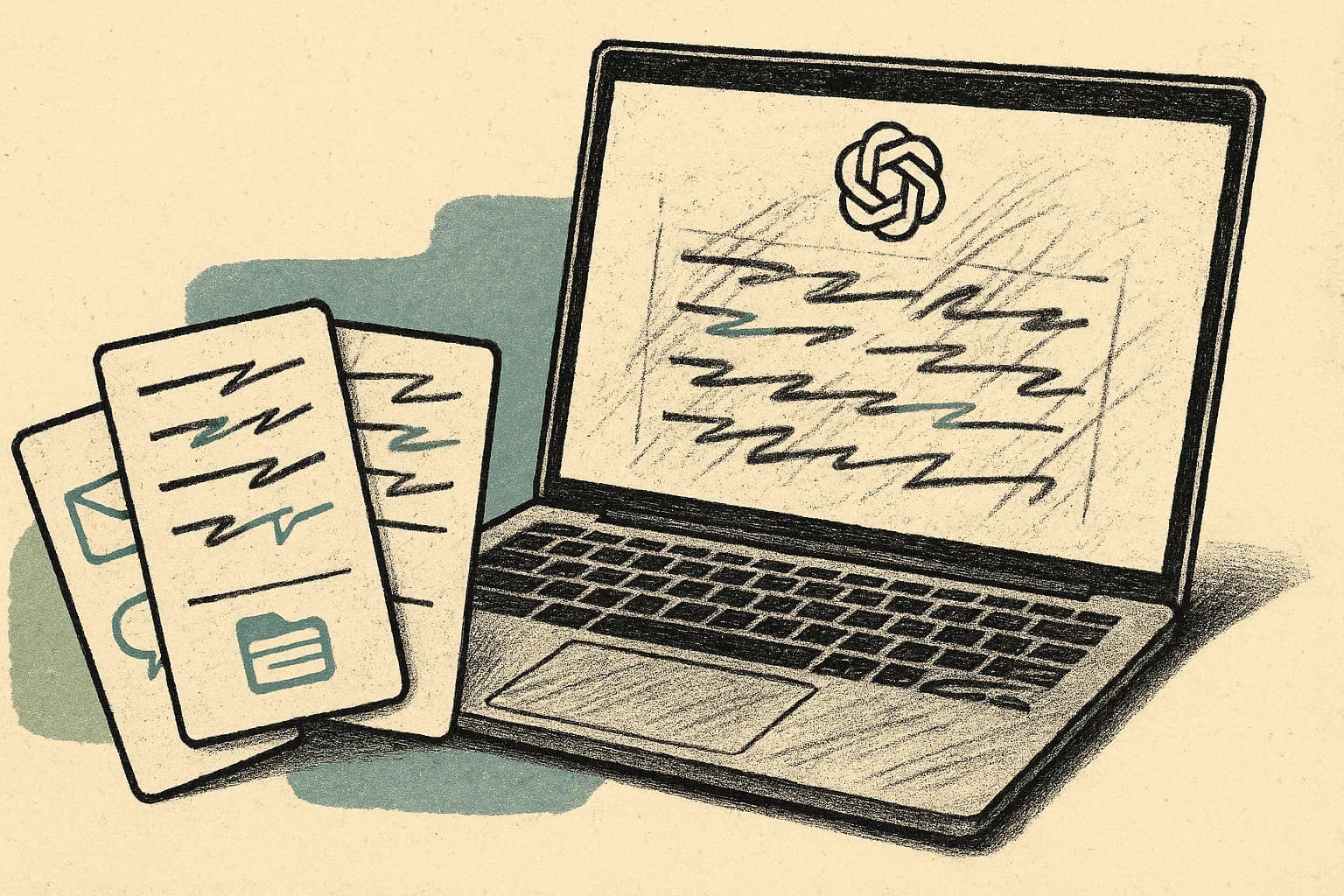
OpenAI is giving ChatGPT Work a more personal understanding of how people communicate. Its new writing-style feature can examine content from connected Gmail, Google Drive, Slack, and SharePoint accounts, identify recurring habits, and carry those patterns into new responses.
The feature goes beyond choosing a broad tone such as professional, friendly, or concise. OpenAI says ChatGPT Work can pick up favorite phrases, unusual capitalization, and highly specific sign-offs. In other words, it learns from the language a person has already written instead of requiring them to describe their voice in a prompt.
To try it yourself, visit this URL: https://chatgpt.com/?surface=work&writing_style=setup
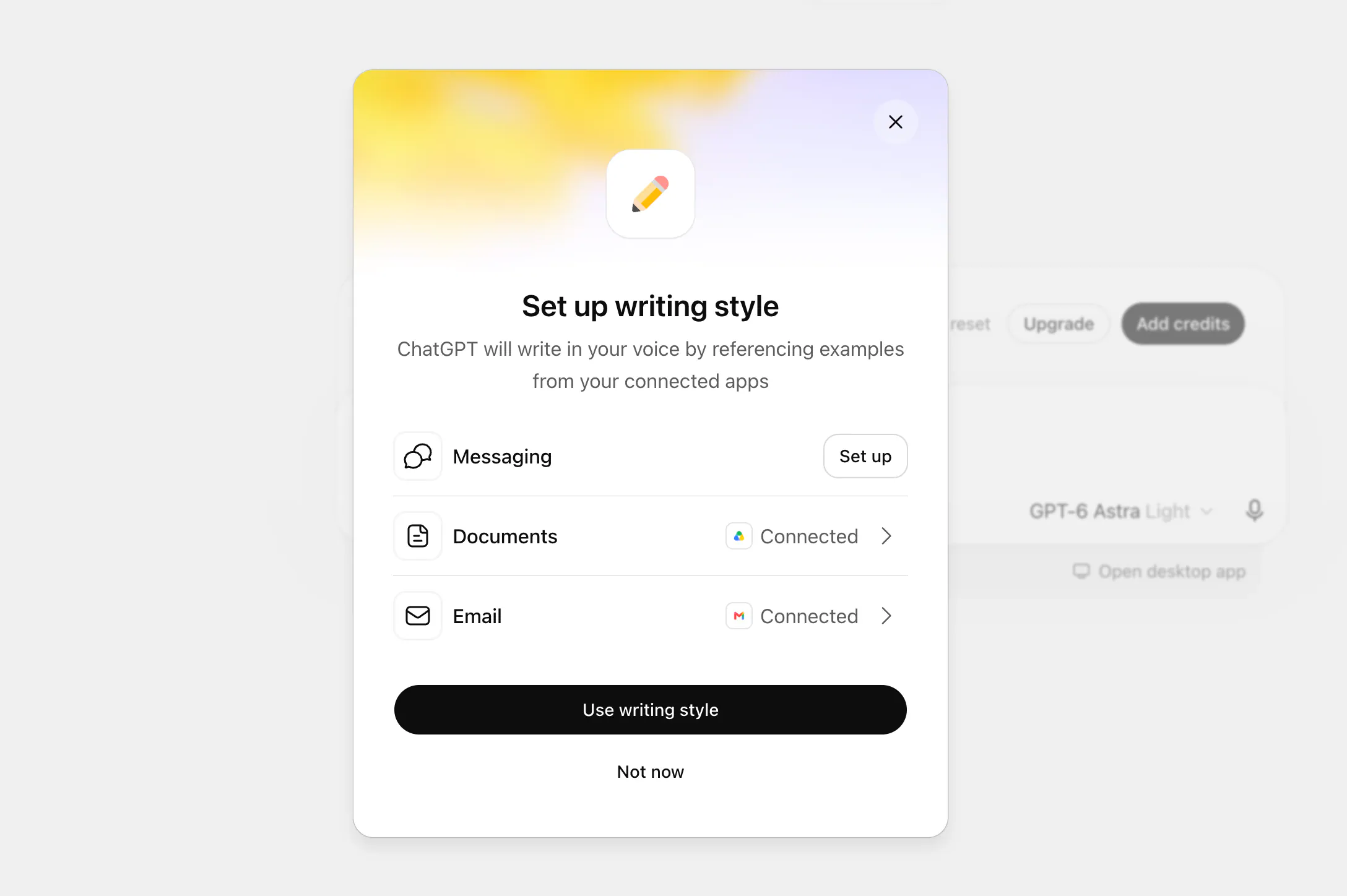
OpenAI announced the feature on September 7, 2026. Writing-style setup is available on the web for paid plans with access to ChatGPT Work. Once configured, the personalization applies to Work conversations on both web and mobile.
ChatGPT Work Now Builds a Personal Writing Profile
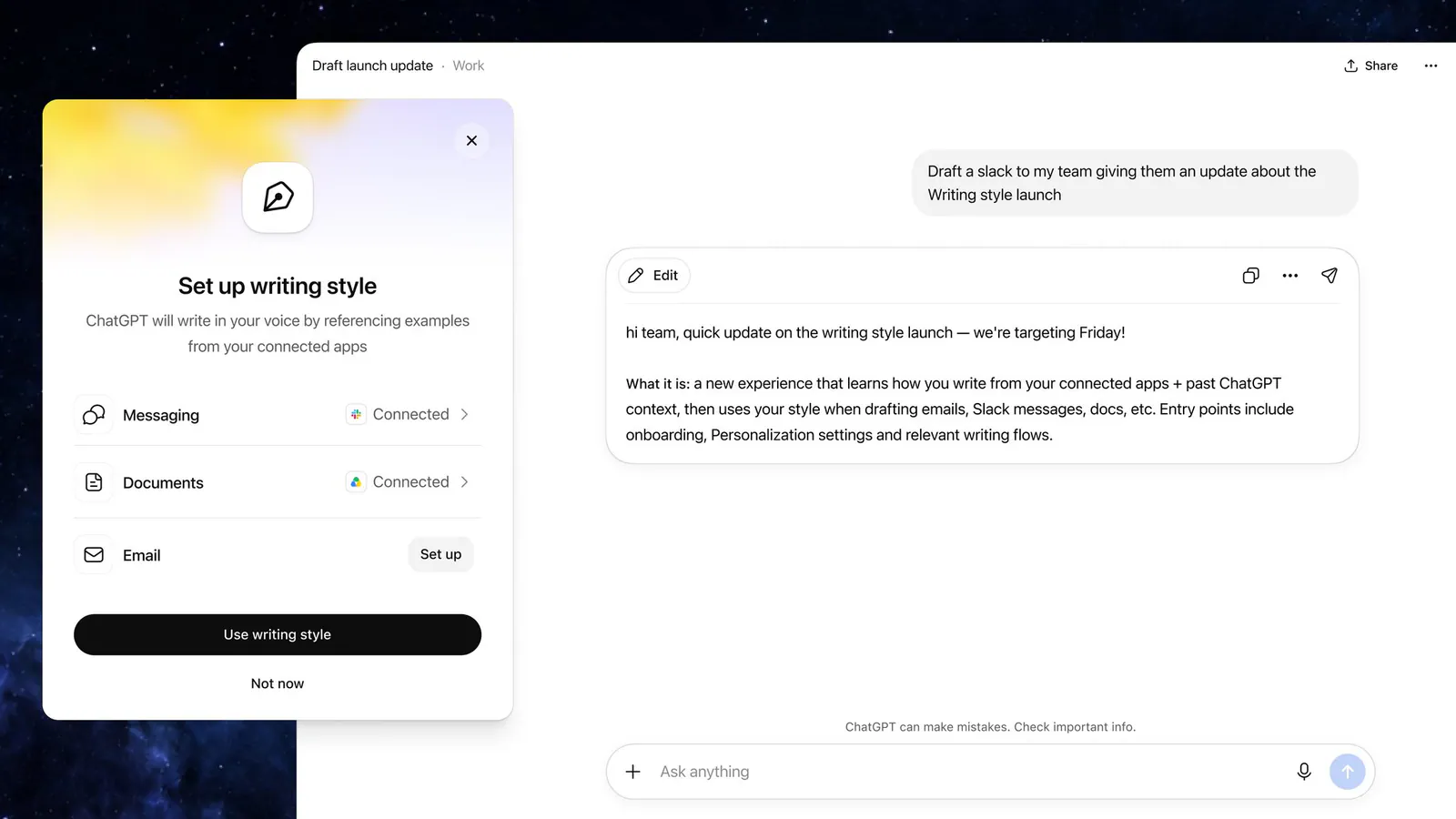
The basic idea is straightforward: connect the workplace apps containing your writing, and ChatGPT Work uses that material to infer how you tend to communicate.
That could include obvious characteristics such as whether you prefer short paragraphs or detailed explanations. It can also cover subtler patterns that are difficult to summarize in a custom prompt:
- Phrases you regularly use to introduce a point
- How you capitalize product names or internal terminology
- Whether you use contractions, fragments, or complete sentences
- The amount of context you include before making a request
- How you open and close emails
- Your preferred level of formality
Those small choices often distinguish one person’s writing from competent but generic AI text. A prompt such as “make this sound like me” provides no useful evidence unless ChatGPT already has examples of what “me” means. The new feature attempts to solve that problem by drawing on the user’s existing work.
OpenAI describes this process as learning a person’s writing style, but that should not be confused with training a new private model for each user. The announcement does not claim that ChatGPT fine-tunes a personal model, nor does it explain how the resulting style profile is represented or updated. The safer interpretation is that Work extracts writing preferences from authorized sources and uses those preferences as personalization context when generating responses.
The Useful Part Is Learning From Real Work
AI writing tools have offered tone controls for years, but tone is only one part of voice. Two people can both write professionally while sounding completely different.
One might start every update with the decision and then explain the reasoning. Another may provide context first. Some people use sentence fragments in Slack but write formal client emails. Others avoid greetings, capitalize internal project names inconsistently, or end every message with a sign-off that would never appear in a generic style preset.
Connected work apps give ChatGPT substantially better evidence than a list of adjectives. OpenAI’s Apps in ChatGPT documentation explains that authorized apps can supply relevant information from external services during a conversation. Some apps can also sync content in advance, allowing ChatGPT to retrieve it more efficiently.
For writing-style personalization, that access could make several common tasks less repetitive:
- Turning meeting notes into an update that matches the user’s normal emails
- Drafting a Slack announcement with familiar formatting and phrasing
- Rewriting a document without replacing the author’s voice with generic corporate language
- Producing follow-up messages that use the person’s customary greeting and sign-off
- Converting research into a memo that resembles their previous internal documents
The difficult part will be separating stable writing habits from context-specific behavior. A casual Slack message to a close colleague should not necessarily teach ChatGPT how to address a customer. An old document may reflect a previous role, company, or communication policy. OpenAI has not yet detailed how the feature weighs different apps, dates, audiences, or document types.
Writing Style Adds Another Layer to ChatGPT Personalization
ChatGPT already has several personalization systems, but they perform different jobs.
Custom instructions let users explicitly tell ChatGPT how to respond. A user might request short paragraphs, American English, direct recommendations, or a ban on certain words. This approach is precise, but it requires the person to identify and describe their own habits.
ChatGPT memory retains useful information and preferences across conversations. It may remember someone’s occupation, current projects, dietary requirements, or preferred programming language. Memory can influence responses, but knowing facts about a person is different from reproducing how that person writes.
The new writing-style feature introduces an inferred layer of personalization:
| Personalization Feature | What It Contributes |
|---|---|
| Writing style | Patterns inferred from the user’s existing emails, messages, and files |
| Custom instructions | Rules and preferences the user states directly |
| Memory | Relevant details ChatGPT retains across conversations |
These systems could complement each other. A style profile may capture the user’s natural rhythm, while custom instructions impose requirements that do not appear consistently in past writing.
Conflicts are also possible. Someone might instruct ChatGPT to write more concisely even though their existing documents are long and heavily qualified. OpenAI’s announcement does not explain how Work resolves disagreements among writing style, memory, explicit instructions, and the request in the current prompt. In practice, the most recent and specific instruction should be treated as the user’s intent, but the feature’s actual priority rules have not been published.
Connected Writing Creates a Privacy Tradeoff
The feature becomes useful by examining personal and workplace communication, which also makes data governance central to the experience.
Email, Slack, cloud storage, and SharePoint can contain customer information, employment discussions, financial records, legal documents, product plans, and conversations that were never written with AI analysis in mind. A user may be comfortable connecting published documents but not an entire mailbox. Organizations may also have rules limiting which services employees can connect to external tools.
OpenAI says ChatGPT apps respect the permissions already associated with the connected account. A person should not gain access to files simply because an app has been connected. For synced sources, such as the Google Drive app with sync, the available content is still governed by the user’s existing permissions.
Model-training policies depend on the type of ChatGPT account. OpenAI’s apps documentation says information accessed through connected apps may be used to improve models for consumer services when the “Improve the model for everyone” control is enabled. OpenAI states in its enterprise privacy commitments that data from ChatGPT Business, Enterprise, Edu, and its API platform is not used to train models by default.
Before enabling writing-style analysis, users should check:
- Which accounts and workspaces they are connecting
- Whether the selected sources contain sensitive or regulated information
- Which apps their organization’s administrator permits
- Whether model improvement is enabled in ChatGPT Data Controls
- Whether older files and messages accurately represent their current voice
- Whether company policies permit AI tools to analyze internal communication
Frequently Asked Questions
5 questions
1What is ChatGPT Work writing style?
ChatGPT Work writing style is an AI personalization feature that learns recurring language patterns from connected emails, messages, and files. It can identify habits such as favorite phrases, sentence structure, capitalization, formality, and sign-offs, then apply those patterns when generating new content inside ChatGPT Work.